Trupeer Blog
AI Tool to Create User Manuals: The Complete Guide for 2026
Learn how AI user manual generators help create product guides, tutorials, and documentation automatically in 2026.

Buyer's Overview
Documentation teams often find themselves bogged down by the tedious processes of formatting and structuring, which can take up 60-70% of their time. This leaves little room for focusing on the actual content, which can negatively affect accuracy and clarity. AI documentation tools aim to streamline these repetitive tasks, allowing teams to concentrate on producing high-quality content. According to a recent report, 72% of companies have already integrated AI into their documentation processes to enhance efficiency and accuracy.
72% of companies have already integrated AI into their documentation processes to enhance efficiency and accuracy.
This guide covers the top AI tools available for creating user manuals in 2026, catering to documentation teams, technical writers, and any organization looking to improve their documentation workflow. Whether you're a small startup or a large corporation, these tools offer solutions tailored to your specific needs.
Best AI Documentation Tools: Head-to-Head Comparison
Feature | Trupeer | Scribe | Tango | Document360 | Notion AI | Confluence AI | GitBook AI |
|---|---|---|---|---|---|---|---|
AI Writing | Yes | Yes | Limited | No | Yes | Yes | Yes |
Auto Step Capture | Yes | Yes | Yes | No | No | No | Limited |
Screenshot Annotation | Yes | Yes | Yes | Limited | No | Limited | Yes |
AI Voiceover | Yes | No | No | No | No | Limited | No |
Video Generation | Yes | No | Yes | No | No | No | Limited |
Smart Templates | Yes | Yes | Limited | No | Yes | Limited | Yes |
Multi-language | Yes | Limited | No | Yes | Limited | Yes | No |
API Integration | Yes | Yes | Yes | Yes | Limited | Yes | Limited |
Free Tier | Yes | Yes | No | Limited | Yes | No | Yes |
Trupeer
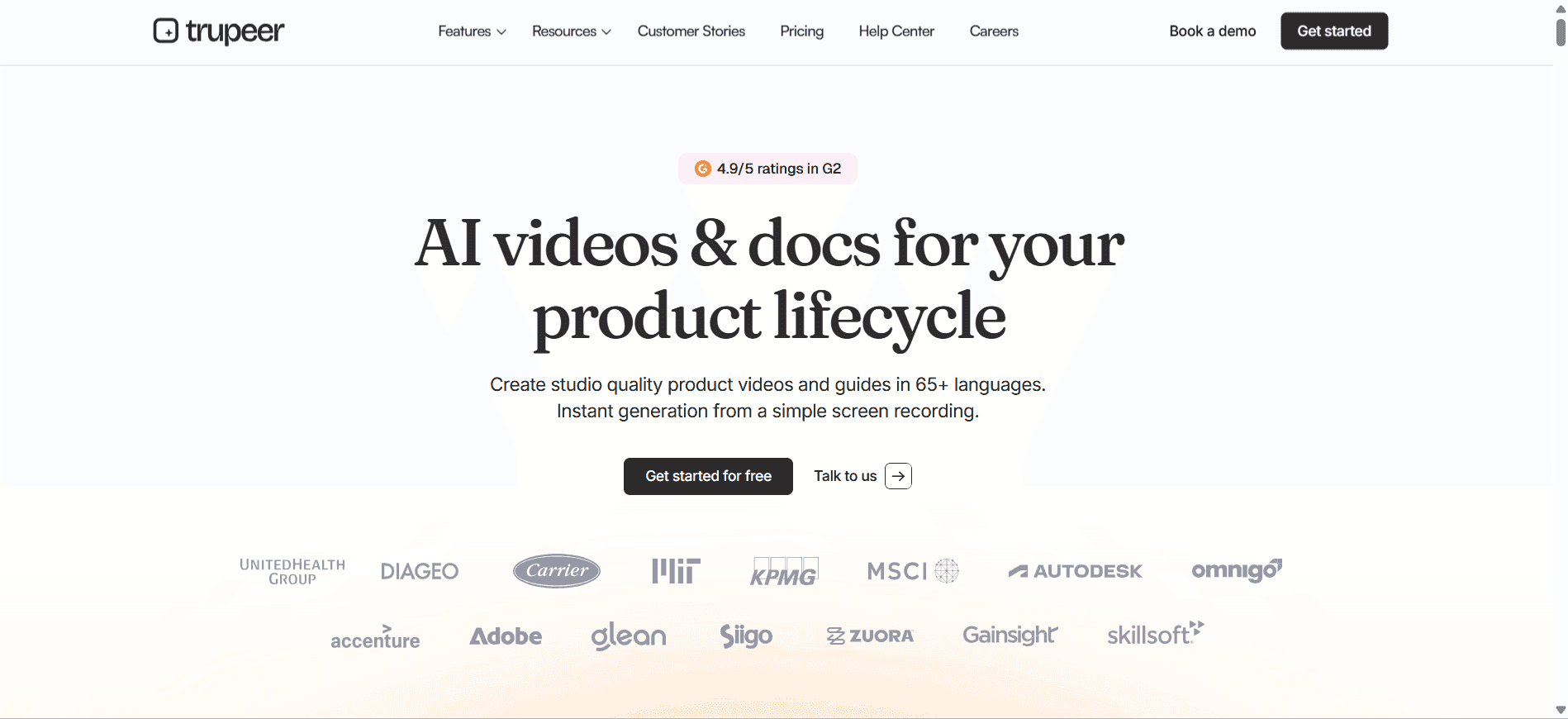
Trupeer is designed for teams aiming to elevate their documentation process with user-friendly AI tools. It's especially beneficial for teams that require a seamless integration of AI in their documentation workflow. Trupeer stands out with its robust AI writing capabilities and comprehensive automation features that reduce manual intervention. However, its voiceover feature is somewhat limited compared to its competitors.
Key Features
AI-powered writing assistant
Automated step capture from screen activity
Smart screenshot annotation tools
Video generation capabilities
Customizable smart templates
Multi-language support
API integration
Free tier available
"Trupeer has transformed how our team approaches documentation, making it faster and more accurate."
Pros | Cons |
|---|---|
Comprehensive AI writing capabilities enhance content quality. | AI voiceover is limited, affecting multimedia documentation. |
Seamless integration with existing tools via API. | Customization options can be overwhelming for new users. |
Multi-language support caters to global teams. | Advanced features may require a learning curve. |
Pricing
Trupeer offers a free tier with basic features, with paid plans starting at $29 per month for more advanced capabilities.
Scribe
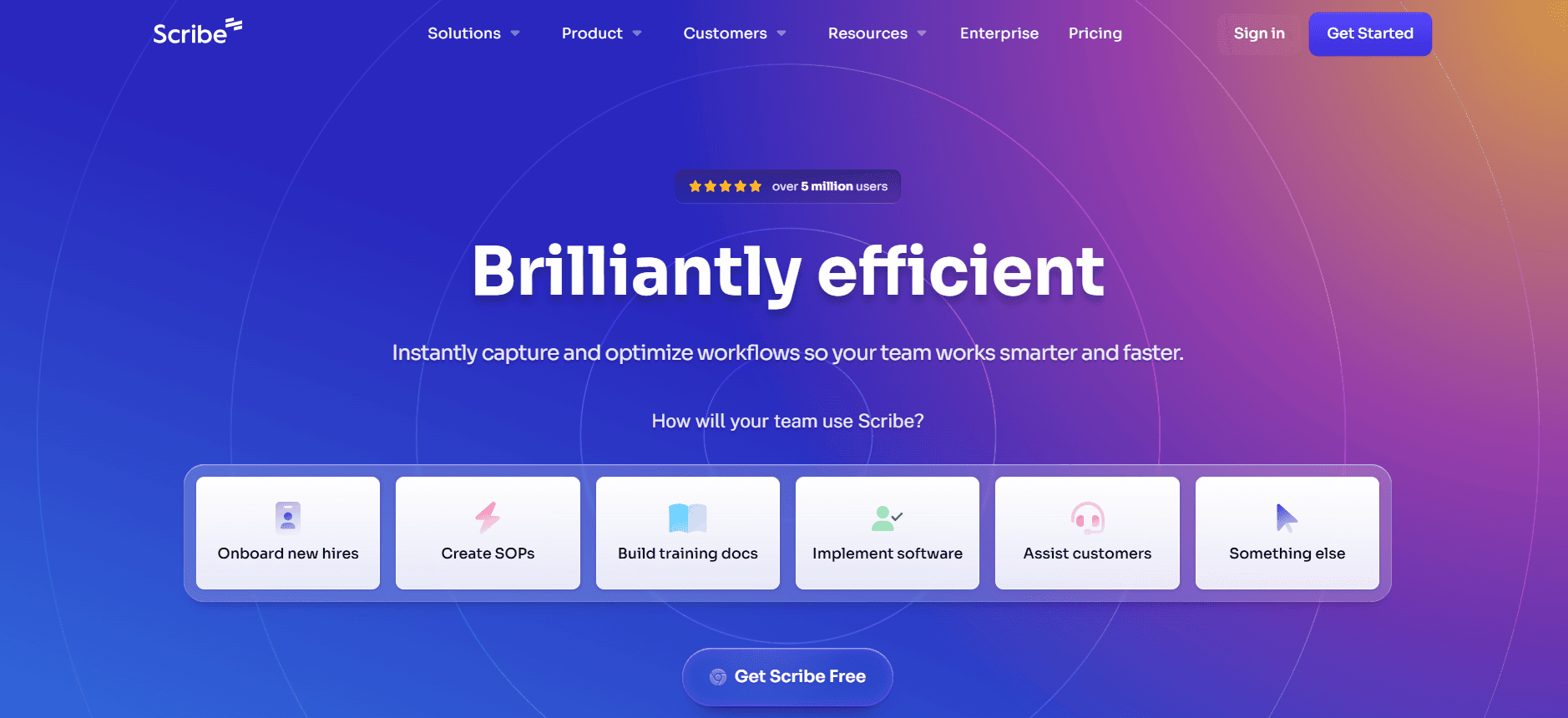
Scribe is ideal for small to medium-sized teams focusing on creating detailed documentation with minimal setup time. Its strength lies in its intuitive design and ability to capture steps automatically, which is perfect for creating how-to guides. However, Scribe lacks video generation and AI voiceover, limiting its functionality in multimedia documentation.
Key Features
Automatic step capture
User-friendly interface
Screenshot annotation tools
Customizable templates
Limited multi-language support
API integration
Free tier available
Pros | Cons |
|---|---|
User-friendly interface makes it easy to use. | Lacks video generation features. |
Automatic step capture significantly reduces manual work. | Limited AI writing capabilities compared to competitors. |
Provides a free tier for basic users. | Multi-language support is limited. |
Pricing
Scribe offers a free tier with core features, while premium plans start at $15 per user per month.
Tango
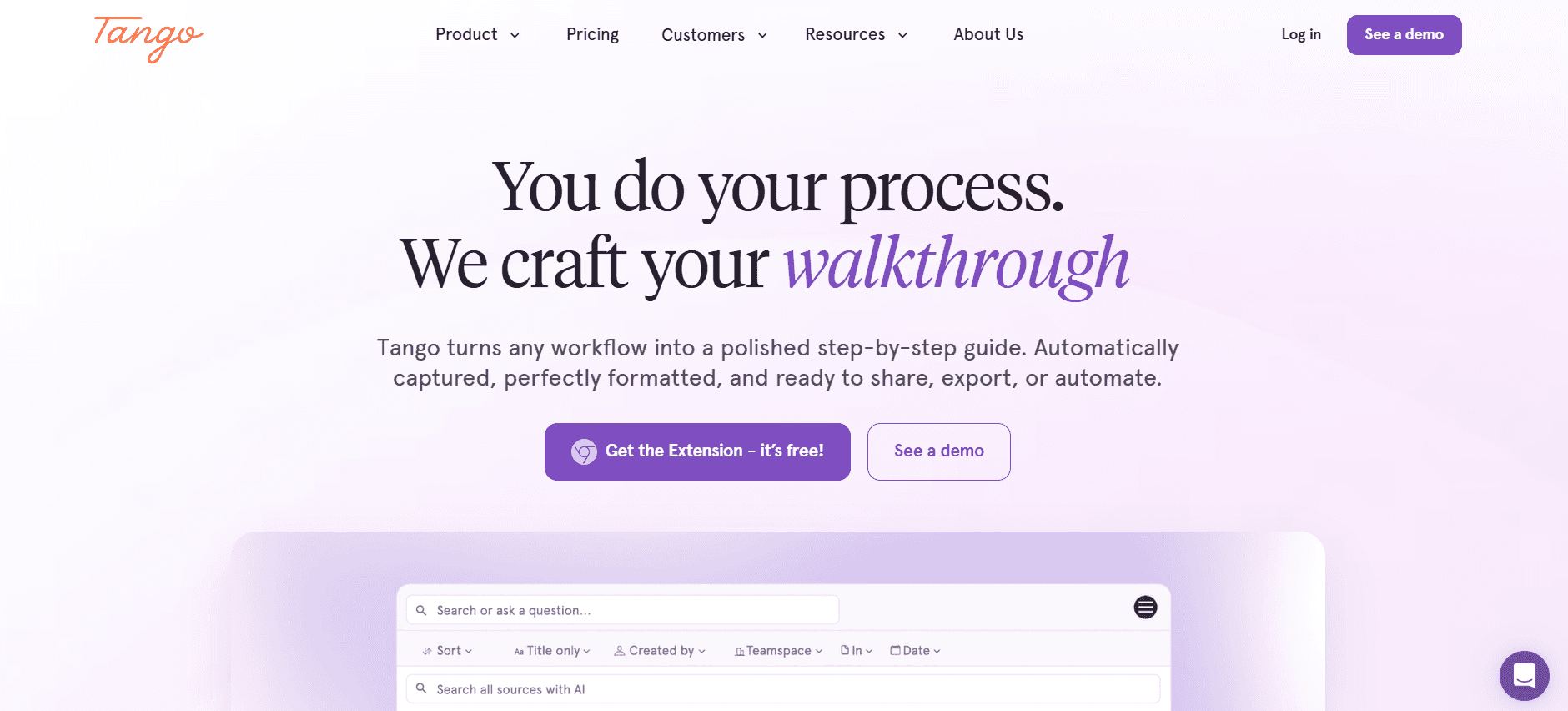
Tango is a versatile tool aimed at teams needing quick documentation solutions without a steep learning curve. It's particularly useful for creating visual step-by-step guides. Tango shines with its video generation and annotation features, but it falls short on AI writing and voiceover capabilities. The lack of multi-language support also limits its use for international teams.
Key Features
Video generation capabilities
Automated step capture
Screenshot annotation tools
Basic template customization
API integration
Free tier not available
Pros | Cons |
|---|---|
Strong video generation features for visual documentation. | Limited AI writing functionalities. |
Easy to use with minimal setup required. | No free tier available, limiting access for smaller teams. |
Effective step capture and annotation tools. | Lacks multi-language support. |
Pricing
Tango does not offer a free tier, with pricing starting at $20 per user per month for its basic plan.
Document360
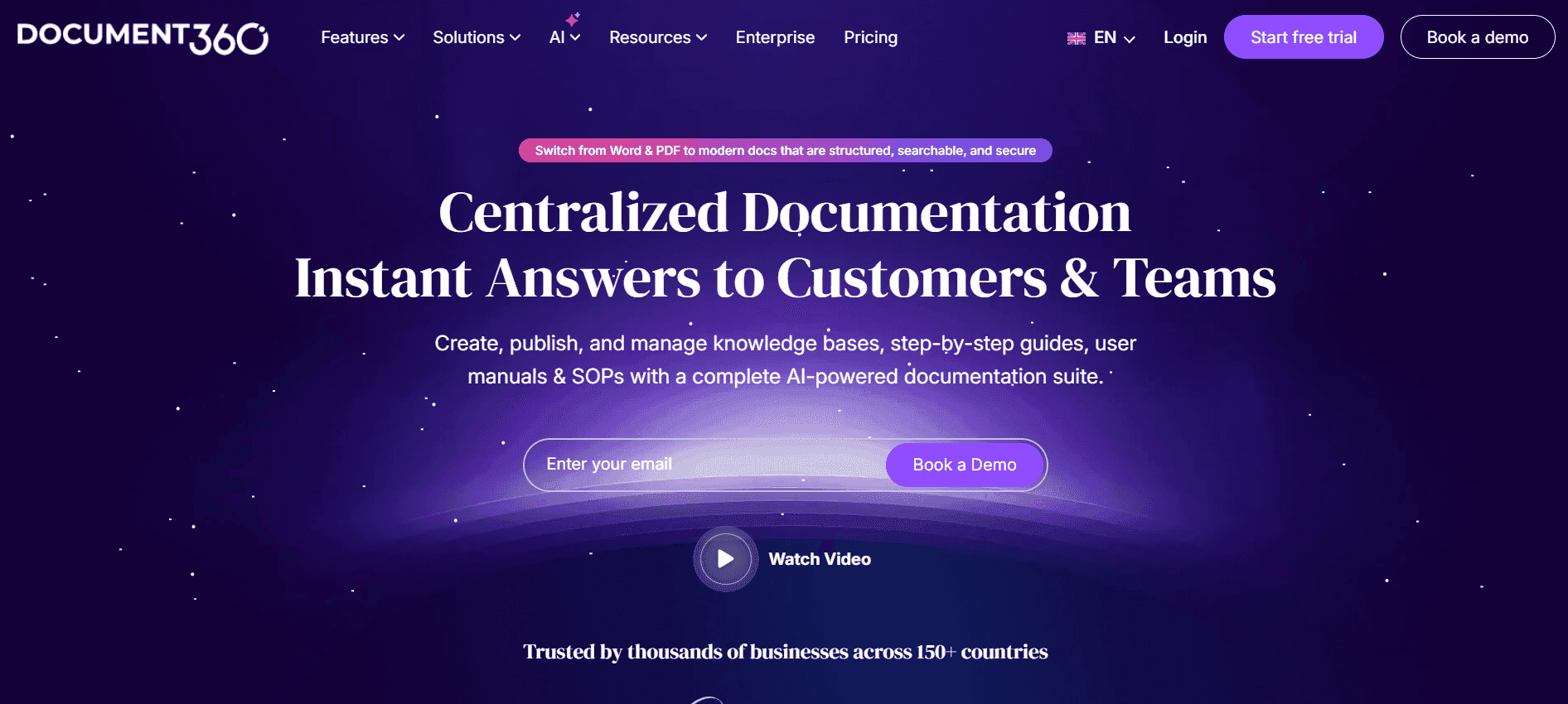
Document360 is tailored for larger teams that require a comprehensive knowledge base solution. Known for its strong focus on content management and collaboration, it's ideal for companies with extensive documentation needs. However, the lack of AI writing and step capture features can be a drawback for teams seeking automation.
Key Features
Robust content management
Collaboration tools
Knowledge base creation
Customizable templates
Multi-language support
API integration
Limited free tier
Pros | Cons |
|---|---|
Excellent content management and collaboration features. | Lacks AI writing capabilities. |
Supports multi-language documentation. | No automatic step capture, increasing manual work. |
Highly customizable templates for branding. | Limited free tier features. |
Pricing
Document360 offers a limited free tier, with paid plans starting at $49 per month for more advanced features.
Notion AI
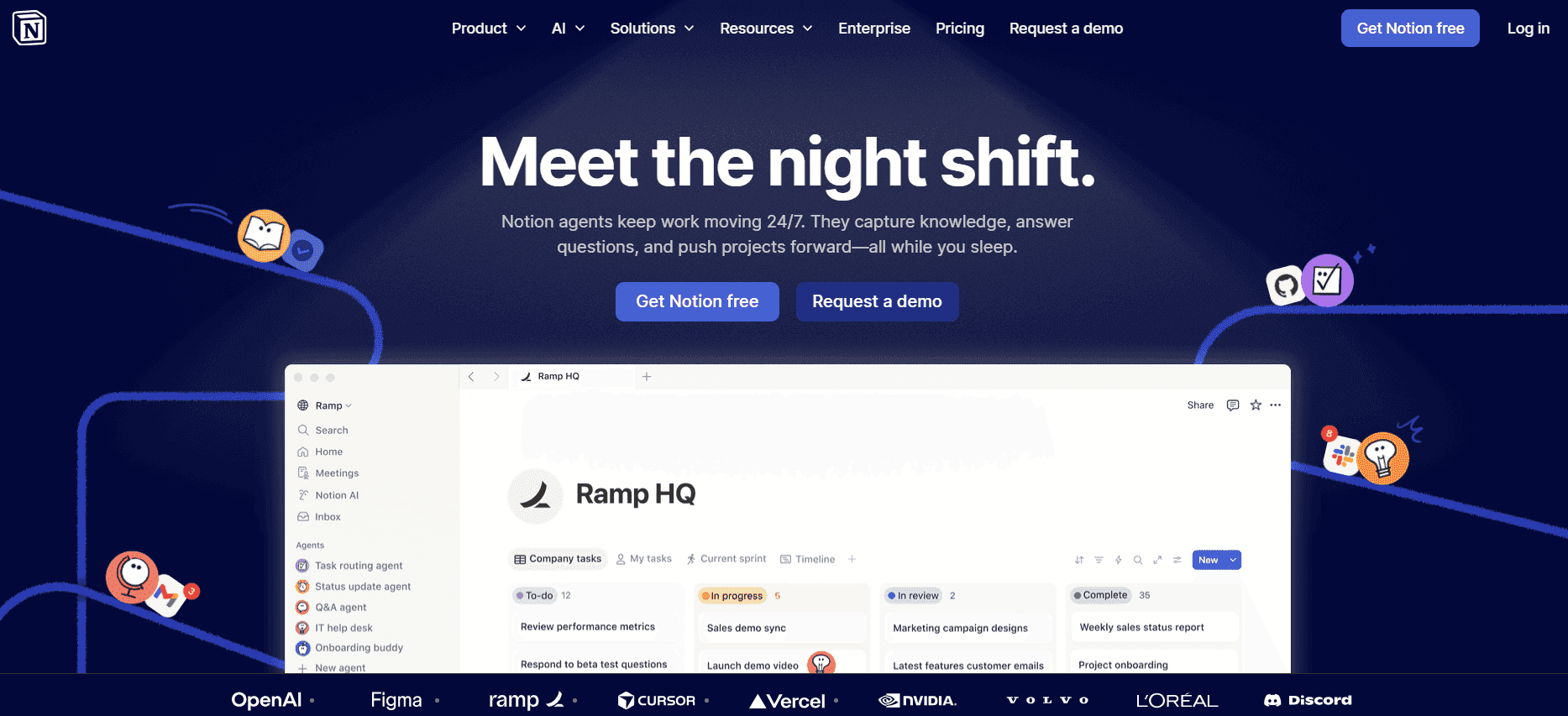
Notion AI is perfect for teams that need a flexible workspace for both documentation and note-taking. Its integration with the Notion platform makes it a strong contender for those already using Notion for project management and collaboration. Yet, it lacks some specialized documentation features like step capture and AI voiceover.
Key Features
Integration with Notion workspace
AI-powered writing assistant
Customizable templates
Limited multi-language support
Free tier available
Basic API integration
Pros | Cons |
|---|---|
Seamless integration with existing Notion workflows. | Limited documentation-specific features. |
Useful AI writing assistant for content creation. | No auto step capture or AI voiceover capabilities. |
Provides a free tier for new users. | Lacks robust multi-language support. |
Pricing
Notion AI offers a free tier with basic features, with premium plans starting at $10 per user per month.
Confluence AI

Confluence AI is an extension of the popular collaboration tool, Confluence, making it ideal for teams already embedded in the Atlassian ecosystem. Its strengths lie in its collaboration and integration capabilities, though it doesn't offer specialized features like AI voiceover or video generation, which could enhance multimedia documentation.
Key Features
Seamless integration with Atlassian tools
AI-powered content suggestions
Collaboration tools
Custom templates
Multi-language support
API integration
Pros | Cons |
|---|---|
Excellent for teams using Atlassian products. | Doesn't support AI voiceover or video generation. |
Strong collaboration and integration features. | Limited free tier options. |
Supports multi-language documentation. | Advanced features may be complex for new users. |
Pricing
Confluence AI does not offer a free tier, with pricing starting at $5 per user per month for basic features.
GitBook AI
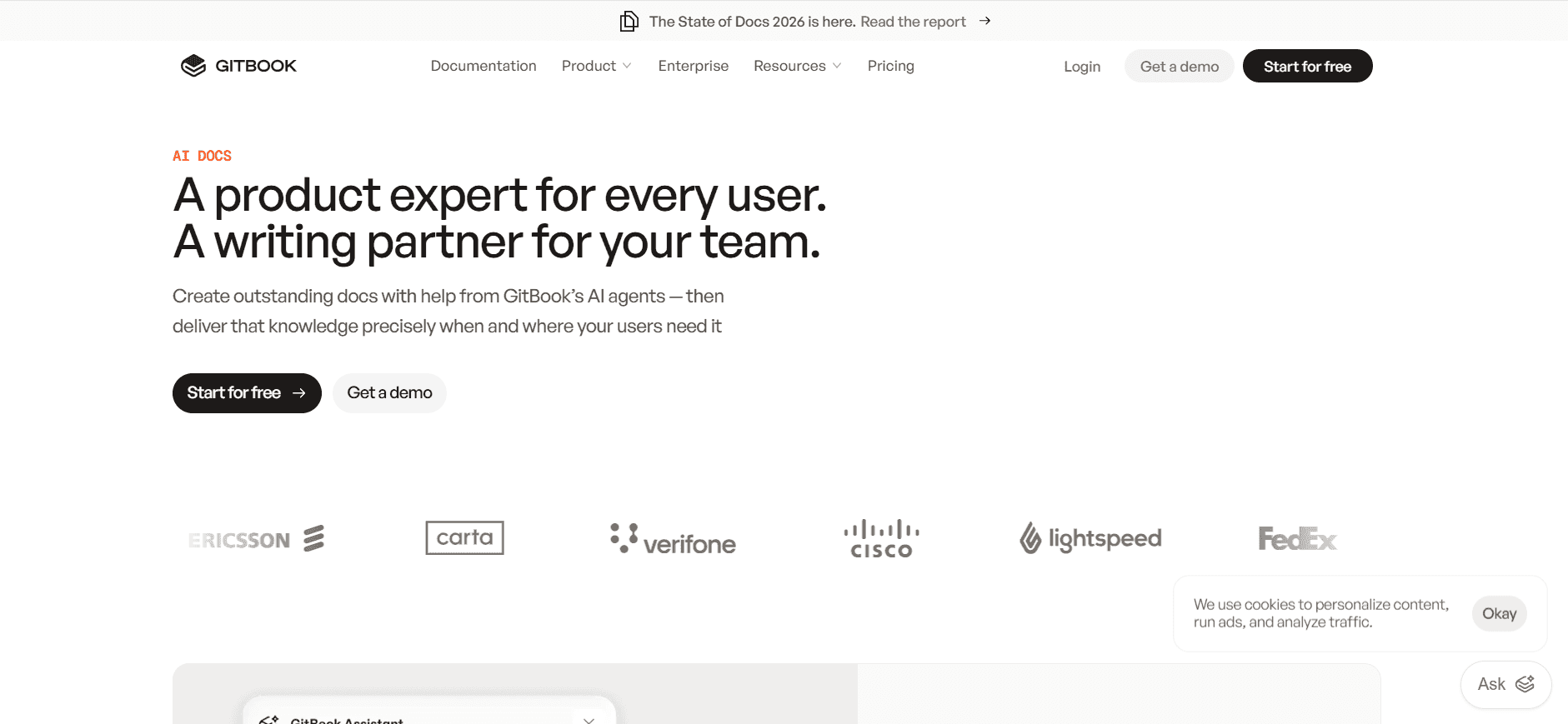
GitBook AI is designed for developers and tech teams focused on creating detailed technical documentation. It excels in integrating with code repositories and providing a clean, intuitive interface for documentation. However, it lacks some advanced features like AI voiceover and step capture, which might be necessary for non-technical documentation.
Key Features
Integration with Git repositories
Clean and intuitive interface
Customizable themes
Limited multi-language support
API integration
Free tier available
Pros | Cons |
|---|---|
Seamless integration with Git and code repositories. | Lacks AI voiceover and step capture features. |
Ideal for technical documentation. | Limited multi-language support. |
Offers a clean and intuitive user interface. | Advanced features may require additional learning. |
Pricing
GitBook AI offers a free tier with basic functionalities, with paid plans starting at $19 per user per month.
AI Documentation Challenges: What Teams Struggle With
Creating First Drafts Takes Too Long
Manual drafting can be time-consuming, especially for complex topics.
Writers often face writer’s block, delaying the initial draft process.
Without AI support, drafting lacks consistency and speed.
High demands for rapid updates lead to rushed and error-prone drafts.
Keeping Documentation Current with Every Product Sprint
Product changes happen frequently, requiring constant updates.
Traditional processes struggle to keep up with agile development cycles.
Lack of automated tools means manual updates are prone to errors.
Delays in updates can cause customer dissatisfaction and increased support tickets.
Inconsistent Formatting Across Different Team Members
Different writing styles lead to varied document formats.
Without standard templates, maintaining uniformity is challenging.
Manual formatting requires significant time and effort.
Inconsistent documents confuse users and undermine professionalism.
No Automatic Screenshot or Step-Capture Capabilities
Manual screenshot capturing is labor-intensive and time-consuming.
Step-by-step guides require precise documentation, which is hard to achieve manually.
Errors in manual captures can lead to incorrect documentation.
Lack of automation increases the time needed for creating guides.
Translation and Localization Create Bottlenecks for Global Teams
Manual translation processes are slow and costly.
Inaccuracies in translation can lead to user misunderstandings.
Lack of real-time updates for global teams causes delays.
Localizing content without automated tools is resource-intensive.
Challenge | Traditional Process | Business Impact | Time Cost |
|---|---|---|---|
Creating First Drafts | Manual writing | Delays in content delivery | High |
Updating with Product Sprints | Manual tracking | Outdated documentation | Moderate |
Inconsistent Formatting | Manual formatting | Unprofessional appearance | High |
Screenshot/Step Capture | Manual capturing | Inaccurate guides | High |
Translation & Localization | Manual translation | Delayed market entry | Very High |
Must-Have Features in AI Documentation Tools
AI Writing and Auto-Completion
AI writing tools are essential for speeding up the drafting process and ensuring consistency across documents. They help generate content quickly, providing suggestions and auto-completing sentences, which reduces writer's block. Tools like Trupeer excel in this area by offering advanced AI writing capabilities that adapt to your style and content needs.
Automated Step Capture from Screen Activity
Automated step capture is crucial for creating detailed guides efficiently. This feature allows the tool to record actions on the screen and convert them into step-by-step instructions. Tango and Scribe lead in this category, offering seamless step capture that saves time and enhances accuracy in instructional content.
Smart Screenshot Annotation
Smart screenshot annotation tools enhance visual documentation by allowing easy editing and labeling of screenshots. This feature is particularly useful for creating guides that rely on visual instructions. Trupeer and Tango provide robust annotation tools that simplify the process, ensuring clarity and precision in visual documentation.
AI Voiceover Generation for Video Docs
AI voiceover capabilities offer an effective way to add narration to video documentation, making them more engaging and accessible. While Trupeer offers limited voiceover options, tools that provide comprehensive voiceover features can transform how teams create and share video documentation, offering a richer user experience.
One-Click Export in Multiple Formats (PDF, HTML, Markdown)
The ability to export documentation in various formats is vital for reaching different audiences and platforms. This feature ensures that your content is accessible to users in their preferred format. Tools like Document360 excel in offering a range of export options, facilitating easy distribution and sharing of documentation.
Multi-Language Support
Multi-language support is essential for global teams that need to produce documentation in various languages. This feature helps streamline the translation process, ensuring that content is accurately localized. Document360 and Trupeer offer strong multi-language capabilities, catering to diverse audiences and expanding market reach.
How to Choose AI Documentation Tools Based on Your Use Case
Product Documentation Teams at SaaS Companies
SaaS companies often deal with frequent updates and new feature rollouts, requiring detailed and current documentation. The need for rapid content creation and updates is critical to maintaining user satisfaction and reducing support inquiries.
Frequent product updates demand quick documentation turnaround.
Consistency across different product lines can be challenging.
Balancing technical accuracy with user-friendly content is crucial.
Tools with strong AI writing and auto-completion.
Automated step capture for detailed guides.
Multi-format export options to cater to varied customer needs.
Tool | AI Writing | Auto Step Capture | Multi-Format Export |
|---|---|---|---|
Trupeer | Yes | Yes | Yes |
Scribe | Yes | Yes | No |
Technical Writers and Content Operations
Technical writers require precise tools that offer advanced features for content structuring and formatting. Their focus is on creating comprehensive documentation that is both informative and visually appealing.
Ensuring content accuracy and technical depth.
Managing large volumes of documentation efficiently.
Maintaining consistency in content formatting.
Advanced formatting and template customization.
Smart annotation tools for clarity in visuals.
AI-driven suggestions to enhance content quality.
Tool | Formatting Tools | Annotation Tools | AI Suggestions |
|---|---|---|---|
Document360 | Yes | Limited | No |
Trupeer | Yes | Yes | Yes |
Engineering and API Documentation
Engineering teams require documentation tools that integrate well with code repositories and support technical documentation needs. The ability to quickly update API documentation is crucial for maintaining developer satisfaction and product usability.
Integration with code repositories for seamless updates.
Detailed technical documentation capabilities.
Consistent updates to match development cycles.
Tools with Git integration for version control.
Advanced technical writing features.
Automated update capabilities to sync with product changes.
Tool | Git Integration | Technical Writing | Automated Updates |
|---|---|---|---|
GitBook AI | Yes | Yes | No |
Trupeer | Yes | Yes | Yes |
HR and Compliance Documentation
HR and compliance teams need documentation that is accurate and easy to update, ensuring compliance with regulatory standards. The focus is on creating clear, accessible, and up-to-date documents for internal and external stakeholders.
Ensuring compliance with regulatory requirements.
Updating policies and procedures regularly.
Distributing documentation efficiently across the organization.
AI tools for automated content updates.
Multi-language support for diverse workforces.
Secure document distribution features.
Tool | Automated Updates | Multi-Language | Secure Distribution |
|---|---|---|---|
Notion AI | No | Limited | Yes |
Trupeer | Yes | Yes | Yes |
Best Practices for Using AI Documentation Tools
Before Implementation
Identify your team's specific documentation needs and challenges.
Research and select tools that align with your workflow and goals.
Ensure compatibility with existing systems and software.
Plan a rollout strategy, including training sessions for team members.
Set clear documentation standards to maintain consistency.
During Use
Regularly update templates and content to match product changes.
Utilize AI features to streamline repetitive tasks and improve efficiency.
Encourage collaboration and feedback to enhance content quality.
Monitor tool performance and user satisfaction to identify areas for improvement.
Ensure all team members are familiar with the tool's capabilities and updates.
After Implementation
Review documentation processes regularly to optimize workflow.
Gather user feedback to refine and improve documentation practices.
Stay informed about tool updates and new features to leverage improvements.
Conduct periodic training sessions to keep skills and knowledge current.
Evaluate ROI to ensure the tool continues to meet business objectives.
Frequently Asked Questions
What is the primary benefit of using AI documentation tools?
AI documentation tools significantly reduce the time spent on manual tasks like formatting and drafting, allowing teams to focus on content quality and accuracy. They automate repetitive tasks and enhance consistency across documents.
How do AI tools integrate with existing documentation processes?
Most AI tools offer integration capabilities through APIs, allowing seamless incorporation into existing workflows. They enhance current processes by automating tasks and providing insights for content improvement.
Can AI tools handle technical documentation effectively?
Yes, many AI tools are designed with features that cater to technical documentation needs, such as code annotations, version control integration, and technical writing support, making them ideal for engineering teams.
Are these tools secure for sensitive documentation?
Most reputable AI tools incorporate advanced security measures, including data encryption and access controls, to ensure that sensitive documentation is protected from unauthorized access.
Do AI documentation tools offer free versions?
Yes, several AI documentation tools provide free tiers with basic features, which can be a good starting point for small teams or those new to AI documentation solutions. However, advanced features typically require a paid subscription.
How are these tools priced for larger teams?
Pricing for larger teams often depends on the number of users and the level of features required. Enterprise plans are usually customizable, allowing organizations to scale according to their specific needs and budget constraints.
What is the typical implementation time for AI documentation tools?
Implementation time can vary depending on the complexity of existing systems and the specific tool chosen. However, most tools offer comprehensive support and resources to facilitate a smooth transition, often completing setup within a few weeks.
How can teams ensure a successful implementation?
Successful implementation requires thorough planning, including defining goals, training team members, and establishing clear documentation guidelines. Regular reviews and feedback loops can also help refine processes and improve outcomes.
Final Thoughts on AI Documentation Tools
AI documentation tools are revolutionizing how teams create and manage user manuals by automating time-consuming tasks and enhancing the overall quality of documentation. Whether you're in a large corporation or a small startup, the right tool can make a significant difference in productivity and content quality.
For teams looking to improve their documentation processes, Trupeer offers a comprehensive solution that integrates seamlessly with existing workflows, providing advanced features that cater to various documentation needs. Explore what Trupeer can do for your team by visiting Trupeer.

