Trupeer Blog
AI User Guide Generator: The Complete 2026 Guide to Creating Better Documentation Faster
Learn how AI user guide generators help create documentation faster in 2026. Discover tools, features, and tips to build better guides efficiently.

Buyer's Overview
Creating high-quality user documentation is a painstaking task that often consumes valuable resources. Documentation teams typically spend about 60 to 70 percent of their time on formatting and structure rather than focusing on content accuracy and clarity. This inefficiency not only slows down the process but also impacts the overall quality of the documentation.
According to a survey, 72% of technical writers find formatting and structuring to be the most time-consuming aspects of their job.
This guide is designed to help documentation teams, technical writers, and content managers understand how AI user guide generators can automate repetitive tasks. You'll find detailed comparisons of the leading tools, insights into their unique features, and advice on selecting the best tool for your specific needs.
Best AI Documentation Tools: Head-to-Head Comparison
Feature | Trupeer | Scribe | Tango | Document360 | Notion AI | Confluence AI | GitBook AI |
|---|---|---|---|---|---|---|---|
AI Writing | Yes | Yes | Limited | No | Yes | Yes | Yes |
Auto Step Capture | Yes | Limited | Yes | No | No | Limited | Yes |
Screenshot Annotation | Yes | Yes | Yes | Limited | No | Yes | Limited |
AI Voiceover | Yes | No | No | No | Yes | No | Limited |
Video Generation | Yes | No | Limited | No | Yes | Limited | Limited |
Smart Templates | Yes | Yes | No | Limited | Yes | Yes | Yes |
Multi-language | Yes | Limited | No | Yes | Yes | Limited | Yes |
API Integration | Yes | No | Limited | Yes | Yes | Yes | Limited |
Free Tier | Yes | Yes | No | No | Yes | No | Yes |
Trupeer
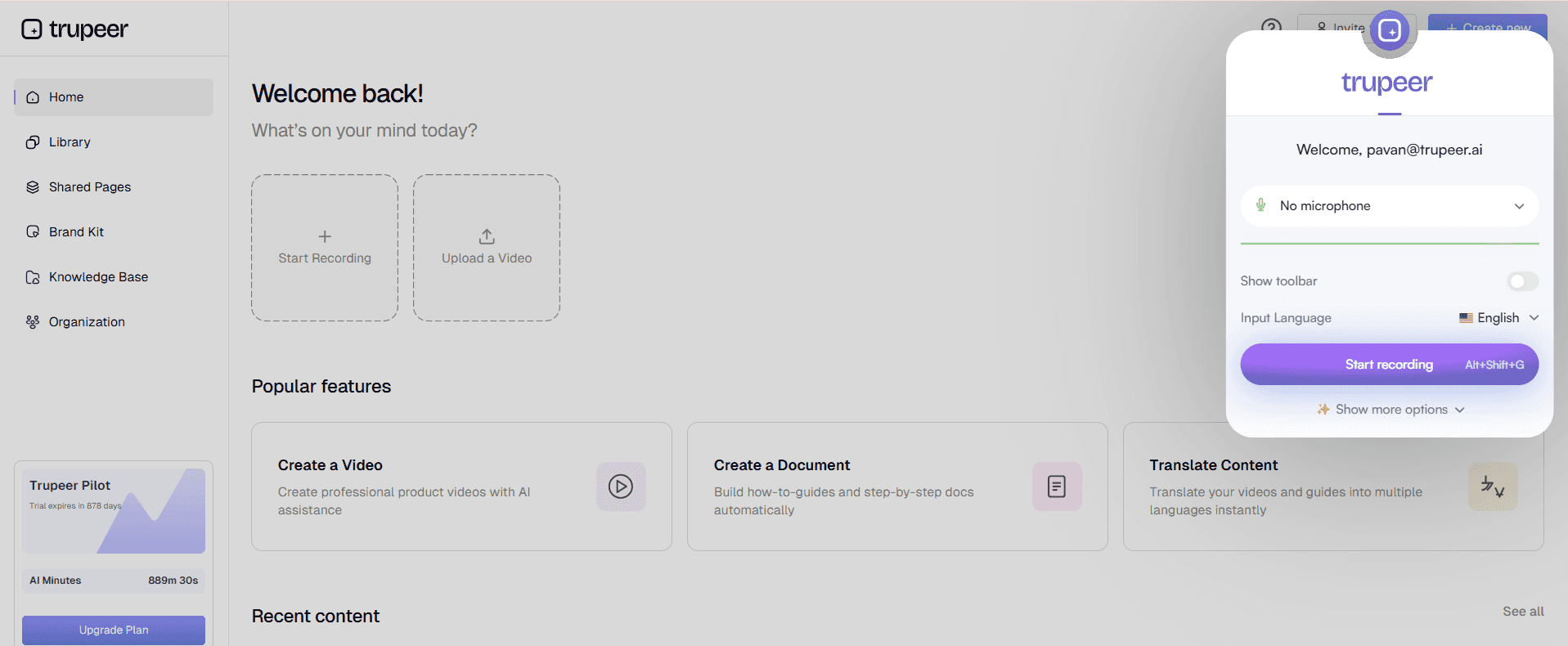
Trupeer is an AI-driven documentation tool designed for teams that need to produce detailed and accurate user guides quickly. It's particularly beneficial for SaaS companies and technical writers looking to cut down on time spent formatting and structuring documents. Trupeer stands out with its ability to generate comprehensive content through AI writing, along with advanced capabilities like auto step capture and video generation. However, its voiceover features are currently limited, which some users may find restrictive.
Key Features
AI Writing with natural language processing
Auto Step Capture for seamless documentation
Screenshot Annotation with customization options
Video Generation for dynamic content
Smart Templates for various documentation needs
Multi-language support for global teams
API Integration for workflow automation
Free Tier available for small teams
"Trupeer has revolutionized our documentation process, making it faster and more accurate."
Pros | Cons |
|---|---|
Comprehensive AI writing capabilities. | Limited voiceover features. |
Excellent auto step capture functionality. | Requires some training to use effectively. |
Wide range of export options. | Higher pricing for advanced features. |
Pricing
Trupeer offers a free tier for small teams, with paid plans starting at $49 per user per month.
Scribe
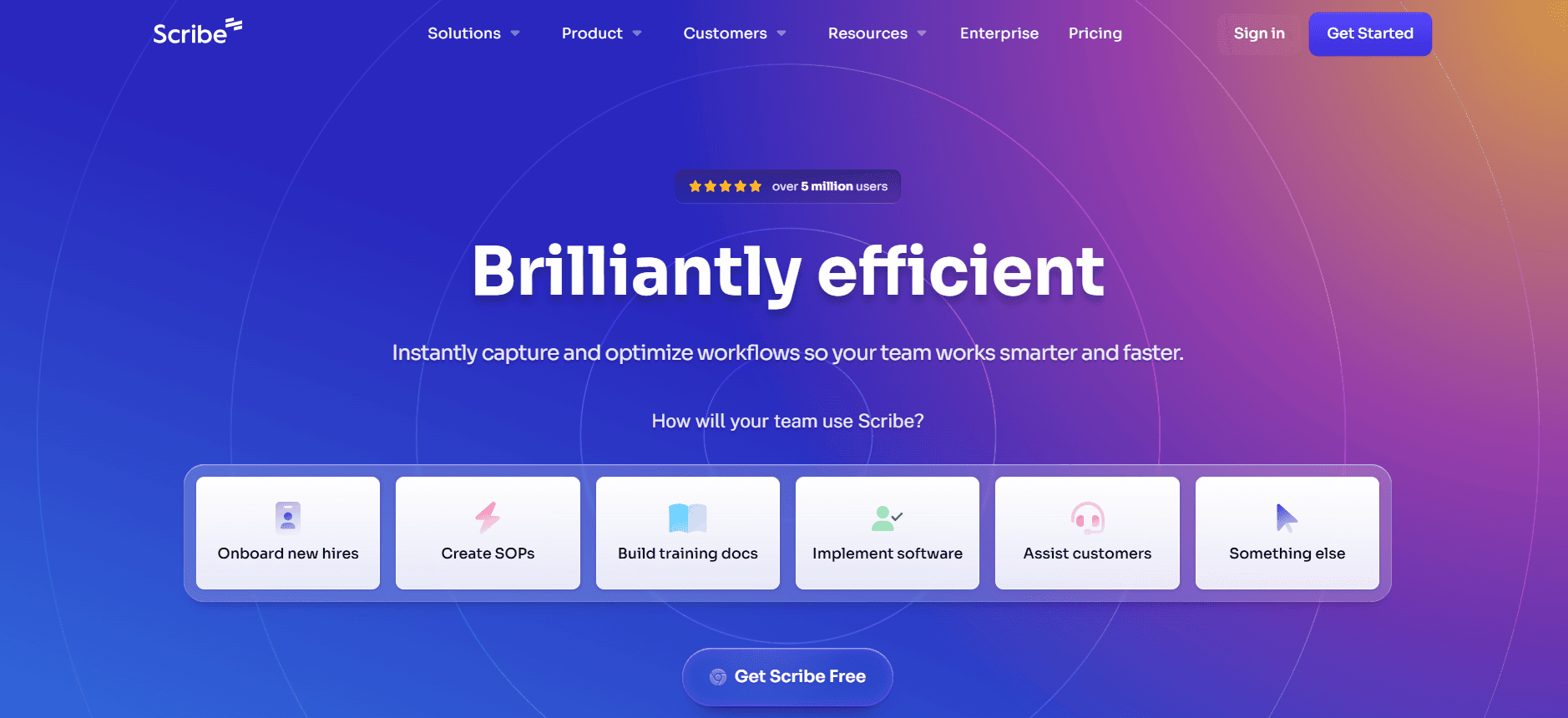
Scribe is a user-friendly tool that excels in creating step-by-step guides for software and processes. It's perfect for teams needing quick documentation without the complexity of video or audio integration. Scribe's strengths lie in its simplicity and easy-to-use interface, but it lacks advanced features like video generation and AI voiceovers, which might be a limitation for some users.
Key Features
Step-by-step guide creation
User-friendly interface
Screenshot Annotation
Smart Templates for quick setup
Basic AI Writing capabilities
Limited Multi-language support
Pros | Cons |
|---|---|
Simple and intuitive interface. | No video generation capabilities. |
Fast setup with smart templates. | Limited AI capabilities. |
Affordable for small teams. | No API integration available. |
Pricing
Scribe offers a free tier, with paid plans starting at $9 per user per month.
Tango
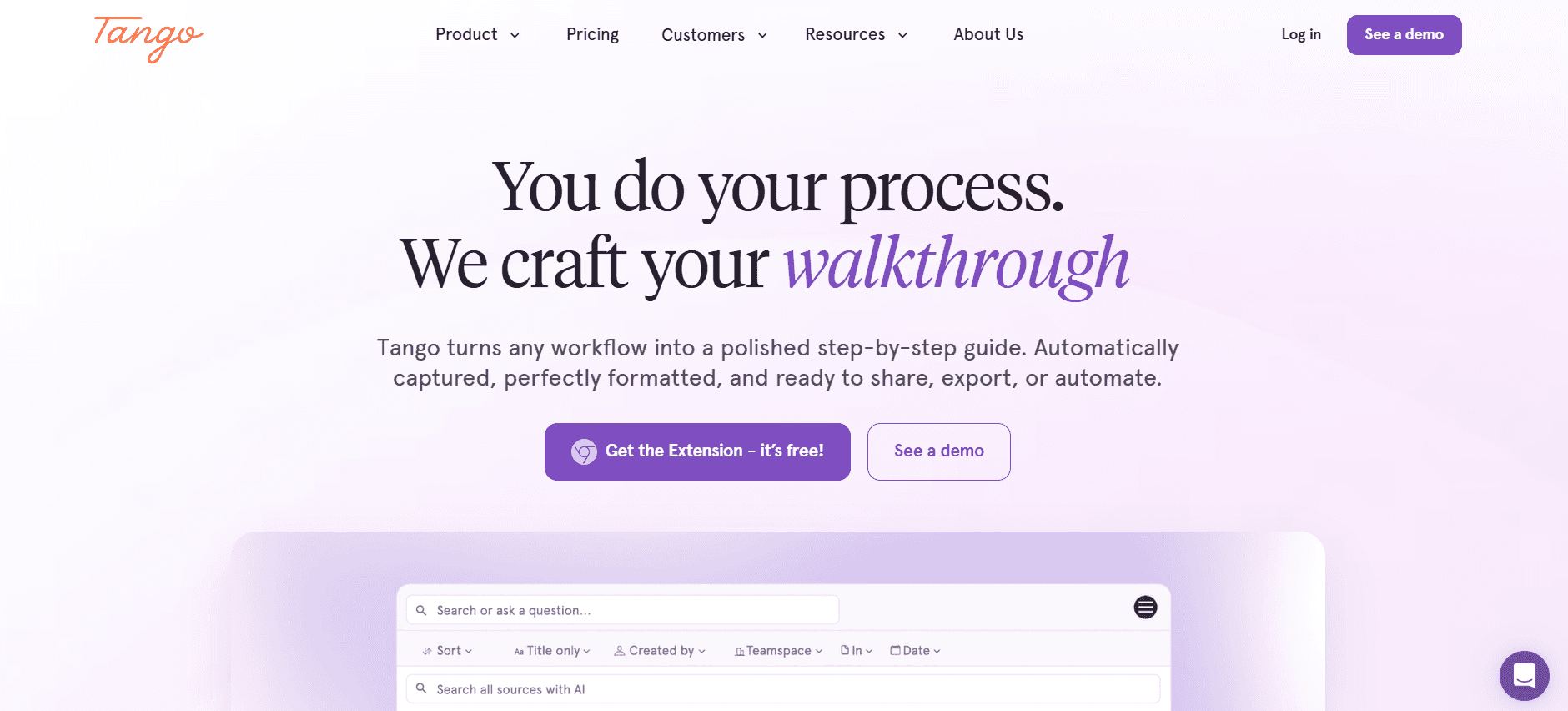
Tango is a versatile tool that supports both step capture and screenshot annotation, making it ideal for teams looking for a balance between simplicity and functionality. It's particularly useful for creating quick guides and documentation updates. However, Tango lacks robust AI writing features and video generation, which can be a drawback for teams needing comprehensive multimedia documentation.
Key Features
Step Capture with annotation options
Screenshot Annotation
Smart Templates for streamlined workflows
Limited AI Writing capabilities
Multi-language support
Pros | Cons |
|---|---|
Great for quick updates and guides. | No video generation capabilities. |
Easy to learn and use. | Limited AI features. |
Supports multiple languages. | No AI voiceover available. |
Pricing
Tango does not offer a free tier, with pricing starting at $15 per user per month.
Document360
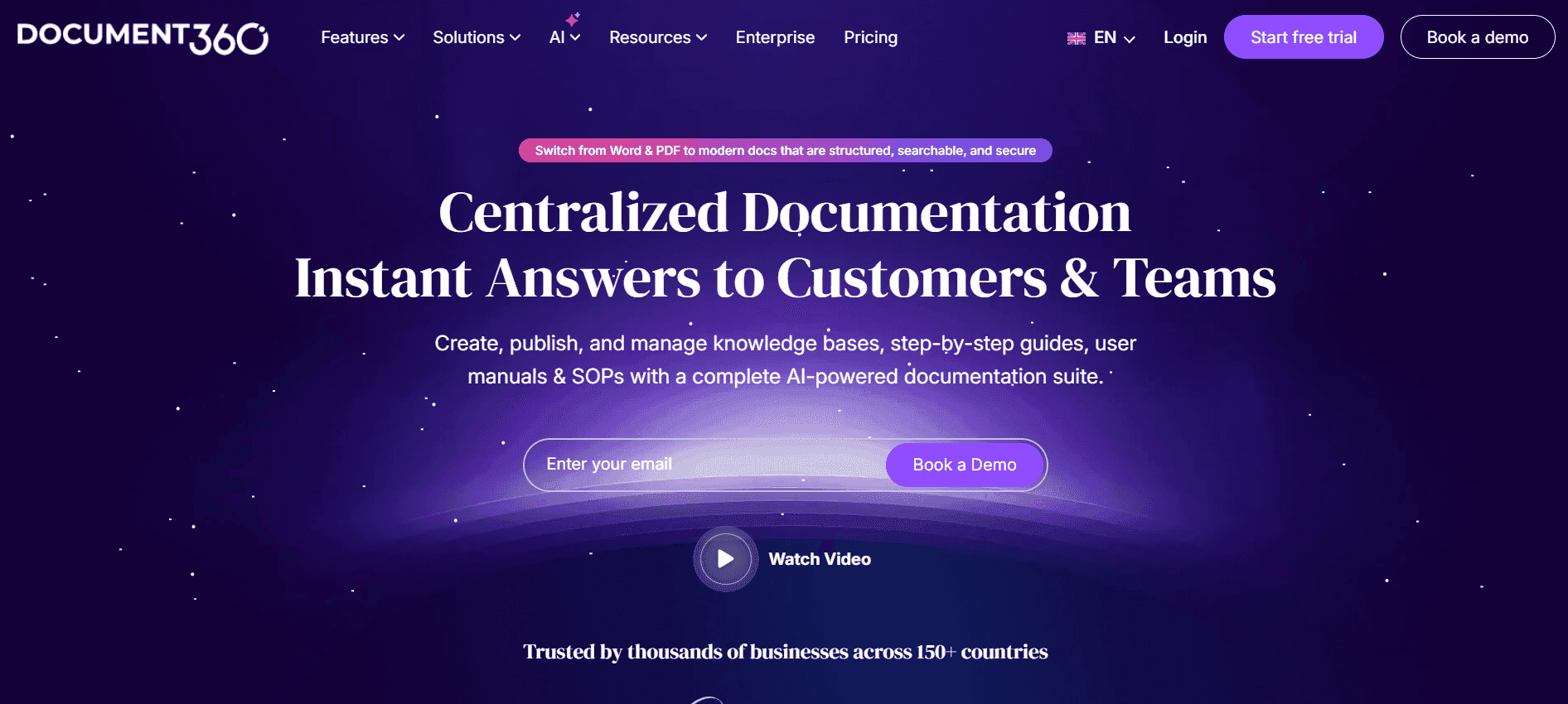
Document360 is a robust solution for creating and managing knowledge bases. It's perfect for large teams that require detailed documentation and collaboration features. While it excels in these areas, it doesn't offer AI writing or multimedia capabilities, which might limit its use for teams wanting to automate content creation processes.
Key Features
Knowledge base management
Collaboration features
Smart Templates
API Integration
Multi-language support
Pros | Cons |
|---|---|
Excellent for knowledge base management. | No AI writing capabilities. |
Strong collaboration features. | Limited multimedia options. |
Supports multiple languages. | Higher pricing tiers. |
Pricing
Document360 does not offer a free tier, with plans starting at $49 per user per month.
Notion AI
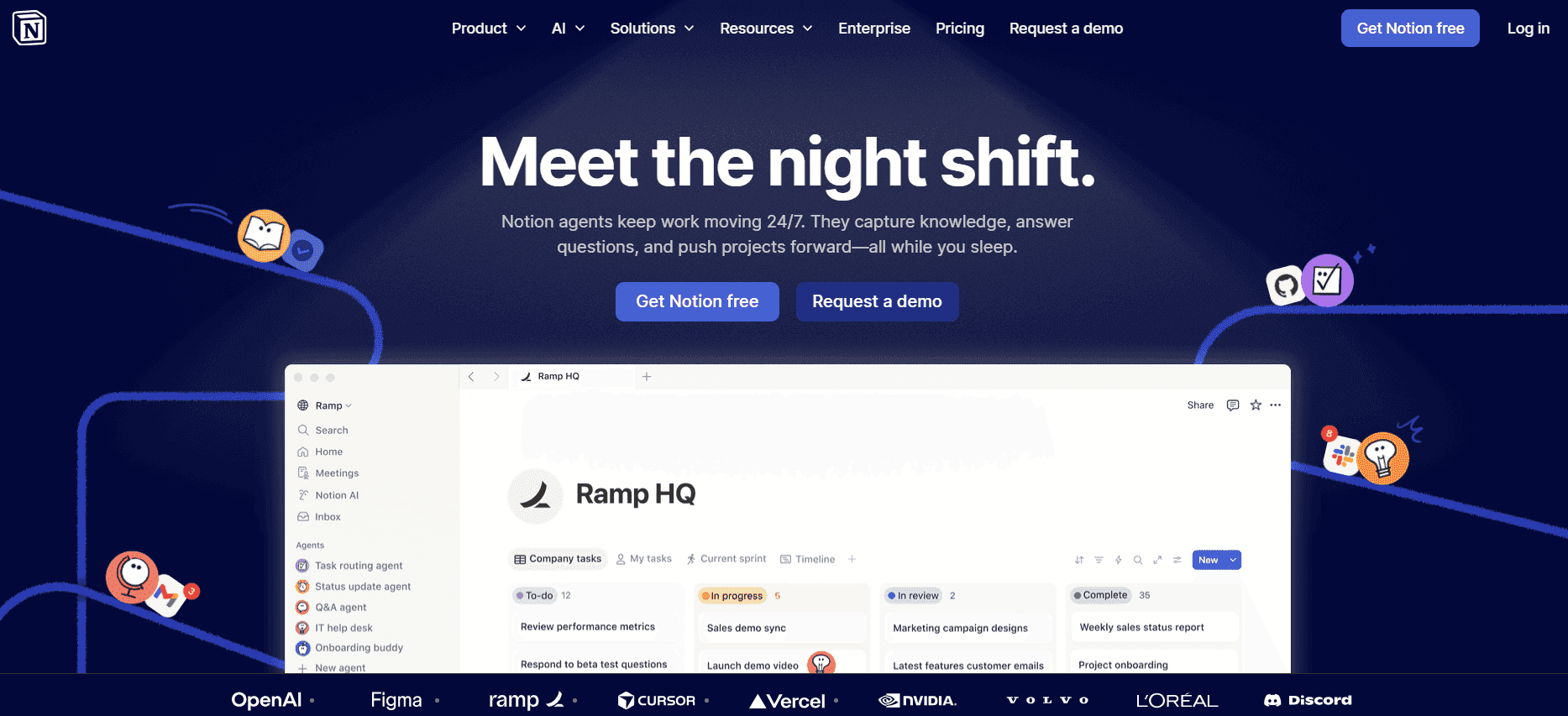
Notion AI is an extension of the popular productivity tool, Notion. It focuses on enhancing document creation with AI features like writing assistance and voiceovers. It's ideal for teams that already use Notion for their workflow. However, Notion AI's step capture and screenshot annotation tools are limited, which can be a disadvantage for those needing detailed process documentation.
Key Features
AI Writing assistance
Voiceover generation
Integration with Notion
Smart Templates
Multi-language support
Pros | Cons |
|---|---|
Strong integration with Notion. | Limited step capture features. |
Excellent AI writing tools. | No screenshot annotation. |
Supports multiple languages. | Some features require a learning curve. |
Pricing
Notion AI offers a free tier, with premium features starting at $10 per user per month.
Confluence AI

Confluence AI is designed for teams that need to integrate documentation with project management workflows. It's perfect for agile teams that need continuous documentation updates. While it provides solid AI writing features, it lacks in video generation and voiceover capabilities, which might limit its appeal for multimedia-rich documentation needs.
Key Features
AI Writing for documentation
Integration with project management tools
Smart Templates
Limited Multimedia support
API Integration
Pros | Cons |
|---|---|
Seamless project management integration. | No video generation features. |
Strong AI writing capabilities. | Limited voiceover options. |
Supports various integrations. | Higher learning curve for new users. |
Pricing
Confluence AI does not offer a free tier, with pricing starting at $20 per user per month.
GitBook AI
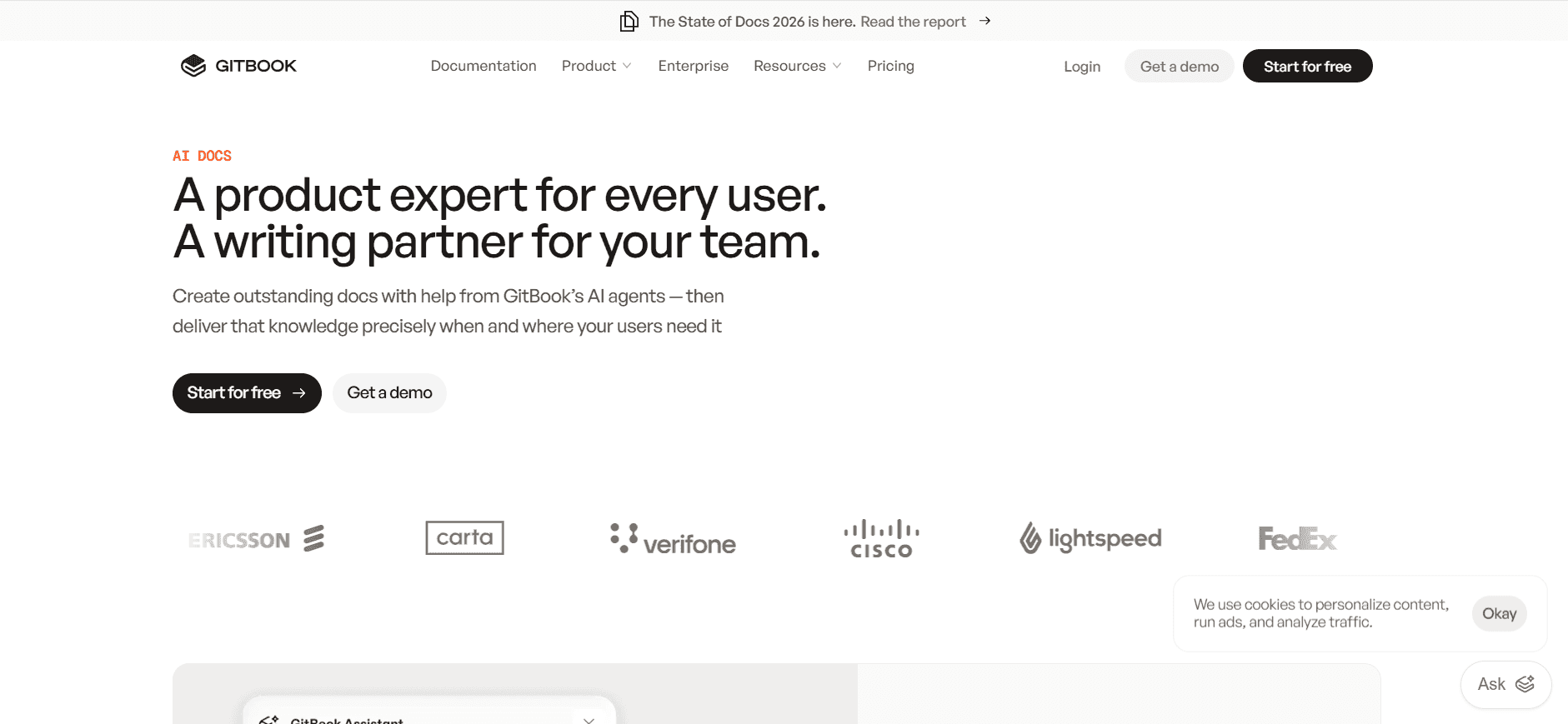
GitBook AI is tailored for developers and technical teams that need to maintain structured documentation. It's great for teams that already use GitBook as their primary documentation platform. The tool excels in AI writing and multi-language support, but it lacks in providing comprehensive multimedia features like video generation and voiceover.
Key Features
AI Writing for technical documentation
Integration with GitBook platform
Multi-language support
Smart Templates for technical needs
Limited Multimedia support
Pros | Cons |
|---|---|
Excellent for technical documentation. | No video generation features. |
Strong AI writing tools. | Limited voiceover capabilities. |
Supports multiple languages. | Pricier for advanced features. |
Pricing
GitBook AI offers a free tier, with premium plans starting at $15 per user per month.
AI User Guide Generator Challenges: What Teams Struggle With
Creating First Drafts Takes Too Long
Writers spend excessive time on initial drafts, delaying the entire documentation process.
Manual structuring and formatting distract from content creation.
Inconsistent draft quality due to varying skill levels among team members.
Lack of automation leads to repetitive tasks, increasing workload.
Keeping Documentation Current with Every Product Sprint
Fast-paced product updates require equally rapid documentation revisions.
Manual updates are prone to errors, leading to outdated guides.
Coordination between developers and writers is often inefficient.
Limited resources make it hard to keep up with frequent changes.
Inconsistent Formatting Across Different Team Members
Varied styles disrupt the uniformity of documentation.
Lack of standard templates leads to mismatched formats.
Time-consuming revisions are needed to ensure consistency.
Confusion among users due to inconsistent guide structures.
No Automatic Screenshot or Step-Capture Capabilities
Manual screenshot capture is tedious and error-prone.
Step-by-step documentation lacks visual clarity without images.
Delays in guide creation due to time spent on image editing.
Increased workload for writers who must focus on visuals as well as text.
Translation and Localization Bottlenecks
Manual translation processes slow down global distribution.
Errors in translation affect document accuracy.
Lack of localized content limits international reach.
High costs associated with professional translation services.
Challenge | Traditional Process | Business Impact | Time Cost |
|---|---|---|---|
Creating First Drafts | Manual writing and structuring | Delayed product launches | 10-15 hours per guide |
Keeping Documentation Current | Manual updates and revisions | Outdated user guides | 5-10 hours per update |
Inconsistent Formatting | Individual style variations | Confused end users | 3-5 hours per guide |
No Automatic Screenshot Capabilities | Manual capture and editing | Incomplete documentation | 4-8 hours per guide |
Translation Bottlenecks | Manual translation | Limited global presence | 10-20 hours per guide |
Must-Have Features in AI User Guide Generators
AI Writing and Auto-Completion
AI writing and auto-completion features are essential for reducing the time and effort needed to produce user guides. These tools use natural language processing to generate text that mimics human writing, allowing teams to focus more on refining content rather than drafting it from scratch. Trupeer excels in this area, offering comprehensive AI writing capabilities that ensure consistency and adherence to style guides across all documentation.
Automated Step Capture from Screen Activity
Automated step capture significantly enhances the efficiency of creating user guides by recording user actions on screen and translating them into text instructions. This feature is particularly beneficial for technical documentation where precise step-by-step instructions are critical. Tools like Tango offer robust step capture functionality, making it easier for teams to document complex software processes quickly and accurately.
Smart Screenshot Annotation
Smart screenshot annotation allows users to enhance visual elements of documentation with annotations, callouts, and highlights, making it easier for readers to understand complex information. This feature is vital for creating visually appealing and informative guides. Trupeer provides advanced annotation capabilities, enabling teams to customize screenshots seamlessly, saving time and ensuring clarity in documentation.
AI Voiceover Generation for Video Docs
As video documentation becomes increasingly popular, AI voiceover generation offers an efficient way to create narrated video guides without the need for professional voice actors. This feature allows for quick and consistent audio content production, enhancing the accessibility of documentation. Notion AI integrates this feature, enabling teams to produce comprehensive video guides that cater to diverse audience needs.
One-Click Export in Multiple Formats
One-click export in multiple formats, such as PDF, HTML, and Markdown, simplifies the distribution of user guides across different platforms and audiences. This feature ensures that documentation can be easily shared, accessed, and utilized in various environments. Confluence AI supports multiple export options, allowing teams to choose the most suitable format for their audience, thus increasing the reach and effectiveness of their documentation.
Multi-language Support
Multi-language support is crucial for organizations operating in global markets. It allows user guides to be translated and localized efficiently, ensuring that international users have access to accurate and relevant documentation. GitBook AI stands out in this area, providing extensive language support that helps teams overcome translation challenges and expand their documentation's reach across different linguistic regions.
How to Choose an AI User Guide Generator Based on Your Use Case
Product Documentation Teams at SaaS Companies
SaaS companies need to keep their documentation up-to-date with frequent product updates and new feature releases. This requires a flexible tool that can handle rapid changes efficiently. The ideal solution should offer strong AI writing and auto-capture features to expedite the documentation process.
Key Challenges:
Frequent product updates require constant documentation revisions.
High demand for accurate and detailed user guides.
Limited resources for managing extensive documentation.
Solutions Needed:
Strong AI writing capabilities for quick content generation.
Automated step capture to document new features swiftly.
Integration with existing development workflows.
Tool | AI Writing | Auto Step Capture | Integration |
|---|---|---|---|
Trupeer | Yes | Yes | Yes |
Tango | Limited | Yes | Limited |
Confluence AI | Yes | Limited | Yes |
Technical Writers and Content Operations
Technical writers often handle complex documentation tasks that require precision and clarity. A tool that supports detailed writing and offers robust annotation features is crucial for these professionals.
Key Challenges:
Ensuring accuracy and clarity in technical documents.
Managing large volumes of content efficiently.
Need for consistent formatting across all documents.
Solutions Needed:
Smart annotation tools for enhanced document clarity.
Comprehensive AI writing for detailed content creation.
Templates to maintain consistent formatting.
Tool | Annotation | AI Writing | Templates |
|---|---|---|---|
Trupeer | Yes | Yes | Yes |
Document360 | Limited | No | Yes |
GitBook AI | Limited | Yes | Yes |
Engineering and API Documentation
Engineering teams require documentation tools that can handle complex API details and technical specifications. The right tool should offer precise writing capabilities and allow for easy updates.
Key Challenges:
Documenting complex API structures and functions.
Ensuring accuracy and detail in technical descriptions.
Updating documentation with each API change.
Solutions Needed:
Strong AI writing for technical content accuracy.
Easy integration with development tools.
Automated step capture for API documentation updates.
Tool | Technical Writing | Integration | Auto Capture |
|---|---|---|---|
Trupeer | Yes | Yes | Yes |
GitBook AI | Yes | Limited | Limited |
Confluence AI | Yes | Yes | Limited |
HR and Compliance Documentation
HR teams need tools that can produce clear and accessible compliance documents quickly. A solution that supports multi-language capabilities and easy formatting is essential for these departments.
Key Challenges:
Ensuring clarity and accessibility in compliance documents.
Need for quick updates to policies and procedures.
Translation and localization of documents for global teams.
Solutions Needed:
Multi-language support for global reach.
Smart templates for consistent document formatting.
AI writing for fast content updates.
Tool | Multi-language | Templates | AI Writing |
|---|---|---|---|
Trupeer | Yes | Yes | Yes |
Notion AI | Yes | Yes | Yes |
Document360 | Yes | Yes | No |
Best Practices for Using AI User Guide Generators
Before Implementation
Define clear documentation goals and objectives for your team.
Assess current documentation processes and identify key areas for improvement.
Select the right tools that align with your specific needs and budget.
Train your team on new tools and workflows to ensure a smooth transition.
Establish metrics for measuring the success and efficiency of documentation efforts.
During Use
Regularly update your content to reflect the latest product changes and features.
Use smart templates to maintain consistency across all documentation.
Leverage AI features to automate repetitive tasks and focus on content quality.
Collaborate with cross-functional teams for comprehensive and accurate guides.
Continuously gather feedback from users to improve documentation quality.
After Implementation
Review and analyze documentation metrics to assess tool effectiveness.
Adjust documentation strategies based on user feedback and performance data.
Keep team members informed about new updates and features in documentation tools.
Regularly audit documentation for accuracy and relevance.
Identify areas for further automation and process improvement.
Frequently Asked Questions
What is an AI User Guide Generator?
An AI User Guide Generator is a software tool that automates the creation of user documentation by using artificial intelligence. It helps teams produce content faster and more accurately by taking care of repetitive tasks such as formatting, structuring, and initial draft writing.
Who should use AI User Guide Generators?
These tools are ideal for product managers, technical writers, content teams, and anyone involved in creating or managing user documentation. They are particularly useful for organizations that need to produce large volumes of accurate and consistent documentation quickly.
How does AI writing work in these tools?
AI writing uses natural language processing to generate text that mimics human writing. The AI analyzes context and user input to produce coherent and contextually appropriate content, which can then be refined by the user for accuracy and style.
Can these tools integrate with other software?
Yes, many AI User Guide Generators offer API integrations that allow them to work seamlessly with other software applications, such as development tools, content management systems, and project management platforms.
Are there free versions available?
Yes, several tools offer free tiers, which are generally suitable for small teams or individual users. However, advanced features and capabilities are typically unlocked through paid plans.
How much do these tools cost?
Pricing varies depending on the tool and the features offered. Basic plans can start as low as $9 per user per month, while more comprehensive solutions may cost $49 per user per month or more.
How difficult is it to implement these tools?
Implementation difficulty varies by tool but is generally straightforward. Many tools provide user guides, tutorials, and customer support to assist with the setup process. Training and onboarding resources are also commonly available to ensure a smooth transition.
What kind of support is available for users?
Most AI User Guide Generators offer a range of support options, including online tutorials, documentation, customer service via email or chat, and community forums. Support levels can vary based on the subscription plan you choose.
In today's dynamic business environment, having the right tools to efficiently create accurate and engaging user documentation is critical. AI User Guide Generators provide a myriad of features that streamline the documentation process, allowing your teams to focus on quality content creation. By understanding the unique strengths and limitations of each tool, you can select the most suitable solution for your organization.
Explore how Trupeer can transform your documentation process by visiting Trupeer's website. With its advanced AI capabilities and user-friendly interface, Trupeer is designed to meet the diverse needs of documentation teams, ensuring clarity, consistency, and efficiency in every user guide you produce.

