Trupeer Blog
Best Practices for Writing User Guides: The Complete Guide for 2026
Learn best practices for writing user guides in 2026. Create clear, structured, and easy-to-follow documentation using proven methods and AI tools like Trupeer.

Buyer's Overview
Creating user guides can be a daunting task. Often, they are outdated almost immediately after they're published. According to industry data, teams typically spend 8 to 12 hours crafting a single user manual from scratch. This is a time-consuming process, especially when using traditional methods that rely heavily on manual entry and screenshots. With the rapid pace of software updates, it's essential for businesses to adopt tools that can auto-generate comprehensive guides in just a few minutes using screen recordings.
Modern documentation tools reduce the time spent on creating user manuals by over 70%.
Source: Tech Documentation Insights by Forrester, 2025
This guide explores the best practices for writing user guides in 2026, focusing on the most effective tools that automate the process. It's designed for project managers, technical writers, and anyone involved in creating or maintaining product documentation. We'll compare industry-leading tools, examine their features, and discuss how they can meet your specific needs.
Best User Guide Tools: Head-to-Head Comparison
Feature | Trupeer | Scribe | Document360 | Tango | Notion | Confluence | GitBook |
|---|---|---|---|---|---|---|---|
Auto-Capture Steps | Yes | Yes | No | Yes | No | Limited | Limited |
AI Writing | Yes | Limited | No | Yes | No | No | Yes |
Video Support | Yes | No | Yes | Yes | Limited | No | Limited |
PDF Export | Yes | Yes | Yes | Limited | Yes | Yes | Yes |
Web Knowledge Base | Yes | Limited | Yes | No | Yes | Yes | Yes |
Version Control | Yes | No | Yes | No | Limited | Limited | Yes |
Team Collaboration | Yes | Yes | Yes | Limited | Yes | Yes | Yes |
Search | Yes | Yes | Yes | Limited | Yes | Yes | Yes |
Templates | Yes | Limited | Yes | No | Limited | Yes | Yes |
Free Tier | Yes | Yes | No | Yes | Yes | Limited | Limited |
Trupeer
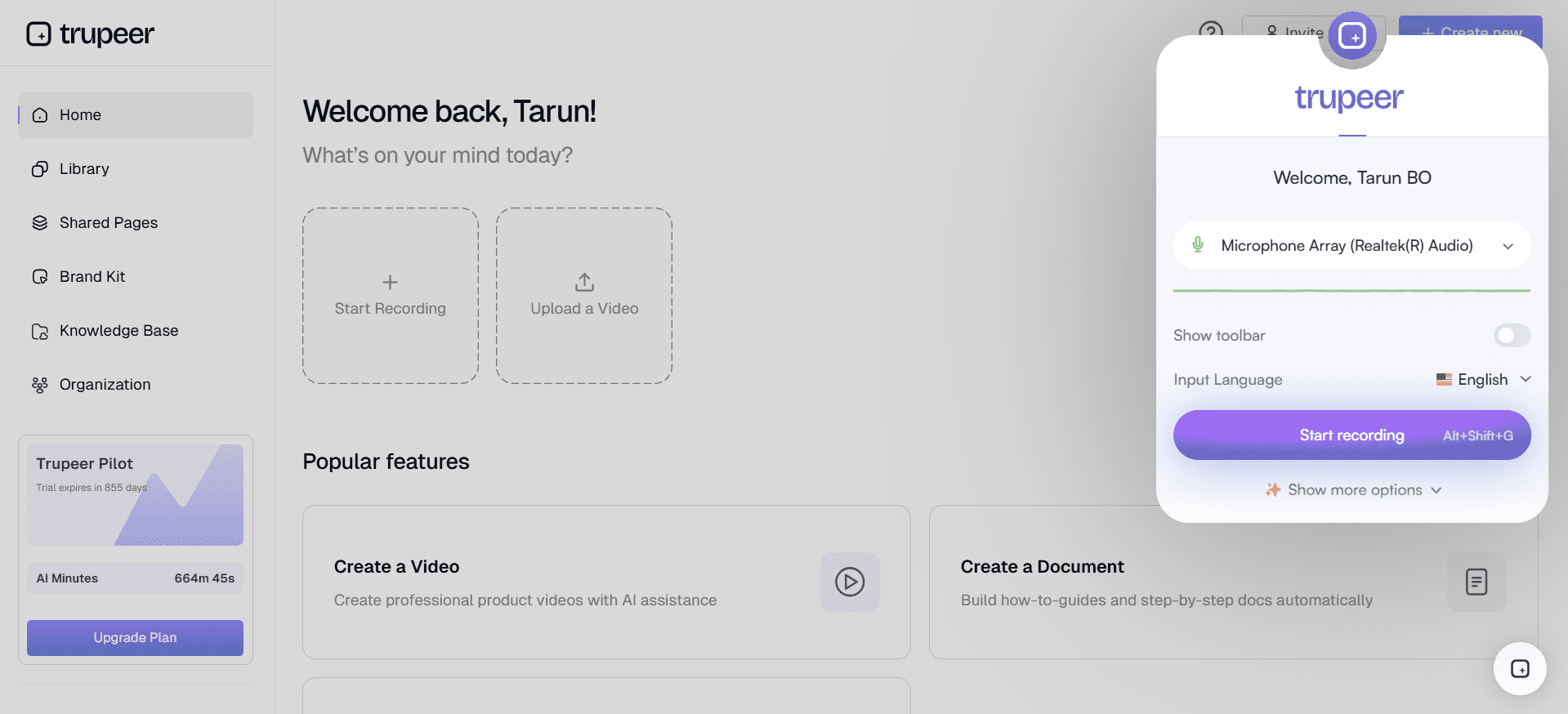
Trupeer is a cutting-edge tool designed to simplify the creation of user guides through AI and automation. It's perfect for teams looking to rapidly produce accurate documentation without sacrificing quality. Trupeer offers robust AI-driven capabilities that auto-generate step-by-step guides from screen recordings, dramatically reducing the time required to create a 20-step guide to just a few minutes.
Key Features
AI-generated step instructions
Automatic screen capture
Video embedding
Multi-format export options
Version control systems
Collaborative editing
Customizable templates
Advanced search capabilities
"Trupeer has revolutionized our documentation process, enabling us to deliver guides in half the time."
Alex Johnson, Product Manager at TechCorp (Source: G2)
Pros | Cons |
|---|---|
Streamlines documentation with AI-driven automation | Free tier has limited features |
Supports video embedding alongside text | Complex setup for new users |
Facilitates team collaboration effectively | Pricing can be high for small teams |
Pricing
Limited free tier available; paid plans start at $49/month.
Scribe
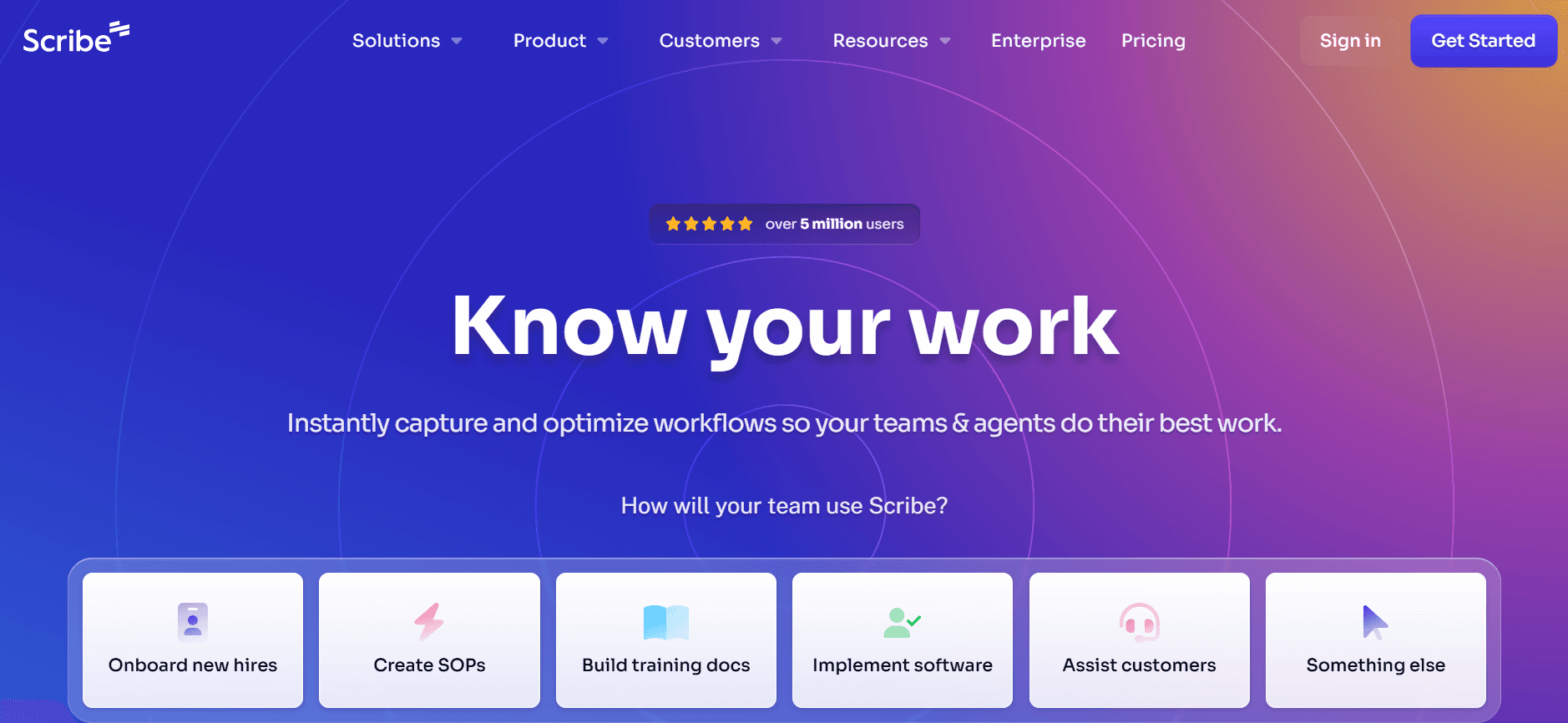
Scribe is known for its simplicity and ease of use, making it a great choice for small teams or individuals looking to create straightforward user guides. Its auto-capture technology allows for quick documentation, though its AI writing capabilities are somewhat limited compared to other tools. Scribe excels in environments where basic documentation is needed fast.
Key Features
Automatic step capture
Basic AI writing support
PDF export functionality
User-friendly interface
Customizable templates
Searchable documents
Collaborative workspaces
Easy integration with existing systems
Pros | Cons |
|---|---|
Quick and easy setup process | Limited AI writing capabilities |
Offers a comprehensive free tier | Less suitable for complex documentation |
Integrates well with other platforms | Lacks advanced video support |
Pricing
Free tier available; premium features start at $25/month.
Document360
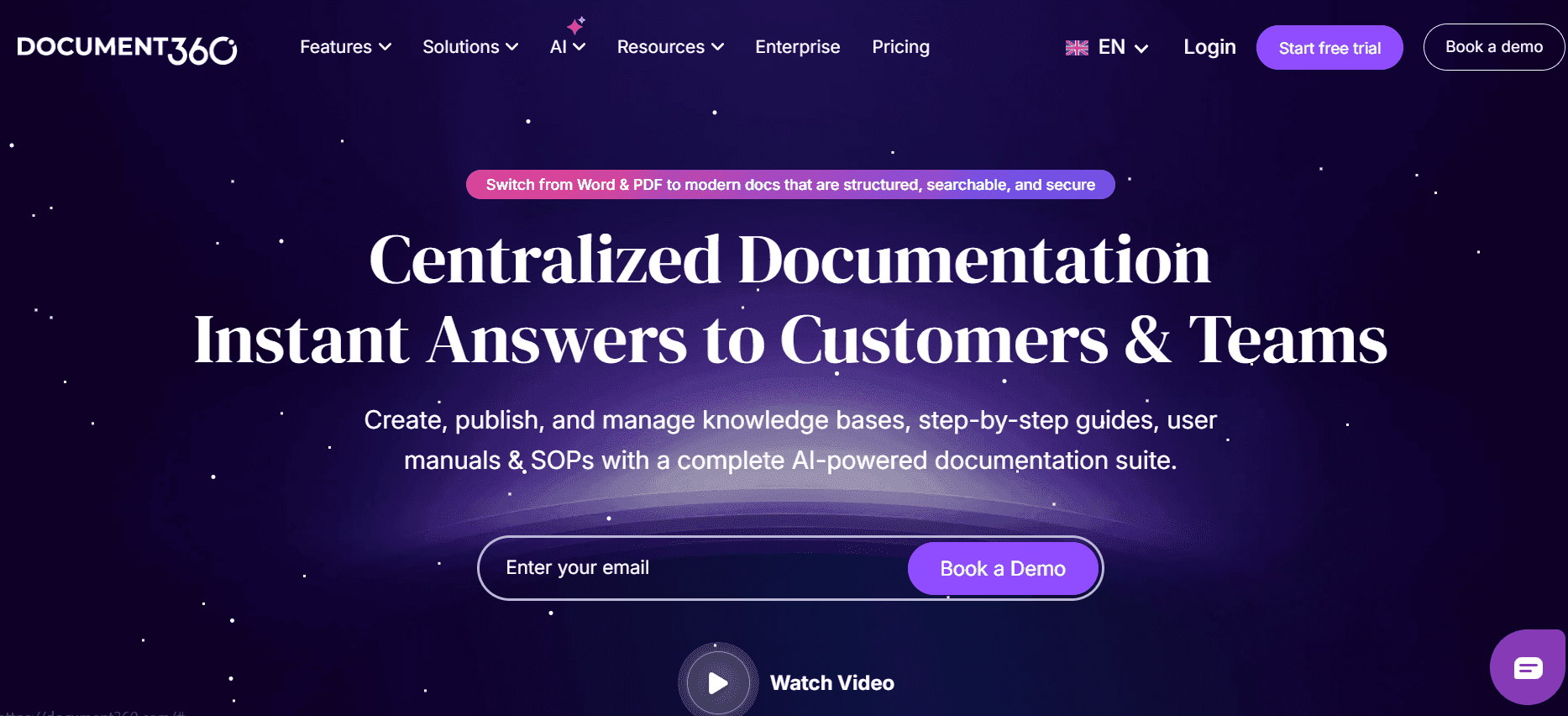
Document360 is an ideal tool for enterprises that require detailed and structured documentation. It's particularly strong in setting up a web-based knowledge base. The tool lacks automatic capture and AI writing features, which means it may require more manual input than others, but it excels in providing a professional, polished output.
Key Features
Comprehensive web knowledge base options
Advanced version control
Detailed analytics and feedback tools
Rich text editor
Customizable branding
Access control settings
Multi-format export capabilities
Integration with popular tools
Pros | Cons |
|---|---|
Offers excellent version control features | No AI writing or auto-capture steps |
Highly customizable knowledge bases | Requires more manual effort |
Strong analytics and reporting tools | Higher price point for full features |
Pricing
No free tier; paid plans start at $99/month.
Tango
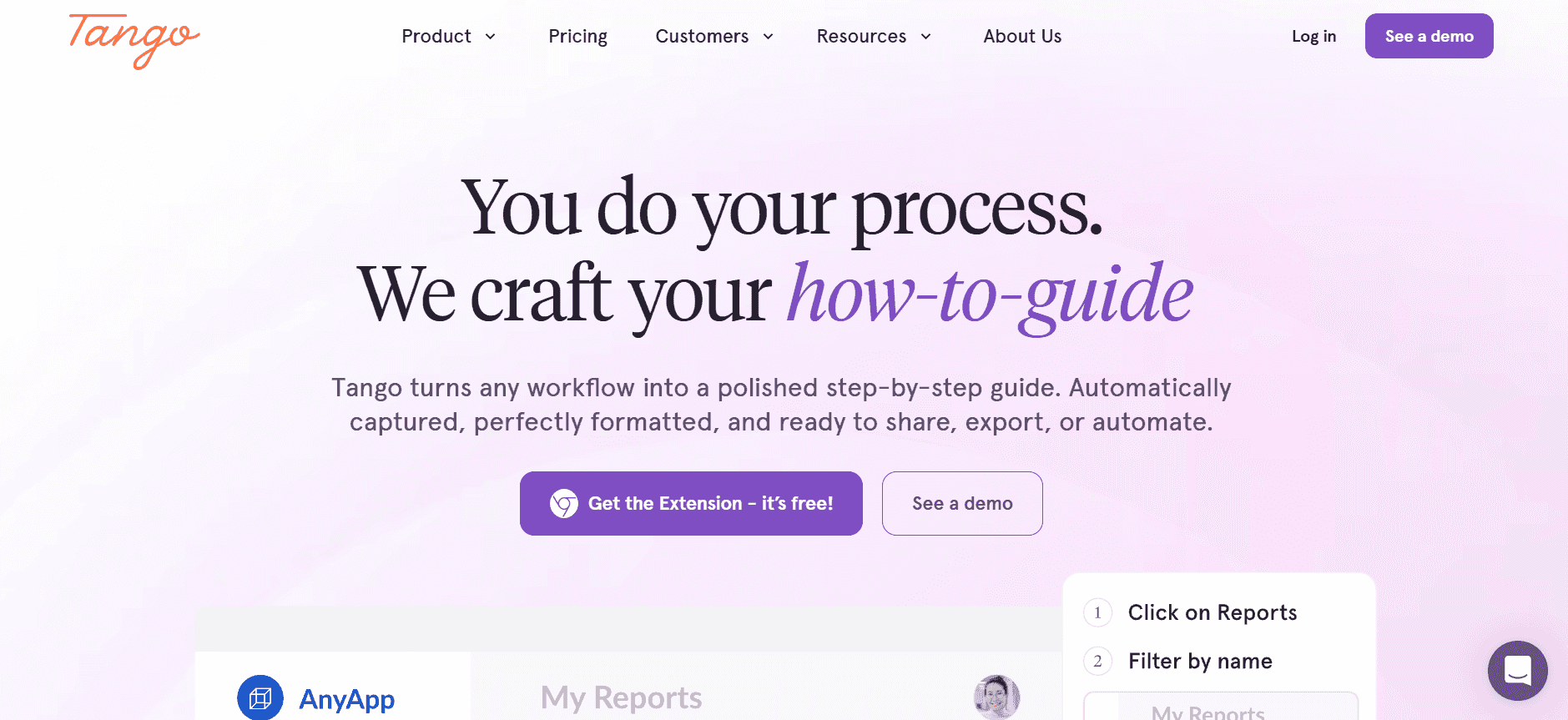
Tango is an emerging tool that focuses heavily on video integration, allowing users to create interactive guides with ease. It’s particularly suited for teams that need to convey complex processes visually. While Tango doesn't offer a comprehensive knowledge base, its strength lies in creating step-by-step video guides that enhance user engagement.
Key Features
Interactive video guides
Step-by-step instructions
Multi-format export
User-friendly video editor
Collaboration tools
Basic AI writing capabilities
Integration with other platforms
Customizable templates
Pros | Cons |
|---|---|
Strong video support for interactive guides | Limited web knowledge base features |
Easy-to-use interface | Limited AI capabilities |
Effective for visual process documentation | Free version lacks comprehensive features |
Pricing
Free tier with limited features; paid plans start at $39/month.
Notion
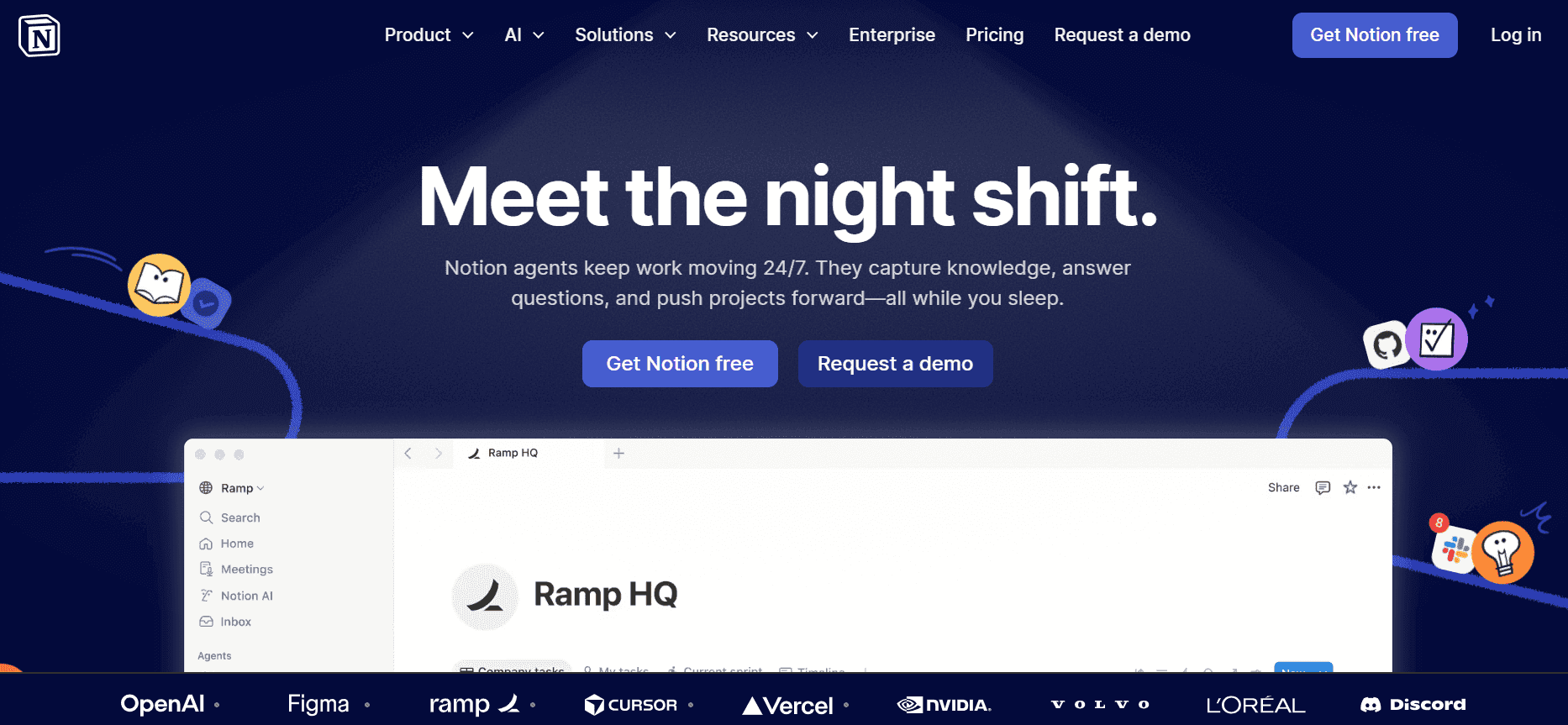
Notion is a versatile tool that caters to a wide range of documentation needs, from simple notes to complex databases. It's an excellent choice for teams that need flexibility and the ability to integrate various types of content. However, Notion may not have the specialized features required for dedicated user guides, such as auto-capture and AI writing.
Key Features
Highly customizable workspace
Rich media integration
Collaborative editing
Database functionality
Task management tools
Searchable content
Markdown support
Integration with other apps
Pros | Cons |
|---|---|
Extremely flexible and customizable | Lacks specific user guide features like auto-capture |
Integrates multiple content types seamlessly | Learning curve for new users |
Offers a free tier with generous features | Not specialized for user guide creation |
Pricing
Free tier available; personal plans start at $4/month.
Confluence
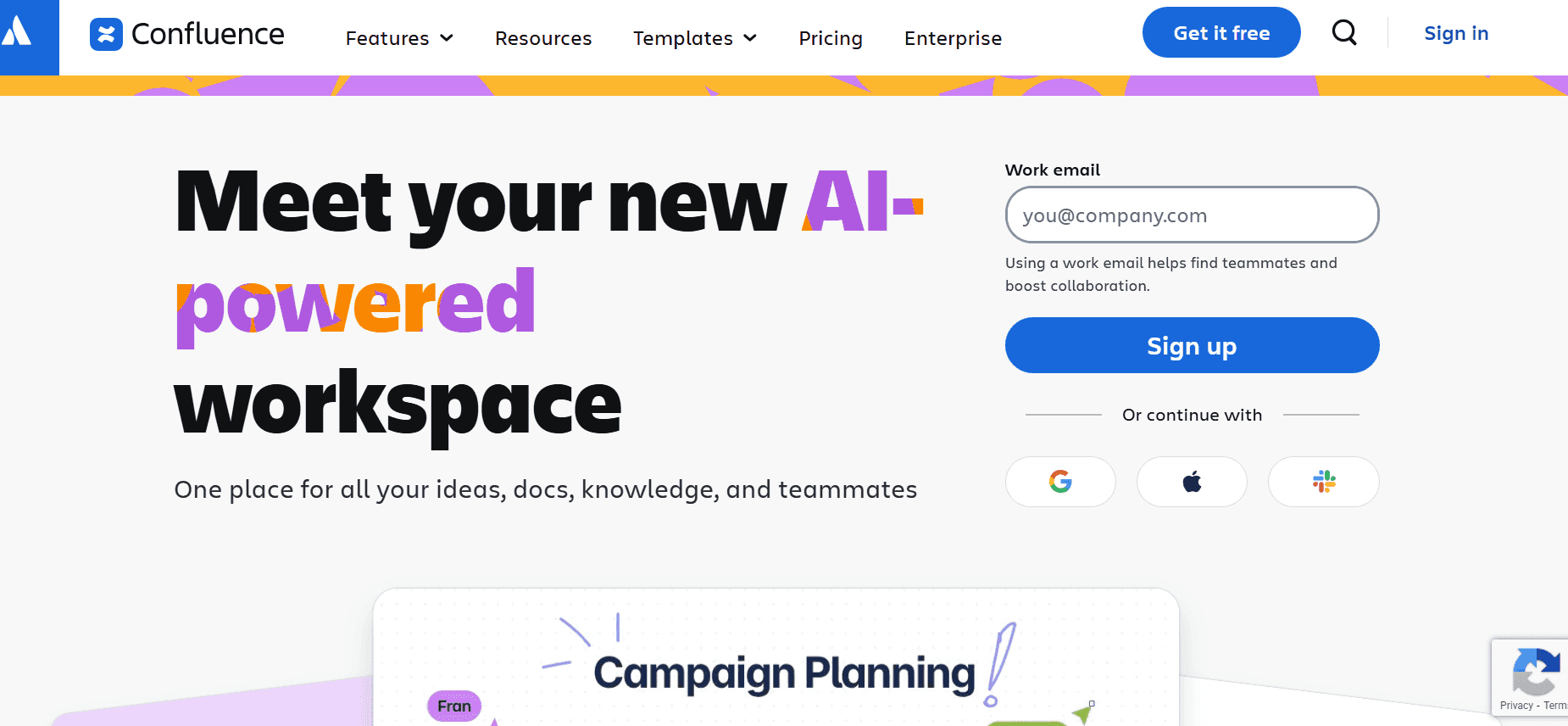
Confluence by Atlassian is a powerful tool for teams looking to create a centralized repository of information. It's particularly strong in collaboration, making it a popular choice for large teams. While Confluence excels in organizing content, it may not offer the best features for real-time guide creation, such as auto-capture and AI writing.
Key Features
Centralized knowledge management
Real-time collaboration
Integration with Jira and other Atlassian tools
Customizable templates
Advanced search functionality
Version history tracking
Rich text editing
Access control and permissions
Pros | Cons |
|---|---|
Strong collaboration and integration capabilities | Limited real-time guide creation features |
Organizes content effectively | Can be complex to set up |
Supports a wide range of plugins | Higher cost for premium features |
Pricing
Limited free tier; paid plans start at $10/user/month.
GitBook
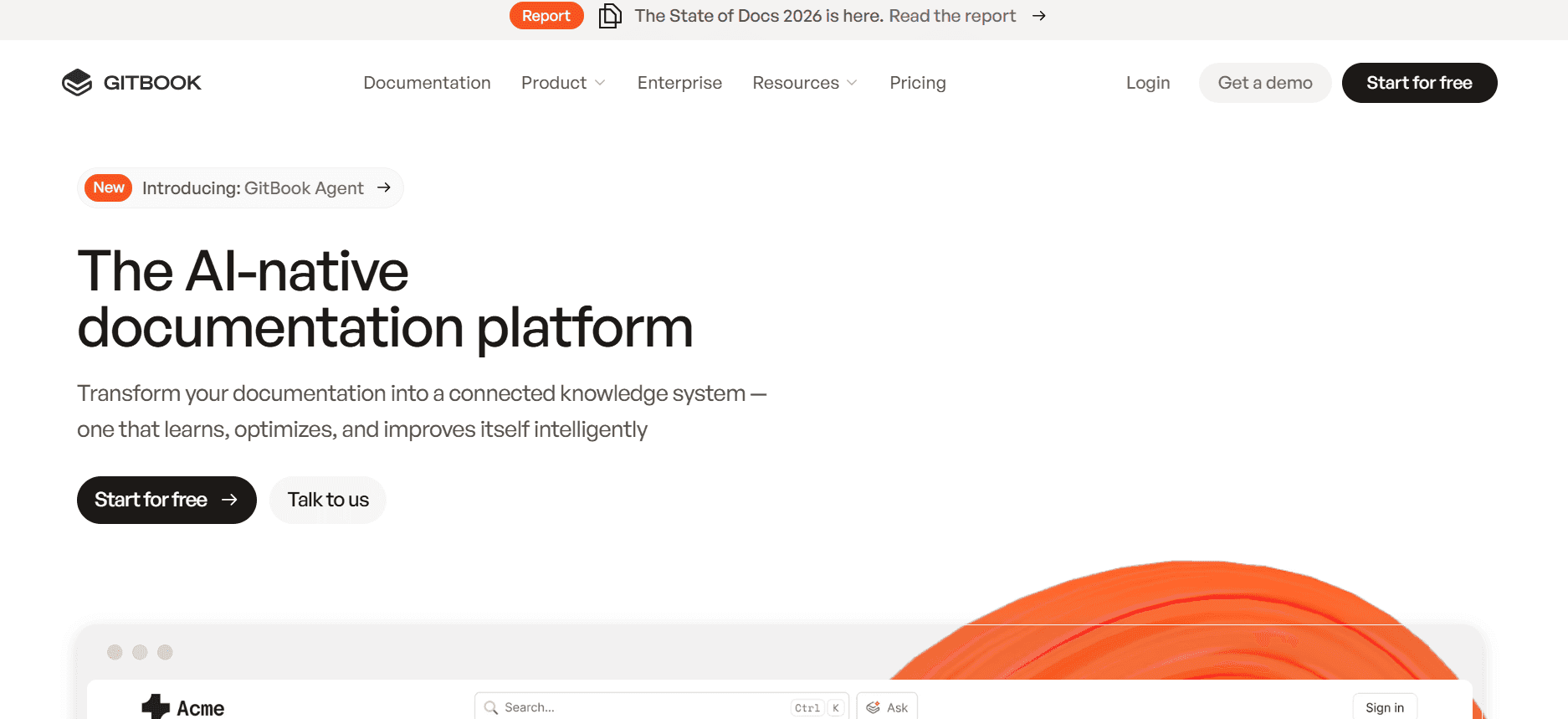
GitBook is ideal for developers and technical teams looking to create API documentation and technical manuals. Its markdown support is a significant advantage for those familiar with code-based documentation. While GitBook offers good version control and collaboration features, it might not be the best option for teams looking for automated guide creation.
Key Features
Markdown support
Version control
Integration with GitHub
Collaborative writing
Customizable themes
Public and private documentation
Searchable content
Export to multiple formats
Pros | Cons |
|---|---|
Excellent for technical documentation | Not focused on user guide automation |
Strong version control features | Higher learning curve for non-technical users |
Integrates well with developer tools | Limited AI and auto-capture features |
Pricing
Free tier available; pro plans start at $8/user/month.
With these tools, you can choose the one that best fits your needs, whether you're looking for something feature-rich or a simple solution to get started quickly. Each tool offers unique strengths and limitations, so consider your team's specific requirements when making a decision.
User Guide Challenges: What Teams Struggle With
Manual Documentation Processes
Writing and formatting content manually is time-consuming and prone to human error.
Team members often spend hours capturing screenshots and annotating them.
The manual process results in inconsistent documentation styles across different guides.
Proofreading and revisions add additional time and complexity to the process.
Outdated Content After Product Updates
User guides quickly become obsolete as product features change.
Teams struggle to update documentation promptly after every software release.
Inconsistent updates across documents lead to user confusion and increased support tickets.
Lack of automation means updates are resource-intensive, affecting other priorities.
Poor Search and Findability
Users often can’t find the information they need quickly in extensive documentation.
Weak search functionality leads to frustration and reduced user satisfaction.
Information is buried in lengthy documents without effective indexing.
Non-intuitive navigation hampers the user experience and reduces guide usage.
Documentation Siloed Across Tools
Content is scattered across different platforms like Word, Google Docs, and Notion.
Teams face challenges in maintaining consistency and coherence in documentation.
Consolidating information from various sources is labor-intensive.
Siloed documentation complicates collaboration and knowledge sharing.
Lack of Consistent Formatting
Varying styles and formats in documentation reduce professionalism and clarity.
Lack of standardization leads to a disjointed user experience.
Teams without style guides struggle to maintain uniformity.
Inconsistent formats make it difficult for users to follow instructions effectively.
Challenge | Traditional Process | Business Impact | Time Cost |
|---|---|---|---|
Manual Documentation | Manual writing, formatting, and editing | Increased errors and inconsistent quality | 8-12 hours per document |
Outdated Content | Reactive updates post-release | User confusion and higher support costs | 4-6 hours per update |
Poor Searchability | Limited indexing and search features | Reduced user efficiency and satisfaction | N/A |
Siloed Documentation | Multiple platforms and formats | Reduced collaboration and increased complexity | N/A |
Inconsistent Formatting | Lack of standardization and style guides | Decreased professionalism and clarity | N/A |
Must-Have Features in User Guide Tools
Auto Step Capture from Screen Activity
Auto step capture is a crucial feature for modern user guide tools. It allows users to record actions directly from their screen, automatically generating step-by-step instructions. This not only saves time but also ensures accuracy by capturing real use-case scenarios. Tools like Tango and Trupeer excel in this, providing seamless integration of steps into guides, which significantly reduces the time spent on manual documentation.
Teams benefit from consistent and precise documentation, as the automated process minimizes human error. This feature is particularly useful for creating detailed guides for software applications where every click and navigation step is essential.
AI-Written Step Instructions
AI-written step instructions leverage artificial intelligence to draft text-based steps from recorded actions. This feature automates the writing process, delivering coherent and professional-quality descriptions. Trupeer and Scribe offer this capability, with Trupeer standing out for its advanced AI that adapts to different documentation styles.
By using AI, teams can produce large volumes of documentation quickly, which is especially beneficial when updating multiple guides simultaneously. AI ensures uniformity in language and style, maintaining a consistent voice across all user guides.
Video Embedding Alongside Text
Embedding videos within user guides adds a dynamic and interactive element that enhances user engagement. Tango excels in this area, allowing creators to integrate step-by-step video tutorials directly into documentation. This feature is ideal for visually demonstrating complex processes that may be difficult to convey through text alone.
Video support is essential for maximizing the accessibility and effectiveness of guides, catering to diverse learning preferences. It also reduces the burden on support teams by providing clear visual instructions that reduce user confusion.
Multi-Format Export Options
With the growing need for versatile documentation, multi-format export options are indispensable. This feature allows teams to publish guides in various formats, such as PDF, HTML, and web-based formats, ensuring accessibility across different platforms and devices. Document360 and GitBook provide robust export capabilities, supporting a wide audience with differing needs.
Exporting in multiple formats ensures that content is available in the preferred format of the user, enhancing the reach and usability of the documentation. It also enables easy distribution and sharing within and outside the organization.
Version Control and Quick Update Workflows
Version control is crucial for maintaining up-to-date and accurate documentation. It allows teams to track changes, revert to previous versions, and manage updates efficiently. Confluence and Document360 offer comprehensive version control features, facilitating seamless updates and collaboration.
Quick update workflows ensure that documentation remains current with each product release, minimizing downtime and ensuring users have the latest information. This feature is particularly beneficial in fast-paced environments where rapid product iteration is the norm.
Incorporating these must-have features into user guide tools not only streamlines the documentation process but also enhances the quality and effectiveness of the guides produced. Selecting tools with these capabilities can lead to significant time savings and improved user experiences.
How to Choose User Guide Tools Based on Your Use Case
Product User Manuals and Help Center Articles
For companies aiming to provide comprehensive product documentation and support resources, creating detailed user manuals and help center articles is crucial. These documents serve as the first point of information for users seeking help with a product.
Complexity in documenting all product features comprehensively.
Ensuring that content remains relevant and up-to-date.
Managing large volumes of documentation efficiently.
Tools with strong version control and update workflows.
Support for multimedia content to cater to different learning styles.
Integration with existing help desk systems for seamless user support.
Tool | Version Control | Multimedia Support | Help Desk Integration |
|---|---|---|---|
Document360 | Yes | Yes | Yes |
Trupeer | Yes | Yes | Limited |
Internal SOP Documentation
Internal Standard Operating Procedures (SOPs) are essential for maintaining efficiency and consistency across departments. These documents need to be clear, concise, and easily accessible to all team members.
Difficulty in keeping SOPs updated with changing internal processes.
Ensuring all team members have access to the latest documentation.
Maintaining consistent formatting and style across all documents.
Tools that offer collaborative editing features for team input.
Support for auto-generated updates to reflect process changes.
Centralized storage to ensure easy access for all employees.
Tool | Collaborative Editing | Auto-Generated Updates | Centralized Storage |
|---|---|---|---|
Confluence | Yes | No | Yes |
Notion | Yes | Limited | Yes |
IT System and Admin Guides
IT teams require detailed guides for system administration and troubleshooting. These guides help in managing IT infrastructure and ensuring smooth operations.
Ensuring technical accuracy and up-to-date information.
Difficulty in documenting complex IT processes clearly.
Managing access control to sensitive information within guides.
Tools with strong version control and technical documentation features.
Markdown support for code snippets and technical formatting.
Access control settings to protect sensitive content.
Tool | Technical Documentation | Markdown Support | Access Control |
|---|---|---|---|
GitBook | Yes | Yes | Yes |
Document360 | Yes | No | Yes |
Customer-Facing Knowledge Base
Building a customer-facing knowledge base allows users to find solutions independently, reducing the load on support teams. It's essential for providing self-service options to customers.
Designing intuitive navigation and search functionalities.
Ensuring content is user-friendly and easy to understand.
Keeping content aligned with marketing and branding strategies.
Tools with customizable templates and branding options.
Strong search and indexing capabilities for better findability.
Scalable solutions that grow with the customer base.
Tool | Customizable Templates | Search Capability | Scalability |
|---|---|---|---|
Trupeer | Yes | Yes | Yes |
Document360 | Yes | Yes | Yes |
Developer and API Documentation
For technical teams, providing clear and comprehensive developer documentation is critical. This ensures smooth integration and usage of APIs by external developers.
Documenting complex coding processes clearly and accurately.
Keeping track of API changes and updates.
Providing examples and use cases to aid understanding.
Markdown support for clean and accessible code documentation.
Version control to track changes and updates effectively.
Tools that facilitate collaborative contributions from developers.
Tool | Markdown Support | Version Control | Collaborative Contributions |
|---|---|---|---|
GitBook | Yes | Yes | Yes |
Confluence | No | Yes | Yes |
Best Practices for Writing User Guides
Before Creating the Guide
Identify the target audience and their needs to tailor the guide's content.
Gather all necessary information and resources before starting the documentation.
Outline the guide structure to ensure a logical flow of information.
Choose the right tools and formats based on the guide's purpose and audience.
During the Guide Creation
Use consistent style and formatting to maintain a professional appearance.
Incorporate multimedia elements like images and videos to enhance understanding.
Use clear, concise language and avoid technical jargon unless necessary.
Regularly review and revise content for accuracy and relevance.
After Publishing the Guide
Monitor user feedback to identify areas for improvement.
Update the guide regularly to reflect product changes and new features.
Ensure the guide is easily accessible to its intended audience.
Analyze usage data to understand how users are interacting with the guide.
Frequently Asked Questions
What is the purpose of a user guide?
A user guide provides detailed instructions on how to use a product or service effectively. It aims to educate users, solve their problems, and enhance their overall experience.
Who should write a user guide?
User guides are typically written by technical writers, product managers, or subject matter experts who have a deep understanding of the product and its users.
How can I ensure my user guide remains up-to-date?
Use tools with version control and automated update workflows. Regularly review and revise content after product updates to ensure users have the latest information.
What formats should a user guide be available in?
Provide user guides in multiple formats like PDF, HTML, and web-based formats to cater to different user preferences and ensure accessibility.
Are there free options available for creating user guides?
Yes, many tools offer free tiers with basic features. However, paid plans often provide more advanced functionalities that enhance the guide creation process.
How do I choose the right tool within my budget?
Consider your specific needs and compare tools based on features, scalability, and support options. Balance cost with the value each tool provides to your documentation process.
What is the best way to implement a new documentation tool?
Start with a pilot project to test the tool's capabilities. Gather feedback from your team, address any challenges, and implement the tool across the organization with proper training.
How can I ensure team collaboration when creating user guides?
Choose tools that offer collaborative editing features. Establish clear roles and responsibilities, and use shared platforms to facilitate communication and feedback.
Closing
In today's fast-evolving digital landscape, having accurate and well-crafted user guides is more critical than ever. The right documentation tools can transform this process, saving time and improving the quality of your guides. By understanding your specific use cases and challenges, you can select the tools and features that best meet your needs.
Trupeer offers powerful solutions to streamline your documentation efforts. With AI-driven automation and comprehensive features, Trupeer ensures your user guides are both effective and easy to maintain. Discover how Trupeer can enhance your documentation strategy by visiting Trupeer.

