Trupeer Blog
Summarise

Why employee onboarding needs its own tool
Generic HRIS tools cover compliance forms and payroll. They don't make a new hire productive. The gap between "I signed my offer" and "I'm shipping real work" is where employee onboarding software earns its keep. The best tools combine structured learning paths, role-specific training videos, searchable documentation, and enough automation to stop managers from rebuilding the same onboarding plan every time they hire.
The category has fragmented into three shapes: HR-led tools (Workday onboarding, BambooHR) that handle the compliance side; learning-led tools (Mindtickle, Docebo) that handle structured training; and content-led tools (Trupeer, Notion) that handle the "how do I actually do this job" layer. Most enterprise stacks use two.
Feature comparison: employee onboarding tools
Tool | Best for | Content type | HRIS integration |
|---|---|---|---|
Trupeer | Role-specific content | Video, SOP, docs | Yes |
Workday Onboarding | Full HR stack users | Forms, tasks | Native |
BambooHR | Mid-market HR | Forms, checklists | Native |
Rippling | Modern all-in-one | Forms, IT provisioning | Native |
Notion | Documentation hub | Wiki, docs | Limited |
Mindtickle | Sales onboarding | Certifications | Yes |
Docebo | Enterprise LMS | Courses | Yes |
Eduflow | Cohort-based | Courses, peer | Yes |
Tool breakdowns
1. Trupeer
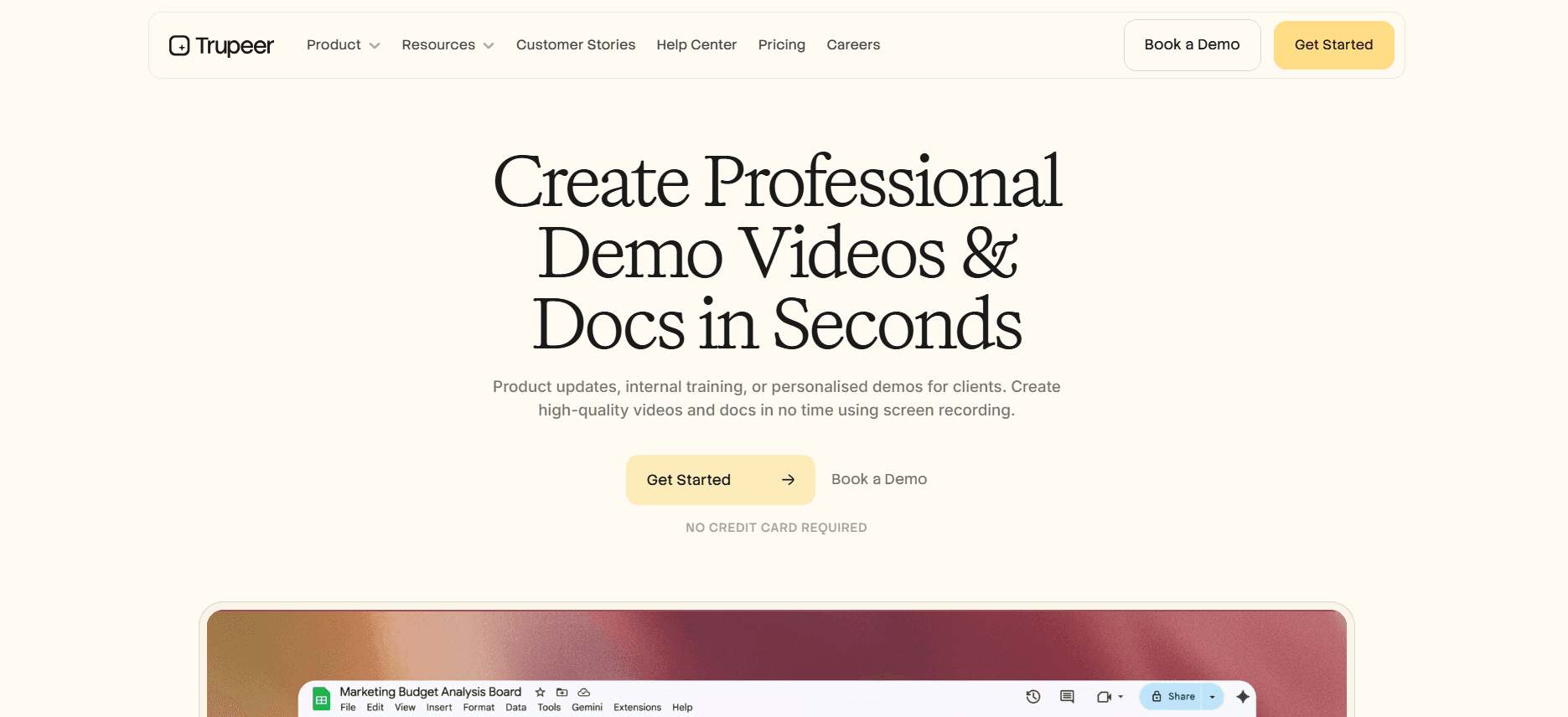
Best for: Role-specific training and SOPs every new hire needs.
Trupeer generates polished training videos and searchable SOPs from a screen recording. Managers record a five-minute "here's how we use Salesforce" walkthrough once, and Trupeer produces a video, SOP, and searchable doc every new hire in that role can use. Replaces the "I'll show you when you start" bottleneck that slows every hiring wave.
The platform stands out for its ability to smoothly integrate with existing systems, thus ensuring that your employees have a consistent and cohesive experience from day one. With Trupeer, you're not just creating content; you're building a repository of knowledge that grows with your organization, adapting to the changes in your processes and tools.
Pros: Fast content creation, content reusable across hires, searchable library, per-user pricing.
Cons: Not an HRIS; pair with Workday/BambooHR for compliance.
2. Workday Onboarding
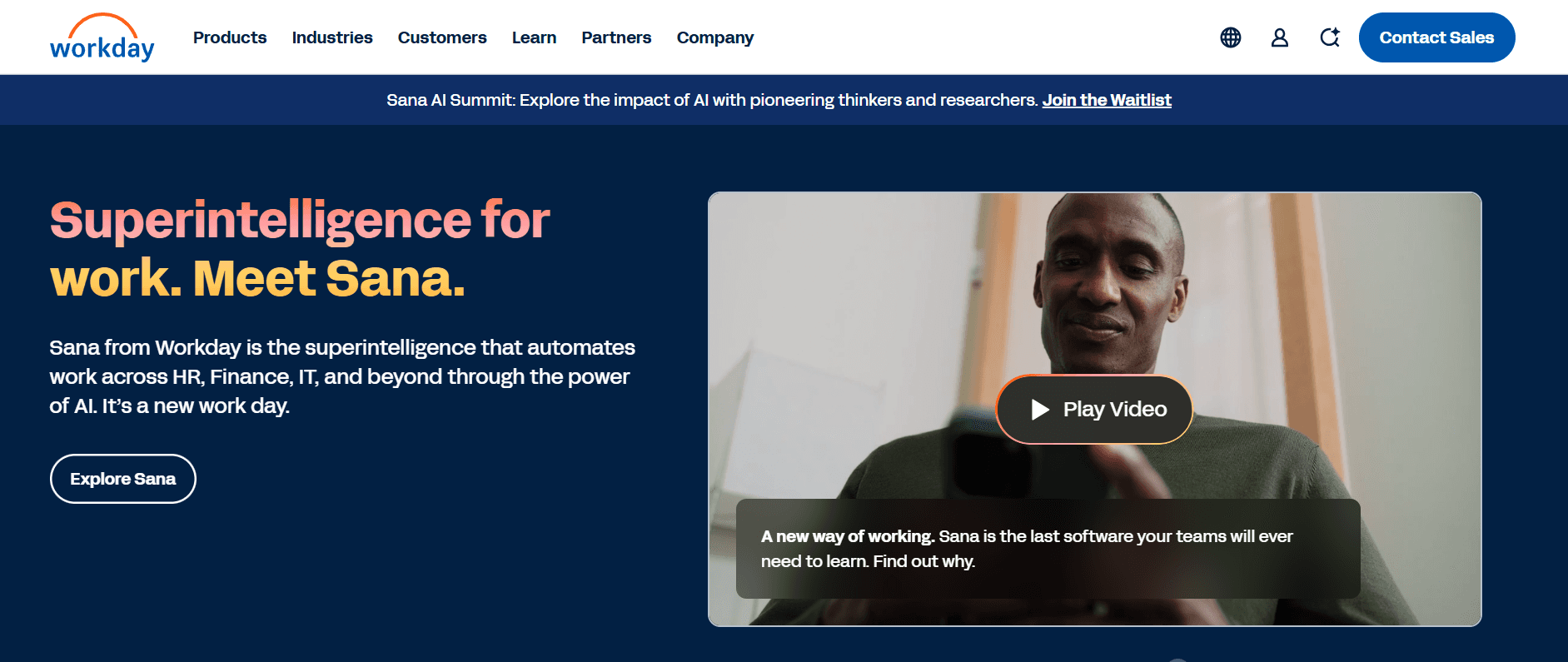
Best for: Enterprises already on Workday HCM.
Bundled with Workday, covers forms, I-9s, IT provisioning requests. The "productive first day" layer is weaker.
Workday Onboarding excels at integrating with other Workday modules, offering a smooth experience for HR teams looking to manage everything from recruitment to retirement on a single platform. However, its strength in compliance management can sometimes overshadow the need for more personalized training programs that truly engage new hires.
Pros: Native Workday integration, enterprise security.
Cons: Compliance-focused; productivity-focused content needs another tool.
3. BambooHR
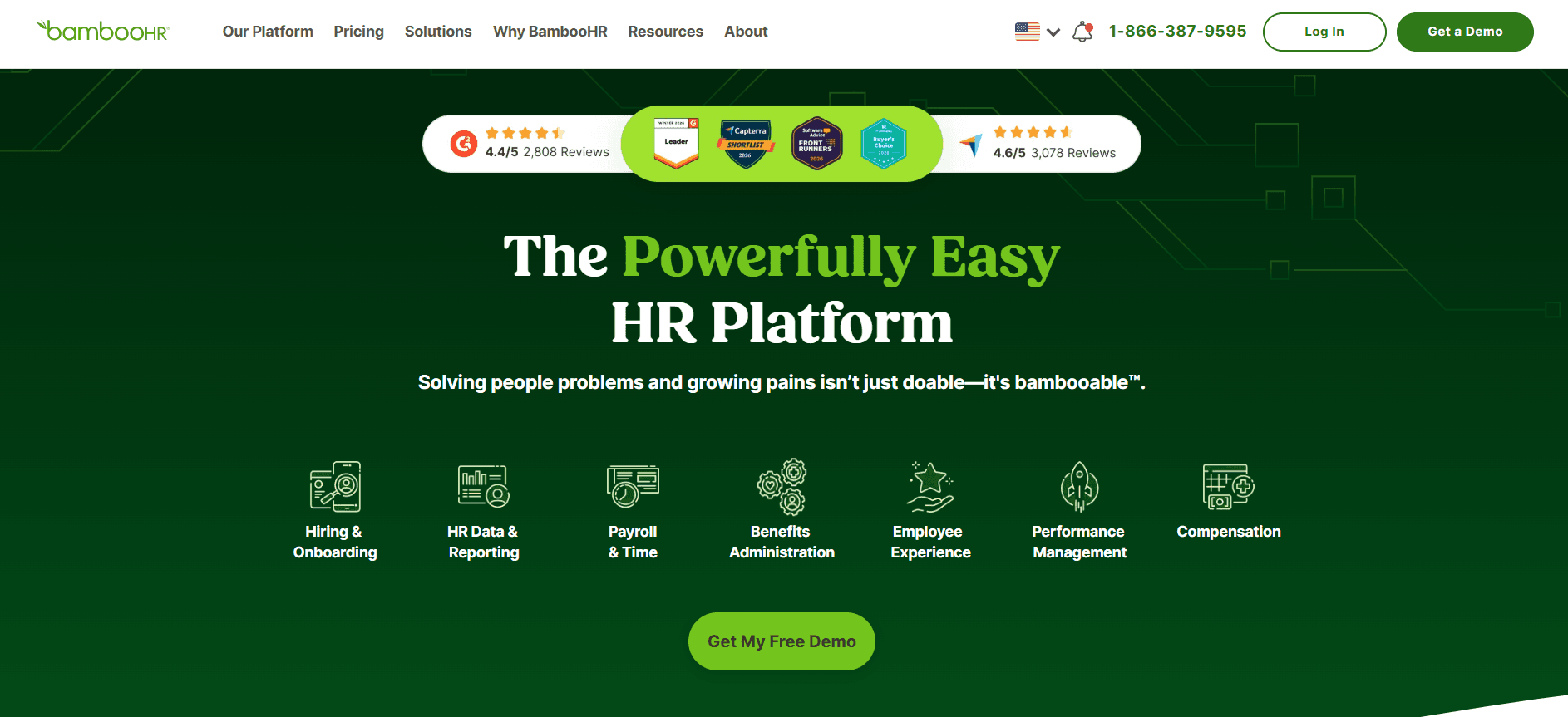
Best for: Mid-market HR teams.
BambooHR's onboarding is checklists and forms. Simple, reliable, mid-market-friendly.
For organizations that prioritize ease of use and want a straightforward onboarding solution, BambooHR provides an intuitive interface that simplifies the onboarding process. However, the lack of in-depth learning content means that it should be paired with more solid content delivery tools for complete onboarding solutions.
Pros: Easy to deploy, clean UI.
Cons: Thin on learning content; no video or structured training.
4. Rippling
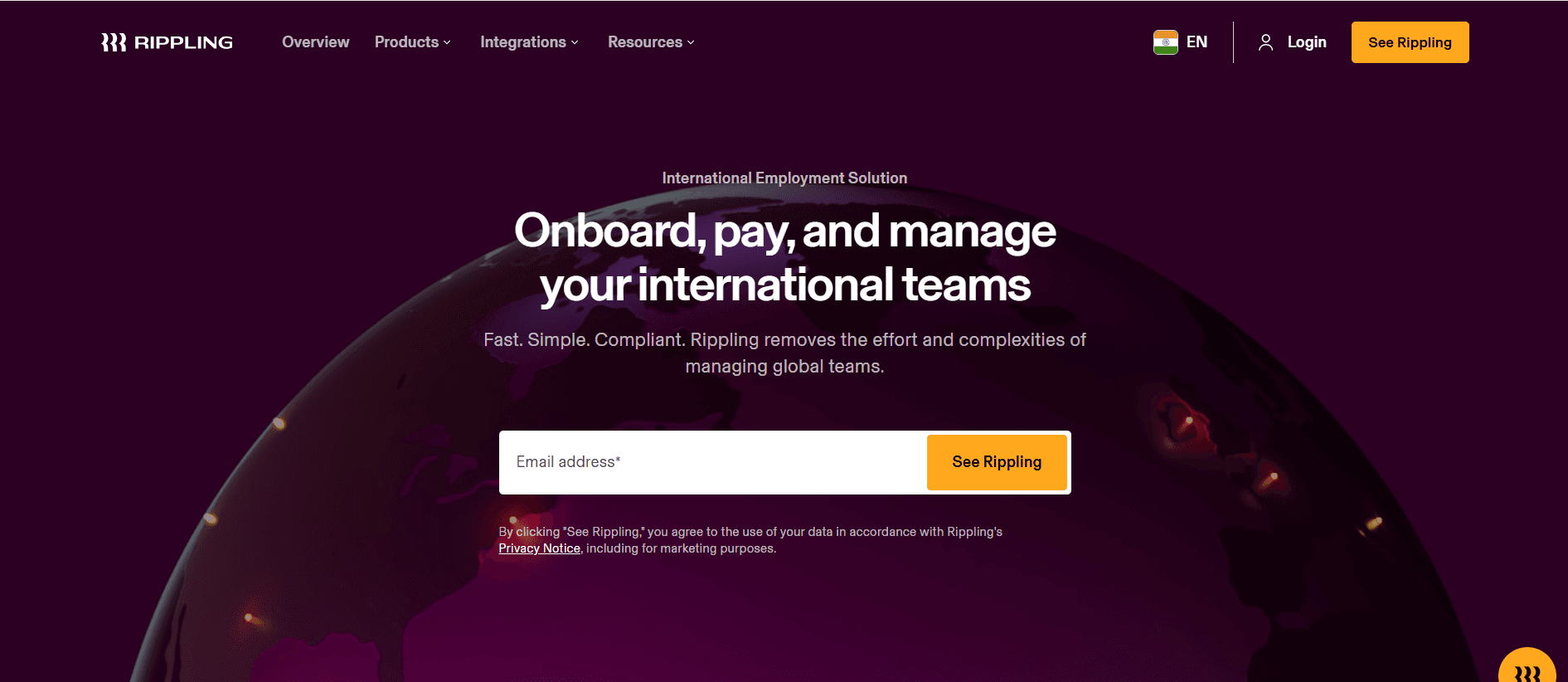
Best for: Modern companies wanting IT + HR together.
Rippling's onboarding provisions laptops, accounts, and apps automatically. Strong for remote companies where physical provisioning is hard.
Rippling's integration of IT and HR functions makes it ideal for tech-savvy companies that need to manage onboarding in a cohesive and efficient manner. However, as it focuses on IT provisioning, it may require additional tools to deliver comprehensive training content.
Pros: IT + HR integration, automated provisioning.
Cons: Learning content is light.
5. Notion
Best for: Startups documenting onboarding in a wiki.
Notion isn't really onboarding software but many startups use it that way. Fine early; doesn't scale for structured programs.
Notion's flexibility allows startups to set up customized onboarding processes quickly, but its lack of structured content delivery, tracking, and analytics means it struggles to meet the needs of growing organizations. It's an excellent stopgap but not a long-term solution for scalable onboarding.
Pros: Cheap, flexible.
Cons: No tracking, analytics, or certifications.
6. Mindtickle
Best for: Sales new-hire onboarding.
Mindtickle runs formal sales onboarding with certifications and assessments. Overkill for non-sales roles.
Mindtickle shines in environments where sales readiness is critical, offering a wealth of features designed to ensure that sales teams are equipped to hit their targets. However, its specialization means it may not be the best fit for organizations seeking a broader application across different roles.
Pros: Strong sales readiness depth.
Cons: Narrow to sales; heavy platform.
7. Docebo
Best for: Enterprise LMS coverage.
Docebo is a full LMS that covers onboarding as one use case. Works when you need corporate learning at scale.
Docebo offers a comprehensive suite of LMS capabilities, making it suitable for large enterprises that need to manage extensive learning programs. While it excels at providing a full range of learning solutions, its onboarding capabilities might be excessive for teams focused on quick, role-specific ramp-up.
Pros: Enterprise scale, deep LMS features.
Cons: Heavy to deploy; overkill for onboarding alone.
8. Eduflow
Best for: Cohort-based onboarding programs.
Eduflow focuses on cohorts, peer interaction, and structured learning experiences. Good for large hiring waves.
Eduflow's emphasis on cohort-based learning makes it perfect for organizations that need to onboard groups of employees simultaneously, fostering a community learning environment. However, for organizations hiring sporadically, its strengths may not be fully realized.
Pros: Cohort mechanics, peer learning.
Cons: Less useful for trickle hiring.
In-depth analysis: what actually shortens time-to-productivity
Role-specific content beats generic
The single biggest lever on ramp is content that's specific to the role. An SDR's first week should look different from an engineer's. Most HR onboarding tools deliver the same 90-minute compliance training to everyone and let managers improvise the role-specific part. That improvisation is where ramp time goes to die. Managers are busy. They hand a new hire a Slack channel and a Notion page and hope for the best. The fix is a library of role-specific screen-recorded walkthroughs and SOPs that managers point to instead of rebuilding from scratch.
Teams that invest in role-specific content see time-to-first-contribution drop 30-50%. It compounds: every new hire in that role uses the same content, and the content gets better over time as managers add to it. The specificity of the training materials is what allows new hires to transition smoothly into their roles, as they're not wasting time learning irrelevant information but instead focusing on the tools and processes they'll use daily.
The 30-60-90 structure
Structured milestones work. Day 30: hire can do basic workflows independently. Day 60: hire has owned one project end-to-end. Day 90: hire is meeting the same expectations as peers. The structure creates accountability and gives managers a framework for checkpoints.
Without the structure, onboarding drifts. New hires don't know what's expected; managers don't know when to step back. The structure sounds bureaucratic but in practice it's the opposite; it lets both sides relax because the expectations are clear. This approach not only ensures clarity but also motivates new hires by providing them with tangible goals and a sense of progression as they integrate into their roles.
Async-first over live-meeting-heavy
Traditional onboarding is meeting-heavy. New hires sit through "intro to the team," "intro to the product," and "intro to our tools" as live sessions. Each one blocks the hire's day and takes the host's time. Async content (video, SOP, docs) lets new hires move at their own pace and frees managers for the conversations that actually need a human. Live meetings should be reserved for relationship-building and questions, not content delivery.
The async model enables new hires to absorb information when they're most receptive, reducing the cognitive load that comes with back-to-back meetings. This flexibility leads to better retention of information and a more personalized onboarding experience, as new hires can revisit materials as needed.
Challenges teams hit
Onboarding owned by HR, productivity owned by manager. The handoff is where things break. Name an onboarding owner per role.
When HR manages onboarding and passes off productivity to managers without clear ownership, the transition can be rocky. Assigning a dedicated onboarding owner for each role ensures accountability and continuity throughout the process, reducing the risk of new hires falling through the cracks.
Content goes stale. Tools and processes change; onboarding content doesn't catch up. Refresh quarterly.
Stale content is a common pitfall as organizations evolve. A quarterly review and update of onboarding materials help keep the content relevant, ensuring that new hires receive the most current and useful information to perform their roles effectively.
Over-bureaucratized. Too many forms, too little work. Strip to the minimum compliance set and front-load real work.
Excessive bureaucracy can stifle the onboarding process, turning it into a check-the-box exercise rather than a meaningful introduction to the company. simplifying the process to focus on essential compliance requirements while prioritizing practical, hands-on work can lead to a more engaging and productive experience.
Buddy systems without teeth. Buddies get assigned, then ignored. Give buddies a real checklist and 30 minutes of their manager's time to actually do the job.
Buddies can be an invaluable resource for new hires, but only if they're given the tools and time to be effective. Providing buddies with a clear checklist and dedicated time ensures that they can offer meaningful support and guidance to new employees.
Remote onboarding treated like in-office. Remote hires need more structured async content and scheduled check-ins. The "just drop by my desk" model doesn't translate.
Remote workers face unique challenges that require a tailored onboarding approach. Structured async content, regular check-ins, and clear communication channels are essential for ensuring that remote hires feel connected and supported, even when they're not physically present in the office.
Must-have features
Role-specific learning paths tied to actual jobs. These provide new hires with a tailored roadmap that aligns with their specific responsibilities and expectations.
Video content for tool walkthroughs and cultural orientation. Videos offer a dynamic and engaging way to convey complex information and company values.
Searchable documentation for when new hires forget something. Access to a comprehensive knowledge base enables new hires to find answers independently.
Progress tracking managers can see without micromanaging. This feature allows managers to monitor progress while fostering an environment of trust and autonomy.
HRIS integration so new hires auto-enroll in onboarding paths. smooth integration ensures a smooth start and reduces administrative overhead.
Mobile access for field or hybrid workers. Flexibility in accessing onboarding materials is crucial for employees who are on the go or working remotely.
Feedback capture at 30/60/90 days to improve the program. Regular feedback loops provide insights into the onboarding experience and highlight areas for improvement.
Security and data residency for regulated industries. Ensuring that onboarding processes comply with industry regulations protects sensitive information and builds trust.
Use cases and personas
Sales onboarding: Leila, Director of Sales Enablement, 200-rep software company
Leila's new AEs ramped in 5 months on average. She built a 30-60-90 program using Trupeer for role-specific walkthroughs (Salesforce, pricing, demo), Mindtickle for certifications, and BambooHR for compliance. Ramp dropped to 2.5 months and year-one quota attainment climbed 23 points.
By focusing on role-specific content and structured milestones, Leila was able to significantly enhance the onboarding process for her sales team. The strategic use of Trupeer to provide detailed walkthroughs ensured that new hires were well-prepared for their roles, leading to a substantial increase in productivity and sales performance.
Engineering onboarding: Anthony, Engineering Director, 350-person tech company
Anthony's engineers took 10-12 weeks to ship their first production change. He added a Trupeer-generated library of architecture walkthroughs, internal-tool SOPs, and a structured 30/60/90. Median time-to-first-PR dropped to 4 weeks.
Anthony's approach to onboarding his engineering team highlights the importance of providing detailed, role-specific content from the outset. By using Trupeer's capabilities, he was able to simplify the process and dramatically reduce the time it took for new engineers to contribute meaningfully to projects.
Clinical staff: Fernanda, Learning Director, 3,000-employee hospital network
Fernanda needed to onboard 400 clinical staff per year on Epic and internal systems. Classroom training was a logistical nightmare. She shifted to async video + SOPs in Trupeer plus Docebo for certification tracking. Compliance completion hit 98% and clinical productivity milestones moved four weeks earlier. See the onboarding software guide for sector-specific fit.
Fernanda's transition from traditional classroom training to a more flexible, async model demonstrates the power of digital solutions in managing large-scale onboarding. By adopting Trupeer's toolset, she not only alleviated logistical challenges but also achieved higher compliance and productivity rates.
Best practices
Make onboarding a product. Iterate on it with feedback and metrics. Treating onboarding as a product means continuously refining it based on user feedback and performance data, ensuring it remains relevant and effective.
Invest in role-specific content. Generic training is a waste of everyone's time. Focused, detailed content tailored to specific roles provides new hires with the precise knowledge and skills they need to succeed.
Async-first, meetings for relationships. Don't deliver content in meetings. Prioritize asynchronous content delivery and reserve live meetings for building relationships and addressing specific questions or concerns.
Measure time-to-productivity, not completion. The business cares about output, not checklists. Evaluating onboarding success based on how quickly new hires become productive, rather than simply completing tasks, provides a more meaningful measure of effectiveness.
Refresh content quarterly. Tools and processes change; so should onboarding. Regular updates to onboarding materials ensure they reflect the latest tools, processes, and company information, keeping them relevant and effective.
Frequently asked questions
Do I need dedicated onboarding software if I have Workday?
Workday handles forms. You still need a content layer for "how to do the job." Most enterprises pair the two.
While Workday excels at managing compliance-related tasks, it doesn't cover the full spectrum of onboarding needs. Dedicated onboarding software complements Workday by providing the personalized training content necessary to effectively prepare new hires for their roles.
What's the fastest way to reduce ramp time?
Role-specific content on the tools new hires use daily. Generic training doesn't move ramp.
The quickest way to shorten ramp time is by focusing on creating and delivering content that's directly relevant to the new hire's role. This ensures that they're learning exactly what they need to know to be productive, without unnecessary distractions.
How much should I spend on onboarding software?
Budget 1-3% of new-hire compensation for content and tooling. Pays back through faster ramp.
Investing in onboarding software is not just an expense; it's a strategic investment in your workforce. By allocating 1-3% of new-hire compensation to onboarding tools, you can significantly improve ramp-up times, which ultimately translates to faster productivity and a healthier bottom line.
Should onboarding live in the LMS?
Onboarding needs tighter integration with HRIS and managers than most LMS tools offer. Dedicated onboarding + LMS for compliance usually beats LMS-only.
While an LMS offers valuable compliance and learning management features, onboarding requires deeper integration with HRIS and active involvement from managers to be truly effective. A dedicated onboarding tool, used in conjunction with an LMS, often provides the best of both worlds.
How do I onboard remote hires differently?
More structured async content, more scheduled check-ins, explicit buddy assignments, and earlier manager 1:1 cadence. See the Workday vs. Trupeer comparison for remote-friendly fit.
Remote hires need a tailored onboarding approach that includes structured asynchronous content, regular check-ins, and clear communication channels. Assigning buddies and scheduling frequent manager check-ins helps remote employees integrate into the company culture and their teams more effectively.
Final word
The ROI on good onboarding software is obvious: every new hire ramps faster, quality improves, and managers stop rebuilding the wheel. Pick tools based on your bottleneck (compliance, learning, or content) and pair them deliberately. The best programs use two or three tools that each do one job well, connected by a clear owner and measurable milestones.


