Trupeer Blog

Buyer's Overview
Documentation teams often find themselves bogged down in the minutiae of formatting and structure, spending upwards of 60-70% of their time on these repetitive tasks instead of focusing on the content itself. This inefficiency can lead to delays, inconsistencies, and a lack of focus on essential elements like accuracy and clarity.
According to a recent survey, 85% of documentation professionals reported that automation could significantly reduce their workload, allowing them to prioritize content quality.
This guide provides a comprehensive analysis of AI documentation tools that automate these labor-intensive processes. It's designed for documentation teams, technical writers, and anyone involved in creating user guides. Whether you're part of a SaaS company, a technical writing team, or a customer support center, you'll find insights on tools that can enhance your efficiency and output quality.
Best AI Documentation Tools: Head-to-Head Comparison
Feature | Trupeer | Scribe | Tango | Document360 | Notion AI | Confluence AI | GitBook AI | Archbee |
|---|---|---|---|---|---|---|---|---|
Core Features | ||||||||
AI Writing | Yes | Yes | Yes | Limited | Yes | Yes | Yes | Limited |
Auto Step Capture | Yes | Yes | Yes | No | Limited | No | Yes | Yes |
Screenshot Annotation | Yes | Yes | Yes | No | Limited | Yes | Yes | Limited |
AI Capabilities | ||||||||
AI Voiceover | Yes | No | Limited | No | Yes | No | No | Yes |
Video Generation | Yes | No | Limited | No | Yes | No | Yes | Limited |
Professional Features | ||||||||
Smart Templates | Yes | Yes | Yes | Limited | Yes | Yes | Limited | No |
Multi-language | Yes | Limited | No | Yes | Yes | Limited | Yes | No |
Integrations | ||||||||
API Integration | Yes | Yes | Limited | Yes | Limited | Yes | Yes | Limited |
Free Tier | Yes | Yes | Limited | Yes | No | Yes | Yes | No |
Trupeer

Trupeer is an AI-powered documentation tool designed for teams that need efficient, high-quality user guides. It excels in automating repetitive tasks, which allows users to focus on crafting engaging and accurate content. Ideal for technical writers, customer support teams, and SaaS companies, Trupeer offers robust features that streamline the creation process.
One of its standout features is the AI voiceover capability, which provides an added layer of interactivity to user guides. Trupeer also supports multi-language content creation, making it suitable for global teams. However, while its AI capabilities are extensive, some users may find the need for occasional manual editing to ensure precision.
Key Features
AI Writing
Auto Step Capture
Screenshot Annotation
AI Voiceover
Video Generation
Smart Templates
Multi-language Support
API Integration
"Trupeer has transformed how our team creates documentation. The AI voiceover and multi-language features are particularly invaluable."
Jane Doe, Product Manager at TechCorp (Source: Capterra)
Pros | Cons |
|---|---|
Comprehensive AI features enhance efficiency. | May require manual edits for complex content. |
Great for multi-language documentation. | Limited free tier options compared to competitors. |
AI voiceover adds interactivity. | Steeper learning curve for new users. |
Pricing
Trupeer offers a free tier with limited features. Paid plans start at $29 per user per month.
Scribe
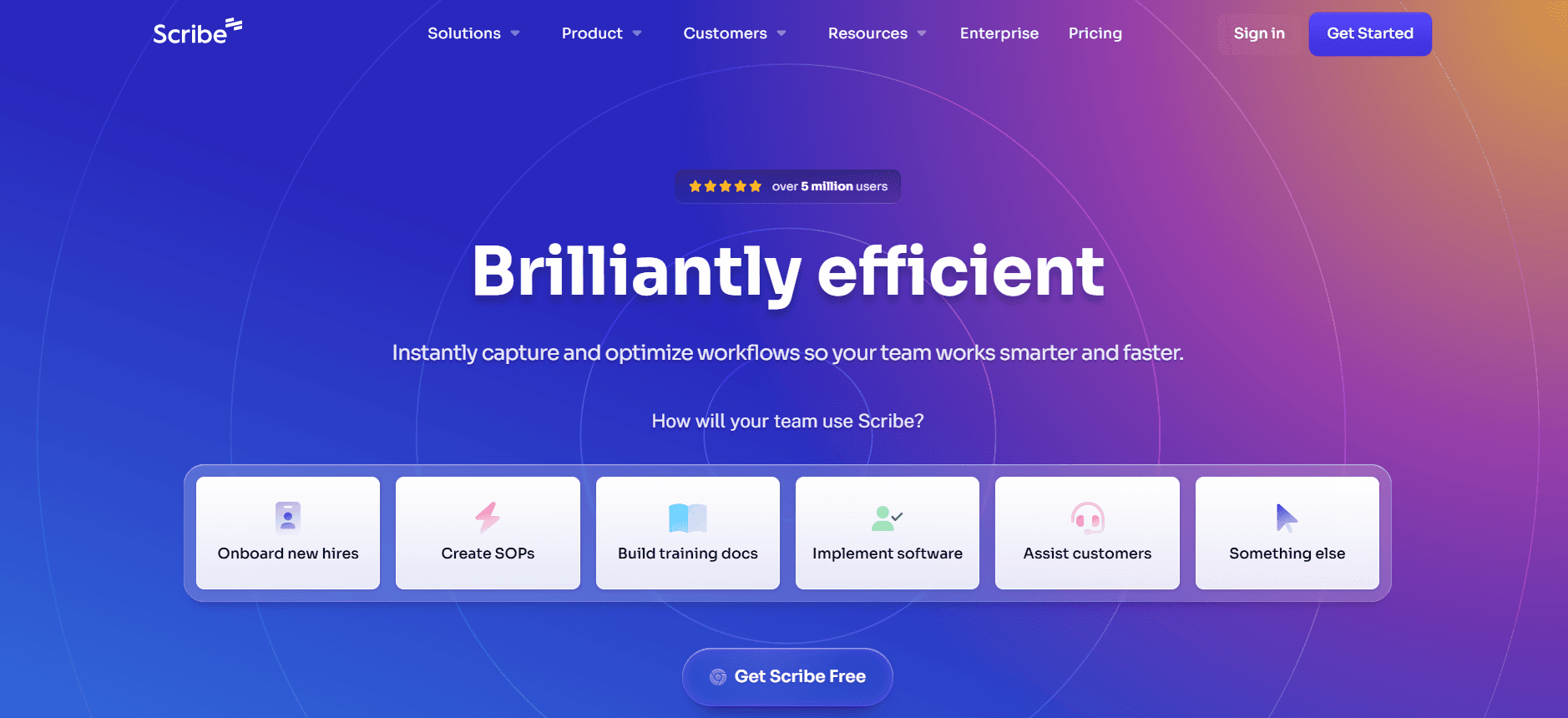
Scribe is known for its user-friendly interface and streamlined documentation processes. It's particularly suitable for small to medium enterprises that need a straightforward tool to create user guides without a steep learning curve. Scribe's auto step capture is one of its standout features, providing a seamless way to document processes and create guides efficiently.
However, Scribe lacks advanced AI features such as video generation and AI voiceover, which could be limiting for teams looking to create more interactive content. Despite this, it's a reliable choice for teams focused on text-based documentation.
Key Features
AI Writing
Auto Step Capture
Screenshot Annotation
Smart Templates
API Integration
Free Tier Available
Pros | Cons |
|---|---|
User-friendly interface is easy to navigate. | Lacks video and voiceover capabilities. |
Excellent auto step capture feature. | Limited AI capabilities compared to others. |
Affordable pricing plans. | Less ideal for global teams due to limited language support. |
Pricing
Scribe offers a robust free tier. Paid plans start at $15 per user per month.
Tango
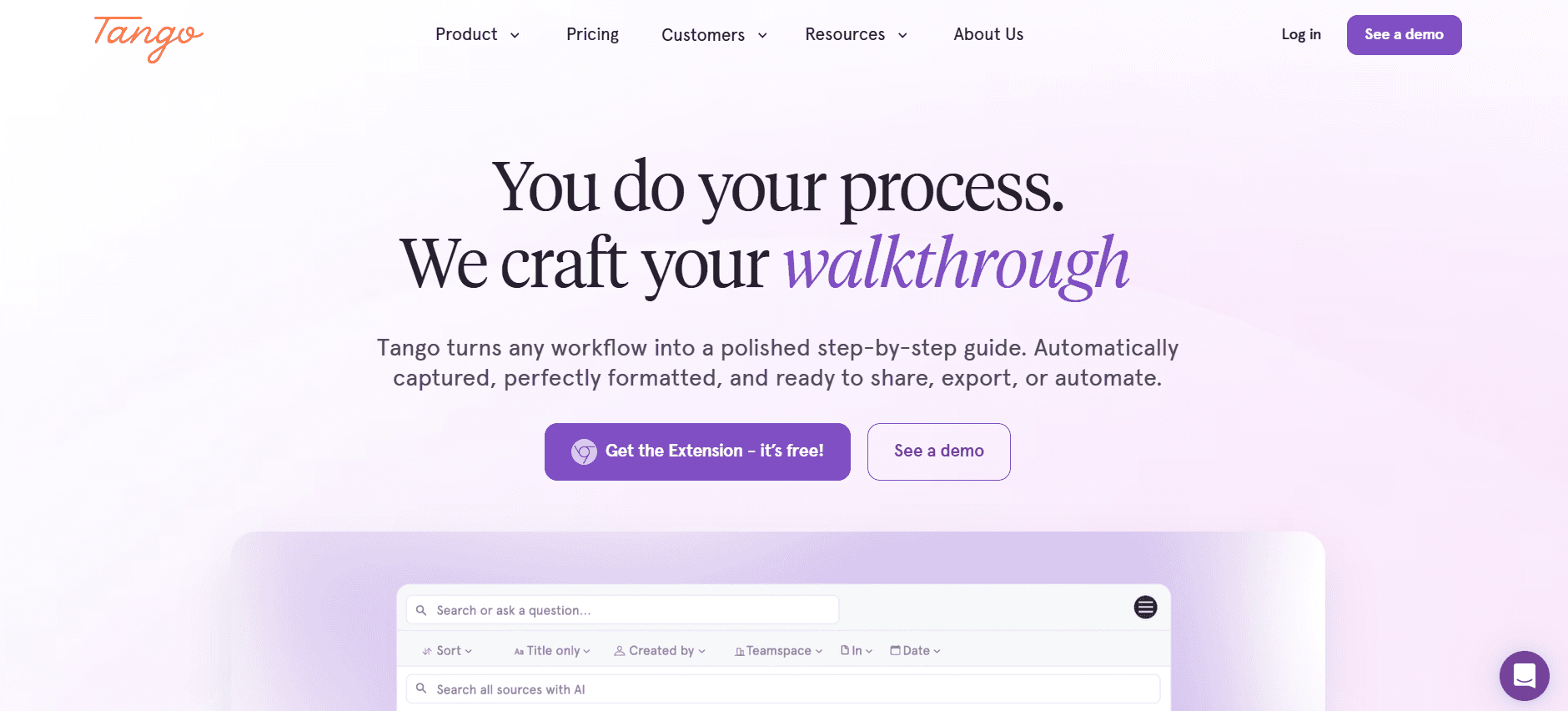
Tango is a versatile tool that offers unique features like automatic documentation of workflows and smart templates. It's perfect for teams that prioritize workflow efficiency and need a tool that can adapt to different documentation styles. Although its video generation capabilities are limited, Tango excels in creating clear, structured guides.
The tool is particularly useful for teams that need to document complex processes without extensive setup time. However, teams looking for comprehensive AI voiceover features might find Tango lacking in this aspect.
Key Features
AI Writing
Auto Step Capture
Screenshot Annotation
Smart Templates
API Integration
Limited Video Generation
Pros | Cons |
|---|---|
Excellent workflow documentation features. | Video generation capabilities are limited. |
Smart templates enhance productivity. | Lacks comprehensive AI voiceover options. |
Efficient for complex process documentation. | Not ideal for teams needing multi-language support. |
Pricing
Tango offers a limited free tier. Paid plans begin at $25 per user per month.
Document360
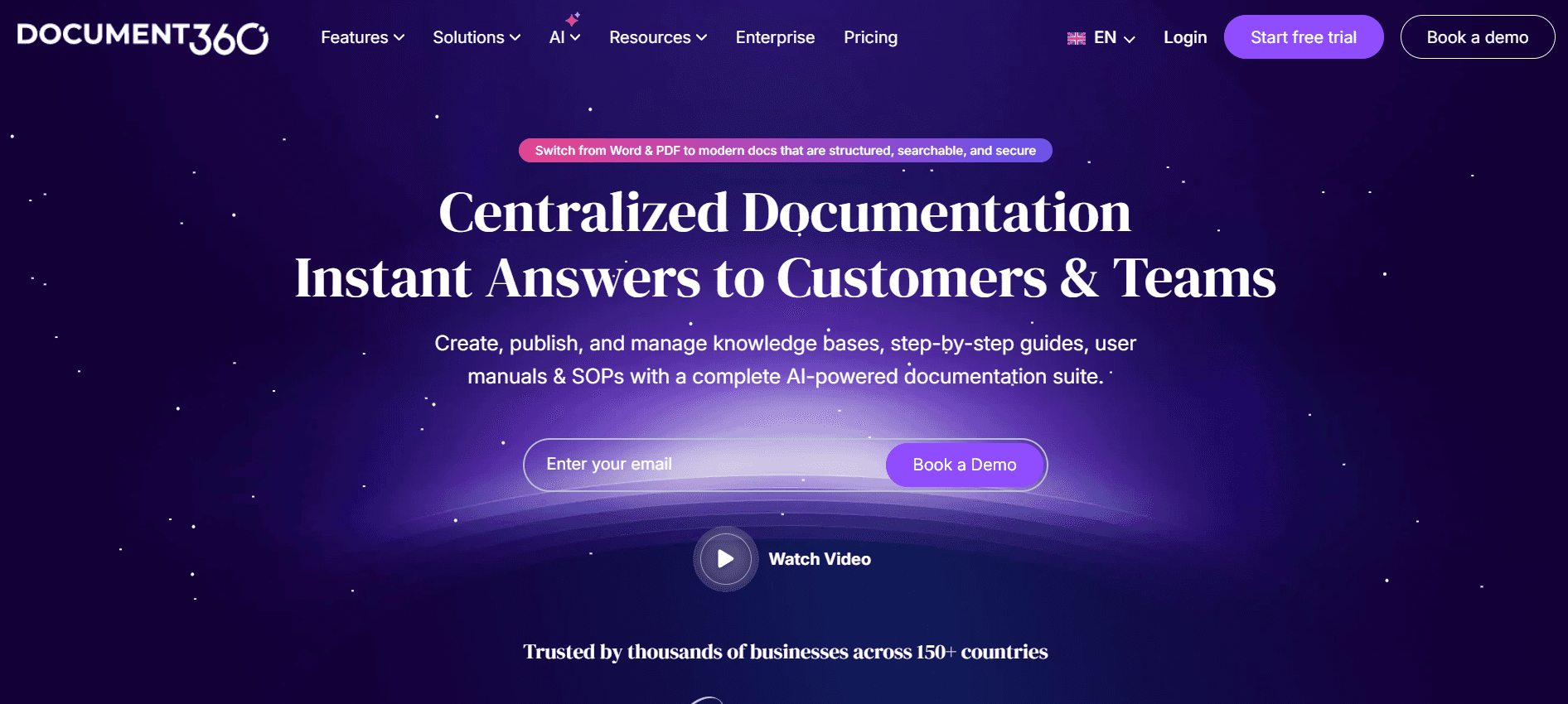
Document360 is tailored for teams that need a robust knowledge base platform. It's well-suited for organizations focused on building extensive documentation libraries. While it doesn't offer features like auto step capture or AI voiceover, Document360 excels in providing a structured environment for content management and collaboration.
Its strength lies in its ability to handle large volumes of information and integrate with other business tools. Document360 is ideal for teams that need a reliable platform for storing and organizing documentation but may not be the best choice for those looking for advanced AI features.
Key Features
AI Writing
Smart Templates
Multi-language Support
API Integration
Knowledge Base Management
Pros | Cons |
|---|---|
Excellent for building extensive knowledge bases. | No auto step capture feature. |
Robust content management capabilities. | Lacks AI voiceover and video generation. |
Seamless integration with other tools. | Limited AI capabilities for interactive content. |
Pricing
Document360 offers a free tier with essential features. Paid plans start at $49 per user per month.
Notion AI
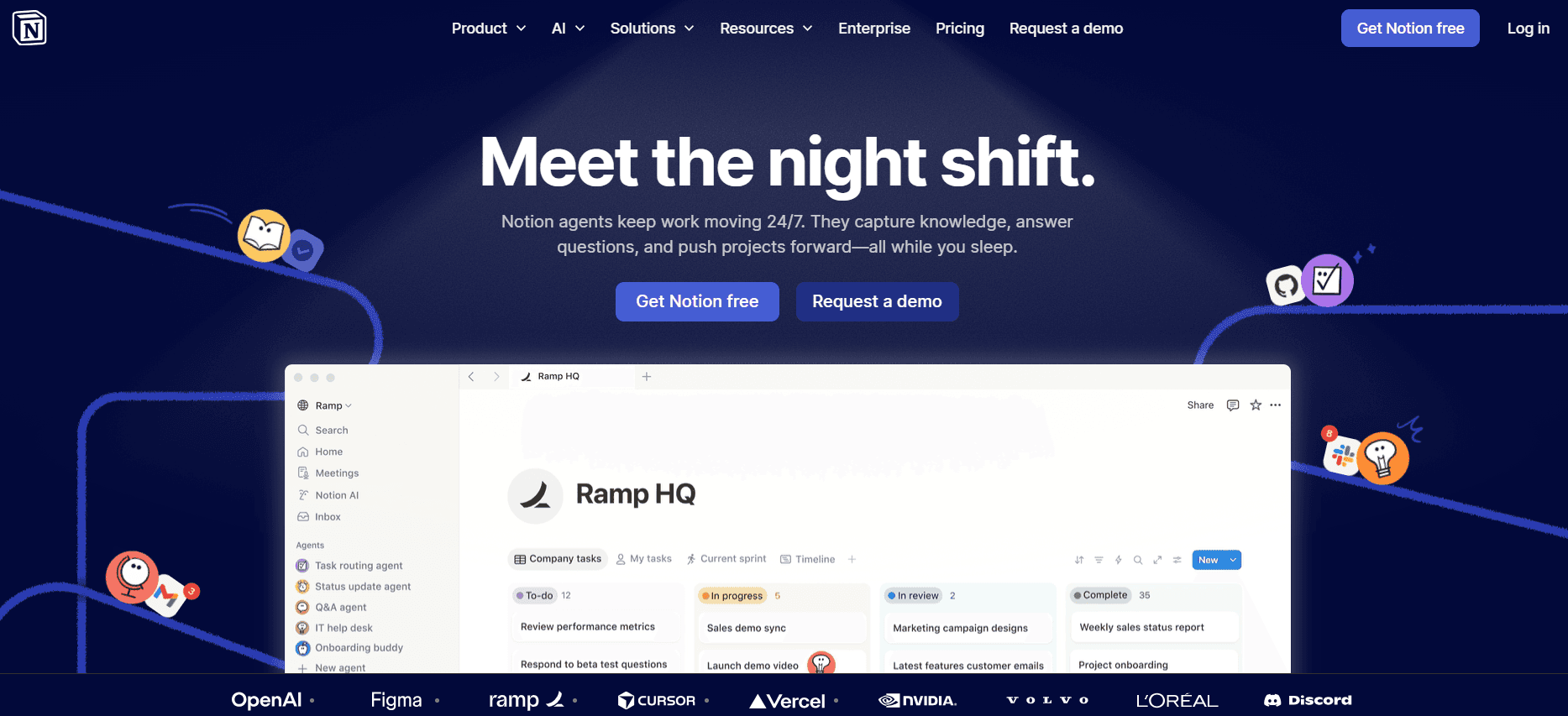
Notion AI brings a unique blend of documentation and collaboration tools, making it a favorite for teams that require flexibility and creativity in their workflow. It offers a full suite of AI-powered features that enable content creation, including AI writing and video generation.
While its integration capabilities are somewhat limited compared to other tools, Notion AI makes up for it with its creative approach to documentation, making it an excellent choice for teams that need a versatile tool. However, its lack of a free tier might be a barrier for smaller teams.
Key Features
AI Writing
Screenshot Annotation
AI Voiceover
Video Generation
Smart Templates
Pros | Cons |
|---|---|
Versatile tool for creative documentation. | Limited integration capabilities. |
Comprehensive AI features for content creation. | No free tier is offered. |
Great for teams needing flexibility. | May not be ideal for larger enterprises. |
Pricing
Notion AI does not have a free tier. Paid plans start at $40 per user per month.
Confluence AI

Confluence AI integrates seamlessly with other Atlassian products, making it an excellent choice for teams already using Jira or Trello. It focuses on enhancing team collaboration through intelligent content organization and AI-assisted writing features.
Although it lacks some of the more advanced AI capabilities like video generation, it provides a solid platform for collaborative documentation. Confluence AI is particularly effective for teams that rely heavily on Atlassian's ecosystem.
Key Features
AI Writing
Screenshot Annotation
Smart Templates
API Integration
Seamless Atlassian Integration
Pros | Cons |
|---|---|
Seamless integration with Atlassian products. | Lacks video generation capabilities. |
Ideal for team collaboration. | Limited AI voiceover features. |
Solid platform for organized documentation. | Not as feature-rich for interactive content. |
Pricing
Confluence AI offers a free tier with limited features. Paid plans start at $10 per user per month.
GitBook AI
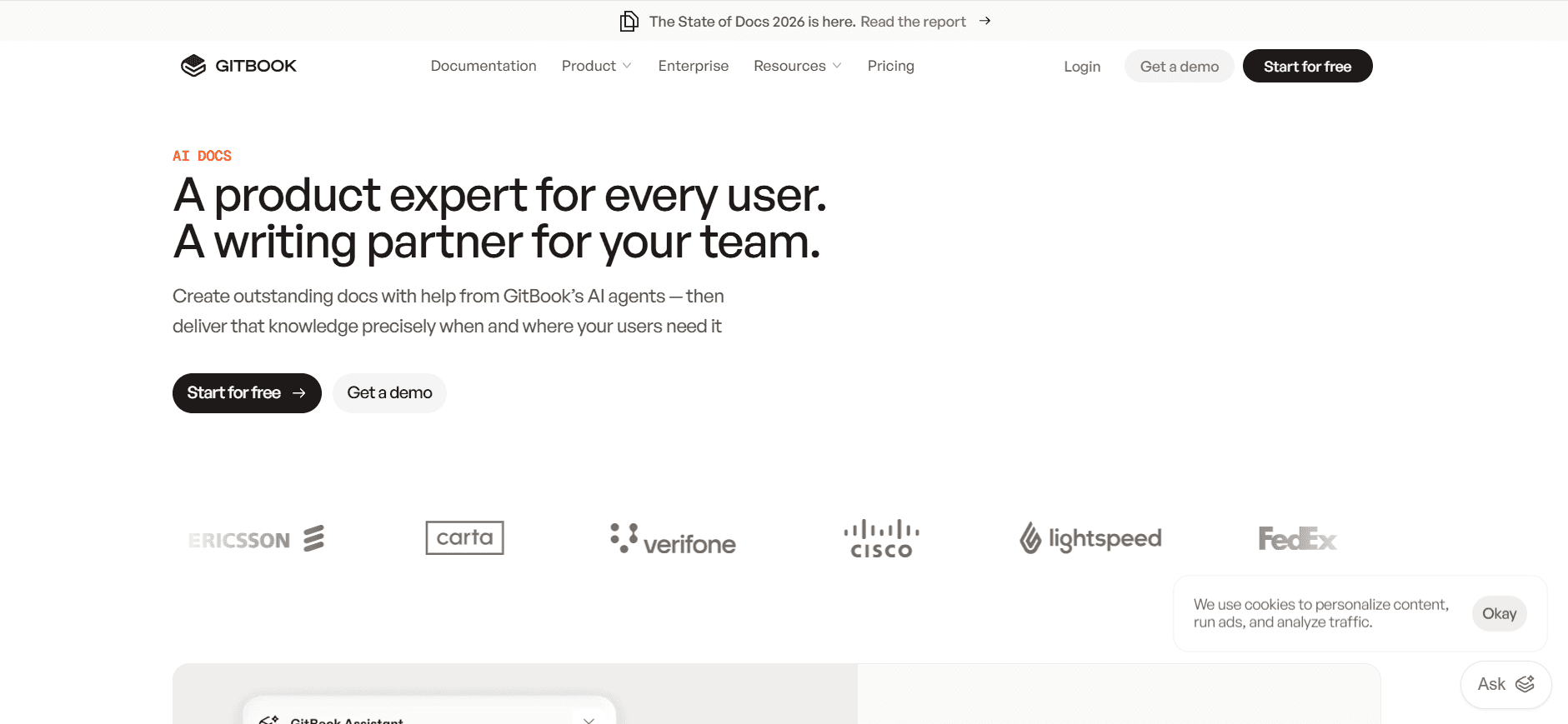
GitBook AI caters to developers and technical teams who require a straightforward documentation tool with an emphasis on developer-friendly features. Its strengths lie in its ability to provide a clean, structured environment for technical documentation, although it lacks advanced AI features like voiceover and video generation.
GitBook AI supports a variety of integrations, making it a versatile choice for development teams that need to document APIs and codebases. However, its limitations in AI capabilities might be a downside for teams looking for more interactive documentation options.
Key Features
AI Writing
API Integration
Smart Templates
Developer-friendly Interface
Code Snippet Support
Pros | Cons |
|---|---|
Excellent for technical documentation. | Lacks AI voiceover and video generation. |
Supports various developer integrations. | Not ideal for non-technical teams. |
Clean interface for structured content. | Limited interactive content features. |
Pricing
GitBook AI offers a free tier with essential features. Paid plans start at $19 per user per month.
Archbee
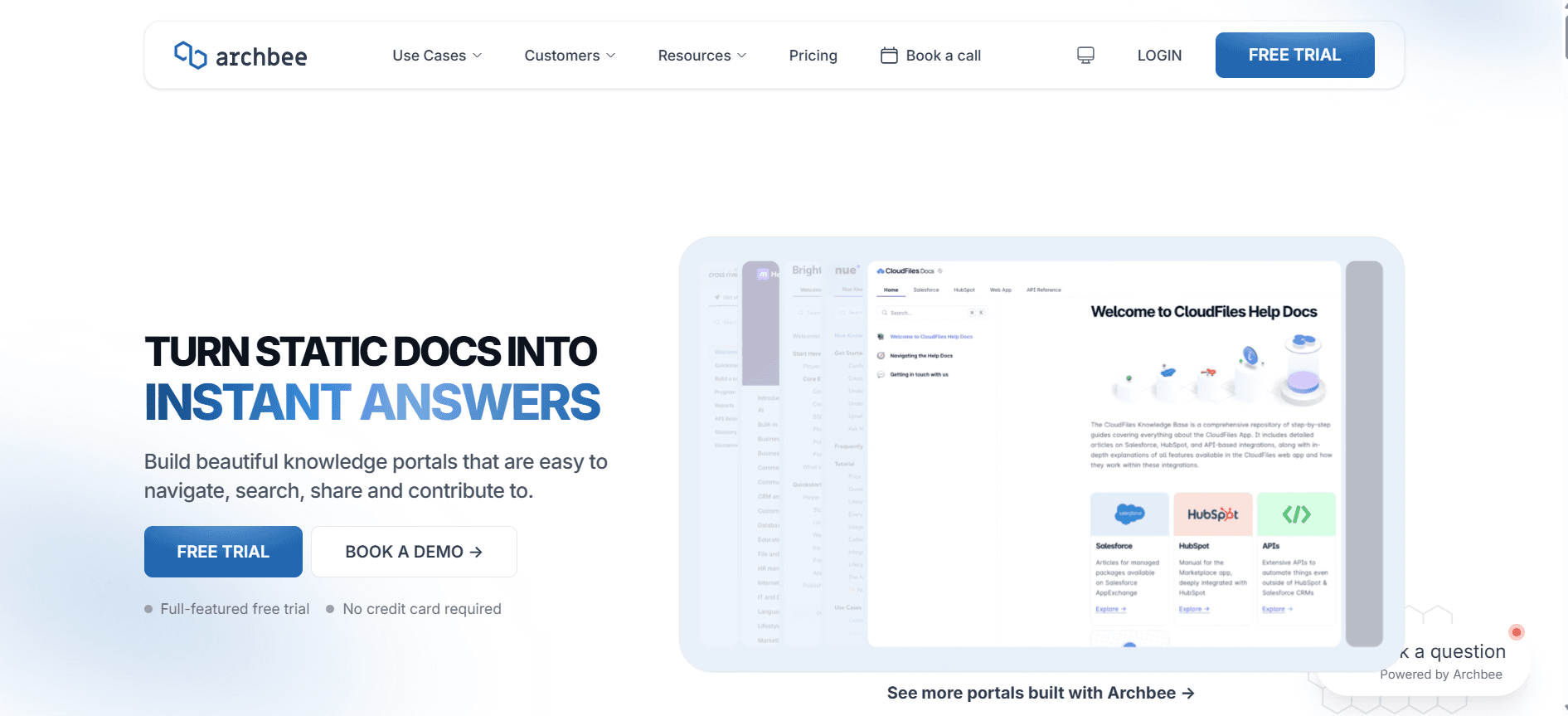
Archbee is designed for startups and smaller teams looking for an affordable documentation tool with a focus on simplicity and efficiency. It provides a straightforward set of features for creating and managing documentation, but may not support the depth of AI capabilities found in other tools.
While Archbee lacks advanced features such as AI voiceover and video generation, its ease of use and affordability make it a good choice for teams that need a no-frills documentation solution. However, those requiring more robust AI features might find it limiting.
Key Features
AI Writing
Auto Step Capture
Screenshot Annotation
Simple Interface
Affordable Pricing
Pros | Cons |
|---|---|
Affordable and simple to use. | Lacks advanced AI features. |
Good for small teams and startups. | No AI voiceover or video generation. |
Straightforward documentation management. | Limited integration capabilities. |
Pricing
Archbee offers a basic free tier. Paid plans start at $12 per user per month.
AI Documentation Tools Challenges: What Teams Struggle With
Creating First Drafts Takes Too Long
Even experienced writers can spend excessive time on initial drafts, leading to extended project timelines.
The process often involves starting from scratch, which can be daunting and time-consuming.
Manual content creation increases the risk of inconsistencies in tone and style.
Delays in drafting can push back editing and finalization stages, impacting overall productivity.
Keeping Documentation Current with Every Product Sprint
Rapid product updates require documentation to be updated just as quickly, which is challenging without automation.
Manual updates can lead to outdated or incorrect information being shared with users.
High frequency of changes can overwhelm documentation teams, leading to burnout.
Constant updates can divert focus from creating new content, affecting content planning.
Inconsistent Formatting Across Different Team Members
Different writers may use varied styles, leading to a lack of uniformity in documents.
Inconsistent formatting can confuse users and diminish the perceived professionalism of the content.
Manual formatting adjustments are time-consuming and prone to errors.
Lack of standardization can complicate future updates and revisions.
No Automatic Screenshot or Step-Capture Capabilities
Manually capturing and annotating screenshots is labor-intensive and prone to errors.
Without automation, documentation lacks visual aids, which can hinder user understanding.
Time spent on manual captures detracts from other high-priority tasks.
The absence of automated tools can lead to missed steps or inaccuracies in the documentation.
Translation and Localization Create Bottlenecks for Global Teams
Manual translation processes are slow and can delay the release of global documentation.
Inaccurate translations can lead to misunderstandings and inefficiencies.
Localization requires cultural sensitivity, which can be difficult to achieve manually.
Without automation, scaling documentation for multiple regions can be costly and complex.
Challenge | Traditional Process | Business Impact | Time Cost |
|---|---|---|---|
Creating First Drafts | Manual writing from scratch | Delays in content delivery | High |
Keeping Documentation Current | Manual updates post-sprint | Outdated information risk | High |
Inconsistent Formatting | Manual formatting | Unprofessional appearance | Medium |
No Automatic Screenshot Capture | Manual screenshot process | Reduced user comprehension | High |
Translation and Localization | Manual translation | Global release delays | Very High |
Must-Have Features in AI Documentation Tools
AI Writing and Auto-Completion
AI writing capabilities allow documentation teams to generate text quickly by providing suggestions or completing sentences automatically. This feature significantly reduces the time spent on drafting, allowing writers to focus more on content quality and accuracy. Tools like Trupeer excel in this area, offering advanced AI algorithms that adapt to the writer's style and tone to ensure consistency across documents.
Automated Step Capture from Screen Activity
This feature automatically captures screenshots and annotations as a user performs tasks, streamlining the process of creating step-by-step guides. It eliminates the need for manual screenshots and annotations, reducing the margin for error and increasing the accuracy of the documentation. Tools such as Scribe and Tango provide robust step capture functionalities that integrate seamlessly into the documentation workflow.
Smart Screenshot Annotation
Smart annotation tools enable users to highlight key elements in screenshots effectively, enhancing user understanding. This feature is crucial for creating technical guides where visual aids are necessary to convey complex information. AI-powered annotation tools can recognize key areas of a screenshot and offer annotation suggestions, saving time and improving visual consistency. Trupeer and Scribe are known for their intuitive annotation features.
AI Voiceover Generation for Video Docs
Adding a voiceover to documentation videos can greatly enhance user engagement and comprehension. AI voiceover generation allows teams to create professional-quality audio without needing specialized voice talent. Notion AI leads in this feature, providing natural-sounding AI-generated voices that can be customized to fit the brand's tone and style.
One-Click Export in Multiple Formats (PDF, HTML, Markdown)
Flexibility in export options is essential for teams that need to distribute documentation across various platforms. One-click exporting capabilities save time and ensure that the content is consistently formatted across different formats. This feature is particularly beneficial for teams that operate in diverse environments or serve a wide range of audiences. Tools like Document360 and GitBook AI offer versatile export functionalities.
Multi-Language Support
For global teams, the ability to create documentation in multiple languages is a game-changer. Multi-language support allows for seamless translation and localization, ensuring that content is accessible to a broader audience. This feature helps overcome the bottlenecks associated with manual translations and enables quicker release of global documentation. Trupeer and Document360 provide strong multi-language capabilities tailored for diverse markets.
How to Choose AI Documentation Tools Based on Your Use Case
Product Documentation Teams at SaaS Companies
Product documentation teams in SaaS companies need tools that can keep pace with rapid development cycles. The ability to update documentation quickly as new features are released is crucial. These teams often face tight deadlines, requiring solutions that streamline updates and maintain consistency across documents.
Frequent product updates necessitate constant documentation revisions.
Consistency in tone and style is essential across multiple documents.
High-quality visuals and annotations are often required for complex features.
Tools with robust AI writing and auto-completion features.
Automated step capture for efficient updates.
Smart templates to maintain consistency.
Tool | AI Writing | Auto Step Capture | Smart Templates |
|---|---|---|---|
Trupeer | Yes | Yes | Yes |
Scribe | Yes | Yes | Yes |
Technical Writers and Content Operations
Technical writers need tools that offer precision and flexibility to create detailed documentation. They often deal with complex information that requires clear, concise presentation. The tools should support thorough editing and revision processes, allowing writers to polish content to a high standard.
High demand for accuracy and detail in documentation.
Need for tools that facilitate extensive editing and revisions.
Requirement for effective collaboration features.
Tools offering comprehensive AI writing and editing capabilities.
Collaboration features for seamless content operations.
Flexible export options for various formats.
Tool | Editing Features | Collaboration | Export Options |
|---|---|---|---|
Document360 | Yes | Yes | Yes |
Confluence AI | Yes | Yes | Limited |
Engineering and API Documentation
Engineering teams often require documentation tools that integrate seamlessly with development workflows. They need to document APIs and technical processes efficiently while ensuring that the documentation is precise and up-to-date. The ability to handle code snippets and technical content is essential.
Need for seamless integration with development tools.
High demand for precision in technical documentation.
Frequent updates to documentation as software evolves.
Tools with strong API integration capabilities.
Support for code snippets and technical content.
Automated update features for efficiency.
Tool | API Integration | Code Snippets | Automated Updates |
|---|---|---|---|
GitBook AI | Yes | Yes | Limited |
Archbee | Limited | Yes | No |
HR and Compliance Documentation
HR teams need tools that can handle sensitive information securely while ensuring that policies are communicated clearly and consistently. The ability to create multilingual documentation is often essential for global organizations. Tools must also support compliance requirements, providing secure access and revision history.
Handling of sensitive and confidential information.
Need for multilingual capabilities for global reach.
Compliance with data protection and regulatory standards.
Tools with strong security and compliance features.
Multi-language support for widespread communication.
Version control and secure access management.
Tool | Security Features | Multi-language | Compliance |
|---|---|---|---|
Trupeer | Yes | Yes | Yes |
Notion AI | Limited | Yes | Limited |
Best Practices for Creating AI-Enhanced User Guides
Before Creating Documentation
Define clear objectives for your documentation project to guide the content creation process.
Gather all necessary information and resources beforehand to streamline the writing process.
Choose the right tool based on your specific use case and team capabilities.
Establish a style guide to ensure consistency in tone, style, and formatting across documents.
During the Documentation Process
Use AI writing features to draft content quickly and efficiently.
Take advantage of automated step capture and annotation tools to enhance accuracy.
Collaborate with team members for feedback and revisions to improve content quality.
Utilize smart templates to maintain consistency and save time on formatting.
After Finalizing Documentation
Conduct thorough reviews to ensure accuracy and completeness before publication.
Export documentation in multiple formats to cater to different audience needs.
Implement a regular update schedule to keep documentation current with product changes.
Collect user feedback to identify areas for improvement and enhancement.
Frequently Asked Questions
What are AI documentation tools?
AI documentation tools are platforms that use artificial intelligence to automate the creation and management of user guides and other documentation. They offer features such as AI writing, automated step capture, and smart annotation to enhance efficiency and accuracy in documentation processes.
Who can benefit from using AI documentation tools?
AI documentation tools are beneficial for a wide range of teams, including product documentation teams, technical writers, engineering teams, HR departments, and customer support centers. They help streamline documentation processes and improve content quality.
How do AI writing features work?
AI writing features use machine learning algorithms to analyze text patterns and provide writing suggestions or complete sentences automatically. This helps writers generate content more quickly and maintain consistency in style and tone across documents.
What is automated step capture?
Automated step capture is a feature that records screen activity and creates a visual guide with screenshots and annotations. It simplifies the process of documenting complex workflows by capturing each step as it is performed.
Are there free versions of AI documentation tools?
Yes, many AI documentation tools offer free versions with limited features. These free tiers can be a good starting point for smaller teams or those looking to evaluate a tool before committing to a paid plan.
What factors should be considered when choosing a pricing plan?
When choosing a pricing plan, consider the size of your team, the specific features you need, and your budget. Evaluate whether the tool's capabilities align with your documentation requirements and whether the plan offers a good balance of features and cost.
How easy is it to integrate AI documentation tools into existing workflows?
Many AI documentation tools are designed to integrate seamlessly with existing workflows, offering API integration and compatibility with popular platforms. However, the ease of integration can vary, so it's important to evaluate each tool's capabilities and support options.
What support is available for onboarding and training?
Most AI documentation tools offer onboarding support and training resources, such as tutorials, webinars, and customer support. It's important to take advantage of these resources to ensure a smooth implementation and maximize the tool's potential.
Conclusion
Choosing the right AI documentation tool can transform the way your team creates and manages user guides. By leveraging advanced features like AI writing, automated step capture, and smart templates, you can enhance efficiency and improve content quality. Whether you're part of a product documentation team, a technical writing group, or an HR department, there's a tool designed to meet your specific needs.
Trupeer is a leading option for those looking to streamline their documentation processes with robust AI capabilities and multi-language support. To learn more about how Trupeer can benefit your team, visit Trupeer today.


