Trupeer Blog

Buyer's Overview
Creating user guides is a daunting task for many teams. They often find themselves spending 8-12 hours crafting a single manual from scratch. This time-consuming process is not only inefficient but also results in guides that are outdated as soon as they're published. According to a recent study, 65% of companies reported that their user guides were outdated within six months of creation.
65% of companies find their user guides outdated within six months of publication.
This guide explores modern, AI-powered tools that can automate the creation of user guides, making the process faster and more reliable. It's designed for project managers, product developers, and documentation specialists who are looking to streamline their documentation processes and keep their user guides fresh and relevant.
Best User Guide Tools: Head-to-Head Comparison
Feature | Trupeer | Scribe | Document360 | Tango | Notion | Confluence | GitBook |
|---|---|---|---|---|---|---|---|
Core Features | |||||||
Auto-Capture Steps | Yes | Yes | No | Yes | No | No | Limited |
AI Writing | Yes | Yes | No | Limited | No | No | Yes |
Professional Features | |||||||
Video Support | Yes | No | Yes | Yes | Limited | No | No |
PDF Export | Yes | Yes | Yes | No | Limited | Yes | Yes |
Integrations | |||||||
Web Knowledge Base | Yes | Limited | Yes | No | Yes | Yes | Yes |
Version Control | Yes | No | Limited | Yes | No | Yes | Yes |
Team Collaboration | Yes | Yes | Yes | Limited | Yes | Yes | Yes |
Search | Yes | Yes | Yes | Limited | Yes | Yes | Yes |
Templates | Yes | No | Yes | Limited | Limited | Yes | Yes |
Free Tier | Yes | Yes | No | Yes | Yes | No | Yes |
Trupeer

Trupeer is designed to revolutionize the way teams approach user guide creation. Tailored for software developers and product managers, this tool excels in automating documentation processes. Trupeer's AI-driven platform captures steps directly from screen activity, ensuring accuracy and saving time. It offers a comprehensive suite of features that streamline the creation of user guides, reducing the need for manual input.
Key Features
AI-powered step capture
Automatic PDF and web exports
Integrated video support
Robust version control
Team collaboration tools
Extensive template library
Advanced search capabilities
Free tier available
"Trupeer has transformed the way our team documents processes, cutting our time spent by 50%!"
Pros | Cons |
|---|---|
Seamless integration with other tools. | Some learning curve for new users. |
Comprehensive AI capabilities. | Limited offline functionality. |
Excellent customer support. | Advanced features require a higher-tier plan. |
Pricing
Free tier available; paid plans start at $49 per user per month.
Scribe
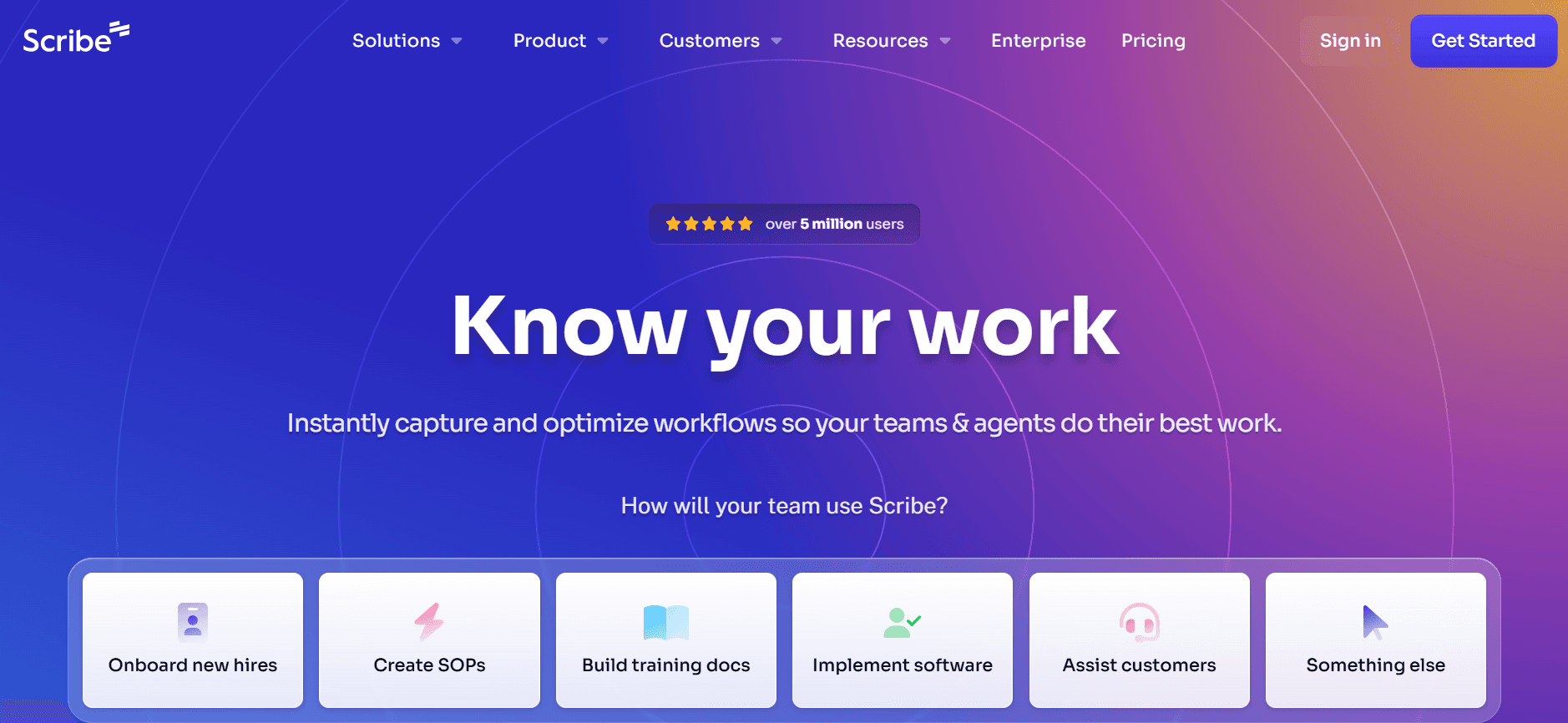
Scribe is an intuitive tool aimed at simplifying the process of creating user guides for educators and small business owners. It focuses on capturing steps and translating them into clear, concise instructions. Scribe shines in environments where quick, effective communication is key. However, it lacks some of the more advanced features found in other tools, which may be a limitation for larger organizations.
Key Features
Simple step-by-step capture
Instant PDF exports
Basic AI writing capabilities
Easy-to-use interface
Limited collaboration features
Customizable templates
Free tier with essential features
Mobile-friendly design
Pros | Cons |
|---|---|
Very user-friendly interface. | Lacks advanced AI features. |
Affordable pricing structure. | No video support. |
Quick setup and implementation. | Limited integrations available. |
Pricing
Free tier available; paid plans start at $10 per user per month.
Document360
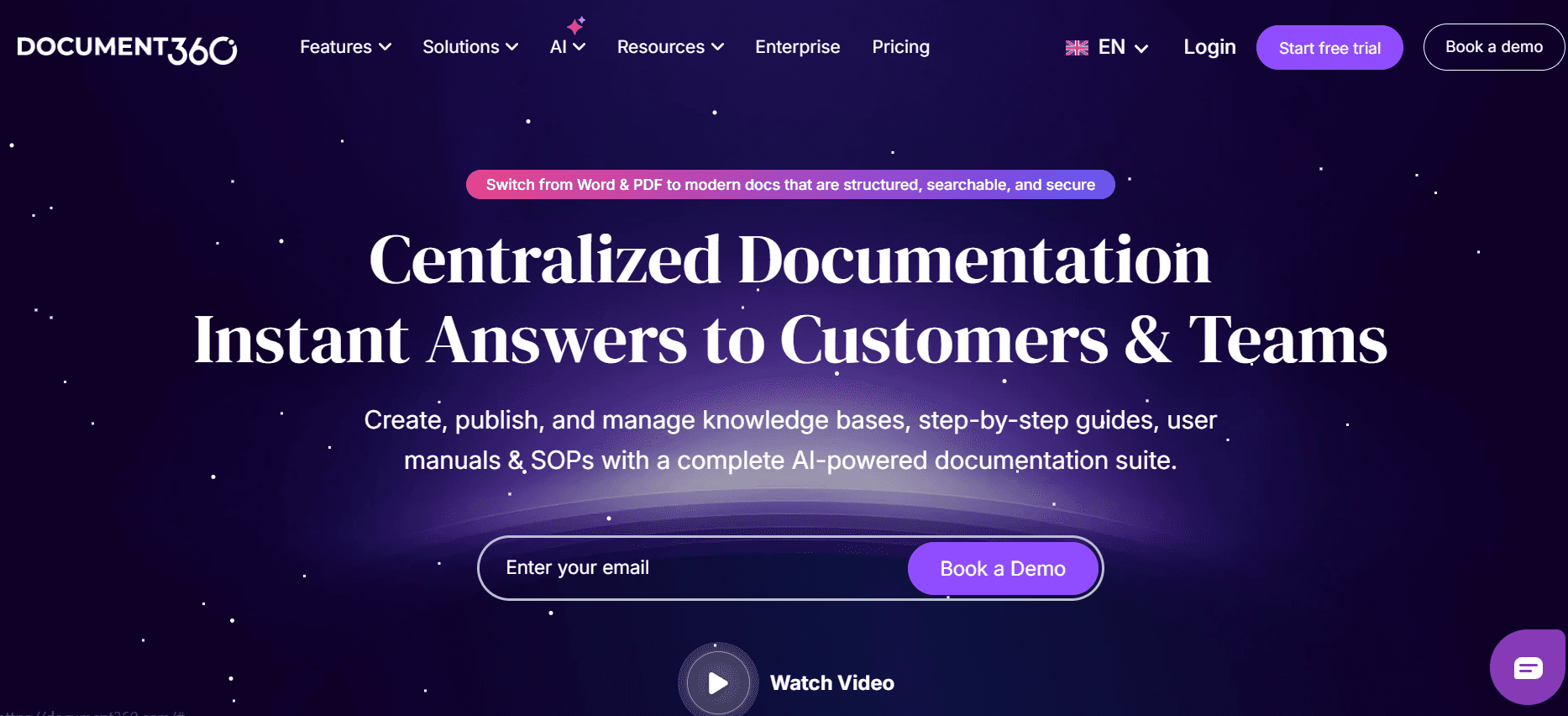
Document360 is a knowledge base software that caters to enterprises requiring a robust documentation platform. It's ideal for technical writers and customer support teams who need a centralized repository for information. Document360 excels in providing advanced search capabilities and a dedicated platform for managing large volumes of data. However, it might not be the best choice for smaller teams who don't require extensive functionality.
Key Features
Comprehensive knowledge base
Advanced search functionality
Multilingual support
Customizable themes
Extensive analytics and insights
Version control
Integration with third-party tools
High-level security features
Pros | Cons |
|---|---|
Excellent for large-scale documentation. | No free tier available. |
Powerful analytics tools. | Could be overwhelming for small teams. |
Strong support for multilingual content. | Higher pricing compared to basic tools. |
Pricing
No free tier; paid plans start at $99 per project per month.
Tango
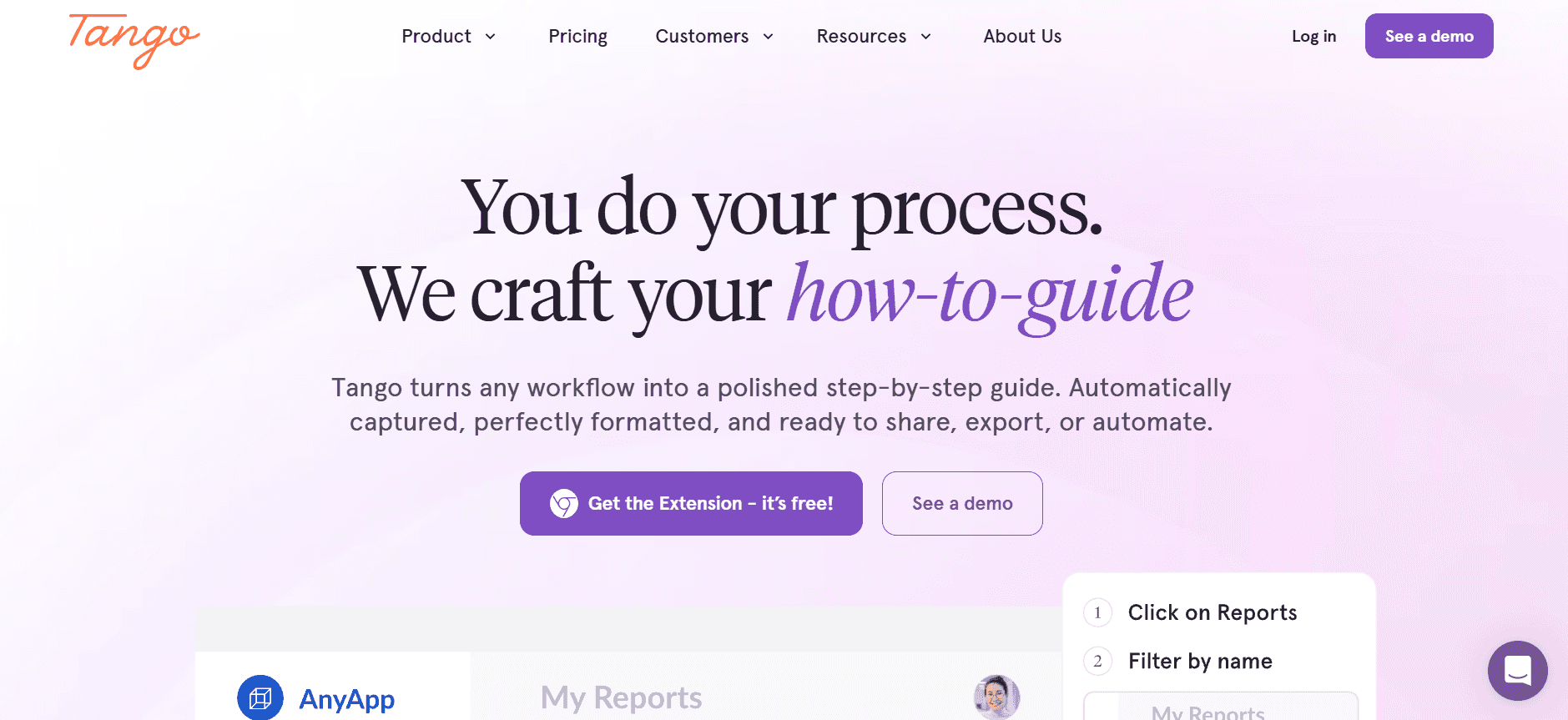
Tango is a straightforward tool designed for teams who need to create interactive user guides quickly. It's particularly useful for onboarding processes and training sessions, where interactive content can enhance user engagement. While Tango offers excellent video support, its limited feature set might not satisfy teams requiring more comprehensive documentation solutions.
Key Features
Interactive guide creation
Video support and integration
Simple user interface
Quick publishing options
Basic analytics
Collaborative editing
Limited step automation
Free tier with basic features
Pros | Cons |
|---|---|
Great for interactive content. | Limited feature set for advanced needs. |
Good video integration. | Basic analytics tools. |
Easy collaborative editing. | Limited AI capabilities. |
Pricing
Free tier available; paid plans start at $12 per user per month.
Notion
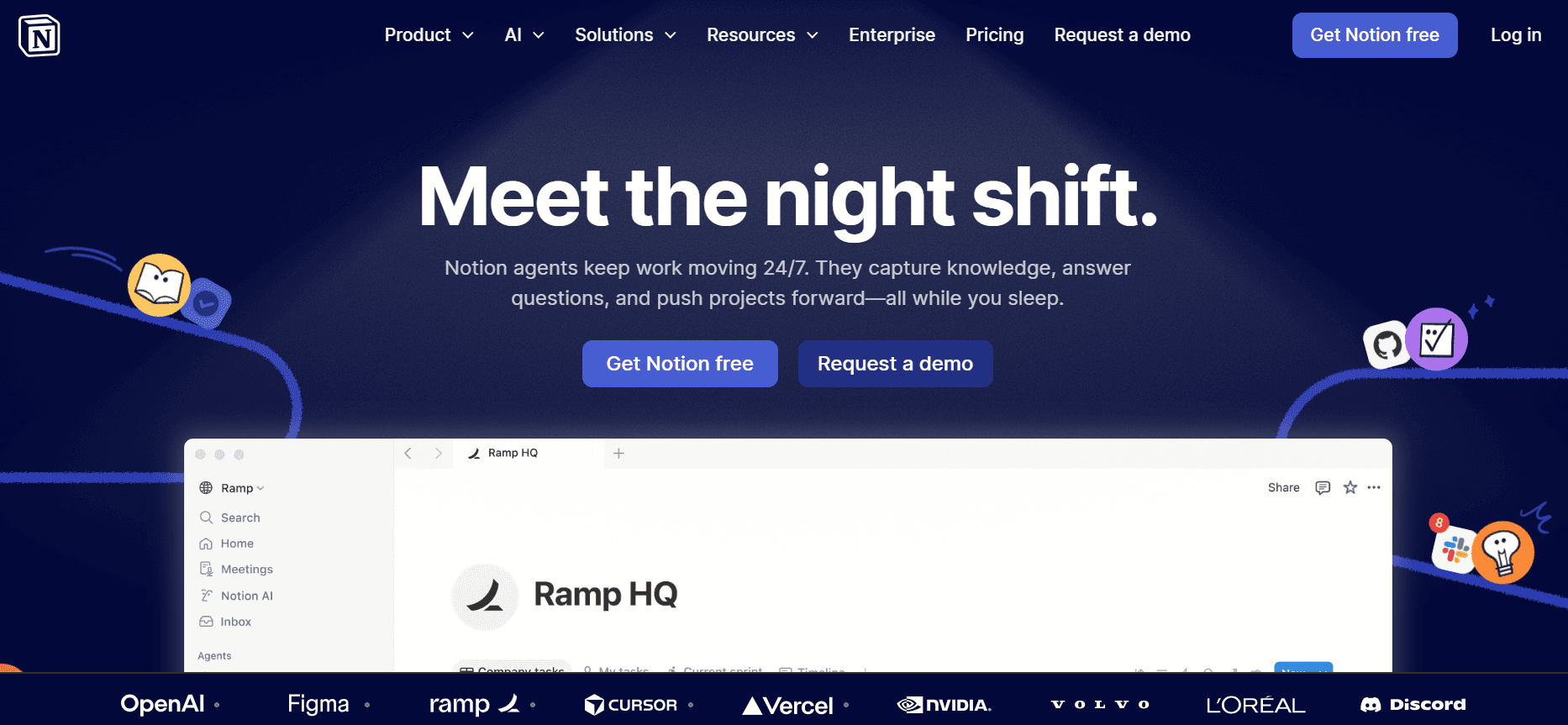
Notion is a highly versatile tool that can be used for creating a wide range of documentation, including user guides. It's best suited for teams who value flexibility and customization in their tools. Notion's strength lies in its ability to create interconnected databases and documents, but it may require additional setup and management time compared to more specialized tools.
Key Features
Highly customizable interface
Database creation and management
Basic markdown support
Integration with popular apps
Collaborative workspace
Freeform document creation
Limited template library
Basic export options
Pros | Cons |
|---|---|
Highly adaptable for different uses. | Requires time to set up and maintain. |
Strong collaborative features. | Limited export formats. |
Free personal plan available. | Basic AI features compared to other tools. |
Pricing
Free tier available; paid plans start at $8 per user per month.
Confluence
Confluence, developed by Atlassian, is a powerful tool for enterprise-level documentation and collaboration. It's especially useful for teams already using other Atlassian products like Jira. While it offers extensive integration options and strong collaboration capabilities, it might be less intuitive for users not familiar with Atlassian's ecosystem.
Key Features
Deep integration with Atlassian suite
Rich text editing tools
Extensive template options
Powerful search functionality
Version tracking
User permissions control
Collaborative editing
Robust security features
Pros | Cons |
|---|---|
Excellent for Atlassian users. | Complex for non-Atlassian users. |
Strong collaborative tools. | Higher pricing tiers for full features. |
Rich integration options. | No free version for enterprise features. |
Pricing
No free tier; paid plans start at $10 per user per month.
GitBook
GitBook is designed for developers and technical teams who need to create and maintain documentation efficiently. It offers a clean, developer-friendly interface that supports markdown, making it ideal for technical writing. However, its focus on markdown might not appeal to non-technical users who prefer more visual interfaces.
Key Features
Markdown support
Real-time collaboration
Version control
Customizable themes
Integrations with GitHub and other tools
SEO-friendly documentation
Public and private access options
Free tier with basic features
Pros | Cons |
|---|---|
Excellent for technical documentation. | Markdown may not suit all users. |
Great integration with developer tools. | Limited visual interface options. |
Free tier for small teams. | Not ideal for non-technical users. |
Pricing
Free tier available; paid plans start at $4 per user per month.
User Guide Challenges: What Teams Struggle With
Manual Documentation is Slow
Teams spend excessive hours capturing screenshots and formatting content.
Manual proofreading takes additional time, delaying publication.
Errors often creep in, requiring further rounds of edits.
Consistency is hard to maintain across different team members.
Content Becomes Outdated Quickly
Every product release necessitates updates to existing guides.
Teams struggle to keep pace with frequent software updates.
Outdated guides confuse users and lead to increased support queries.
Constant updates create a backlog of documentation tasks.
Poor Search and Findability for End Users
Users can't find the information they need quickly.
Search functionalities in many tools are subpar or nonexistent.
Inconsistent keyword usage across documents hampers searchability.
Frustrated users may abandon the guide, leading to support requests.
Siloed Documentation Across Tools
Information is scattered across various platforms like Notion, Word, and Google Docs.
Integrating documents into a single cohesive guide is challenging.
Changes in one document aren't reflected in others, leading to inconsistencies.
Teams waste time switching between different tools to gather information.
No Consistency in Format or Style
Different team members have varied writing styles.
Lack of standardized templates results in varied guide appearances.
Users find it hard to follow guides that lack a uniform style.
Inconsistent guides can damage the perceived professionalism of a brand.
Challenge | Traditional Process | Business Impact | Time Cost |
|---|---|---|---|
Manual Documentation | Manual screenshots, writing, and formatting | Delays in guide availability, increased errors | 10-15 hours per guide |
Outdated Content | Post-release manual updates | User confusion, increased support tickets | 5-8 hours per update cycle |
Poor Search Functionality | Limited search options in documents | User frustration, abandonment of guides | Variable, based on user needs |
Siloed Documentation | Documents scattered across platforms | Inconsistencies, inefficiencies | 3-5 hours to consolidate information |
Inconsistent Formatting | Varied styles and templates | Unprofessional appearance, user confusion | 2-4 hours for standardization |
Must-Have Features in User Guide Tools
Auto Step Capture from Screen Activity
Modern user guide tools should automatically capture steps as you perform them on-screen. This feature is crucial for reducing the time spent on manual entry and ensuring accuracy. Tools like Trupeer excel in this area, allowing users to create guides in real-time as they navigate their software. This feature saves teams hours of tedious work and reduces the chances of human error, leading to more reliable and consistent guides.
AI-Written Step Instructions
AI-generated instructions are transforming the way user guides are created. With AI, the nuances of technical language are automatically handled, producing clear and concise instructions. This feature is particularly useful for teams that may not have dedicated technical writers. Scribe, for example, utilizes AI to translate complex actions into simple, easy-to-understand steps, bridging the gap between technical and non-technical users while maintaining accuracy.
Video Embedding Alongside Text
Embedding videos within user guides enhances understanding and engagement. Videos provide a dynamic way to demonstrate complex processes, making it easier for users to follow along. Tango offers robust video support, allowing teams to include visual demonstrations with ease. This feature is indispensable for tutorials and step-by-step guides where visual context can significantly enhance the learning experience.
Multi-Format Export (PDF, Web, HTML)
Having the flexibility to export user guides in multiple formats is essential for meeting diverse user needs. Whether it's a PDF for offline use or an HTML page for web publishing, the ability to choose the right format ensures accessibility and ease of distribution. Trupeer and Document360 support a wide range of export options, making it simple to share guides across various platforms and devices, ensuring that users can access the information in the way that suits them best.
Version Control and Quick Update Workflows
Version control is critical for maintaining up-to-date and accurate documentation. It allows teams to track changes, revert to previous versions if needed, and ensure that everyone is working with the most current information. Confluence offers robust version control features, supporting quick updates and collaboration across teams. This feature is crucial for maintaining the integrity of documentation in fast-paced environments where information changes frequently.
Advanced Search Capabilities
An effective search function helps users find the information they need quickly and efficiently. Advanced search capabilities, like those offered by Document360, allow users to search across entire documentation sets, including keywords within video and image content. This feature improves the user's ability to navigate large volumes of information, reducing frustration and improving the overall user experience. For businesses, it means fewer support requests and more satisfied users.
How to Choose User Guide Tools Based on Your Use Case
Product User Manuals and Help Center Articles
For companies looking to enhance their customer support through comprehensive product manuals and help center articles, a tool that integrates with a knowledge base and supports multimedia content is essential. This helps ensure that users receive detailed guidance, reducing reliance on support staff.
Lack of cohesive documentation impacts customer satisfaction.
Users struggle with product adoption due to complex features.
High volume of support tickets due to unclear instructions.
Integration with existing help center platforms.
Support for multimedia content like video and images.
Robust search functionality for easier navigation.
Tool | Help Center Integration | Multimedia Support |
|---|---|---|
Trupeer | Yes | Yes |
Document360 | Yes | Yes |
Internal SOP Documentation
For companies needing to document Standard Operating Procedures (SOPs), choosing a tool that supports easy collaboration and version control is key. This ensures that all team members can access up-to-date procedures, which is critical for maintaining operational efficiency.
Outdated SOPs lead to operational inefficiencies.
Lack of access control can result in unauthorized changes.
Difficulty in tracking changes and updates.
Version control to track changes and updates.
Collaborative features for team input and feedback.
Access control to manage permissions.
Tool | Collaboration | Version Control |
|---|---|---|
Confluence | Yes | Yes |
GitBook | Yes | Yes |
IT System and Admin Guides
For IT teams, creating and maintaining system documentation requires tools with strong technical capabilities, such as markdown support and integration with developer tools. This ensures that the documentation is both comprehensive and accessible to technical staff.
Technical complexity of IT systems requires detailed documentation.
Need for integration with development environments.
Frequent updates are required as systems evolve.
Markdown support for technical documentation.
Integration with developer tools like GitHub.
Real-time collaboration for rapid updates.
Tool | Markdown Support | Developer Integration |
|---|---|---|
GitBook | Yes | Yes |
Trupeer | Yes | Yes |
Customer-Facing Knowledge Base
Businesses aiming to improve customer satisfaction should focus on tools that offer seamless integration with CRM systems and support for customized templates to maintain brand consistency. This helps in providing a consistent and professional user experience.
Inconsistent branding across user guides can confuse customers.
Disjointed integration with customer management systems.
Lack of analytics to measure guide effectiveness.
Customizable templates for branding consistency.
CRM integration for a unified customer experience.
Analytics to track user engagement and guide performance.
Tool | CRM Integration | Custom Templates |
|---|---|---|
Document360 | Yes | Yes |
Trupeer | Yes | Yes |
Developer and API Documentation
For teams focused on API and developer documentation, tools that provide detailed version control and support for code snippets are essential. This ensures that developers have access to accurate and up-to-date technical information.
Complexity in documenting APIs requires precision.
Frequent changes to APIs need quick documentation updates.
Need for clarity and detail in technical documentation.
Support for code snippets in documentation.
Robust version control for tracking changes.
Integration with code repositories like GitHub.
Tool | Code Snippet Support | Version Control |
|---|---|---|
GitBook | Yes | Yes |
Confluence | Limited | Yes |
Best Practices for User Guide Creation
Before Creating the Guide
Clearly define the purpose and audience for the guide.
Gather all necessary information and resources before starting.
Create an outline to organize content logically.
Set clear objectives and goals for the guide.
Assign roles and responsibilities to team members.
During the Guide Creation
Use tools to automate repetitive tasks like step capturing.
Incorporate multimedia elements to enhance understanding.
Write in clear, concise language suitable for the target audience.
Regularly review progress and adjust the plan as needed.
Encourage collaboration and feedback from team members.
After Publishing the Guide
Collect user feedback to identify areas for improvement.
Regularly update the guide to reflect product changes.
Monitor guide performance using analytics tools.
Ensure that the guide is easy to find and access.
Document lessons learned to improve future guide creation.
Frequently Asked Questions
What is a user guide?
A user guide is a document that provides instructions on how to use a product or service. It includes detailed steps, troubleshooting tips, and additional resources to help users get the most out of the product.
Why are user guides important?
User guides help reduce support costs by providing customers with the information they need to solve problems on their own. They also improve user experience by making it easier for customers to utilize the product effectively.
How does AI improve user guide creation?
AI can automate the process of capturing and documenting steps, reducing the time and effort required to create guides. It can also enhance accuracy by generating instructions based on real user interactions with the product.
Can I integrate user guide tools with other software?
Yes, many user guide tools offer integrations with popular software like CRM systems, development tools, and helpdesks. This integration streamlines workflows and ensures that documentation is easily accessible.
Are there free user guide tools available?
Yes, several tools offer free tiers with basic features. These are great for small teams or startups with limited budgets. For advanced features, you may need to consider paid plans.
What factors influence the cost of user guide tools?
Pricing is often based on the number of users, features included, and the level of support offered. Larger teams or those requiring advanced features may need to invest in higher-tier plans.
How long does it take to implement a user guide tool?
The implementation time varies depending on the tool and the complexity of your documentation needs. Some tools can be set up in a few hours, while others may require more extensive configuration and training.
What is the best way to train my team on a new user guide tool?
Provide your team with access to training materials and resources offered by the tool provider. Encourage hands-on practice and consider scheduling workshops or sessions to address specific questions and challenges.
Wrapping Up
Creating effective user guides is vital for improving customer satisfaction and reducing support costs. By leveraging the right tools, teams can automate much of the tedious work involved in documentation, ensuring that guides are accurate, up-to-date, and accessible. Whether you're documenting product manuals, SOPs, or technical guides, selecting the appropriate tool can transform your documentation process.
For a streamlined, AI-powered approach to user guide creation, consider using Trupeer. With its comprehensive features and ease of use, Trupeer can help your team produce high-quality documentation efficiently. Learn more at Trupeer.


