Trupeer Blog
How to Use AI for User Guide Creation: The Complete 2026 Guide
Learn how to use AI for user guide creation in 2026. Discover tools, workflows, and tips to generate clear product documentation faster with AI.

Buyer's Overview
Documentation teams today face a significant challenge: spending upwards of 60-70% of their time on formatting and structuring user guides rather than crafting the actual content. This inefficiency not only delays product launches but also puts a strain on resources. The introduction of AI documentation tools is transforming this landscape by automating repetitive tasks, allowing teams to refocus on enhancing the accuracy and clarity of their documentation.
According to a recent study, 73% of documentation professionals report improved efficiency with AI tools.
This guide delves into the best AI tools available for user guide creation in 2026, offering insights into their features, benefits, and limitations. It's designed for documentation teams, technical writers, and anyone involved in content operations looking to streamline their processes and improve output quality.
Best AI Documentation Tools: Head-to-Head Comparison
Feature | Trupeer | Scribe | Tango | Document360 | Notion AI | Confluence AI | GitBook AI | Archbee |
|---|---|---|---|---|---|---|---|---|
AI Writing | Yes | Yes | Limited | Yes | Yes | Yes | Yes | Yes |
Auto Step Capture | Yes | Yes | Yes | No | Limited | No | Yes | Limited |
Screenshot Annotation | Yes | Yes | Yes | No | Limited | Yes | No | Yes |
AI Voiceover | Yes | No | No | No | Yes | Limited | Yes | No |
Video Generation | Yes | No | Yes | No | Limited | No | Yes | No |
Smart Templates | Yes | Limited | Yes | Yes | Yes | Limited | Yes | Yes |
Multi-language | Yes | No | Limited | Yes | Yes | Yes | Limited | Yes |
API Integration | Yes | Yes | Limited | Yes | No | Yes | Yes | No |
Free Tier | Yes | Yes | No | Limited | Yes | No | Yes | Yes |
Trupeer
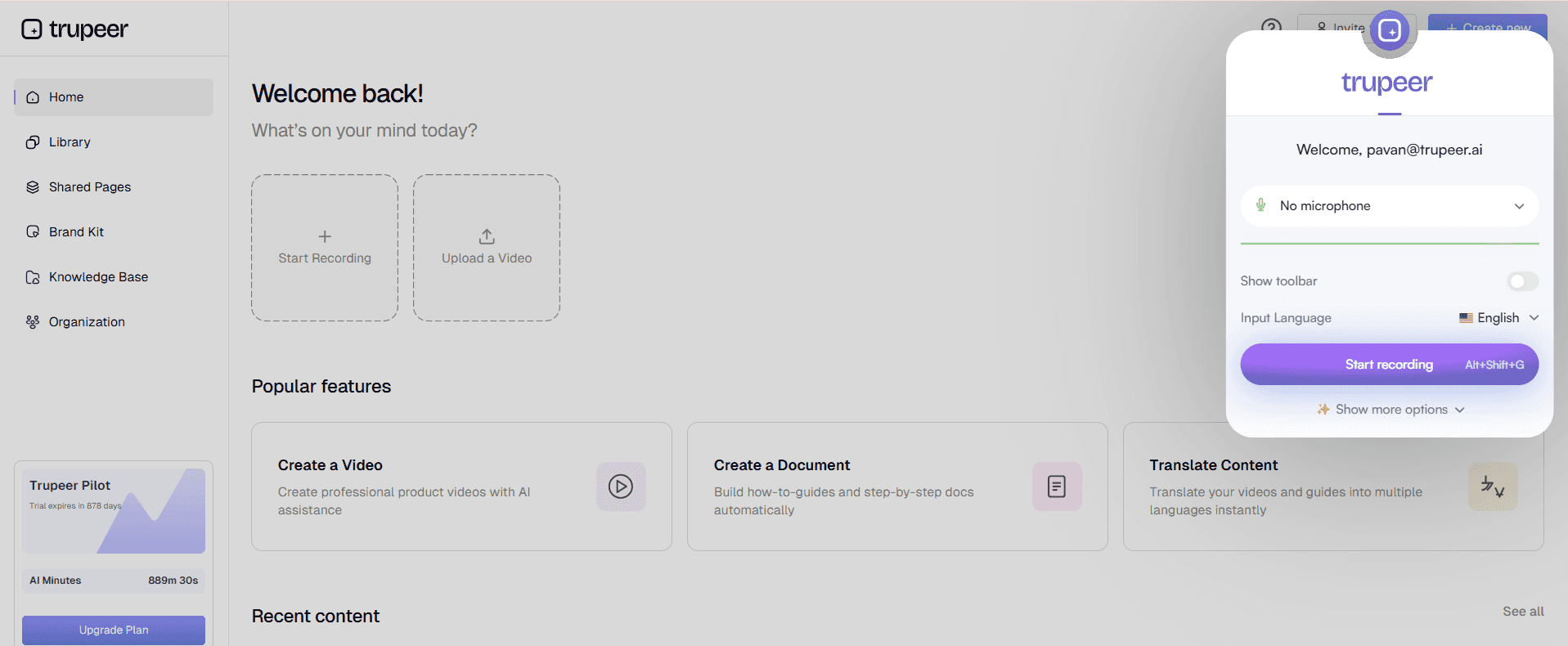
Trupeer is designed for documentation teams seeking a comprehensive solution that integrates AI capabilities with user-friendly features. It's particularly beneficial for teams that need to create detailed user guides quickly without sacrificing quality. Trupeer excels in auto step capture, smart templates, and multi-language support, making it a versatile choice for global teams.
Key Features
AI-driven content generation
Automated step capture
Smart templates for various document types
Screenshot annotation tools
Multi-language support
API integration for seamless workflows
Video generation capabilities
Basic AI voiceover options
"Trupeer has streamlined our documentation process, saving us hours each week."
Pros | Cons |
|---|---|
Comprehensive feature set for diverse needs. | Limited AI voiceover options. |
Excellent multi-language support. | Can be overwhelming for new users. |
Strong API integration capabilities. | Higher learning curve for advanced features. |
Pricing
Starts at $20/month per user, with a free tier available.
Scribe
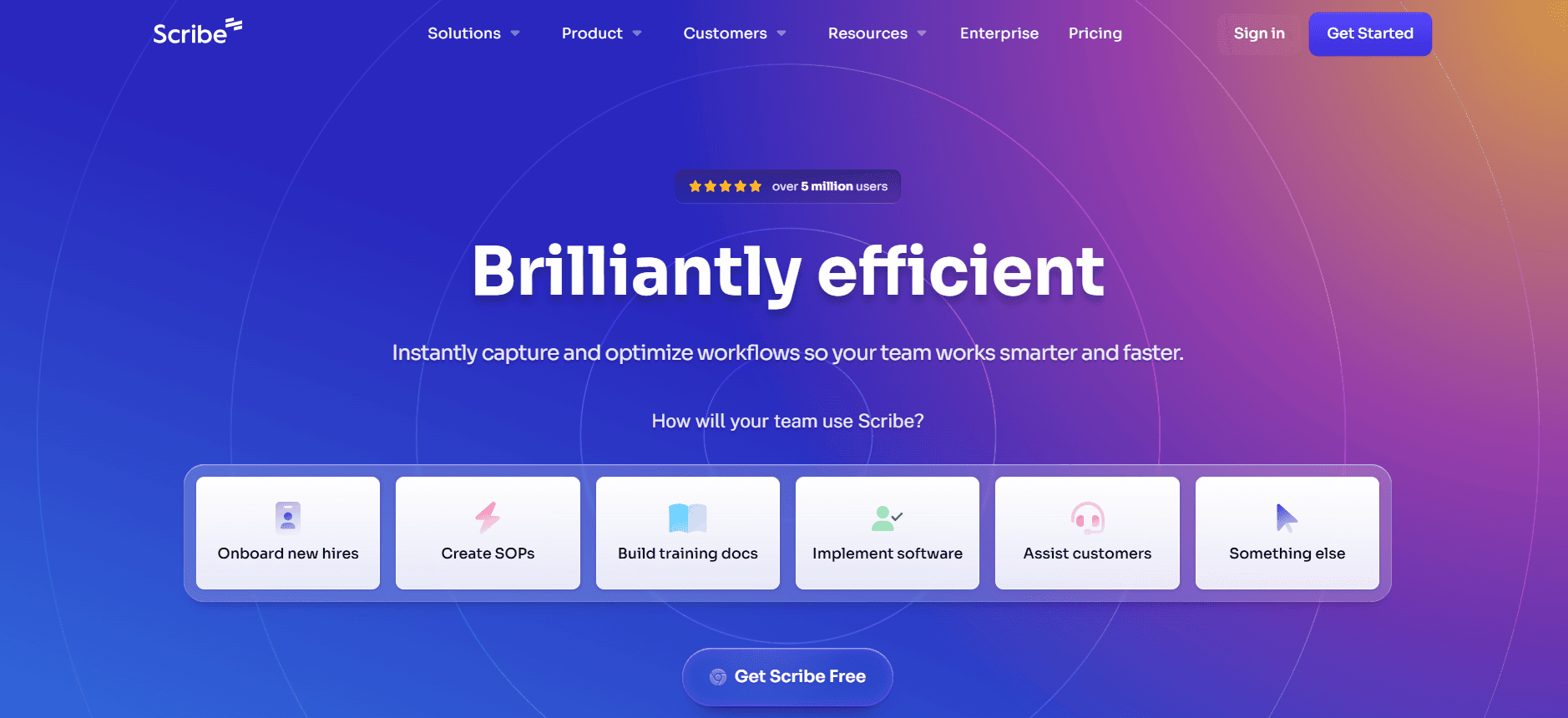
Scribe is an intuitive tool aimed at small to medium-sized businesses needing efficient documentation solutions. It specializes in AI writing and auto step capture, making it ideal for teams that prioritize quick documentation creation. However, it lacks some advanced features like AI voiceover and video generation.
Key Features
AI writing assistance
Auto step capture for ease of use
Basic screenshot annotation
Standard templates
API integration options
Free tier available for small teams
Pros | Cons |
|---|---|
User-friendly interface for quick adoption. | Lacks video generation capabilities. |
Effective auto step capture features. | No AI voiceover support. |
Affordable pricing for small teams. | Limited multi-language support. |
Pricing
Starts at $15/month per user, with a free tier available.
Tango
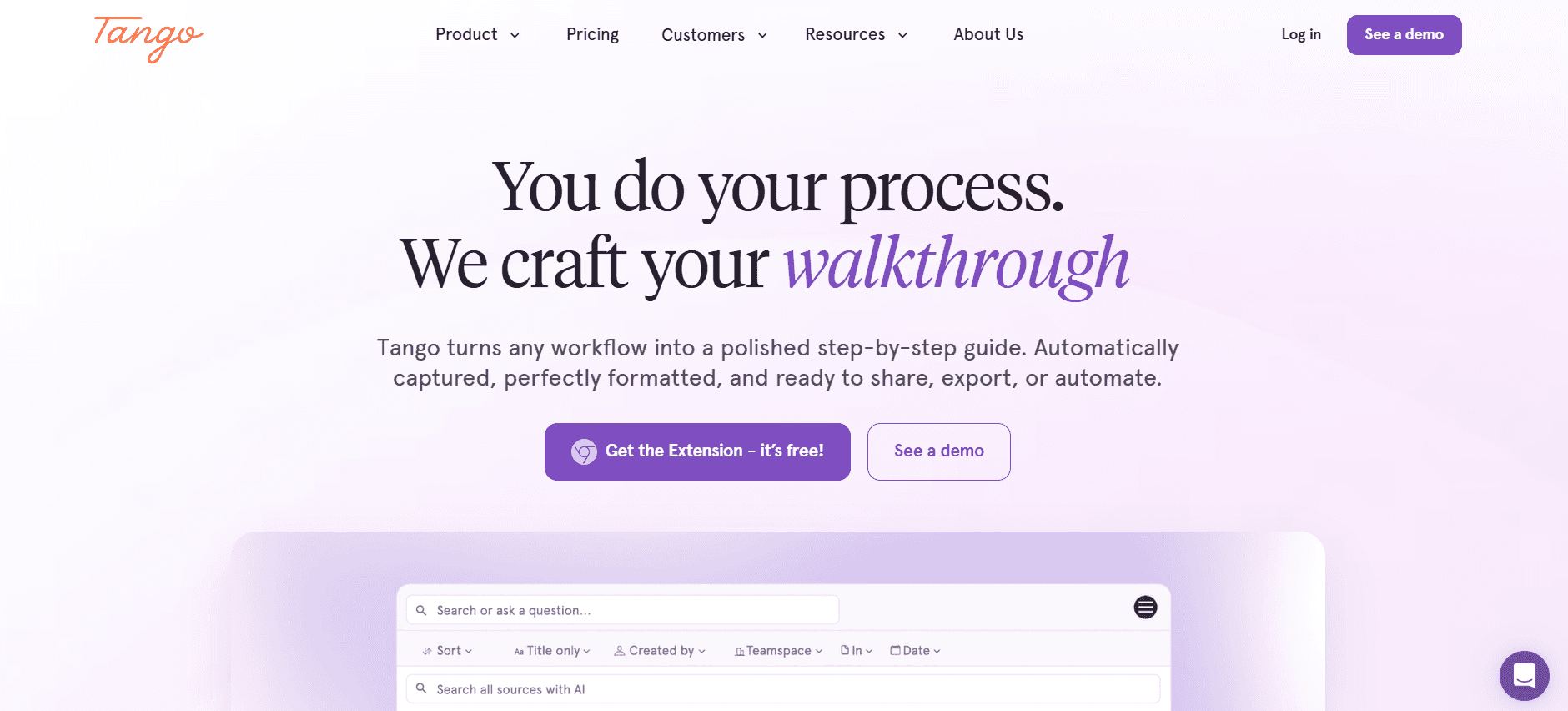
Tango offers a specialized approach with a strong focus on video generation and step capture. It's perfect for teams that rely heavily on visual documentation. While its screenshot annotation tools are commendable, it falls short in AI writing capabilities, making it less ideal for text-heavy projects.
Key Features
Powerful video generation tools
Comprehensive step capture functionality
Effective screenshot annotation
Smart templates for video guides
Basic API integration
Pros | Cons |
|---|---|
Excellent video generation tools. | Limited AI writing features. |
Strong step capture capabilities. | No AI voiceover support. |
Great for visual documentation. | Lacks multi-language options. |
Pricing
Starts at $25/month per user, no free tier.
Document360
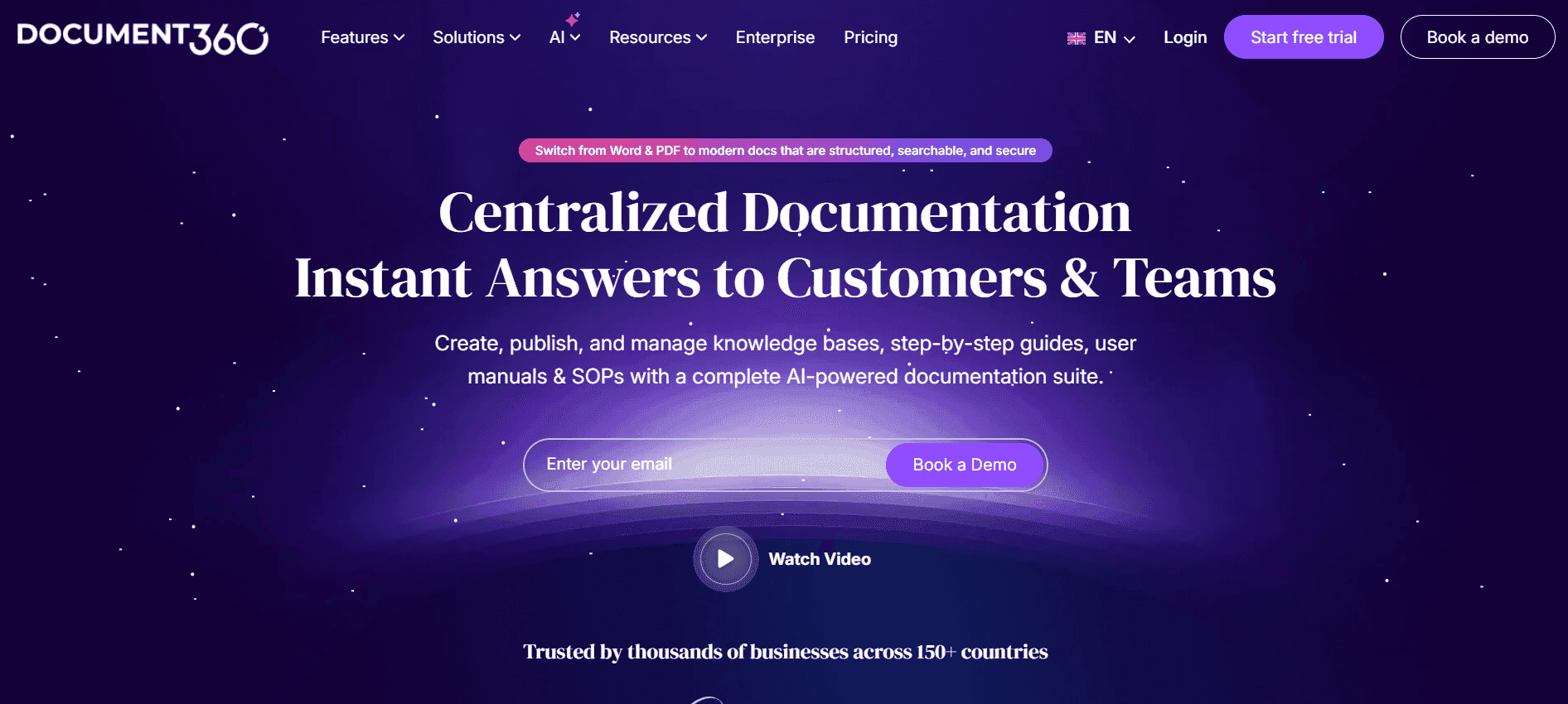
Document360 is built for teams that need to maintain a robust knowledge base. It excels in smart templates and multi-language support, making it a strong choice for global teams. However, it lacks video generation and AI voiceover features, which might be a drawback for some users.
Key Features
Smart templates for knowledge bases
Multi-language support for global reach
Comprehensive API integration
Easy-to-use interface
Limited auto step capture
Pros | Cons |
|---|---|
Strong multi-language capabilities. | No video generation tools. |
Effective for creating knowledge bases. | Lacks AI voiceover support. |
Easy to integrate with existing systems. | Limited step capture features. |
Pricing
Starts at $30/month per user, limited free tier.
Notion AI
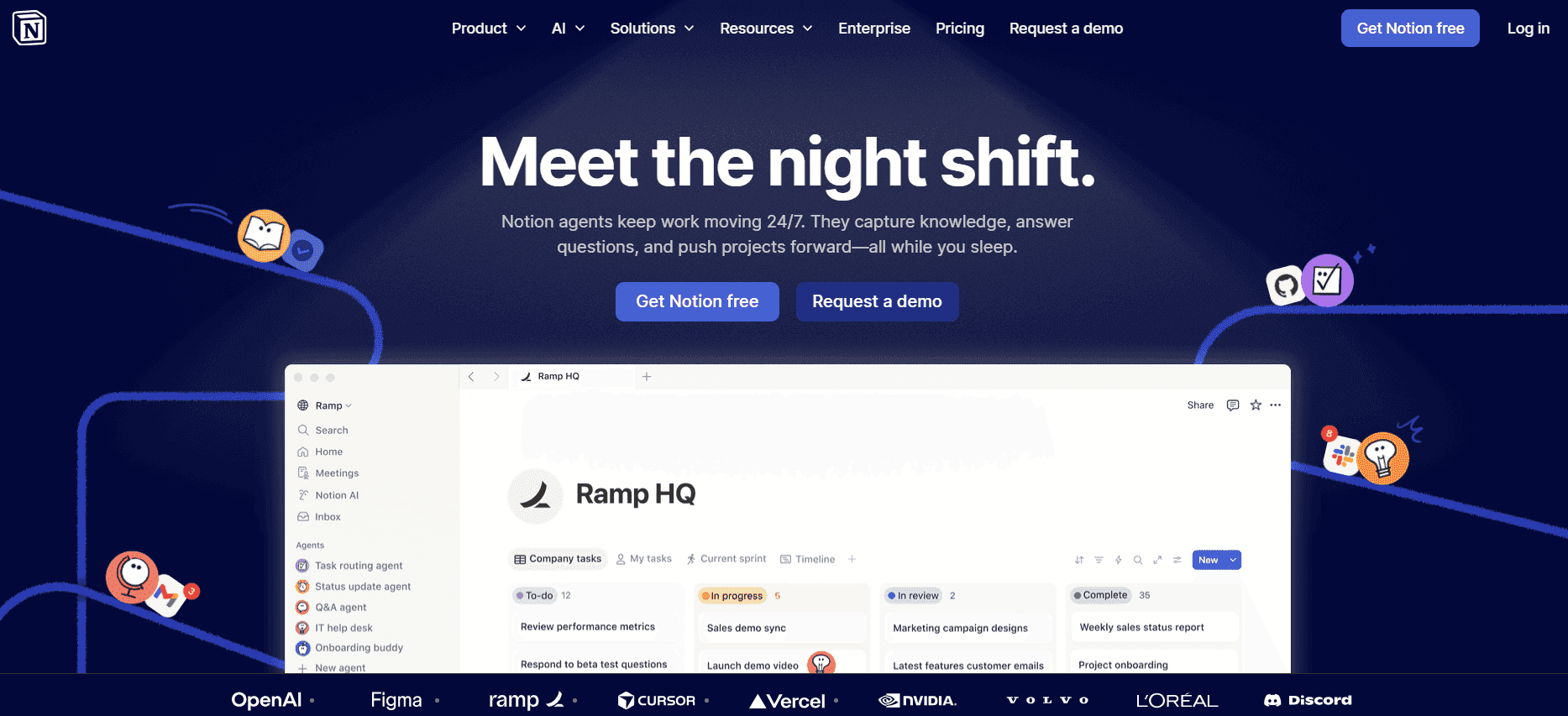
Notion AI is a versatile tool that combines AI writing with basic video generation capabilities. It's ideal for teams looking to incorporate AI into their existing Notion workflows. While it offers a range of features, its step capture and screenshot annotation capabilities are limited.
Key Features
AI writing integrated with Notion
Basic video generation tools
Smart templates for content creation
Multi-language support
API integration with other tools
Pros | Cons |
|---|---|
Smooth integration with Notion workflows. | Limited step capture features. |
Basic video generation options available. | Screenshot annotation is limited. |
Supports various content types. | Higher cost for advanced features. |
Pricing
Starts at $35/month per user, with a free tier available.
Confluence AI

Confluence AI is tailored for teams that heavily rely on collaboration. It offers a robust set of features for creating and managing documentation within collaborative environments. However, its lack of video generation and AI voiceover might limit its utility for multimedia projects.
Key Features
Collaborative document editing
AI-powered content suggestions
Comprehensive API integration
Multi-language support
Smart templates for team collaboration
Pros | Cons |
|---|---|
Great for collaborative teams. | No video generation capabilities. |
Strong API integration. | Lacks AI voiceover support. |
Effective for multi-language projects. | Limited step capture features. |
Pricing
Starts at $40/month per user, no free tier.
GitBook AI

GitBook AI is designed for engineering teams that need to document technical processes efficiently. Its strengths lie in AI writing and comprehensive API integration. However, it has limited multimedia capabilities, making it less suitable for teams needing video or voiceover content.
Key Features
AI-assisted technical writing
Strong API integration
Smart templates for technical documentation
Limited step capture capabilities
Multi-language support
Pros | Cons |
|---|---|
Ideal for technical documentation. | Limited video generation options. |
Comprehensive API support. | No AI voiceover capabilities. |
Great for engineering teams. | Limited screenshot annotation. |
Pricing
Starts at $25/month per user, with a free tier available.
Archbee
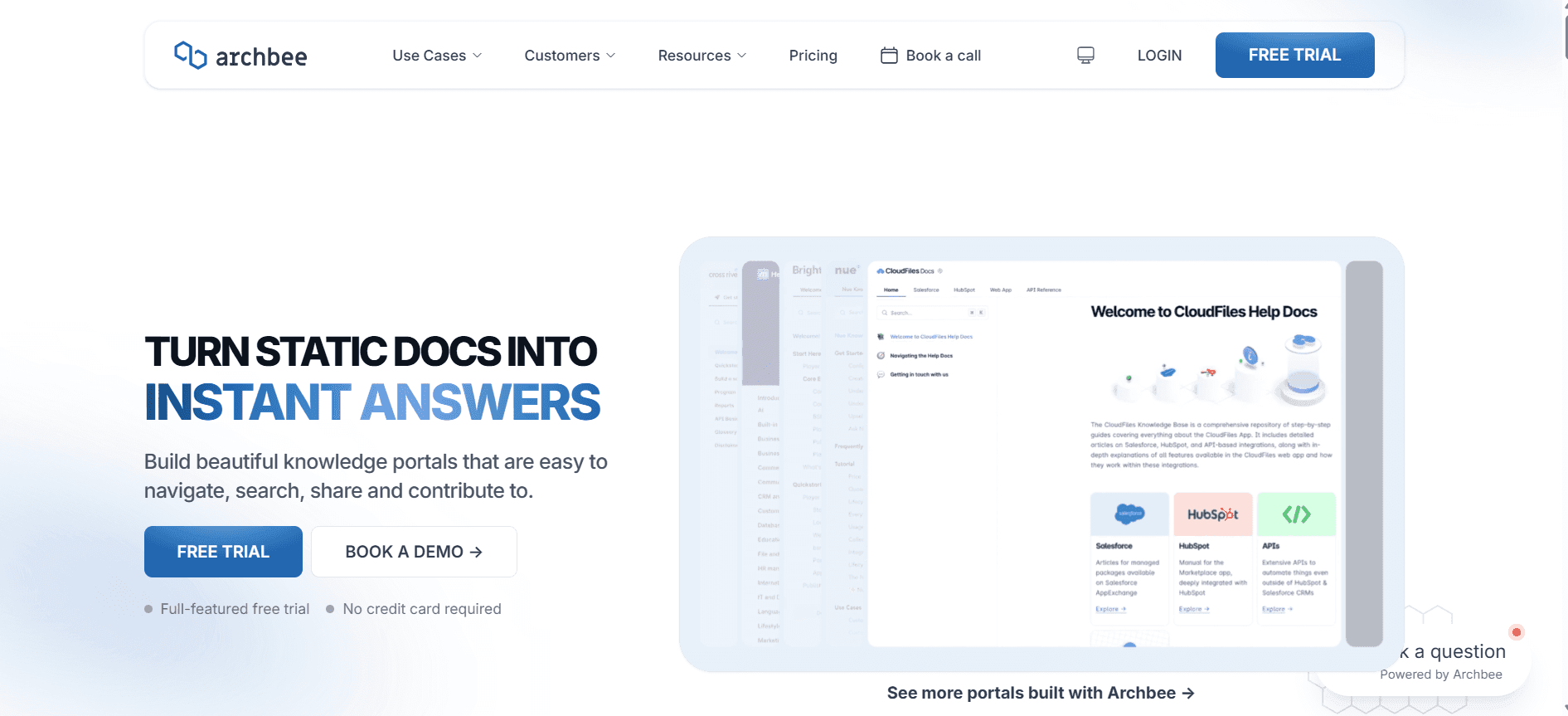
Archbee is crafted for teams that need a balance between content creation and collaboration. It offers a range of features including AI writing and smart templates. However, its limited video generation and voiceover capabilities may not meet all multimedia needs.
Key Features
AI-powered content creation
Smart templates for various documents
Smooth collaboration features
Multi-language support
API integration
Pros | Cons |
|---|---|
Effective for team collaboration. | Limited video generation tools. |
Supports multiple document types. | No AI voiceover support. |
Good API integration options. | Limited step capture capabilities. |
Pricing
Starts at $30/month per user, with a free tier available.
AI Documentation Tools Challenges: What Teams Struggle With
Creating First Drafts Takes Too Long
Manual drafting often results in inconsistent quality, especially across large teams.
Lack of automation in initial drafts means more time spent on basic content creation.
The process can be tedious and mentally exhausting, leading to burnout.
High turnover or shifting team sizes can exacerbate delays.
Keeping Documentation Current with Every Product Sprint
Frequent product updates require constant documentation revisions.
Without automated updates, teams struggle to keep pace with development cycles.
Manual updates risk introducing errors or inconsistencies.
Coordination across departments can lead to communication bottlenecks.
Inconsistent Formatting Across Different Team Members
Diverse writing styles can lead to incoherent documentation.
Manual formatting lacks standardization without a centralized system.
Inconsistent styles can confuse users and diminish the document's utility.
Time is wasted on reformatting and aligning styles post-creation.
No Automatic Screenshot or Step-Capture Capabilities
Manual screenshots are time-consuming and prone to errors.
Documenting step-by-step guides without automation is labor-intensive.
Missed steps or incorrect sequences can frustrate end-users.
Quality assurance becomes tedious when manual checks are necessary.
Translation and Localization Create Bottlenecks for Global Teams
Manual translation processes slow down global content distribution.
Errors in translation can lead to miscommunication and user frustration.
Localization demands specific cultural adjustments that are time-consuming.
High costs are associated with using external translation services.
Challenge | Traditional Process | Business Impact | Time Cost |
|---|---|---|---|
Creating First Drafts | Manual writing | Inconsistent quality, burnout | High |
Keeping Documentation Current | Manual updates | Outdated documents, errors | Medium |
Inconsistent Formatting | Manual formatting | User confusion, time waste | Medium |
No Automatic Screenshot | Manual capture | Frustration, errors | High |
Translation Bottlenecks | Manual translation | Slow distribution, high costs | High |
Must-Have Features in AI Documentation Tools
AI Writing and Auto-Completion
AI writing tools offer advanced capabilities to streamline the drafting process, helping teams generate content quickly and efficiently. By automating routine writing tasks, these tools free up valuable time for writers to focus on more complex aspects of documentation. Trupeer, for example, uses AI algorithms to suggest context-relevant content, reducing the time spent on initial drafts and enhancing overall coherence.
Automated Step Capture from Screen Activity
Automated step capture features are essential for creating accurate, step-by-step guides. This technology allows documentation tools to automatically record user actions, capturing screenshots and details in real-time. Tools like Tango excel in this area by providing seamless step capture that minimizes human error and ensures complete accuracy in documenting processes.
Smart Screenshot Annotation
Smart screenshot annotation tools enable users to add notes, highlights, and callouts directly on images. This feature is particularly useful for technical documentation where clarity and precision are key. Scribe's annotation tools, for example, allow users to clearly communicate instructions, making it easier for readers to follow along with visual guides.
AI Voiceover Generation for Video Docs
AI voiceover generation transforms written content into engaging audio-visual guides. This feature is crucial for creating accessible content that caters to diverse learning preferences. Notion AI offers basic voiceover capabilities, which can be particularly useful for teams producing video tutorials or instructional content for end-users.
One-Click Export in Multiple Formats
One-click export functionality allows teams to distribute documentation in various formats, such as PDF, HTML, or Markdown, with minimal effort. This feature enhances flexibility and ensures that content is accessible across different platforms. Document360's export options make it easy to adapt documentation for various user needs and preferences.
How to Choose AI Documentation Tools Based on Your Use Case
Product Documentation Teams at SaaS Companies
For SaaS companies, product documentation must be clear, concise, and continually updated to reflect the latest software features. This requires tools that integrate seamlessly with development cycles and offer robust revision capabilities.
Key Challenges
Maintaining up-to-date documentation with frequent software updates.
Ensuring consistency across multiple product lines.
Balancing depth of content with clarity and readability.
Solutions Needed
Automated update tracking and revision management.
Multi-user collaboration with role-based permissions.
Smart templates for standardized documentation.
Tool | Revision Tracking | Collaboration | Templates |
|---|---|---|---|
Trupeer | Yes | Yes | Yes |
Confluence AI | Yes | Yes | Limited |
Document360 | Yes | No | Yes |
Technical Writers and Content Operations
Technical writers often juggle multiple projects, requiring tools that offer comprehensive writing aids and efficient content management. Ease of use and integration with existing tools are critical factors.
Key Challenges
Managing large volumes of content across different projects.
Ensuring high-quality output under tight deadlines.
Integrating new software with existing toolsets.
Solutions Needed
AI writing assistance with real-time suggestions.
Flexible API integrations for seamless workflow.
User-friendly interface for rapid onboarding.
Tool | AI Writing | API Integration | User-Friendly |
|---|---|---|---|
Scribe | Yes | Yes | Yes |
Notion AI | Yes | No | Yes |
GitBook AI | Yes | Yes | Limited |
Engineering and API Documentation
Engineering teams require documentation tools that can handle technical content and provide precise, accessible information to developers and stakeholders. Tools must support complex data integrations and technical writing.
Key Challenges
Documenting complex APIs and technical workflows.
Ensuring documentation is accessible to both developers and non-technical users.
Maintaining accuracy amidst frequent technical updates.
Solutions Needed
Advanced technical writing capabilities with AI assistance.
Strong API integration for real-time data updates.
Version control for tracking changes and updates.
Tool | Technical Writing | API Integration | Version Control |
|---|---|---|---|
GitBook AI | Yes | Yes | Yes |
Trupeer | Yes | Yes | Yes |
Archbee | Yes | Yes | Limited |
HR and Compliance Documentation
HR and compliance teams need tools that ensure legal accuracy and confidentiality while making policy documents easily accessible and understandable for employees.
Key Challenges
Ensuring documents meet regulatory standards.
Securing sensitive information while maintaining accessibility.
Updating policies efficiently as regulations change.
Solutions Needed
Secure document management with role-based access.
AI tools that assist in compliance checks and updates.
Templates that adhere to regulatory frameworks.
Tool | Compliance Tools | Security | Templates |
|---|---|---|---|
Document360 | Yes | Yes | Yes |
Confluence AI | Limited | Yes | Limited |
Trupeer | Yes | Yes | Yes |
Best Practices for Using AI Documentation Tools
Before
Define clear objectives for your documentation project to ensure alignment with business goals.
Choose a tool that best fits your specific use case and team requirements.
Ensure all team members are trained and comfortable with the chosen tool.
Set up templates and styles to maintain consistency across documents.
During
Leverage AI capabilities to automate repetitive tasks and focus on content quality.
Regularly review and update your documentation to keep it current and accurate.
Encourage collaboration and feedback to improve the content and structure.
Use step capture and annotation tools to create clear, user-friendly guides.
After
Conduct a thorough review to ensure all information is accurate and comprehensive.
Distribute documentation in multiple formats to reach a wider audience.
Gather user feedback to identify areas for improvement in future versions.
Regularly revisit and update documentation as products and processes evolve.
Frequently Asked Questions
What are AI documentation tools?
AI documentation tools use artificial intelligence to streamline the creation and management of user guides and technical documents. They automate tasks like writing, formatting, and updating content, making documentation processes more efficient.
Who can benefit from using AI documentation tools?
Teams across various industries, including SaaS, technical writing, engineering, HR, and compliance, can benefit from AI documentation tools. These tools help streamline workflows, improve accuracy, and ensure timely updates.
Do AI documentation tools integrate with existing software?
Yes, most AI documentation tools offer API integrations to connect with existing software, enhancing workflow efficiency. It's essential to check compatibility with your current systems before selecting a tool.
How do AI tools handle updates and revisions?
AI documentation tools often include features like automated change tracking and version control, making it easier to manage updates and maintain accuracy in your documents.
Are there free versions of AI documentation tools available?
Many AI documentation tools offer free tiers with limited features, allowing users to test the software before committing to a paid plan. It's a great way to explore different options and find the right fit for your team.
How much do AI documentation tools cost?
The cost varies depending on the tool and its features, with prices typically starting at around $15 to $40 per user per month. Consider your specific needs and budget when choosing a plan.
How long does it take to implement an AI documentation tool?
Implementation time varies based on the tool's complexity and the team's familiarity with similar software. Most tools offer resources and support to help streamline the onboarding process, ensuring a smooth transition.
What support is available for new users?
AI documentation tools often provide extensive support through tutorials, documentation, and customer service to assist new users in navigating and utilizing the software effectively.
Closing
AI documentation tools are revolutionizing how teams approach user guide creation, offering a blend of efficiency and accuracy that manual processes simply can't match. Whether you're part of a SaaS company, an engineering team, or an HR department, these tools provide the flexibility and power needed to meet modern documentation challenges.
Trupeer stands out as a versatile choice, offering robust features that cater to a wide range of needs. Discover how Trupeer can transform your documentation process by visiting Trupeer and exploring the possibilities for your team.

