Trupeer Blog
Key Elements of an Effective User Guide: Best Practices for 2026
Discover the key elements of an effective user guide in 2026. Learn best practices, structure, and tips to create clear product documentation.

Buyer's Overview
Creating user guides has traditionally been a time-consuming process. Teams often spend between 8 to 12 hours crafting a single manual from scratch. This outdated approach not only delays the availability of documentation but also risks it becoming obsolete with every minor product update. According to a recent study, 67% of businesses report documentation becoming quickly outdated, leading to increased support requests.
67% of businesses report documentation becoming outdated quickly, leading to increased support requests.
This guide is crafted for product managers, technical writers, and customer support teams who are seeking efficient, modern methods for user guide creation. By leveraging tools that offer auto-generation, AI-driven content enhancements, and seamless updates, you can ensure your documentation stays relevant and user-friendly. We'll cover the key elements of effective user guides, compare leading tools, and explore best practices for maintaining up-to-date content.
Best User Guide Tools: Head-to-Head Comparison
Features | Trupeer | Scribe | Document360 | Tango | Notion | Confluence | GitBook |
|---|---|---|---|---|---|---|---|
Auto-Capture Steps | Yes | No | Limited | Yes | No | No | Limited |
AI Writing | Yes | Limited | No | Limited | No | No | Yes |
Video Support | Yes | Yes | Limited | No | Limited | No | Limited |
PDF Export | Yes | Yes | Yes | Limited | Limited | No | Yes |
Web Knowledge Base | Yes | Yes | Yes | No | Yes | Yes | Yes |
Version Control | Yes | No | Yes | No | No | Yes | Yes |
Team Collaboration | Yes | Yes | Yes | Limited | Yes | Yes | Yes |
Search | Yes | Yes | Yes | Limited | Yes | Yes | Yes |
Templates | Yes | Limited | Yes | No | Yes | Yes | Yes |
Free Tier | Yes | Yes | No | Yes | Yes | Yes | Limited |
Trupeer
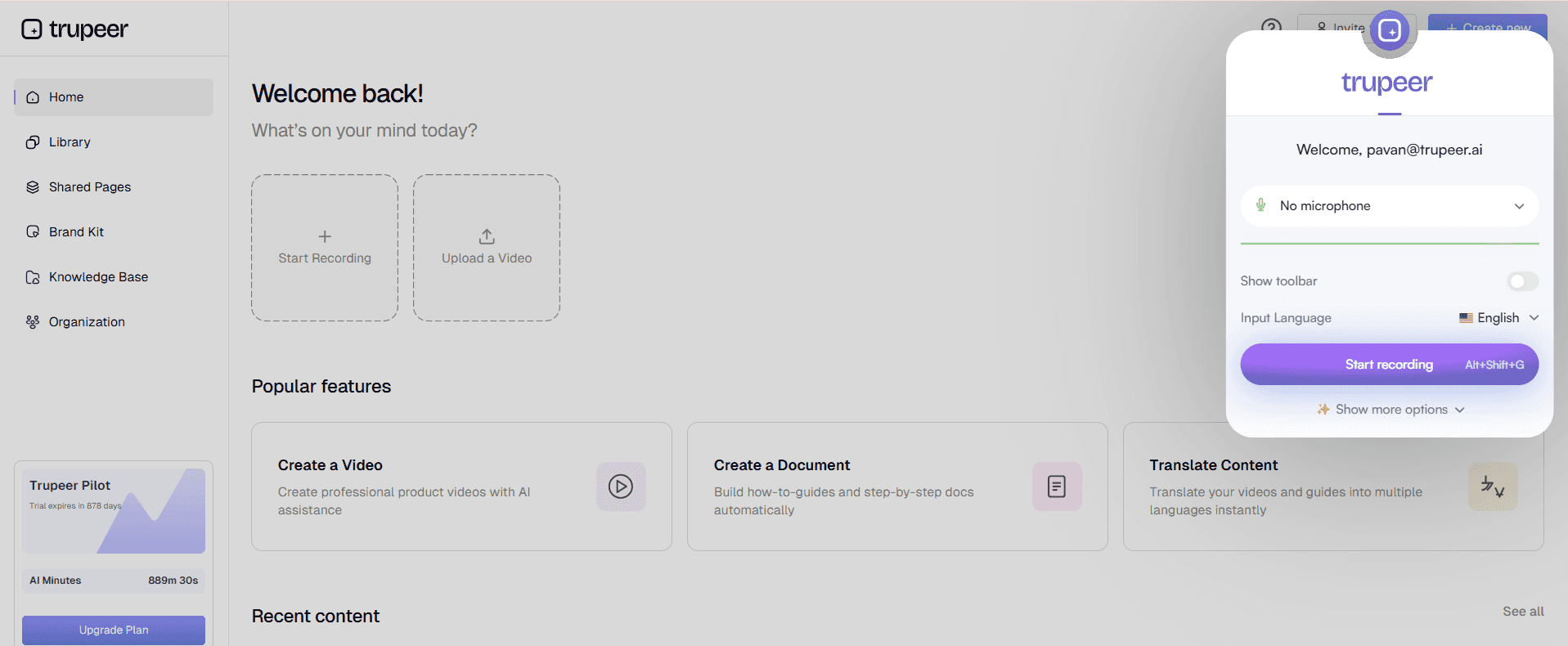
Trupeer stands out in the user guide creation landscape with its ability to auto-capture steps from screen activity, turning them into comprehensive guides with minimal effort. It's ideal for teams needing quick, accurate documentation that keeps pace with rapid product iterations. What sets Trupeer apart is its integration with AI for writing step instructions, which reduces manual labor significantly.
The tool's intuitive interface supports both novice and experienced users, making it a versatile choice across various industries. However, it may not be the best fit for those requiring extensive customization beyond its provided templates.
Key Features
Auto step capture from screen activity
AI-driven step instructions
Multi-format export (PDF, HTML, web)
Integrated video support
Version control for easy updates
Comprehensive search functionality
Collaborative editing features
Customizable templates
"Trupeer has revolutionized our documentation process. We save hours on every guide."
Pros | Cons |
|---|---|
Efficient auto-capture reduces manual work. | Limited customization options for advanced users. |
AI-enhanced writing saves time and improves clarity. | Initial setup requires a learning curve. |
Multi-format export broadens accessibility. | Some features locked behind higher pricing tiers. |
Pricing
Trupeer offers a free tier with basic functionality, with paid plans starting at $20 per month.
Scribe
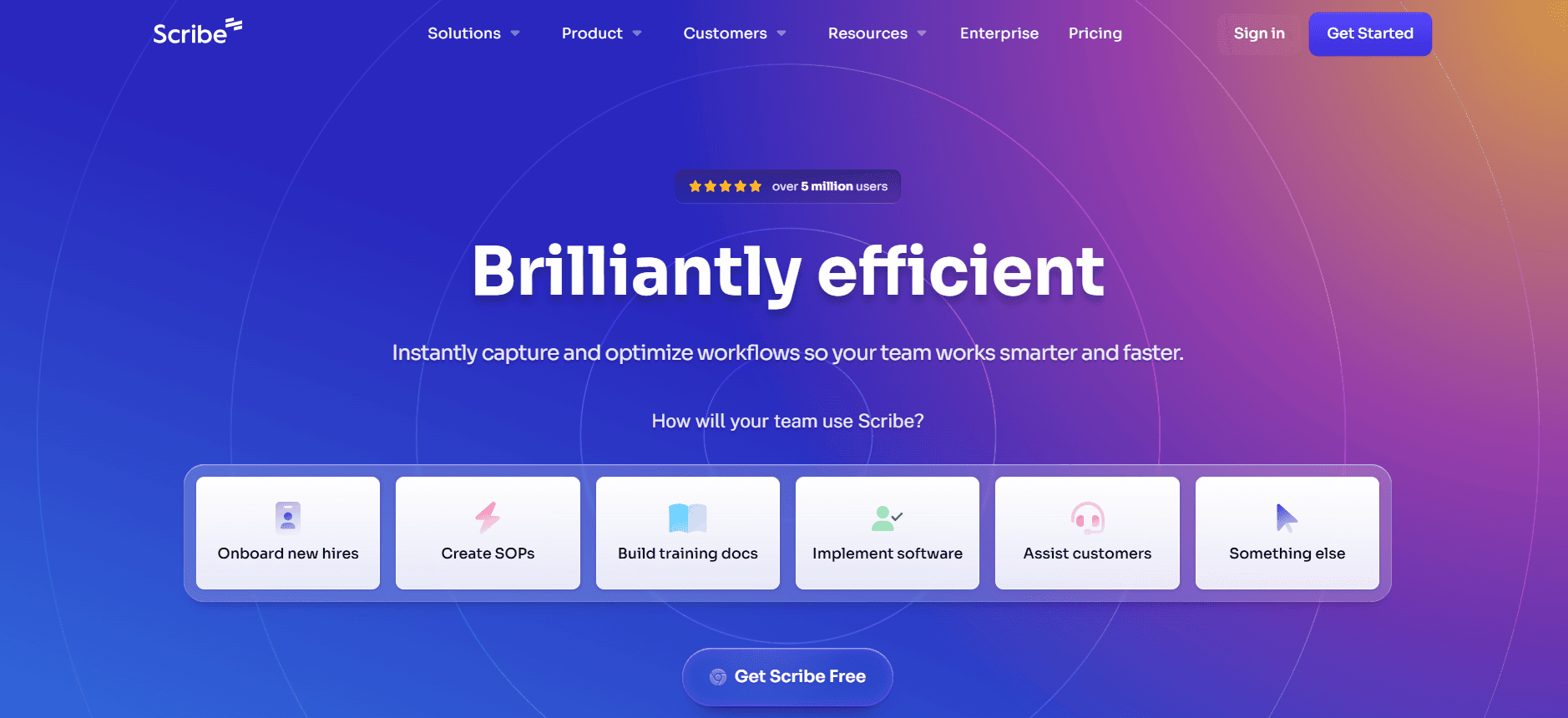
Scribe provides a straightforward approach to creating user manuals by allowing users to document processes as they occur. It's particularly suitable for small teams or individuals who don't require extensive feature sets but need reliable documentation tools. Scribe's simplicity is its strength, though it lacks some advanced features present in other tools.
While it excels in ease of use and quick deployment, Scribe might not satisfy users looking for detailed collaborative features or deep integrations with other software.
Key Features
Simple process capture tool
PDF export capabilities
Basic collaboration options
Template library
Searchable guide repository
Instant sharing options
Minimal setup required
Desktop and mobile compatibility
Pros | Cons |
|---|---|
Very easy to use with minimal setup. | Lacks AI writing features. |
Good for small teams or solo users. | Limited integration with other tools. |
Affordable pricing options. | Less suitable for complex documentation needs. |
Pricing
Scribe offers a free tier, with additional features available in paid plans starting at $10 per month.
Document360
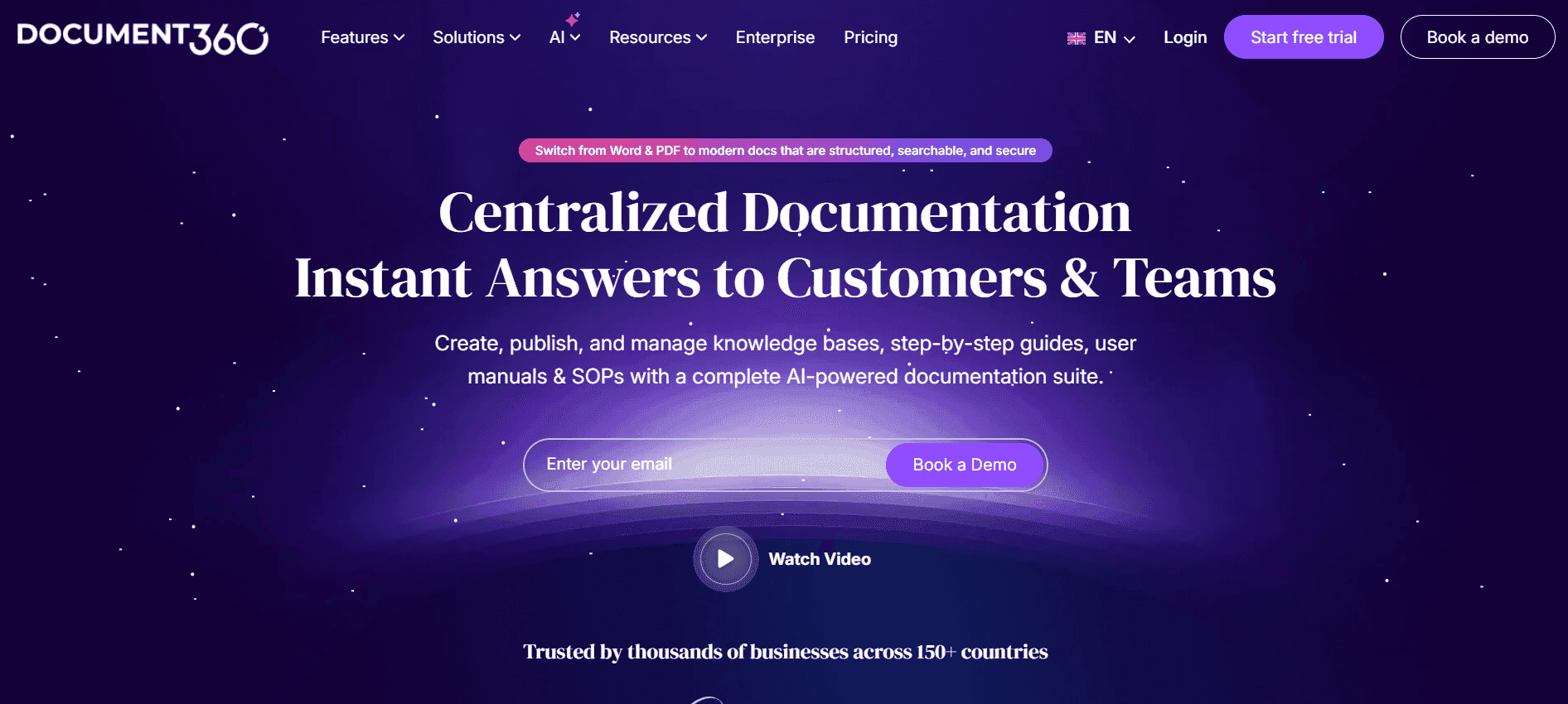
Document360 is a robust platform designed for creating and maintaining a detailed knowledge base. It's perfect for larger organizations that need extensive documentation capabilities and multi-team collaboration. The platform supports detailed article creation, version control, and analytics that help in tracking user engagement.
However, its complexity might be overwhelming for smaller teams or those new to documentation platforms. Document360 shines with its detailed analytics but can be a bit pricey for those who don't need all its advanced features.
Key Features
Advanced knowledge base creation
Version control and rollback
In-depth analytics dashboard
Customizable user roles
Integration with various third-party tools
Rich text editor
Multi-language support
Secure cloud hosting
Pros | Cons |
|---|---|
Comprehensive analytics for user engagement. | Can be complex for new users. |
Strong version control features. | Higher cost for full feature access. |
Supports multi-language content. | Limited AI-driven capabilities. |
Pricing
No free tier is available. Paid plans start at $99 per month.
Tango
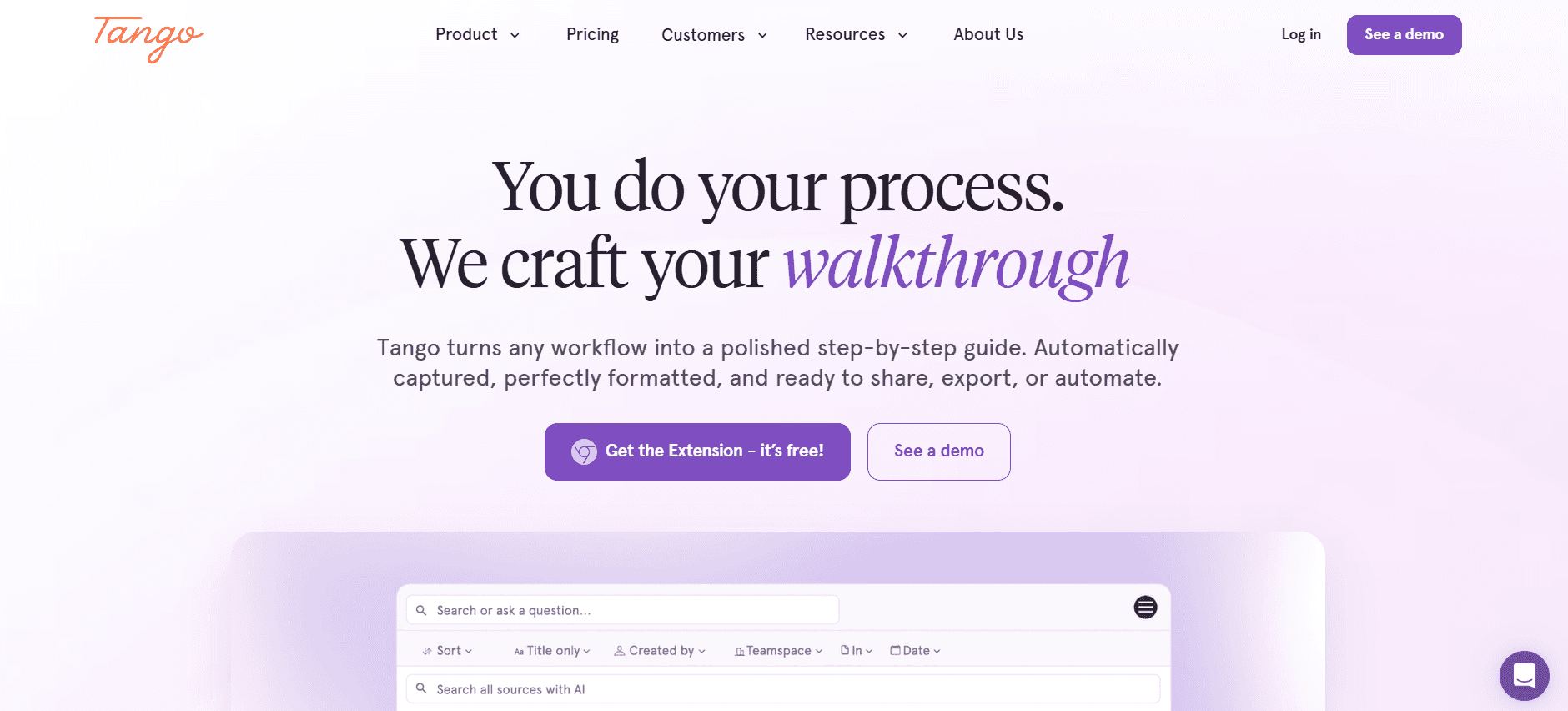
Tango focuses on simplifying the process of creating interactive guides and tutorials. It's particularly well-suited for educational purposes or companies that rely heavily on visual instructions. Tango's ability to create step-by-step guides with annotated screenshots makes it a favorite for training and onboarding.
While Tango excels in visual guide creation, it lacks some of the document management features that other tools offer, such as version control and advanced collaboration.
Key Features
Interactive guide creation
Annotated screenshots
Video tutorial integration
Simple sharing capabilities
Customizable templates
Mobile-friendly viewing
Embeddable guides
Instant updates
Pros | Cons |
|---|---|
Great for visual and interactive guides. | Lacks detailed document management features. |
Easy to use for creating step-by-step instructions. | No advanced version control. |
Ideal for training purposes. | Limited integration with other systems. |
Pricing
Tango offers a free tier, with premium features available starting at $15 per month.
Notion
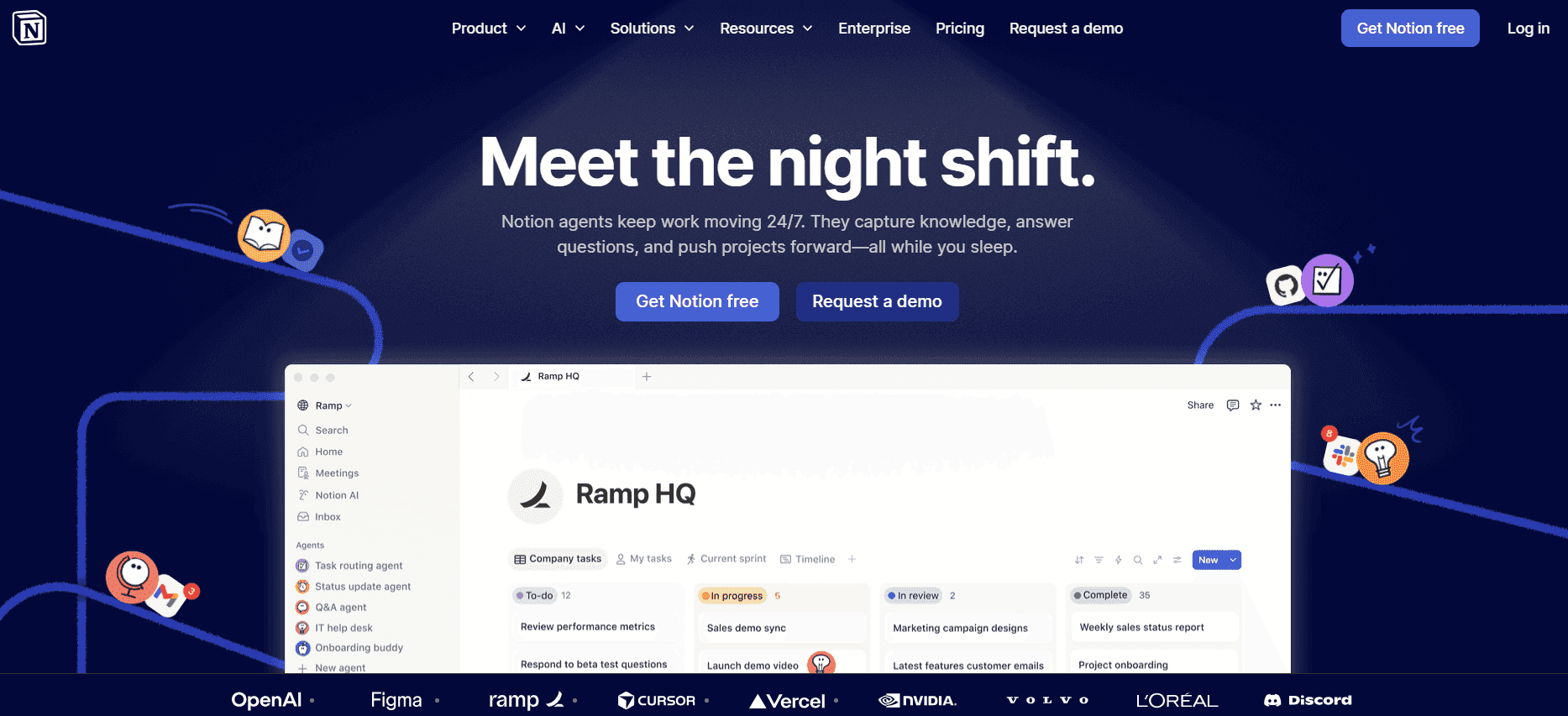
Notion is a versatile tool that combines note-taking, task management, and documentation capabilities into one platform. It's highly favored by startups and creative teams for its flexibility and collaborative features. Notion's strength lies in its ability to adapt to various workflows, offering a wide range of templates and integrations.
However, Notion might not be the best choice for those seeking dedicated user guide features, as it lacks some specialized documentation tools found in other platforms.
Key Features
Flexible workspace environment
Wide range of templates
Real-time collaboration
Task management integration
Rich media embedding
Database creation and management
Customizable dashboards
APIs for integration
Pros | Cons |
|---|---|
Highly adaptable to various workflows. | Lacks specialized user guide features. |
Strong collaborative capabilities. | Can be overwhelming for new users. |
Extensive template library. | Performance issues with large databases. |
Pricing
Notion offers a free tier with personal use features. Team plans start at $8 per user per month.
Confluence

Confluence by Atlassian is a powerful documentation tool, particularly for teams already using other Atlassian products like Jira. It excels in creating structured documentation and offers a wide array of integrations. Confluence is ideal for teams needing robust collaboration and document management capabilities.
However, its complexity can be a barrier for smaller teams or those not deeply integrated into the Atlassian ecosystem. The learning curve is steep for those unfamiliar with its interface.
Key Features
Seamless integration with Atlassian products
Comprehensive document management
Flexible template options
Strong collaboration tools
Permission and access control
Version history and tracking
Rich content creation tools
Scalable for enterprise use
Pros | Cons |
|---|---|
Excellent for teams using Atlassian tools. | Steep learning curve for new users. |
Strong document structure and organization. | Complex setup for smaller teams. |
Wide array of integrations. | Can be expensive for full feature access. |
Pricing
A free tier is available for up to 10 users. Standard plans start at $5 per user per month.
GitBook

GitBook is designed specifically for creating and managing documentation, making it a popular choice among developers and technical teams. Its markdown-based editor is intuitive for those familiar with coding environments, and it offers seamless version control.
While GitBook is excellent for developer documentation, it may not meet the needs of teams seeking rich media integration or non-technical user interfaces.
Key Features
Markdown-based editor
Version control system
Collaborative editing
Custom domain support
API documentation tools
Customizable themes
Public and private access options
Integration with GitHub
Pros | Cons |
|---|---|
Ideal for developer-focused documentation. | Not suitable for non-technical teams. |
Strong version control and collaboration. | Limited rich media support. |
Integrates well with GitHub. | Interface may be challenging for non-coders. |
Pricing
GitBook offers a limited free tier, with paid plans starting at $6 per user per month.
User Guide Challenges: What Teams Struggle With
Manual Documentation is Slow
Creating user guides manually involves taking screenshots, writing detailed instructions, and formatting text.
Teams often spend excessive hours proofreading to ensure accuracy and clarity.
The process can be repetitive and error-prone, especially when updates are frequent.
Manual efforts do not scale efficiently with growing product features.
Content Becomes Outdated Quickly
Every product update necessitates a review and modification of existing documentation.
Teams struggle to keep pace with rapid development cycles, leading to outdated guides.
Inaccurate documentation results in increased support queries and user frustration.
Maintaining synchronization between product changes and document updates is challenging.
Poor Search and Findability
Users often struggle to find relevant information due to unoptimized search functionalities.
Inconsistent terminology and lack of keyword tagging reduce search effectiveness.
Lack of a unified search experience across different document types is common.
End-users become frustrated, leading to decreased product adoption and satisfaction.
Documentation Siloed Across Tools
Teams often use disparate tools such as Notion, Google Docs, and Word for documentation.
This siloed approach leads to inconsistency in formatting and style.
Collaboration becomes difficult when documents are scattered across platforms.
The lack of a centralized repository impairs version control and access management.
No Consistency in Format or Style
Different team members often have varying writing styles and formatting preferences.
This inconsistency leads to a fragmented user experience in the documentation.
Without standardized templates, the overall quality and professionalism of documents vary.
Inconsistent documentation can undermine user trust and brand perception.
Challenge | Traditional Process | Business Impact | Time Cost |
|---|---|---|---|
Manual Documentation | Manual screenshots and text editing | High risk of errors and outdated content | 8-12 hours per guide |
Outdated Content | Reactive updates post-release | Increased support queries | Several hours per update |
Poor Searchability | Unoptimized search tools | User frustration and decreased satisfaction | Continuous manual adjustments |
Siloed Documentation | Multiple disparate tools | Inconsistent user experience | Time lost in consolidation |
Inconsistent Format | Varying styles and no templates | Undermined user trust | Additional editing and review time |
Must-Have Features in User Guide Tools
Auto Step Capture from Screen Activity
This feature allows the tool to automatically record actions taken on-screen to generate step-by-step guides. By capturing screen activity, teams can save significant time that would otherwise be spent on manual screenshots and writing. Trupeer, for example, excels in this area by offering a seamless capture process, making guide creation much more efficient.
Incorporating this feature means that even complex processes can be documented with minimal effort, ensuring accuracy and consistency. It is particularly beneficial for software companies that regularly update their interfaces.
AI-Written Step Instructions
AI-driven tools generate text instructions that accompany recorded steps, reducing the burden of manual text entry. This not only speeds up the documentation process but also enhances clarity and consistency. Tools like Trupeer use AI to suggest language that is clear and user-friendly, which is invaluable for maintaining high-quality documentation standards.
By leveraging AI, teams can ensure that the language used in guides is both precise and accessible, which is crucial for end-user comprehension and satisfaction.
Video Embedding Alongside Text
Embedding videos within user guides provides a richer, more engaging learning experience. Videos can demonstrate complex processes more effectively than text alone. Tools such as Tango emphasize visual instructions, allowing users to follow along with video demonstrations that are integrated into the guide.
This feature is particularly useful for training purposes, where seeing a process in action can significantly enhance learning and retention. It also caters to different learning preferences, making documentation more inclusive.
Multi-Format Export (PDF, Web, HTML)
Having the ability to export documentation in various formats ensures accessibility across different platforms and devices. Whether a user prefers a print-friendly PDF or an interactive web page, multi-format export capabilities cater to diverse needs. Document360 and GitBook offer robust export options, enhancing the flexibility of documentation distribution.
This feature is critical for ensuring that guides are available wherever and whenever they're needed, without compromising on format or quality.
Version Control and Quick Update Workflows
Version control is essential for maintaining the integrity of documentation, especially in dynamic environments where changes are frequent. With version control, teams can track changes, roll back to previous versions if necessary, and ensure consistency across updates. Confluence provides strong version management features, making it ideal for teams that require rigorous documentation control.
Quick update workflows further streamline the process of keeping documentation current, allowing teams to make swift changes without disrupting the overall structure or flow of the guides.
How to Choose User Guide Tools Based on Your Use Case
Product User Manuals and Help Center Articles
For businesses offering complex products, detailed user manuals and help center articles are essential. These documents help users understand product features and troubleshoot issues independently. Choosing a tool that supports multi-format export and provides robust version control is crucial for keeping documentation current.
High volume of user inquiries due to complex features.
Frequent product updates requiring documentation revisions.
Need for consistent branding and formatting.
Flexible export options (PDF, HTML, web).
Strong version control and collaboration features.
Easy-to-use templates for consistency.
Tool | Version Control | Export Options | Collaboration |
|---|---|---|---|
Trupeer | Yes | Yes | Yes |
Document360 | Yes | Yes | Yes |
Internal SOP Documentation
Standard Operating Procedures (SOPs) are crucial for internal consistency and efficiency. They require precise, detailed documentation that is easily accessible to all team members. Tools with strong search capabilities and customizable templates are ideal for this use case.
Complex internal processes needing detailed documentation.
Frequent updates and changes in procedures.
Need for easy access and searchability.
Advanced search functionality.
Customizable templates for different departments.
Version history to track changes.
Tool | Search | Templates | Version History |
|---|---|---|---|
Confluence | Yes | Yes | Yes |
Notion | Yes | Yes | Limited |
IT System and Admin Guides
IT departments need comprehensive documentation to manage system configurations and administrative tasks. Tools that integrate with technical environments and support markdown editors are particularly beneficial, as they allow for precise technical documentation.
Complex system configurations requiring detailed documentation.
Frequent updates due to system upgrades.
Need for technical precision and detail.
Markdown support for technical documentation.
Integration with version control systems like Git.
Easy updating and collaboration features.
Tool | Markdown Support | Integration | Collaboration |
|---|---|---|---|
GitBook | Yes | Yes | Yes |
Trupeer | Yes | No | Yes |
Customer-Facing Knowledge Base
A customer-facing knowledge base serves as a self-service hub for users. It requires a user-friendly interface and strong search capabilities to ensure users can find information quickly and easily. Tools with web-based knowledge base options are ideal for this purpose.
High volume of user traffic requiring quick access to information.
Need for a user-friendly interface and navigation.
Consistent updates to reflect product changes.
Web-based knowledge base features.
Strong search and categorization functions.
Easy content management and updates.
Tool | Web Knowledge Base | Search | Content Management |
|---|---|---|---|
Document360 | Yes | Yes | Yes |
Scribe | Limited | Yes | Limited |
Developer and API Documentation
Developers require detailed, technical documentation for APIs and other software components. Tools that offer structured, markdown-based documentation are essential for clarity and precision. Integration with development tools is also beneficial for seamless workflow integration.
Complex API structures requiring detailed documentation.
Need for precise, technical language and examples.
Integration with development environments.
Support for code snippets and markdown.
Integration with Git and other development tools.
Version control and history tracking.
Tool | Code Snippets | Integration | Version Control |
|---|---|---|---|
GitBook | Yes | Yes | Yes |
Confluence | Limited | Yes | Yes |
Best Practices for Creating User Guides
Before You Start
Identify the audience for your user guide and tailor content accordingly.
Define the scope and objectives of the guide clearly.
Select the appropriate tool based on the specific needs of your project.
Gather all necessary resources and information before beginning the writing process.
Create an outline to organize the structure and flow of the guide.
During the Creation Process
Use consistent terminology and style throughout the document for clarity.
Incorporate visuals such as screenshots and videos to enhance understanding.
Utilize templates and pre-defined structures to maintain consistency.
Collaborate with team members to ensure accuracy and comprehensiveness.
Regularly save and backup your work to prevent data loss.
After Completion
Proofread and edit the document to eliminate errors and improve readability.
Conduct user testing to gather feedback and make necessary adjustments.
Regularly update the guide to reflect changes in the product or process.
Monitor user engagement and adjust content based on analytics and feedback.
Ensure that the guide is easily accessible to all intended users.
Frequently Asked Questions
What is a user guide? A user guide is a document that provides instructions on how to use a product or service. It's designed to help users understand the features and capabilities of a product.
Why are user guides important? User guides are important because they help users navigate products effectively, reducing the need for customer support and enhancing user satisfaction.
How often should user guides be updated? User guides should be updated whenever there are significant changes to the product, such as new features or interface updates, to ensure accuracy and relevance.
What tools are best for creating user guides? The best tools depend on your needs, but options like Trupeer, Document360, and GitBook offer strong features for different documentation types.
Are there free tools for creating user guides? Yes, many tools offer free tiers with basic features, such as Scribe and Notion, which can be suitable for small projects or teams.
How much do professional user guide tools cost? Pricing varies widely, with professional tools like Document360 starting at $99 per month, while others like GitBook offer plans starting at $6 per user per month.
How can I ensure consistency in my user guides? Using templates and clear style guides helps ensure consistency across your documentation, which is crucial for user understanding and trust.
What are the benefits of using AI in user guide creation? AI can streamline the writing process by auto-generating text and improving accuracy, thereby reducing the time required to create comprehensive guides.
Wrapping Up
Creating effective user guides is essential for improving user experience and product adoption. By leveraging modern tools like Trupeer, teams can streamline documentation processes, ensuring that guides are not only accurate but also engaging and easy to update.
For more information on how Trupeer can enhance your documentation efforts, visit Trupeer and explore the innovative features that can transform your user guide creation.

