Trupeer Blog
Livestorm Onboarding Features & Pricing 2026: Complete Comparison Guide
Explore Livestorm onboarding features, pricing, and limitations for 2026. Compare webinar-based onboarding with scalable AI alternatives like Trupeer for faster content

20 min read · Last updated: 2026
Livestorm at a Glance
Best For | Starting Price | Free Plan | Standout Feature | Main Limitation |
|---|---|---|---|---|
Live Customer Onboarding Webinars | $99/month | Yes | Interactive Features | Limited Asynchronous Content |
What is Livestorm?
Livestorm is a versatile platform designed for hosting webinars and virtual events. It caters to businesses looking to engage with audiences through live interactions. With Livestorm, you can organize live training sessions, onboarding events, and product demos. Its robust set of features includes interactive elements like polls, Q&A, and live chat, making it a favorite for businesses that prioritize engagement. Livestorm stands out with its intuitive interface and the ability to handle large-scale live events seamlessly. However, it is more focused on real-time interactions and does not offer extensive tools for asynchronous or self-paced learning content.
Livestorm Features Breakdown
Live Webinar Hosting
Livestorm excels in hosting live webinars, providing a platform that supports both small and large audiences. You can easily schedule events, send out automated reminders, and manage registrations. The platform's stability ensures that your live events run smoothly, minimizing disruptions and enhancing the attendee experience.
Interactive Tools
The platform provides a suite of interactive tools, including polls, Q&A sessions, and live chat. These features encourage audience participation, allowing hosts to gather real-time feedback and engage directly with attendees. This interactivity is crucial for keeping audiences engaged and making sessions more dynamic.
On-Demand Video Replays
After live events, Livestorm allows you to offer on-demand video replays. This feature is beneficial for attendees who couldn’t make it to the live session. However, it’s primarily designed for replaying live events rather than supporting comprehensive asynchronous learning modules.
Event Analytics
Livestorm provides detailed analytics on attendee engagement and event performance. You can track metrics like attendance rates, interaction levels, and viewing duration. This data helps in assessing the success of your webinars and in planning future events more effectively.
Integration Capabilities
The platform integrates with a variety of tools, including CRM systems and marketing platforms, enhancing its utility in broader marketing and sales strategies. This allows seamless data flow and helps automate follow-up actions based on webinar outcomes.
Custom Branding
With Livestorm, businesses can customize their webinar interfaces to reflect their brand identity. This includes branding the registration pages, emails, and the webinar room itself, ensuring a consistent brand presence throughout the user experience.
Registration Management
Livestorm offers robust registration management features, including customizable registration forms and automatic email reminders. This helps streamline the registration process and ensures that attendees are well-informed about upcoming events.
Livestorm Pricing
Plan | Monthly Price | Key Inclusions | Best For |
|---|---|---|---|
Free | $0 | Up to 30 attendees, Basic Features | Small Teams |
Growth | $99 | 100 attendees, Advanced Features | Medium-Sized Businesses |
Business | $299 | 300 attendees, Full Suite of Features | Large Enterprises |
Livestorm Pros and Cons
Pros | Cons |
|---|---|
Supports up to 300 attendees on Business Plan | No tools for self-paced onboarding content |
Interactive features like polls and Q&A | Attendee limits on lower plans |
Detailed event analytics | No native screen recording capabilities |
Easy integration with CRM tools | Primarily focused on live events |
"Livestorm is incredibly user-friendly and has transformed the way we conduct webinars. The analytics are a game-changer."
Who Livestorm is Best For
Businesses looking to host live webinars for customer onboarding and engagement.
Companies conducting regular product demos and team training sessions.
Organizations needing to run large virtual events with interactive elements.
Livestorm is ideal for companies that require a reliable platform for live interactions. Its suite of features supports engaging environments where real-time feedback and participation are crucial to success.
Livestorm Limitations and Common Complaints
While Livestorm is a strong choice for live events, it has some limitations. First, it lacks tools for asynchronous content, making it less suited for self-paced learning. Businesses looking to provide continuous learning resources may find this limiting. Additionally, the platform doesn’t offer native screen recording or comprehensive product walkthrough capabilities, which are crucial for creating detailed instructional content.
The attendee limits on lower-tier plans can also be restrictive for growing businesses that anticipate scaling their webinar audience. Moreover, the focus on real-time interaction means that Livestorm might not meet the needs of companies looking to create always-on video resources for their customers.
Despite these limitations, Livestorm remains a robust platform for live engagement. However, for those seeking a solution that supports both live and on-demand content equally, exploring alternatives like Trupeer may be beneficial.
Best Alternatives to Livestorm
While Livestorm is a solid platform for live webinars, other tools may better suit your needs, especially if you're looking for comprehensive solutions that support both live and on-demand content. Trupeer stands out as the top alternative, offering robust capabilities for asynchronous learning and product walkthroughs.
Trupeer
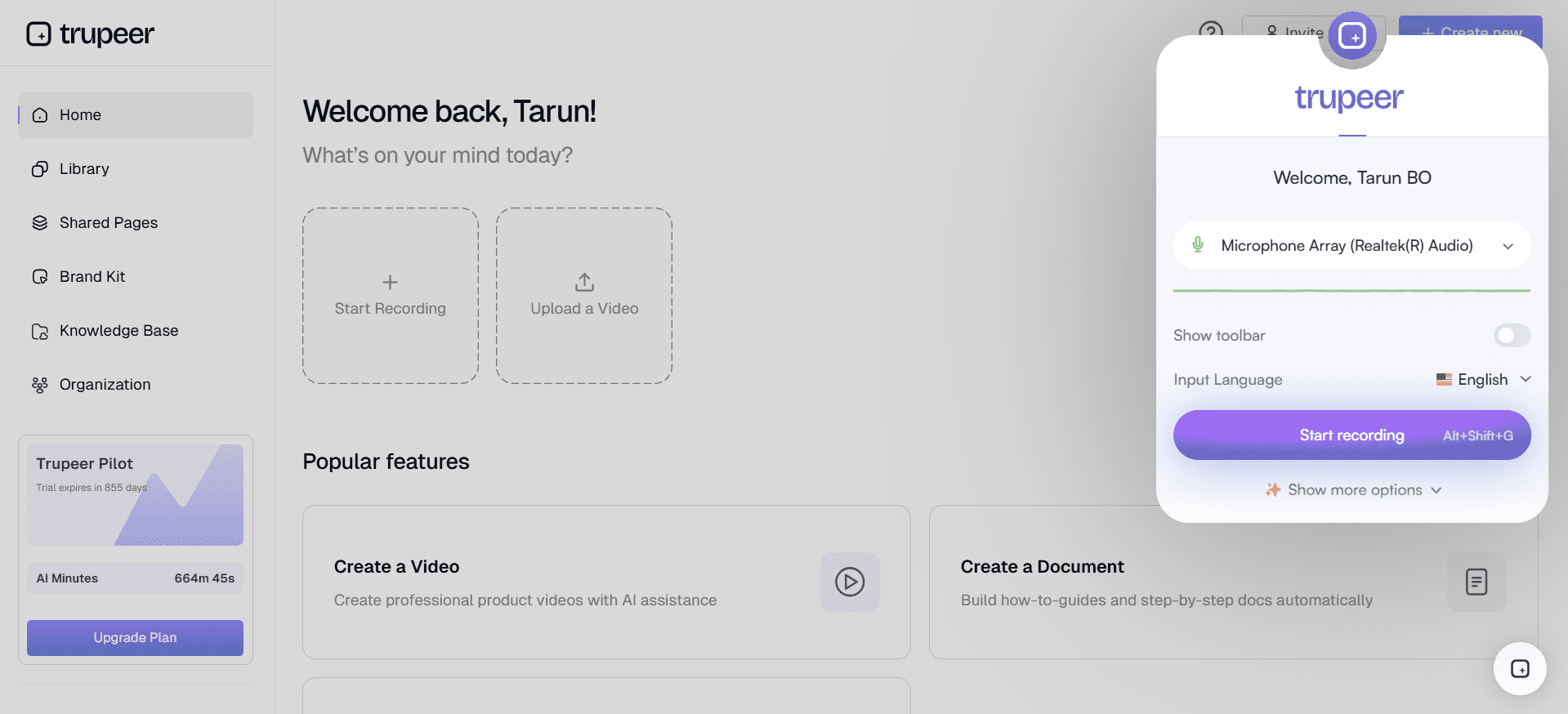
Trupeer offers an all-in-one solution for companies focusing on asynchronous onboarding and training. Unlike Livestorm, Trupeer excels at providing tools for creating self-paced learning modules and interactive product walkthroughs. It supports unlimited attendees for on-demand content, making it ideal for reaching larger audiences without the constraints of live events.
With Trupeer, you get advanced analytics that track user engagement over time, helping you refine content and improve learning outcomes. The platform also offers seamless integration with other tools, allowing for a smooth workflow.
Zoom Webinars
Zoom Webinars is another popular alternative known for its reliability and ease of use. It’s particularly well-suited for organizations that already use Zoom for meetings and want to leverage its webinar capabilities. However, like Livestorm, Zoom is more focused on live interactions rather than asynchronous content.
Demio
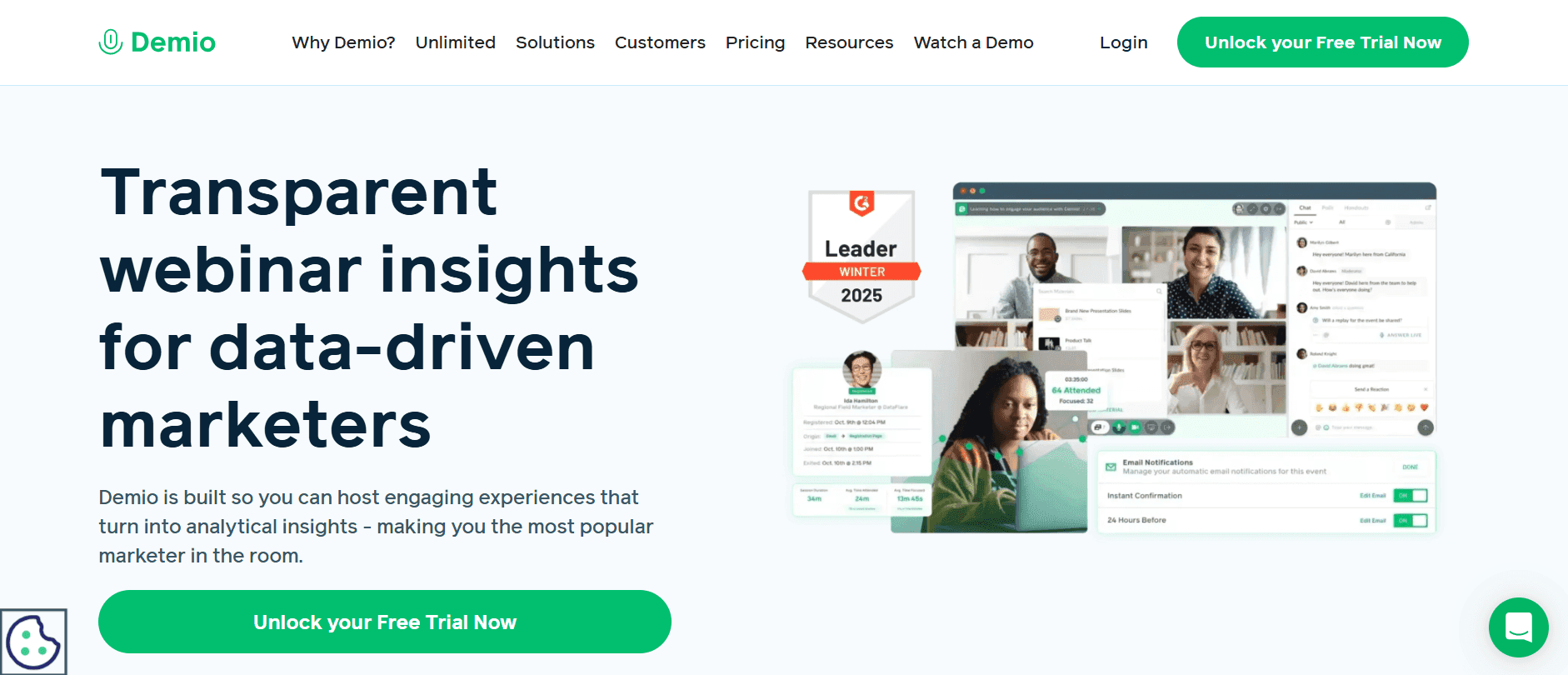
Demio focuses on simplicity and ease of use, making it a great option for small to medium-sized businesses new to webinars. It offers solid engagement features like polls and chat but lacks the in-depth analytics and asynchronous capabilities found in Trupeer.
Webex Events
Webex Events is designed for large-scale corporate events. It offers extensive customization options and robust security features. However, it may be overkill for businesses focused on smaller, more intimate webinars or training sessions.
Tool | Best For | Starting Price | Key Advantage vs Livestorm |
|---|---|---|---|
Trupeer | Asynchronous Learning | Contact for Pricing | Unlimited On-Demand Content |
Zoom Webinars | Large Live Webinars | $40/month | Integrated with Zoom Meetings |
Demio | Simple Webinars | $49/month | User-Friendly Interface |
Webex Events | Corporate Events | $99/month | Advanced Customization |
Livestorm vs Trupeer: Which Should You Choose?
Choosing between Livestorm and Trupeer depends on your specific needs. While Livestorm is excellent for live interactions, Trupeer offers unmatched capabilities for asynchronous learning.
Feature | Livestorm | Trupeer |
|---|---|---|
Live Webinars | Yes | Yes |
On-Demand Content | Limited | Yes |
Interactive Features | Yes | Yes |
Asynchronous Learning | No | Yes |
Integration Capabilities | Yes | Yes |
If your focus is on creating a comprehensive, always-available learning resource for your users, Trupeer is the better choice. Its ability to deliver content that users can access anytime makes it invaluable for ongoing training and learning initiatives.
Best Practices for Hosting Webinars
Hosting a successful webinar involves more than just choosing the right platform. Here are some best practices to ensure your webinars are engaging and effective:
Prepare and Test Equipment: Ensure that all your technical equipment, such as microphones, webcams, and internet connections, are tested and functioning well before the event to avoid disruptions.
Create Engaging Content: Focus on creating content that resonates with your audience. Use visuals, storytelling, and interactive elements like polls and Q&A to keep participants engaged.
Promote Your Webinar: Use multiple channels like email, social media, and your website to promote your webinar. Consider partnering with influencers or industry experts to reach a broader audience.
Engage with Your Audience: During the webinar, actively engage with participants by addressing their questions and encouraging interaction. Use interactive tools available on your platform to make the session lively.
Follow Up: Send follow-up emails to participants with a thank-you note, a recording of the webinar, and additional resources. This helps in nurturing relationships and reinforcing the webinar's message.
Common Mistakes to Avoid
Even the most seasoned webinar hosts can fall into common pitfalls. Here are some mistakes to avoid:
Neglecting Audience Engagement: Failing to interact with your audience can lead to disengagement. Use available tools to foster interaction and maintain interest throughout the session.
Overloading Content: Trying to cover too much information can overwhelm your audience. Focus on key messages and allow time for questions to ensure clarity and understanding.
Ignoring Technical Issues: Always perform a technical check before the webinar. Ignoring potential issues can result in poor audio or video quality, which detracts from the professionalism of your session.
Skipping Rehearsals: Not rehearsing your presentation can lead to a lack of confidence and disorganized delivery. Practice your script and timing to ensure a smooth and professional presentation.
Missing Follow-Up Opportunities: Failing to follow up with participants after the webinar can be a missed opportunity for engagement and conversion. Always send a thank-you email and offer additional resources or feedback opportunities.
Frequently Asked Questions
Is Livestorm suitable for small businesses?
Yes, Livestorm offers a free plan suitable for small businesses, supporting up to 30 attendees. This plan includes basic features ideal for small-scale webinars and training sessions.
Can Livestorm handle large webinars?
Livestorm can host webinars with up to 300 attendees on its Business plan, making it suitable for medium to large-scale webinars. For even larger events, you may need to consider platforms like Webex Events.
Does Trupeer support live events?
Yes, Trupeer supports live events but excels at providing tools for asynchronous and on-demand content. It’s ideal for companies that want to offer continuous learning opportunities alongside live sessions.
What are the main limitations of Demio?
Demio is limited in its analytics and lacks extensive tools for asynchronous learning. It’s best for businesses seeking a straightforward, user-friendly platform for live webinars without the need for complex features.
How does Webex Events compare to Livestorm?
Webex Events offers more extensive customization and security features, making it suitable for large corporate events. However, it might be overly complex for smaller webinars or businesses with simpler needs.
Are there any hidden costs with Livestorm?
Livestorm's pricing is transparent with its tiered plans, but additional costs can arise if you need more than the included features or higher attendee limits. Always review the plan details to avoid unexpected expenses.
What makes Trupeer stand out for onboarding?
Trupeer's standout feature is its ability to create and manage asynchronous onboarding content. This allows new users to learn at their own pace, ensuring a more personalized and effective onboarding experience.
Is Zoom a good alternative for Livestorm?
Zoom is a solid alternative if you're already using its meeting services and want seamless integration. However, its focus remains on live interactions, lacking the robust asynchronous capabilities found in Trupeer.
Closing
Choosing the right webinar platform depends on your specific needs. Livestorm is an excellent choice for live webinars and real-time engagement. However, if your focus is on creating comprehensive, on-demand learning experiences, Trupeer may be the better fit.
Visit Trupeer to learn more about how it can enhance your onboarding and training processes with robust asynchronous capabilities. Explore how Trupeer can help you deliver continuous learning opportunities to your audience today.

