Trupeer Blog
Online User Guide Generator: Best AI-Powered Tools for 2026
Discover online user guide generator tools powered by AI for 2026. Compare features to create manuals, tutorials, and documentation quickly with platforms like Trupeer.

Buyer's Overview
Creating user guides can be an exhausting process, often taking teams 8 to 12 hours to craft a single manual from scratch. This time-consuming task is further complicated by the need to update documentation with each new product release. The advent of AI-powered tools has revolutionized this domain, allowing businesses to auto-generate complete guides in mere minutes using screen recordings. A substantial 72% of businesses have reported increased efficiency after adopting AI tools for documentation.
"72% of businesses have reported increased efficiency after adopting AI tools for documentation."
Source: AI in Business Report by TechInsights, 2025
This comprehensive guide evaluates top AI-powered user guide generators, focusing on features, pricing, and usability. It's crafted for decision-makers and teams looking to streamline their documentation process with cutting-edge technology.
Best User Guide Tools: Head-to-Head Comparison
Feature | Trupeer | Scribe | Document360 | Tango | Notion | Confluence | GitBook | Archbee |
|---|---|---|---|---|---|---|---|---|
Core Features | ||||||||
Auto-Capture Steps | Yes | Yes | No | Yes | No | Limited | Yes | Yes |
AI Writing | Yes | Yes | No | Limited | No | Yes | Yes | Limited |
Professional Features | ||||||||
Video Support | Yes | No | Limited | Yes | Yes | Yes | No | Yes |
PDF Export | Yes | Yes | Yes | No | Yes | Yes | Limited | Yes |
Web Knowledge Base | Yes | No | Yes | Yes | No | Yes | Yes | Yes |
Integrations | ||||||||
Version Control | Yes | Yes | Yes | No | Limited | Yes | Yes | Limited |
Team Collaboration | Yes | Yes | Yes | Yes | Yes | Yes | Limited | Yes |
Search | Yes | No | Yes | Limited | Yes | Yes | Yes | Yes |
Templates | Yes | No | Yes | Yes | Limited | Yes | Yes | Yes |
Free Tier | Yes | Yes | No | Yes | Yes | No | Limited | Yes |
Trupeer
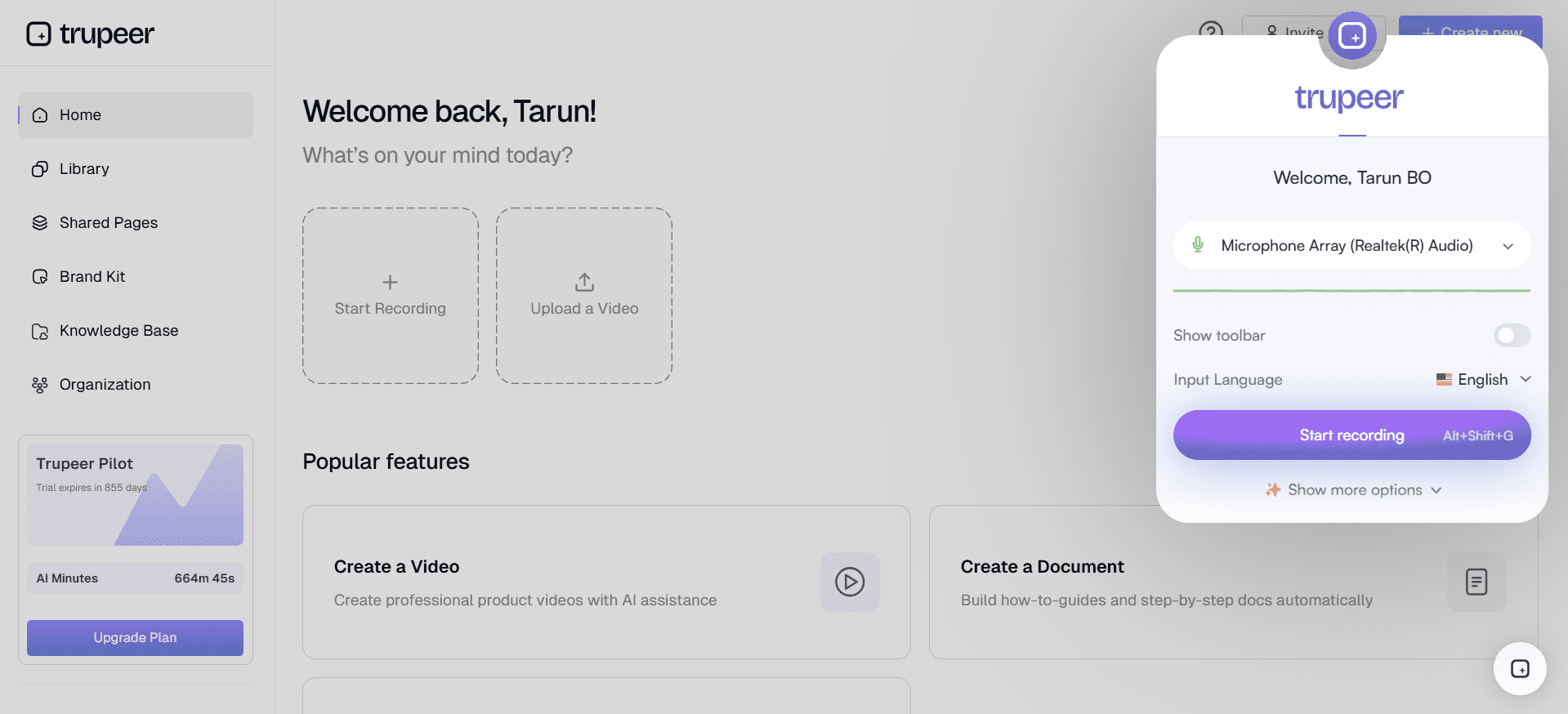
Trupeer is a powerful AI-driven platform designed to streamline the creation of comprehensive user guides. It's tailored for businesses looking to minimize manual effort and maximize efficiency. One of Trupeer's standout features is its ability to auto-capture steps and generate detailed guides from screen recordings. This makes it particularly useful for teams with limited resources or those needing rapid documentation updates.
Key Features
Auto-capture of steps from screen activity
AI-written instructions
Embedded video support
Multi-format export: PDF, web, HTML
Robust version control
Comprehensive search functionality
Custom templates for branding consistency
Team collaboration tools
"Trupeer has significantly reduced our documentation time, allowing us to focus more on product development."
Pros | Cons |
|---|---|
Efficient auto-capture and AI writing. | May require initial training for setup. |
Supports 40+ languages. | Limited customization in free tier. |
Seamless integration with existing tools. | Advanced features require higher pricing plans. |
Pricing
Trupeer offers a free tier with basic features. Paid plans start at $49 per user/month, providing access to advanced functionalities and integrations.
Scribe
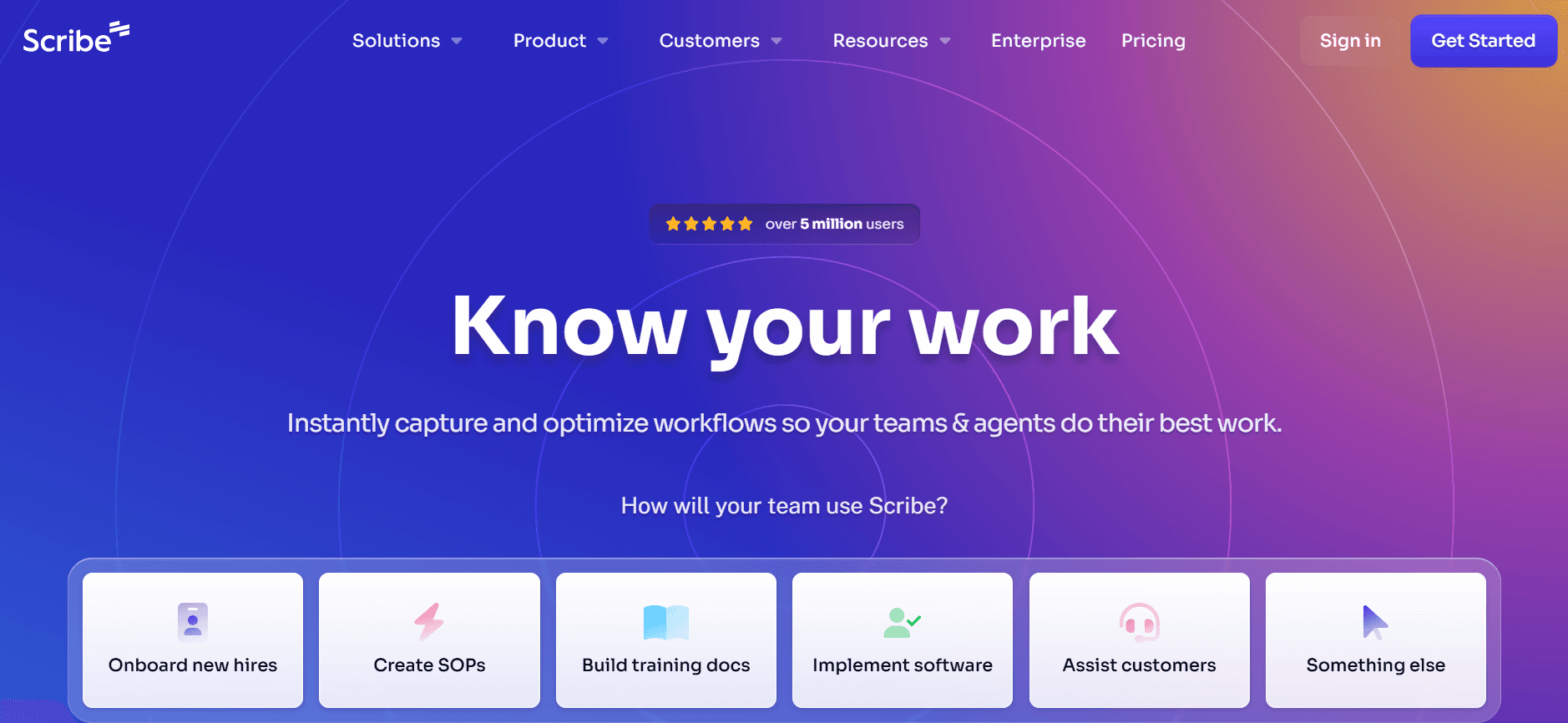
Scribe is an intuitive tool that simplifies the process of creating step-by-step guides. It's ideal for individuals and small teams who require straightforward documentation without the complexity of more advanced systems. Scribe excels in its simplicity and ease of use, making it a favorite among non-technical users.
Key Features
Simple step-by-step guide creation
Easy-to-use interface
Basic templates for guide design
Instant PDF export
Basic collaboration options
Email sharing of guides
Custom branding options
Limited AI writing capabilities
Pros | Cons |
|---|---|
User-friendly interface suitable for all skill levels. | Lacks advanced AI capabilities. |
Quick setup and operation. | Limited integration options. |
Affordable pricing for small teams. | No video support. |
Pricing
Scribe provides a free version with essential features. Premium plans start at $15 per user/month, offering additional templates and customization options.
Document360
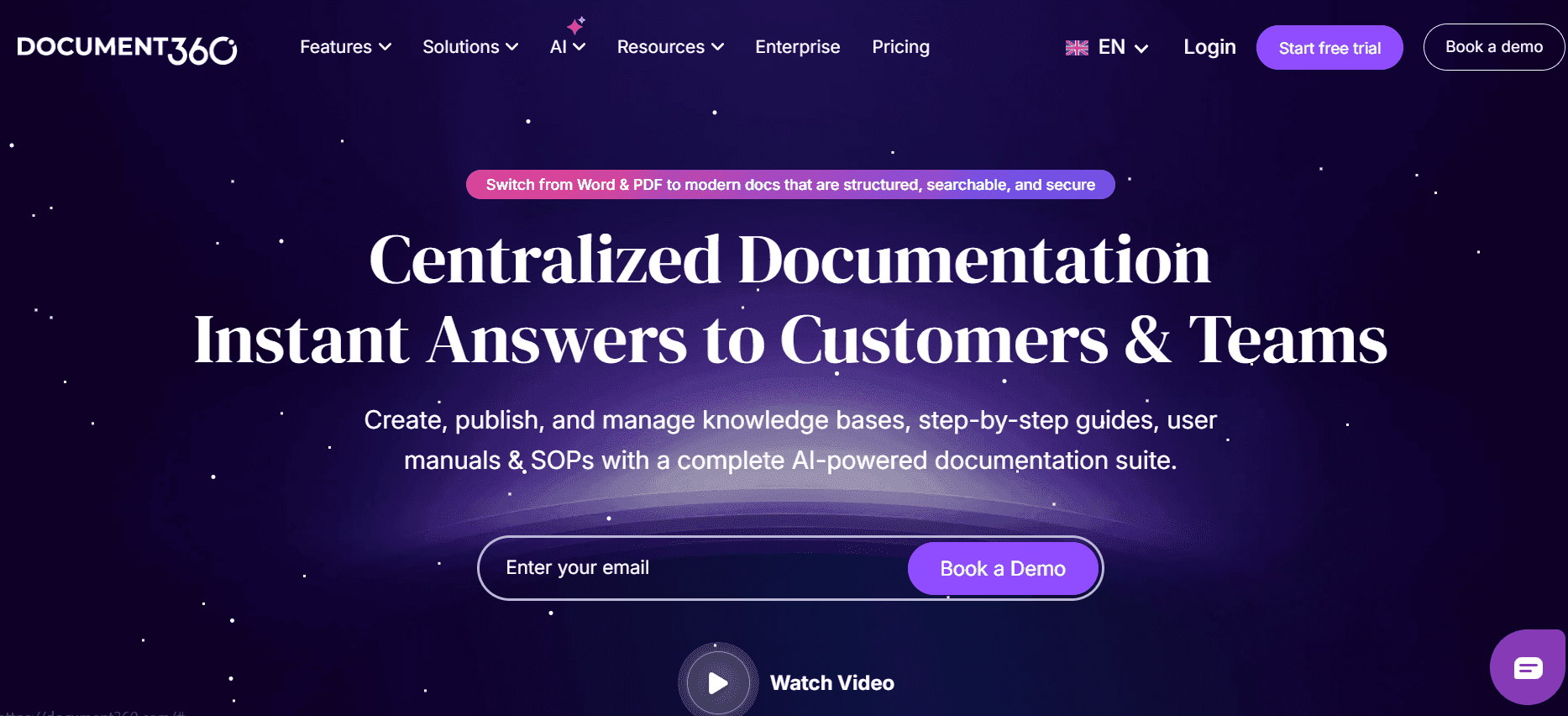
Document360 is a knowledge base software that focuses on providing an organized platform for creating and managing documentation. It's particularly suited for medium to large businesses that need a centralized hub for their documentation needs. The tool offers a structured approach to content management, making it a reliable choice for detailed documentation projects.
Key Features
Comprehensive content management system
Customizable knowledge base portal
Advanced search capabilities
Multi-language support
Analytics and reporting tools
Version history and recovery
Secure access controls
Integration with popular tools like Slack and Microsoft Teams
Pros | Cons |
|---|---|
Robust search and organization features. | Higher learning curve for new users. |
Strong analytics and reporting tools. | No free tier available. |
Secure and reliable for enterprise use. | Limited AI writing support. |
Pricing
Document360 does not offer a free tier. Pricing starts at $99 per project/month, with tiered plans based on features and number of users.
Tango
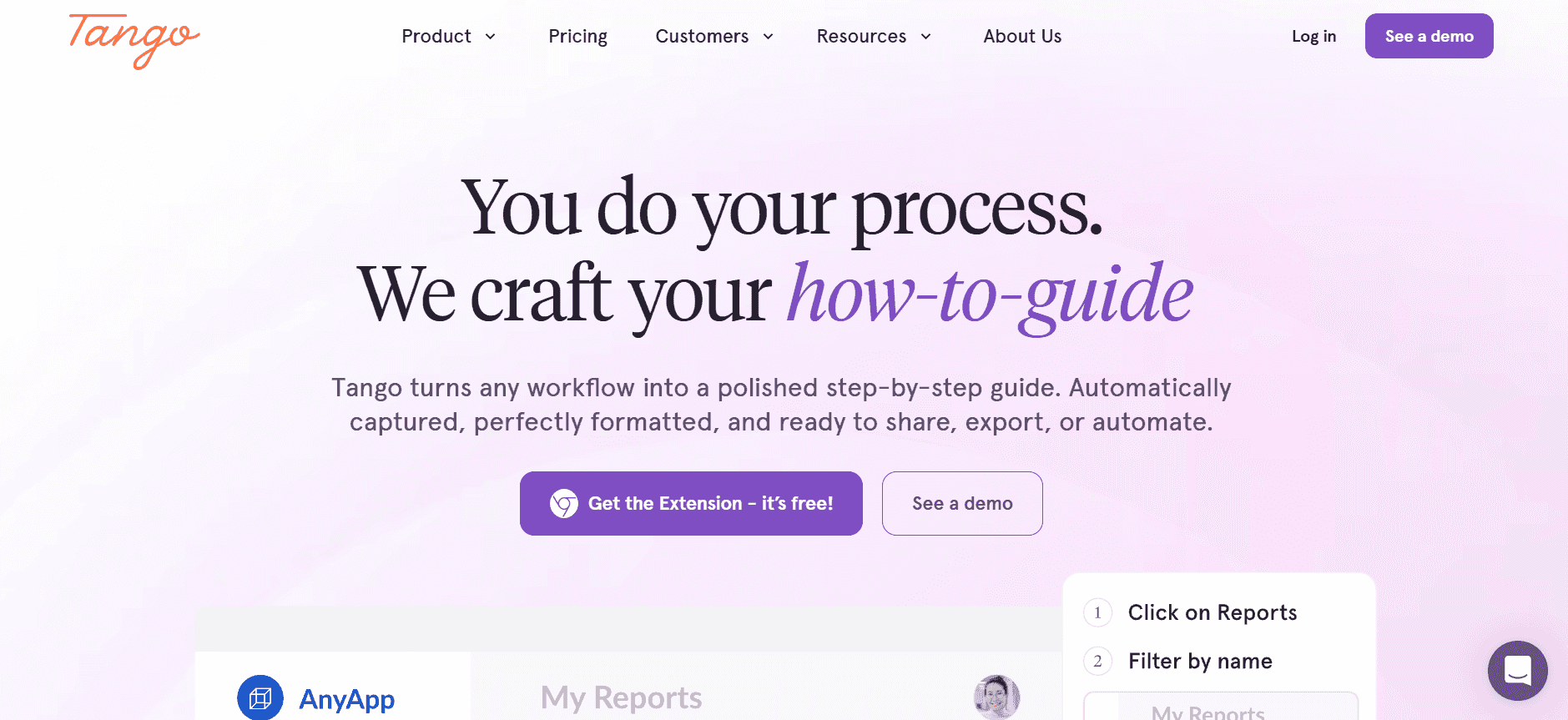
Tango is designed to create visual guides that are both appealing and informative. Its unique selling proposition is its focus on capturing user steps in a visual format, making it perfect for teams needing engaging documentation. Tango stands out for its simplicity and its emphasis on visual learning, making it suitable for training and onboarding purposes.
Key Features
Visual step-by-step guide creation
Instant screen capture and annotation
Intuitive drag-and-drop interface
Customizable templates for branding
Interactive elements for user engagement
Web-based access to guides
Basic version control
Collaboration tools for teams
Pros | Cons |
|---|---|
Highly visual and engaging documentation. | Limited export formats. |
Easy for teams to collaborate and share. | Basic version control only. |
Interactive features enhance learning. | No AI writing capabilities. |
Pricing
Tango offers a free tier with limited features. Paid plans start at $25 per user/month, unlocking additional customization and collaboration features.
Notion
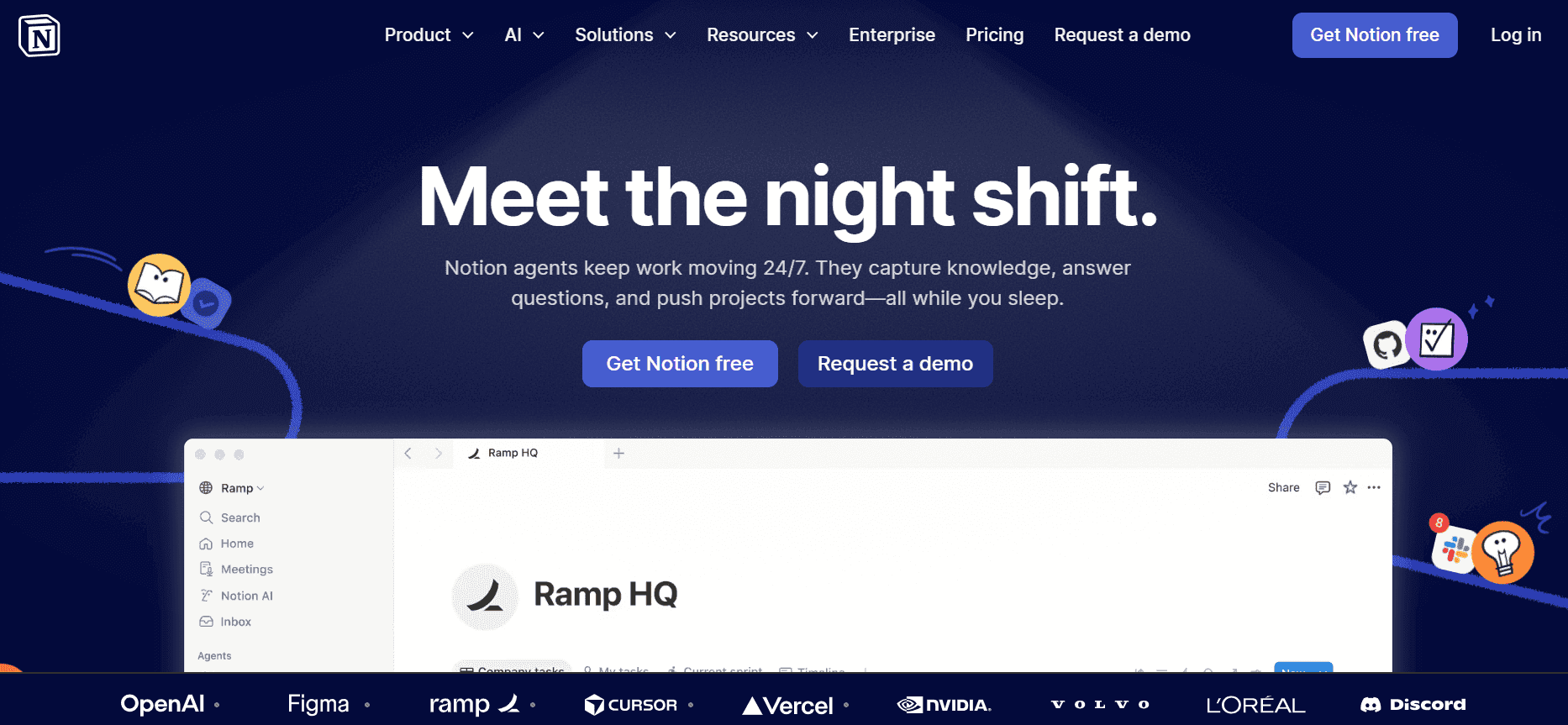
Notion is a versatile workspace tool that combines note-taking, task management, and knowledge base functionalities. It's widely favored for its flexibility and ability to adapt to various team needs. While Notion is not solely a user guide generator, its robust features make it a viable choice for teams looking to integrate documentation with other workflows.
Key Features
All-in-one workspace for notes and tasks
Customizable templates and databases
Collaboration and sharing options
Integration with a variety of apps
Rich text editing and formatting
Real-time updates and syncing
Web and mobile access
Basic automation tools
Pros | Cons |
|---|---|
Highly flexible and customizable. | Not dedicated to guide creation. |
Seamless integration with other tools. | Limited export options for guides. |
Great for team collaboration and project management. | No advanced AI capabilities. |
Pricing
Notion offers a free plan with basic features. Its Personal Pro plan starts at $4 per user/month, with more advanced team plans available.
Confluence
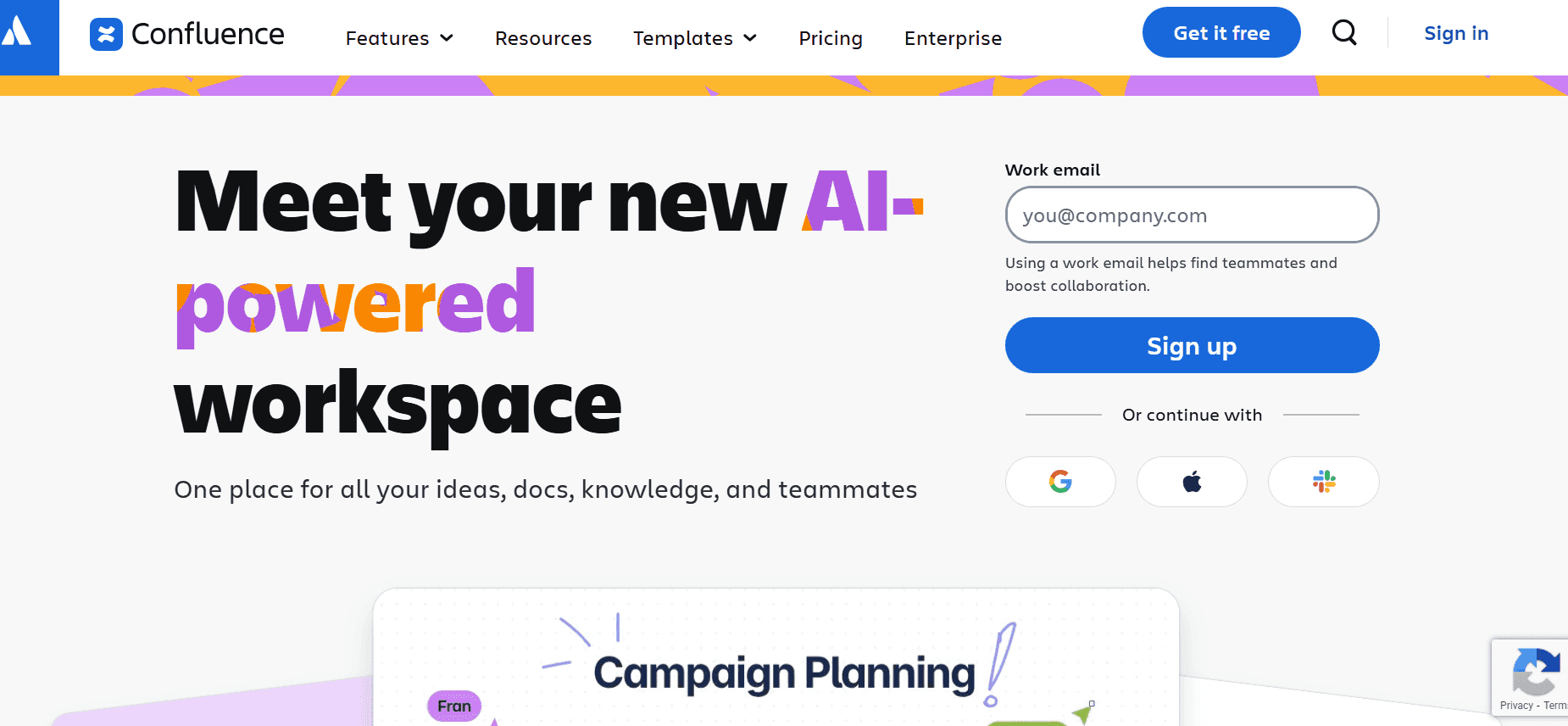
Confluence by Atlassian is a collaboration platform that's particularly strong in knowledge management and team collaboration. It's tailored for larger organizations that require a centralized platform for their documentation needs. Confluence is known for its integration with other Atlassian products, making it an indispensable tool for teams already using Jira or Trello.
Key Features
Powerful collaboration and sharing tools
Integration with Jira and other Atlassian products
Comprehensive search capabilities
Customizable spaces and pages
Real-time editing and commenting
Rich content formatting options
Security and compliance features
Flexible access controls
Pros | Cons |
|---|---|
Seamless integration with Atlassian suite. | No free tier for enterprises. |
Strong collaboration and version control. | Can be overwhelming for small teams. |
Highly secure and compliant. | Limited AI writing support. |
Pricing
Confluence offers a free plan for small teams. Paid plans for larger teams start at $10 per user/month, providing advanced features and security options.
GitBook
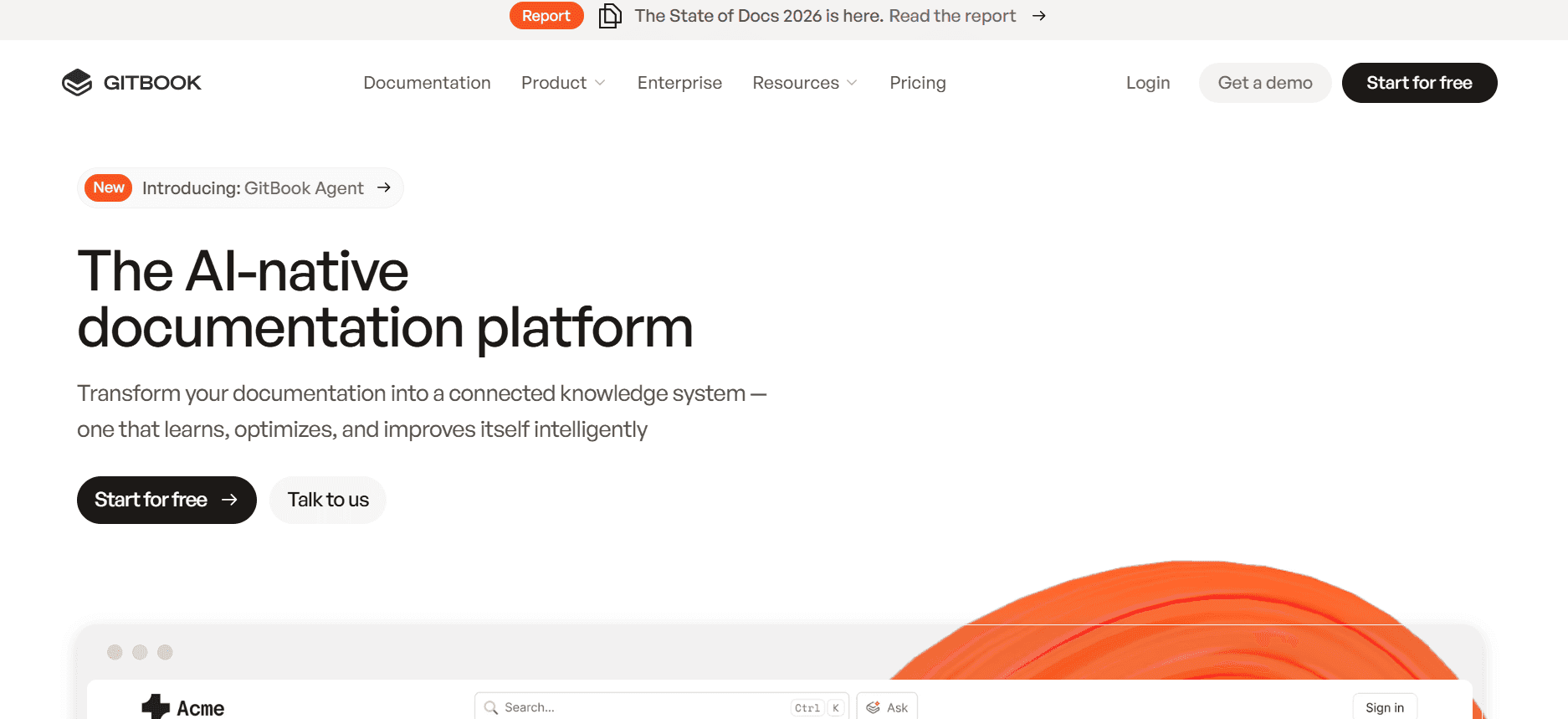
GitBook is an online documentation platform that combines collaborative writing with version control. It's particularly suitable for technical teams and developers who need to create detailed API documentation. GitBook's integration with GitHub makes it an attractive option for developers looking to align documentation with code repositories.
Key Features
Markdown-based documentation creation
Integration with GitHub
Real-time collaboration and editing
Version control and history tracking
Custom domains and branding
Public and private documentation options
Embed capabilities for rich media
Analytics and user insights
Pros | Cons |
|---|---|
Perfect for technical documentation. | May not suit non-technical users. |
Seamless integration with GitHub. | Limited design customization. |
Strong version control features. | No AI writing support. |
Pricing
GitBook offers a free plan with basic features. Pro plans start at $7 per user/month, with additional features for larger teams and enterprises.
Archbee
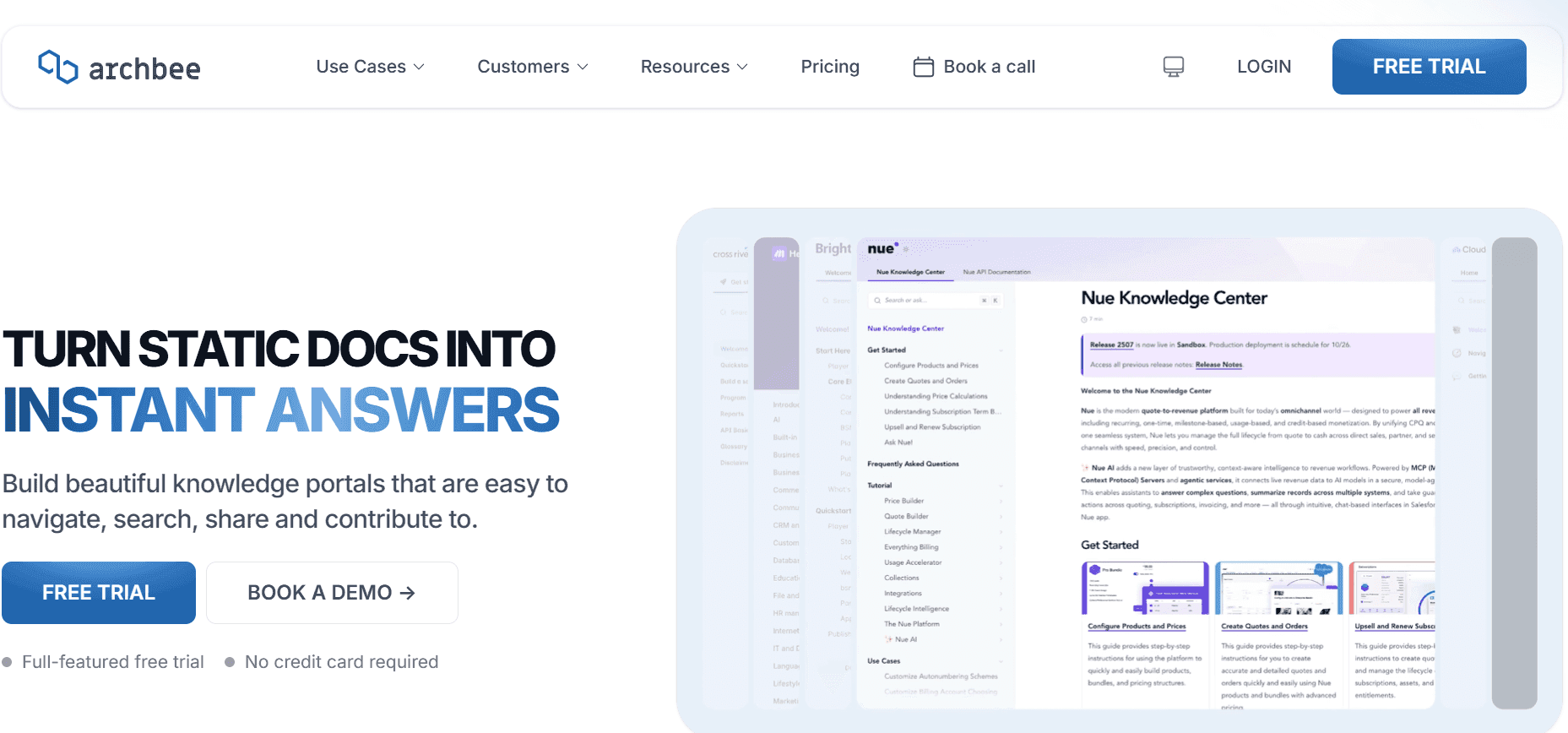
Archbee is a tool designed for product and engineering teams that need a collaborative documentation platform. It's particularly useful for startups and small businesses seeking an efficient way to maintain project documentation. Archbee stands out for its focus on developer-centric documentation and ease of use.
Key Features
Real-time collaborative editing
Markdown support for technical writing
Customizable templates
Integrated API documentation
Public and private access options
Version history and rollback
Embed diagrams and media
Integration with popular tools
Pros | Cons |
|---|---|
Developer-friendly and easy to use. | Lacks advanced analytics. |
Strong integration with other tools. | Limited non-technical templates. |
Good for small teams and startups. | No AI writing support. |
Pricing
Archbee offers a free tier with basic features. Paid plans start at $10 per user/month, offering more customization and advanced integrations.
User Guide & Manual Creation Challenges: What Teams Struggle With
Manual Documentation Is Slow
Teams spend countless hours capturing screenshots, writing instructions, and formatting documents manually.
Lack of automation means every update requires starting from scratch, slowing down the entire process.
Proofreading and ensuring consistency across documents adds additional layers of time consumption.
Even minor changes can take hours to implement across all documentation.
Content Becomes Outdated Quickly
With frequent product updates, teams struggle to keep documentation current, leading to user confusion.
Manual updates often lag behind product releases, creating a gap in knowledge dissemination.
Legacy documentation systems lack the agility to respond swiftly to changes.
Users may rely on outdated guides, resulting in increased support requests.
Poor Search and Findability for End Users
Users often find it challenging to locate the information they need within large documentation sets.
Non-intuitive search functionalities frustrate users, leading to a poor user experience.
Lack of categorization or tagging makes navigation cumbersome.
Users waste time searching through irrelevant content, affecting productivity.
Documentation Is Siloed Across Different Tools
Teams often use a mix of Notion, Word, and Google Docs, leading to disorganized documentation.
Inconsistent document locations make it difficult for team members to access and update content.
Collaboration is hindered as team members struggle to find the latest version of documents.
Cross-collaboration between teams becomes inefficient, causing delays in projects.
No Consistency in Format or Style Across Team Members
Without standardized templates, documentation varies in style, affecting professionalism.
Inconsistent terminology and formatting confuse users and detract from brand consistency.
Team members spend extra time ensuring stylistic consistency, which could be automated.
Quality control becomes a bottleneck, slowing down the documentation release process.
Challenge | Traditional Process | Business Impact | Time Cost |
|---|---|---|---|
Manual Documentation | Writing and formatting manually | Increased labor and delayed releases | 8-12 hours per guide |
Outdated Content | Periodic manual updates | User confusion and increased support | Constant backlog |
Poor Search | Basic search or none | Frustrated users and inefficiency | 30-60 mins/day/user |
Siloed Documentation | Using multiple tools | Disorganization and inefficiency | 2-4 hours/week/team |
Inconsistent Formats | Ad-hoc styling | Unprofessional presentation | 2-3 hours/document |
Must-Have Features in User Guide & Manual Creation Tools
Auto Step Capture from Screen Activity
One of the most transformative features in modern user guide tools is auto step capture from screen activity. This functionality allows teams to record their actions on-screen, which the software then converts into step-by-step guides. It significantly reduces the time spent on manual screenshot capture and annotation. Tools like Trupeer excel in this aspect, offering seamless recording and guide generation processes, facilitating rapid documentation creation.
AI-Written Step Instructions
AI-driven step instructions are a game-changer for documentation teams. These tools analyze recorded actions or input commands and generate clear, concise text instructions. This feature not only speeds up the writing process but also ensures consistency in language and style. Scribe, for instance, leverages AI to assist users in drafting steps, making the content creation process both faster and more accurate.
Video Embedding Alongside Text
Embedding video content alongside text instructions provides a richer, more comprehensive learning experience. Videos can demonstrate complex procedures that are difficult to convey through text alone. Tango stands out with its emphasis on visual guides, allowing users to integrate video walkthroughs seamlessly with written documentation. This feature is particularly beneficial for training materials and user onboarding processes.
Multi-Format Export (PDF, Web, HTML)
Flexibility in exporting documentation is crucial for meeting diverse user needs and distribution channels. Tools that offer multi-format export options allow teams to cater to different preferences, such as PDFs for offline use or web formats for online knowledge bases. Document360 excels in providing a range of export options, ensuring that documentation is accessible in the desired format, whether for internal use or customer-facing resources.
Version Control and Quick Update Workflows
Version control is essential for maintaining the integrity and accuracy of documentation over time. It helps teams track changes, revert to previous versions if necessary, and coordinate updates efficiently. Confluence integrates robust versioning systems with its collaborative platform, allowing teams to manage document history effectively and streamline updates, minimizing downtime and ensuring up-to-date content.
Comprehensive Search Functionality
A powerful search function is indispensable for enabling users to quickly find the information they need. It enhances the user experience by providing fast, relevant search results, reducing the time spent navigating through documentation. GitBook incorporates advanced search capabilities, allowing users to filter and locate specific content swiftly, thereby improving productivity and satisfaction.
How to Choose a User Guide Generator Based on Your Use Case
Product User Manuals and Help Center Articles
For companies needing detailed user manuals and help center articles, the focus is on comprehensive content management and easy updates. This requires tools that offer extensive version control, multi-format exports, and robust search functionalities to ensure users can find the information they need quickly.
Need for detailed step-by-step instructions for complex products.
Frequent updates due to regular product changes.
High demand for searchable and easily accessible content.
Version control to manage frequent updates.
Multi-format export options for various user preferences.
Comprehensive search capabilities to enhance user accessibility.
Tool | Version Control | Search Functionality | Export Options |
|---|---|---|---|
Trupeer | Yes | Yes | Yes |
Document360 | Yes | Yes | Yes |
Confluence | Yes | Yes | Yes |
Internal SOP Documentation
For internal standard operating procedures (SOPs), the focus is on maintaining consistency and ensuring that all team members have access to the latest procedures. Tools chosen should facilitate collaboration and provide templates to standardize documents across teams.
Need for consistent documentation across departments.
Frequent updates to reflect new processes and policies.
Collaboration among multiple contributors.
Collaboration tools to allow real-time editing and feedback.
Customizable templates for consistent branding and formatting.
Version control to keep track of changes and updates.
Tool | Collaboration | Templates | Version Control |
|---|---|---|---|
Notion | Yes | Limited | Limited |
GitBook | Yes | Yes | Yes |
Confluence | Yes | Yes | Yes |
IT System and Admin Guides
When dealing with IT system and admin guides, the primary focus is on technical accuracy and ease of updates. These guides often require integration with existing IT systems and the ability to handle complex technical details.
High technical accuracy needed to avoid system errors.
Frequent updates due to dynamic IT environments.
Integration with existing IT and management systems.
Integration with IT management tools for seamless updates.
Detailed step-by-step instructions to prevent errors.
Robust version control to manage frequent changes.
Tool | Technical Accuracy | Integration | Version Control |
|---|---|---|---|
Trupeer | Yes | Yes | Yes |
GitBook | Yes | Yes | Yes |
Archbee | Yes | Yes | Yes |
Customer-Facing Knowledge Base
For customer-facing knowledge bases, the primary goals are ease of use, accessibility, and engaging content. These tools should provide intuitive search capabilities and support multiple content formats to cater to diverse customer needs.
Need for intuitive and user-friendly search capabilities.
Demand for engaging content such as videos and interactive elements.
Support for multiple content formats to reach a broader audience.
Intuitive search functions to help users find answers quickly.
Support for video and interactive content to enhance engagement.
Multi-format export options for diverse user needs.
Tool | Search Functionality | Content Formats | Engagement Features |
|---|---|---|---|
Tango | Limited | Yes | Yes |
Document360 | Yes | Yes | Limited |
Confluence | Yes | Yes | Yes |
Best Practices for User Guide Creation
Before Starting
Identify the target audience and their needs to tailor content appropriately.
Set clear objectives for the guide to ensure alignment with business goals.
Choose the right tools based on the team's specific requirements and use cases.
Plan the structure and format of the guide to maintain consistency and clarity.
During Creation
Use auto-capture tools to streamline the documentation process and save time.
Incorporate AI-assisted writing to enhance text quality and maintain consistency.
Embed videos and interactive elements to make the guide more engaging and informative.
Regularly review and revise the content to ensure technical accuracy and clarity.
After Completion
Conduct user testing to gather feedback and identify areas for improvement.
Monitor user engagement and search metrics to adjust content as needed.
Implement version control to track changes and updates effectively.
Regularly update the guide to reflect product changes and new features.
Frequently Asked Questions
What is a user guide generator?
A user guide generator is a software tool designed to automate the creation of user manuals and documentation. It leverages features like auto-capture, AI writing, and multi-format export to streamline the documentation process, making it faster and more efficient.Why should I use an AI-powered tool for documentation?
AI-powered tools enhance the efficiency and accuracy of documentation by automating manual tasks like writing and formatting. They ensure consistency across documents, reduce the time required for updates, and improve the user experience with advanced features like search and video embedding.Can these tools integrate with our existing software?
Many user guide generators offer integrations with popular software tools, including CRM systems, project management platforms, and IT management tools. It's important to choose a tool that aligns with your existing tech stack to maximize efficiency.Do these tools support collaboration among team members?
Yes, most modern user guide generators support team collaboration features, allowing multiple users to work on documents simultaneously, provide feedback, and track changes in real-time, enhancing team productivity.Are there any free user guide generators available?
Yes, several tools offer free tiers with basic features suitable for small teams or individual users. However, accessing advanced features typically requires a paid subscription, with plans varying based on user needs and team size.What factors should I consider when choosing a pricing plan?
Consider the number of users, the need for advanced features like AI writing or video support, and the level of support and customization required. It's crucial to align the pricing plan with your team's specific use cases and budget constraints.How difficult is it to implement these tools?
Implementation varies by tool, but most are designed to be user-friendly with straightforward onboarding processes. Some tools may require initial training, particularly those with advanced features, to maximize their potential.What is the typical time frame for setting up a user guide generator?
Setup time can range from a few hours to a few days, depending on the complexity of the tool and the specific use cases. Tools that offer intuitive interfaces and robust support resources tend to have faster implementation times.
Closing
In today's dynamic business environment, staying ahead with efficient documentation processes is crucial. AI-powered user guide generators provide the tools needed to create comprehensive, up-to-date, and user-friendly documentation quickly. By selecting the right tool for your specific needs, you can enhance productivity, improve user satisfaction, and streamline your team's operations.
Trupeer stands out as a leading solution in this space, offering a robust set of features designed to cater to diverse documentation needs. Explore how Trupeer can transform your documentation process by visiting Trupeer.

