Trupeer Blog
Summarise

Product tour software enables product and growth teams to build in-app guidance elements such as tooltips, modals, checklists, and walkthroughs. Increasingly, these tools incorporate short videos, all without the need for engineering tickets. The most effective tools offer features like analytics, A/B testing, role-based targeting, and integrations with your CRM and product analytics stack. Moreover, the best tools also manage documentation, ensuring that both guidance and reference content are centrally located. This is why it pairs well with the product tour software the walkthrough and the documentation come from the same source.
Many SaaS teams end up purchasing product tour tools twice: initially as a startup for basic onboarding needs, and again after surpassing 1,000+ MAU when the initial tool's limitations become apparent. These limitations often include unexpected pricing models, insufficient analytics capabilities, and inadequate support for complex workflows. Our comparison is structured to assist both first-time buyers and those looking to upgrade.
Feature comparison: product tour tools
Tool | Best for | Video in tours | Analytics | Starts at |
|---|---|---|---|---|
Trupeer | Video-first tours | Yes (native AI) | Yes | $2,400/yr |
Userpilot | Mid-market SaaS | Embed | Yes | $299/mo |
Appcues | Product-led teams | Embed | Yes | $300/mo |
Pendo | Analytics-heavy | No | Yes (deep) | Free (500 MAU) |
Chameleon | Design-heavy teams | Embed | Yes | $279/mo |
UserGuiding | SMB budget | Embed | Basic | $89/mo |
Intro.js | Open source | Manual | No | Free |
HelpHero | Simple flows | No | Basic | $55/mo |
Whatfix | Enterprise | Yes | Yes | $30,000/yr |
Intercom Tours | Intercom users | Embed | Basic | Bundled |
Tool breakdowns
1. Trupeer
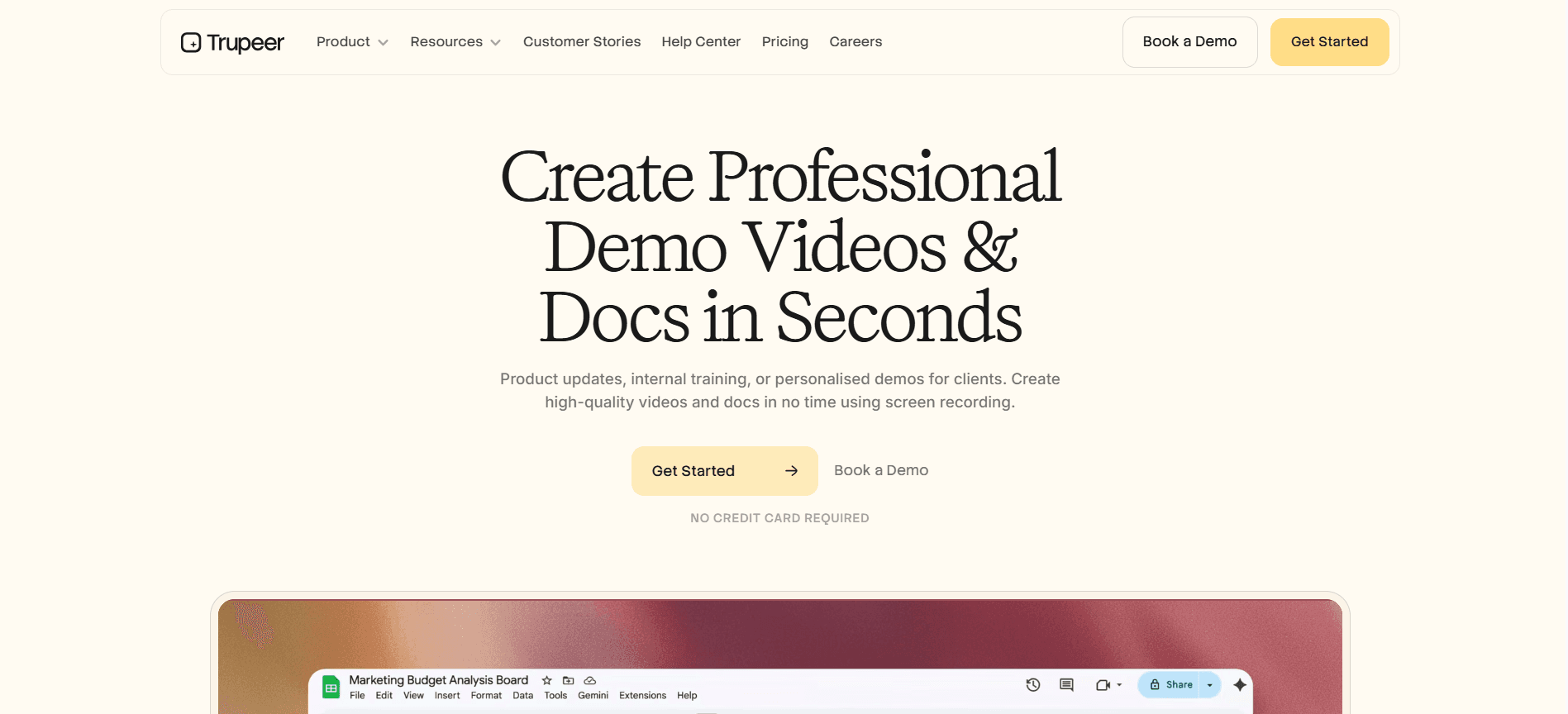
Best for: Teams that want product tours with native video, SOPs, and searchable docs.
Trupeer's unique selling point lies in its content format capabilities. By recording a feature walkthrough once, it produces a polished video ready for tooltips, a written SOP, and a searchable document page. Unlike most product tour tools that require teams to create videos separately and then embed them, Trupeer generates everything within the same workflow. This feature is particularly beneficial for SaaS products that require more extended explanations than a simple tooltip can provide. It's the same idea behind the app walkthrough software capture the walkthrough once and reuse it instead of redoing the work.
Pros: Native video generation, SOP and docs integration, per-user pricing, and rapid content production.
Cons: It doesn't offer the most comprehensive guidance builder; consider pairing it with a lightweight flow tool for complex branching scenarios.
2. Userpilot
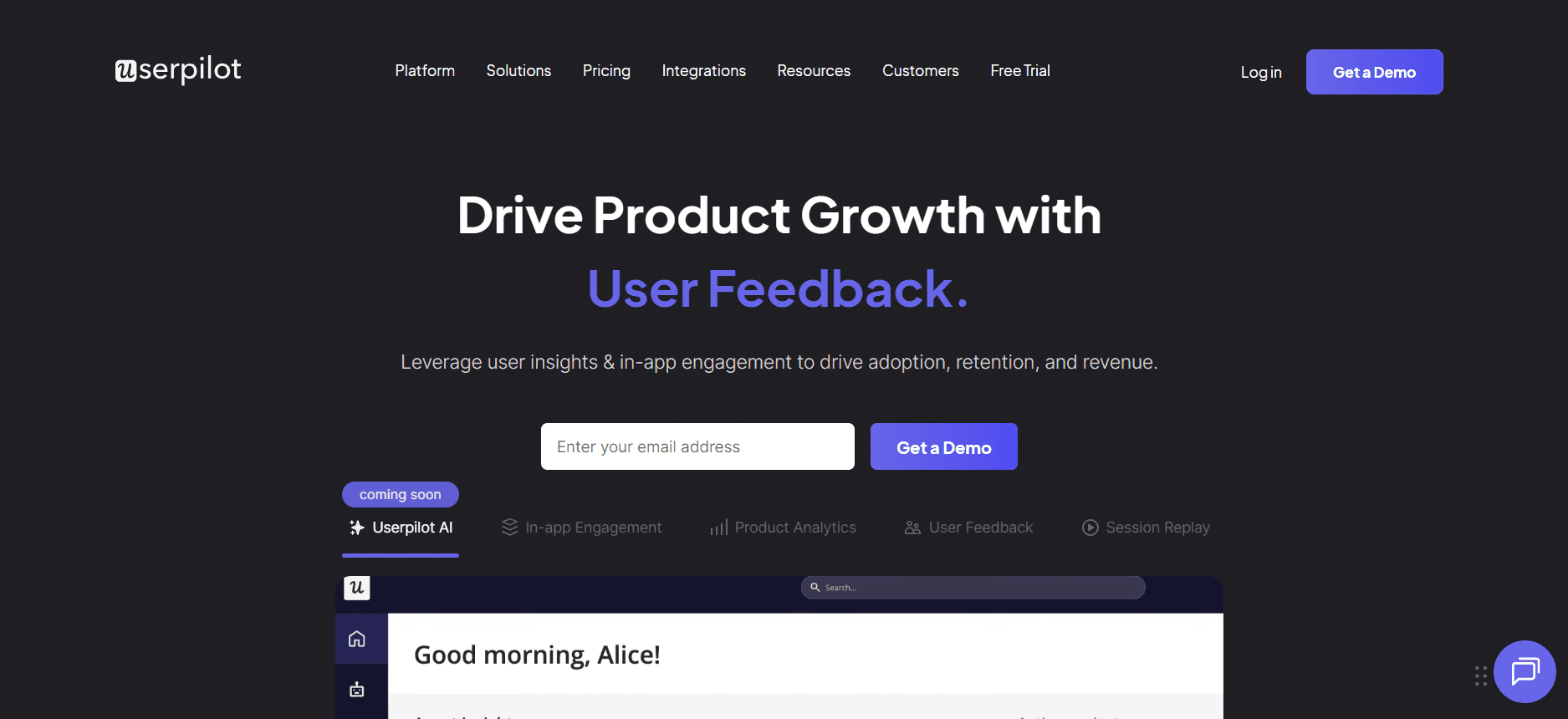
Best for: Mid-market SaaS product teams building mainstream flows. It's the same idea behind the product demo software capture the process once and reuse it instead of redoing the work.
Userpilot stands out with its clean builder interface and transparent pricing structure, offering a fast setup process. It's particularly strong in the $300-$1,000 per month range, making it a popular choice for growth-stage SaaS companies that require a reliable tool without the financial burden of more expensive solutions.
Pros: Transparent pricing, quick setup, and decent analytics capabilities.
Cons: The MAU-based pricing model can become costly as usage scales, and it lacks native video integration.
3. Appcues
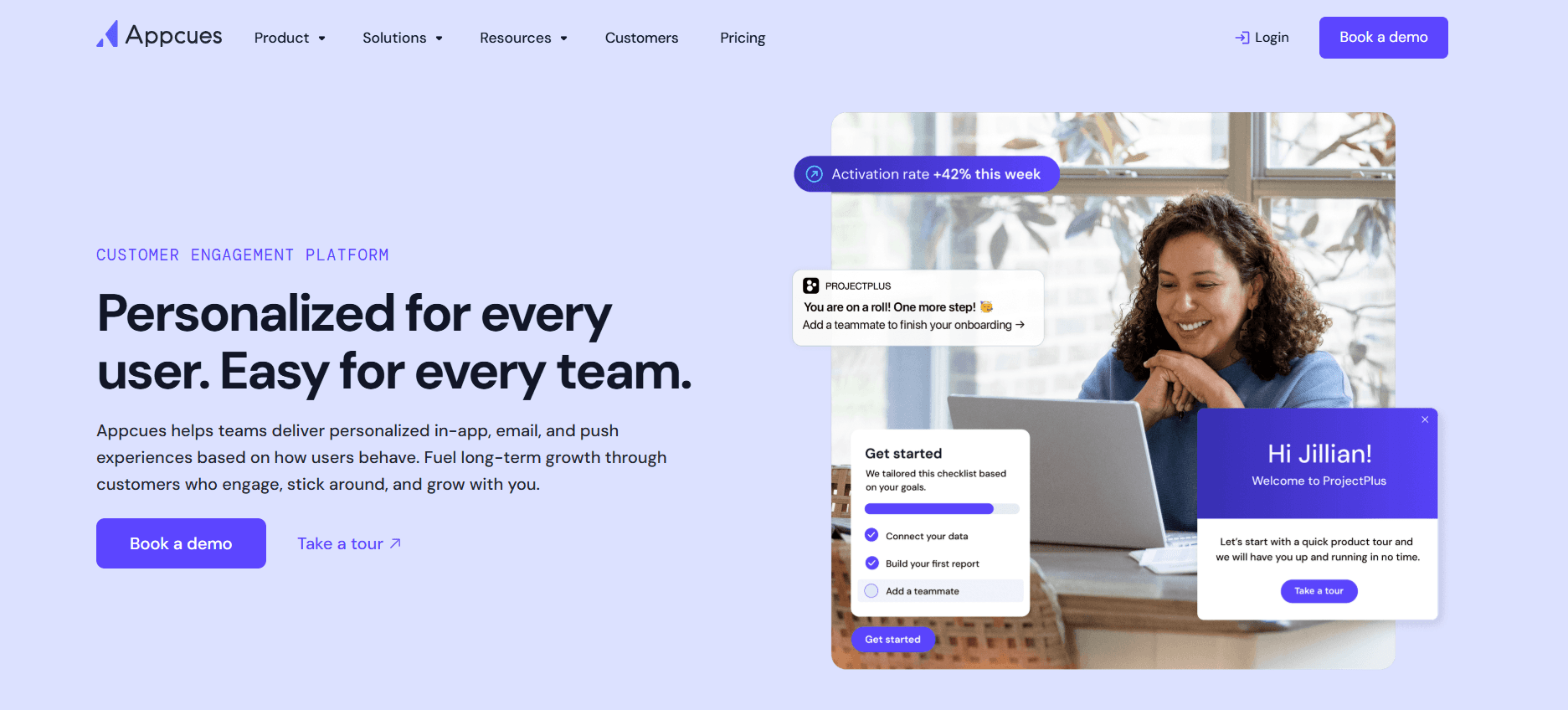
Best for: Focused product-led teams.
Appcues is one of the most mature tools in the product tour software category. It excels at delivering product tours efficiently, without the unnecessary feature bloat that plagues some competitors. This makes it a go-to choice for teams that value reliability and a straightforward pricing model.
Pros: Reliable and mature, with a clear pricing structure.
Cons: Its narrow scope means it doesn't offer video support or cover enterprise applications.
4. Pendo
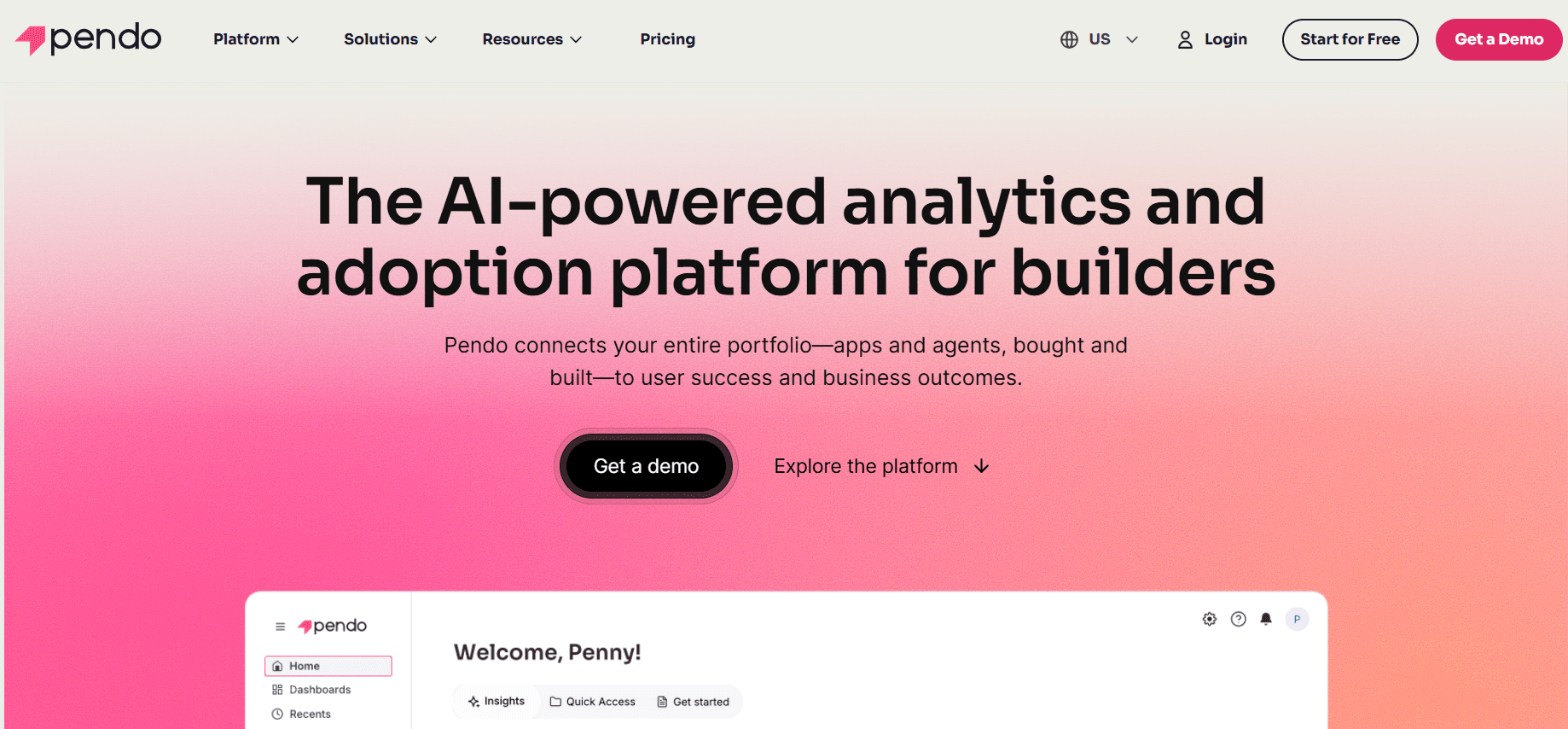
Best for: Teams that prioritize analytics with guidance as a secondary consideration.
Pendo's primary strength lies in its analytics capabilities, which are among the deepest available in the market. While its guidance tools are adequate, they often take a back seat to its powerful analytics features. If your team values comprehensive dashboards and insights, Pendo is the ideal choice.
Pros: Deep analytics, a free tier for small teams, and cross-product support.
Cons: The guidance builder can feel secondary, and the MAU-based pricing model can be restrictive as your user base grows.
5. Chameleon
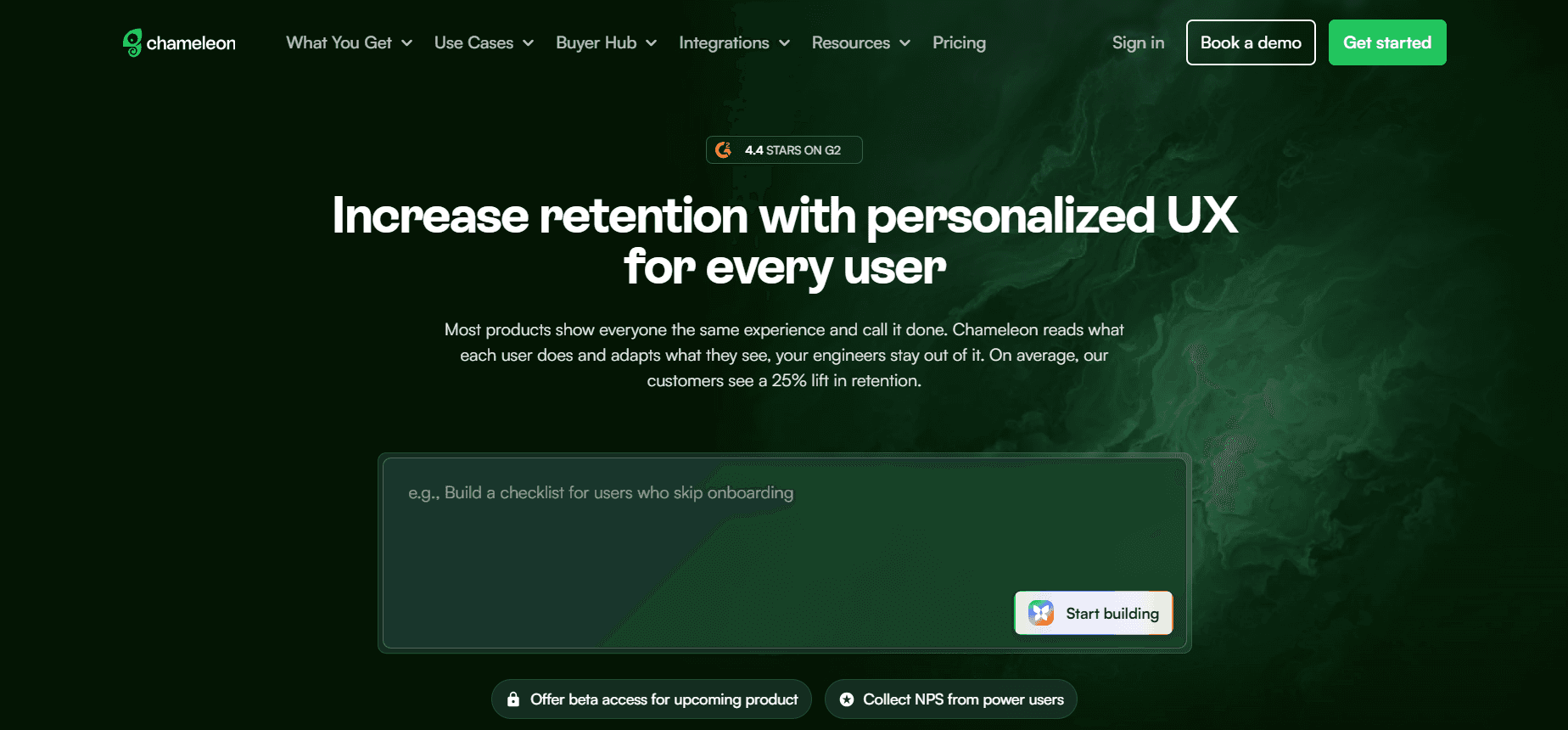
Best for: Design-conscious teams.
Chameleon offers designers more control over tooltip styling than most other tools, making it an excellent choice for polished consumer SaaS products. This level of design flexibility allows teams to create visually appealing and brand-consistent user experiences.
Pros: Superior design control and decent analytics capabilities.
Cons: It tends to be more expensive than equivalent tools and doesn't support native video integration.
6. UserGuiding
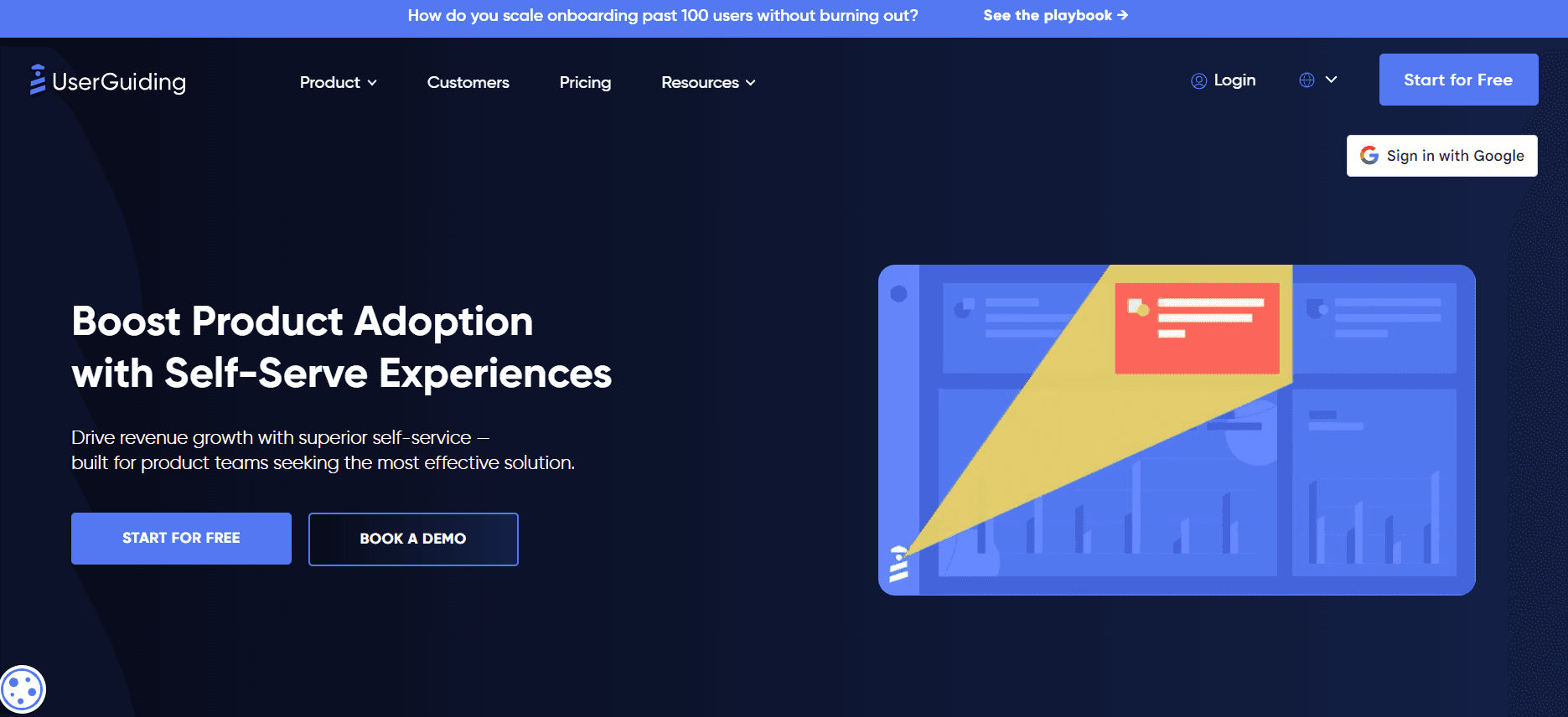
Best for: Budget-conscious SMB and early-stage teams.
UserGuiding is the most affordable serious tool on this list, making it a viable option for small-to-medium businesses and early-stage startups. It covers the basics effectively, offering a cost-effective solution for teams that need essential product tour capabilities without breaking the bank.
Pros: Extremely affordable and easy to self-serve.
Cons: Limited scalability and thin analytics capabilities.
7. Intro.js
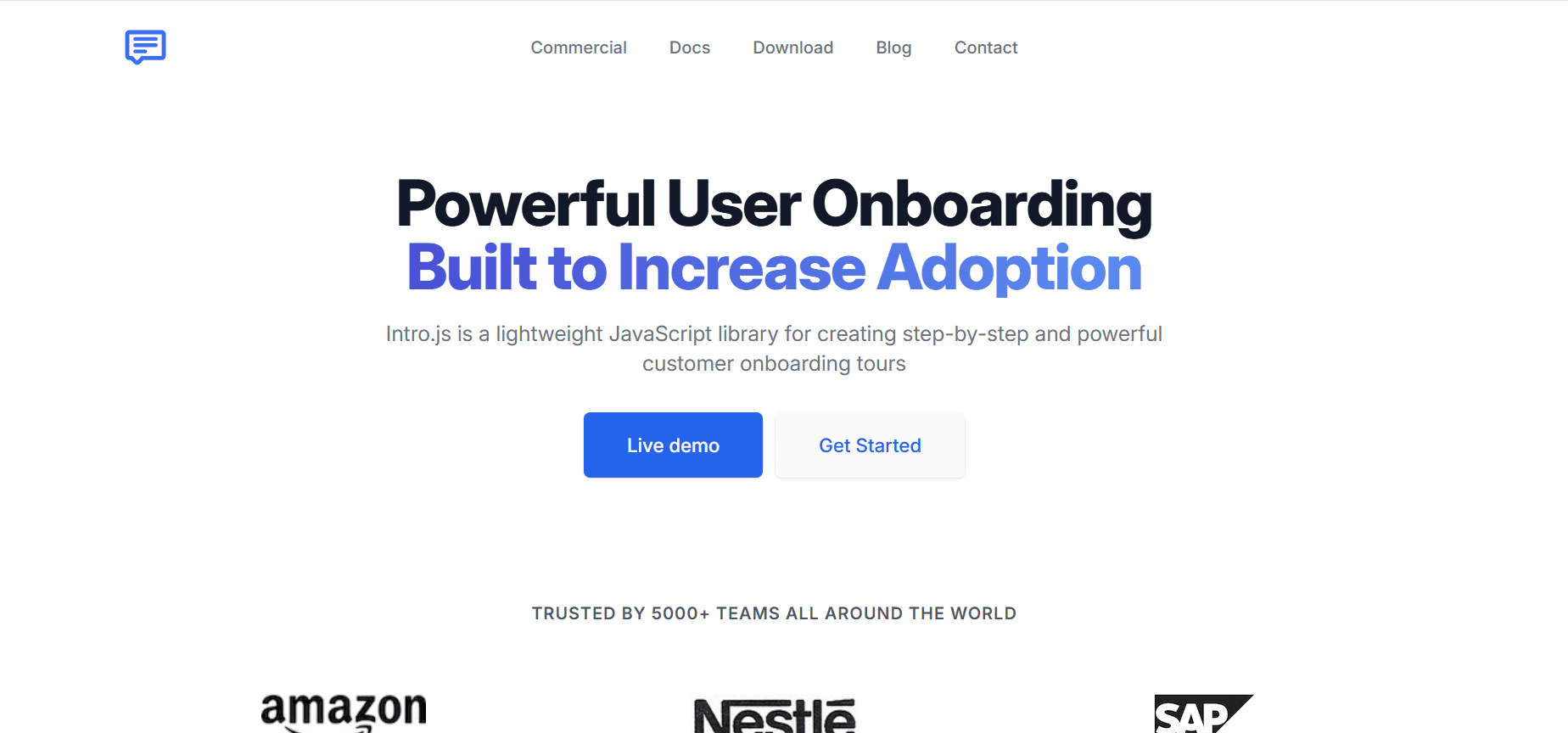
Best for: Engineering-heavy teams who want full control.
Intro.js is an open-source library, which means that engineering teams have complete control over its implementation. While it comes with zero license costs, the high implementation costs and the need for engineering involvement in every change can be a barrier for some teams.
Pros: Free and entirely customizable.
Cons: No no-code builder is available, and you'll need to handle analytics independently.
8. HelpHero
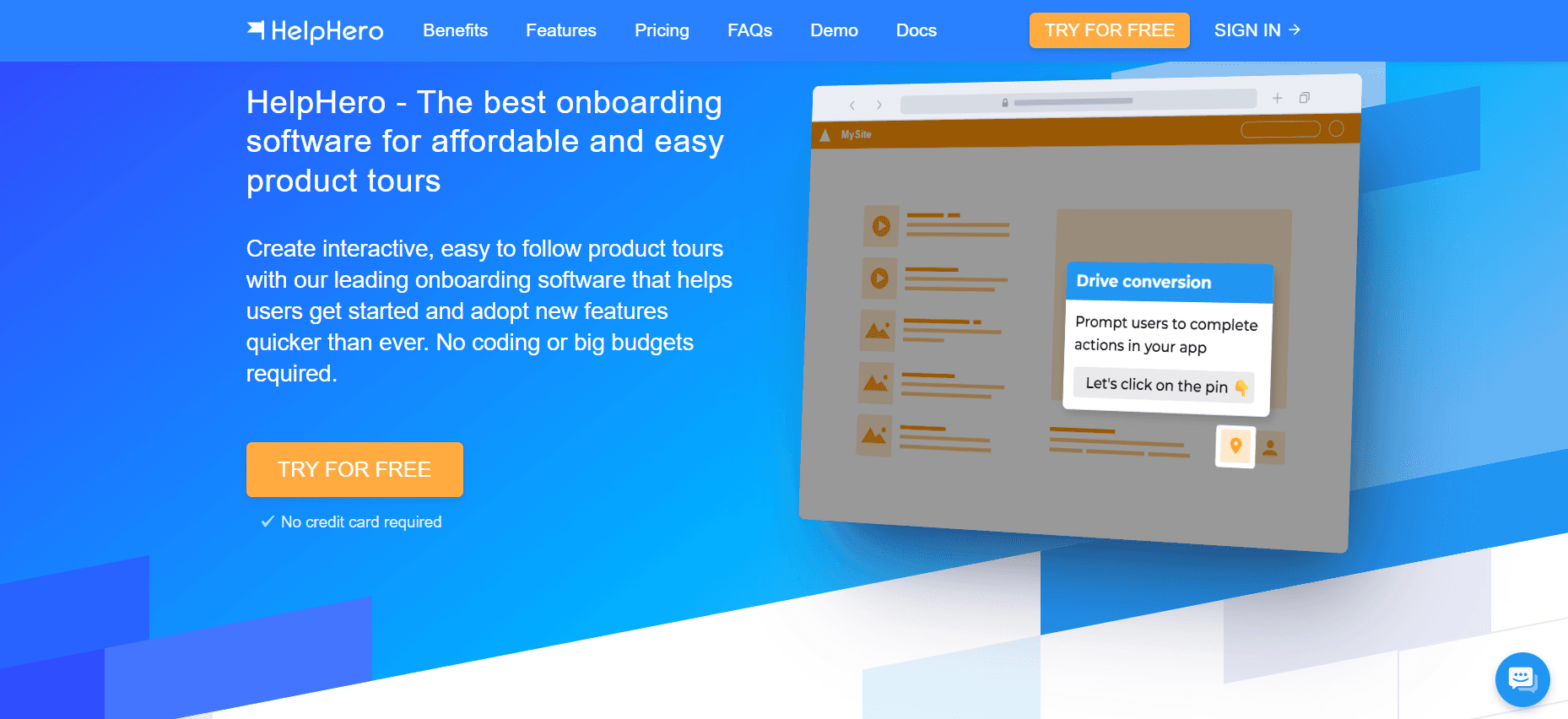
Best for: One-product startups on tight budgets.
HelpHero is a simple, budget-friendly tool with limited features. It provides a practical solution for small SaaS companies in the early stages, offering basic functionality to help guide users through essential product interactions.
Pros: Cost-effective and easy to use.
Cons: Limited features beyond basic tooltips.
9. Whatfix
Best for: Enterprise buyers covering multiple apps.
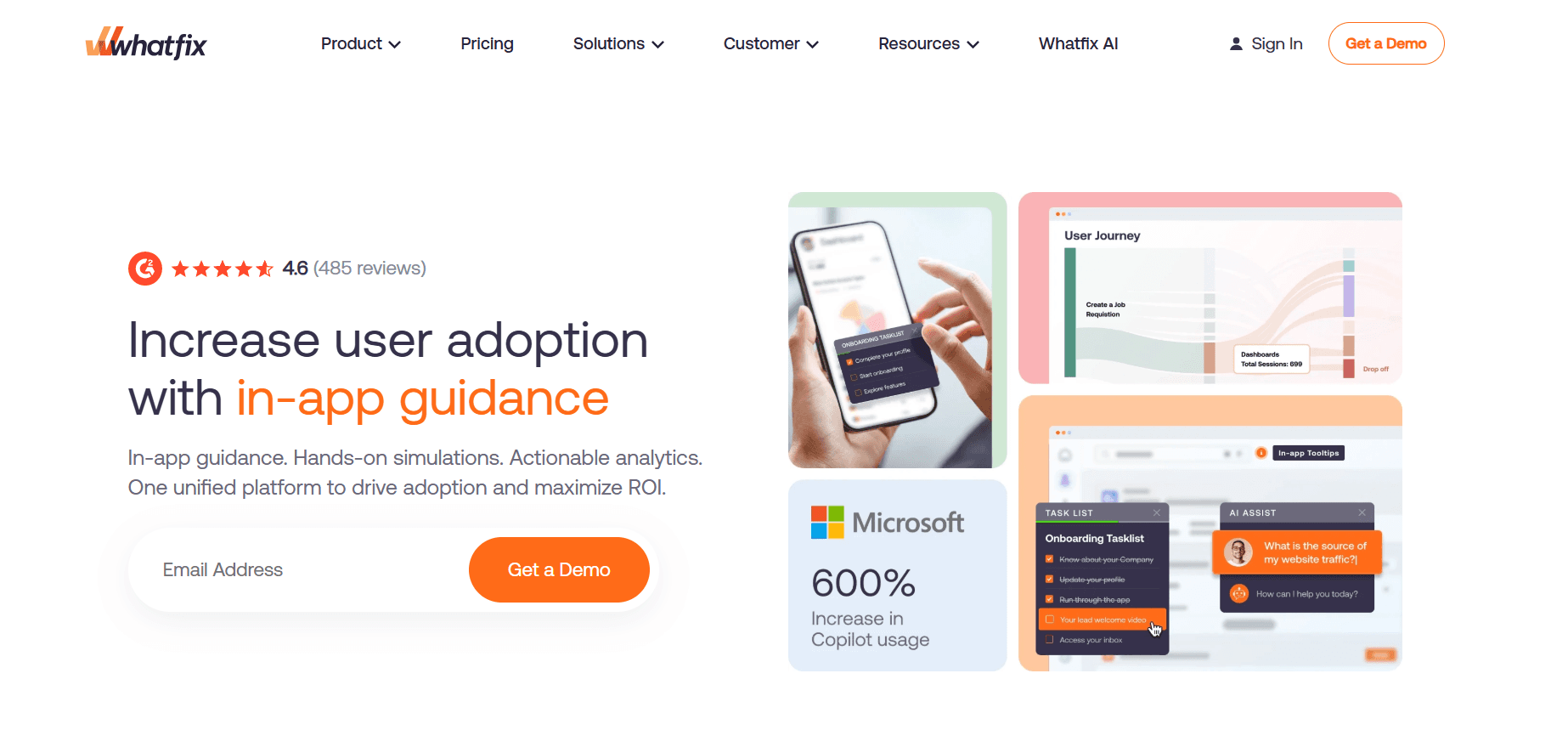
Whatfix is primarily an enterprise digital adoption platform (DAP) that also supports product tours. While it may be overkill for single SaaS products, it excels in managing product tours across multiple applications within an enterprise setting.
Pros: Offers enterprise-level depth, including video and documentation support.
Cons: Requires a lengthy implementation process and comes with a high cost.
10. Intercom Product Tours
Best for: Teams already on Intercom for support.
Intercom Product Tours are bundled with Intercom's broader product suite, making them a convenient option for existing Intercom customers. However, as a standalone solution, it may not offer the comprehensive capabilities found in some competitors.
Pros: smoothly integrated with Intercom messaging.
Cons: Weaker as a standalone tool with limited analytics capabilities.
In-depth analysis: picking the right tool for your stage
Early-stage SaaS (under 1,000 MAU)
At this stage, keeping costs low and iterating quickly is crucial. Tools like UserGuiding, HelpHero, or Appcues Essentials are well-suited for early-stage companies. It's essential to avoid enterprise-level tools that might be unnecessarily complex and costly. The primary focus should be on determining the key user actions that drive activation, rather than the tool itself. Aim to get a working flow up and running within a week and iterate as needed. Tools such as Trupeer are also a great fit if your team wants to deliver video explainers alongside tooltips without needing multiple tools.
It's important to avoid over-engineering tours before you know which actions truly drive user activation. The tool itself is inexpensive, but the real value comes from understanding what works and iterating on those insights.
Growth-stage SaaS (1,000-50,000 MAU)
As your company grows, pricing becomes a significant consideration. Tools that price based on MAU can penalize growth spikes, so consider per-user tools like Trupeer or per-seat tools for more predictable costs. The depth of analytics becomes increasingly important as you'll be running more experiments. Userpilot, Appcues, and Pendo are suitable choices at this stage, while Chameleon is worth considering if design is a priority.
This stage is also when video content can provide significant benefits. Tooltips are effective for explaining simple actions, but video content can better convey complex workflows. Teams that incorporate 30-60 second explainer videos into their onboarding processes typically see a 20-30% increase in activation rates.
Enterprise (50,000+ MAU or multi-product portfolios)
For enterprises, the focus shifts to tools like Pendo's Portfolio plan, Whatfix, or a combination of Trupeer and Pendo. At this level, pricing is less of a concern compared to factors such as analytics depth, security, and multi-product consolidation. Published pricing often disappears, leading to customized and negotiated agreements based on the specific needs of the enterprise.
Challenges teams hit
Tour fatigue. Users may click through tours without fully engaging with the content. To address this, keep tours under five steps, ensure each step is tied to a specific action, and allow users the option to skip steps.
Stale content. As product features evolve, tours often don't keep pace. To maintain relevance, incorporate a content refresh cadence into your product release checklists to ensure tours are always up to date.
Analytics disconnect. Completing a tour doesn't necessarily equate to user activation. It's crucial to track activation metrics separately to get a true sense of user engagement and success.
Engineering friction. Tools that require engineering involvement for every change can hinder iteration speed. To overcome this, prioritize no-code builders that enable product managers to make changes independently.
Must-have features
No-code builder that allows product managers to create and modify tours without requiring engineering resources.
Event-based triggers that go beyond simple URL matching to initiate tours based on specific user actions or conditions.
Role and segment targeting to deliver personalized experiences to different user types, improving relevance and engagement.
Video support, whether native or through simple embedding, to enhance user understanding of complex features.
A/B testing capabilities to experiment with different tour variants and optimize for the best outcomes.
Activation analytics that tie user actions to business metrics, providing a clearer picture of tour effectiveness.
CRM + product analytics integration to use existing data and enhance tour personalization and targeting.
Mobile support for products that have a mobile component, ensuring a smooth user experience across platforms.
Use cases and personas
Self-serve activation: Mira, Growth PM, 30-person B2B SaaS
Mira's team was struggling with a 28% activation rate on their free trial. To address this, she implemented a four-step checklist tour using Userpilot, complemented by a 45-second Trupeer walkthrough video embedded in the second tooltip. As a result, their activation rate climbed to 41% in just six weeks, with the video-enhanced version outperforming the text-only variant by 17 percentage points.
Feature launch: Omar, Senior PM, 150-person SaaS
Omar faced challenges with the adoption of a new analytics module, which sat at 14% after a month. To boost adoption, he created a re-engagement tour that targeted existing users with a pop-up tour and a how-to SOP in the help center. This strategic approach led to an impressive increase in adoption, reaching 37% in six weeks.
Multi-product portfolio: Sonali, Product Ops Lead, 400-person SaaS
Sonali's company managed three separate products, each using different tour tools, resulting in inconsistent user experiences and tripling content creation efforts. To simplify operations, she consolidated the tour tools using Pendo Portfolio for analytics and Trupeer for video-heavy tours. This consolidation reduced content production time across the portfolio by 50%. For more insights into this combination setup, see Pendo vs. Trupeer.
Best practices
Keep tours under five steps. Tours longer than five steps often get skipped, as users become disengaged. Limiting the number of steps helps maintain user interest and ensures that each step is impactful.
Target one action per tour. Avoid stacking multiple objectives within a single tour. Focusing on a single, clear action helps users understand the intended outcome and increases the likelihood of successful completion.
Let users skip. Provide users with the option to skip steps or entire tours at any point. This flexibility respects user autonomy and acknowledges that not every user will need or want the same level of guidance.
Add video for complex features. Text-only explanations often fall short when it comes to multi-step workflows. Incorporating video content can provide clearer and more engaging explanations, improving user comprehension and retention.
Measure activation, not completion. While tour completion rates are easy to track, they don't necessarily reflect true user activation. Focus on measuring activation metrics that demonstrate meaningful user engagement and success.
Frequently asked questions
What's the difference between a product tour and in-app onboarding?
A product tour typically highlights key features, guiding users through various aspects of the product. In contrast, in-app onboarding focuses on driving user activation by helping users achieve initial success with the product. While most tools support both functions, they are distinct goals that require different approaches.
Should tours include video?
Yes, especially for complex workflows. A 30-60 second video clip can effectively convey information that might otherwise require lengthy tooltip text. Videos provide a more engaging and efficient way to teach users about intricate features, improving understanding and retention.
How often should I rebuild tours?
It's a good practice to review your product tours quarterly. Rebuilding tours should be a priority whenever there's a significant drop in activation rates or substantial changes to the product. Regular updates ensure that tours remain relevant and aligned with the current product experience.
Is open-source (Intro.js) viable?
Open-source solutions like Intro.js can be viable for small startups with strong engineering resources. These teams can use the flexibility and customization potential of open-source tools. However, for companies where product managers need to ship flows without involving engineering, open-source options may not be practical.
What's the best tool for enterprise?
For enterprises managing multiple products, Whatfix or Pendo Portfolio are strong choices due to their comprehensive feature sets and scalability. Trupeer is an excellent option for enterprises prioritizing video-heavy content. For more information on enterprise fits, explore our DAP comparison.
How do you roll out new software without losing a week of productivity?
Give employees in-context walkthroughs of their real tasks so they learn while working. Trupeer's product walkthrough software shows how recorded walkthroughs drive adoption without a heavy IT project.
Final word
Product tour software has become an essential component of the SaaS landscape. Selecting the right tool involves considering your company's current stage (in terms of price and complexity) and specific needs (video vs. analytics-heavy). Avoid over-engineering tours before understanding what drives activation within your product. The key is to ship quickly, measure results, and refresh content as your product evolves.
Related Blogs


