Trupeer Blog
User Guide Generation Tools Software: The Complete 2026 Guide
Discover the best user guide generation tools and software for 2026. Compare features, automation, and platforms for creating documentation faster.

Buyer's Overview
In many organizations, user guides are outdated almost as soon as they’re published. Teams can spend upwards of 8-12 hours painstakingly crafting a single manual from scratch. But technology has come a long way. Modern tools now allow you to auto-generate comprehensive guides in mere minutes using screen recordings and AI capabilities.
According to a recent study, teams spend an average of 10 hours per week updating user documentation.
This guide is designed to help professionals choose the right user guide generation tools. Whether you’re a tech writer, product manager, or customer support lead, you’ll find actionable insights on the top tools available in 2026, their features, pros, and cons.
Best User Guide Generation Tools: Head-to-Head Comparison
Feature | Trupeer | Scribe | Document360 | Tango | Notion | Confluence | GitBook | Archbee |
|---|---|---|---|---|---|---|---|---|
Core Features | Yes | Yes | Yes | Yes | Limited | Yes | Yes | Yes |
Auto-Capture Steps | Yes | Yes | Limited | Yes | No | No | Yes | Yes |
AI Writing | Yes | Yes | No | Limited | No | Limited | Yes | Limited |
Professional Features | Yes | Yes | Yes | Limited | Yes | Yes | Yes | Yes |
PDF Export | Yes | Yes | Yes | No | Limited | Yes | Yes | Yes |
Web Knowledge Base | Yes | Limited | Yes | Yes | Yes | Yes | Yes | Yes |
Version Control | Yes | Yes | Yes | Limited | No | Yes | Yes | Yes |
Integrations | Yes | Yes | Yes | Limited | Yes | Yes | Yes | Limited |
Team Collaboration | Yes | Yes | Yes | Limited | Yes | Yes | Yes | Limited |
Search | Yes | Yes | Yes | Limited | Yes | Yes | Yes | Yes |
Templates | Yes | Yes | Yes | No | Limited | Yes | Yes | Yes |
Free Tier | Yes | Yes | No | Yes | Yes | No | Limited | Yes |
Trupeer
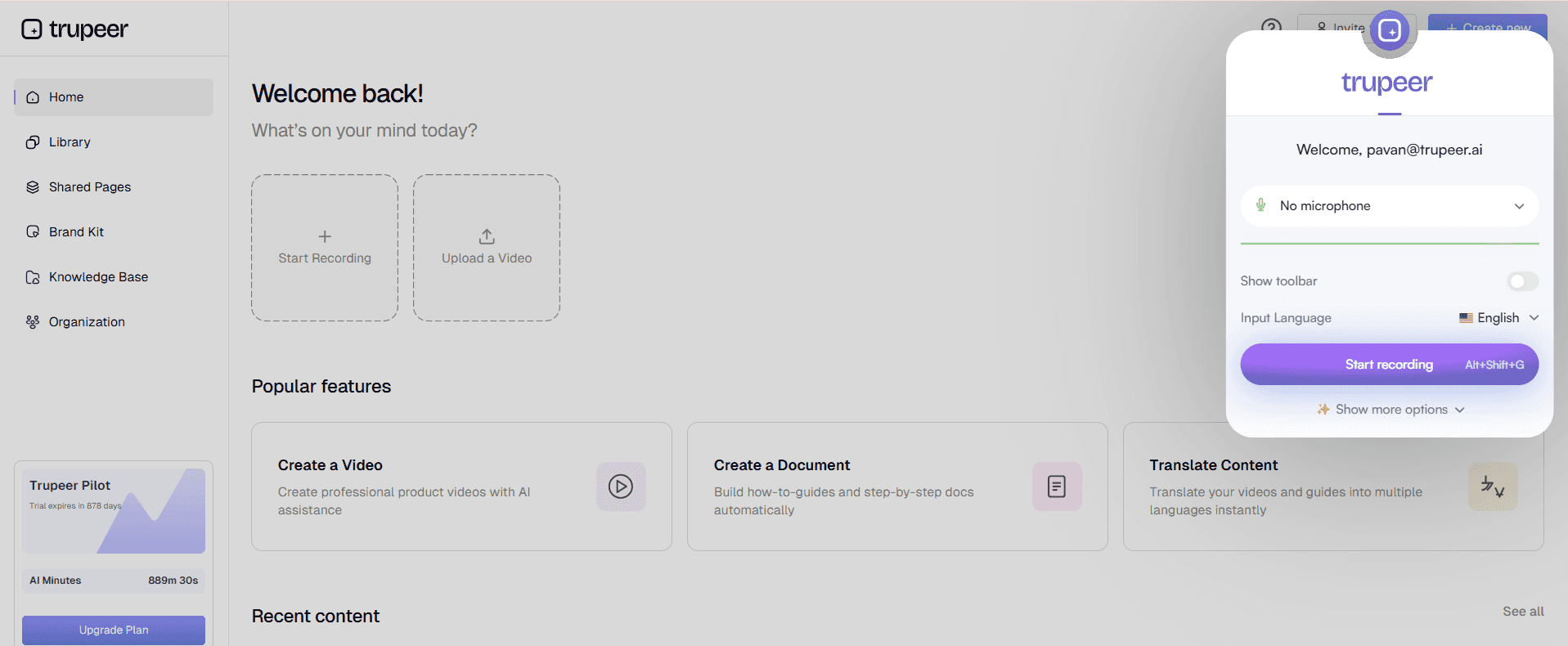
Trupeer stands out with its AI-driven capabilities that streamline the process of generating user guides. It's designed for tech-savvy teams looking to optimize their documentation process with minimal manual input. Trupeer excels in auto-capturing steps from screen activity and uses AI to write detailed instructions. The platform is perfect for those who need to keep guides up-to-date with frequent product releases.
Key Features
Auto-capture of screen activities
AI-generated step-by-step instructions
Multi-format export options
Integrated version control
Real-time team collaboration
Extensive template library
Web-based knowledge base creation
"Trupeer transformed our documentation process. We cut production time by 70% and improved accuracy significantly."
Pros | Cons |
|---|---|
Efficient auto-capture of steps reduces manual work. | May require initial setup time to customize templates. |
AI writing improves guide clarity and consistency. | Advanced features can be overwhelming for new users. |
Supports multiple export formats, including PDF and HTML. | Higher pricing tiers could be costly for small teams. |
Pricing
Trupeer offers a free tier with basic features, with paid plans starting at $29 per user per month.
Scribe
Scribe is known for its simplicity and ease of use, making it ideal for teams that need to create documentation quickly without a steep learning curve. It supports automatic step capturing and is especially effective for creating straightforward, easy-to-understand guides. Scribe is best suited for small to medium-sized teams looking for a cost-effective solution.
Key Features
Intuitive user interface
Automatic step capture
AI-powered content suggestions
Seamless PDF export
Collaboration tools for team editing
Customizable templates
Basic version control
Pros | Cons |
|---|---|
Easy to use with minimal training required. | Limited advanced AI features compared to competitors. |
Cost-effective for small teams with tight budgets. | Customization options could be broader. |
Good integration with common platforms. | Limited export formats; mainly PDF. |
Pricing
Scribe provides a free tier with core features, and paid plans start at $15 per user per month.
Document360
Document360 shines with its robust knowledge base capabilities, making it a top choice for large teams that require detailed documentation. It offers comprehensive version control and collaboration tools, which are essential for maintaining consistency across extensive documentation projects. Document360 is optimal for enterprises that prioritize a well-structured knowledge base.
Key Features
Advanced version control
Comprehensive knowledge base management
Real-time team collaboration
Custom domains for hosted content
Extensive analytics and reporting
Multi-language support
Role-based access control
Pros | Cons |
|---|---|
Excellent for creating and managing large knowledge bases. | Higher cost may not suit smaller teams. |
Robust analytics for tracking documentation usage. | Steeper learning curve for new users. |
Supports multiple languages, expanding global reach. | Limited AI writing features could slow content creation. |
Pricing
Document360 offers a free trial, with paid plans starting at $99 per project per month.
Tango
Tango is designed for teams that need quick, snapshot-style documentation. It excels in capturing workflows and processes with a few clicks. While it lacks some advanced features, it’s perfect for creating visual guides quickly. Tango is particularly useful for teams that frequently update their internal documentation and need a fast, reliable tool.
Key Features
Quick capture of workflows
Simple editing tools
Instant sharing capabilities
Basic version tracking
Snapshot-style documentation creation
Minimalist design approach
Pros | Cons |
|---|---|
Fast and easy to create visual guides. | Lacks advanced features for complex documentation. |
Minimalist interface is user-friendly. | Limited export options; mainly internal use. |
Ideal for quick updates and process documentation. | Not suitable for large-scale projects with extensive content. |
Pricing
Tango offers a free tier with basic features, with paid plans starting at $10 per user per month.
Notion
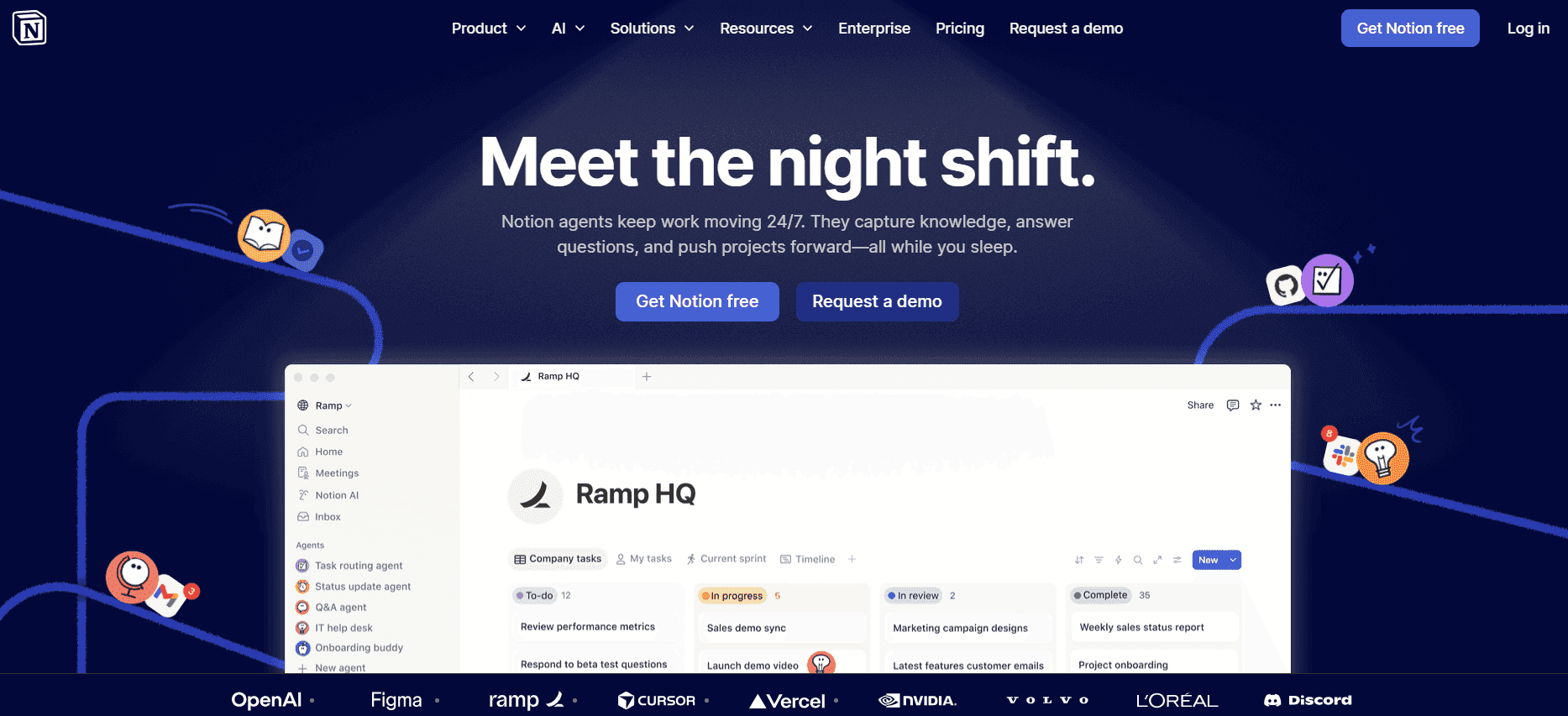
Notion is a versatile tool that goes beyond traditional documentation. It's a favorite for teams looking to combine note-taking, project management, and documentation in one place. While it doesn’t specialize in auto-generating guides, its flexibility and collaborative features make it a great choice for teams that want an all-in-one workspace.
Key Features
Integrated project management and note-taking
Customizable templates
Real-time collaboration
Rich media embedding
Markdown support
Database functionality
Cross-platform compatibility
Pros | Cons |
|---|---|
Highly flexible and customizable for various uses. | No specific focus on auto-generating guides. |
Excellent for team collaboration and project management. | Can be overwhelming for new users due to its versatility. |
Rich integration with other tools and platforms. | Limited in advanced documentation features. |
Pricing
Notion offers a free personal plan, with team plans starting at $8 per user per month.
Confluence

Confluence, by Atlassian, is a powerful tool for creating and managing team documentation. It's highly regarded for its integration capabilities, especially with other Atlassian products like Jira. Confluence serves teams that require structured documentation alongside their project management tools. It's particularly beneficial for developers and project managers.
Key Features
Seamless integration with Jira
Page versioning and history
Real-time collaborative editing
Customizable templates
Advanced search functionality
Permission management
Extensive plugin ecosystem
Pros | Cons |
|---|---|
Strong integration with the Atlassian suite. | Pricey for smaller teams with limited budgets. |
Ideal for technical teams needing detailed documentation. | Complex setup for non-technical users. |
Extensive features for versioning and collaboration. | Can be overkill for simple documentation needs. |
Pricing
Confluence offers a free plan for small teams, with paid plans starting at $10 per user per month.
GitBook

GitBook is tailored for developers and tech teams that need to create and maintain technical documentation. It integrates seamlessly with git repositories, allowing for efficient documentation versioning and collaboration. GitBook is perfect for software documentation, API guides, and developer resources.
Key Features
Integration with git repositories
Collaborative editing
Markdown support
Customizable themes
Powerful search capabilities
Role-based permissions
Real-time updates
Pros | Cons |
|---|---|
Seamless integration with git for version control. | Primarily focused on developer documentation. |
Great for collaborative tech documentation projects. | Limited features for non-technical documentation. |
Supports real-time collaboration and editing. | May require technical expertise to set up effectively. |
Pricing
GitBook offers a free tier for open-source projects, with paid plans starting at $7 per user per month.
Archbee
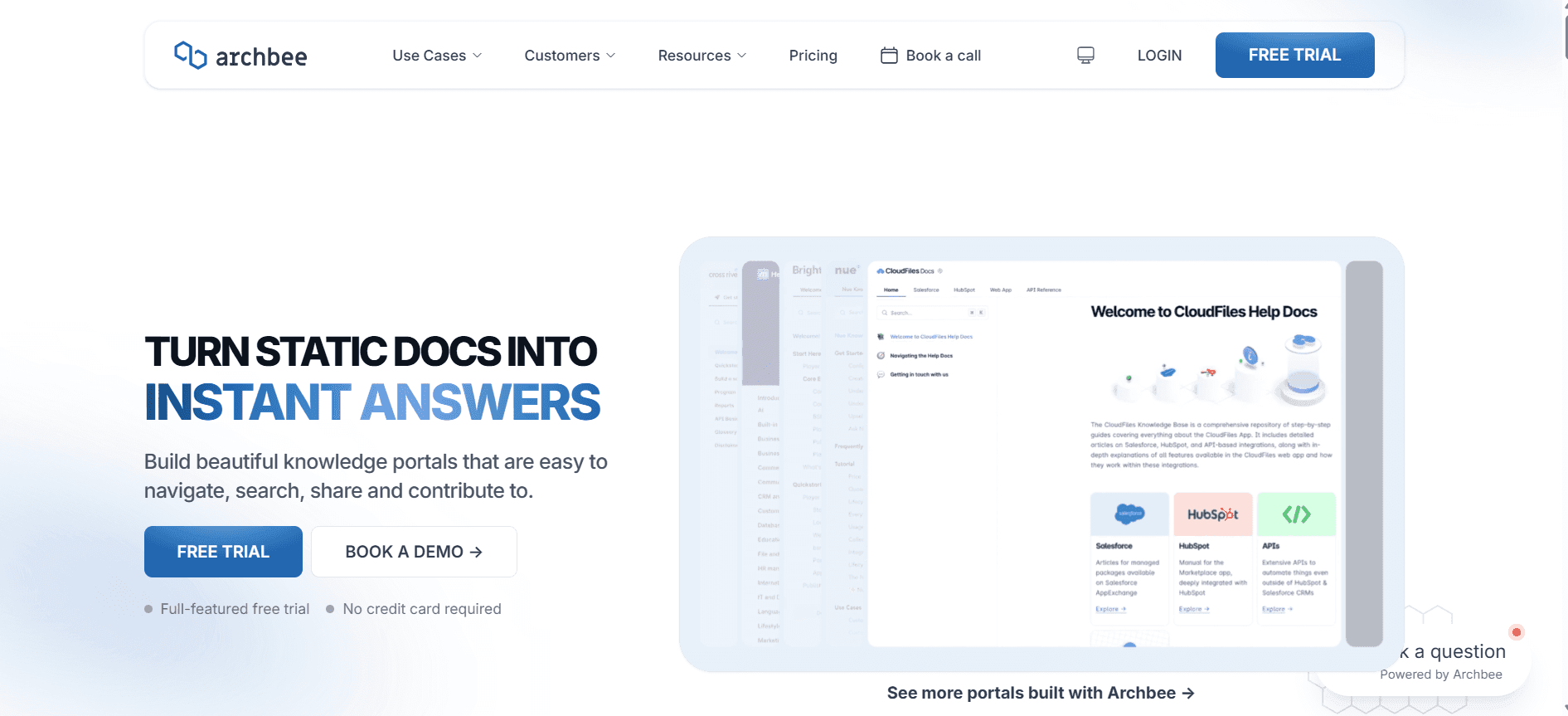
Archbee is aimed at tech companies and startups looking for a straightforward way to create and maintain their documentation. It provides a clean, intuitive interface for both technical and non-technical users. Archbee is particularly effective for teams that require quick setup and easy maintenance of their documentation.
Key Features
Real-time document collaboration
Easy-to-use interface
Markdown support
Integrations with Slack and GitHub
Customizable templates
Role management
Embed media and diagrams
Pros | Cons |
|---|---|
Intuitive UI makes it accessible for all team members. | Limited advanced features for complex documentation. |
Fast setup and easy maintenance. | Limited integration options compared to other tools. |
Supports a variety of media and diagram embedding. | May not scale well for very large documentation projects. |
Pricing
Archbee offers a free plan with basic features, with paid plans starting at $20 per user per month.
User Guide Generation Challenges: What Teams Struggle With
1. Manual Documentation is Slow
Creating user guides manually involves capturing screenshots, extensive writing, and formatting, which is time-consuming.
Proofreading for consistency and accuracy requires additional time and resources.
Teams often experience delays in delivering documentation due to these manual processes.
Frequent product updates necessitate starting the documentation process from scratch.
2. Content Becomes Outdated Quickly
Every product release or update can render existing documentation obsolete.
Keeping documentation current requires constant monitoring and updates.
Teams struggle to prioritize documentation updates amidst other pressing tasks.
Outdated guides can lead to user confusion and increased support requests.
3. Poor Search and Findability for End Users
Users often have trouble finding the right documentation due to inadequate search functionality.
Disorganized content structures make navigation difficult for users.
Important information can get buried in lengthy documents.
Lack of metadata and tagging reduces search efficiency.
4. Documentation Siloed Across Different Tools
Documentation spread across Notion, Word, Google Docs, and other platforms can cause confusion.
Teams waste time searching for the right document in multiple locations.
Siloed documentation makes collaboration and updates more challenging.
Inconsistencies arise when multiple versions of a document exist across platforms.
5. Inconsistent Format and Style Across Team Members
Without standardization, team members may produce documentation in varying formats and styles.
Inconsistencies can affect the professional appearance of the documentation.
Lack of uniformity can confuse both team members and end users.
Standardization requires clear guidelines and templates, which are often lacking.
Challenge | Traditional Process | Business Impact | Time Cost |
|---|---|---|---|
Manual Documentation | Capturing screenshots, writing, formatting | Delays in delivering user guides | Up to 12 hours per guide |
Outdated Content | Manually updating after releases | Increased support requests due to confusion | Continuous monitoring and updating |
Poor Searchability | Limited search functionality | User frustration and inefficiency | Extended time finding information |
Documentation Siloes | Documents scattered across platforms | Wasted time and resources | Additional hours searching and consolidating |
Inconsistent Formats | Varied styles among team members | Professional image compromised | Time spent on standardization |
Must-Have Features in User Guide Generation Tools
Auto Step Capture from Screen Activity
One of the critical features of modern user guide generation tools is the ability to automatically capture steps from screen activity. This feature drastically reduces the time spent on capturing and organizing screenshots manually. By recording actions directly, tools like Trupeer and Scribe allow users to create accurate and detailed guides quickly. This automation ensures no step is missed and that the documentation mirrors the actual user experience.
With auto-capture, teams can focus more on refining content rather than spending hours on repetitive tasks. This feature is especially beneficial for products with complex workflows, where missing a step can lead to user confusion.
AI-Written Step Instructions
AI-driven writing capabilities have transformed the documentation landscape. Tools like Trupeer leverage AI to generate step-by-step instructions that are clear and concise. This feature not only saves time but also ensures a uniform writing style, reducing the chances of human error. AI can suggest phrasing and terminology that align with industry standards, enhancing the professionalism of your guides.
For teams with limited writing resources, AI writing can bridge the gap by providing high-quality content without the need for extensive editing. This feature supports non-native English speakers by offering language support and corrections.
Video Embedding Alongside Text
Integrating video content into user guides can significantly enhance the learning experience. Tools like Tango and Document360 offer video embedding capabilities, allowing users to see processes in action. Videos complement written instructions by demonstrating workflows, making it easier for users to follow along. This multimedia approach caters to different learning preferences, increasing the effectiveness of your documentation.
Video content is particularly useful in complex scenarios where written instructions alone may not suffice. It can also reduce the need for additional support, as users can visualize solutions directly.
Multi-Format Export Options (PDF, Web, HTML)
Flexibility in export options is crucial for addressing diverse documentation needs. The ability to export guides in multiple formats, such as PDF, web pages, or HTML, allows teams to cater to different user preferences. Trupeer and GitBook excel in providing varied export options, ensuring that documentation can be accessed in the most convenient format for the end user.
This flexibility supports distribution across different platforms, whether online or offline, and ensures that your documentation is always accessible, regardless of the user's environment.
Version Control and Quick Update Workflows
Maintaining up-to-date documentation is essential in a fast-paced tech environment. Version control features, as seen in tools like Confluence and Document360, allow teams to track changes, revert to previous versions, and manage updates efficiently. This is crucial for ensuring that all team members are working on the latest content.
Quick update workflows streamline the process of incorporating changes after product updates, reducing the time spent on manual edits. These features ensure that your documentation remains accurate and relevant, minimizing user confusion and support queries.
Team Collaboration and Real-Time Editing
Successful documentation efforts require seamless collaboration among team members. Tools like Notion and Archbee provide robust collaboration features, enabling multiple users to work on a document simultaneously. Real-time editing allows for instant feedback and collaboration, ensuring that all contributions are promptly integrated.
Collaboration tools facilitate communication and reduce bottlenecks, making it easier to manage large documentation projects. They also help maintain a consistent voice and style across all guides, enhancing the professionalism of your documentation.
How to Choose User Guide Generation Tools Based on Your Use Case
Product User Manuals and Help Center Articles
Product user manuals and help center articles are essential for guiding customers through the functionalities of a product. These documents need to be clear, concise, and easily accessible to ensure users can find solutions quickly.
Key Challenges: Frequent updates, need for consistency, managing large volumes of information.
Solutions Needed: Auto-update features, centralized knowledge base, robust search functionality.
Tool | Automatic Updates | Search Functionality | Centralized Base |
|---|---|---|---|
Trupeer | Yes | Yes | Yes |
Document360 | Yes | Yes | Yes |
Confluence | Limited | Yes | Yes |
Internal SOP Documentation
Standard Operating Procedures (SOPs) are critical for ensuring consistency and efficiency within an organization. They need to be precise and easy to follow to avoid operational mishaps.
Key Challenges: Ensuring compliance, regular updates, team accessibility.
Solutions Needed: Version control, collaborative editing, multi-format exportation.
Tool | Version Control | Collaboration | Multi-Format Export |
|---|---|---|---|
Confluence | Yes | Yes | Yes |
Notion | No | Yes | Limited |
GitBook | Yes | Yes | Yes |
IT System and Admin Guides
IT system and admin guides are crucial for maintaining IT infrastructure and ensuring smooth operations. They need to be detailed and technically accurate.
Key Challenges: Technical accuracy, detailed instructions, frequent updates.
Solutions Needed: AI-generated content, technical integration, snapshot capability.
Tool | AI Content | Technical Integration | Snapshot Capability |
|---|---|---|---|
Trupeer | Yes | Yes | Yes |
Tango | No | Limited | Yes |
Archbee | Limited | Yes | No |
Customer-Facing Knowledge Base
A customer-facing knowledge base is a self-service tool that helps users find answers to their questions without contacting support. It should be intuitive and comprehensive.
Key Challenges: Ease of use, comprehensive coverage, scalability.
Solutions Needed: User-friendly interface, scalable infrastructure, robust search capabilities.
Tool | User Interface | Scalability | Search Capabilities |
|---|---|---|---|
Scribe | Yes | Limited | Yes |
Document360 | Yes | Yes | Yes |
Notion | Yes | Limited | Limited |
Developer and API Documentation
Developer and API documentation must be technically detailed and easy to navigate for developers. It's essential for facilitating integration and development work.
Key Challenges: Technical detail, easy navigation, frequent updates.
Solutions Needed: Git integration, markdown support, version control.
Tool | Git Integration | Markdown Support | Version Control |
|---|---|---|---|
GitBook | Yes | Yes | Yes |
Archbee | Limited | Yes | Limited |
Confluence | No | Limited | Yes |
Best Practices for User Guide Creation
Before Creating the Guide
Define the target audience and their needs clearly.
Outline the key objectives of the guide.
Gather all necessary resources and tools in advance.
Ensure team roles and responsibilities are well-defined.
Plan the structure and format of the guide to maintain consistency.
During the Creation Process
Use auto-capture tools to streamline the documentation process.
Incorporate multimedia elements like videos and images to enhance understanding.
Leverage AI writing tools to ensure clarity and consistency.
Collaborate with team members for comprehensive content coverage.
Regularly review and edit content for accuracy and relevance.
After Publishing the Guide
Monitor user feedback to identify areas for improvement.
Schedule regular updates to keep the content current.
Analyze usage data to understand how users interact with the guide.
Ensure the guide is easily accessible across different platforms.
Continuously train team members on best practices and new features.
Frequently Asked Questions
What is a user guide generation tool?
User guide generation tools are software solutions designed to help teams create detailed and effective user documentation quickly. They often include features like auto-capture, AI writing, and multi-format export options.
Who should use user guide generation tools?
These tools are suitable for tech writers, product managers, customer support teams, and any organization that needs to produce comprehensive user documentation efficiently.
Can these tools integrate with existing software?
Yes, many user guide generation tools, like Confluence and GitBook, offer integration capabilities with popular software such as Jira, GitHub, and Slack.
Do these tools support multi-language documentation?
Some tools, like Document360, offer multi-language support, allowing teams to create documentation in various languages to cater to a global audience.
Are there free versions of these tools available?
Most tools offer a free tier with basic features, such as Scribe and Notion, allowing teams to explore the software before committing to a paid plan.
How do pricing plans typically work for these tools?
Pricing plans usually depend on the number of users and the features required. Plans can range from a few dollars per user per month to more comprehensive packages for enterprise needs.
How easy is it to implement these tools?
Implementation varies by tool. Some, like Tango, are designed for quick setup and ease of use, while others, like Confluence, may require more time and resources for full integration.
What kind of support is available during implementation?
Most tools offer customer support and extensive documentation to assist with implementation. Some provide onboarding sessions and dedicated account managers for enterprise clients.
Closing
Choosing the right user guide generation tool can significantly impact how efficiently your team creates and maintains documentation. By leveraging the right features, you can streamline processes, enhance user satisfaction, and reduce support costs. Whether you need to update product manuals quickly or maintain an extensive knowledge base, these tools offer varied capabilities to meet your needs.
Explore how Trupeer can revolutionize your documentation process with its advanced features and user-friendly interface. Visit Trupeer to learn more and start your journey towards efficient user guide creation today.

