Use this template
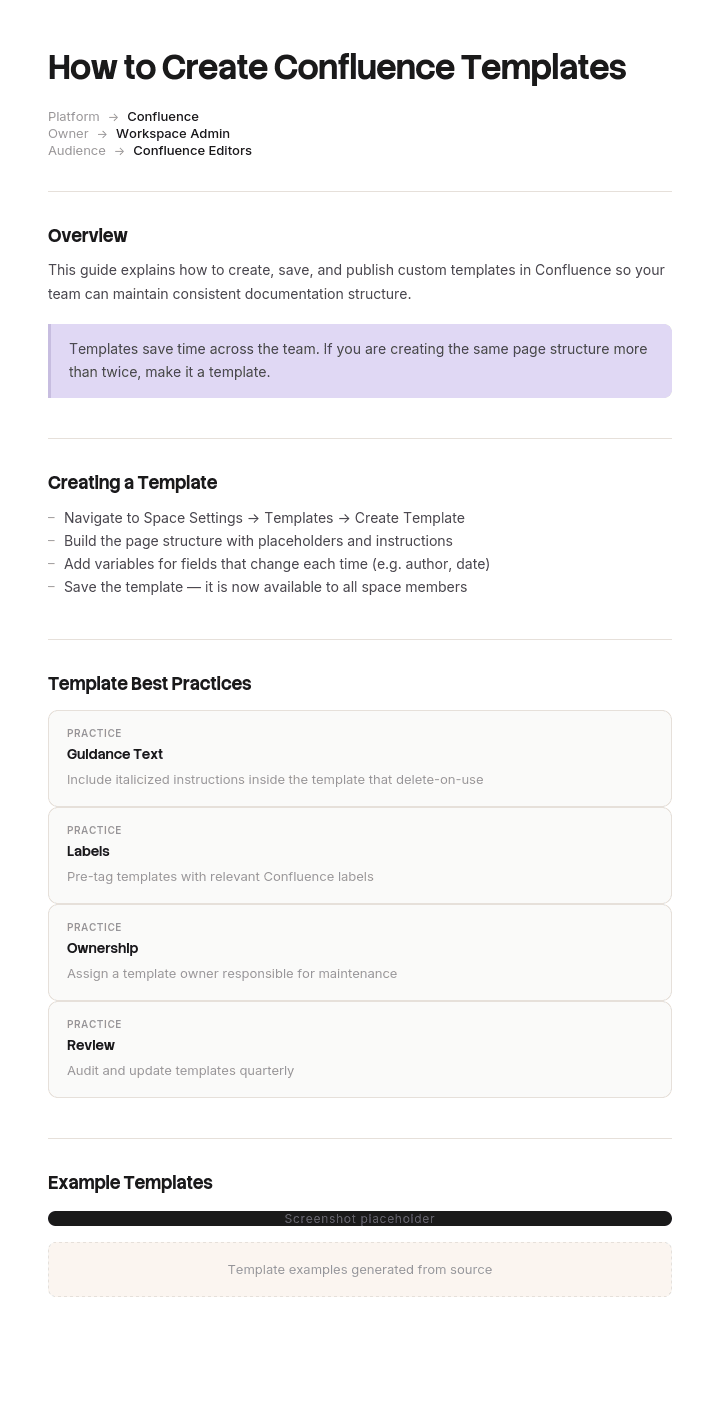
Confluence is one of the most-used knowledge bases in the world - and great Confluence templates are what make it scalable. With Trupeer, you can save hours on Confluence template design by starting with our free guide and template library, customizing them with your brand guidelines, and turning Confluence pages into video walkthroughs that bring documentation to life.
This how-to guide covers the most useful Confluence template types - meeting notes, project plans, decision logs, retrospectives, runbooks, knowledge base articles and team home pages. Pair with our knowledge base for video-augmented docs, generate AI video walkthroughs, and translate content into 65+ languages for global teams.
How to customize this template in Trupeer
Step 1: Open the Templates Section
Go to the Templates section from the main navigation.

Step 2: Select and Open a Template
Click on any template you want to work with to open it.

Step 3: Expand the Template View
If needed, expand the template view to see the full layout and details clearly.

Step 4: Edit the Template
Click on Edit to start modifying the selected template.

Within the editor, you can:
Add new sections
Define or update formatting rules
Add a logo and adjust its position and related settings
Step 5: Save Your Customized Template
After making all necessary changes, click Save to store the updated template as your own.

Step 6: Preview and Fine-Tune the Template
When you want to see how your customized template looks, open the Preview.

From the preview screen, you can continue to make adjustments directly if needed, ensuring the template appears exactly as you want.
With this Confluence templates guide you can:
Save hours on documentation: Use proven Confluence template patterns instead of starting from scratch.
Drive consistency: Every team uses the same structure for similar docs.
Stay on-brand: Apply your logo, fonts and colors using Trupeer's brand kit.
Cover every use case: Templates for meetings, projects, decisions, retros and more.
Add video walkthroughs: Embed video tutorials directly inside Confluence pages.
Reach global teams: Translate Confluence content into 65+ languages with one click.
Great Confluence templates turn a documentation tool into a knowledge engine. Use this guide to design templates that every team adopts and uses.
Frequently Asked Questions
What is a Confluence template?
A Confluence template is a pre-structured page that teams can use as a starting point for new documentation. Atlassian provides built-in templates (meeting notes, project plans, etc.), and teams can create their own custom templates for any recurring documentation need.
What are the most useful Confluence templates?
The most-used Confluence templates are meeting notes, decision records, project plans, product requirements, sprint retros, knowledge base articles, runbooks, postmortems and team home pages. Many companies build custom templates for SOPs and onboarding pages too.
How do you create a custom Confluence template?
Create a sample page with the structure you want. Use Atlassian's "Create template" option in space settings (admin permission required) to convert it into a reusable template. Add placeholders, instructional text and macros. Make the template available across the relevant spaces.
What makes a good Confluence template?
A good Confluence template has a clear purpose, prefilled headings and structure, placeholder text guiding the writer, useful macros (table of contents, status, page properties), and minimal clutter. Templates should make starting easier - if they slow people down, they're too complex.
How do you encourage Confluence template adoption?
Start with a few high-value templates teams actually need - not 30 templates no one uses. Train teams on when and how to use them. Highlight templates in the page-creation flow. Showcase examples of well-documented pages. Iterate on templates based on feedback - templates need maintenance like any product.

