
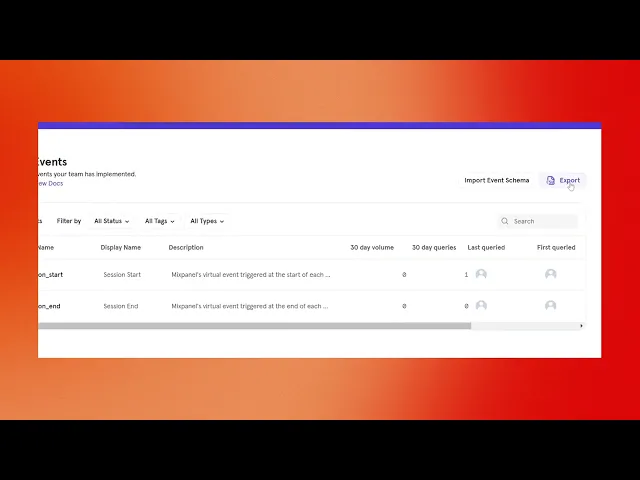
How Do I Download All The Raw Data From Mixpanel
Discover the step-by-step process to download all your raw data from Mixpanel efficiently. Unlock valuable insights and enhance your data analysis today.
This document provides a step-by-step guide for downloading raw data from Mixpanel efficiently. Follow these instructions to ensure accurate and seamless data extraction.
Step 1
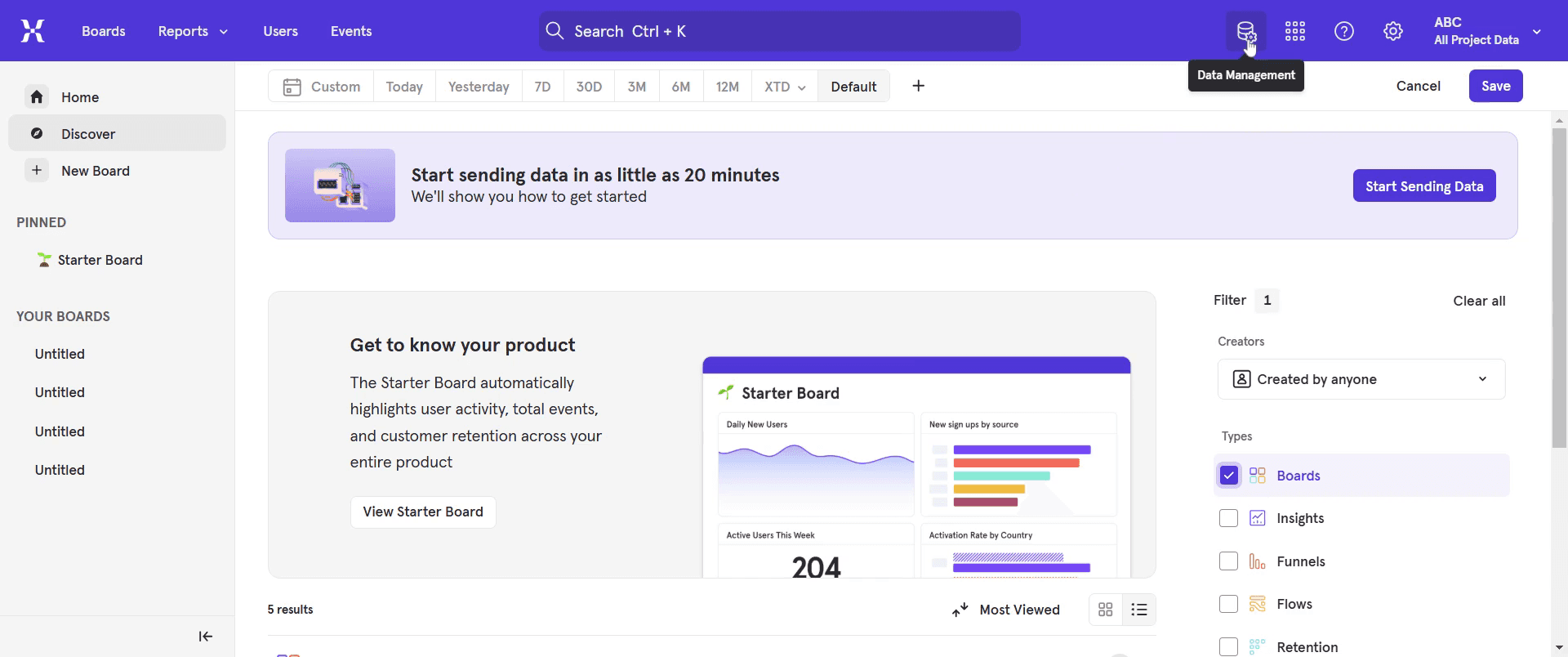
Go to the Menu bar and select the "Data Management" option.
Step 2
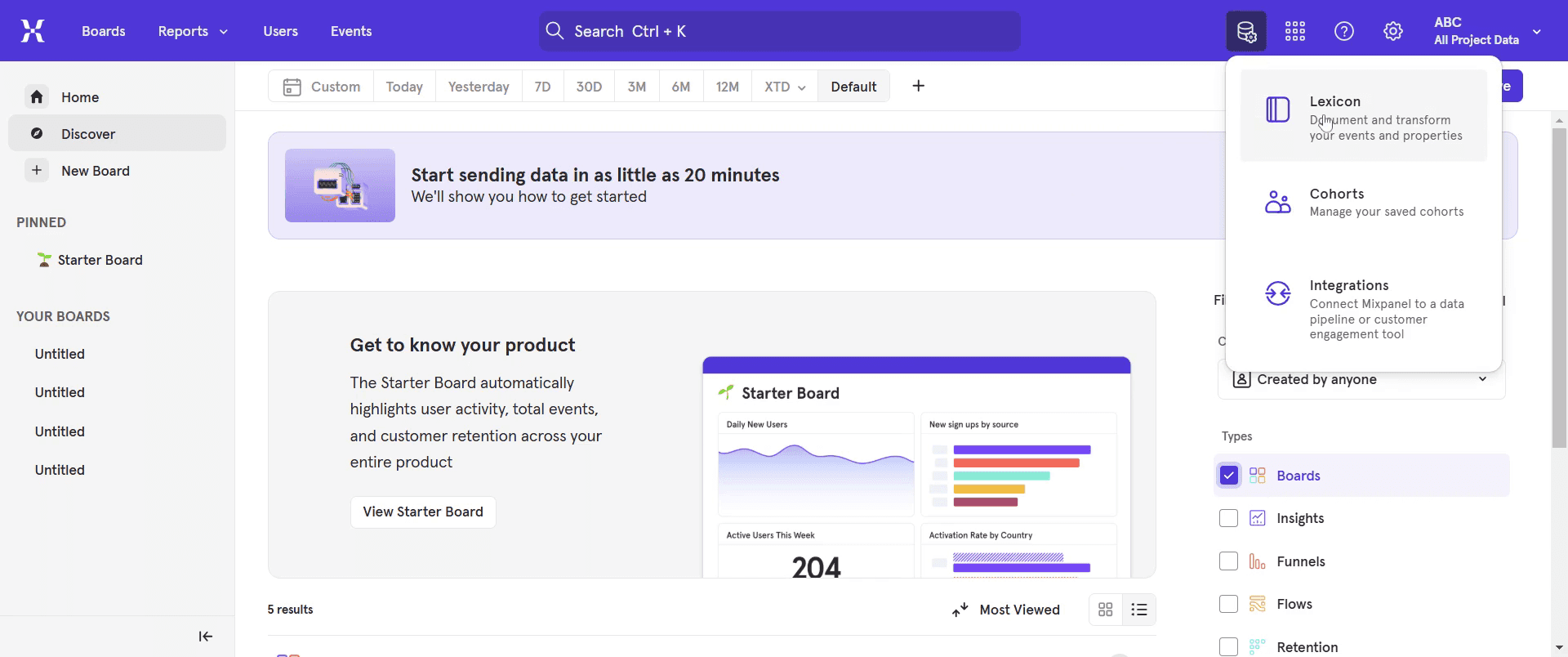
Click on "Lexicon."
Step 3
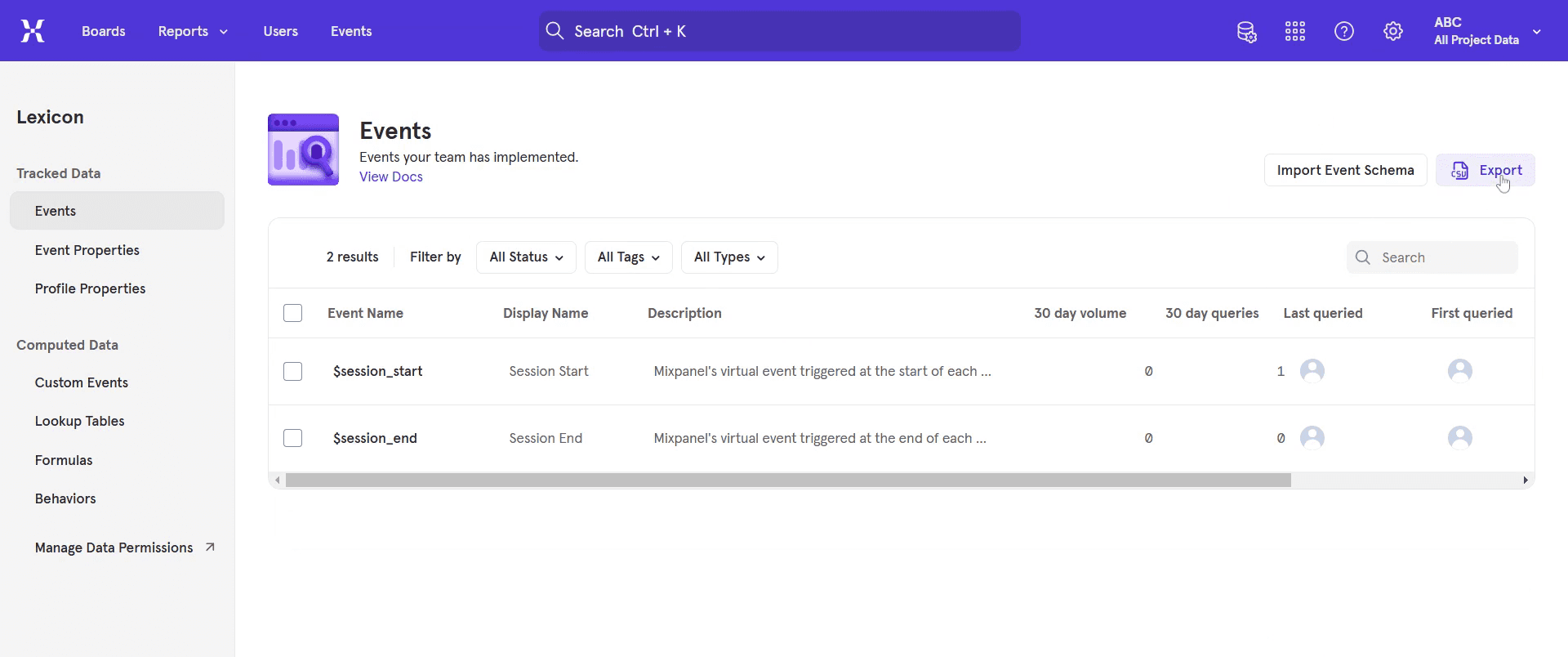
Next, find and click on the "Extract" option.
Step 4
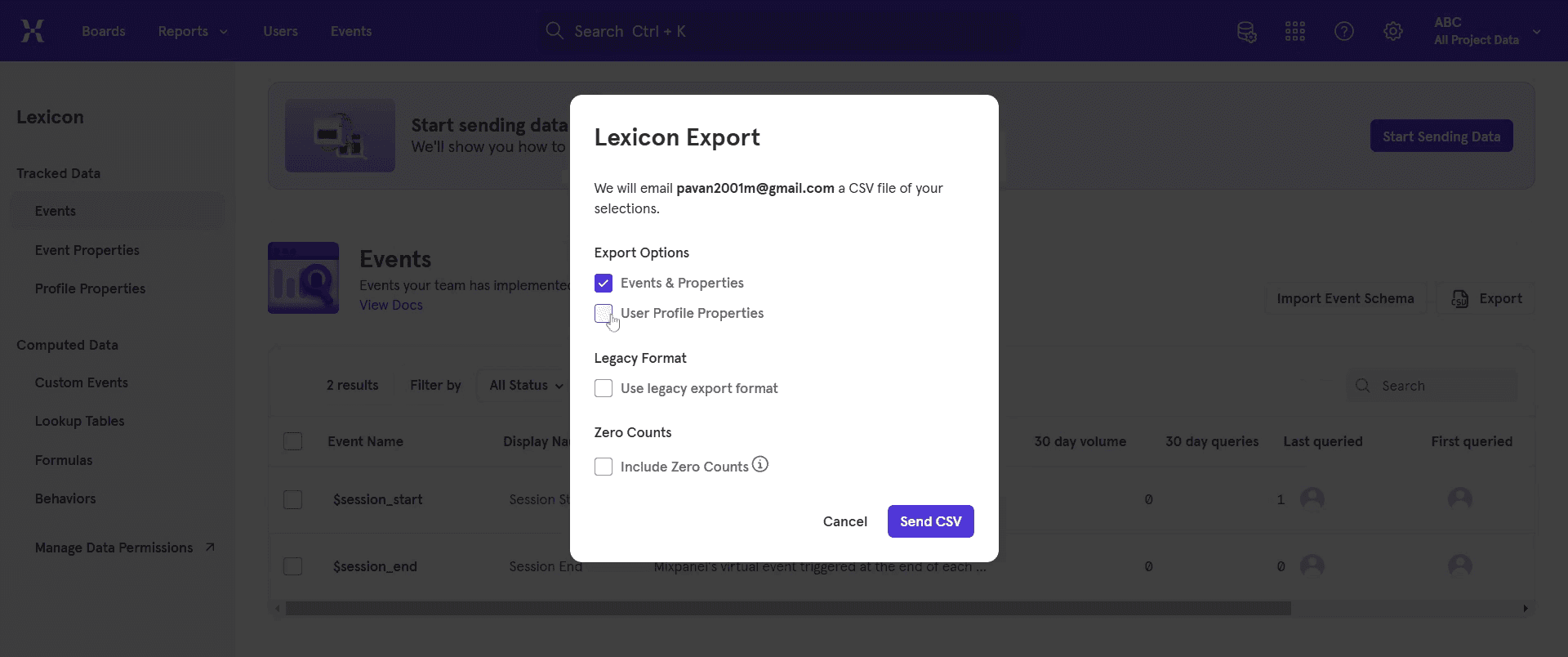
From there, select your preferred extract options.
Step 5
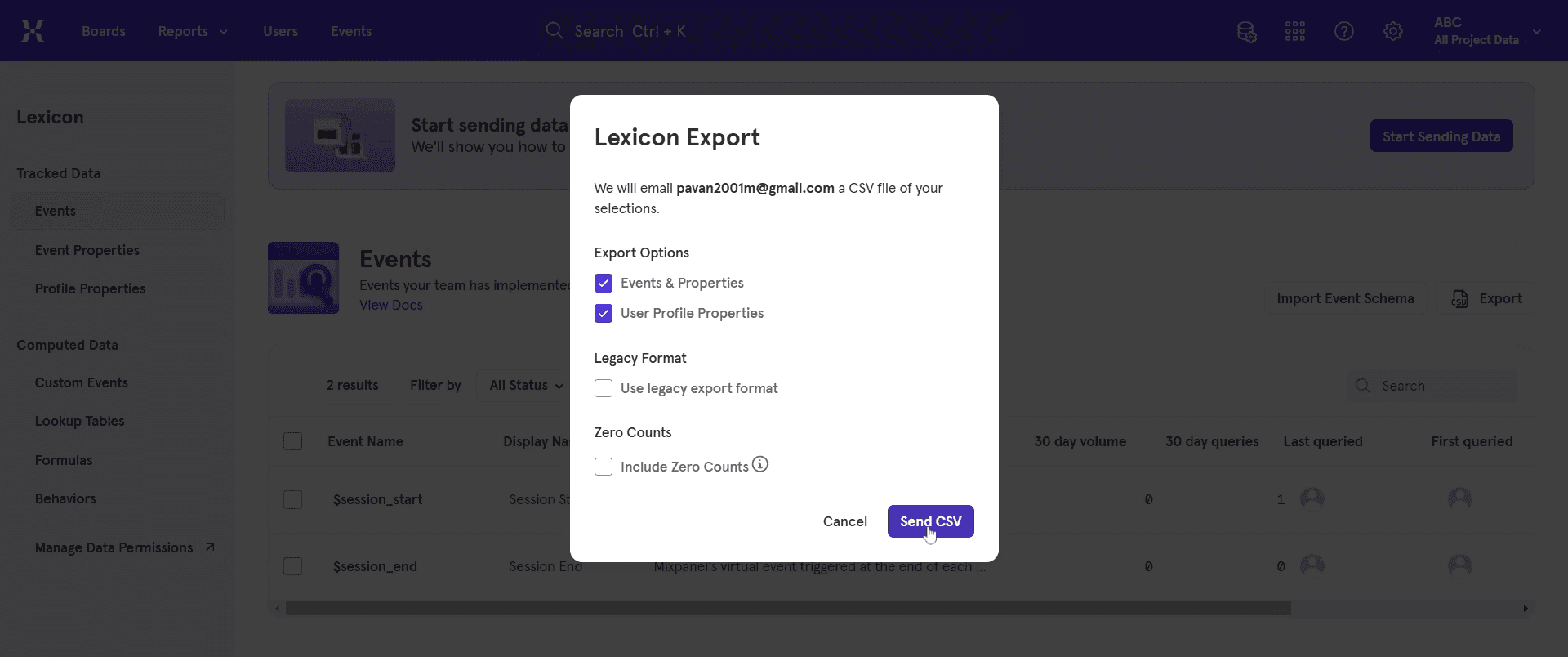
Once you have chosen your extract options, click on "Send CSV."
Step 6
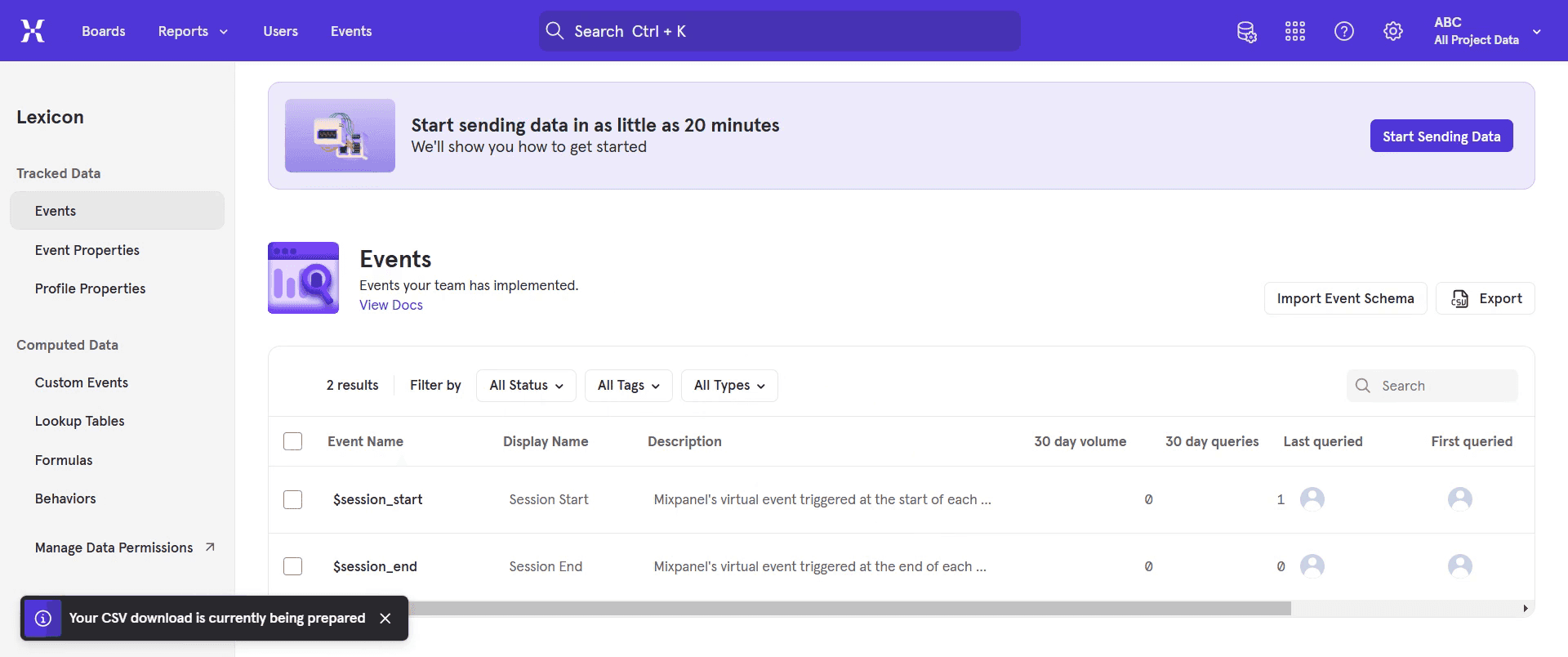
A pop-up will appear, indicating that the download process has started.
That’s it. This is a step-by-step guide on how to download all the raw data from Mixpanel.
Pro-tips for downloading all the raw data from Mixpanel
Use Mixpanel’s Data Export API for a comprehensive data extraction
Apply filters to download specific event data rather than the entire dataset
Ensure you have the necessary permissions to export data from Mixpanel
Common pitfalls & how to avoid them while downloading all the raw data from Mixpanel
Exporting too much data at once - Use filters to refine the data selection and avoid large, unmanageable files
Not having API access - Ensure you have the required API credentials to access Mixpanel’s Data Export API
Ignoring data format - Choose the right file format (JSON or CSV) based on your analysis requirements
Common FAQs for downloading all the raw data from Mixpanel
Can I export data in CSV format?
Yes, you can download data in CSV format using Mixpanel’s export featureDo I need special permissions to export data?
Yes, only users with the required permissions can access and download raw dataHow can I filter specific data before exporting?
Use the Mixpanel query builder or apply API filters to extract only relevant dataCan I automate the data export process?
Yes, you can set up automated exports using Mixpanel’s API and scheduling tools
If you're an instructor or content creator looking to make tutorial videos, give Trupeer.ai a try. It transforms rough screen recordings into polished, studio-style videos that are ready for sharing with your audience. Plus, it automatically generates a step-by-step guide based on the video you create. Fascinating, right? Start by creating your first tutorial for free with Trupeer.ai.

