
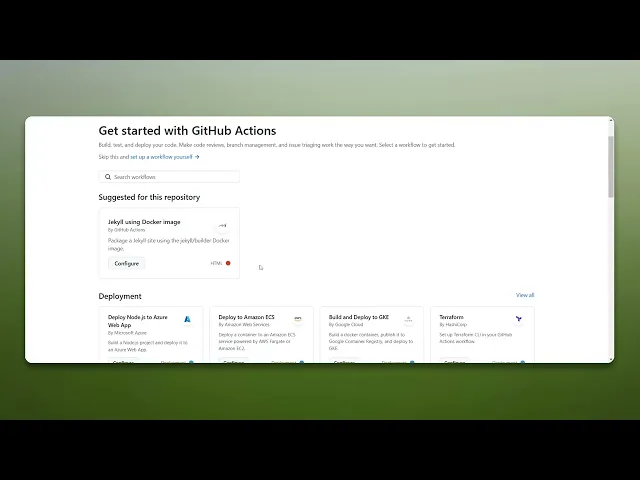
How Do GitHub Actions Work
Explore the functionality of GitHub Actions. Understand how to automate workflows, improve efficiency, and manage your software development lifecycle effectively.
This document provides a concise guide on how do GitHub actions work. By following the steps, you will be able to create, customize, and commit workflows effectively within your GitHub repository.
Step 1
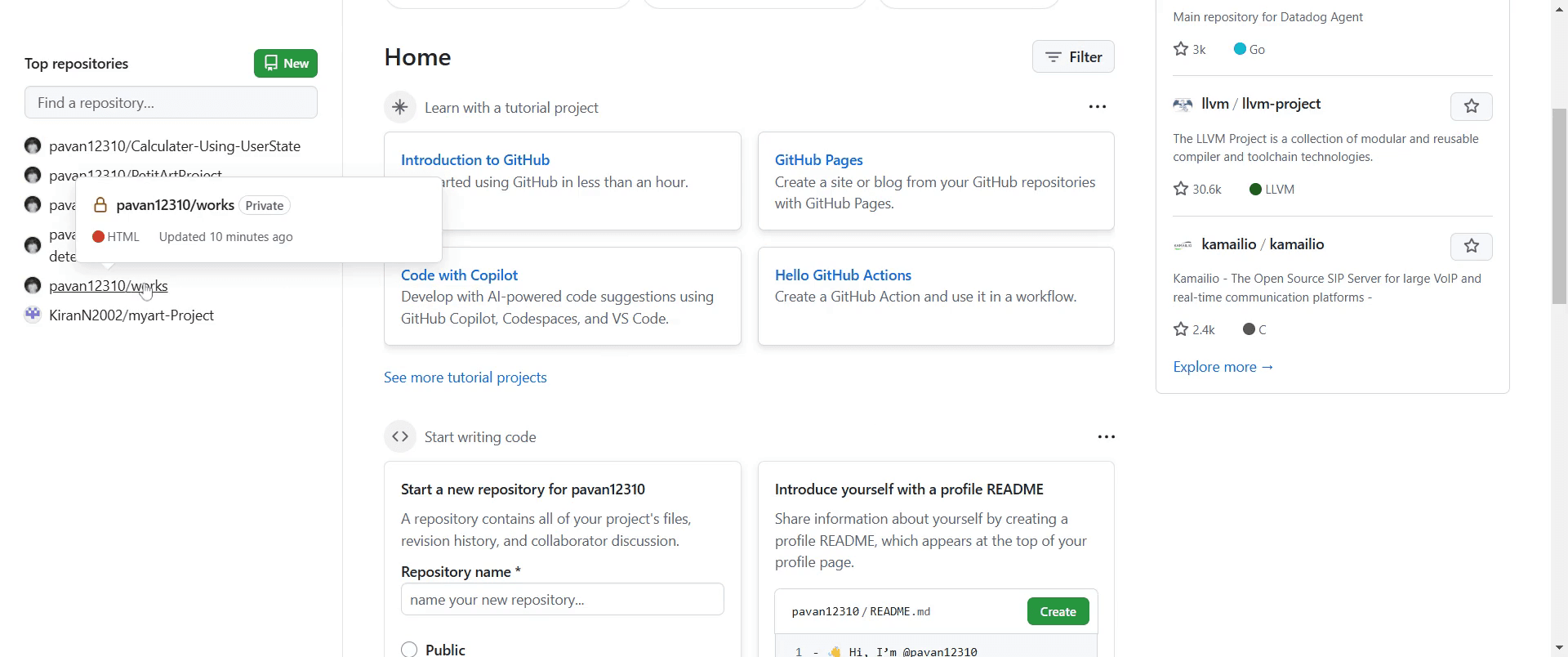
Click on the repository of your choice.
Step 2
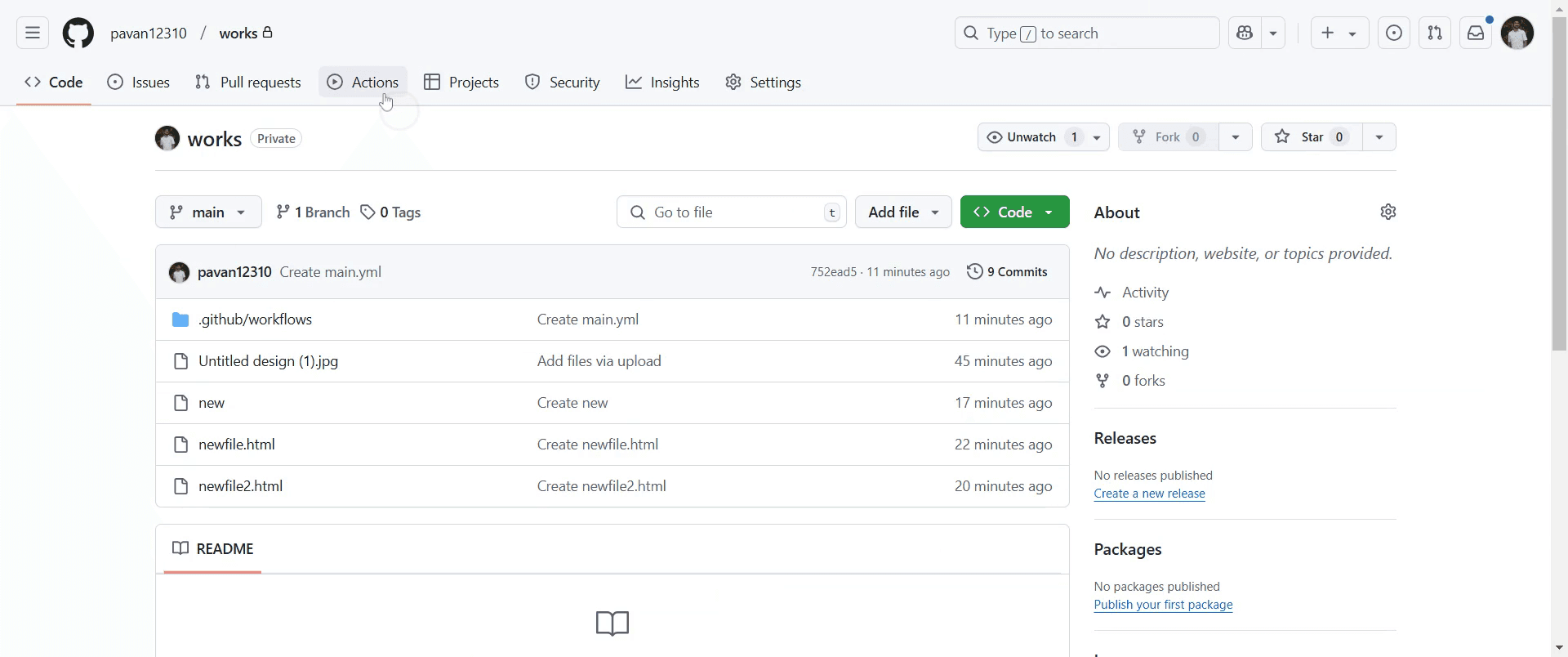
Locate the "Actions" tab within the repository interface and click on it.
Step 3
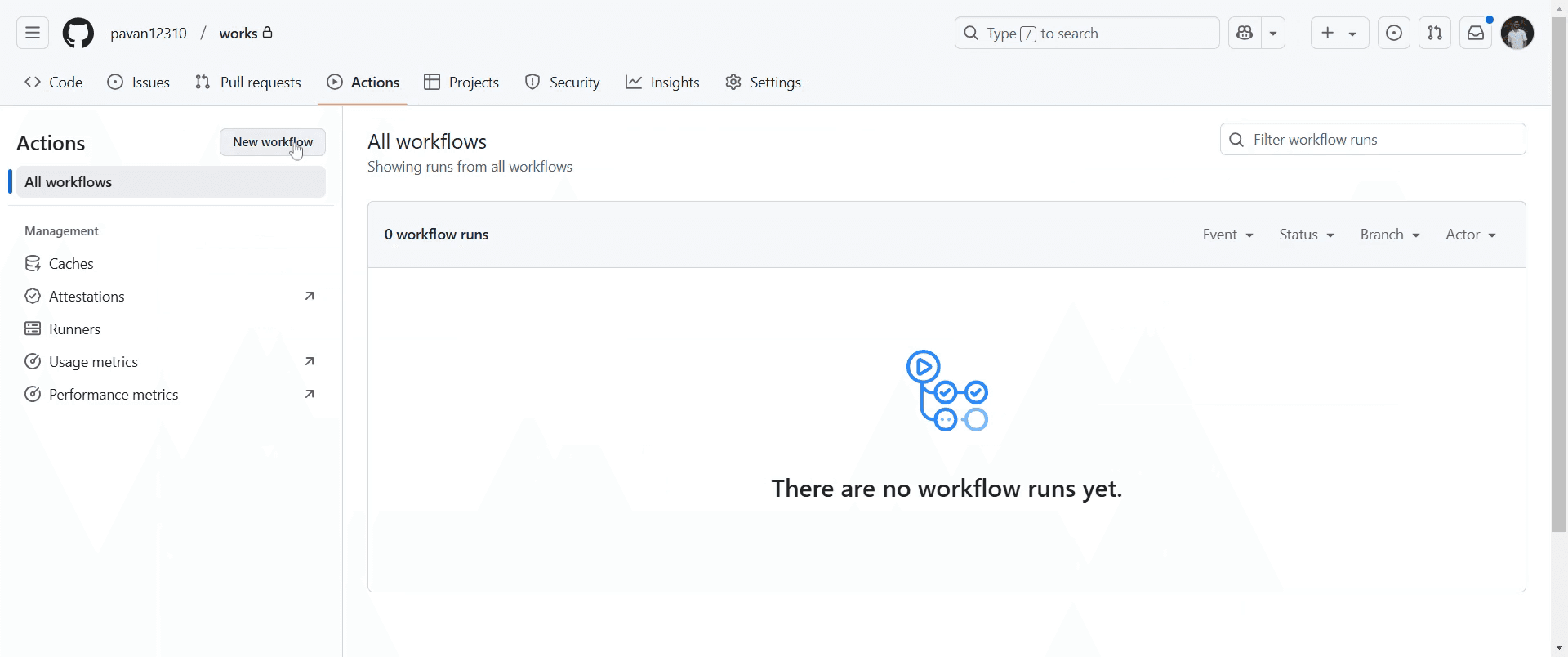
Identify the "New Workflow" option and proceed by clicking on it.
Step 4
Choose between creating your own workflow or selecting from a predefined configuration.
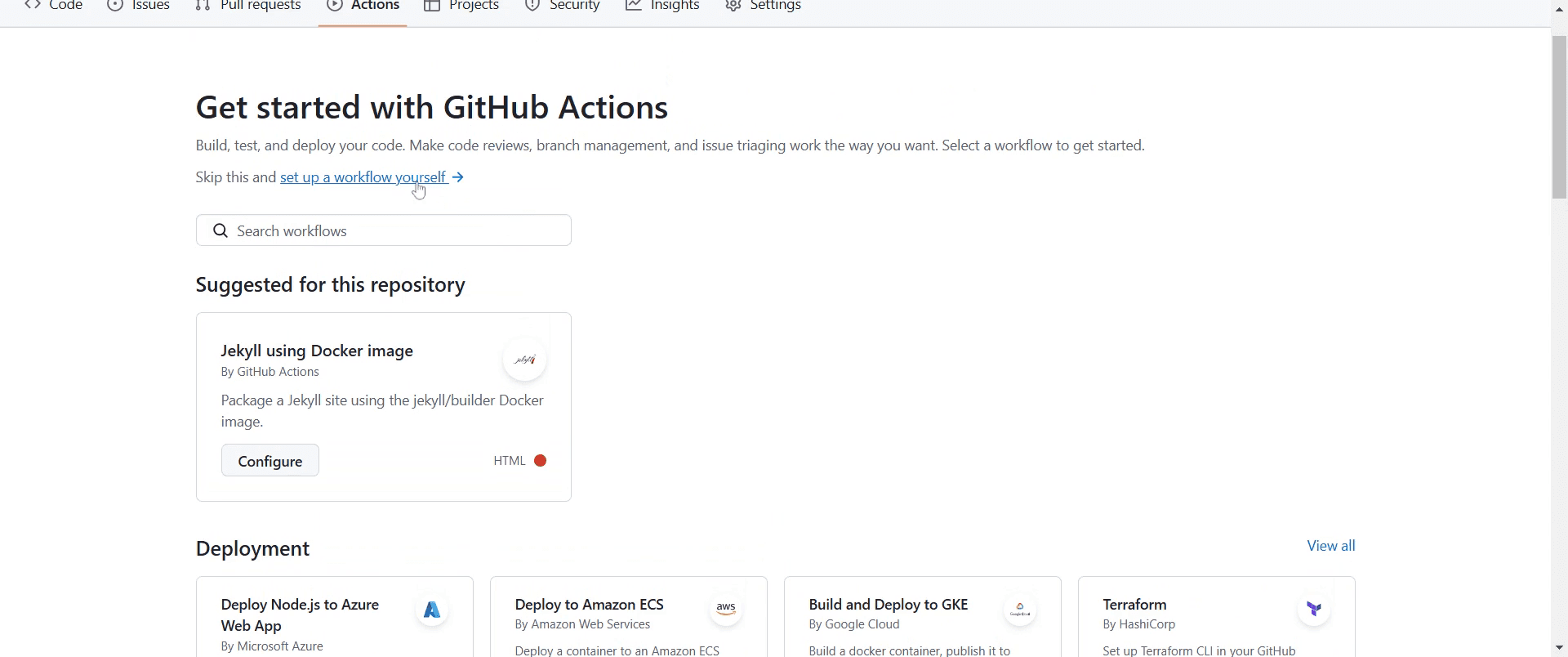
Step 5
Click to add the necessary details within the YAML file.
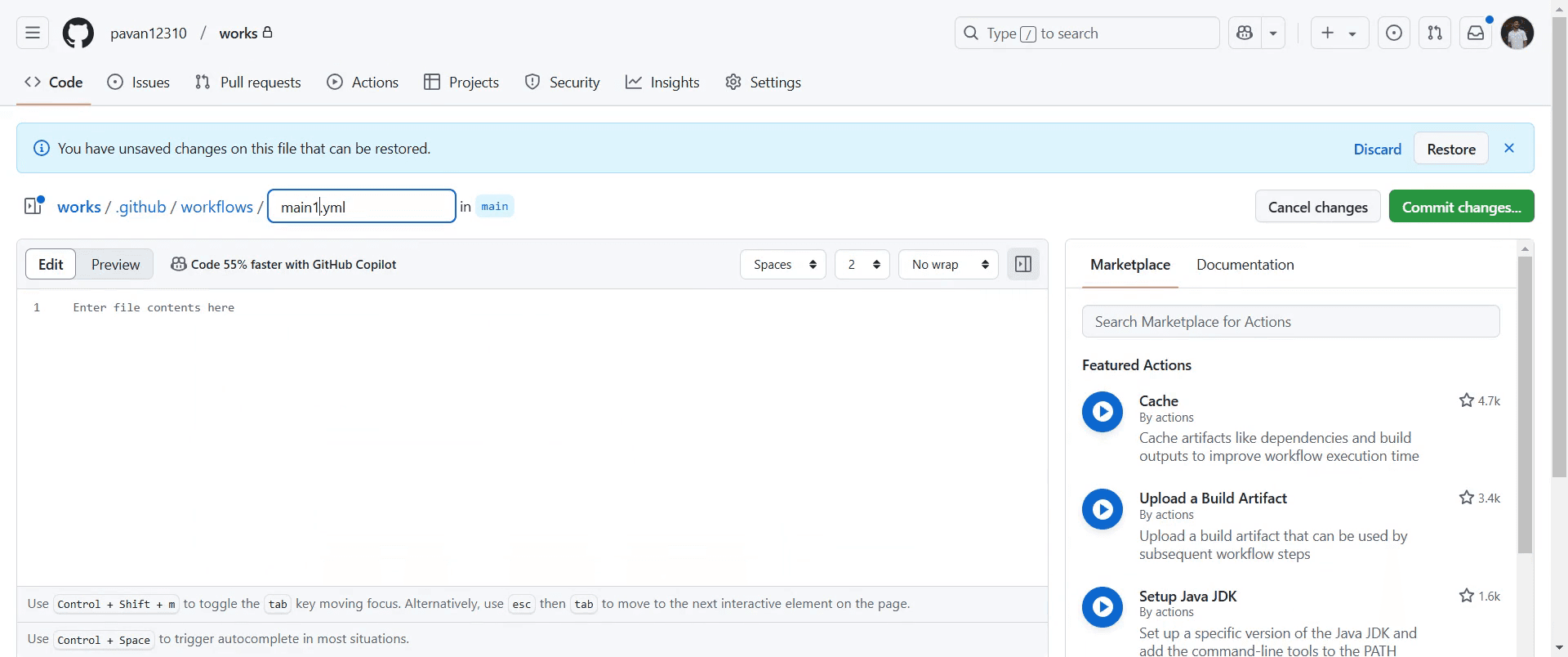
Step 6
Complete the process by clicking on "Commit Changes".
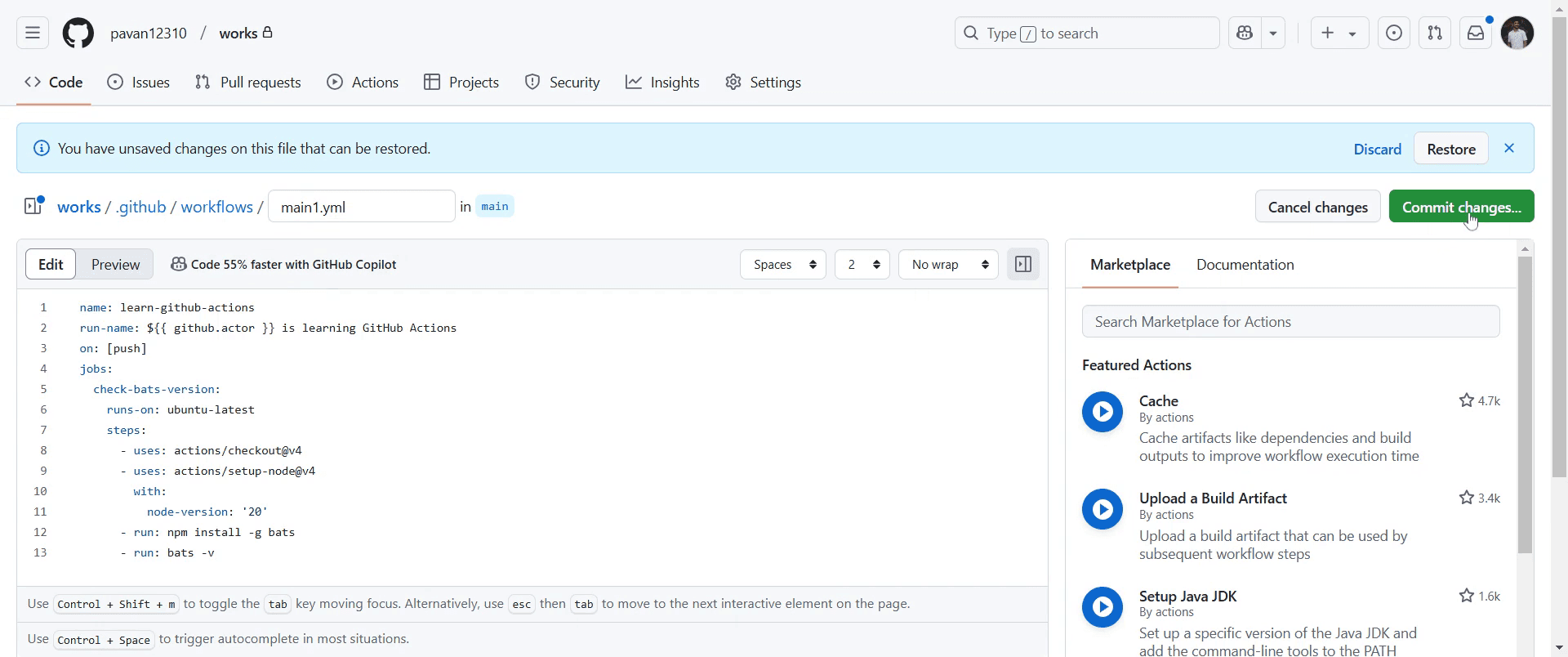
Step 7
It will again ask for the "commit changes". Click on that option.
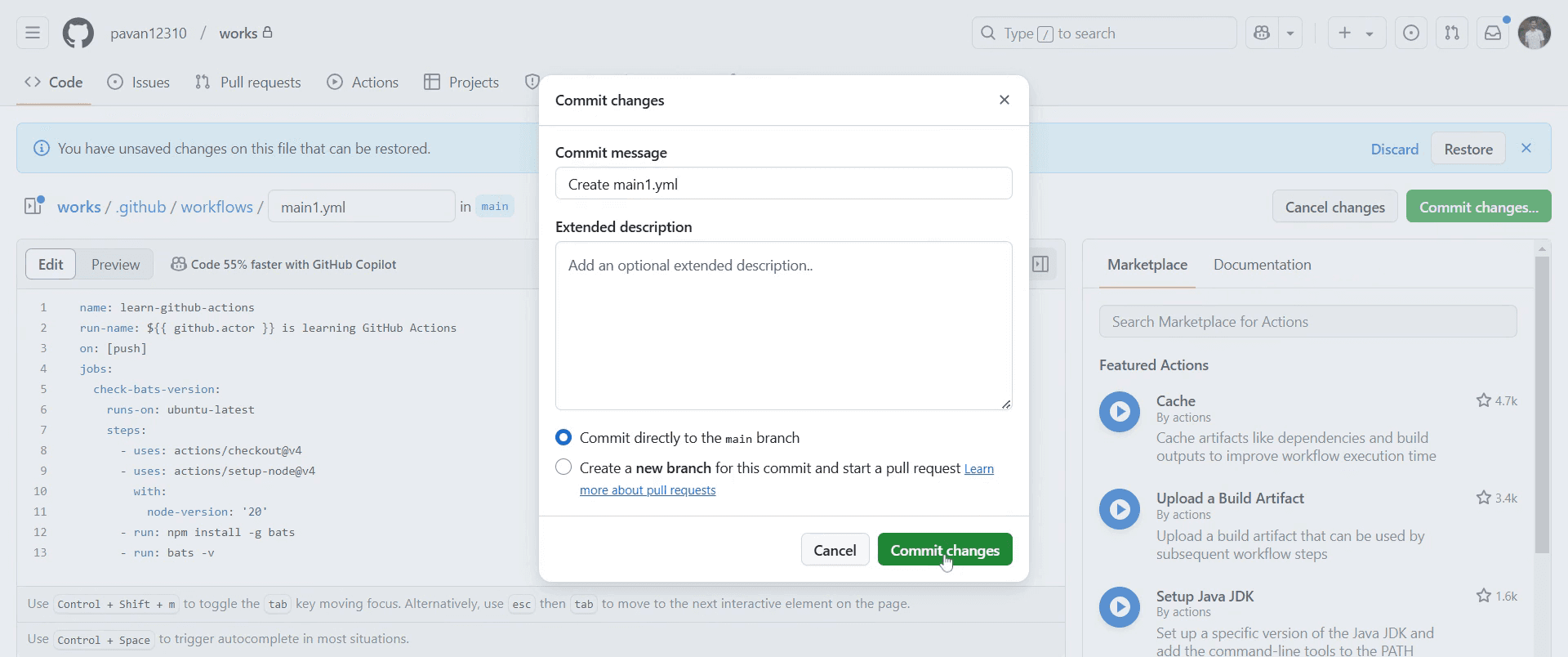
Step 8
This final step ensures that your workflow is saved and implemented.
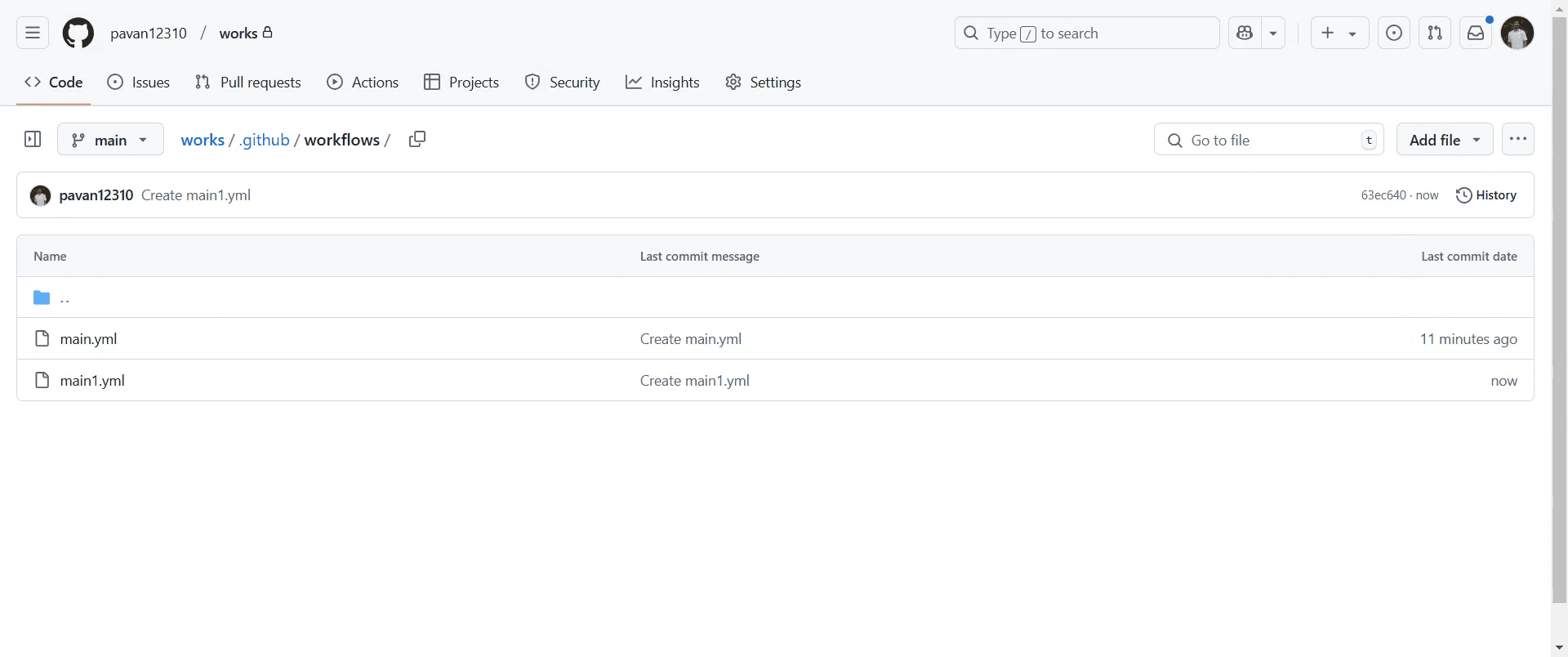
This is a step-by-step guide on how GitHub actions work.
Pro-tips for understanding how GitHub actions work
Start by defining workflows in a
.ymlfile in the.github/workflows/directory to automate tasks like testing, deployment, or building your project.Leverage pre-built actions from the GitHub Marketplace to save time and effort in setting up common tasks.
Test your workflows locally using
actbefore pushing them to GitHub to ensure they run smoothly.
Common pitfalls & how to avoid them while working with GitHub actions
Forgetting to commit the
.ymlworkflow file always make sure the workflow file is properly committed and pushed to trigger the action.Misconfiguring trigger events be careful to set the correct events like
push,pull_request, orscheduleto ensure the action runs as expected.Ignoring environment variables ensure sensitive data like API keys or passwords are stored securely using GitHub Secrets to prevent security issues.
Common FAQs for how GitHub actions work
What are GitHub actions used for?
GitHub actions are used for automating workflows such as testing, building, deploying, and other tasks within your GitHub repository.How do I create a GitHub action?
To create a GitHub action, you define a workflow in a YAML file in the.github/workflows/directory of your repository, specifying the events that trigger the action and the tasks to execute.Can I use GitHub actions for deployment?
Yes, you can use GitHub actions to automate deployment to platforms like AWS, Heroku, or GitHub Pages by setting up appropriate workflows in your repository.How do I debug a GitHub action?
If your GitHub action is not running as expected, you can review the logs generated by the action on the GitHub Actions tab and usestepsanddebugoptions to help troubleshoot issues.Can I run GitHub actions on pull requests?
Yes, you can configure your workflow to run on pull requests by setting thepull_requestevent in the workflow file, ensuring tests or other checks are performed before merging the changes.
If you're an instructor or content creator looking to make tutorial videos, give Trupeer.ai a try. It transforms rough screen recordings into polished, studio-style videos that are ready for sharing with your audience. Plus, it automatically generates a step-by-step guide based on the video you create. Fascinating, right? Start by creating your first tutorial for free with Trupeer.ai.

