
How To Access Jira Automation
Discover how to access Jira Automation with our comprehensive guide. Learn tips and tricks to streamline your workflow and enhance productivity effectively.
This document provides a concise guide on How to access Jira automation. Follow these steps to efficiently reach the automation options for your selected project.
Step 1
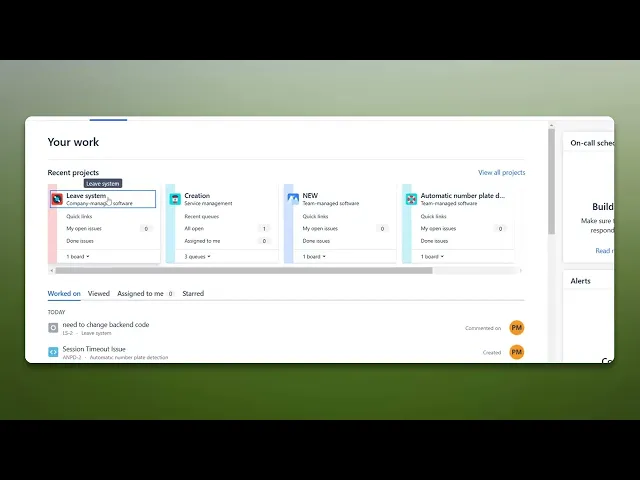
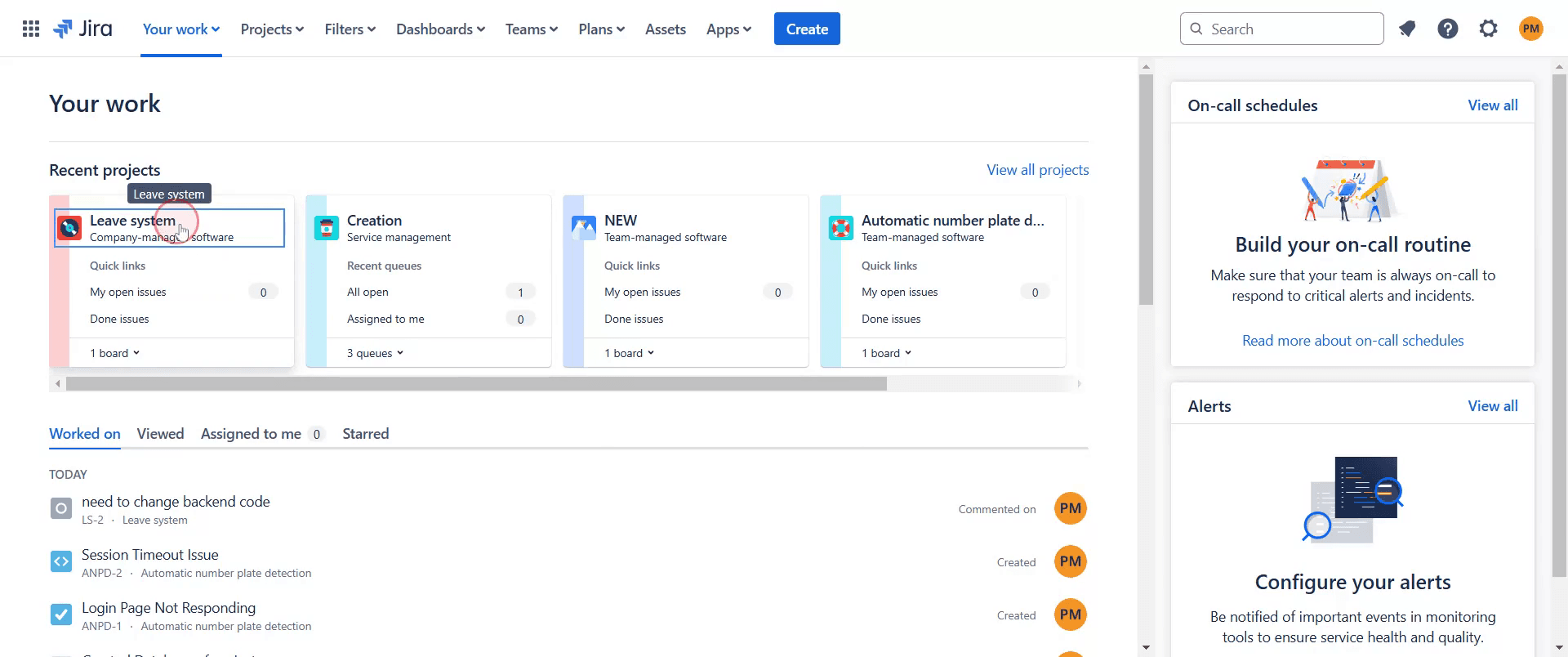
To begin, select the project you wish to work on in Jira.
Step 2
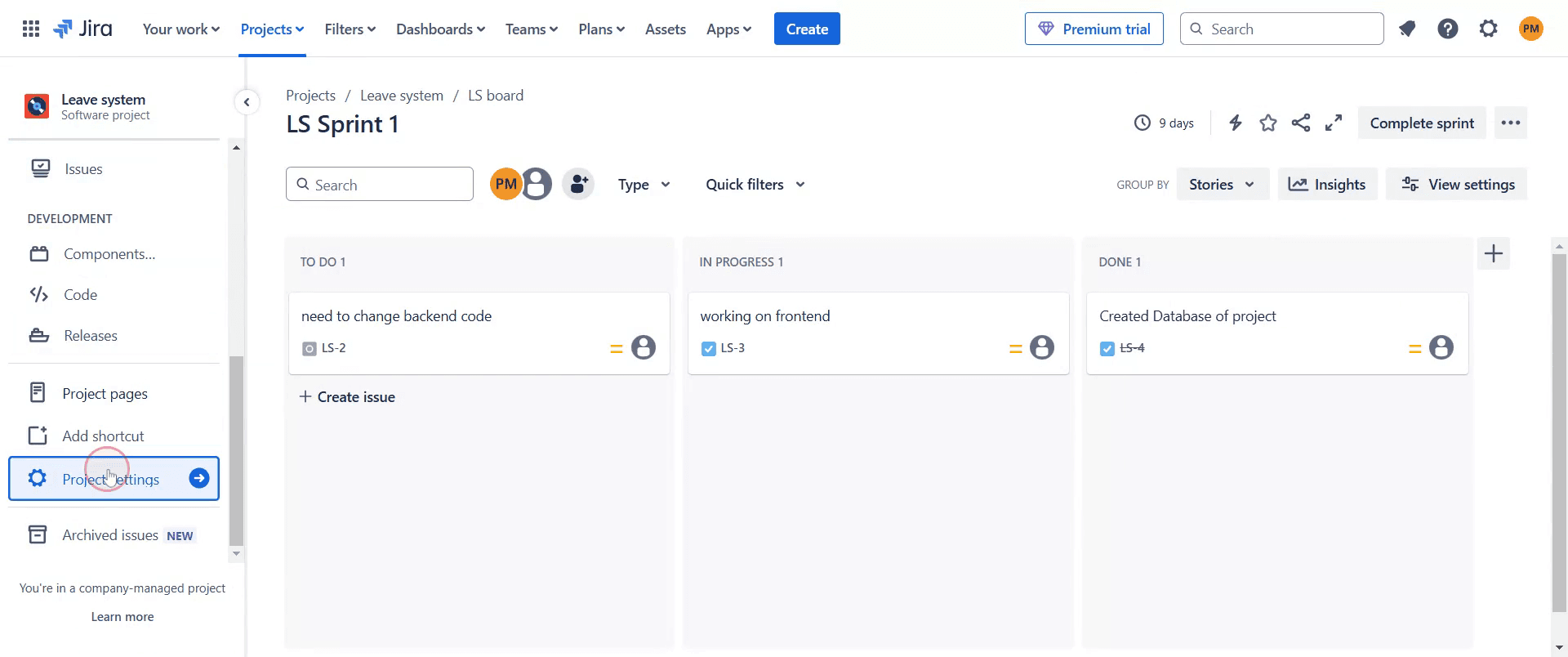
Next, locate and click on the "Project Settings" option within your selected project.
Step 3
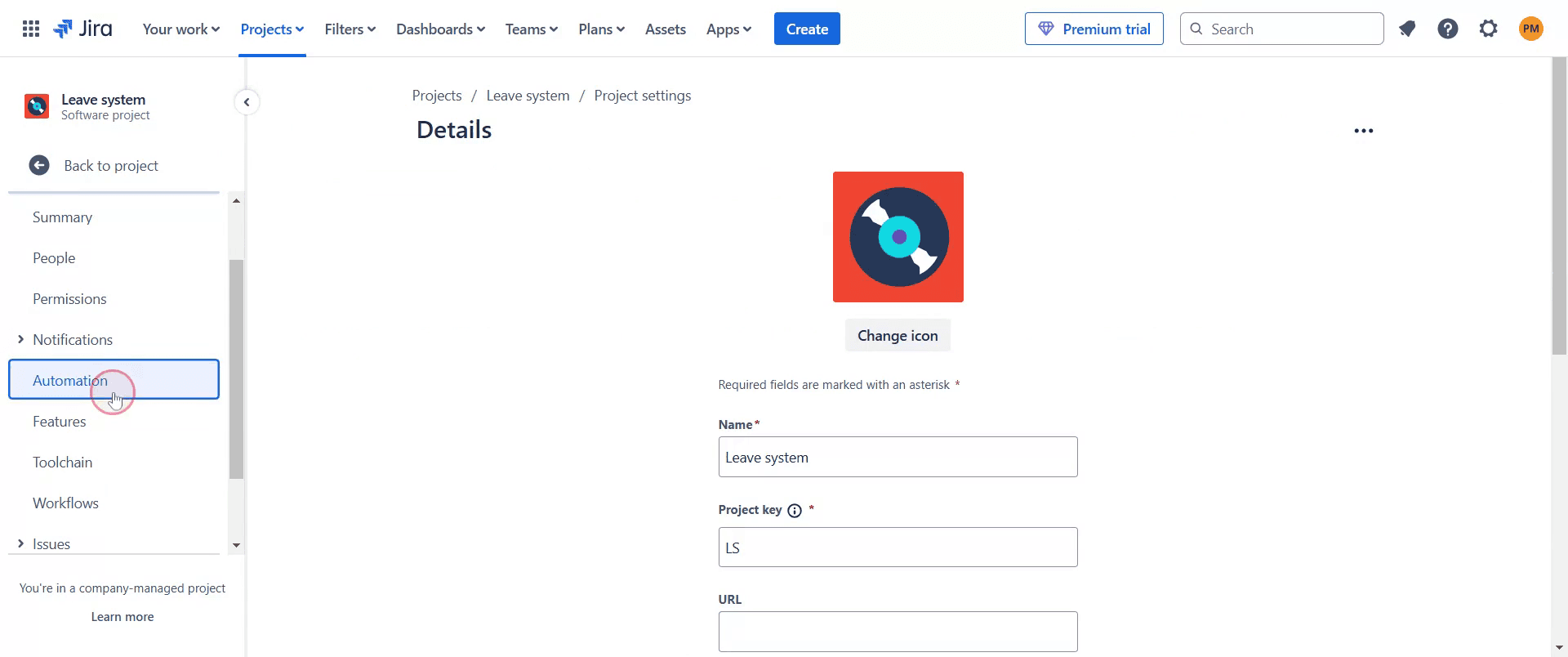
Then, find and click on the "Automation" option within the project settings.
Step 4
Here, you will see any existing automation rules set up for the project.
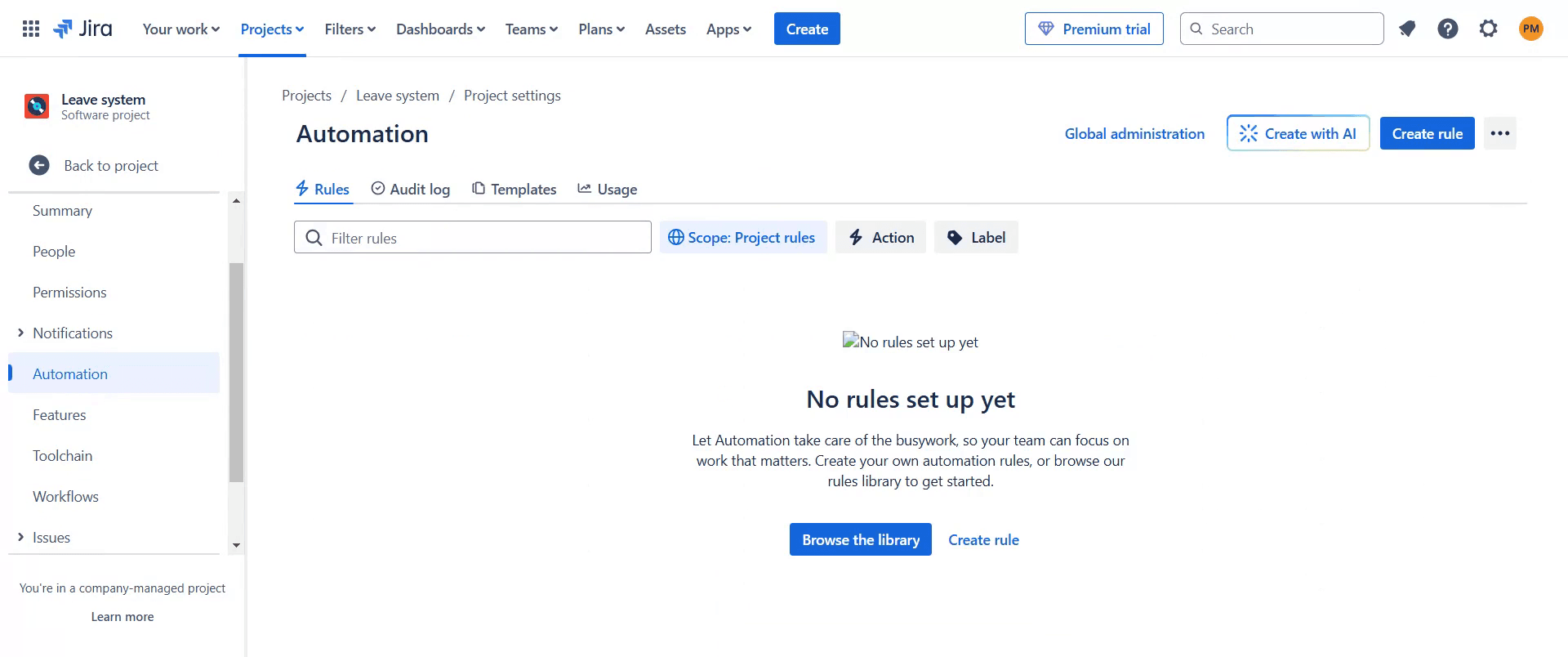
This is a step-by-step guide on how to access Jira automation.
Pro-tips for accessing Jira automation
Navigate to Project settings and select Automation to access automation rules for a specific project.
Use Global automation under Jira settings if you need to create rules that apply across multiple projects.
Explore the Rule library to find pre-built automation templates that can save time when setting up common workflows.
Common pitfalls & how to avoid them while accessing Jira automation
Not having the right permissions, ensure you have Administrator or Project Admin access to create and manage automation rules.
Overcomplicating automation, start with simple rules and test them before adding complex logic to avoid unexpected results.
Forgetting to enable rules, after setting up automation, always check if the rule is enabled and properly configured.
Common FAQs for accessing Jira automation
Do I need admin rights to use Jira automation?
Yes, only users with Admin or Project Admin permissions can create and manage automation rules.Can I use Jira automation across multiple projects?
Yes, use the Global automation option under Jira settings to apply rules across multiple projects.How do I create a new automation rule in Jira?
In the Automation section, click Create rule, choose a trigger, add conditions and actions, then save and enable the rule.Is Jira automation available in all Jira plans?
Jira automation is available in all plans, but higher-tier plans have more execution limits and advanced automation features.
If you're an instructor or content creator looking to make tutorial videos, give Trupeer.ai a try. It transforms rough screen recordings into polished, studio-style videos that are ready for sharing with your audience. Plus, it automatically generates a step-by-step guide based on the video you create. Fascinating, right? Start by creating your first tutorial for free with Trupeer.ai.

