

How To Add Acceptance Criteria Field In Jira
Discover how to effectively add an acceptance criteria field in Jira. Enhance your project management skills and ensure clarity in your team's requirements.
This document provides a step-by-step process for adding an acceptance criteria field in Jira. Follow these instructions to customize your Jira interface effectively.
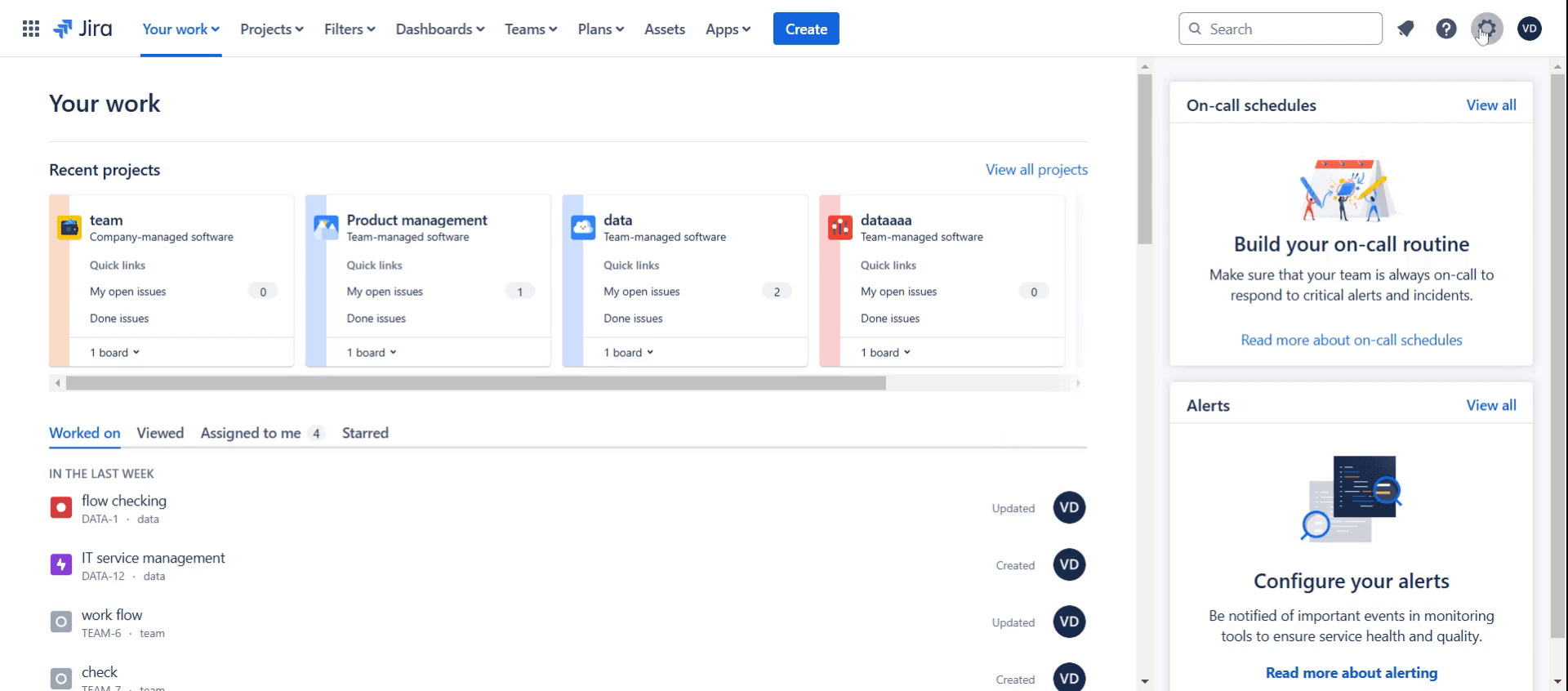
Step 1
Click on Settings.
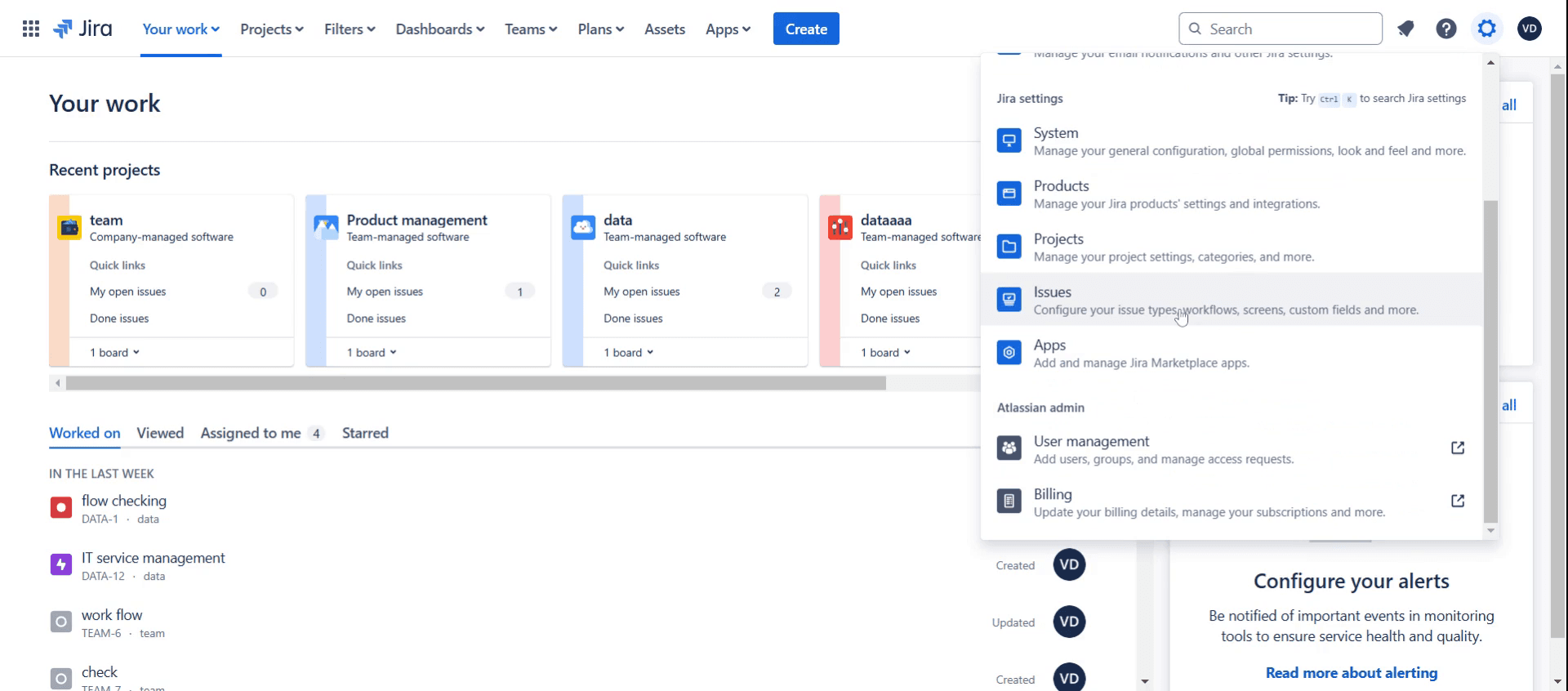
Step 2
Select issues from the left-side menu.
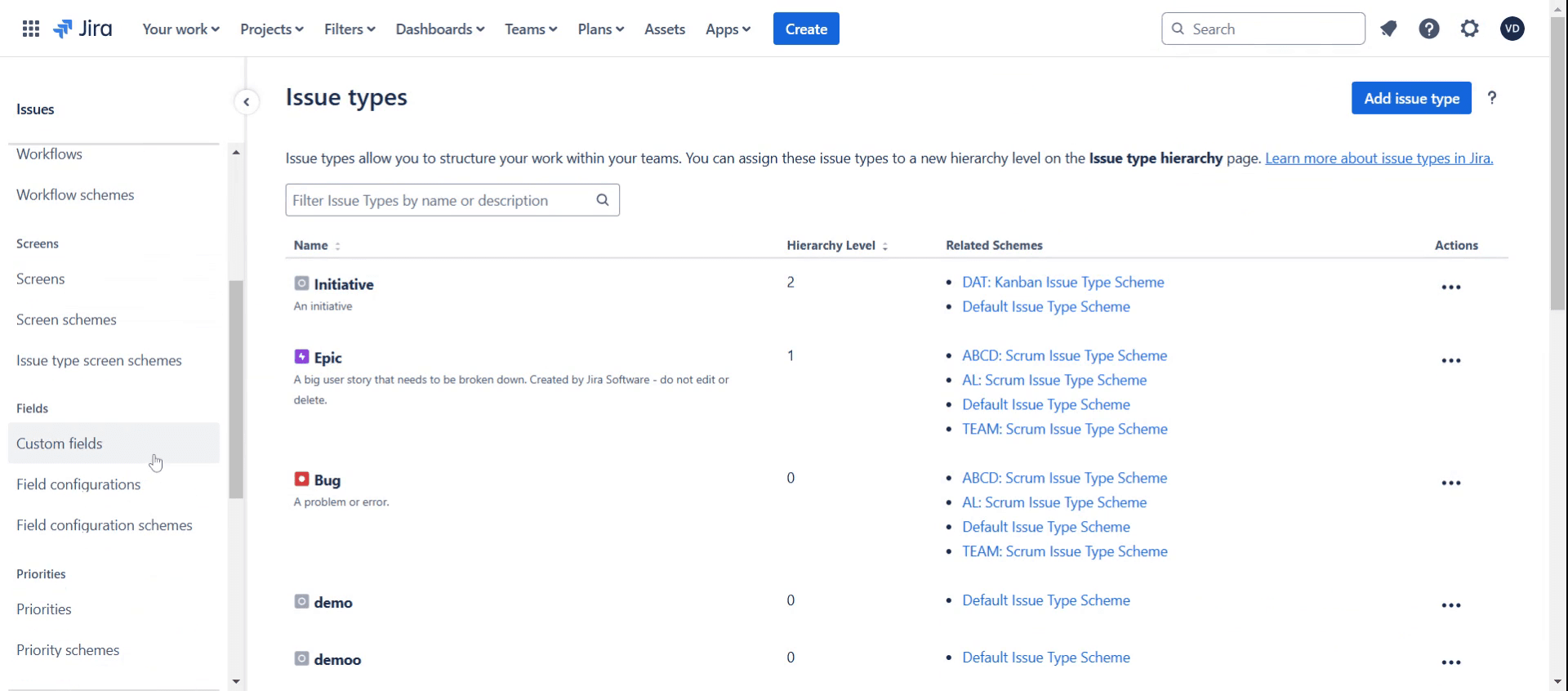
Step 3
Click on the Custom Fields option.
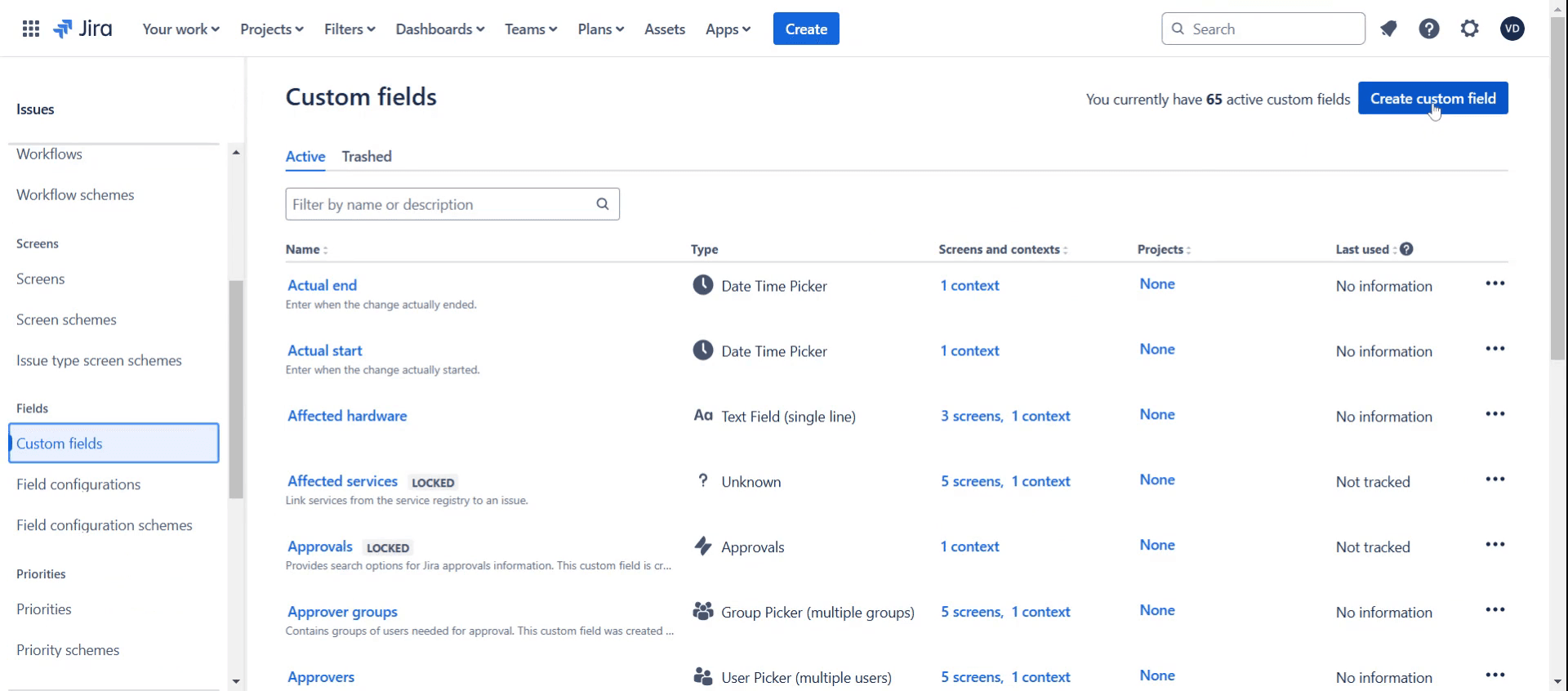
Step 4
Then click on create custom field.
Step 5
Select the desired field type.
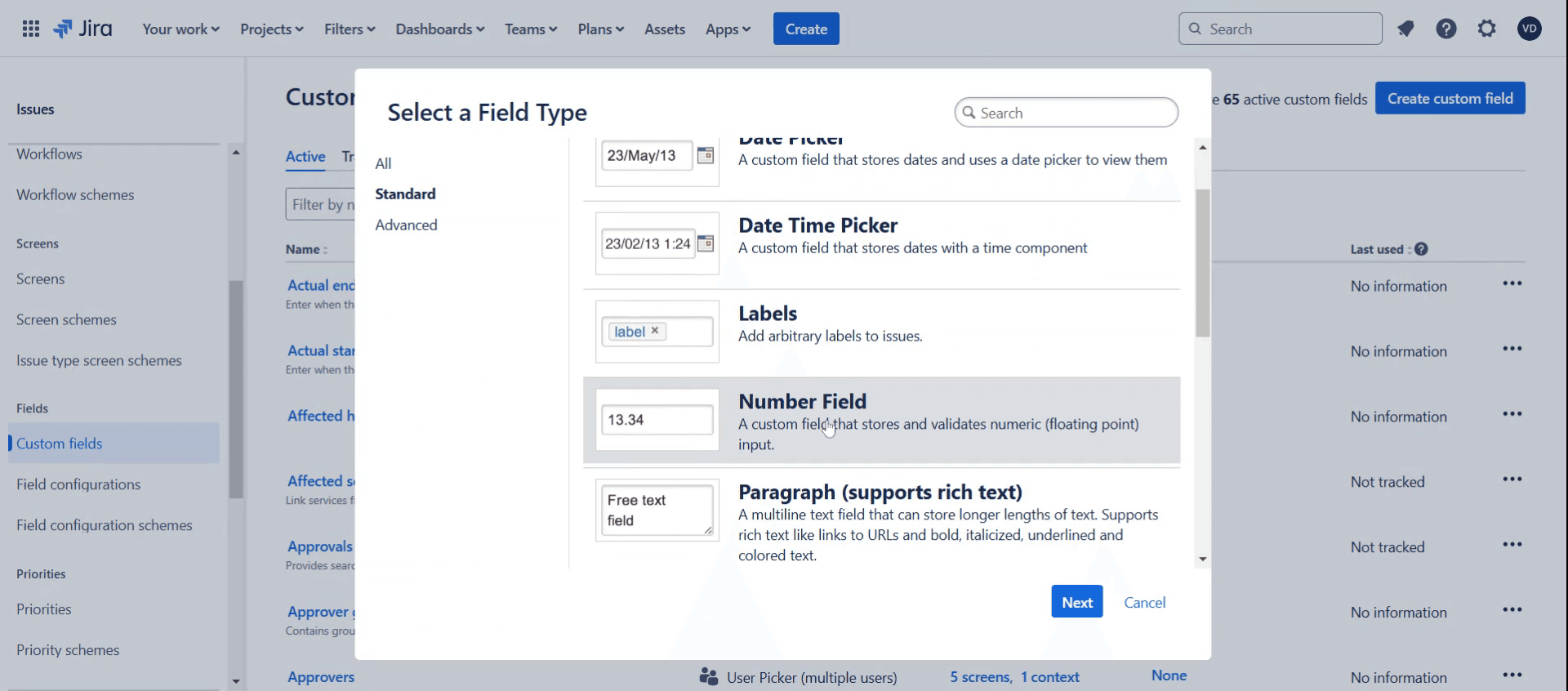
Step 6
Click Next button.
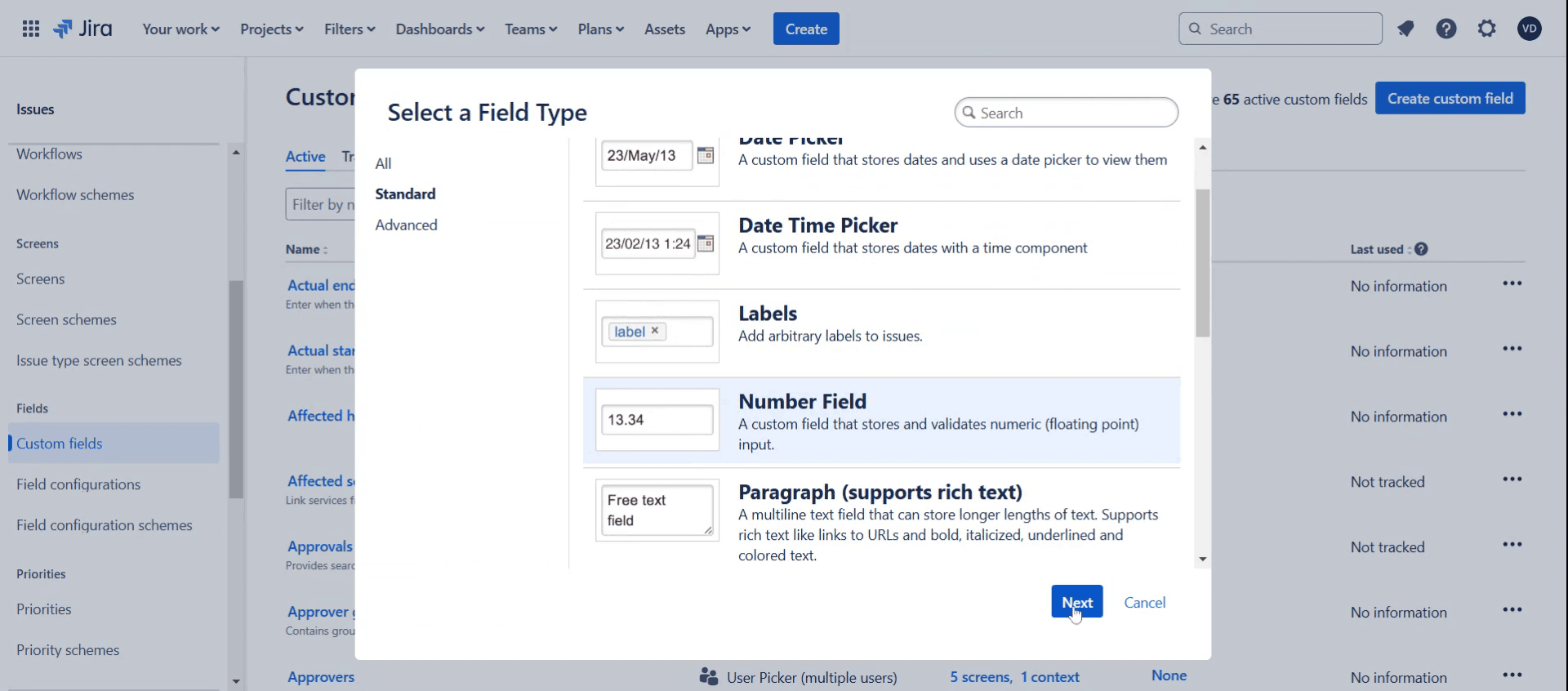
Step 7
Provide the name & description based on your requirements.
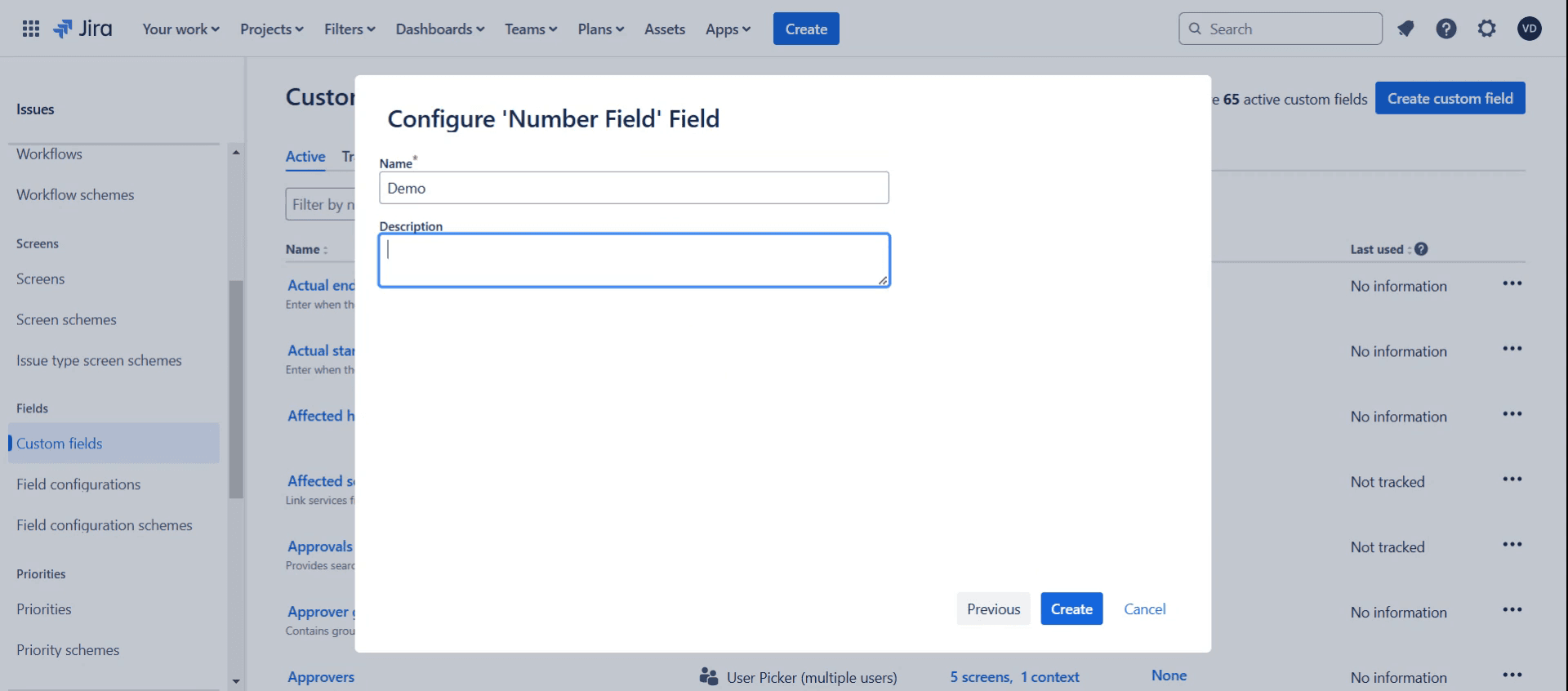
Step 8
Click on the Create button.
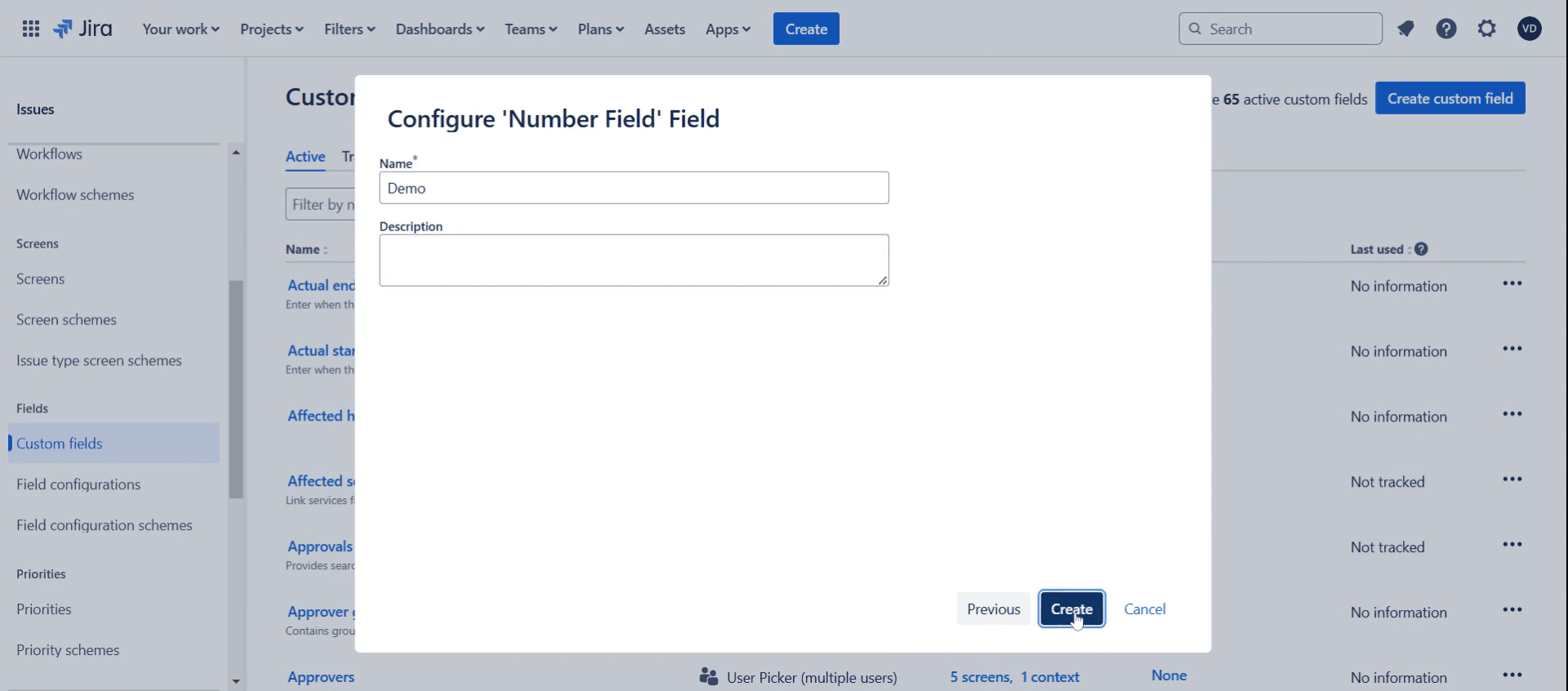
Step 9
Select the number of issues you want by clicking on the corresponding checkboxes.
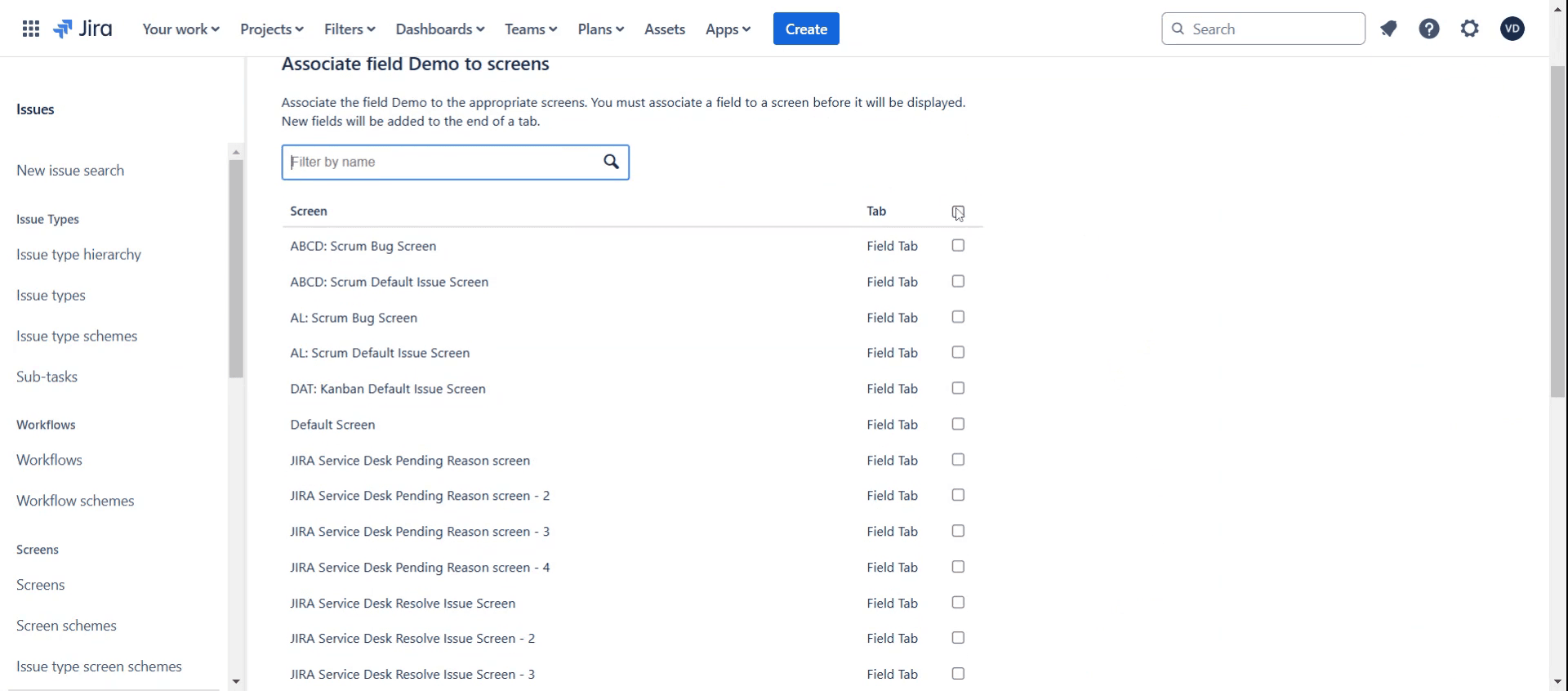
Step 10
Click on Update option.
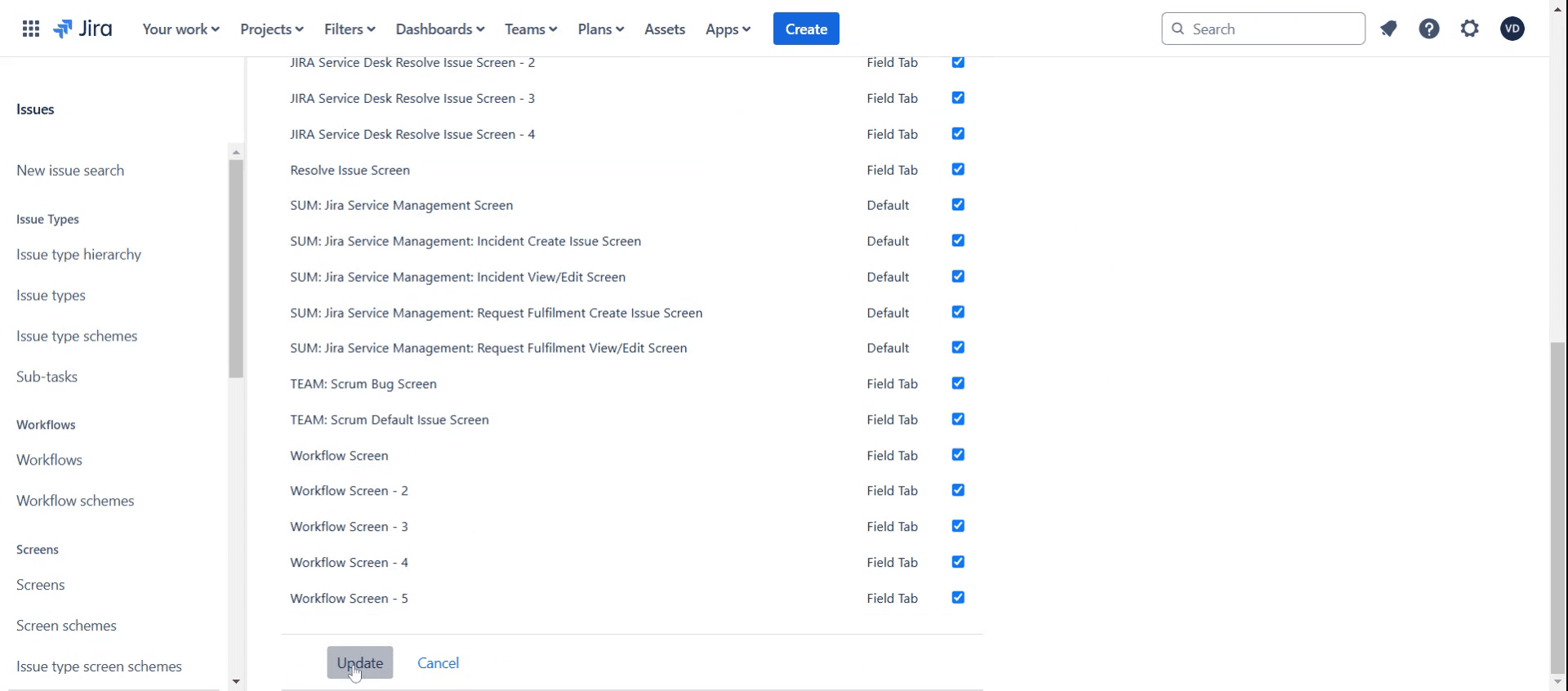
This is the step-by-step process to add an Acceptance Criteria field in Jira. Let’s look at some tips for it.
Pro-tips for adding an acceptance criteria field in Jira
Use Custom Fields – Jira does not have a built-in Acceptance Criteria field, so you’ll need to create a custom field. Go to Jira Settings > Issues > Custom Fields > Create Custom Field and choose a text field format.
Enable the Field for Specific Issue Types – Ensure the Acceptance Criteria field is available only for relevant issue types, such as User Stories or Tasks, by configuring field contexts.
Add the Field to Screens – After creating the field, assign it to relevant screens under Jira Settings > Issues > Screens to make it visible when creating or editing an issue.
Common pitfalls & how to avoid them
Not Making the Field Mandatory – If team members forget to add acceptance criteria, enforce it by making the field required through Field Configurations.
Unstructured Acceptance Criteria – Ensure consistency by defining clear guidelines or using templates like Given-When-Then for writing criteria.
Overcomplicating the Field – Keep it simple by using a multi-line text field rather than complex field types unless specific formatting is required.
Common FAQs for adding an acceptance criteria field in Jira
Can i make the Acceptance Criteria field mandatory?
Yes, you can make it a required field using Field Configurations or by adding a Validator in the workflow.Why isn’t the Acceptance Criteria field appearing on my issues?
Ensure it has been added to the relevant issue types, screens, and field configurations in Jira settings.Is there a way to standardize how Acceptance Criteria is written?
Yes, you can define a template for the team to follow, such as the Given-When-Then format or bullet points.Can i automate acceptance criteria validation in Jira?
Yes, use Workflow Validators to enforce that the Acceptance Criteria field is filled before moving to the next stage.
If you're an instructor or content creator looking to make tutorial videos, give a try. It transforms rough screen recordings into polished, studio-style videos that are ready for sharing with your audience. Plus, it automatically generates a step-by-step guide based on the video you create. Fascinating, right? Start by creating your first tutorial for free with trupeer.ai

