
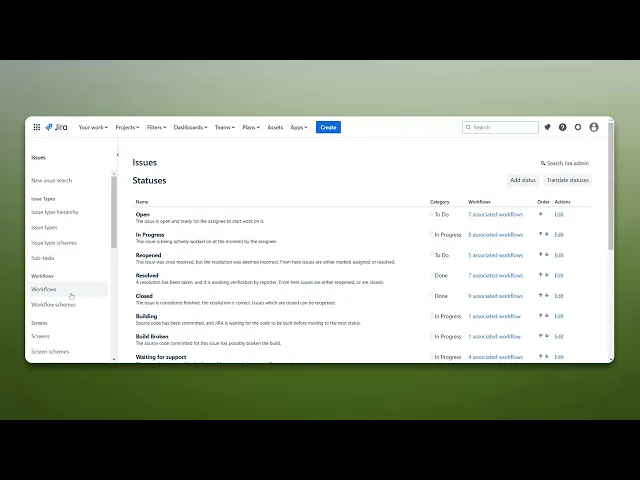
How To Add Blocked Status In Jira
Discover how to effectively add a blocked status in Jira to enhance your project management. Streamline workflows and improve team communication today.
This process will guide how to add blocked status in Jira. You will navigate through the settings to configure and customize the issue statuses according to your requirements.
Step 1
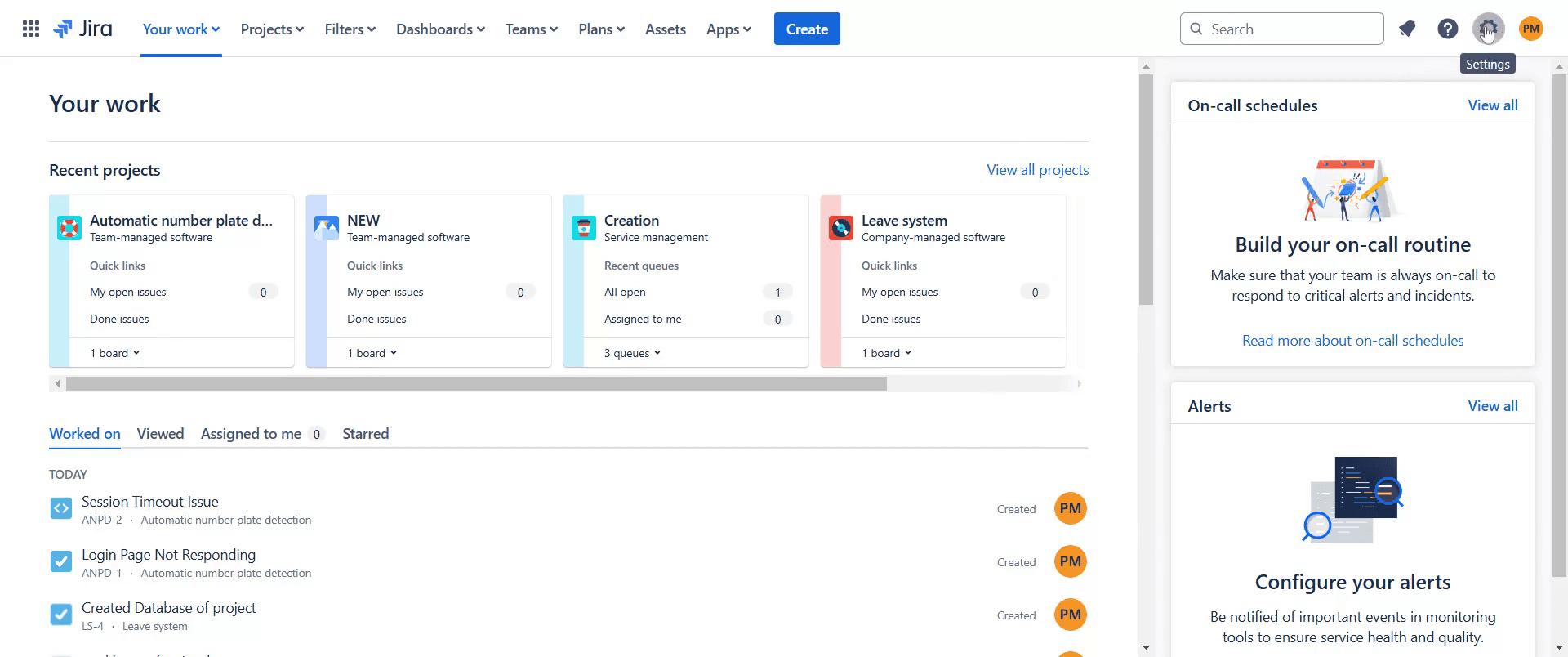
Begin by navigating to the "Settings" option in Jira. Click on it.
Step 2
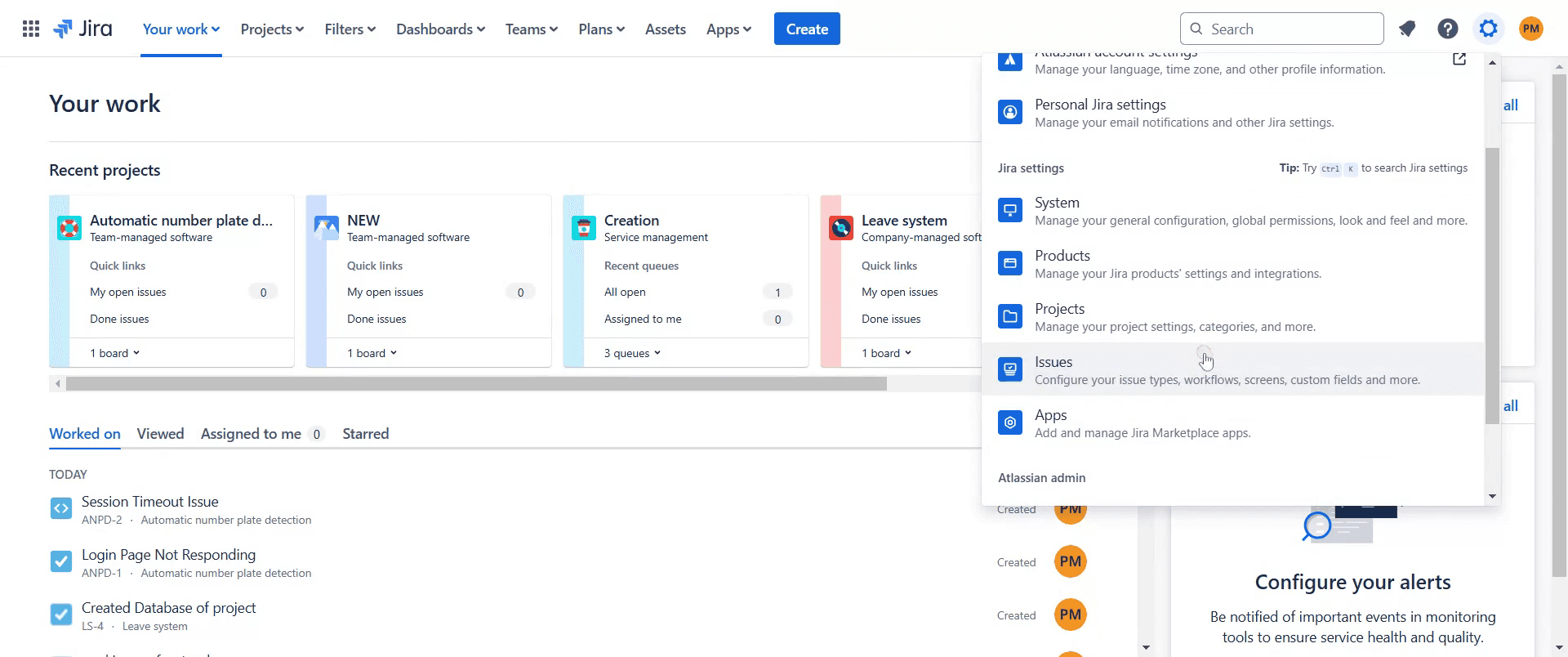
Then proceed to click on "Issues" within the settings menu.
Step 3
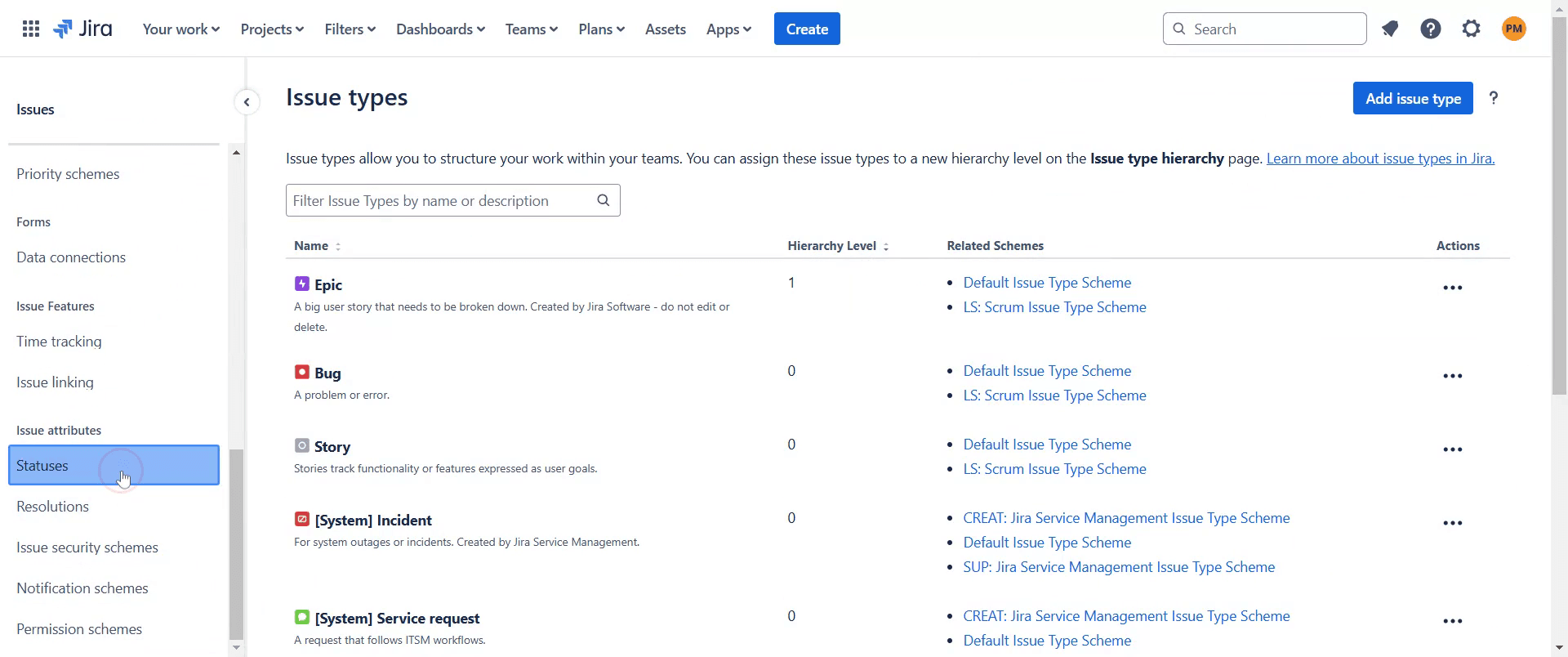
Once you are in the Issues section, click on "Statuses".
Step 4
In the Status section, select the "Add Status" option.
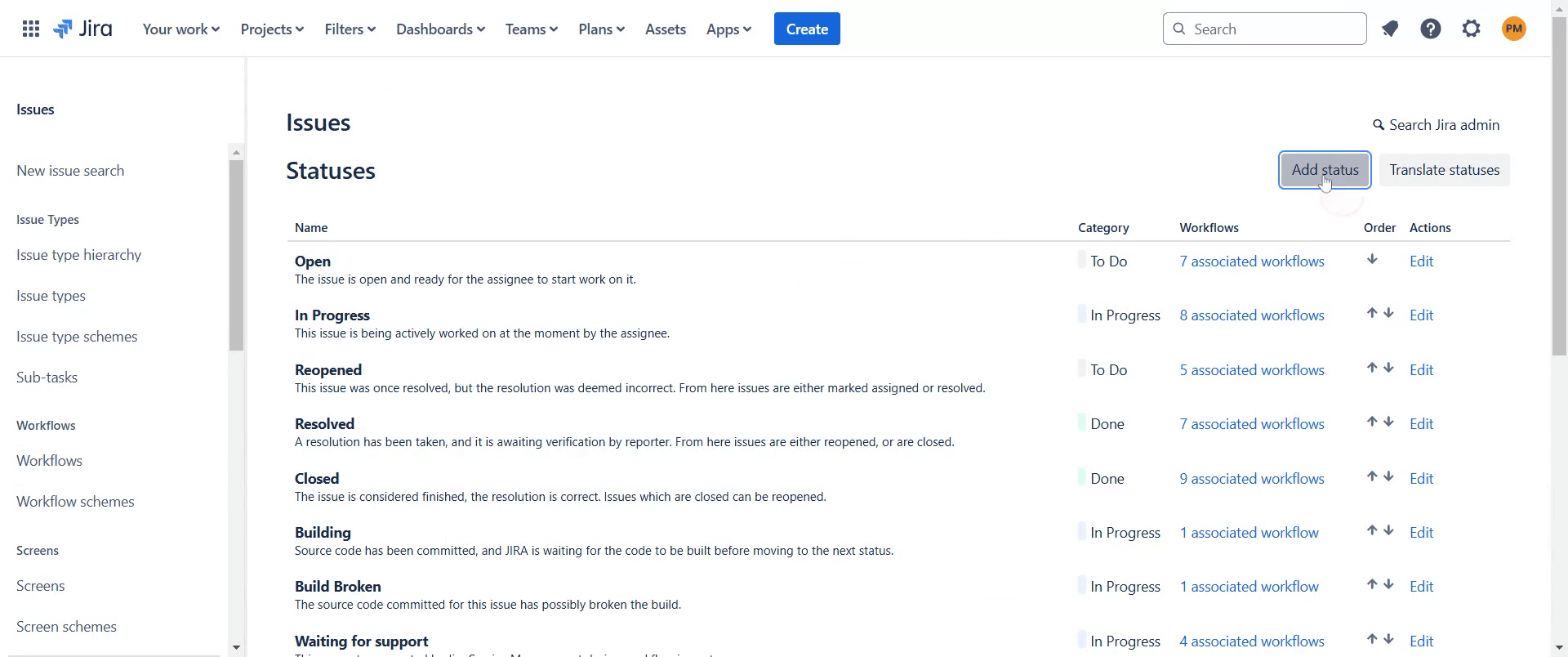
Step 5
Set the category for this status appropriately.
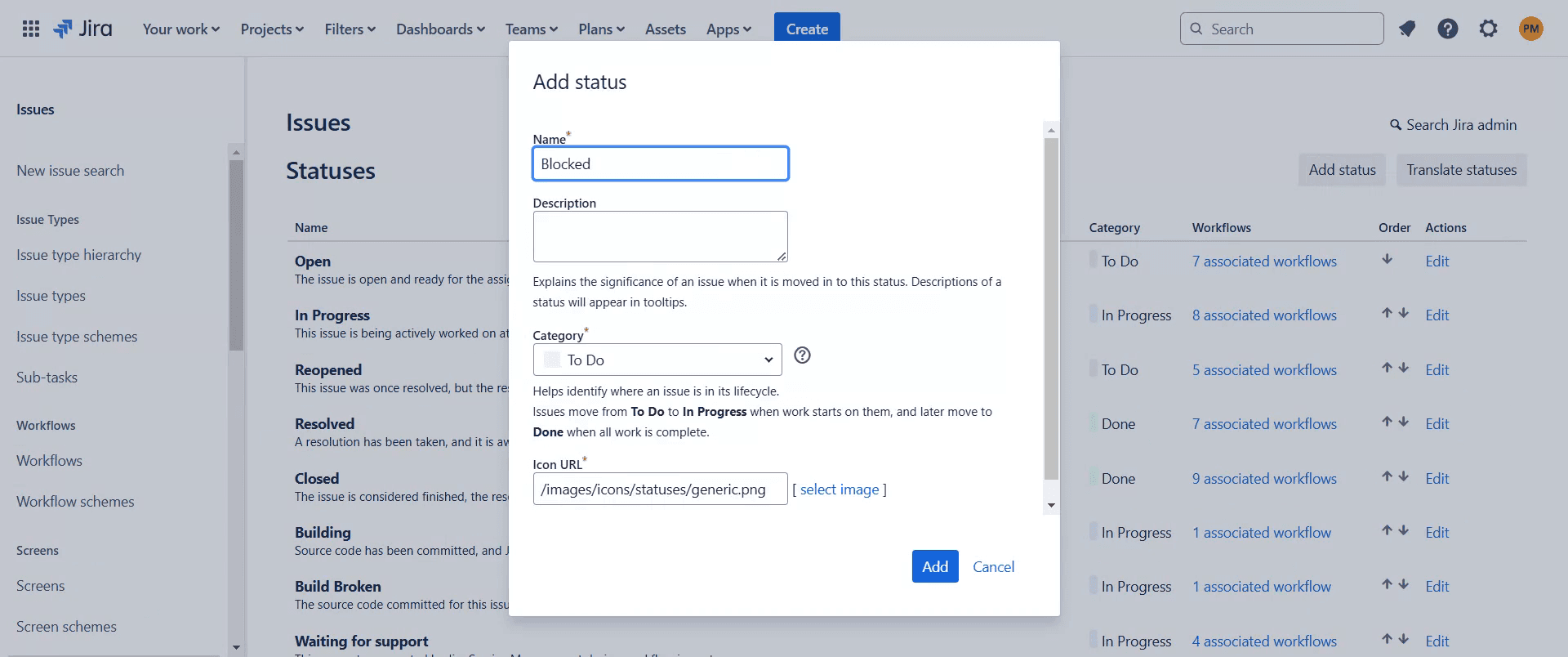
Step 6
Set the category to In Process.
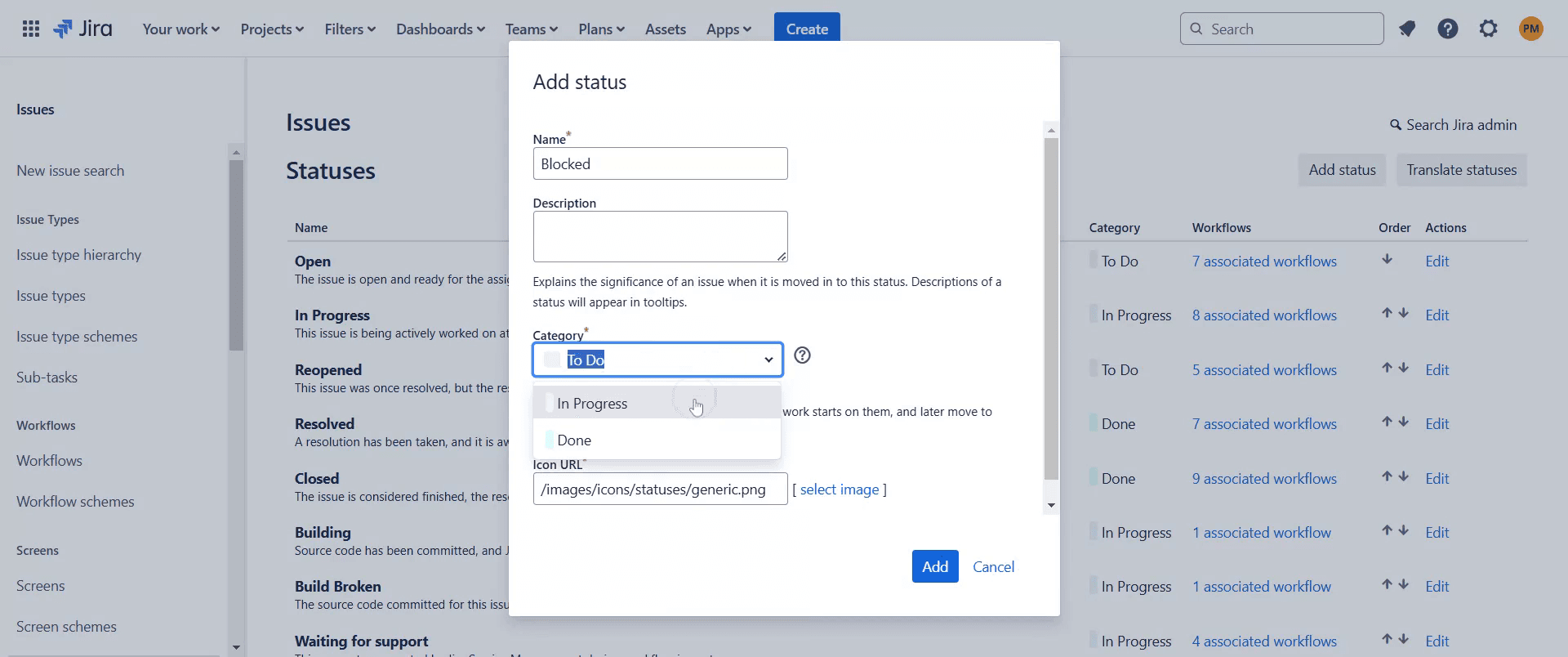
Step 7
And then click on "Add" option.
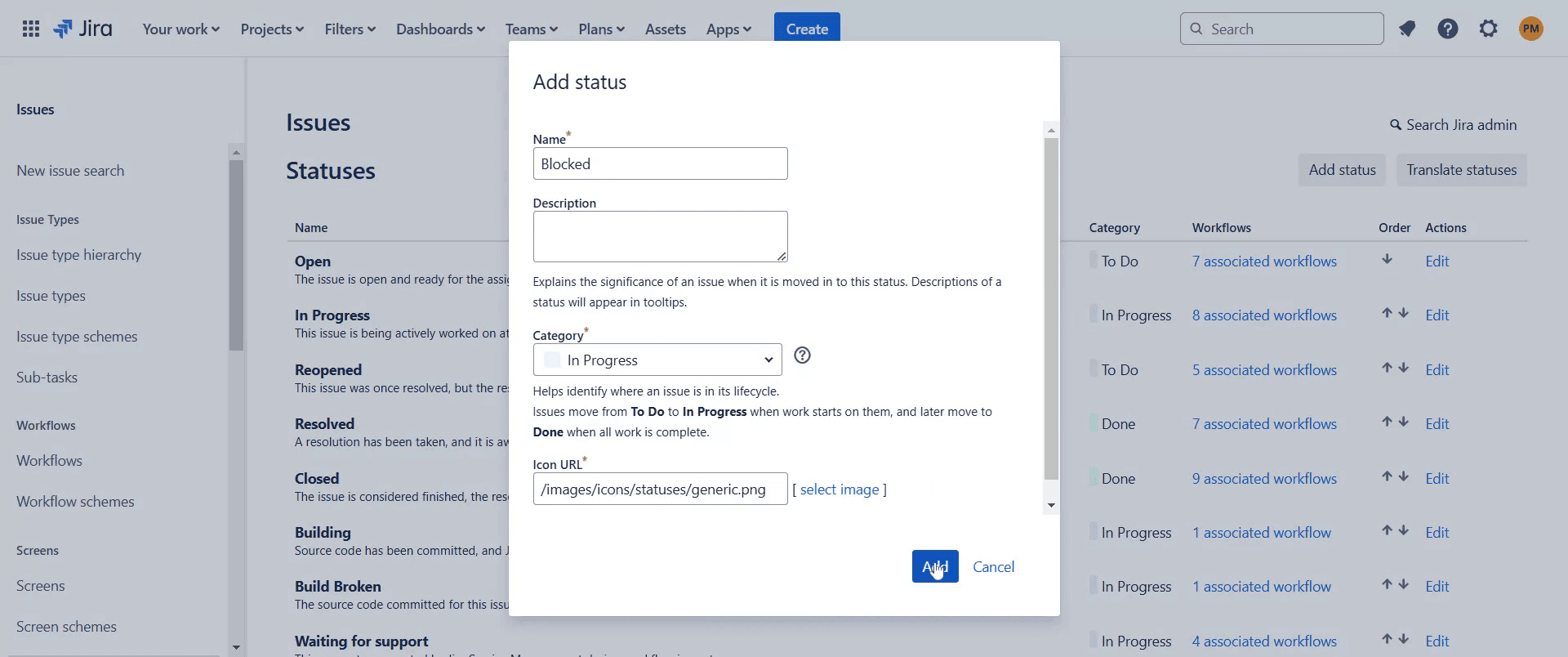
Step 8
You will now be able to see that the Blocked status has been successfully added.
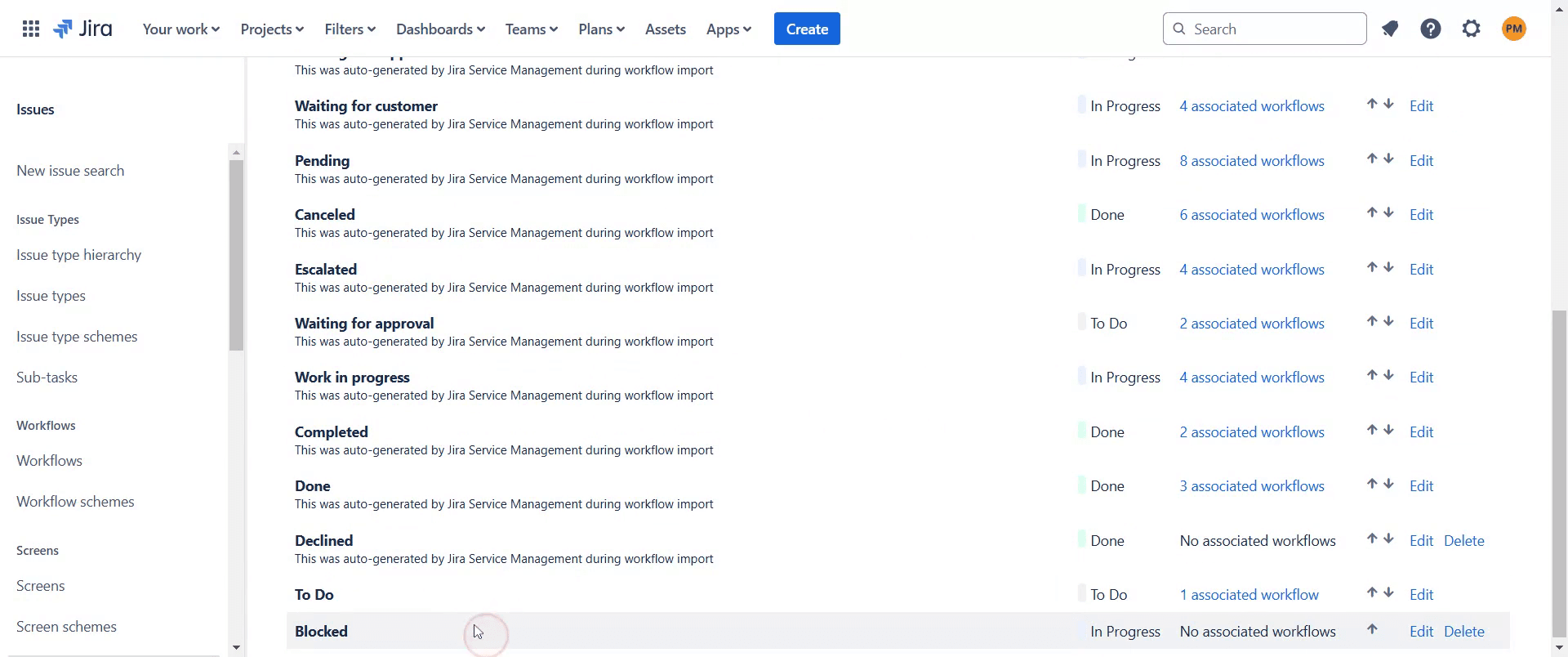
This is a step-by-step guide on how to add a blocked status in Jira.
Pro-tips for adding a blocked status in Jira
Navigate to Jira settings, go to workflows, and create a new status called Blocked to track stalled tasks.
Assign the blocked status to an appropriate status category like In Progress to ensure smooth workflow integration.
Use automation rules to send notifications when an issue is marked as blocked to alert relevant team members.
Common pitfalls & how to avoid them while adding a blocked status in Jira
Not updating the workflow connections, ensure the blocked status is properly linked to other statuses for easy transitions.
Forgetting to set permissions, verify that users have the necessary permissions to move issues to the blocked status.
Missing visibility in filters, create JQL queries like
status = Blockedto easily track and manage blocked issues.
Common FAQs for adding a blocked status in Jira
How do I add a blocked status to a Jira workflow?
Go to Jira settings, open Workflows, edit the desired workflow, and add a new status named Blocked.Can I change the color of the blocked status?
Yes, you can customize the blocked status color to make it more noticeable in the workflow.How do I notify the team when an issue is blocked?
Use Jira automation to trigger alerts when an issue is moved to the blocked status.Why am I unable to transition an issue to blocked?
Ensure that the blocked status is correctly mapped in the workflow and that users have transition permissions.
If you're an instructor or content creator looking to make tutorial videos, give Trupeer.ai a try. It transforms rough screen recordings into polished, studio-style videos that are ready for sharing with your audience. Plus, it automatically generates a step-by-step guide based on the video you create. Fascinating, right? Start by creating your first tutorial for free with Trupeer.ai.

