
How To Add Bullet Points In Webflow
Learn the simple process of adding bullet points in Webflow. Our comprehensive guide will help you create organized and visually appealing content.
This document provides detailed instructions on how to add bullet points in Web flow. It covers the process of locating and utilizing list elements, including modifying bullet point options.
Step 1
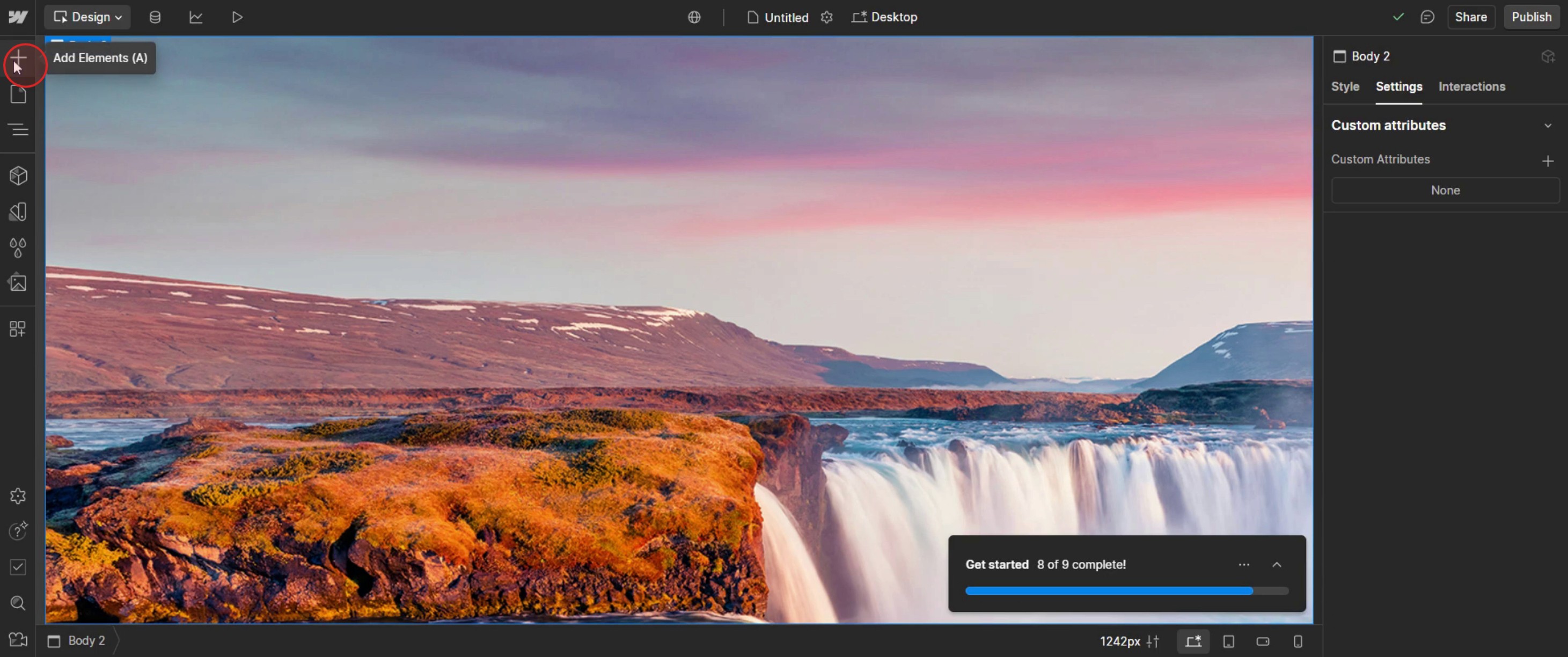
Click on the Add Elements.
Step 2
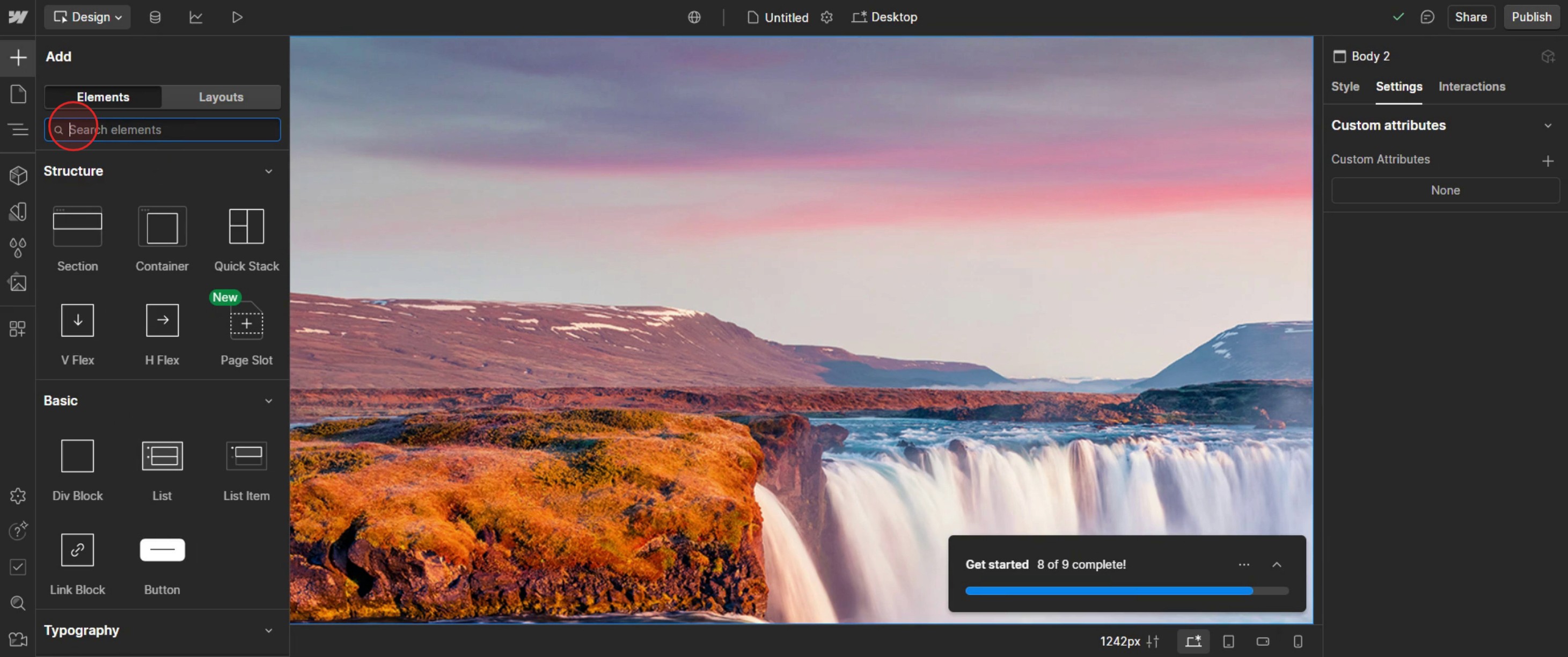
In the search bar type list.
Step 3
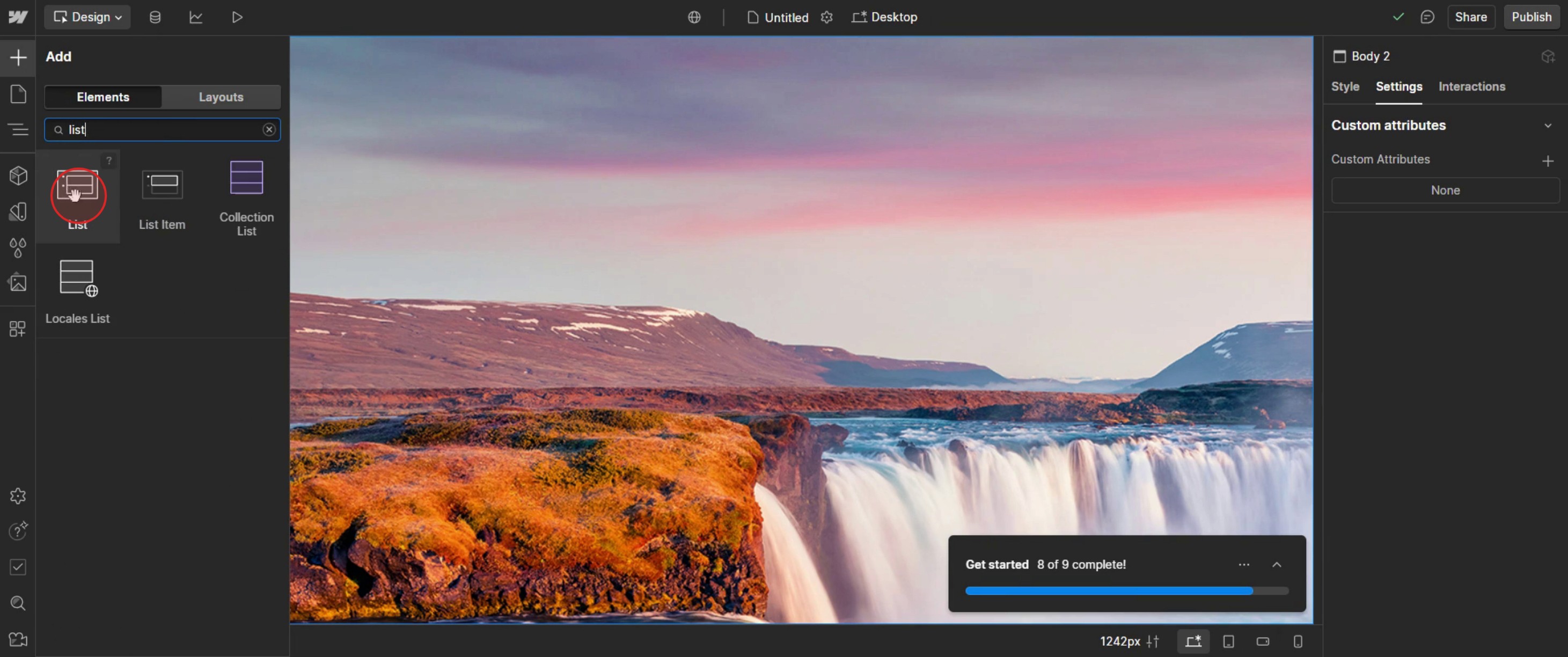
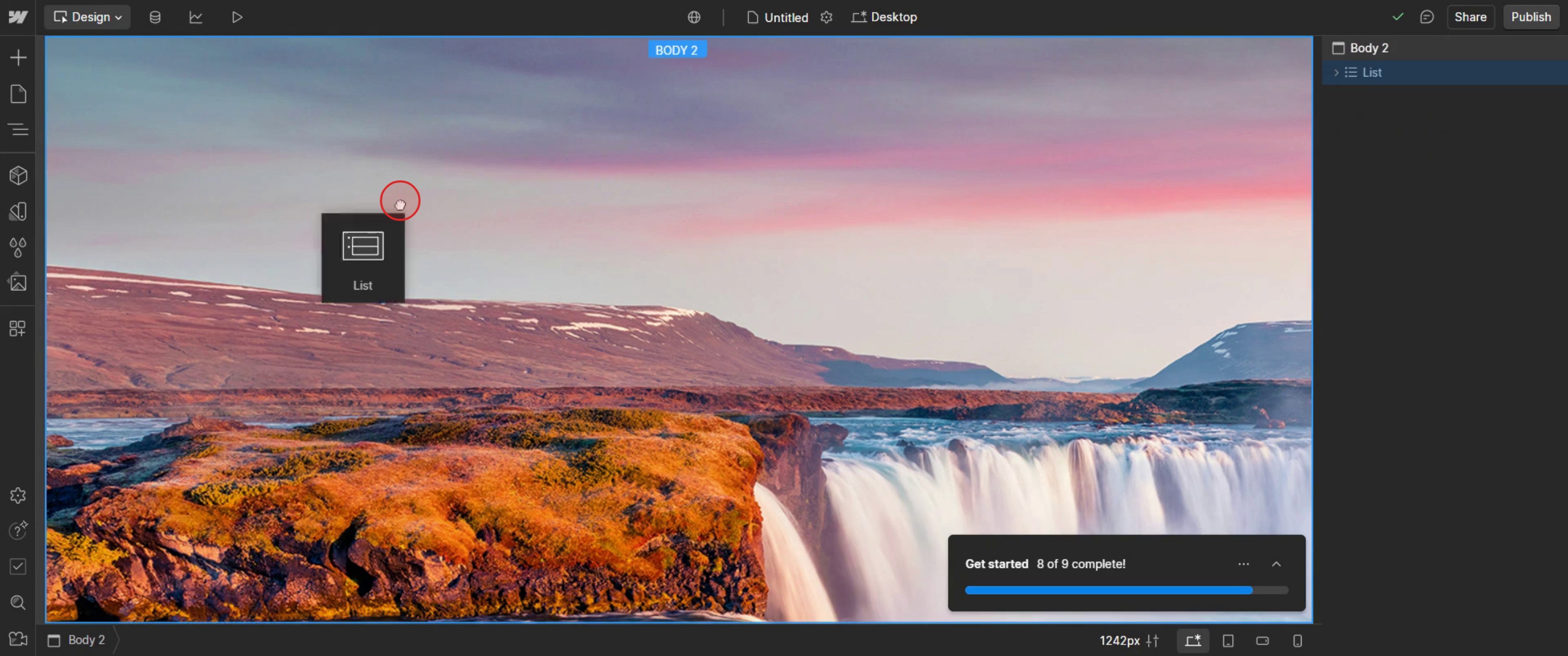
Then select a list,
Step 4
Drag and drop it into the desired template area,
Step 5
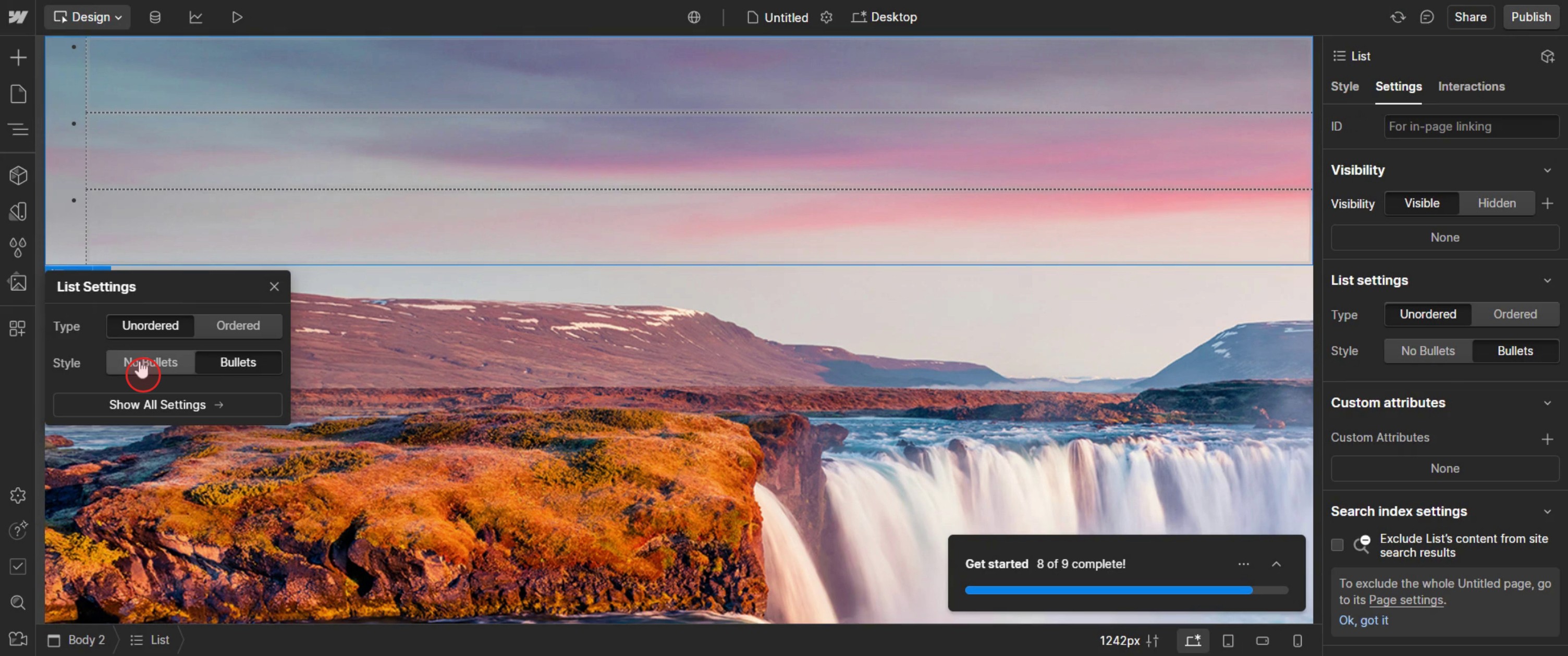
Then select no bullets.
This is the step-by-step process to add bullet points in Web flow. Let’s look at some tips for it.
Pro-tips for adding bullet points in Web flow
Use the Rich Text Element for Easy Formatting – The Rich Text Block in Web flow provides built-in bullet point functionality, making it the easiest way to add lists.
Manually Create Bullet Points with Text Blocks – If you need more customization, use Text Blocks with custom CSS to create unique bullet styles.
Use Custom Icons as Bullets – Instead of default bullets, you can add custom SVG icons or Web flow's built-in symbols to style your lists.
Common pitfalls & how to avoid them
Using the Wrong Element – Avoid adding bullet points inside a regular text block. Instead, use a Rich Text Block or List element for proper formatting.
Bullet Points Not Showing on Mobile – Sometimes, bullet points may not appear properly on smaller screens. Adjust text alignment, indentation, and padding to fix the issue.
Spacing Issues Between Bullets – If your bullet points appear too close together or too far apart, adjust the line height and margin settings in Web flow's Typography panel.
Common FAQs for adding bullet points in Web flow
Can i customize bullet styles in Web flow?
Yes. You can change bullet point colors, sizes, and icons using CSS custom styles in the Style panel.How do i add bullet points inside a paragraph?
Use the List element within a Rich Text Block to keep bullets formatted properly inside paragraphs.Can i replace bullets with custom icons?
Yes. Add an Image element or SVG icons next to each list item and style them using Web flow's Flexbox or Grid layout.Why are my bullet points not showing in Web flow?
Check the visibility settings, padding, and text alignment to ensure bullet points are correctly displayed on all devices.
If you're an instructor or content creator looking to make tutorial videos, give a try. It transforms rough screen recordings into polished, studio-style videos that are ready for sharing with your audience. Plus, it automatically generates a step-by-step guide based on the video you create. Fascinating, right? Start by creating your first tutorial for free with trupeer.ai .

