
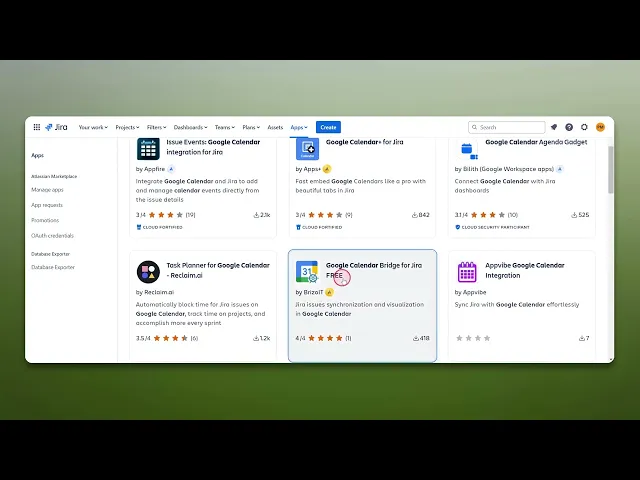
How To Add Calendar In Jira
Discover how to seamlessly add a calendar in Jira with our step-by-step guide. Enhance your project management and keep your team organized effortlessly.
This document outlines the procedure for adding a Calendar in Jira. By following the steps below, users can seamlessly integrate a calendar, enhancing their ability to manage and track project timelines effectively.
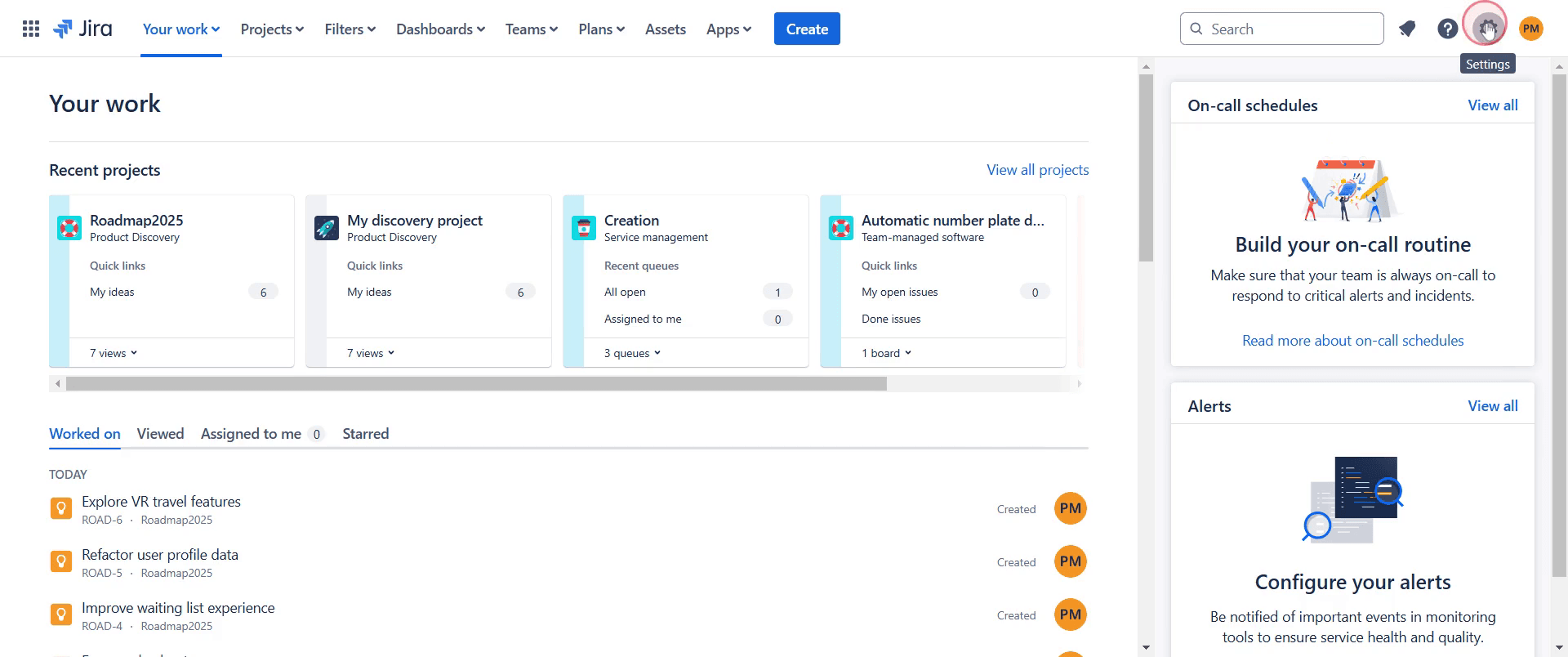
Step 1
Click on the settings icon to proceed.
Step 2
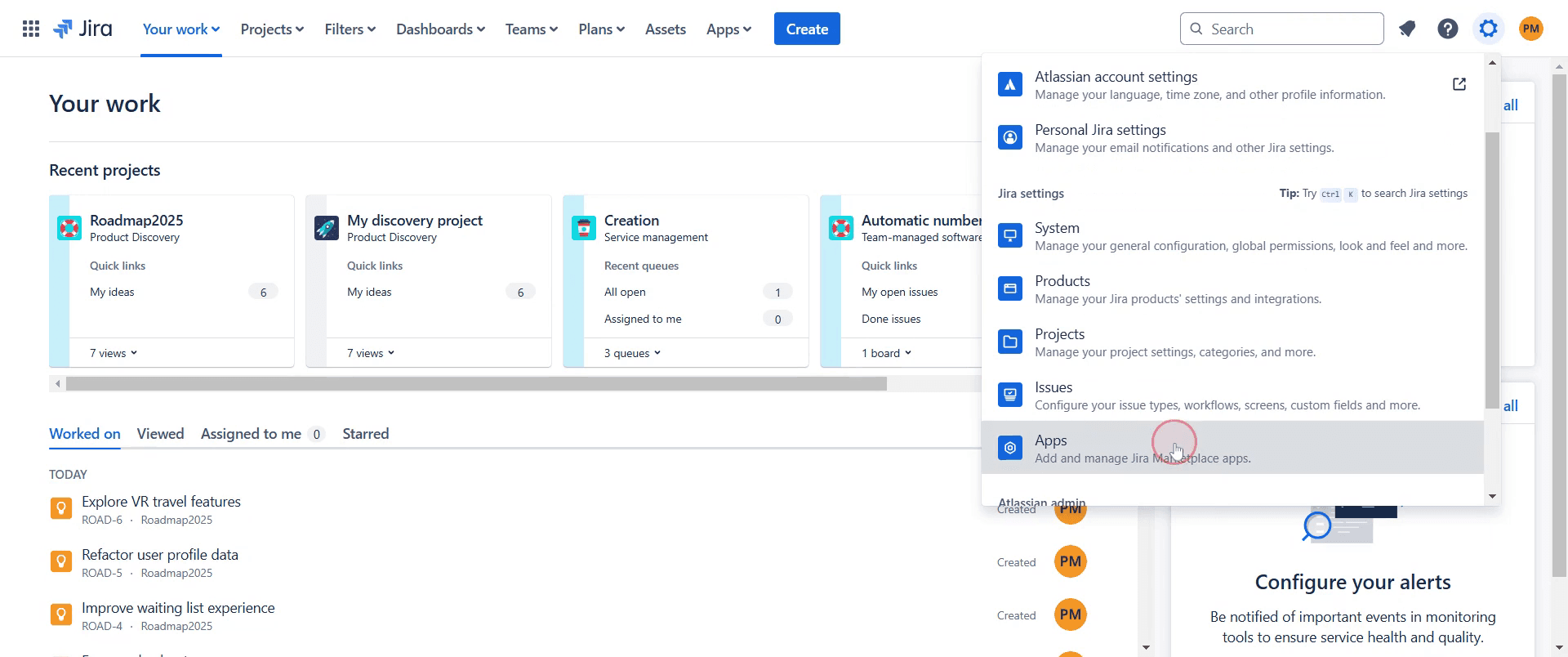
Locate and click on the 'Apps' option.
Step 3
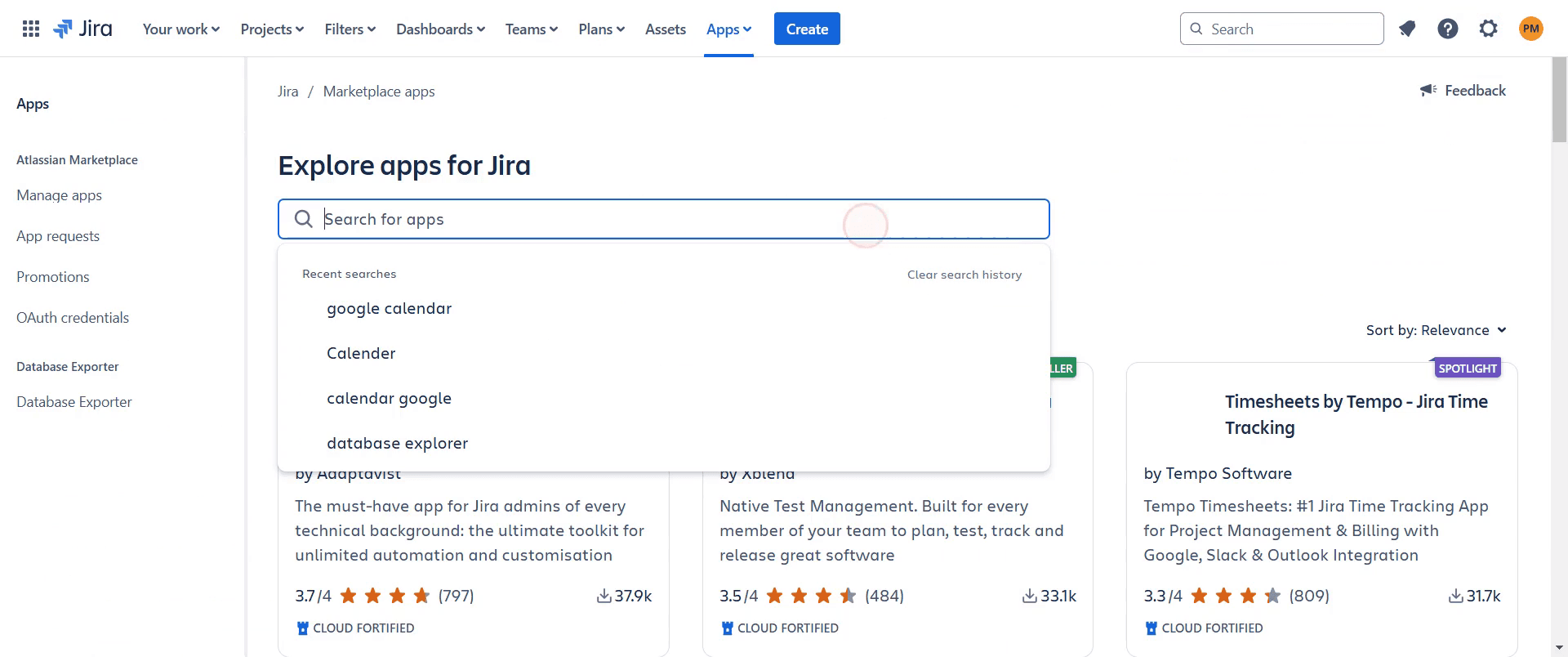
Use the search bar to find the calendar application you wish to integrate.
Step 4
After locating the desired calendar application in the search results, click on it.
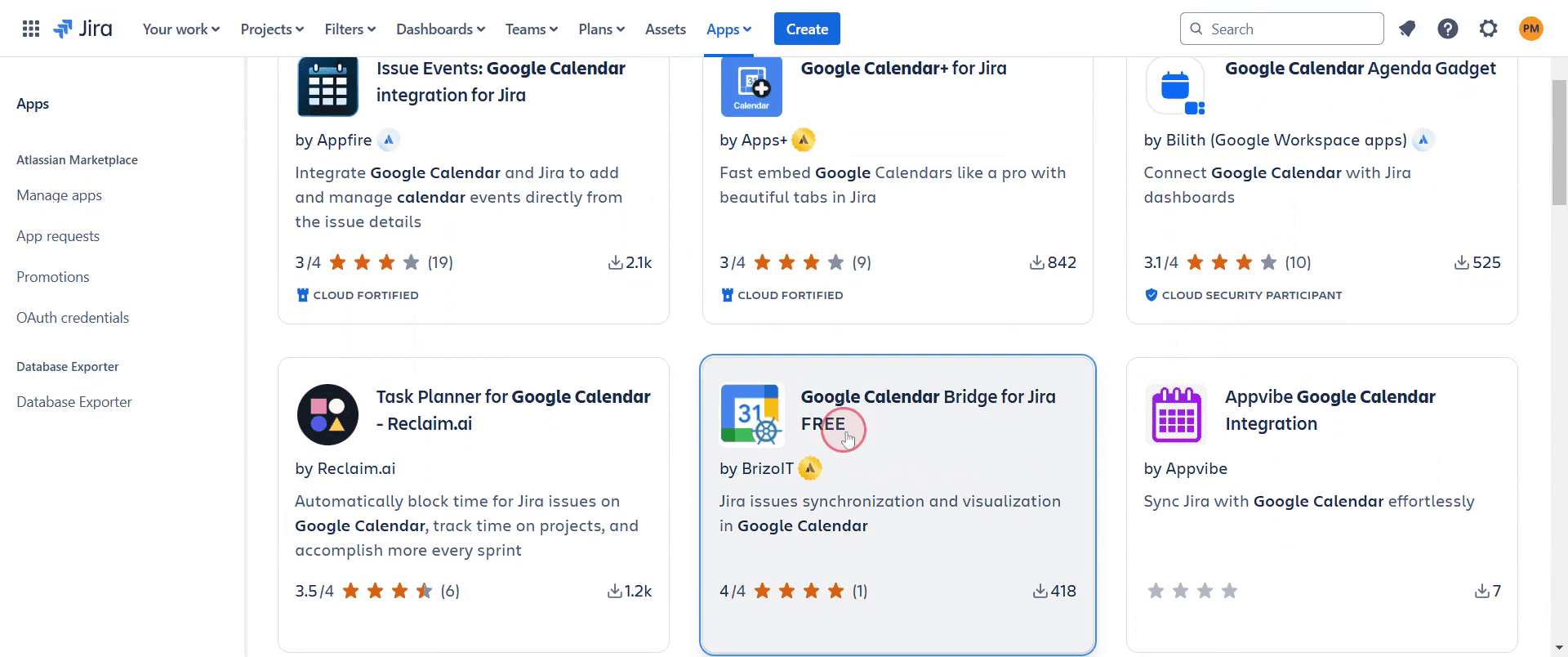
Step 5
Click on 'Get it now' option.
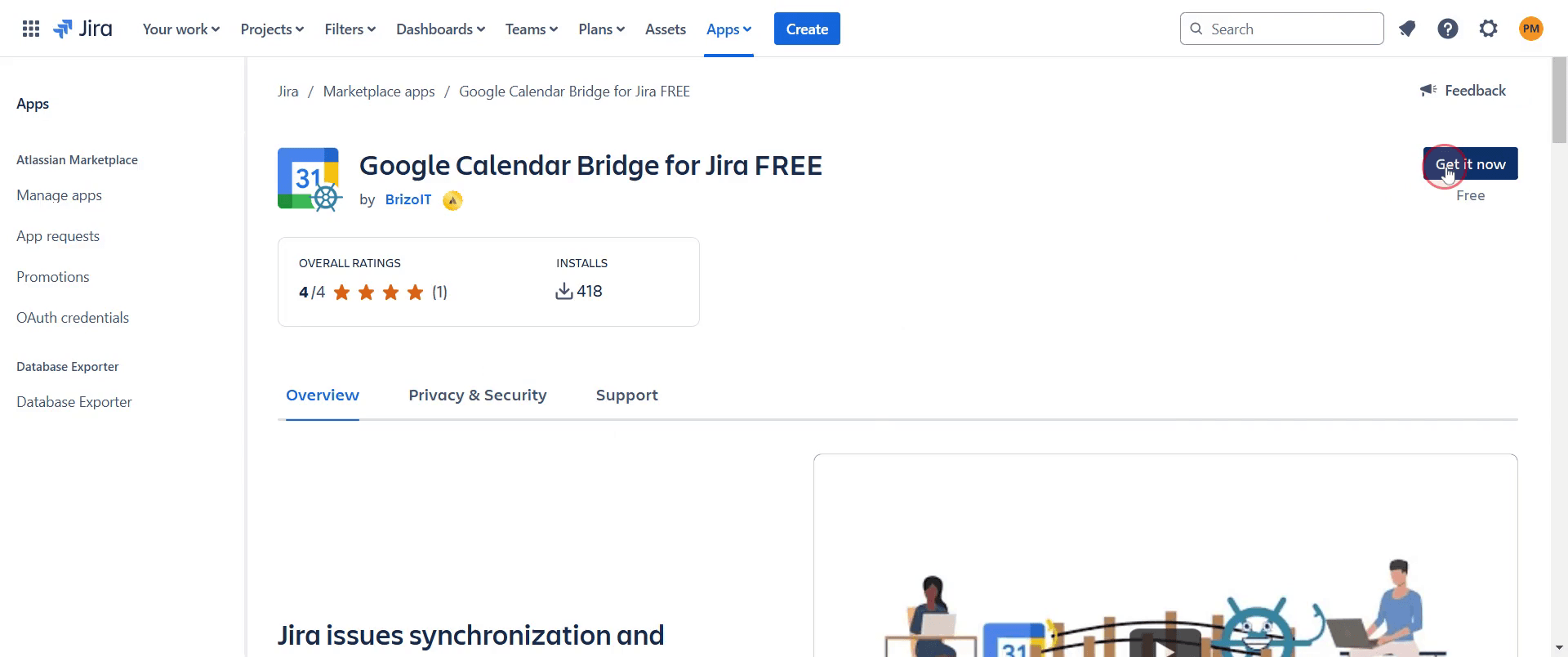
Step 6
Click on the 'Get it now' button to initiate the installation process.
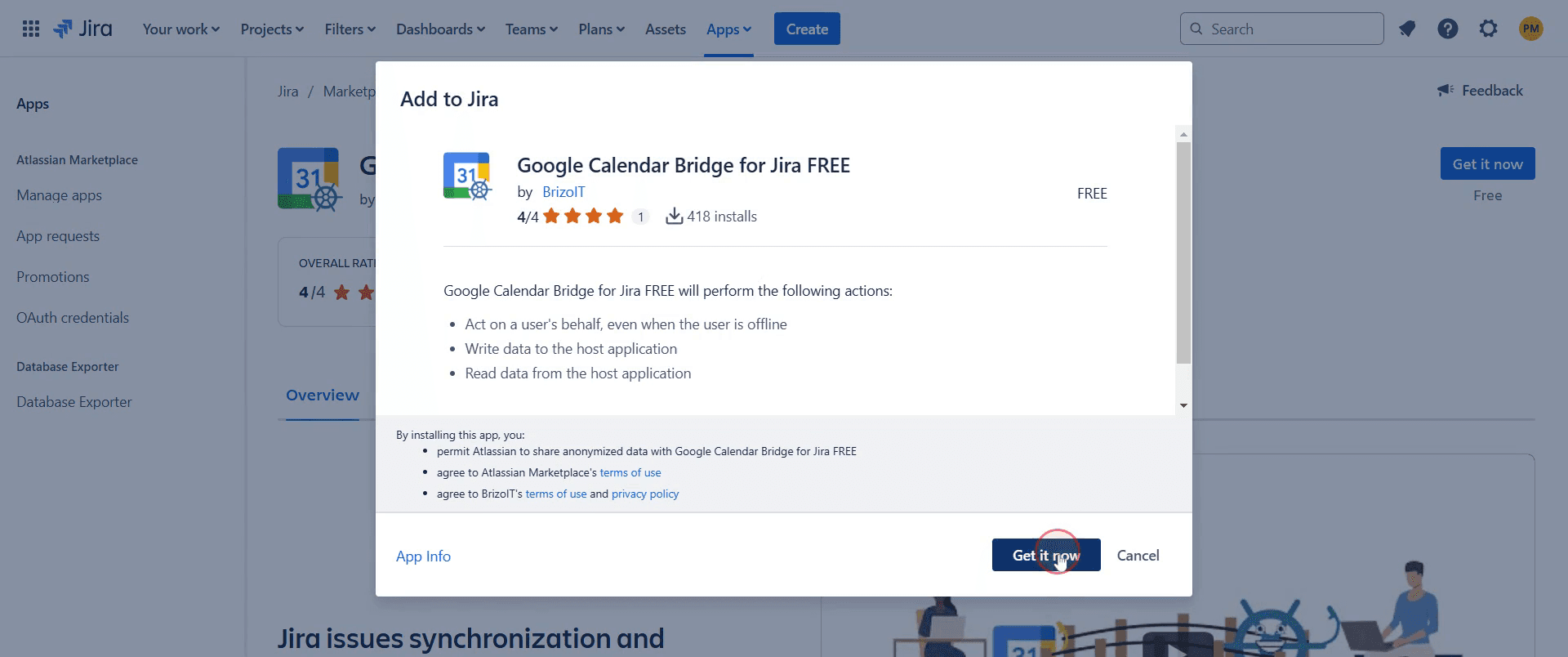
Step 7
After installing ,You'll see a pop-up indicating that the Google Calendar feature has been installed successfully.
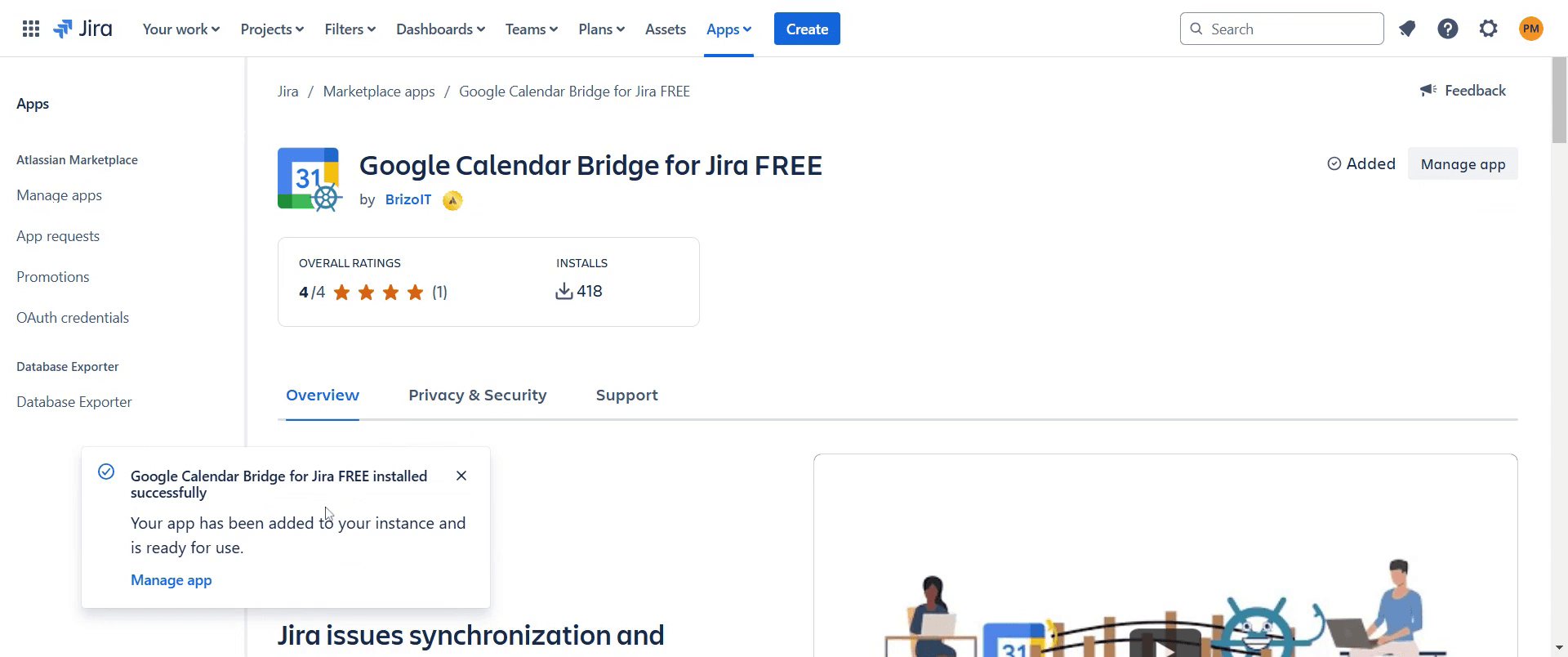
This is a step-by-step guide on how to add a calendar in Jira.
Pro-tips for adding a calendar in Jira
Use the Jira Calendar feature through the Atlassian Marketplace by installing the Team Calendar plugin.
Integrate Jira with external calendar tools like Google Calendar or Outlook to sync issue deadlines and events.
Utilize Jira Work Management for built-in calendar views of tasks and deadlines.
Common pitfalls & how to avoid them while adding a calendar in Jira
Calendar option not visible, ensure you have the Team Calendars add-on installed or use Jira Work Management.
Events not syncing, verify that integration permissions are correctly set for Google Calendar or Outlook.
Limited calendar features, consider upgrading to Jira Premium for Advanced Roadmaps and better scheduling.
Common FAQs for adding a calendar in Jira
How do I view tasks in a calendar format?
Use the Calendar View in Jira Work Management or install a calendar plugin from the Atlassian Marketplace.Can I create recurring events in Jira Calendar?
No, Jira does not natively support recurring events, but third-party add-ons may provide this feature.Is there a way to share a Jira calendar with my team?
Yes, you can share calendars through Team Calendars in Confluence or by exporting calendar links to external tools.
If you're an instructor or content creator looking to make tutorial videos, give Trupeer.ai a try. It transforms rough screen recordings into polished, studio-style videos that are ready for sharing with your audience. Plus, it automatically generates a step-by-step guide based on the video you create. Fascinating, right? Start by creating your first tutorial for free with Trupeer.ai.

