
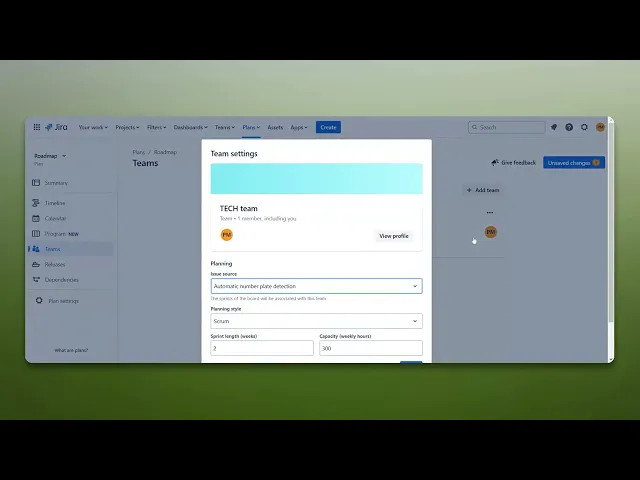
How To Add Capacity In Jira
Discover effective strategies to add capacity in Jira. Enhance your project management skills and optimize team performance with our comprehensive guide.
This document provides a detailed procedure to add capacity in Jira. Follow these instructions carefully to successfully adjust team capacity settings in your Jira plan.
Step 1
To begin, navigate to the 'Plan' section in Jira and click on it.
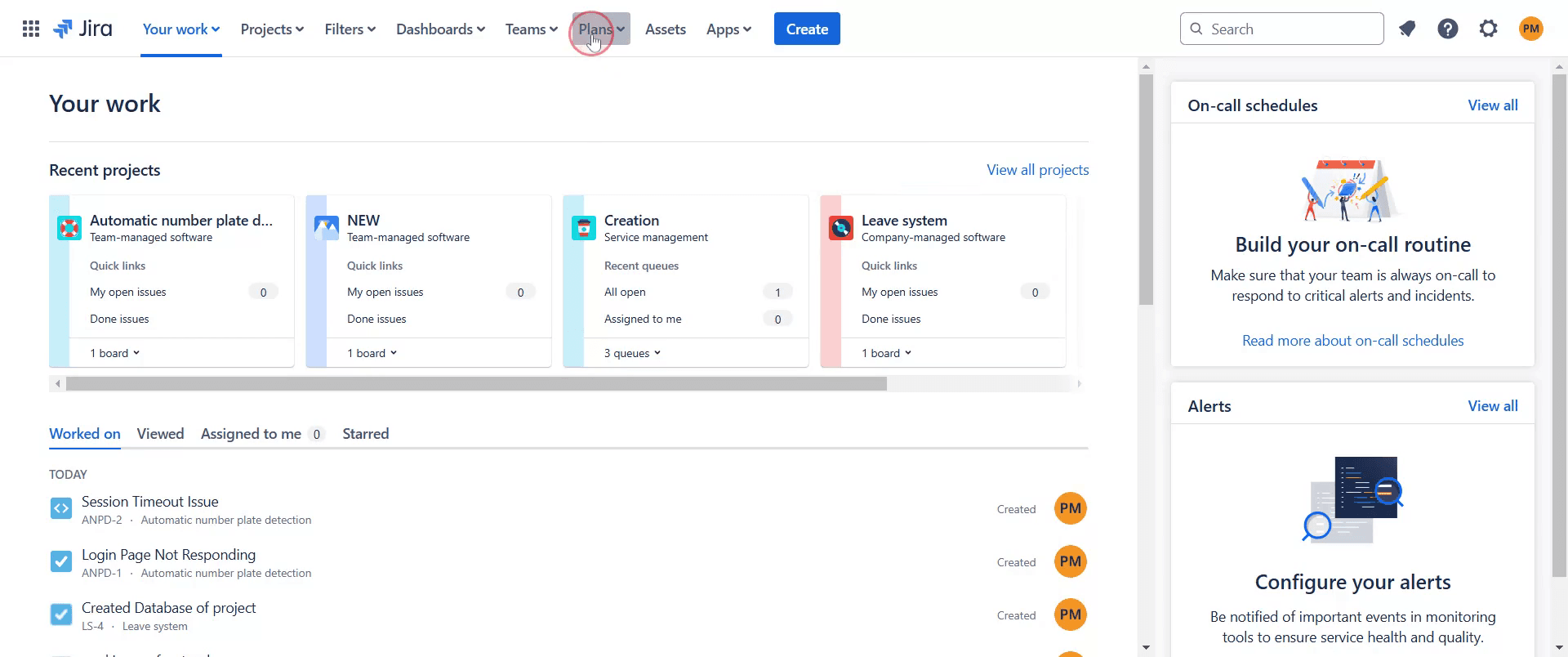
Step 2
Click on existing Plan.
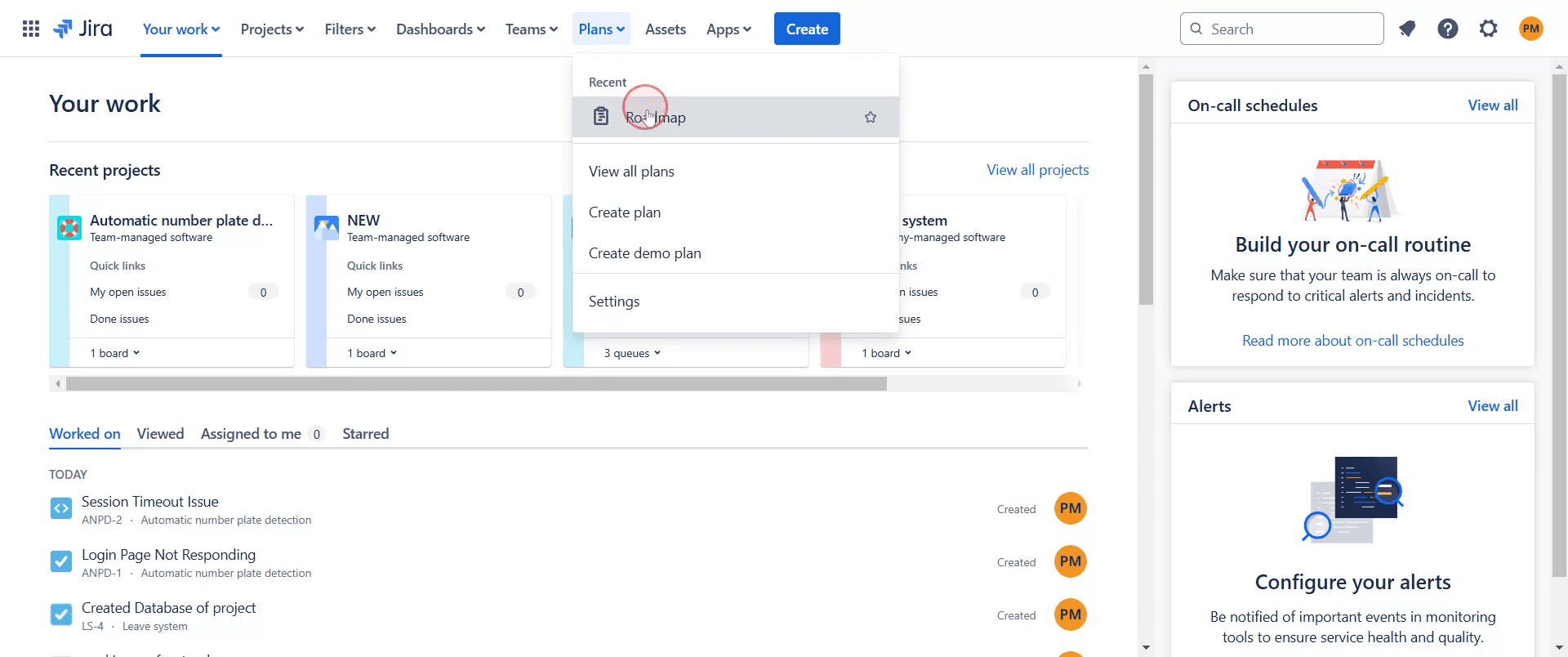
Step 3
You will then see an option labeled 'Teams', Click on it.
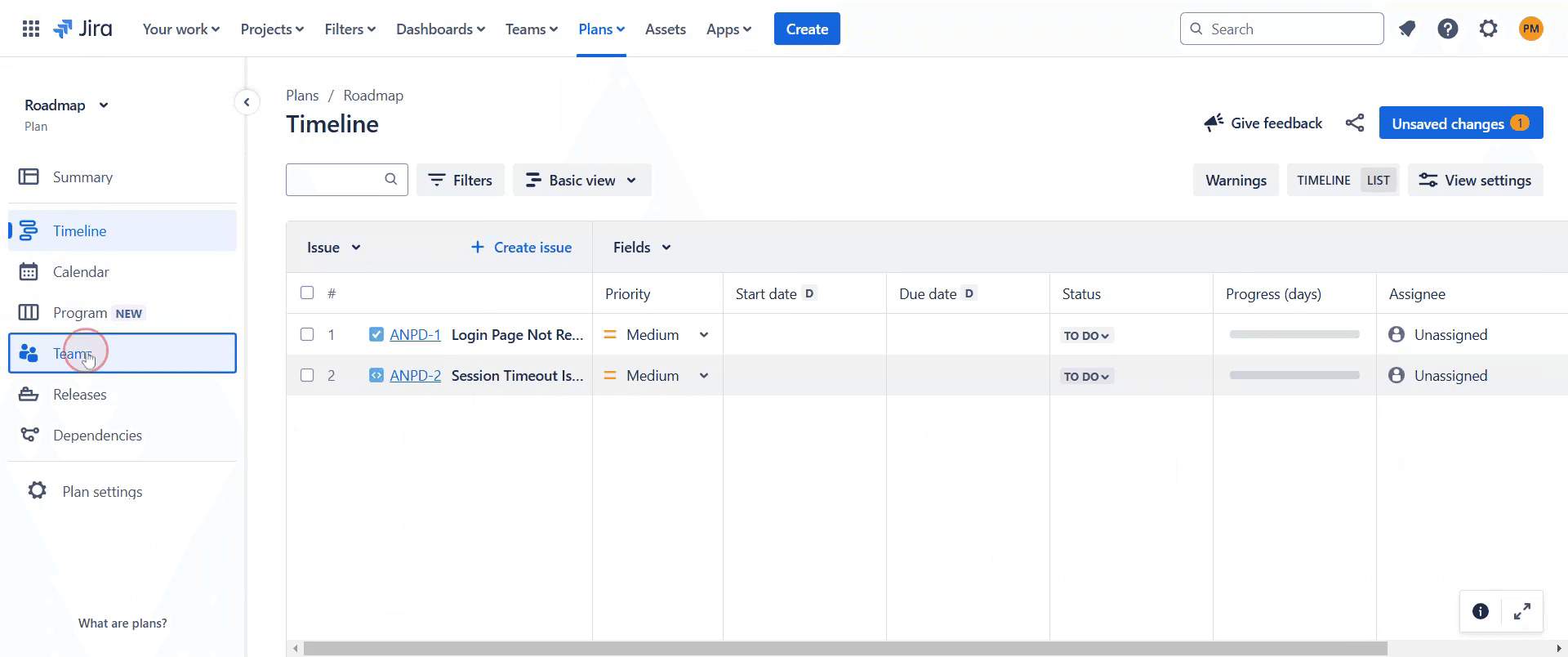
Step 4
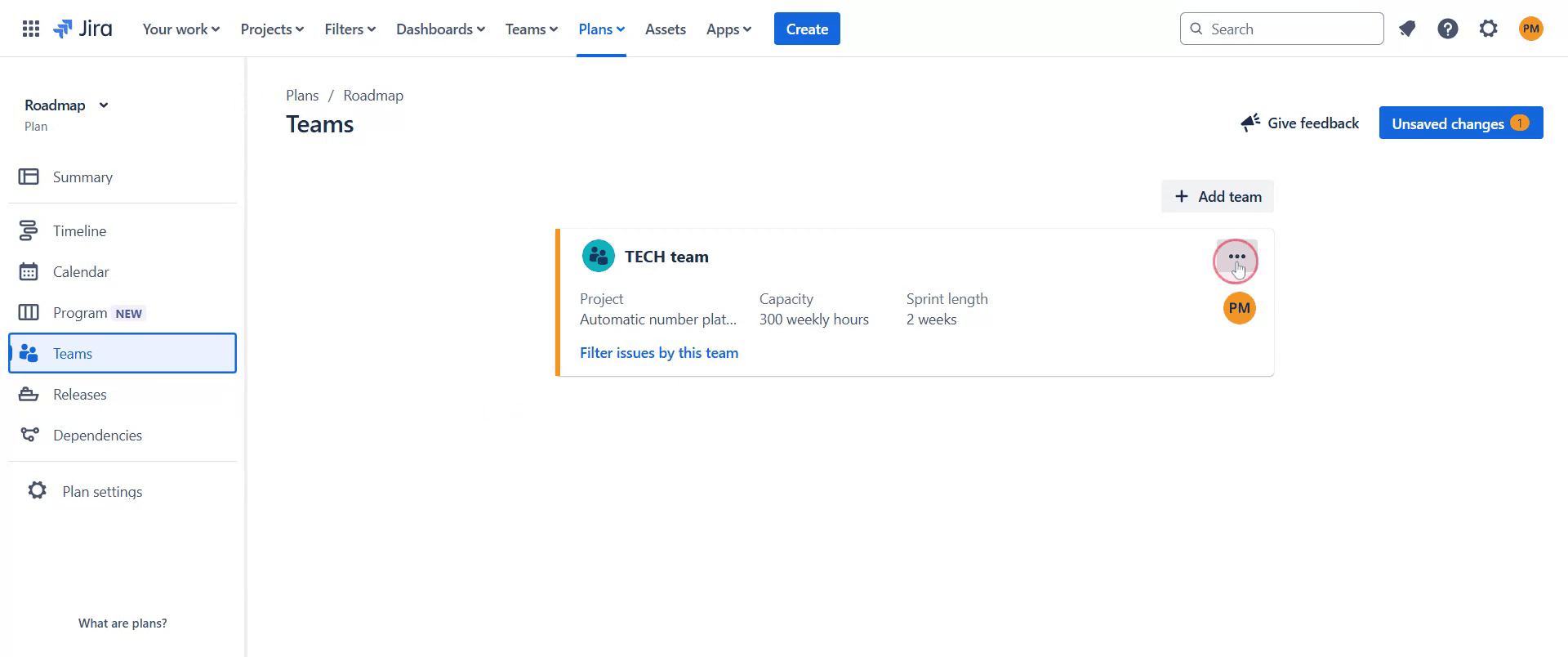
Next, locate the ellipsis icon and click on it.
Step 5
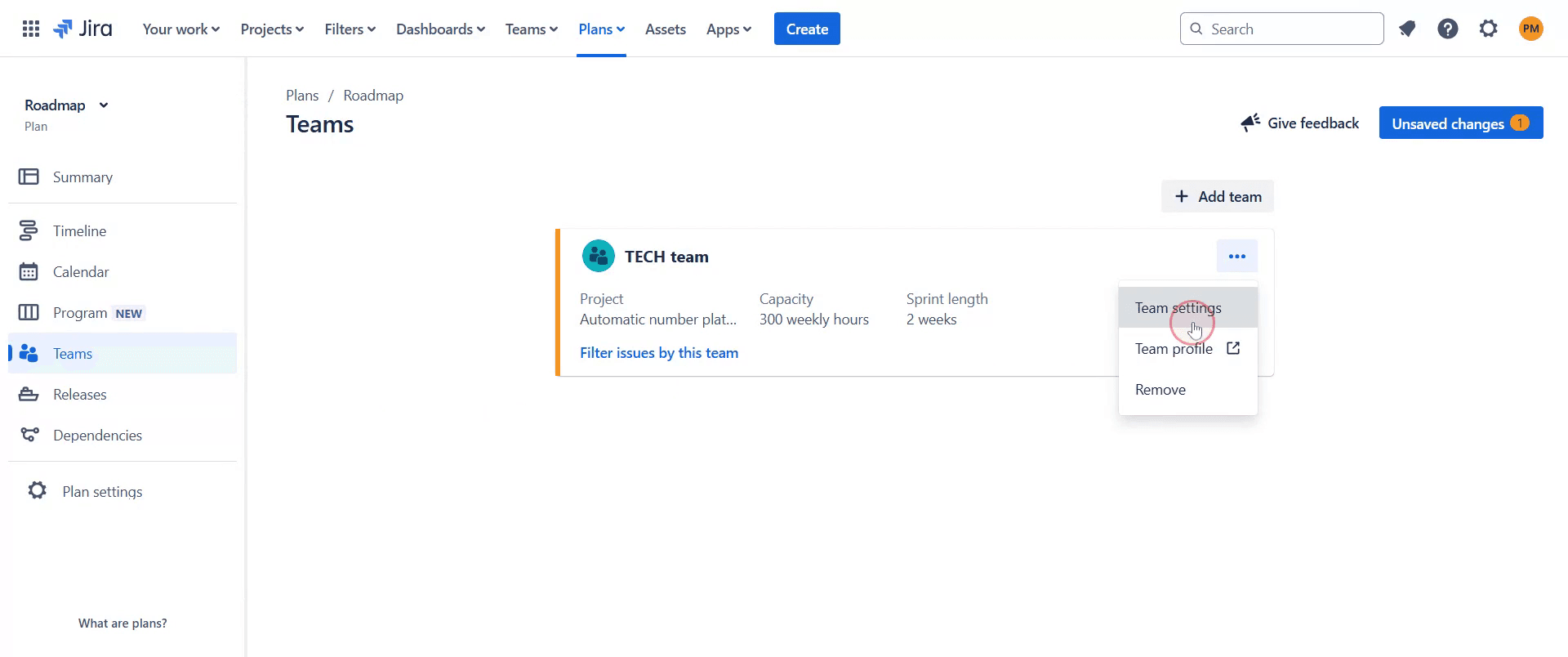
Select 'Team Settings'.
Step 6
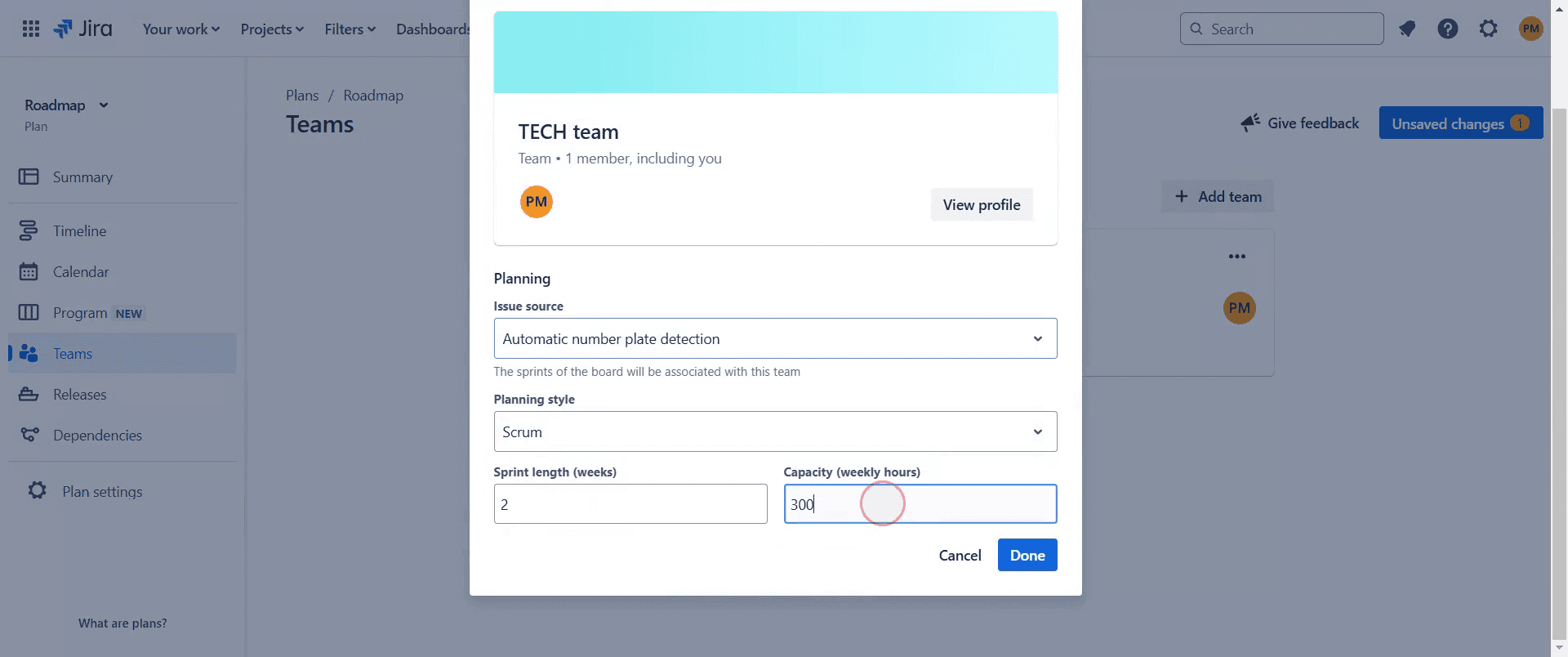
Here, you can adjust the team's capacity to suit your requirements.
Step 7
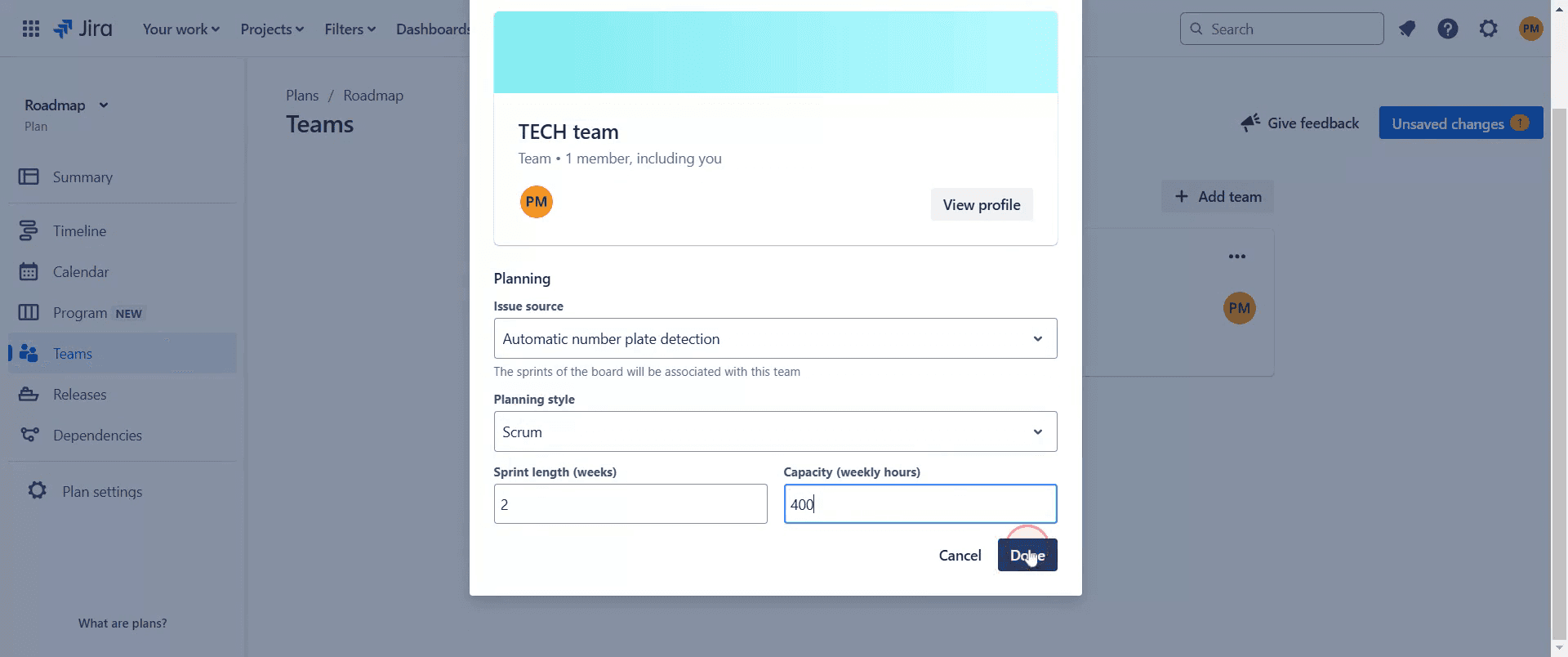
Finally, once you have made your changes, click 'Done'.
Step 8
Now, you can effectively manage capacity in Jira to ensure your team is well-utilized without being overworked.
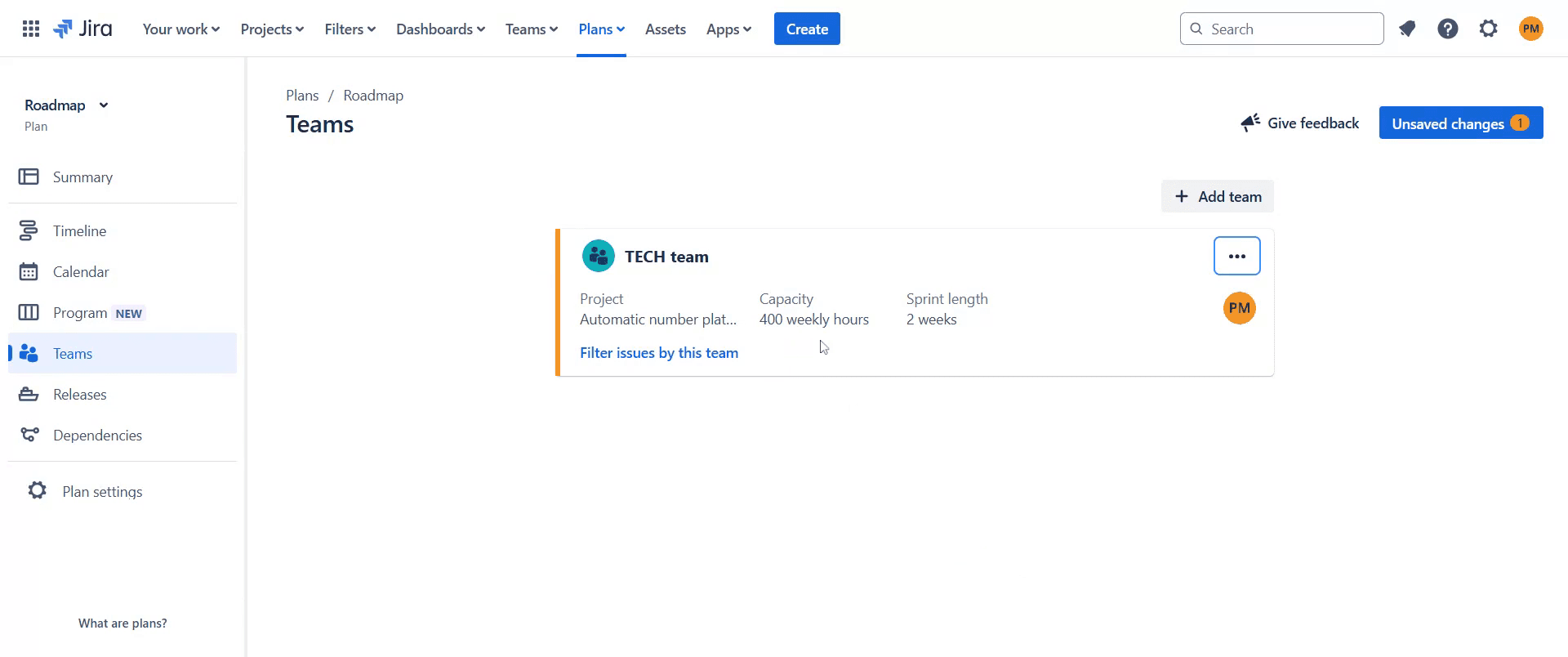
This is a step-by-step guide on how to add capacity in Jira.
Pro-tips for adding capacity in Jira
Use Jira’s capacity planning features in Advanced Roadmaps to set team availability and ensure realistic workload distribution.
Define sprint capacity in the backlog by adjusting the velocity based on team members' availability.
Regularly update capacity settings to reflect team changes, vacations, or shifting priorities for accurate planning.
Common pitfalls & how to avoid them while adding capacity in Jira
Not considering team availability, always account for time off and workload distribution when setting capacity.
Ignoring velocity trends, analyze past sprint velocity to set realistic capacity limits for upcoming sprints.
Forgetting to enable capacity tracking, ensure that capacity planning is turned on in Jira settings for accurate resource management.
Common FAQs for adding capacity in Jira
How does capacity affect sprint planning?
Capacity helps ensure that teams commit to a realistic amount of work based on their availability.Can I adjust capacity mid-sprint?
Yes, you can update capacity if team availability changes, but it may impact sprint commitments.Why is my capacity planning not working in Jira?
Ensure Advanced Roadmaps is enabled and that your board is properly configured for capacity tracking.
If you're an instructor or content creator looking to make tutorial videos, give Trupeer.ai a try. It transforms rough screen recordings into polished, studio-style videos that are ready for sharing with your audience. Plus, it automatically generates a step-by-step guide based on the video you create. Fascinating, right? Start by creating your first tutorial for free with Trupeer.ai.

