
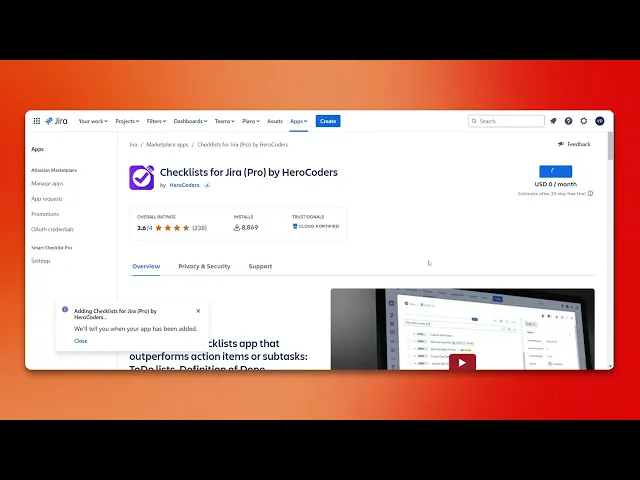
How To Add A Checklist In Jira
Discover how to effectively add a checklist in Jira to enhance your project management. Follow our step-by-step guide for seamless integration and improved productivity.
This document provides a concise overview of the process to add a checklist in Jira. Follow these steps to efficiently integrate and use a checklist within your projects.
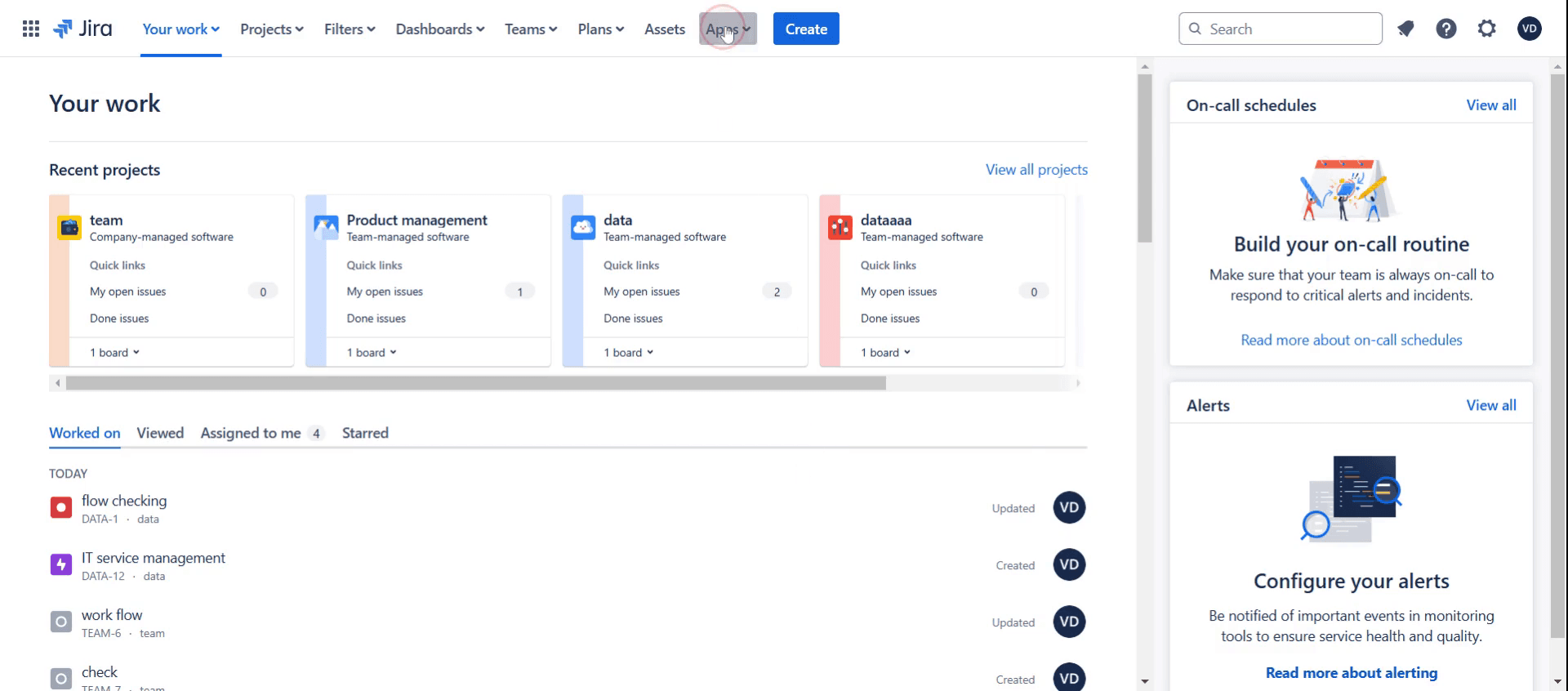
Step 1
Click on the apps.
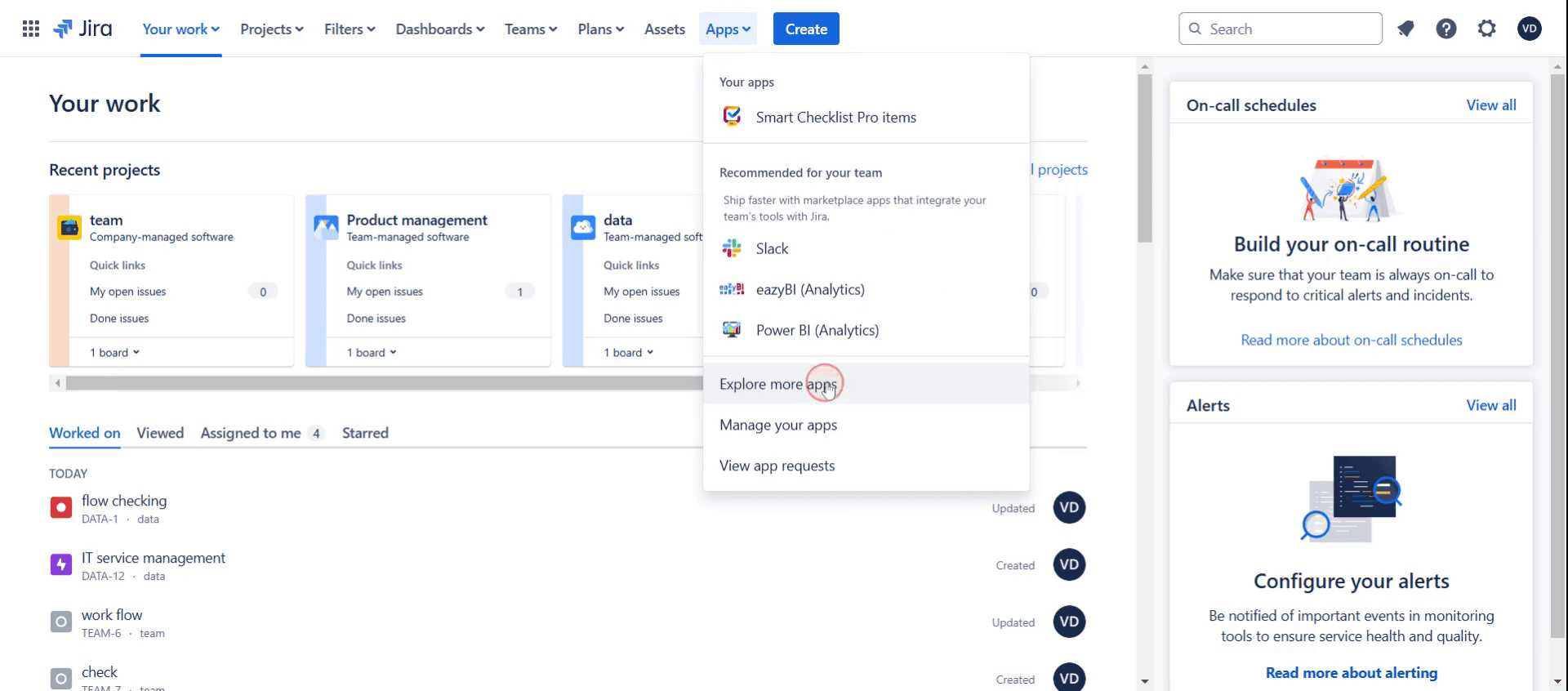
Step 2
And click on explore more apps.
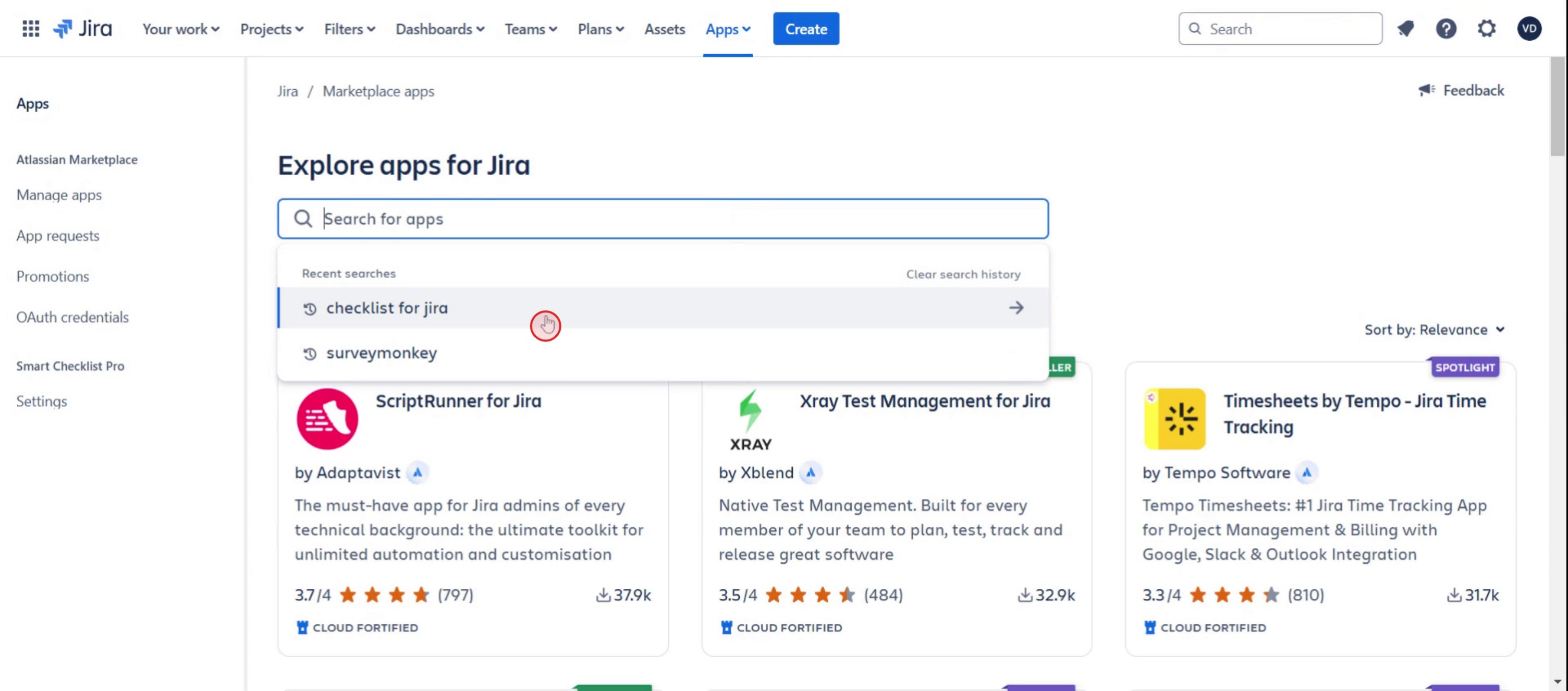
Step 3
Click on checklist for Jira,
Step 4
Then click on the try it free option.
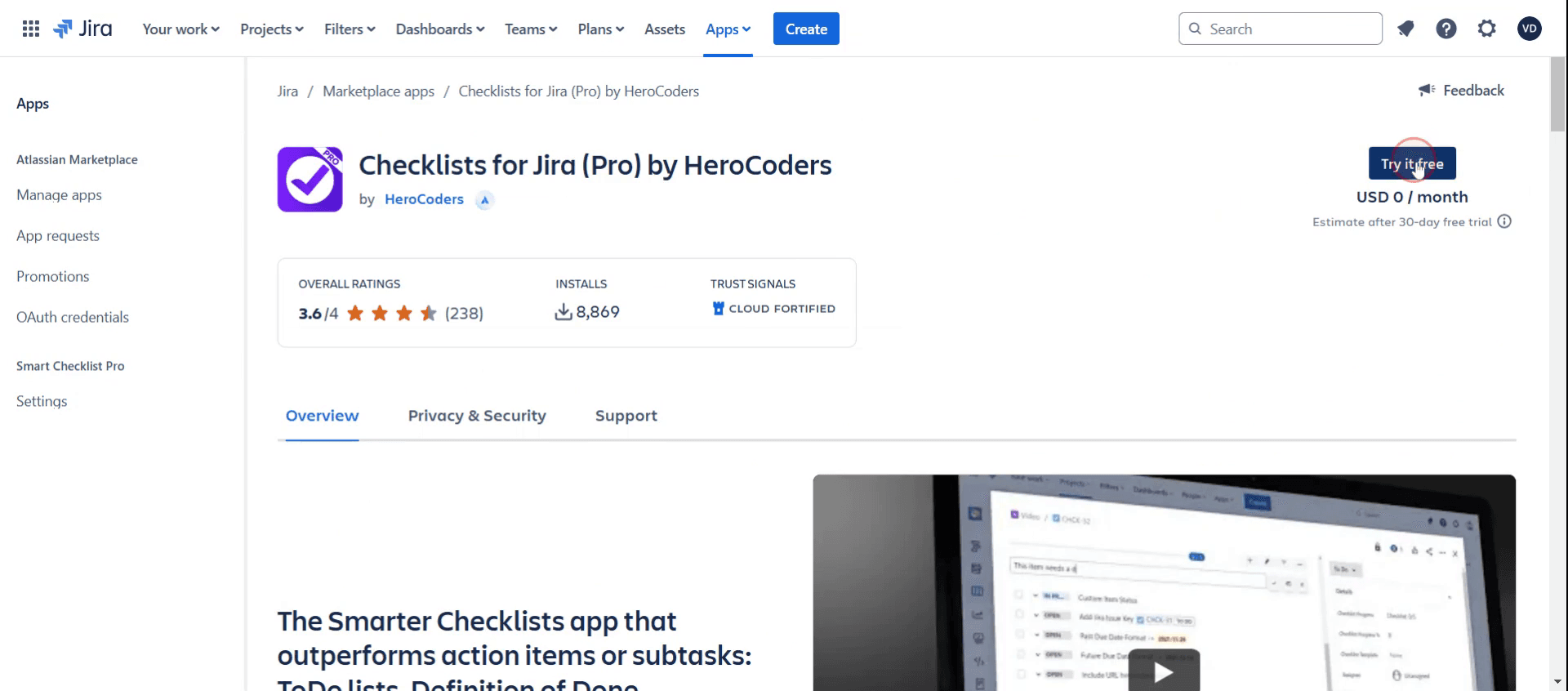
Step 5
And click on start free trial.
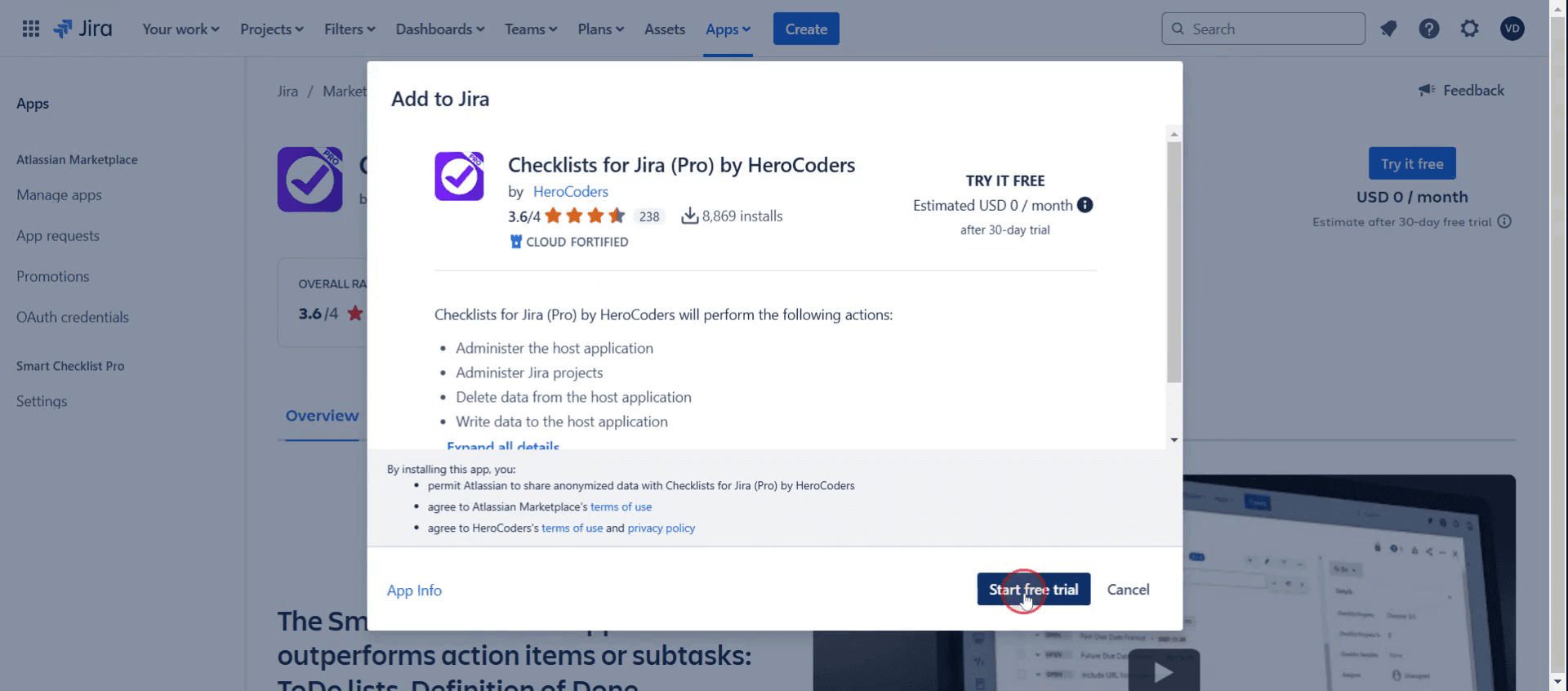
Step 6
Then you can see the pop up check listing for Jira,
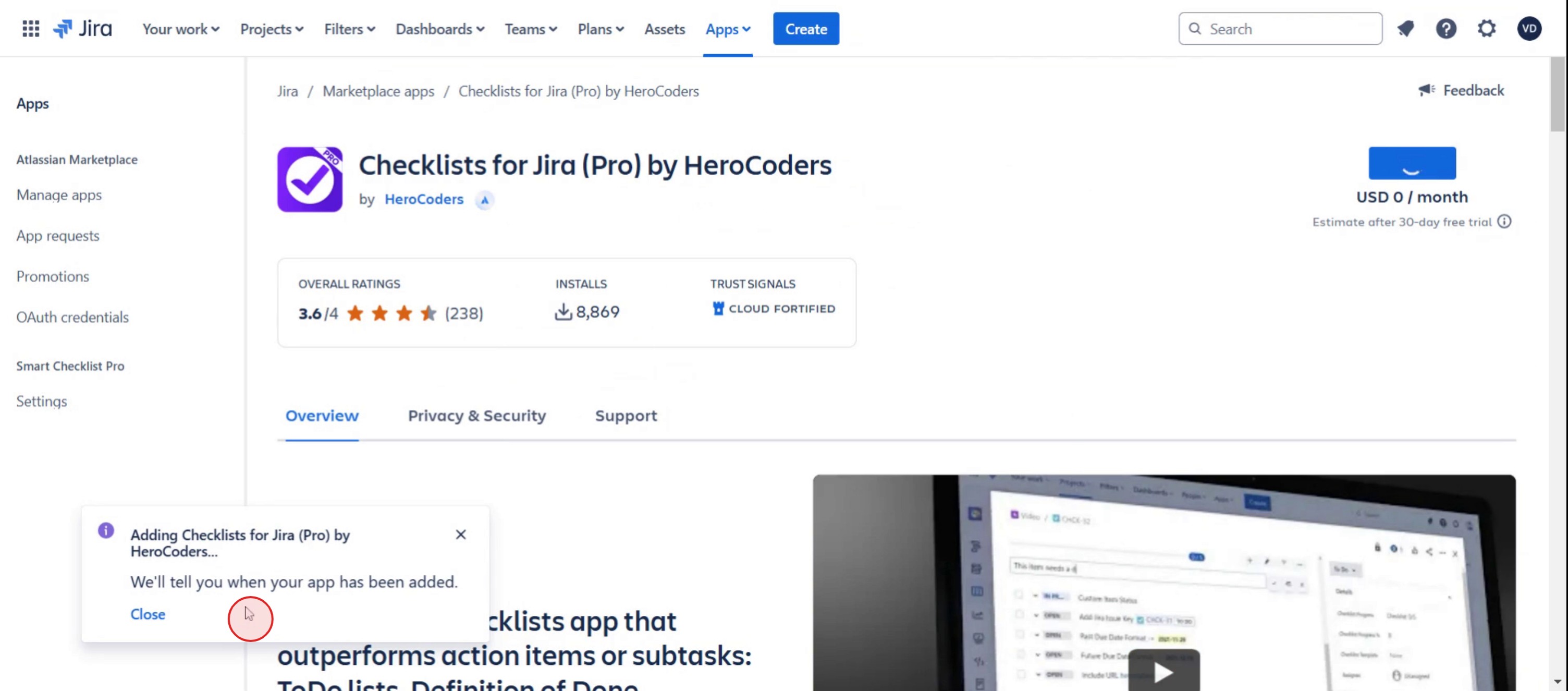
Step 7
And click on Jira,
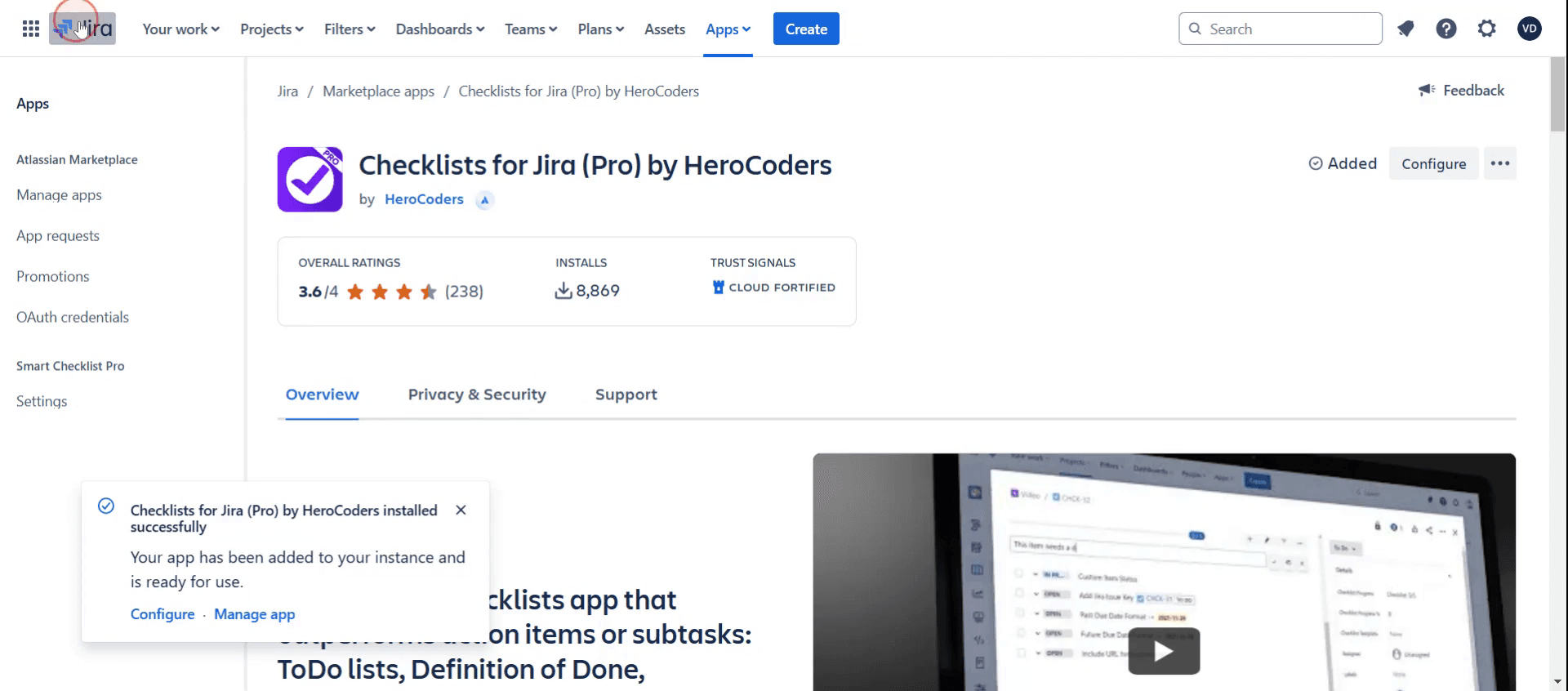
Step 8
Select the particular project,
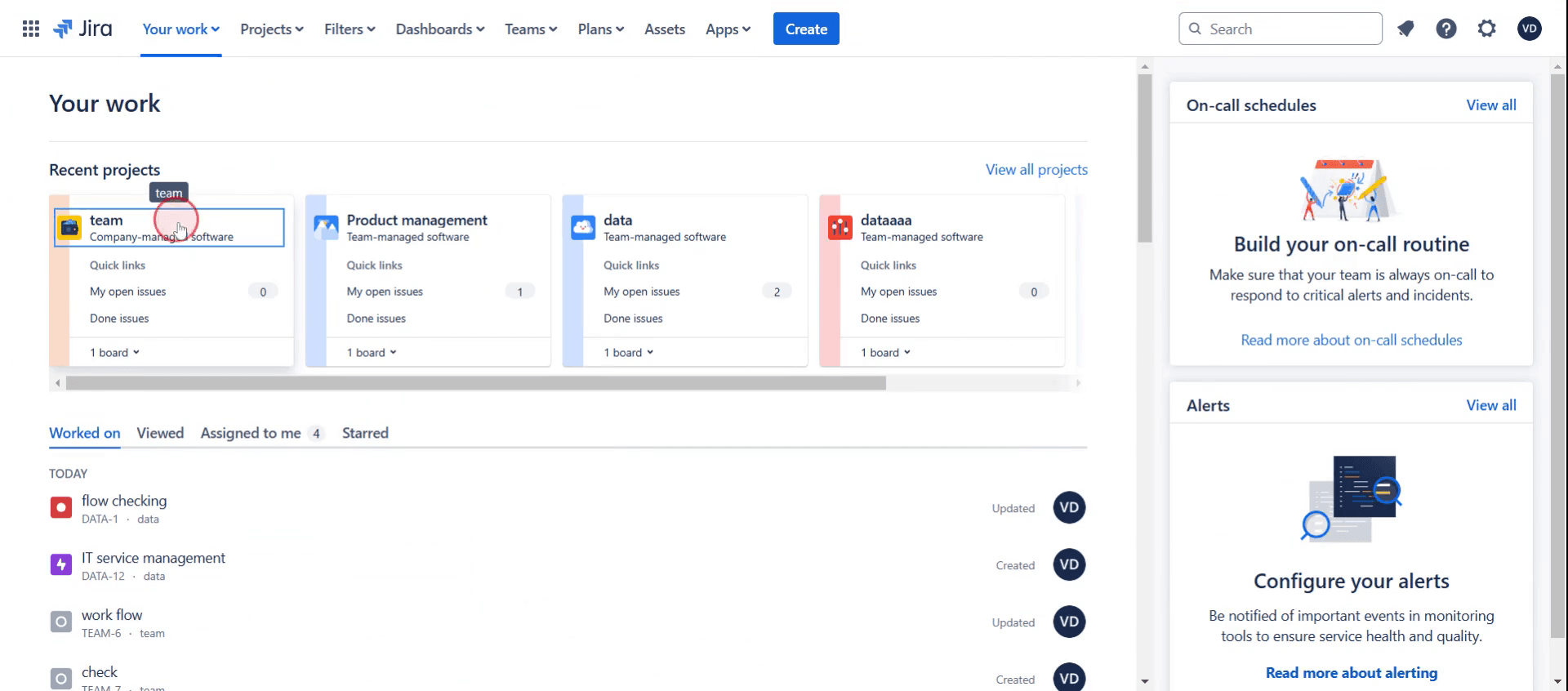
Step 9
Then select a particular ticket,
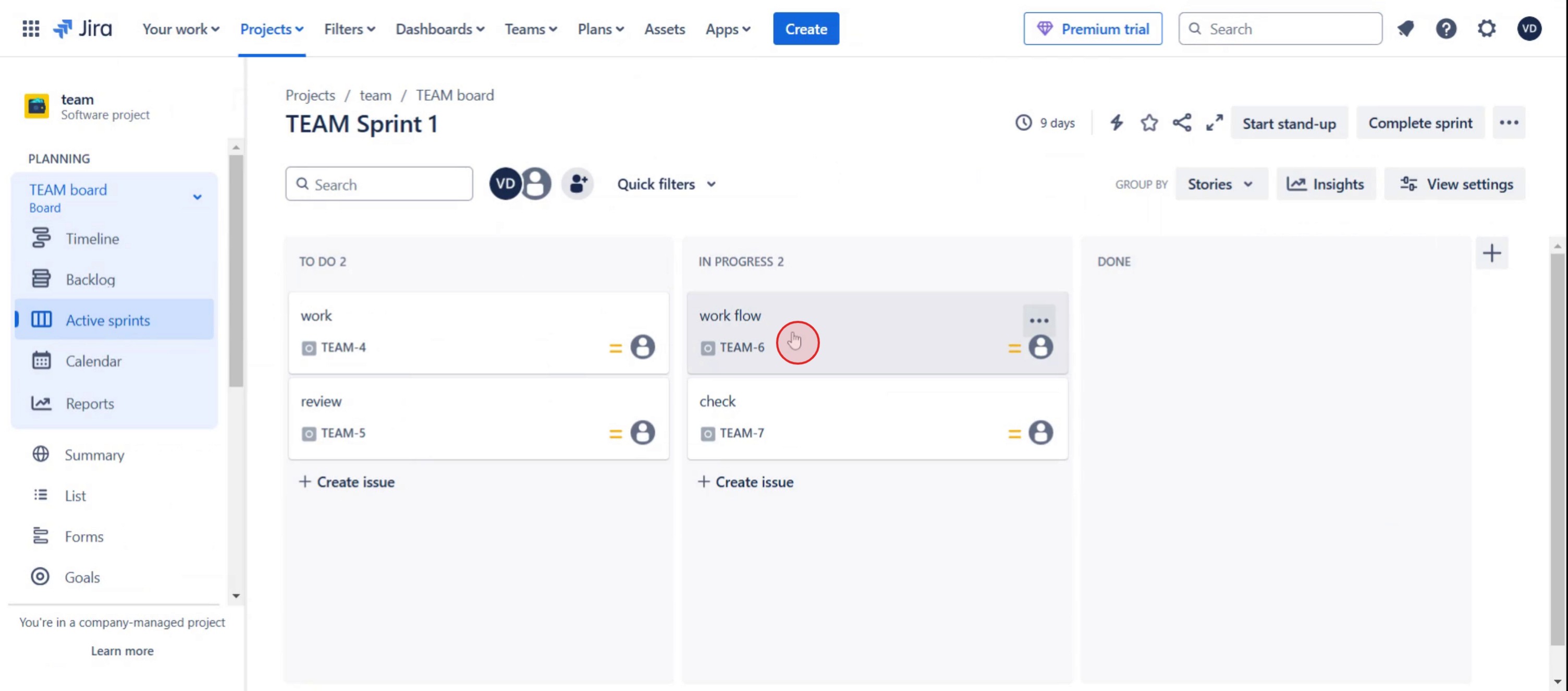
Step 10
And click on the check list option,
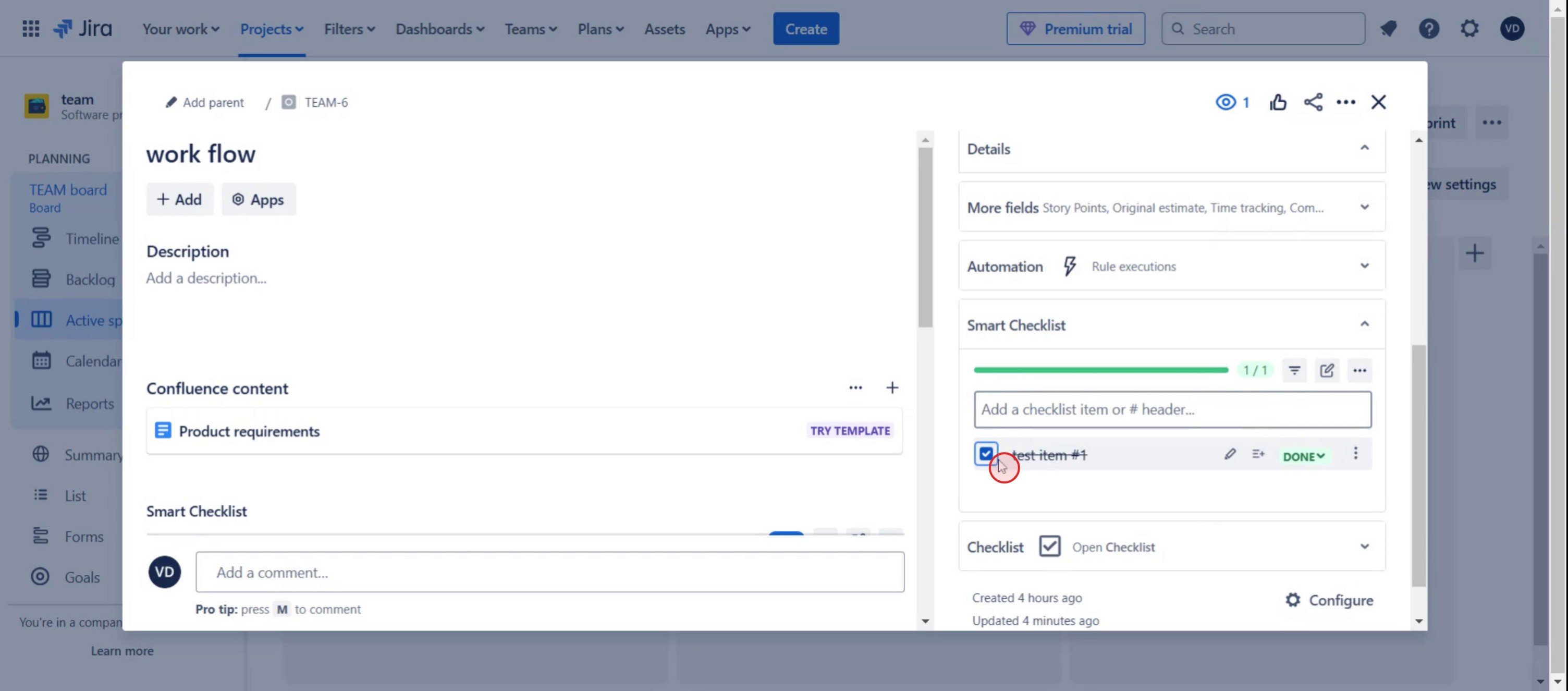
Here was our step by step guide that will help you create a checklist in Jira. Check a few tips from the below section.
Pro tips for adding a checklist in Jira
Use Jira apps like issue Checklist for Jira or Checklist for Jira to easily add checklists within issues.
Configure checklist templates for recurring tasks to streamline workflow and save time.
Set up checklist item statuses to track progress and ensure task completion within each issue.
Common pitfalls & how to avoid them
Checklist not visible, ensure the checklist feature is enabled or installed via a Jira marketplace app.
Losing checklist progress, configure permissions so only authorized users can edit checklist items.
Overcomplicating checklists, keep them concise and relevant to avoid unnecessary complexity.
Common FAQs for adding a checklist in Jira
Can i create reusable checklist templates in Jira?
Yes, many checklist apps allow you to save and reuse templates for consistency.Is there a built-in checklist feature in Jira?
Jira does not have a native checklist feature, but third-party apps provide this functionality.Can i track the progress of checklist items?
Yes, checklist tools in Jira often allow item tracking with status updates for each step.Are Jira checklists available in both Cloud and Server versions?
Yes, most checklist plugins support both Jira Cloud and Jira Server/Data Center.
If you're an instructor or content creator looking to make tutorial videos, give a try. It transforms rough screen recordings into polished, studio-style videos that are ready for sharing with your audience. Plus, it automatically generates a step-by-step guide based on the video you create. Fascinating, right? Start by creating your first tutorial for free with trupeer.ai .

