
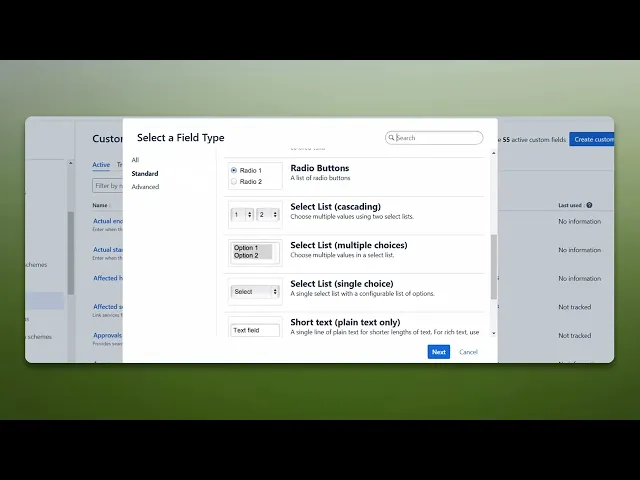
How to Add a Custom Field in Jira
How to Add a Custom Field in Jira: A detailed guide covering settings, field creation, and essential tips to help you customize Jira for your project needs.
This document provides a detailed process on how to create custom fields in Jira. Custom fields allow users to tailor their Jira experience to better suit their specific project requirements.
Step 1
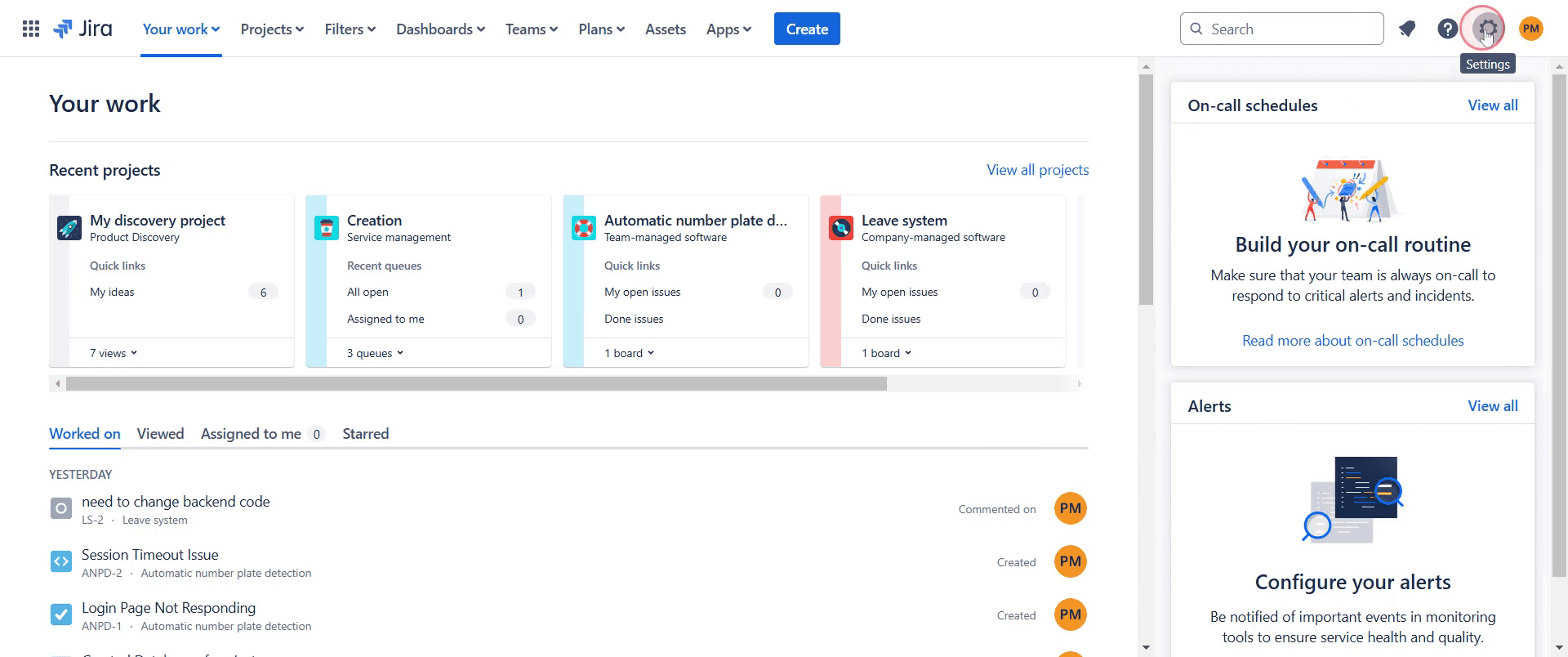
Click on the settings option.
Step 2
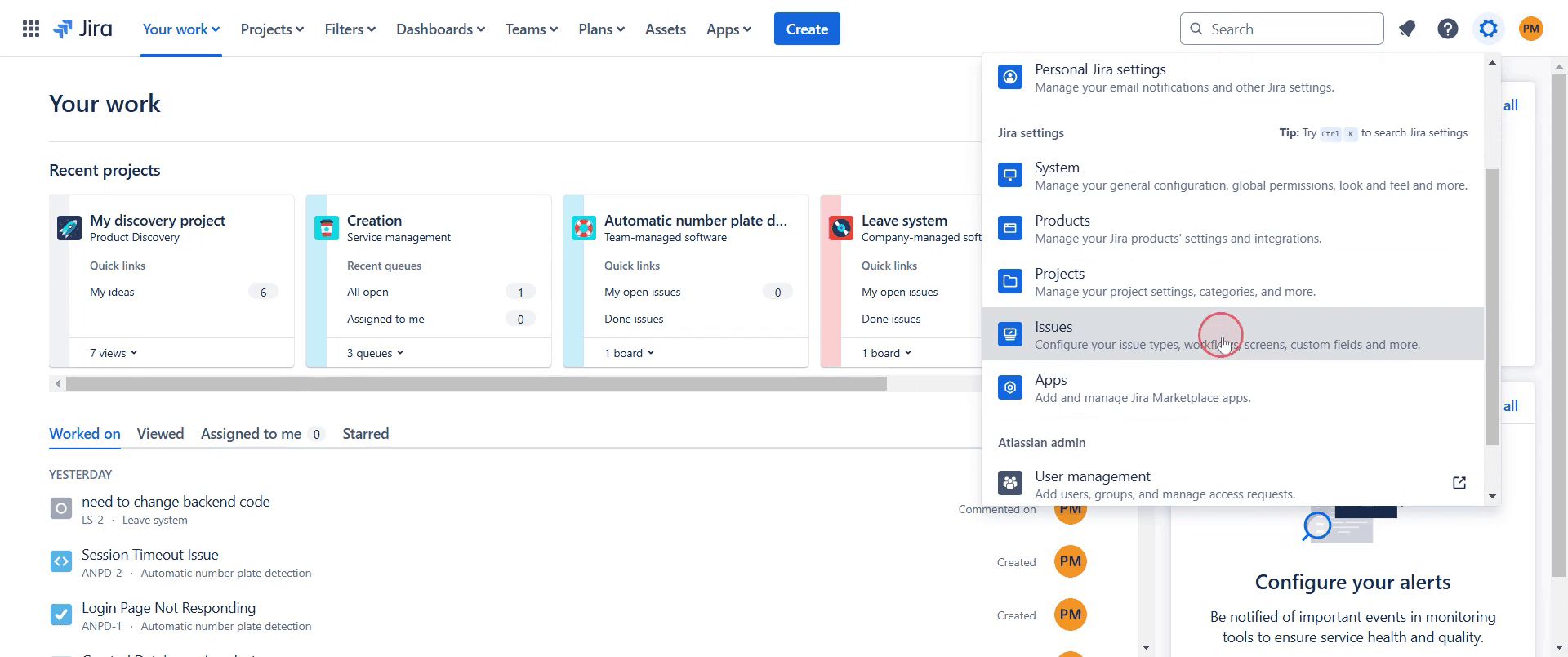
Select the option labeled 'Issues'.
Step 3
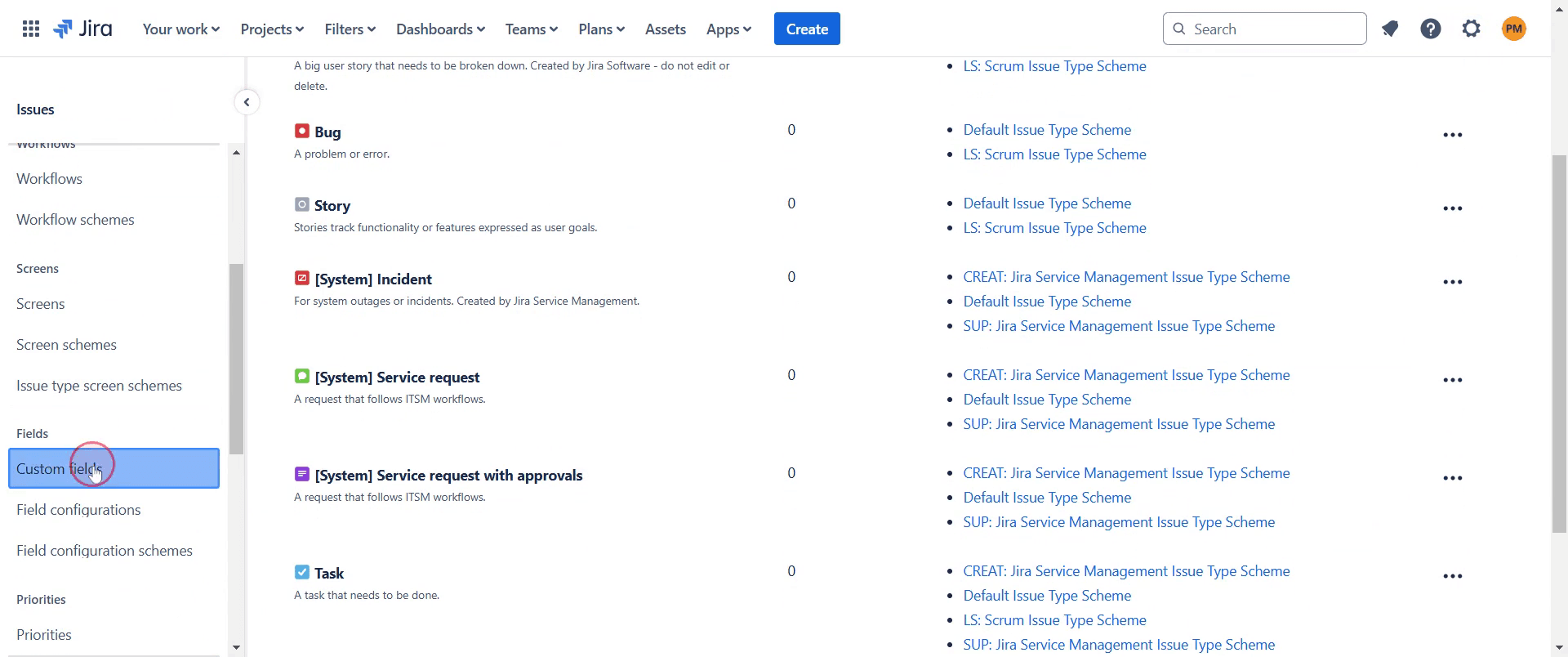
Find and click on the option titled 'Custom Fields'.
Step 4
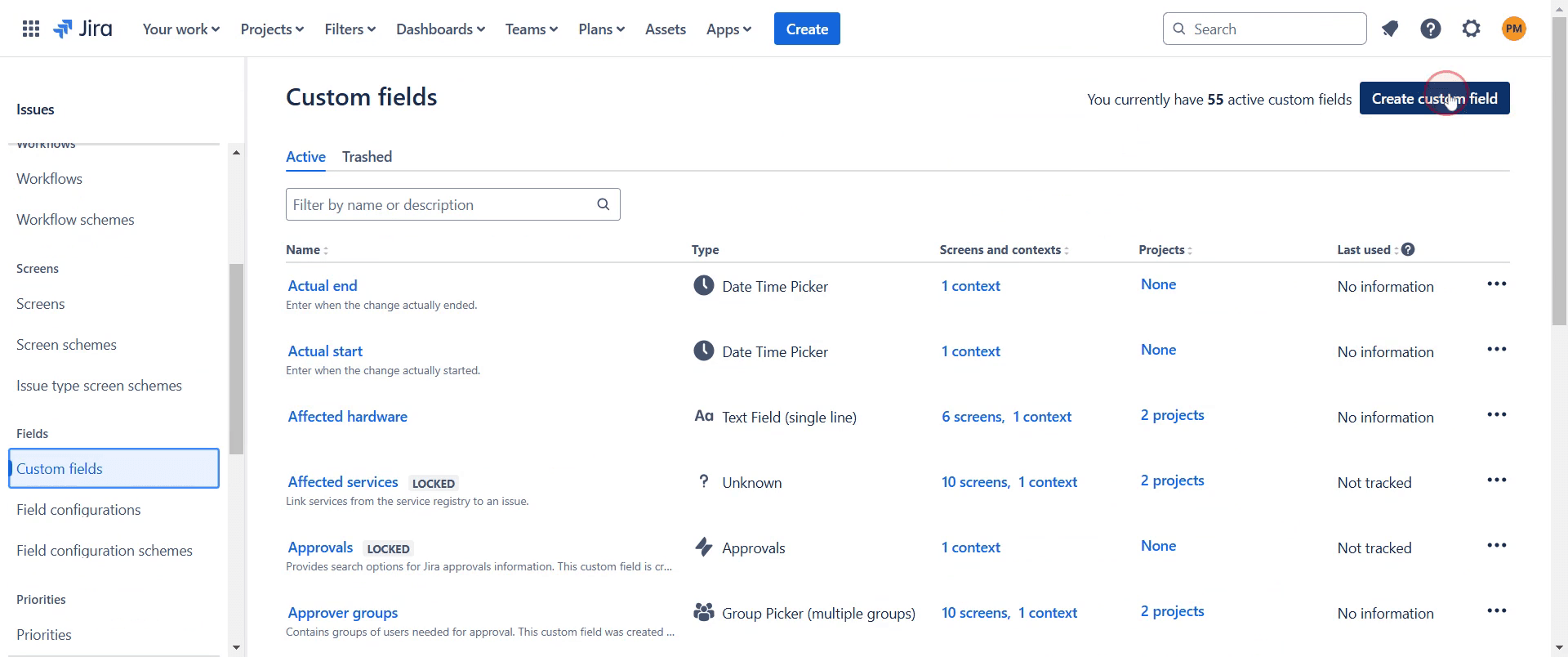
Next, click on the option 'Create Custom Field' to start the creation process.
Step 5
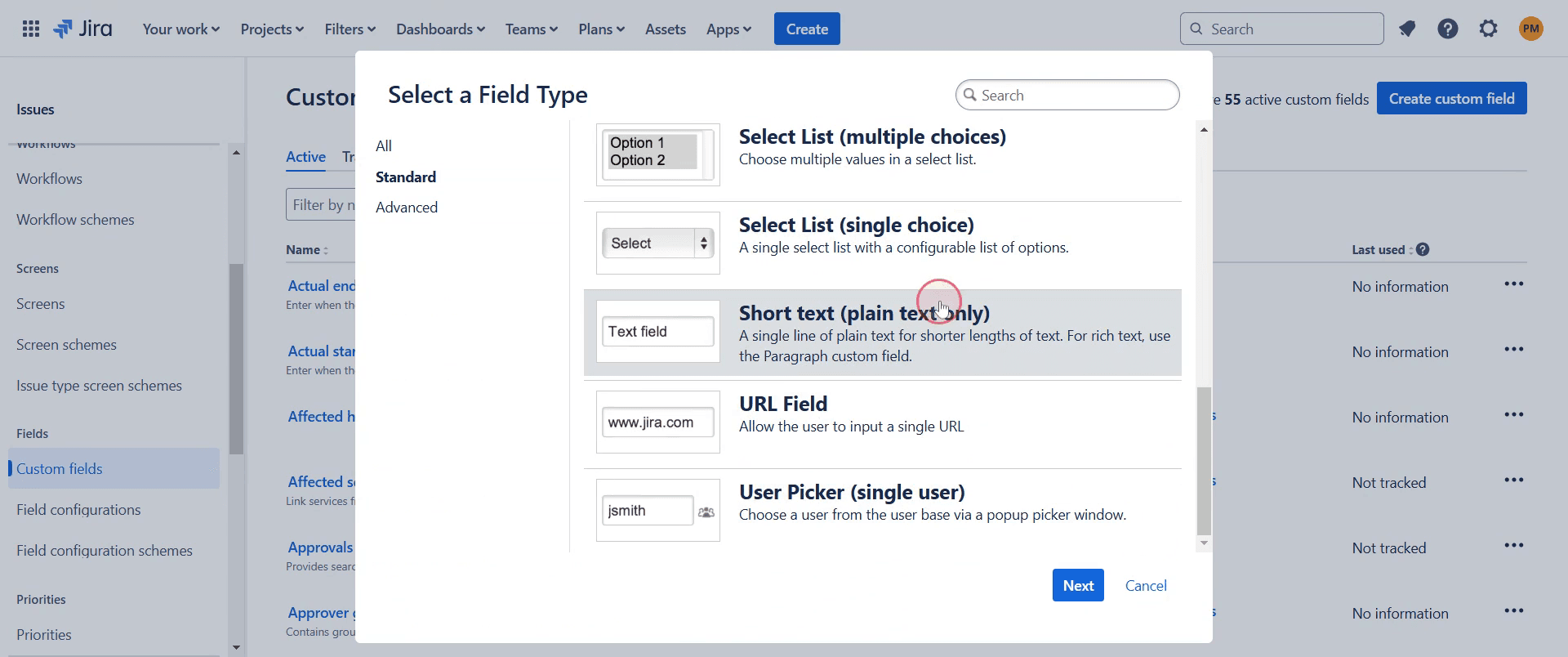
Select the option that best suits your requirements.
Step 6
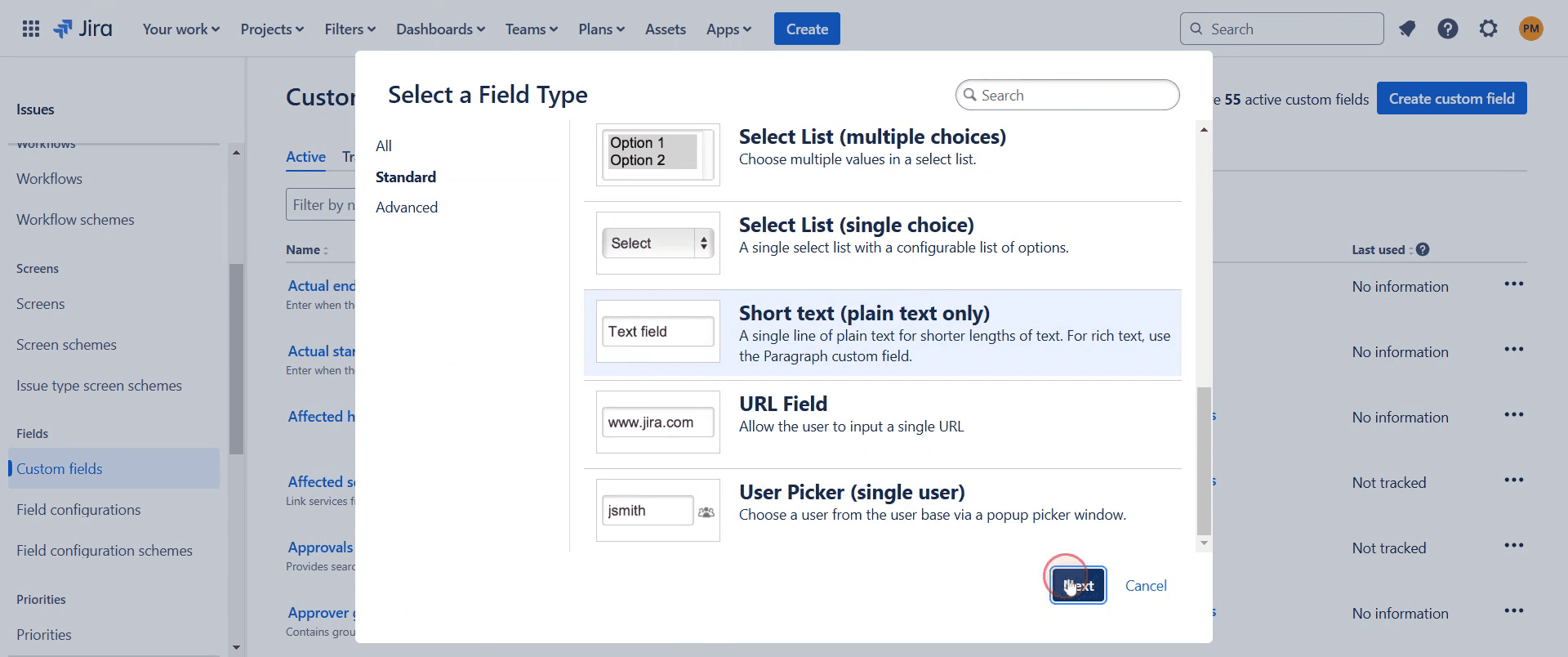
Click on the 'Next' button to continue.
Step 7
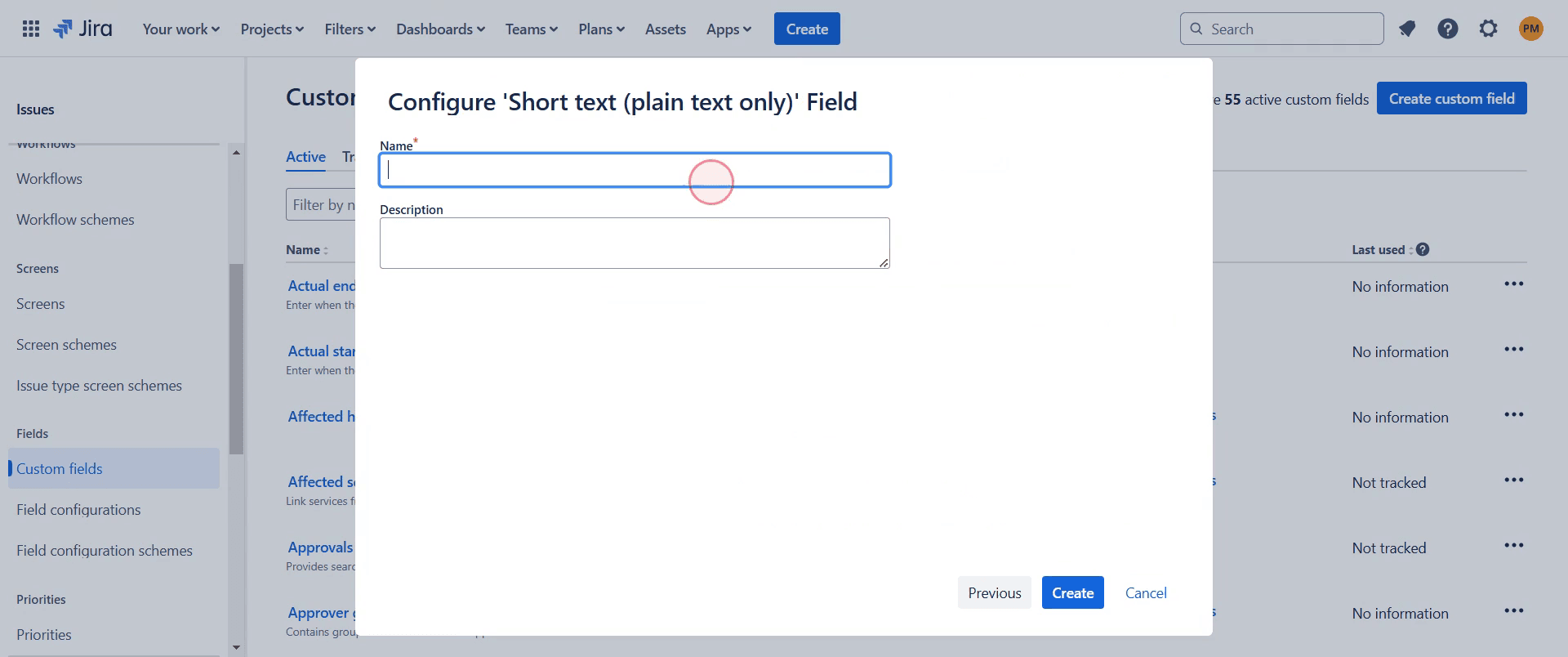
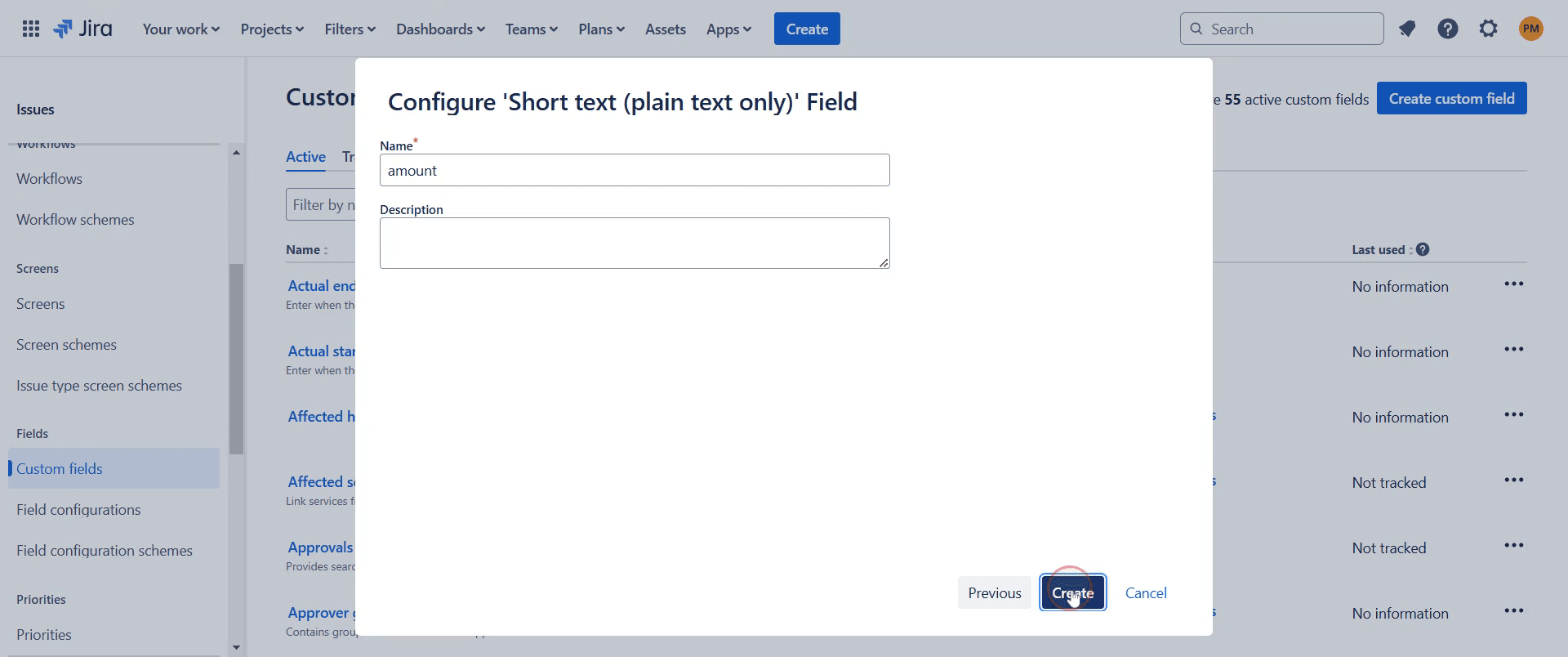
Enter a name for your custom field and provide a description if necessary.
Step 8
Click on the 'Create' option to finalize the creation of your custom field.
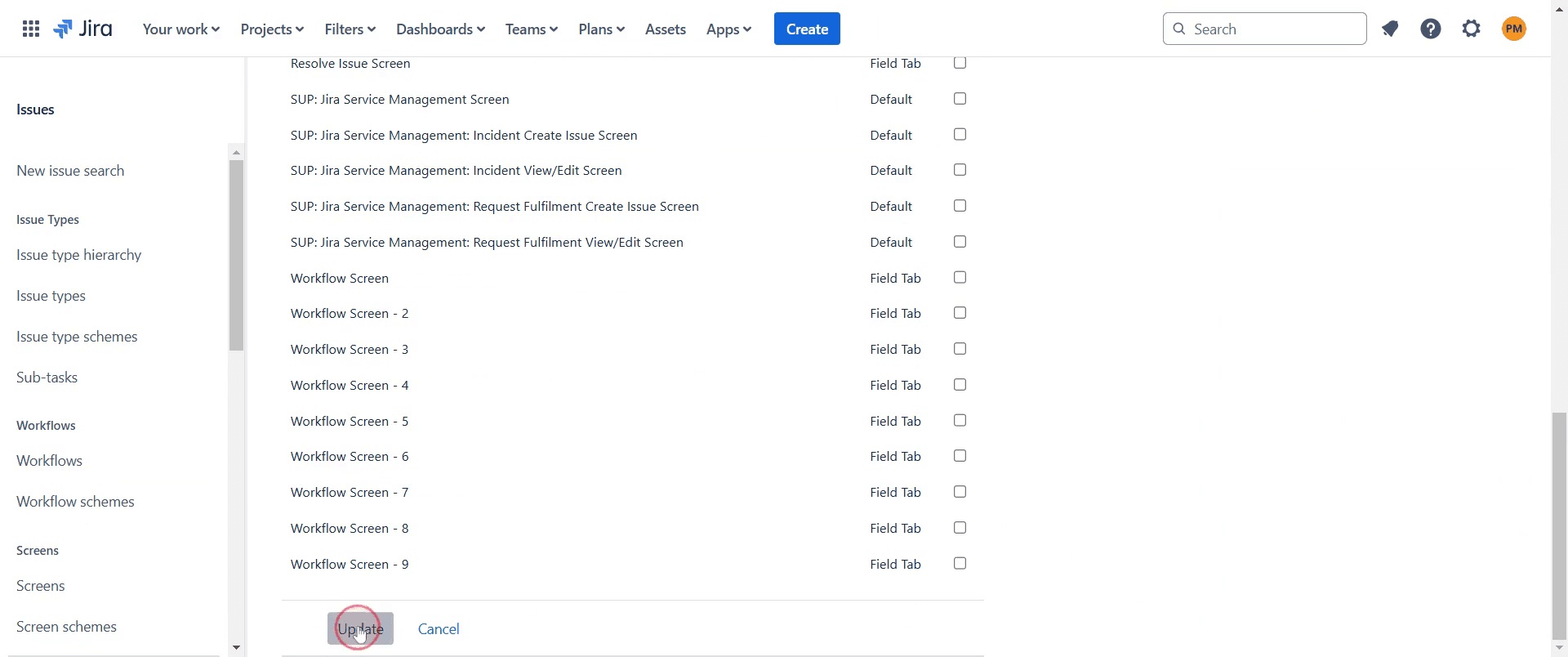
Step 9
Click on the 'Update' option.
Step 10
Your new custom field will now be visible and ready for use.
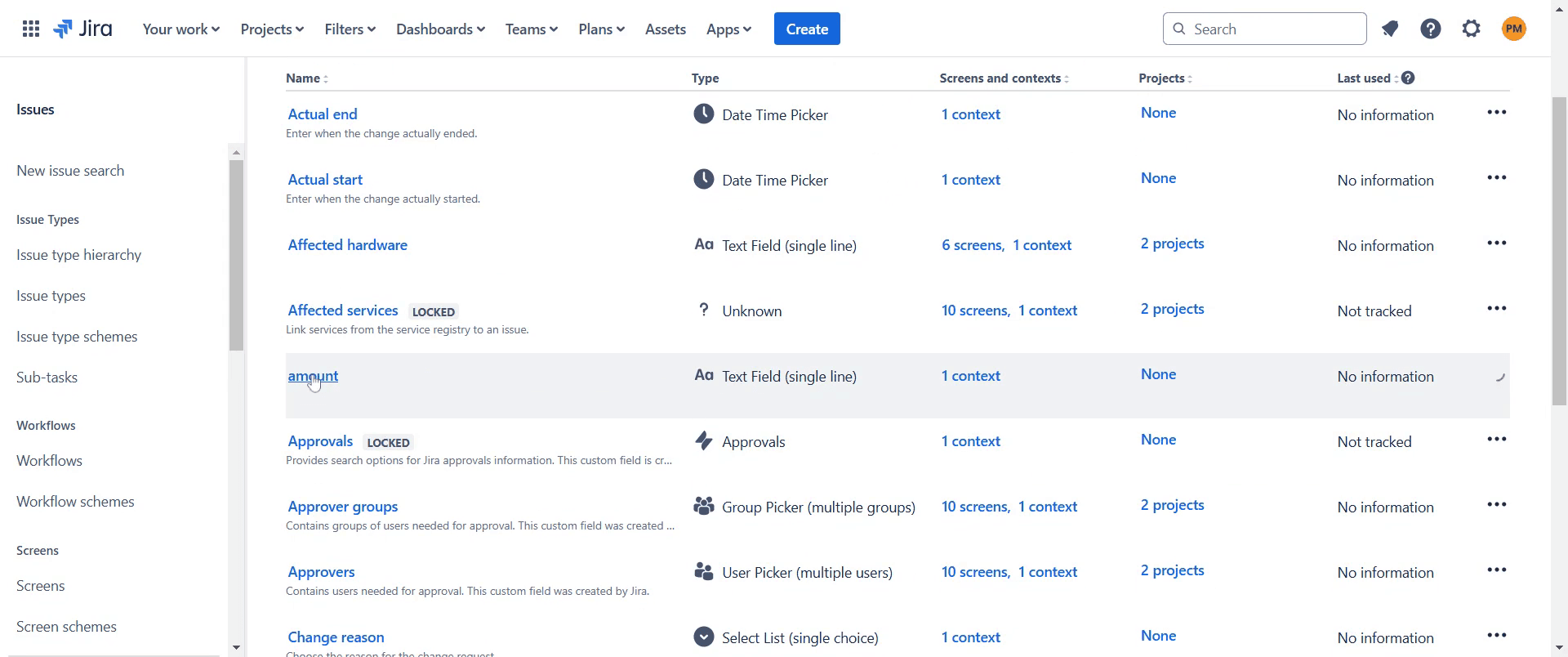
This is a step-by-step guide on how to add a custom field in Jira.
Pro-tips for adding a custom field in Jira
Navigate to Jira Administration and select Issues to access the custom field settings.
Choose a field type that best suits your needs, such as text, date, or dropdown.
Associate the custom field with the correct screens and contexts to ensure it appears where needed.
Common pitfalls & how to avoid them while adding a custom field in Jira
Custom field not appearing, make sure it is assigned to the right screen and project.
Choosing the wrong field type, consider how the field will be used before selecting its type.
Too many custom fields, keep fields relevant to avoid clutter and performance issues.
Common FAQs for adding a custom field in Jira
Can I edit a custom field after creating it?
Yes, you can change its name, description, and configuration, but not the field type.
How do I delete a custom field?
Go to the Custom Fields section in Jira Administration, find the field, and choose Delete.
Are there limits to the number of custom fields in Jira?
While Jira allows many custom fields, having too many can affect performance.
If you're an instructor or content creator looking to make videos, give Trupeer.ai a try. It transforms rough screen recordings into polished, studio-style videos that are ready for sharing with your audience. Plus, it automatically generates a step-by-step guide based on the video you create. Fascinating, right? Start by creating your first tutorial for free with Trupeer.ai.

