
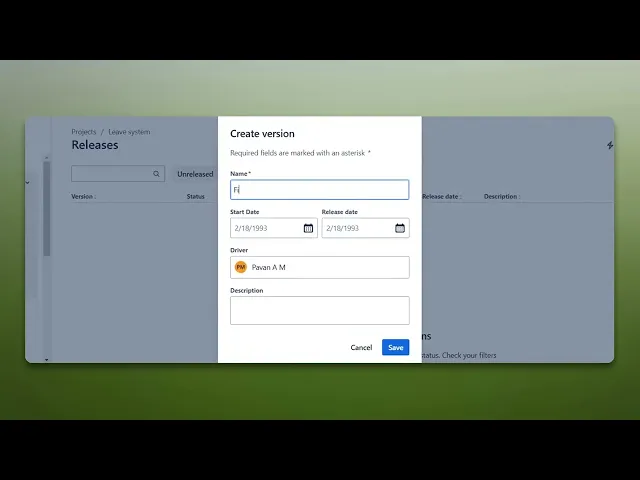
How To Add A Fix Version In Jira
Discover the step-by-step process to add a Fix Version in Jira. Enhance your project management skills and streamline your workflow effectively.
This document provides a clear and concise process for adding a fix version in Jira. Follow the steps to efficiently navigate through the Jira interface and configure the required settings for your project.
Step 1
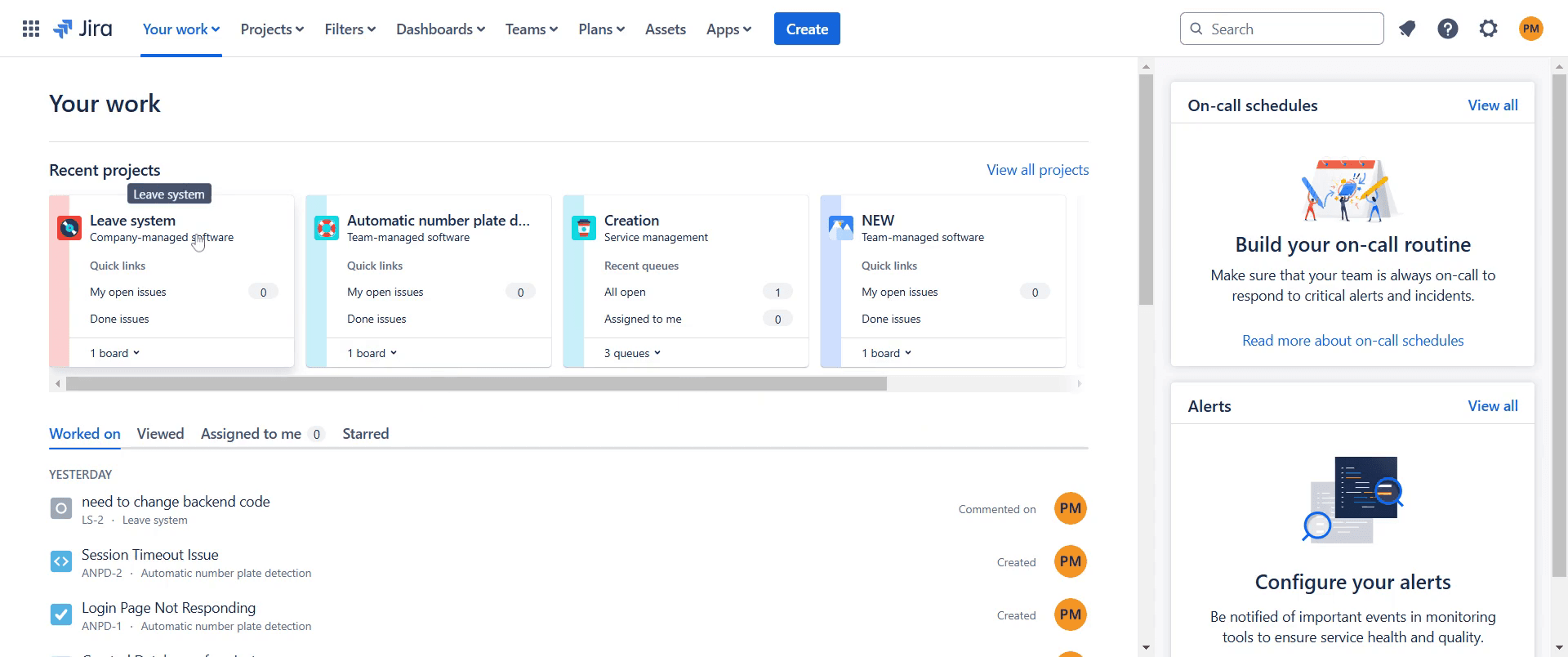
Go to the desired project in Jira and click on it.
Step 2
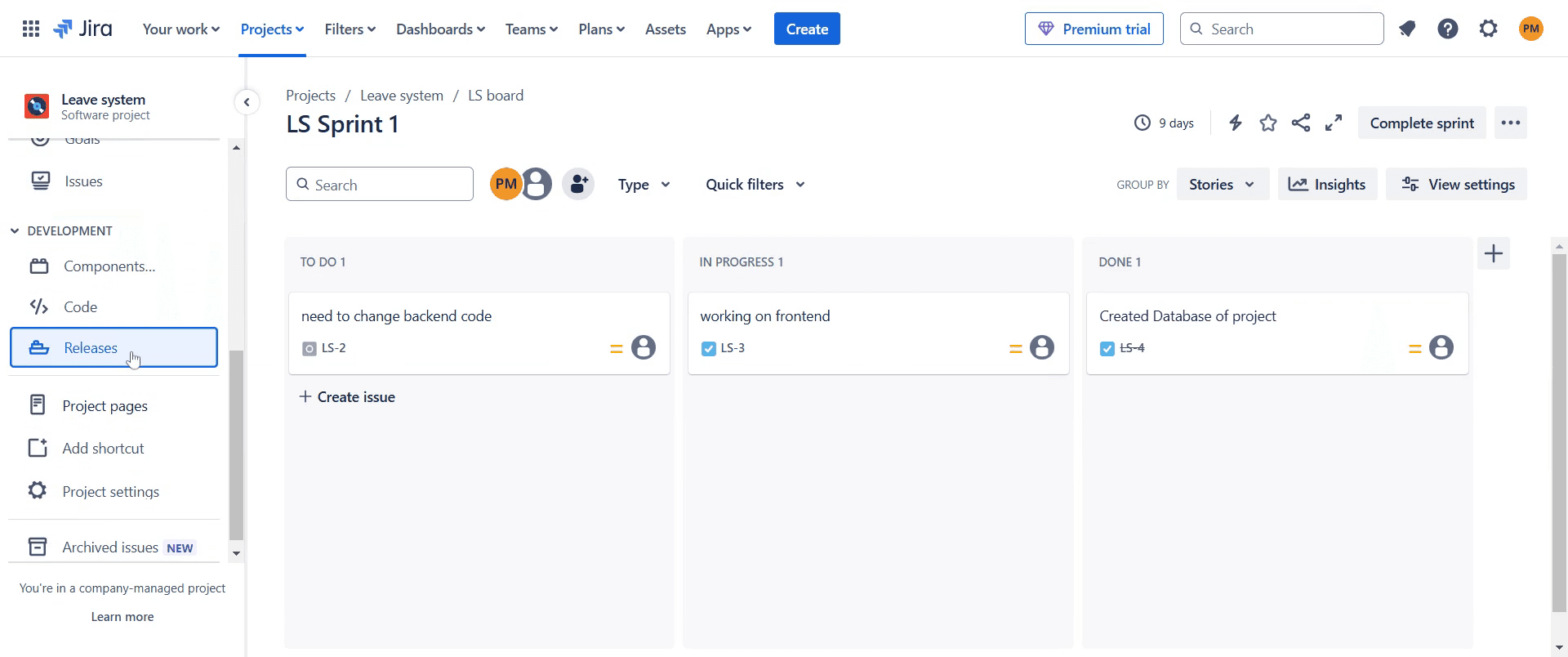
Click on "Releases" to proceed.
Step 3
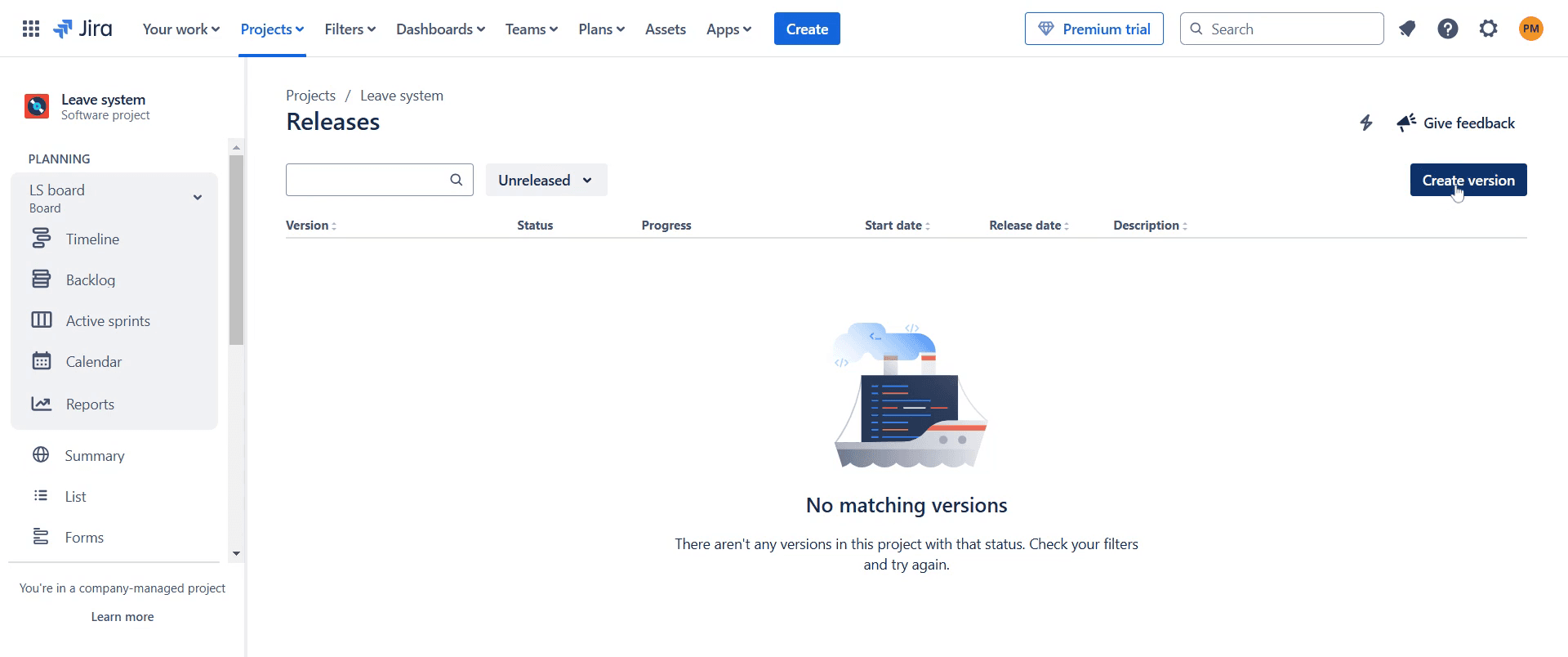
Click on "Create version." option.
Step 4
Fill in the related fields as needed, such as the "Start Date" and the "Release Date."
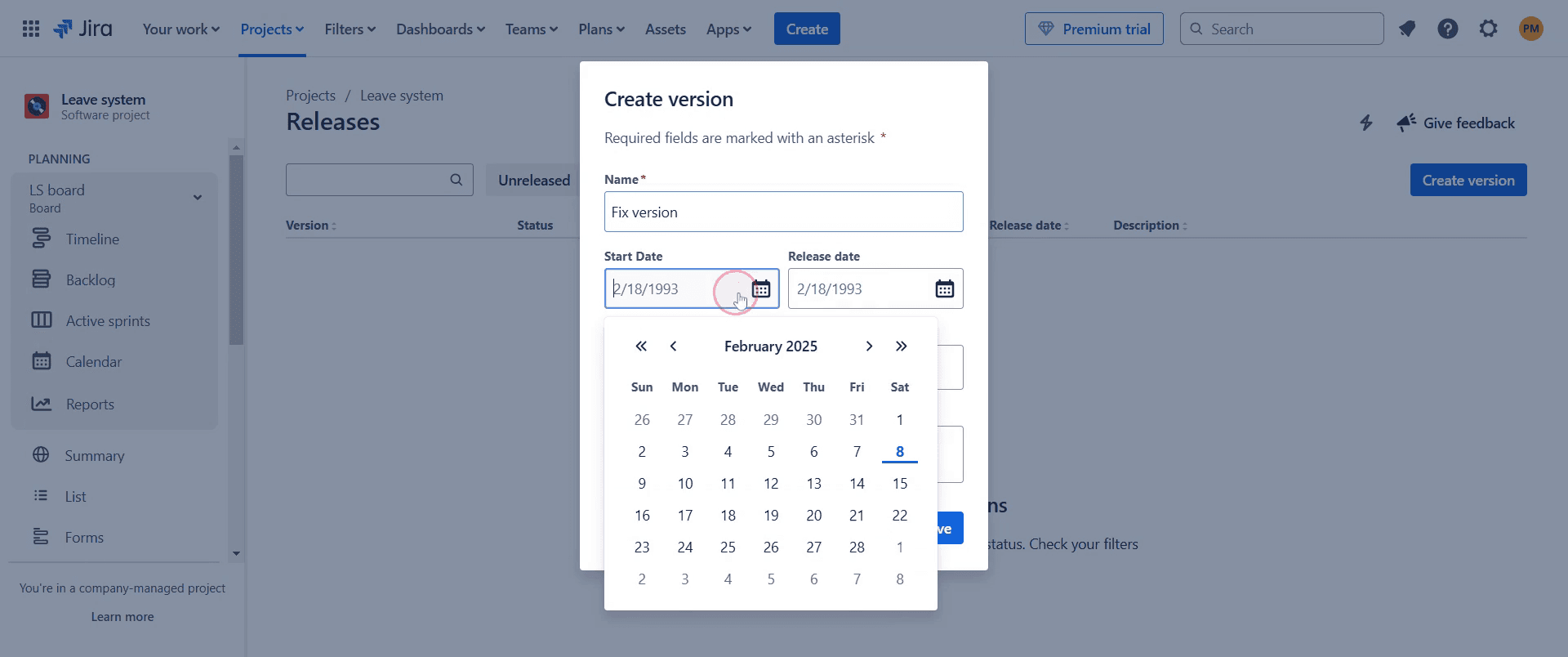
Step 5
Click on "Description" to provide additional details about the version.
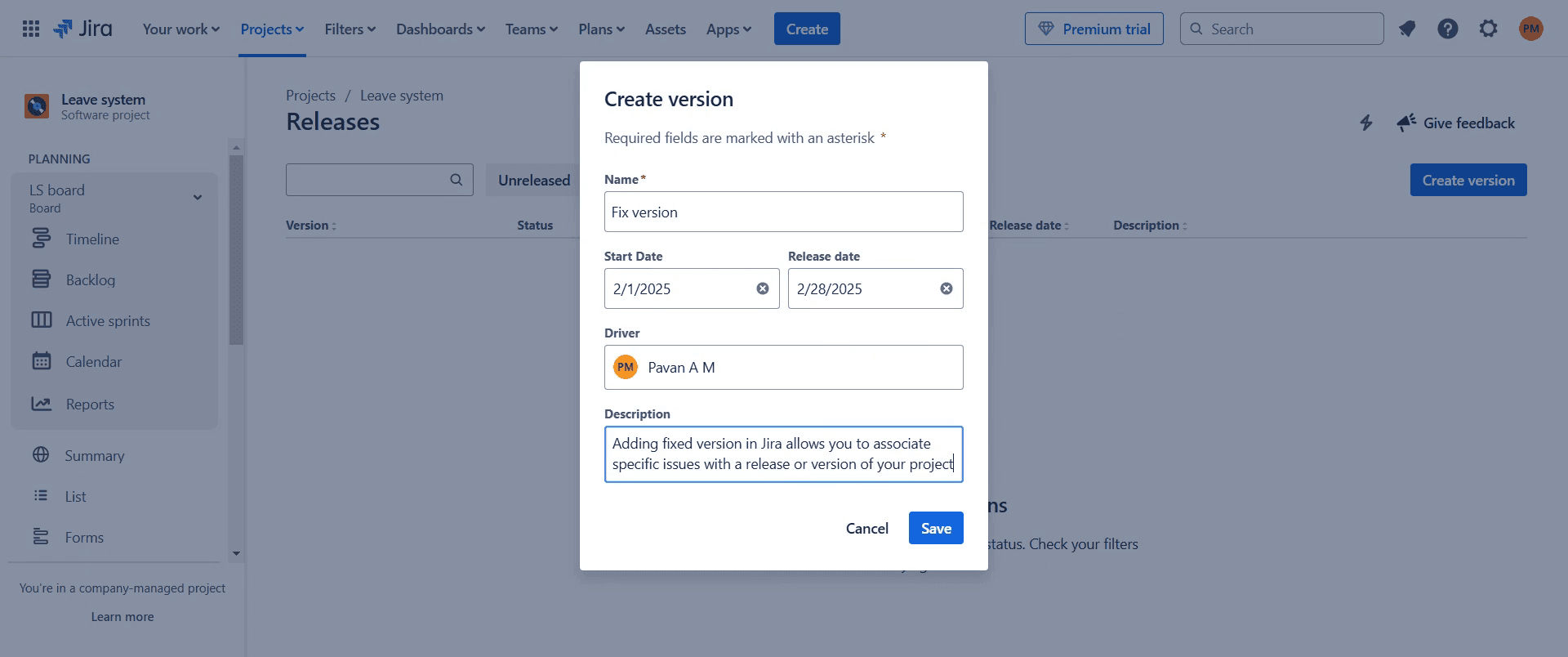
Step 6
Click on "Save" to finalize the process.
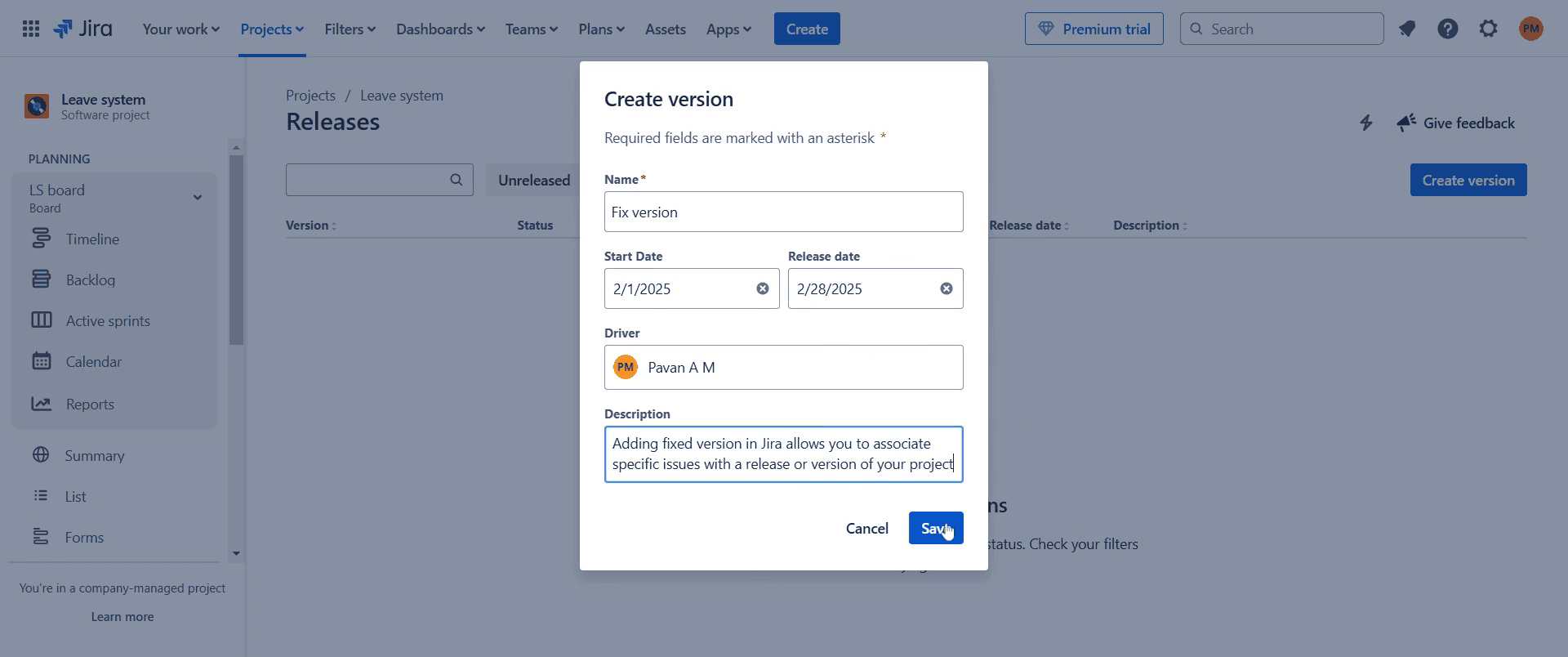
Step 7
After adding the fix version, a pop-up message will appear below, confirming that it has been added.
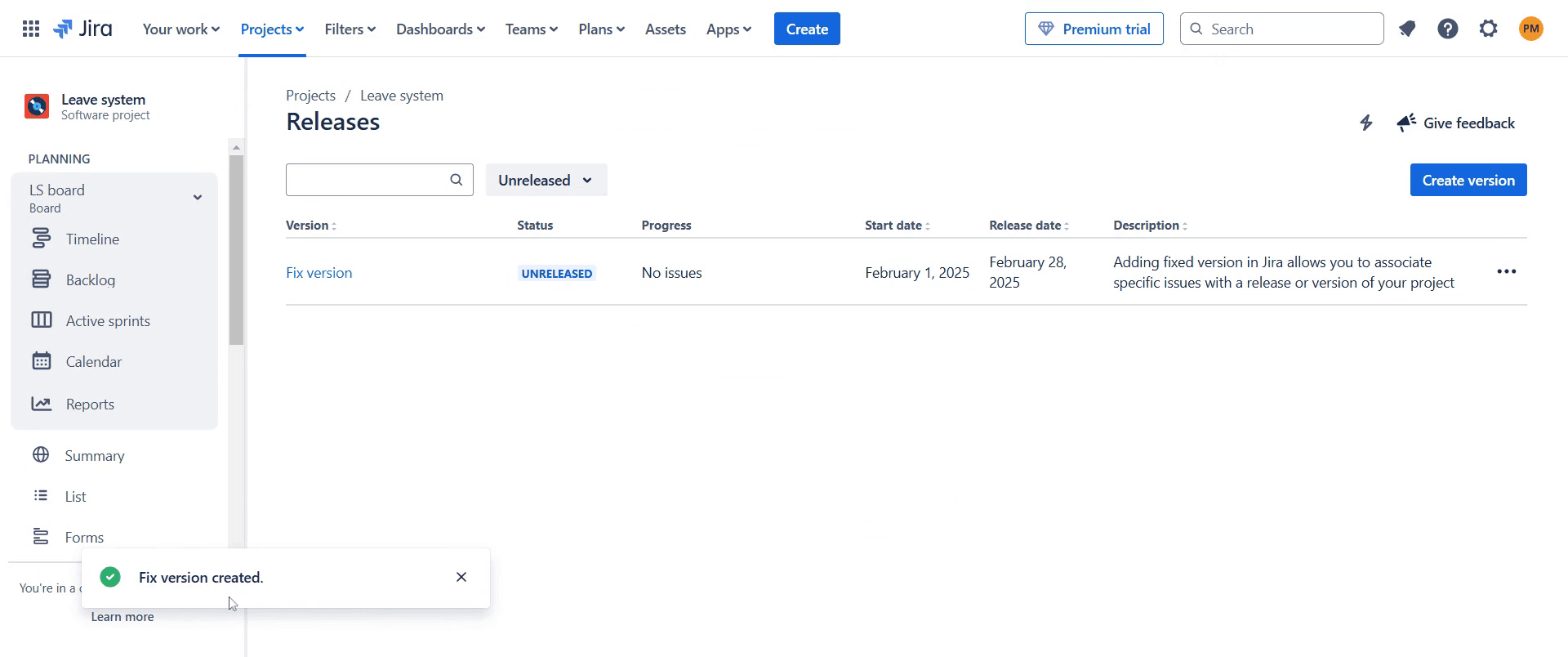
This is a step-by-step guide on how to add a fix version in Jira.
Pro-tips for adding a fix version in Jira
Navigate to the project settings and create a new version under the Releases section to track bug fixes and feature deployments.
Ensure that each issue is assigned to the correct fix version to maintain clarity in the release workflow.
Use Jira filters and dashboards to track progress on issues linked to a specific fix version.
Common pitfalls & how to avoid them while adding a fix version in Jira
Forgetting to set the release date always define a target release date to help with sprint planning.
Not assigning issues to the fix version ensure that relevant issues are linked to the correct version for accurate tracking.
Overlooking version status update the version status to Released when the work is completed to keep Jira organized.
Common FAQs for adding a fix version in Jira
Can I assign multiple issues to the same fix version?
Yes, multiple issues can be assigned to a single fix version to track all work related to that release.Can I change the fix version after assigning it to an issue?
Yes, you can update or remove the fix version at any time based on project needs.What happens when I release a fix version?
The fix version is marked as Released, and issues linked to it are considered complete in the project workflow.
If you're an instructor or content creator looking to make tutorial videos, give Trupeer.ai a try. It transforms rough screen recordings into polished, studio-style videos that are ready for sharing with your audience. Plus, it automatically generates a step-by-step guide based on the video you create. Fascinating, right? Start by creating your first tutorial for free with Trupeer.ai.

