
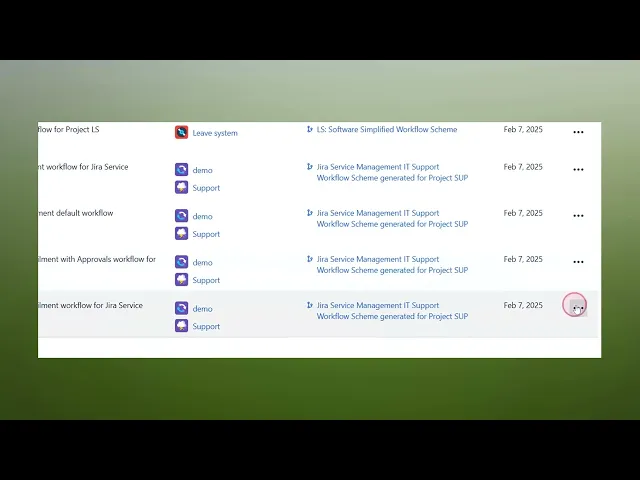
How To Add A New Status In Jira
Discover the step-by-step guide on how to add a new status in Jira. Enhance your project management skills and streamline your workflow effectively.
This process outlines the steps required to add a new status in Jira. By following these instructions, users can modify workflows to include additional status options, enhancing project management capabilities in Jira.
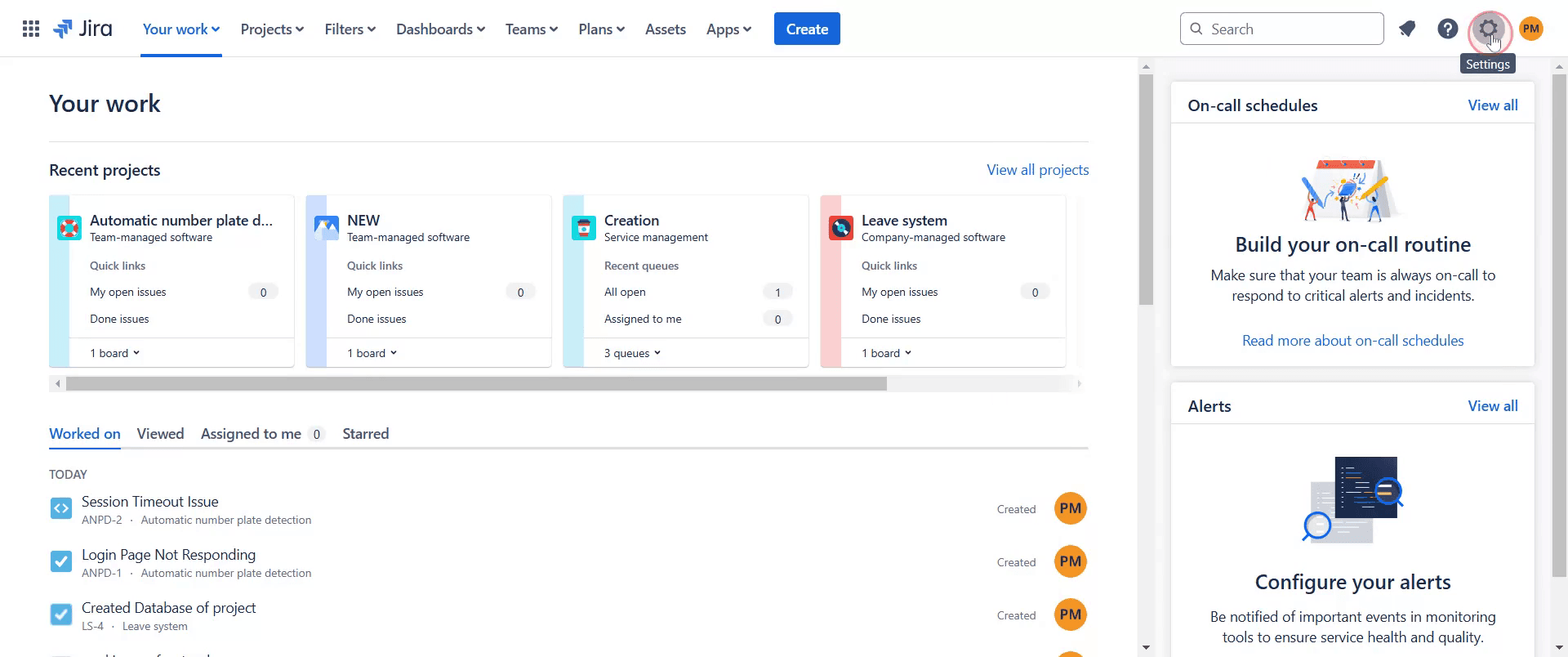
Step 1
To begin, navigate to the settings option in Jira and click on it.
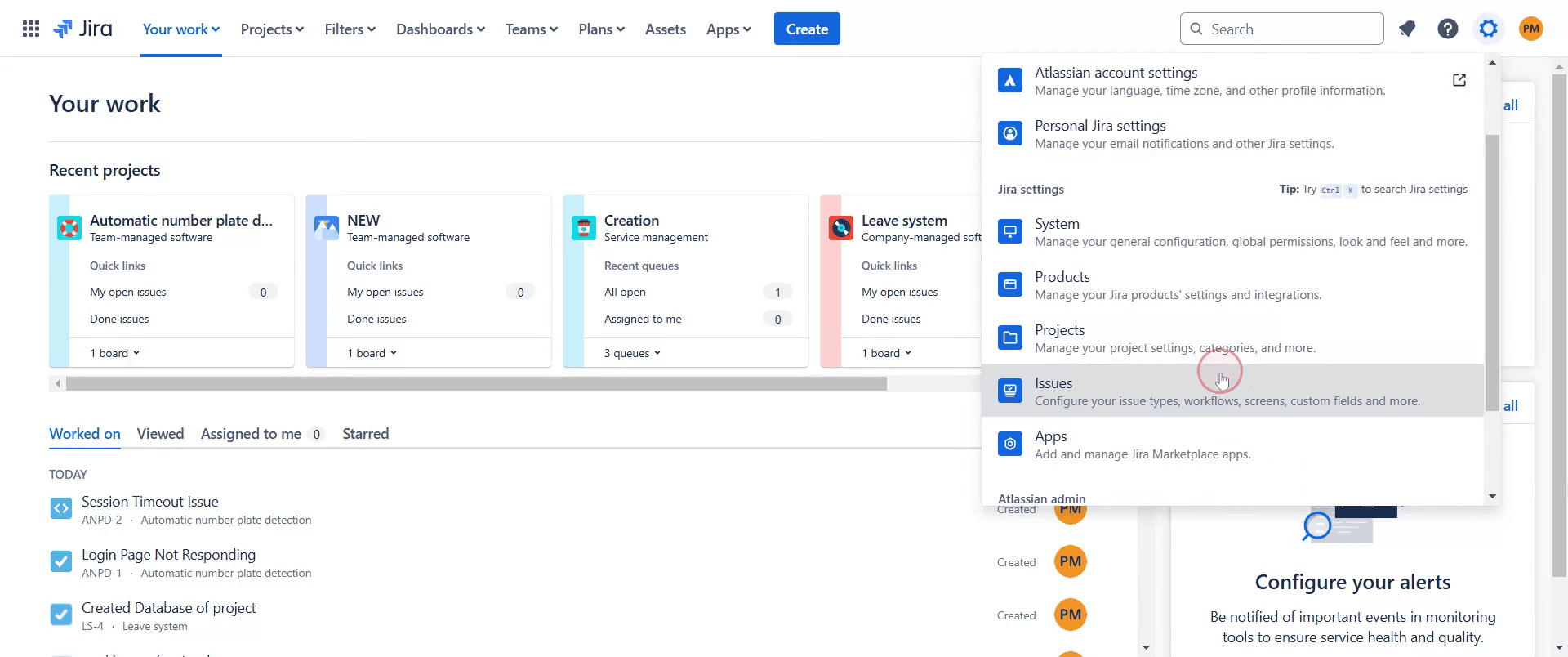
Step 2
Select the "Issues" option from the menu.
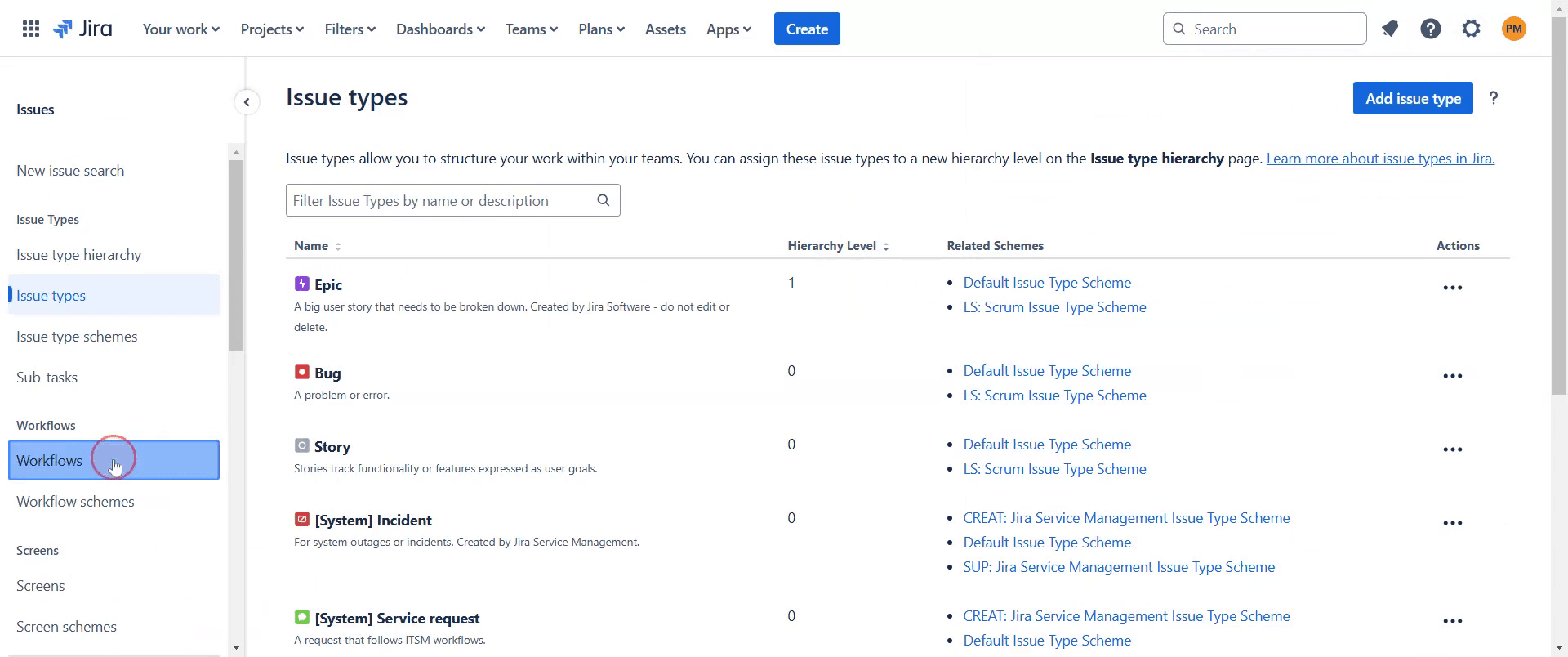
Step 3
Find and click on "Workflows."
Step 4
Select the specific workflow where you wish to add a new status. Click on it.
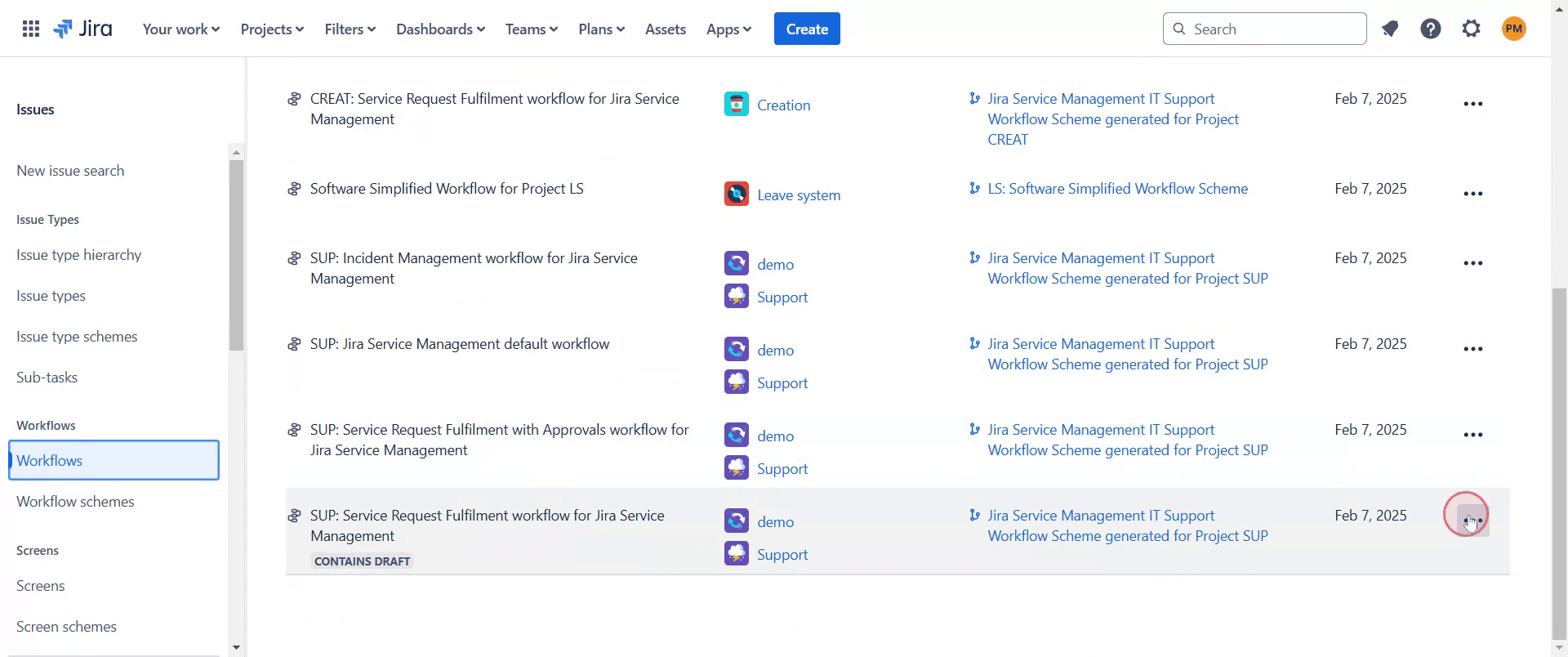
Step 5
Then proceed by clicking "Edit".
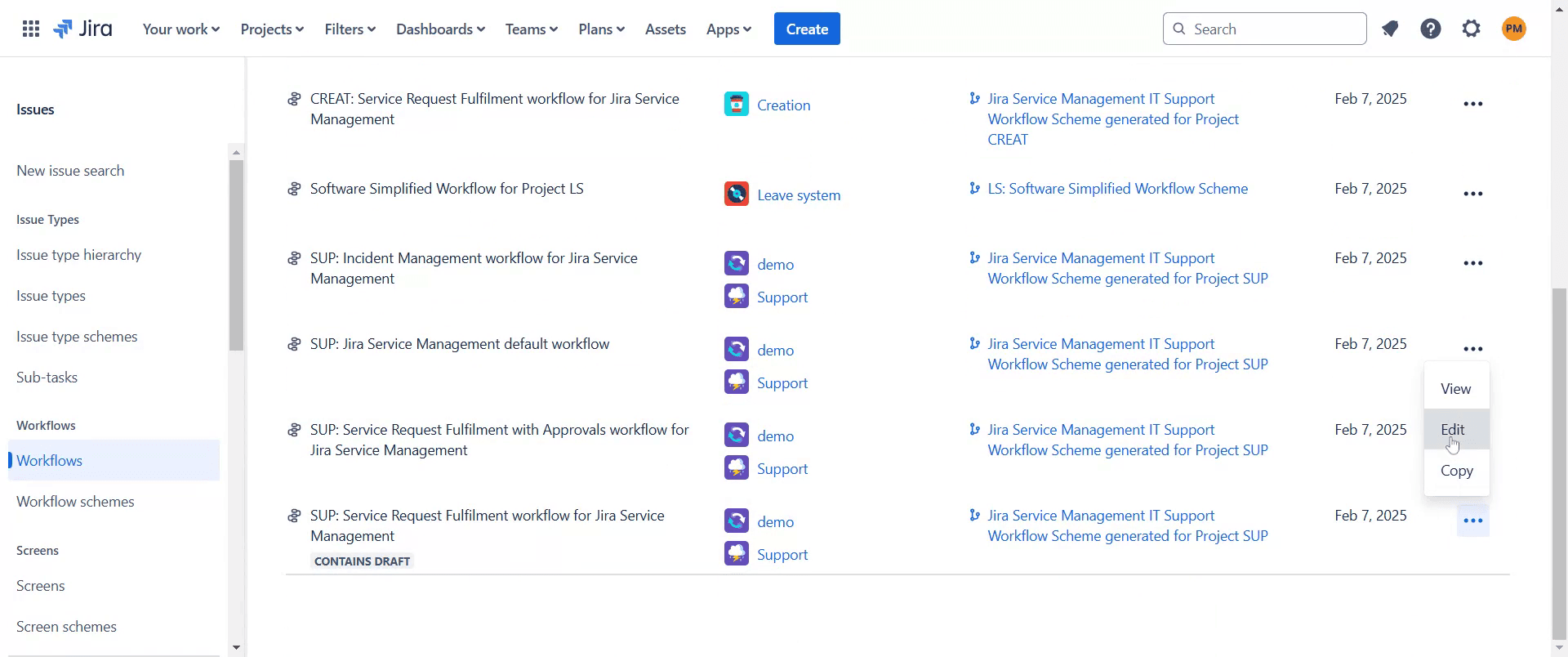
Step 6
Add a new step and provide a name for this step name as "review4".
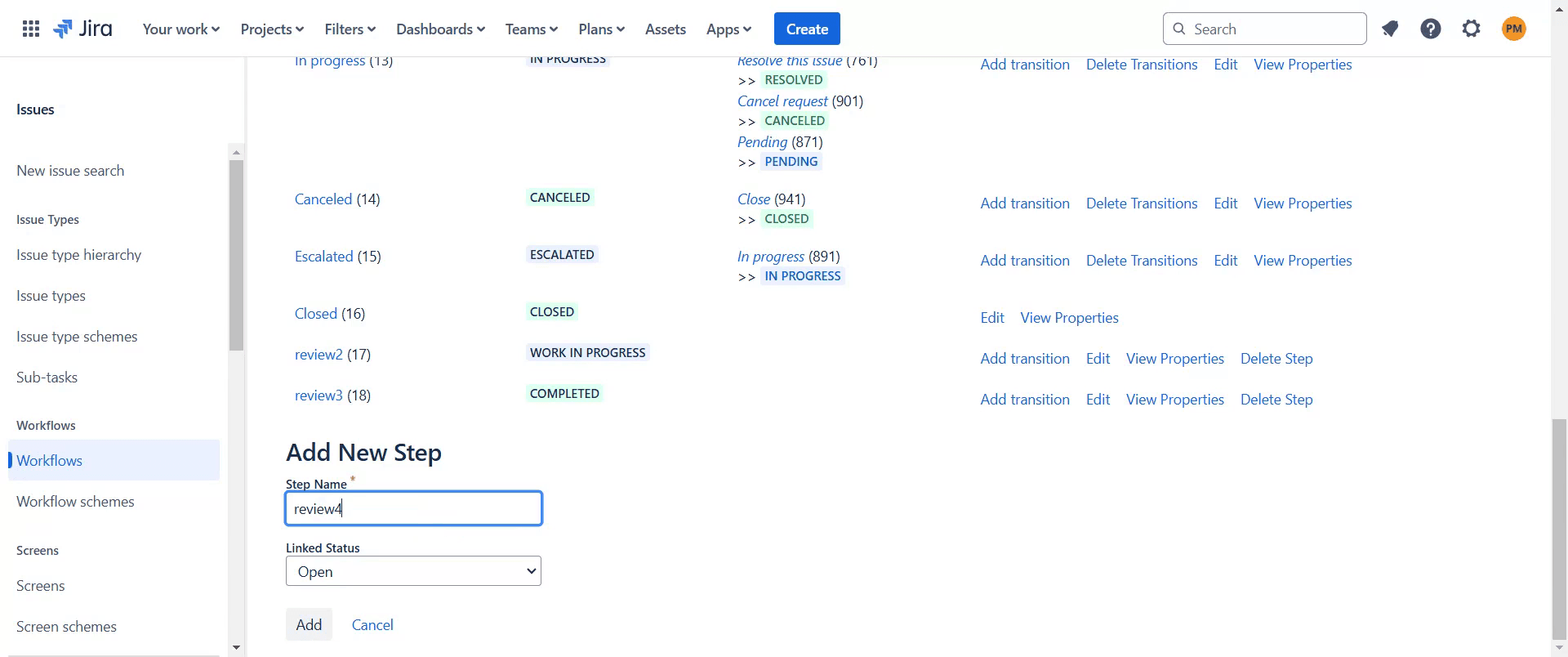
Step 7
Assign a status, such as "Open".
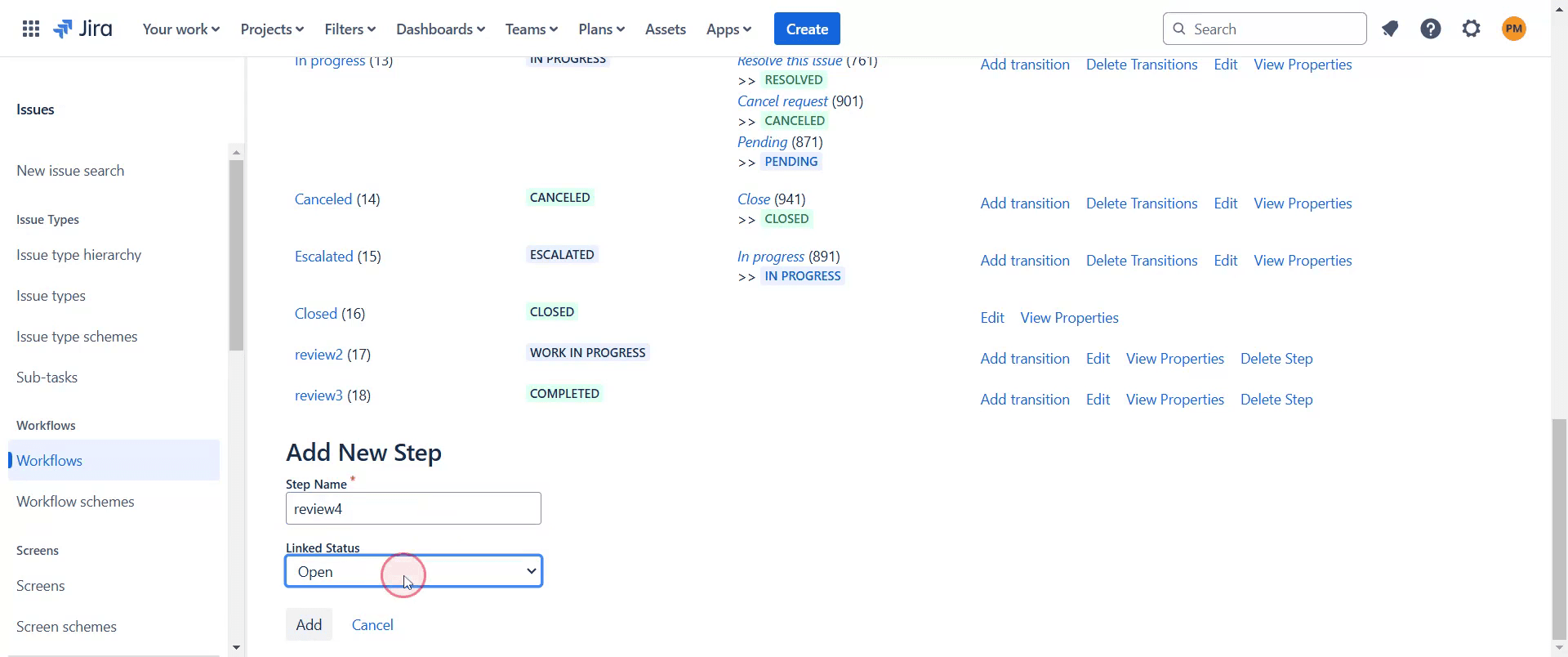
Step 8
After that click on "Add" option. you'll notice it's added successfully.
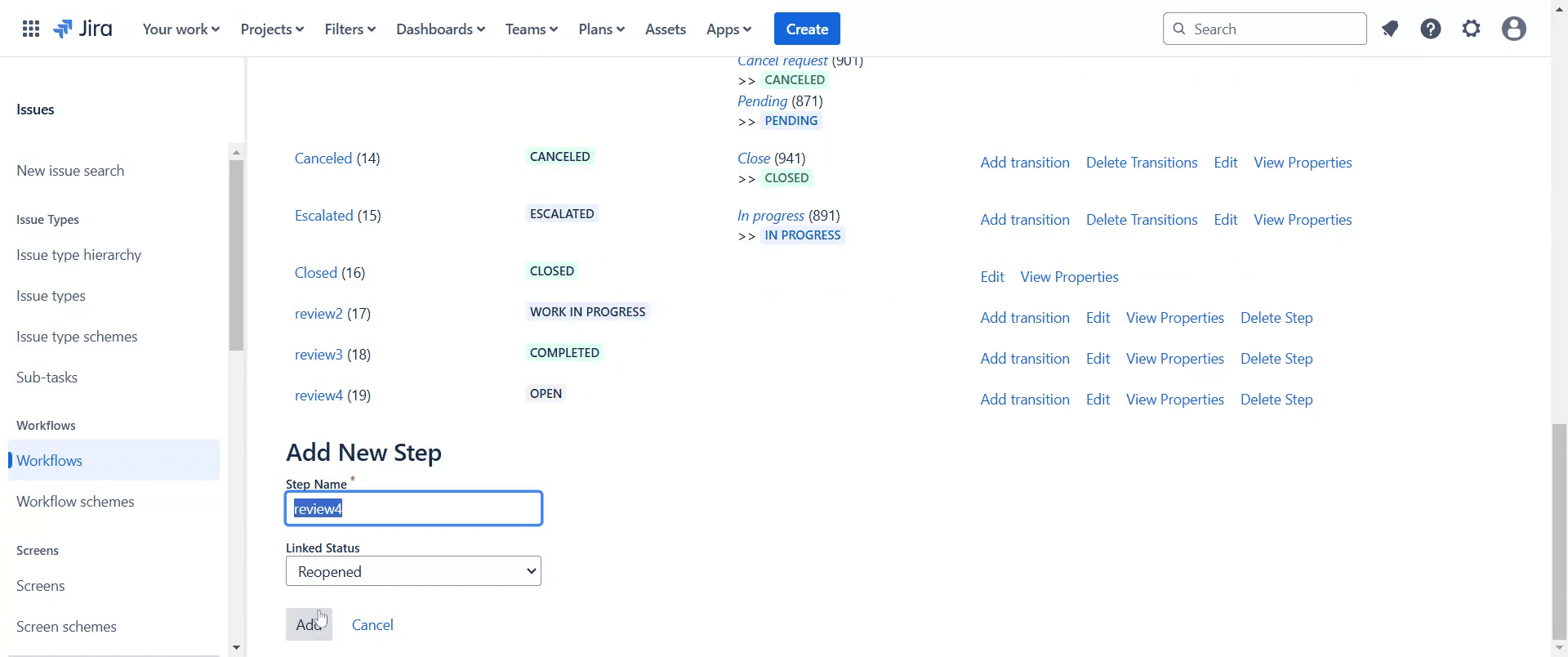
This is a step-by-step guide on how to add a new status in Jira.
Pro-tips for adding a new status in Jira
Use the Jira workflow editor to create a custom status that aligns with your team's process.
Assign appropriate category labels like To Do, In Progress, or Done to ensure proper workflow transitions.
Ensure the new status is properly linked with transitions so that issues can move smoothly through the workflow.
Common pitfalls & how to avoid them while adding a new status in Jira
Forgetting to update workflow transitions, always connect the new status with existing statuses to prevent workflow issues.
Not assigning the right category, make sure the status is classified correctly to avoid confusion in the board view.
Missing project permissions, ensure you have the required admin rights to modify workflows and add new statuses.
Common FAQs for adding a new status in Jira
How do I assign the new status to a specific workflow?
Edit the workflow in Jira, add the status, and configure transitions to link it with other statuses.Can I delete a status after adding it?
Yes, but you must first remove it from any workflows where it is currently in use.Why can't I add a new status in Jira?
Ensure you have Jira admin permissions and that your workflow scheme allows modifications.
If you're an instructor or content creator looking to make tutorial videos, give Trupeer.ai a try. It transforms rough screen recordings into polished, studio-style videos that are ready for sharing with your audience. Plus, it automatically generates a step-by-step guide based on the video you create. Fascinating, right? Start by creating your first tutorial for free with Trupeer.ai.

