
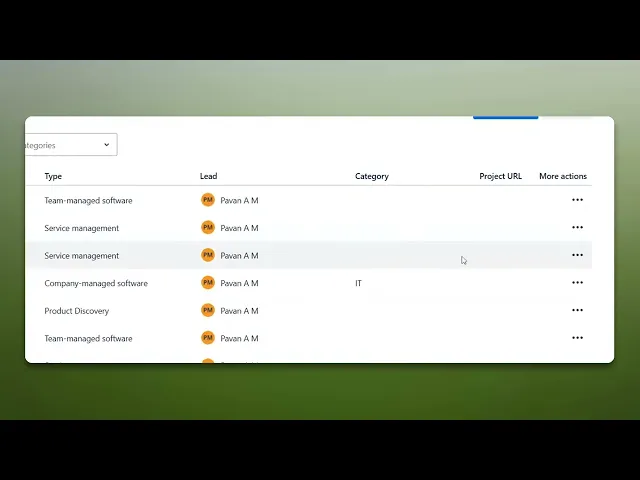
How To Archive Jira Tickets
Discover effective strategies for archiving Jira tickets. Learn best practices to streamline your workflow and enhance project management efficiency.
This document provides a concise process for archiving Jira tickets. Follow these streamlined steps to ensure your project tasks are efficiently organized and archived.
Step 1
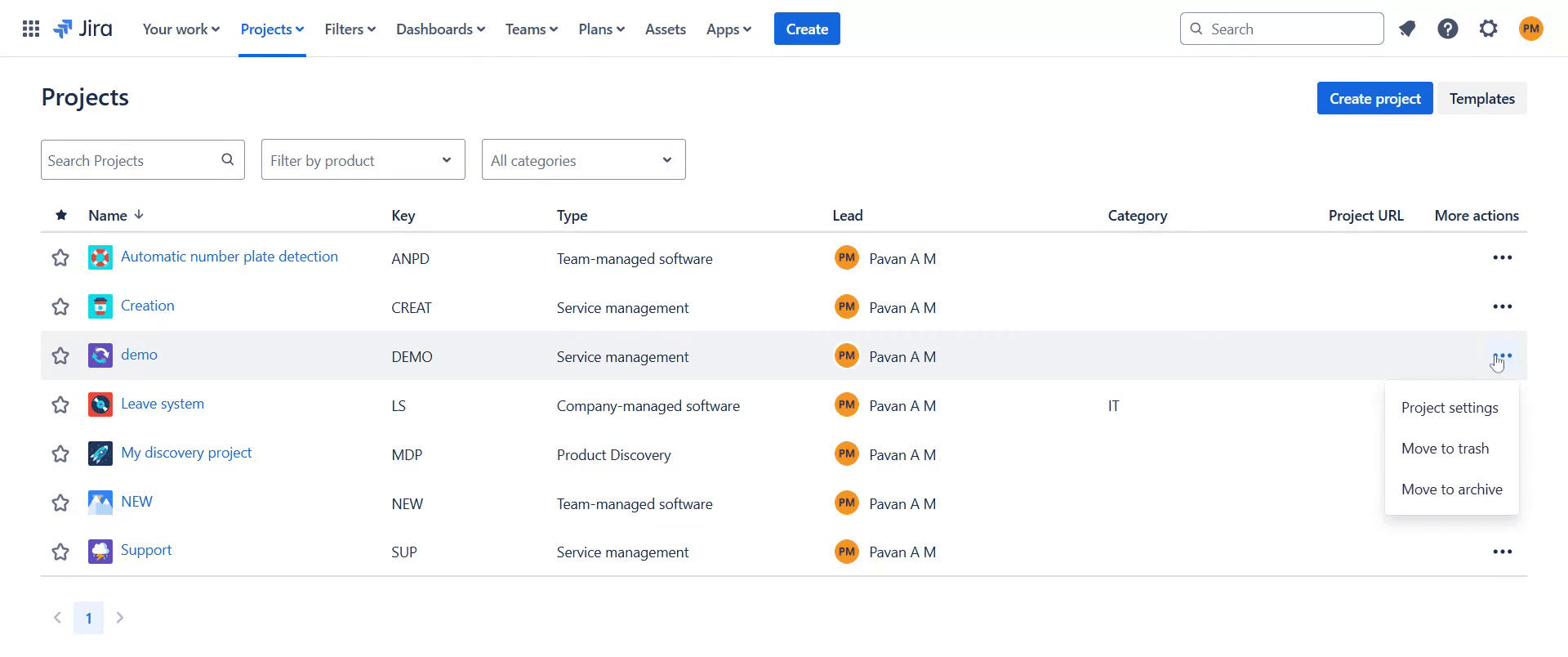
Click on the "More Actions" option.
Step 2
Choose the " Move to archive" option to proceed with archiving the ticket.
Step 3
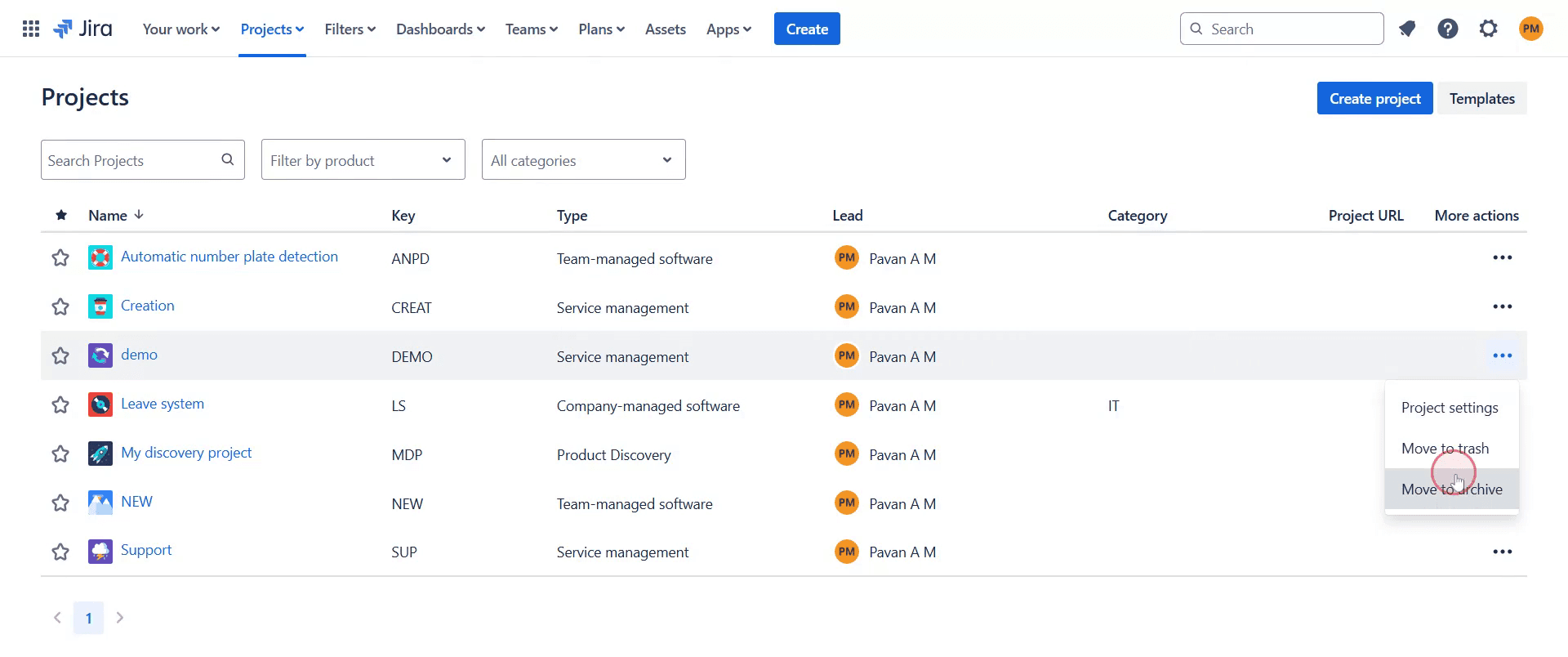
Next, click on "Move to Archive" to initiate the archiving process.
Step 4
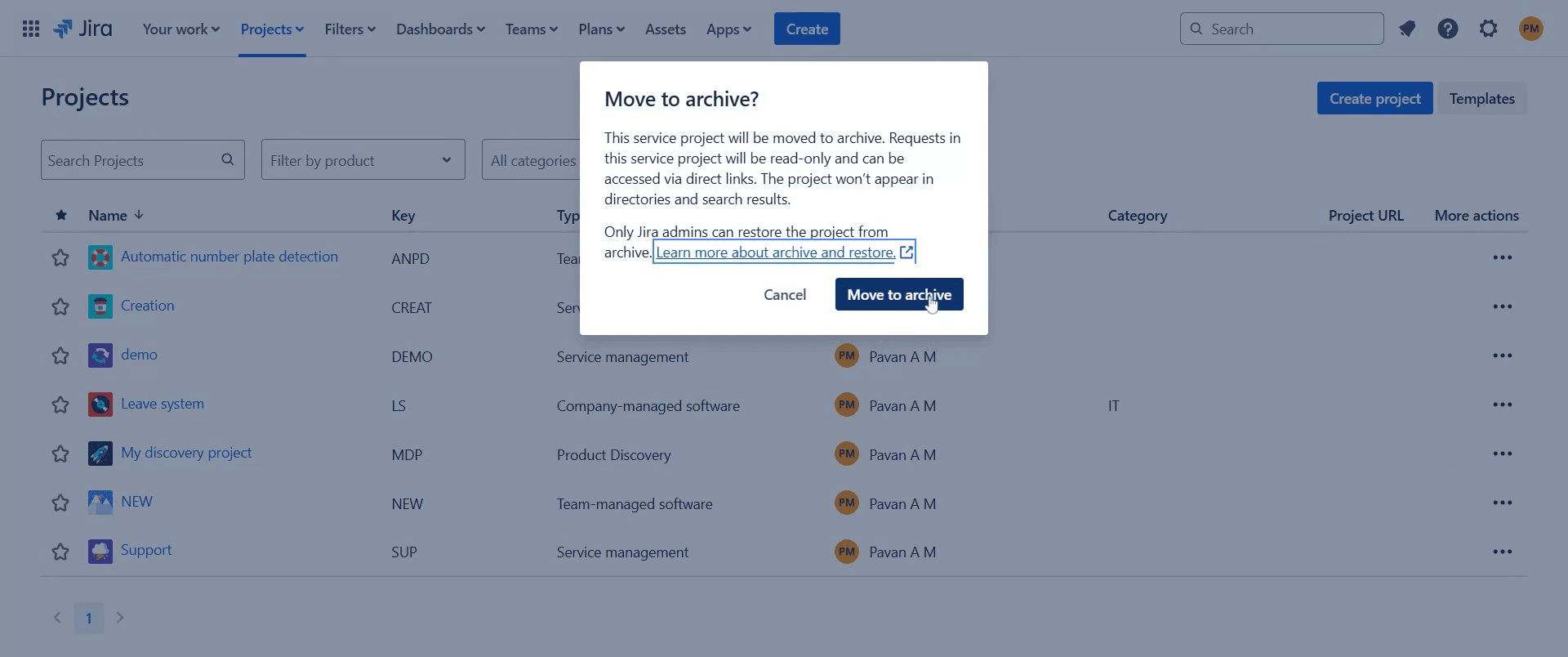
Upon successful completion, the ticket will be archived.
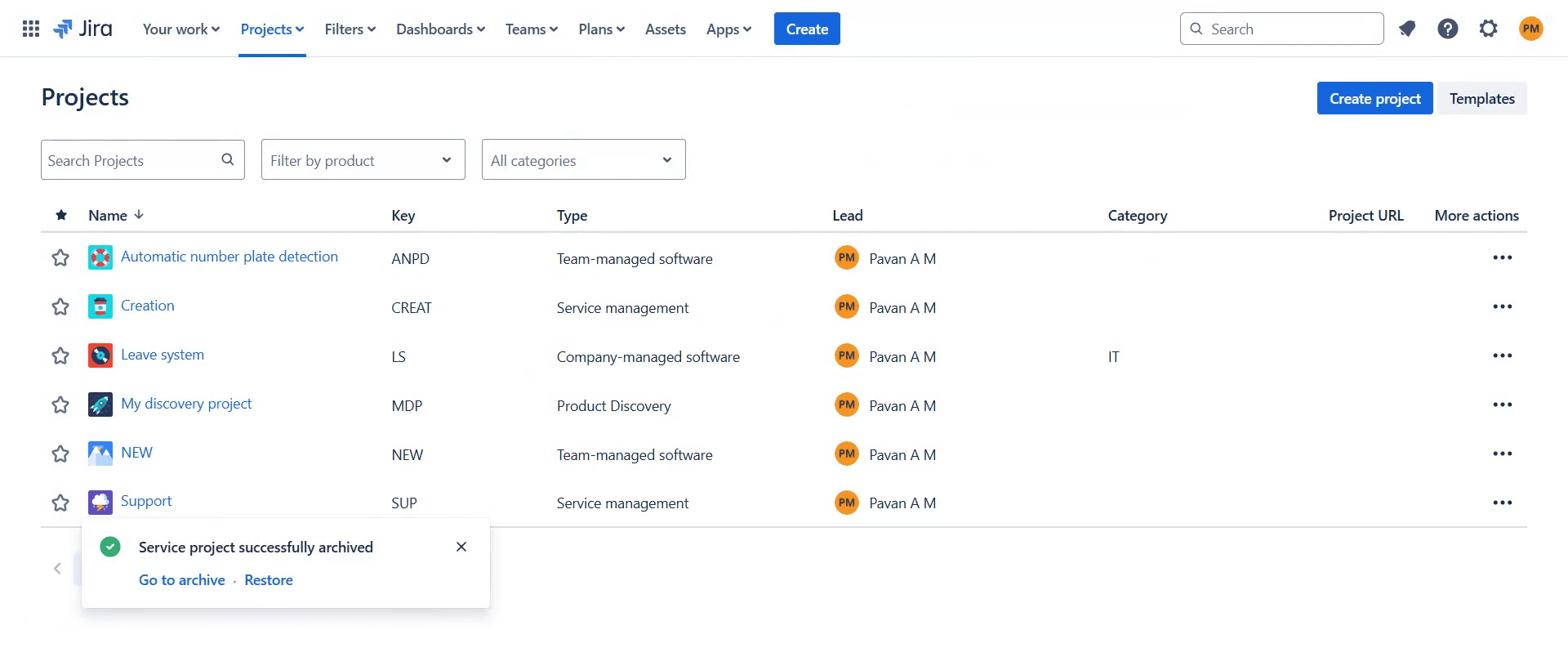
This is a step-by-step guide on how to archive Jira tickets.
Pro-tips for archiving Jira tickets
Use Jira's bulk change feature to archive multiple tickets at once, ensuring a clean and organized backlog.
Move completed or outdated issues to an archive project to prevent clutter while retaining historical data.
Use filters and JQL queries to locate old or inactive tickets before archiving them for better project management.
Common pitfalls & how to avoid them while archiving Jira tickets
Not having the right permissions ensure you have administrator access to archive issues.
Losing important data verify that tickets are no longer needed before archiving them.
Issues still appearing in searches update filters and boards to exclude archived issues for better clarity.
Common FAQs for archiving Jira tickets
Can I delete Jira tickets instead of archiving them?
Yes, but deleting tickets permanently removes them, whereas archiving retains them for future reference.Do archived tickets count towards Jira's issue limit?
No, archived issues do not count toward your Jira instance's issue limit, freeing up space.How do I restore an archived ticket?
Move the archived ticket back to an active project to make it visible again in Jira.
If you're an instructor or content creator looking to make tutorial videos, give Trupeer.ai a try. It transforms rough screen recordings into polished, studio-style videos that are ready for sharing with your audience. Plus, it automatically generates a step-by-step guide based on the video you create. Fascinating, right? Start by creating your first tutorial for free with Trupeer.ai.

