
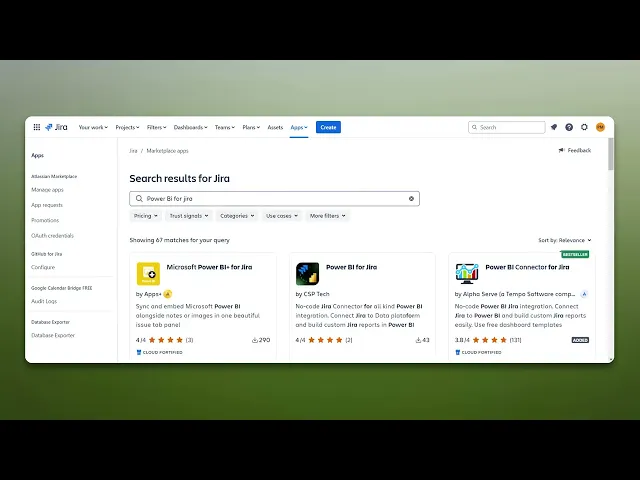
How To Connect Jira To Power Bi
Learn how to seamlessly connect Jira to Power BI with our comprehensive guide. Transform your project data into actionable insights effortlessly.
This document provides a step-by-step process to seamlessly connect Jira with Power BI. By following these instructions, you will be able to integrate your Jira data into Power BI efficiently.
Step 1
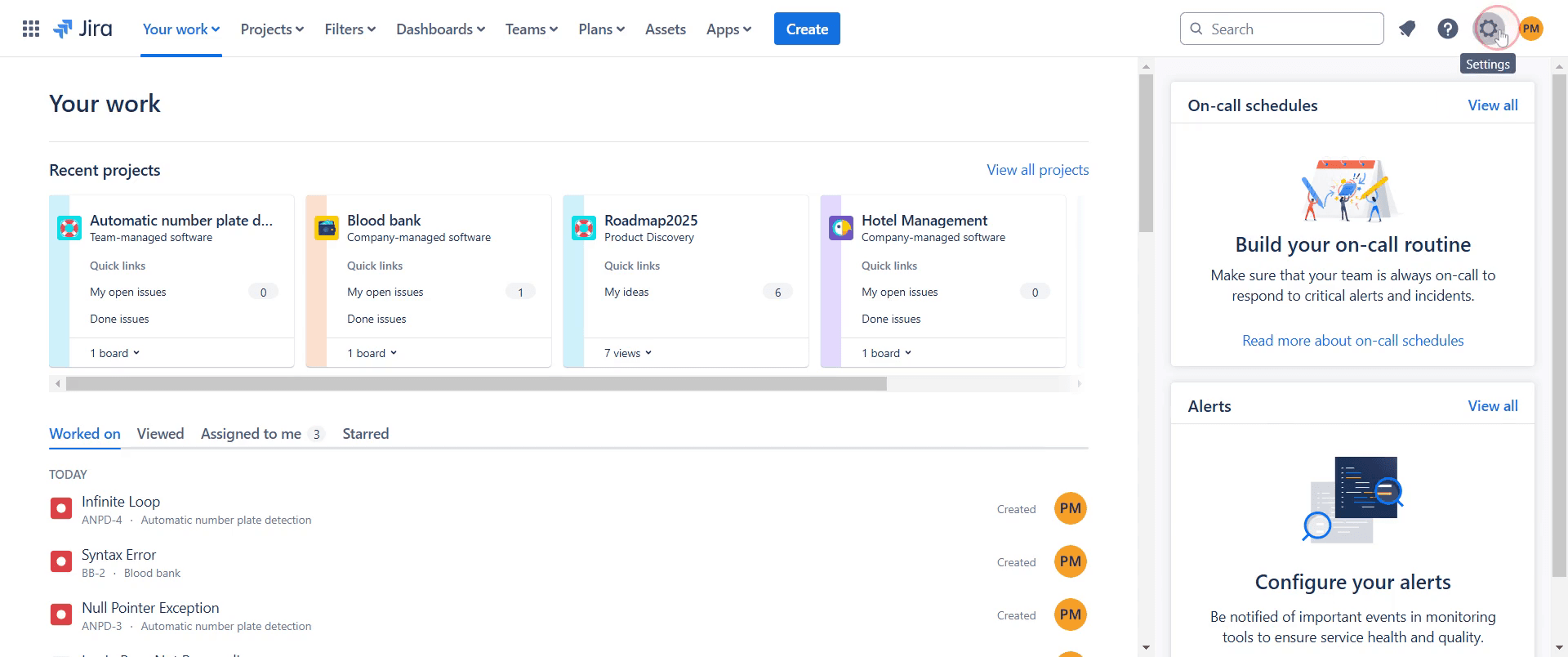
Go to the 'Settings' option in your Jira account, click on it.
Step 2
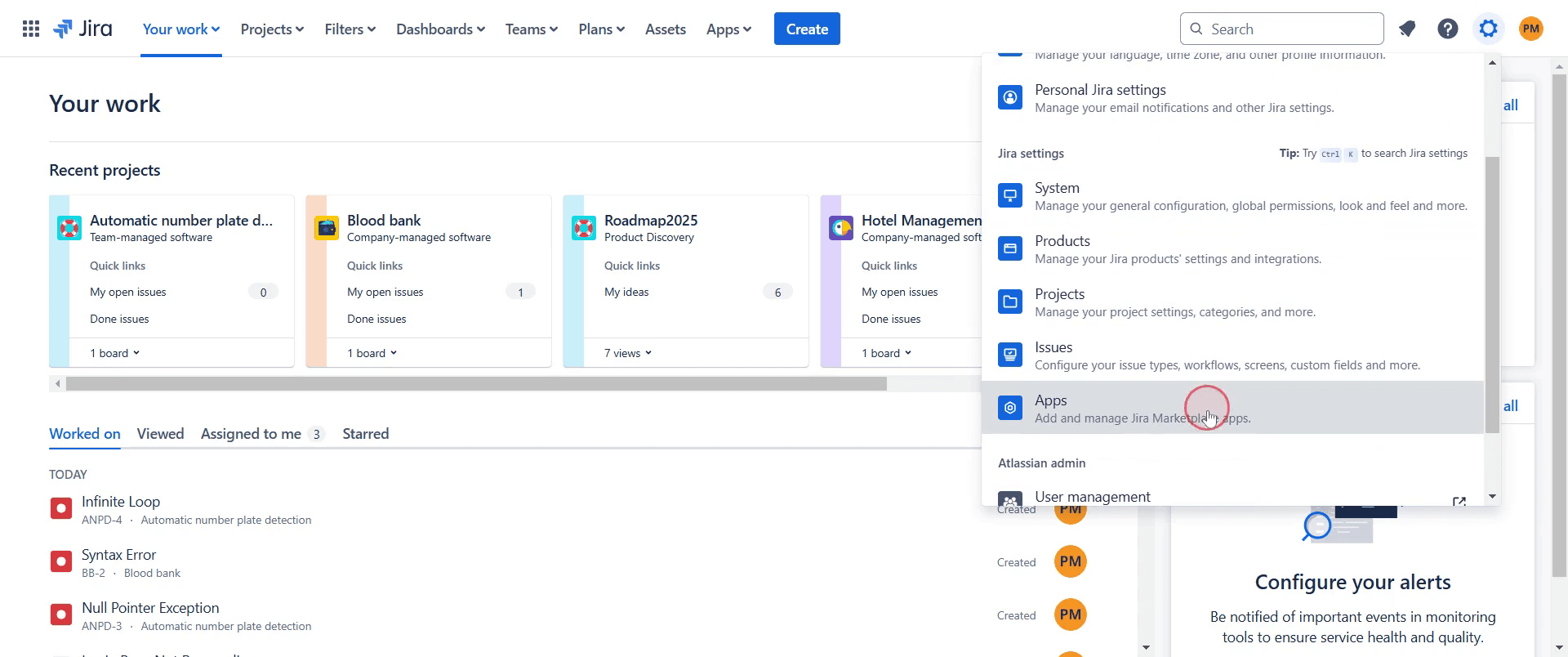
Next, go to the 'Apps' section.
Step 3
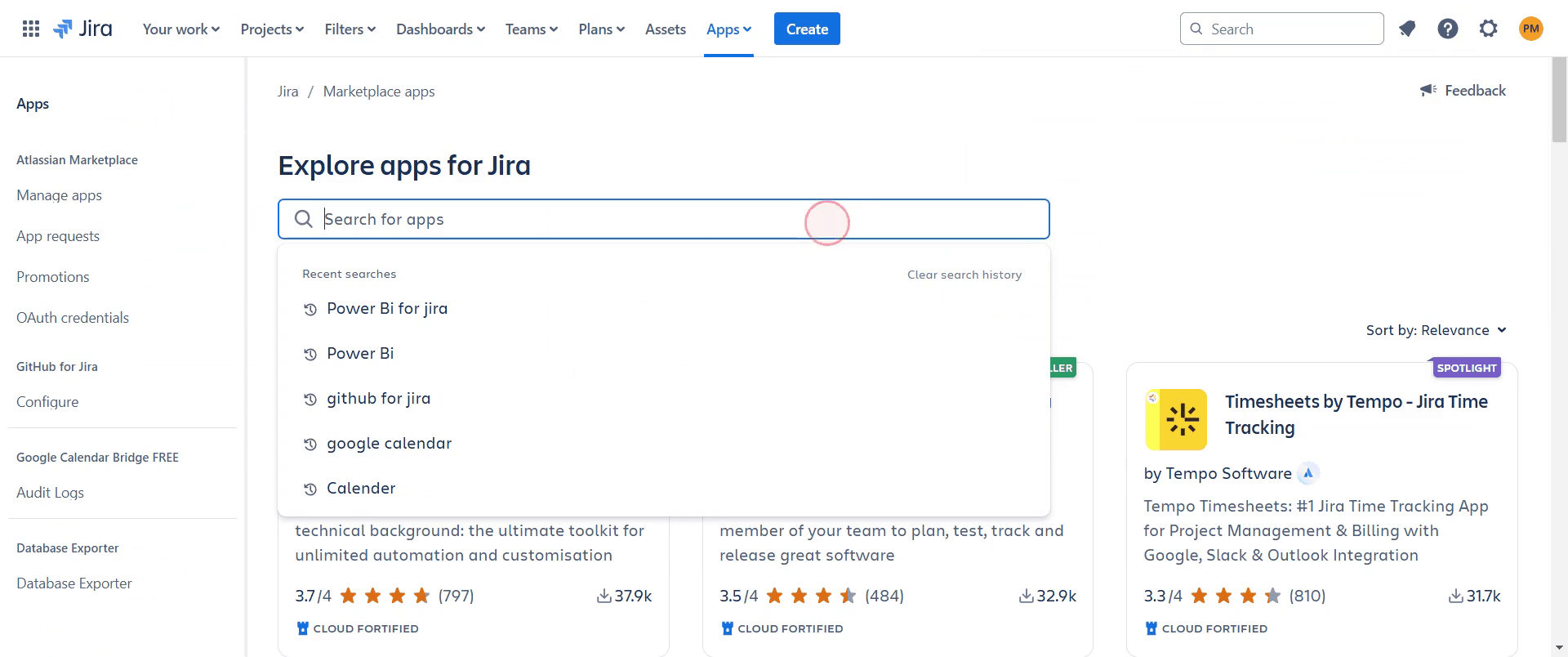
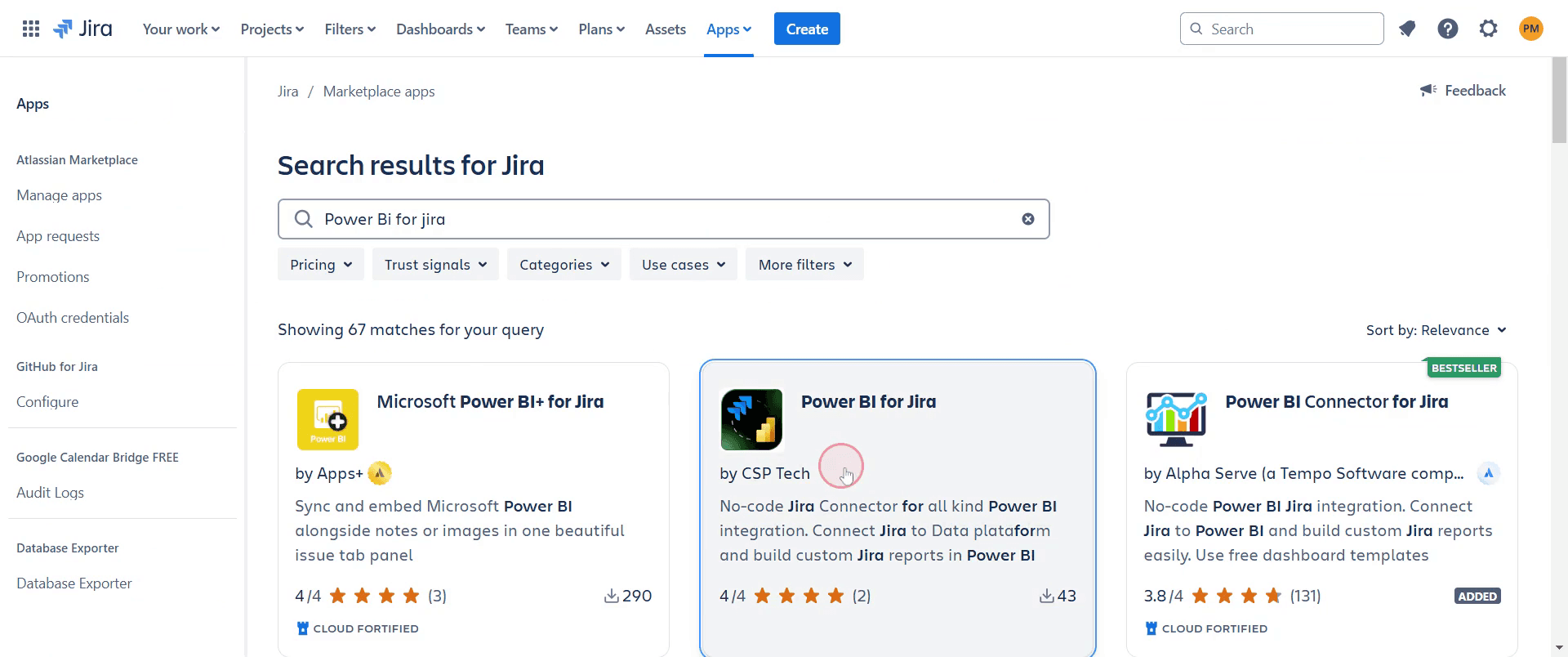
Utilize the search bar to look for "Power BI."
Step 4
Once you locate "Power BI," click on it.
Step 5
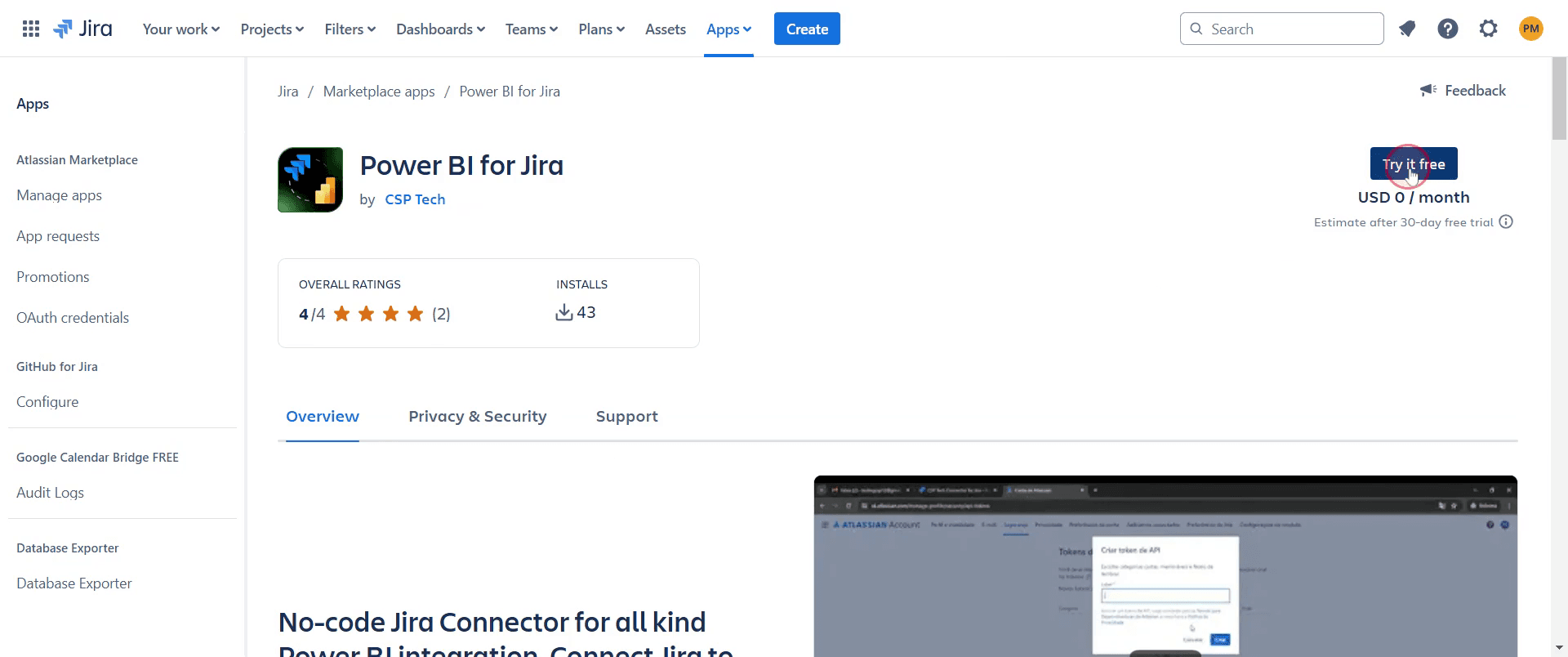
Click on "Try it for Free" option.
Step 6
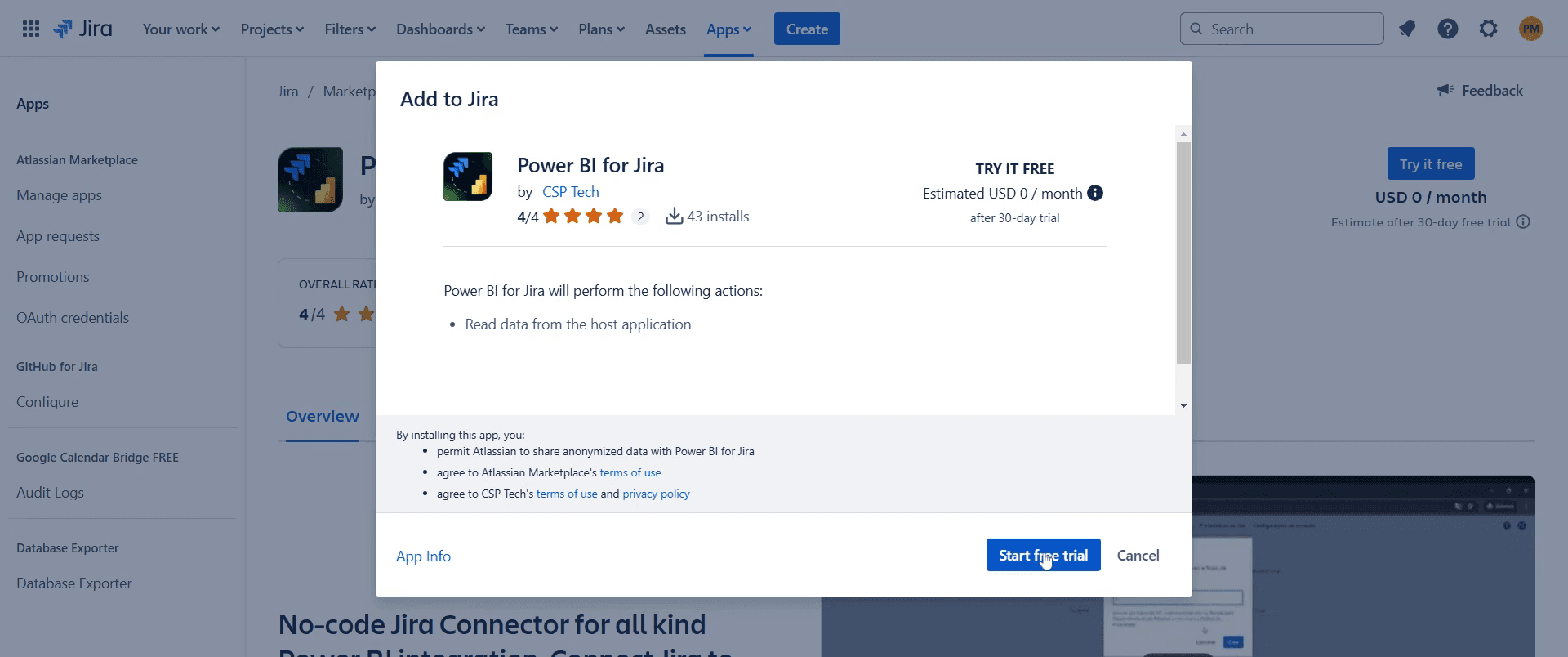
Proceed by clicking on "Start Free Trial."
Step 7
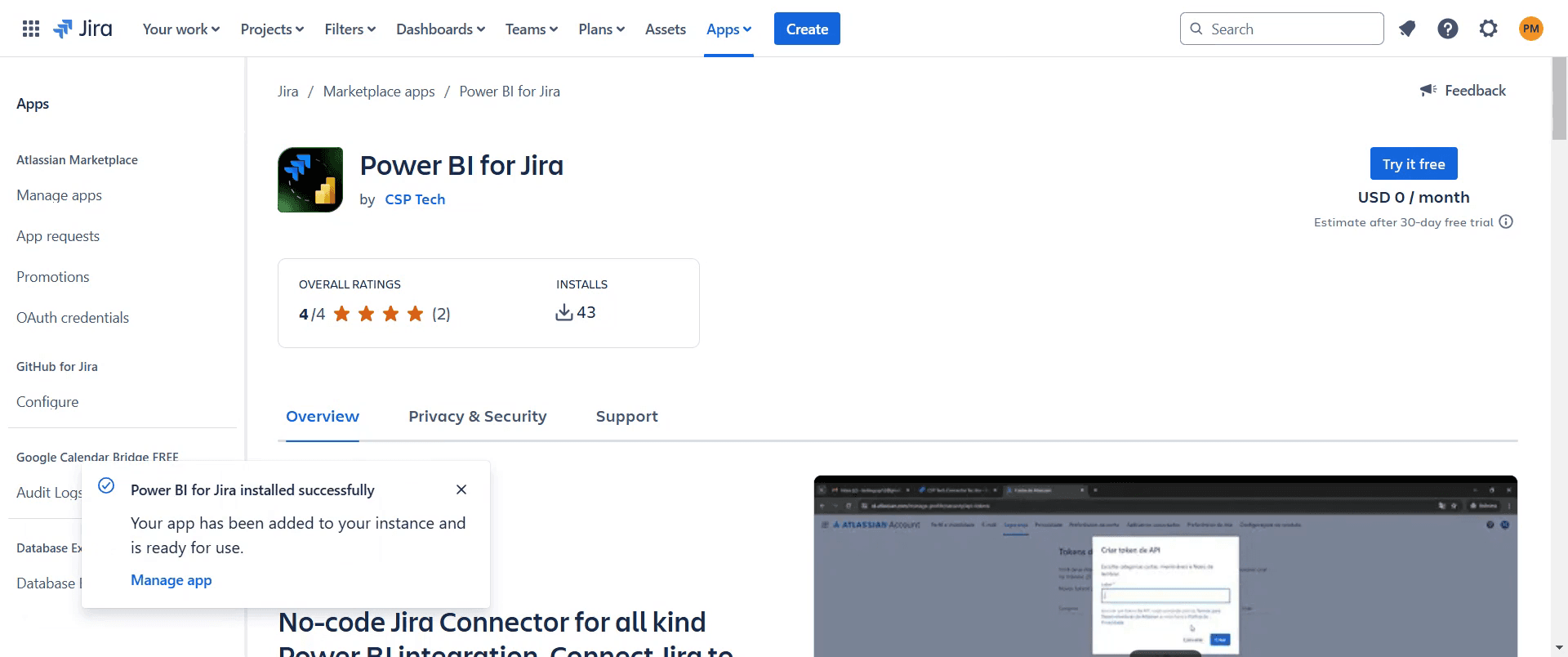
Once the loading is complete, a pop-up will confirm that Power BI has been installed successfully.
That's it. This is a step-by-step guide on how to connect Jira to Power BI.
Pro-tips for Connecting Jira to Power BI
Use the Jira Power BI Connector from Atlassian Marketplace for seamless integration.
Apply Jira filters to export only relevant data for better insights.
Enable scheduled refresh in Power BI to keep your reports up to date.
Common pitfalls & how to avoid them while Connecting Jira to Power BI
Data sync issues Ensure API limits are not exceeded and schedule automatic refresh.
Incorrect field mapping Double-check data mappings to avoid missing or incorrect values.
Authentication failures Use a secure API token or OAuth for stable connectivity.
Common FAQs for Connecting Jira to Power BI
How often does Jira data update in Power BI?
It depends on your Power BI settings; you can schedule automatic data refresh.What Jira data can I visualize in Power BI?
You can track issue progress, sprint performance, workload distribution, and other key metrics.Does Power BI support real-time Jira data updates?
No, but scheduled refresh ensures you get the latest data.
If you're an instructor or content creator looking to make tutorial videos, give Trupeer.ai a try. It transforms rough screen recordings into polished, studio-style videos that are ready for sharing with your audience. Plus, it automatically generates a step-by-step guide based on the video you create. Fascinating, right? Start by creating your first tutorial for free with Trupeer.ai.

