
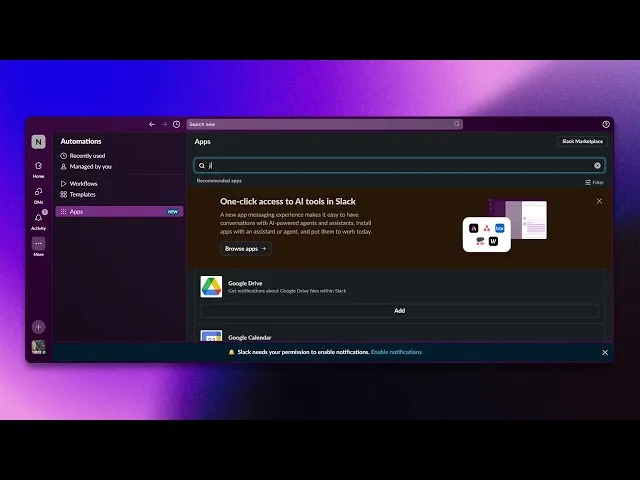
How To Connect Your Jira Account With Slack
Learn to integrate your Jira account with Slack effortlessly. Improve communication and project tracking with our comprehensive instructions and tips.
This document outlines the procedure to successfully connect Jira with Slack. By following the steps below, users will establish a seamless integration, allowing efficient collaboration between the two platforms.
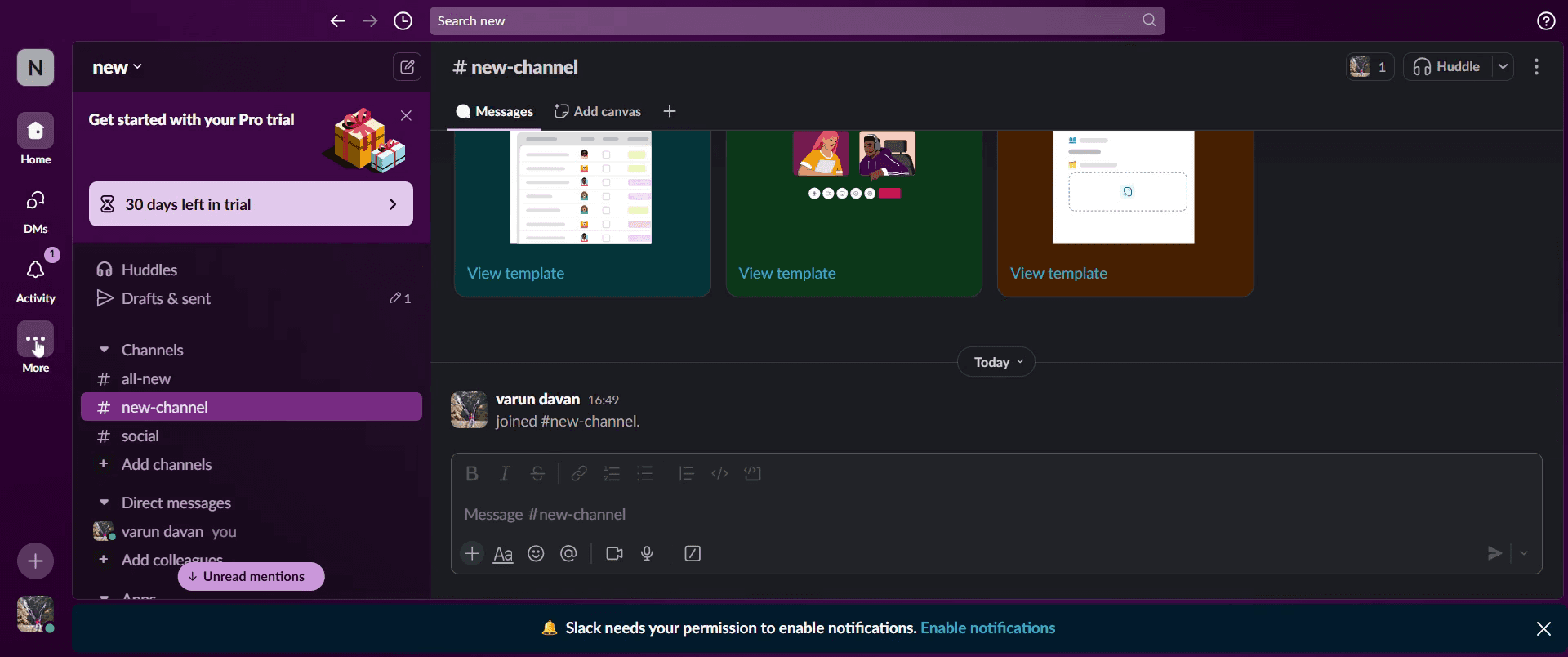
Step 1
Click on the three dots.
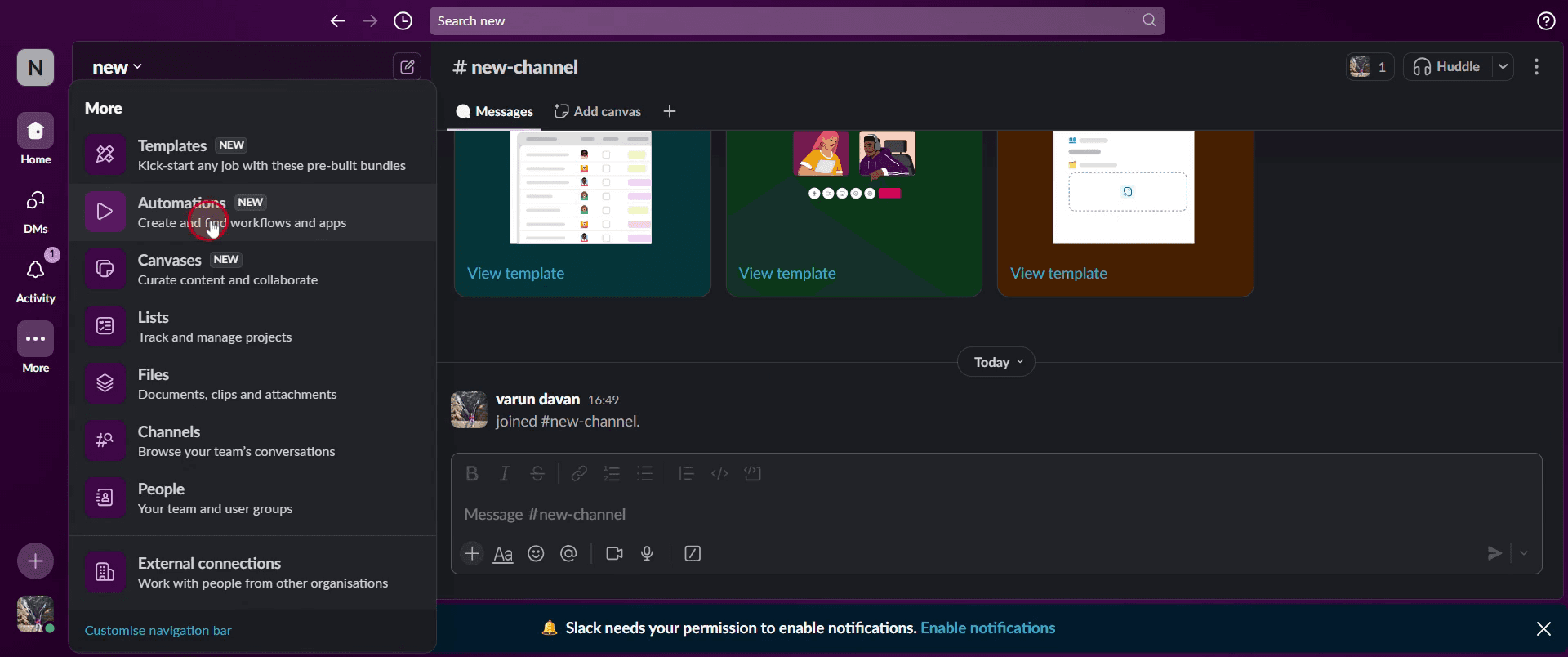
Step 2
Then select Automations,
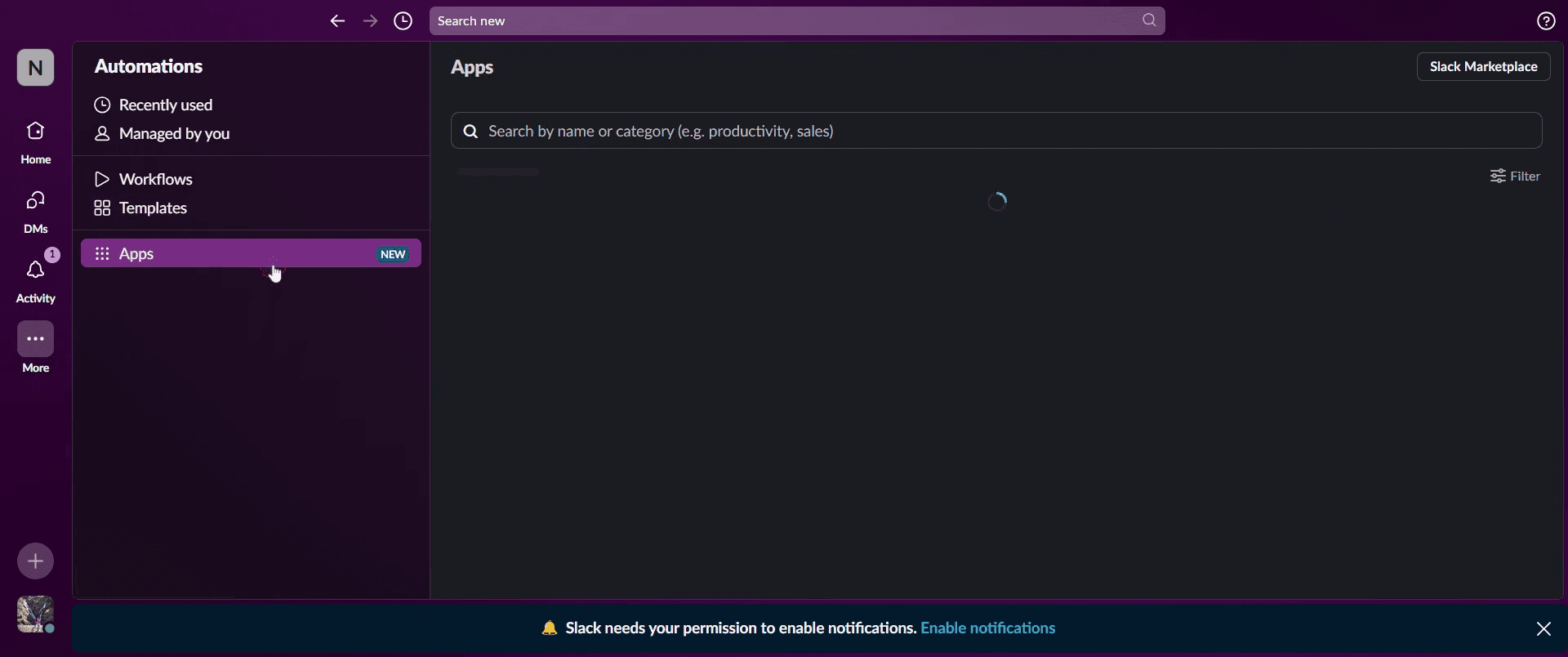
Step 3
Then click on Apps.
Step 4
And click on add button.
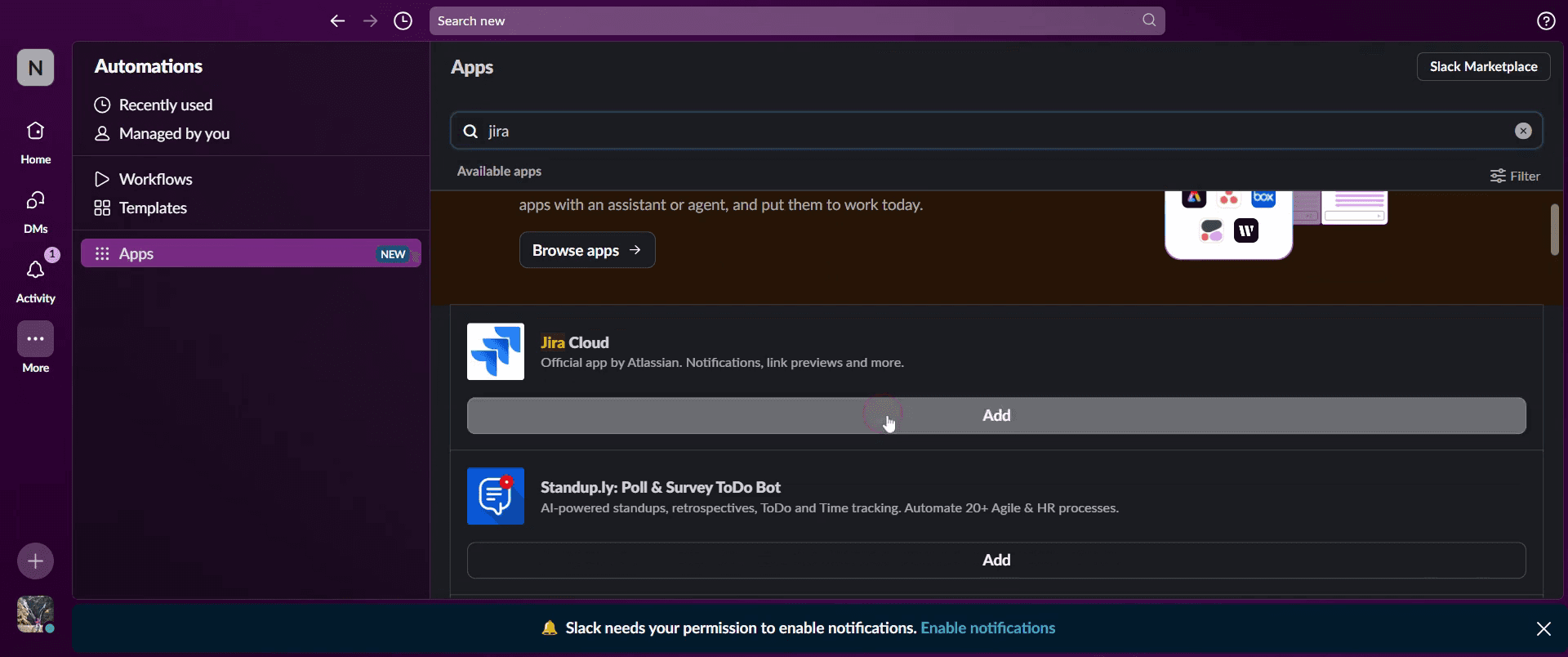
Step 5
Click on Open in Slack.
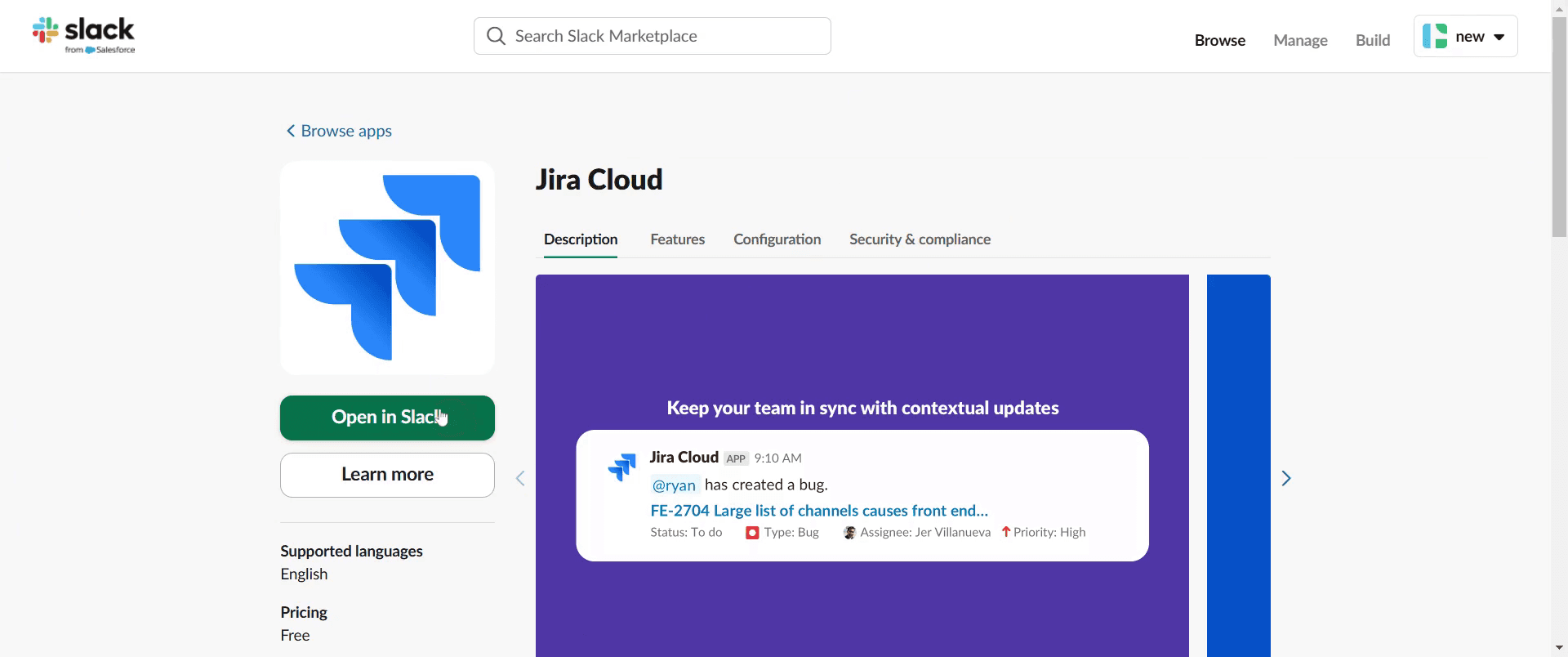
Step 6
Choose to open the link in your browser.

Step 7
In the message console, type a forward slash [ / ] and J. You will now see that Jira is integrated with Slack.
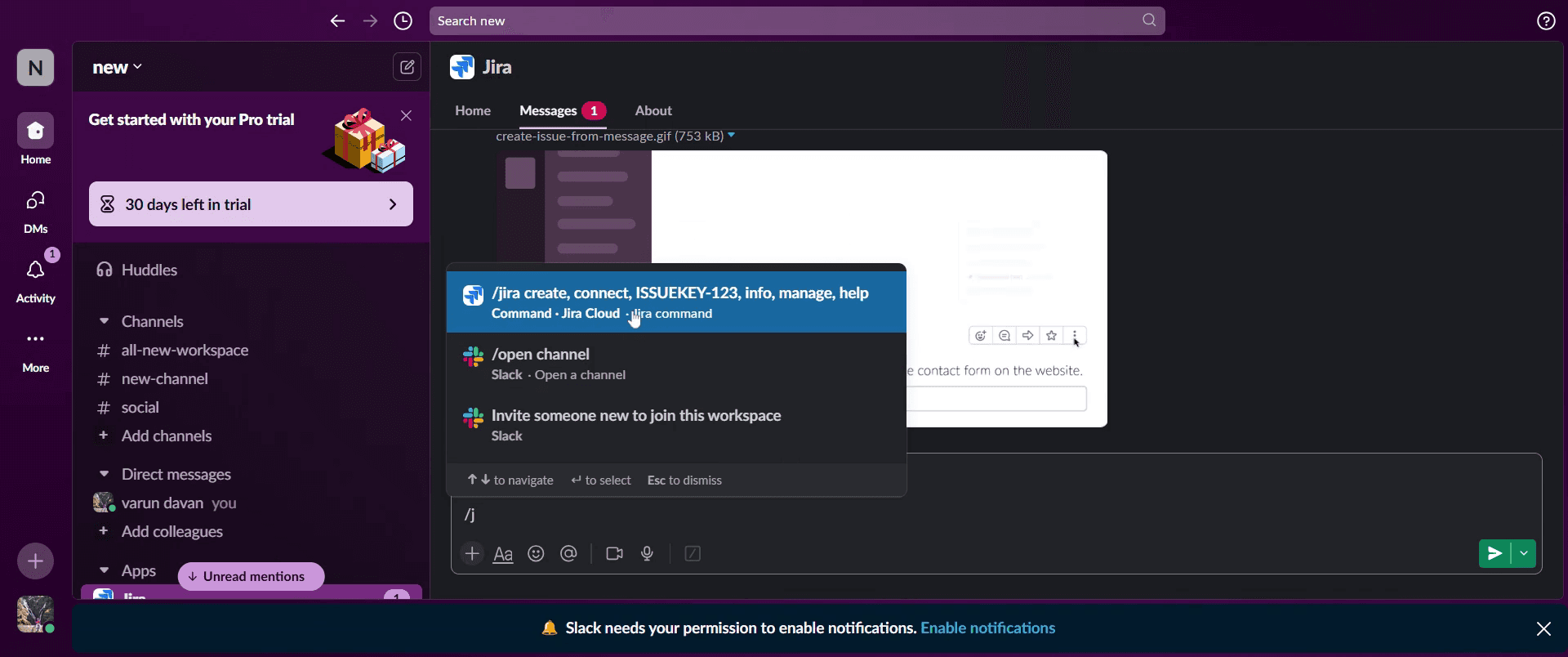
This is the step-by-step process to connect your Jira account with Slack. Let’s look at some tips for it.
Pro tips for connecting Jira with Slack
Use the Official Jira Cloud App – Install the Jira Cloud for Slack app from the Slack App Directory for seamless integration. This ensures real-time updates and issue tracking directly from Slack.
Connect Your Jira Site – Once the Jira app is added to Slack, use the
/jira connectcommand to link your Jira workspace with Slack. This step is crucial to enable automatic notifications.Set Up Notifications Smartly – Customize your Slack notifications to avoid information overload. You can set alerts for issue assignments, status changes, or new comments.
Common pitfalls & how to avoid them
Not Having Admin Access – You must have Jira admin privileges to install and configure the Slack integration. If you don’t, request access from your Jira administrator.
Missing the Right Permissions in Slack – Ensure you have the required permissions in Slack to add new apps and integrate Jira into channels. If your workspace restricts app installations, reach out to your Slack admin.
Too Many Notifications – Avoid excessive notifications by customizing them to only receive relevant updates. Otherwise, your Slack workspace might become overwhelming.
Common FAQs for Connecting Jira with Slack
Can i receive Jira notifications in Slack?
Yes, after connecting Jira to Slack, you can configure notifications for specific issues, projects, or mentions directly in Slack.How do i create Jira issues from Slack?
Use the/jira createcommand in Slack to open a form where you can enter issue details and create it without leaving Slack.Can i integrate multiple Jira projects with Slack?
Yes, you can connect multiple Jira projects to different Slack channels by using the/jira connectcommand and configuring notifications per project.What if the Jira-Slack integration is not working?
Try disconnecting and reconnecting Jira from Slack. Also, verify that you have the necessary admin permissions in both Jira and Slack.
If you're an instructor or content creator looking to make tutorial videos, give a try. It transforms rough screen recordings into polished, studio-style videos that are ready for sharing with your audience. Plus, it automatically generates a step-by-step guide based on the video you create. Fascinating, right? Start by creating your first tutorial for free with trupeer.ai .

