
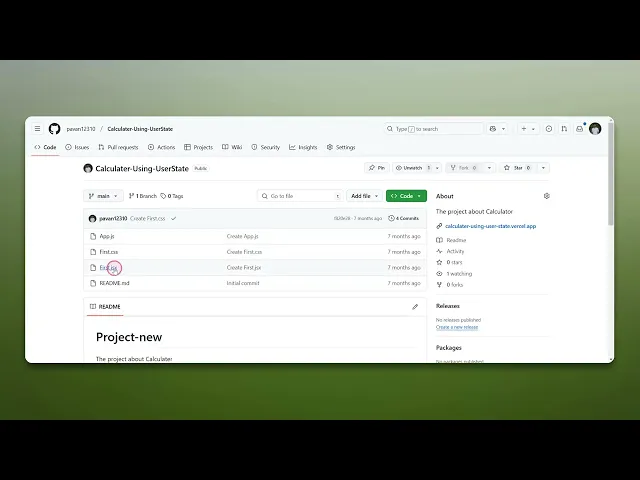
How To Copy Code From GitHub
Discover the essential steps to copy code from GitHub effortlessly. Our guide provides clear instructions for beginners and experienced developers alike.
This process describes how to copy code from GitHub. By following these steps, you will be able to navigate to the desired file within a repository and utilize GitHub's features to copy the code quickly and accurately.
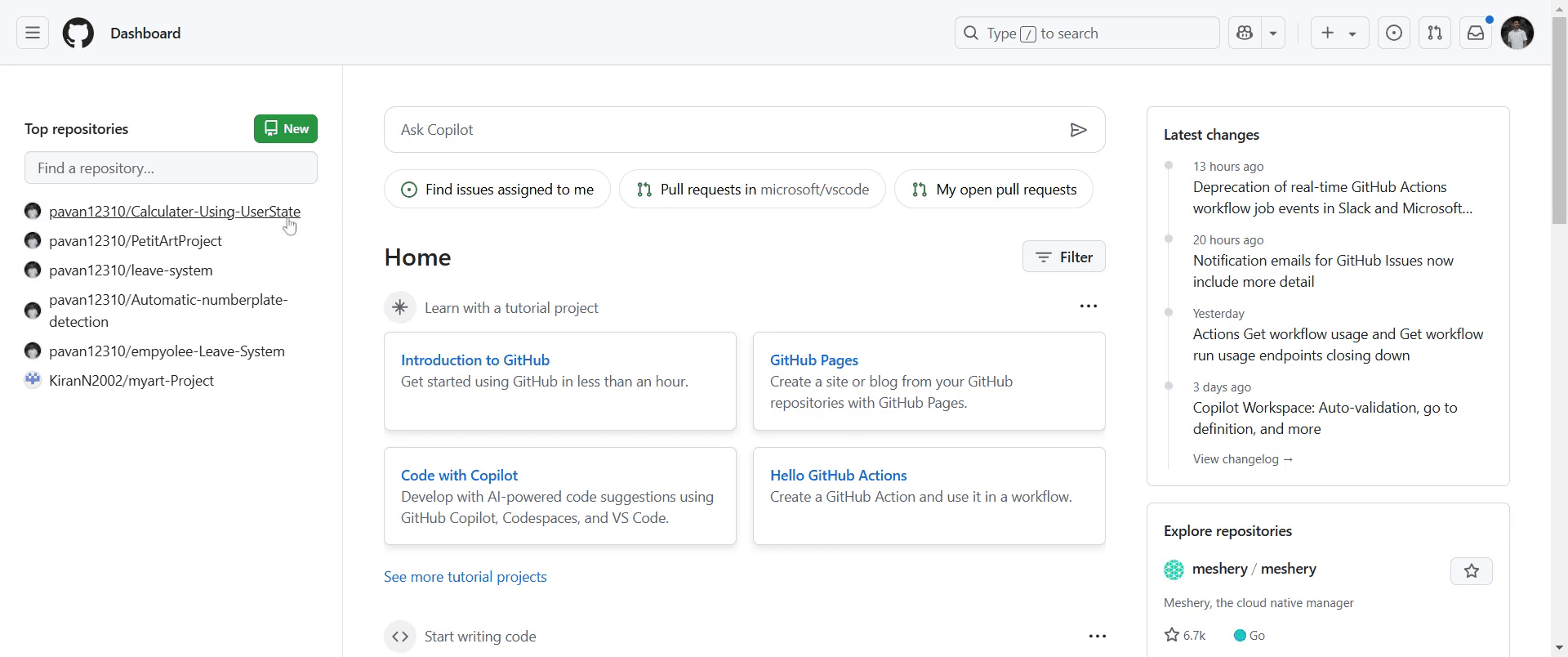
Step 1
Click on repository from which you wish to copy code.
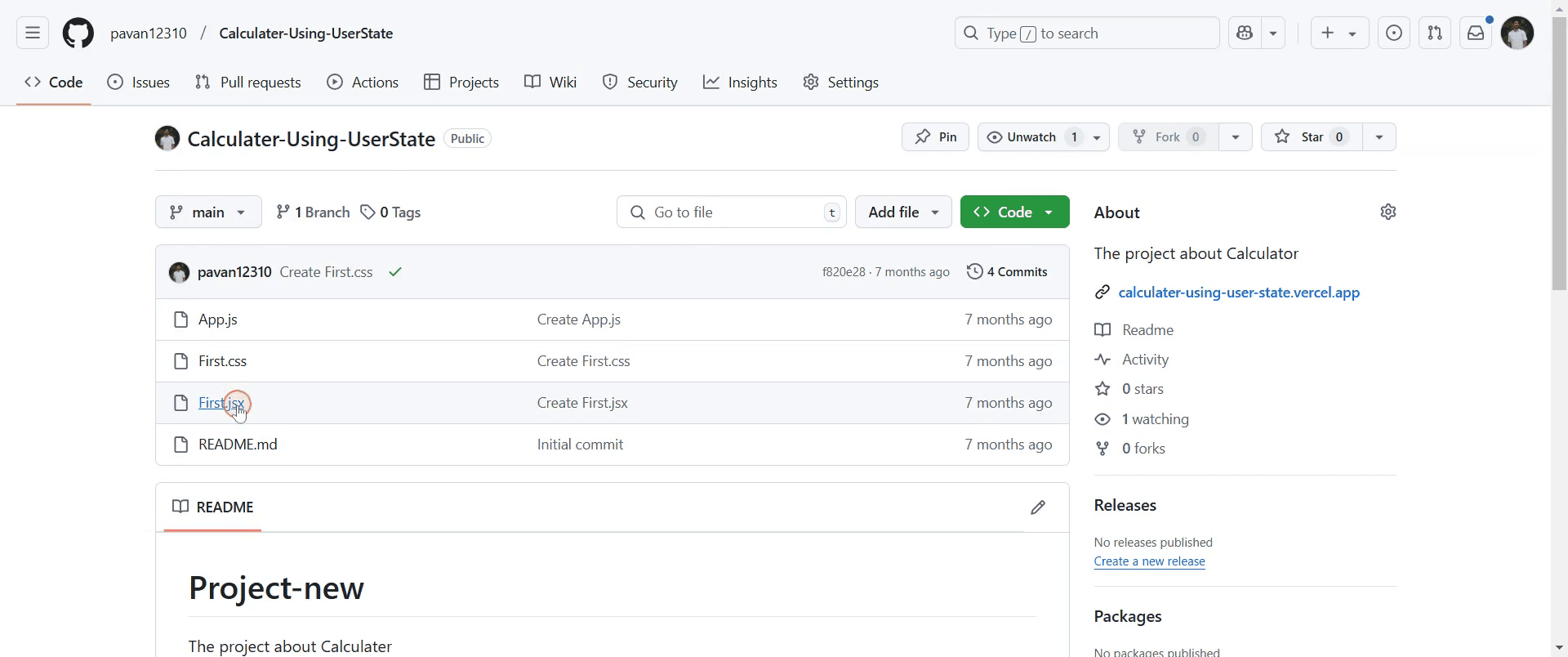
Step 2
Select the specific file you are interested in copying.
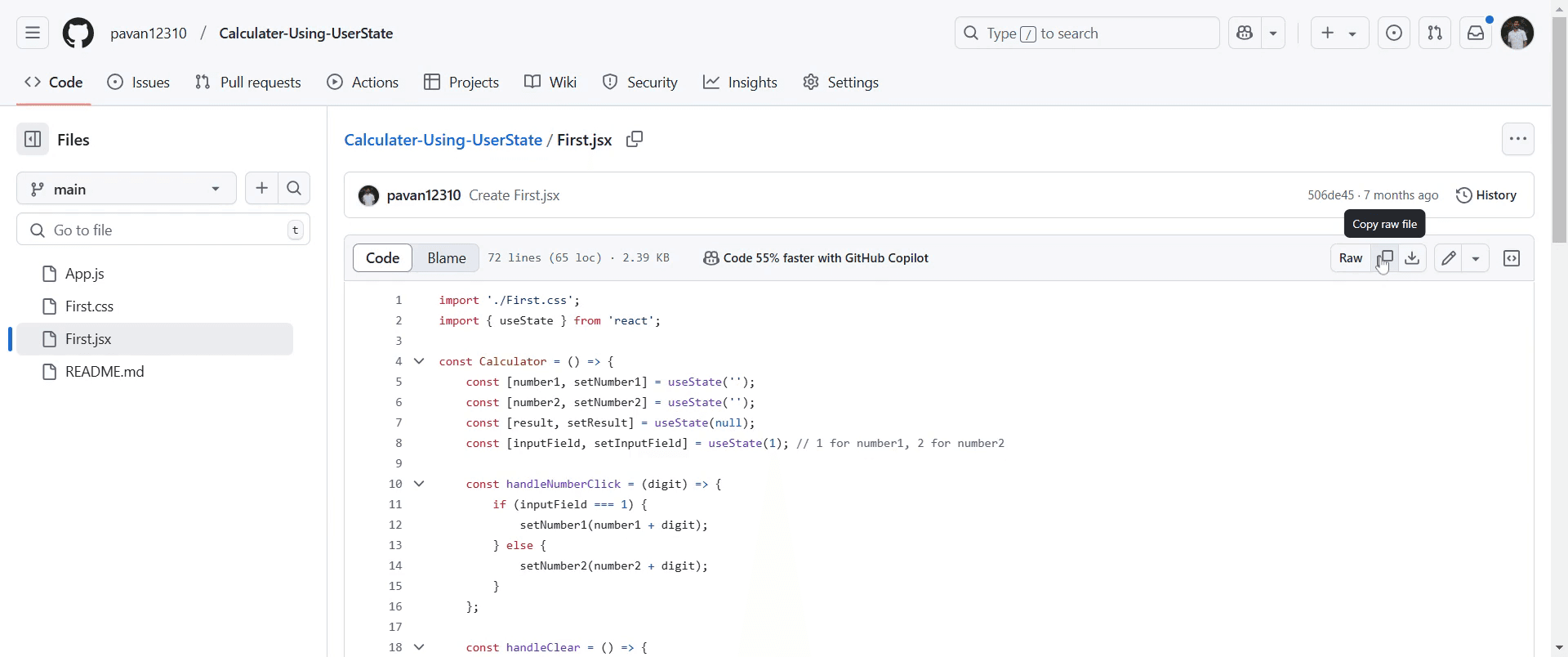
Step 3
Go and click on copy option.
This is a step-by-step guide on how to copy code from GitHub.
Pro-Tips for copying code from GitHub
Use the Copy Button for Quick Copying – When viewing a code file on GitHub, use the copy button (clipboard icon) at the top-right of the code block to copy instantly.
Download the Code as a ZIP File – If you need multiple files, click the Code button and select Download ZIP to get everything at once.
Use Raw View for Clean Copying – Click the Raw button when viewing a file to remove GitHub’s UI and get a clean version of the code for copying.
Common Pitfalls & how to avoid them while copying code from GitHub
Copying Formatted Code with Extra Characters – If you copy directly from the web page instead of Raw view, you may get extra formatting. Always use Raw mode to copy clean code.
Copying Incomplete Code – Large files may require scrolling to see the full content. Ensure you select everything before copying.
Copying Without Understanding Licensing Terms – Some GitHub projects have licenses that restrict usage. Always review the license before using the code.
Common FAQs for copying code from GitHub
How can I copy an entire project from GitHub?
Click the Code button, copy the repository URL, and rungit clone <repository URL>in your terminal or Git Bash.Can I copy code from GitHub without an account?
Yes, you can copy public code without signing in, but private repositories require access permissions.Why does copied GitHub code not work?
The code may have dependencies or configurations required for it to run. Always check the README or installation instructions.
If you're an instructor or content creator looking to make tutorial videos, give Trupeer.ai a try. It transforms rough screen recordings into polished, studio-style videos that are ready for sharing with your audience. Plus, it automatically generates a step-by-step guide based on the video you create. Fascinating, right? Start by creating your first tutorial for free with Trupeer.ai.

