

How To Create Advanced Roadmap In Jira
Discover how to create advanced roadmaps in Jira with our comprehensive guide. Streamline your project planning and enhance team collaboration effectively.
This document provides a detailed walkthrough on how to create an advanced roadmap in Jira. The steps outlined will guide you through creating a plan, utilizing various views, and managing dependencies and teams within Jira.
Step 1
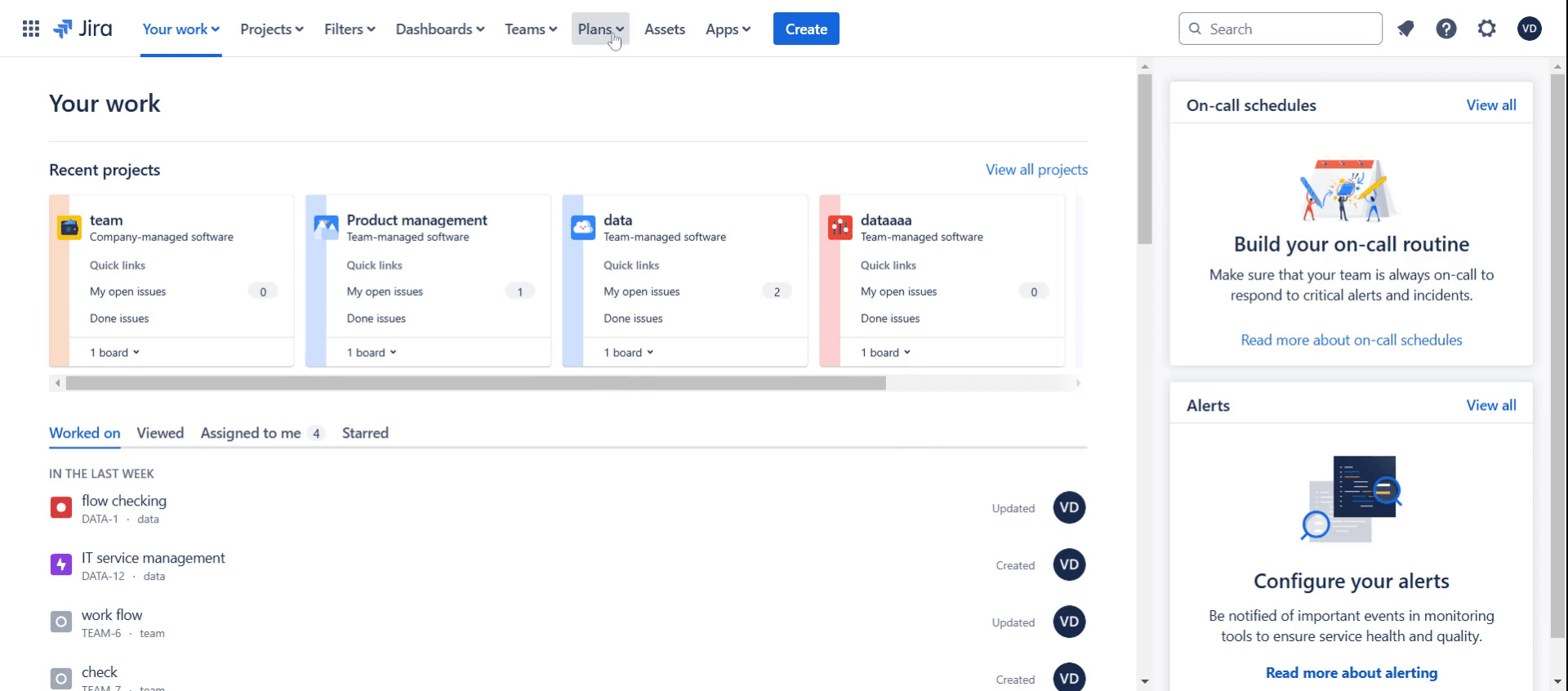
Click on Plans.
Step 2
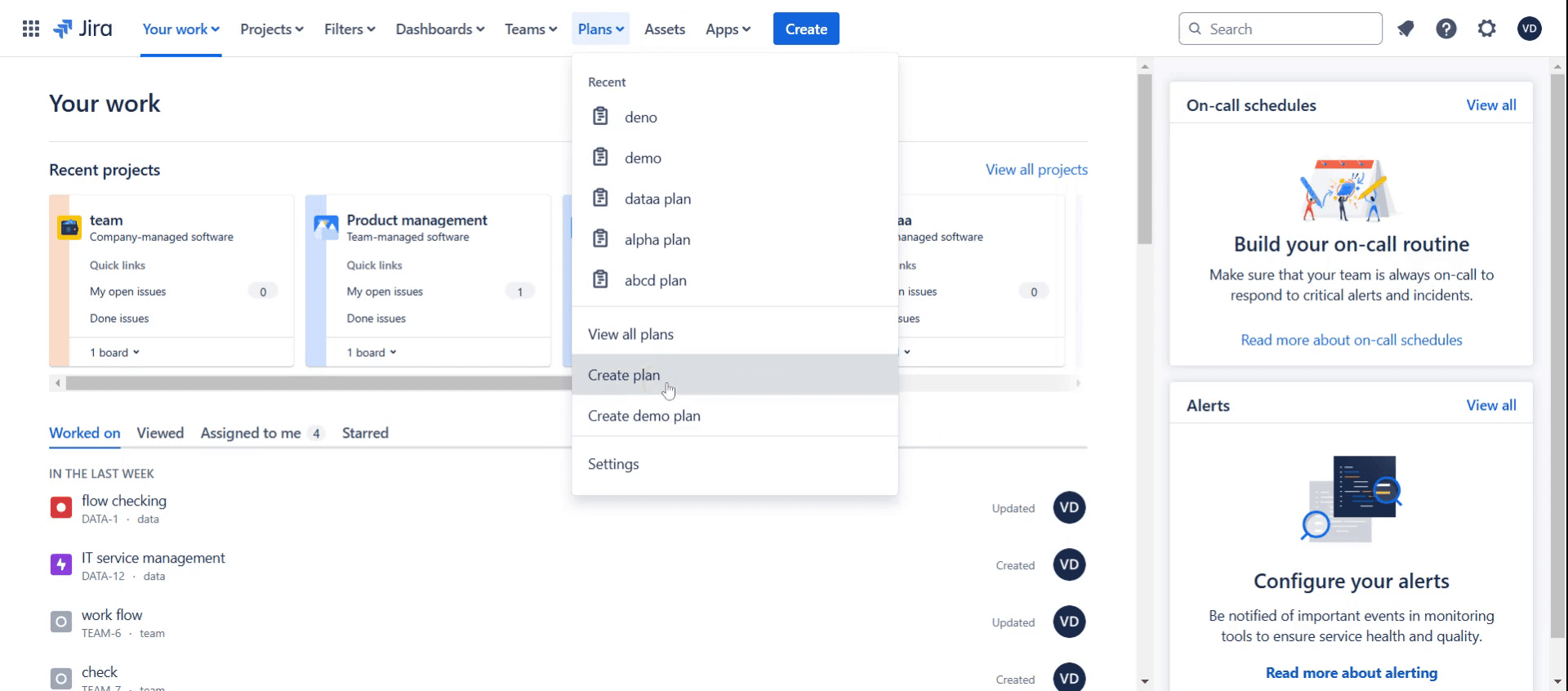
Then select Create Plan.
Step 3
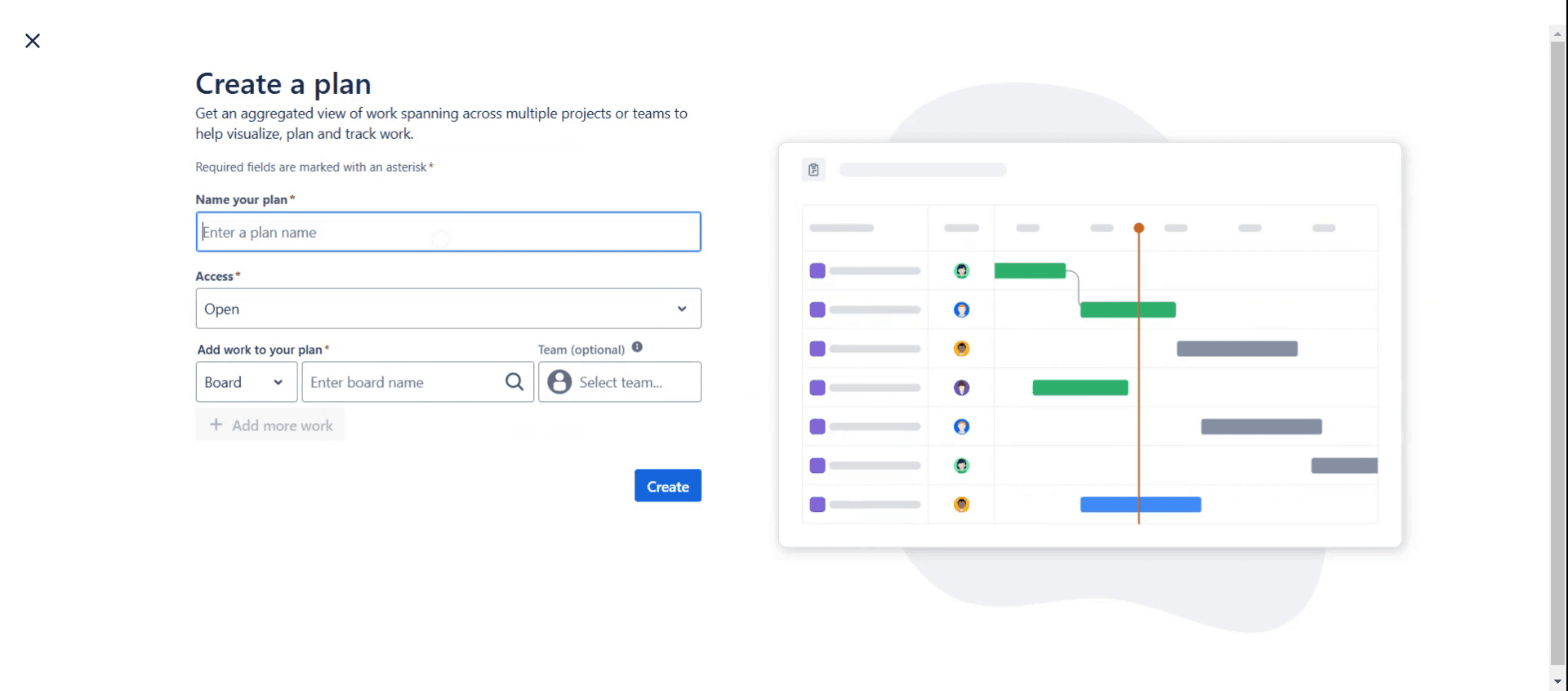
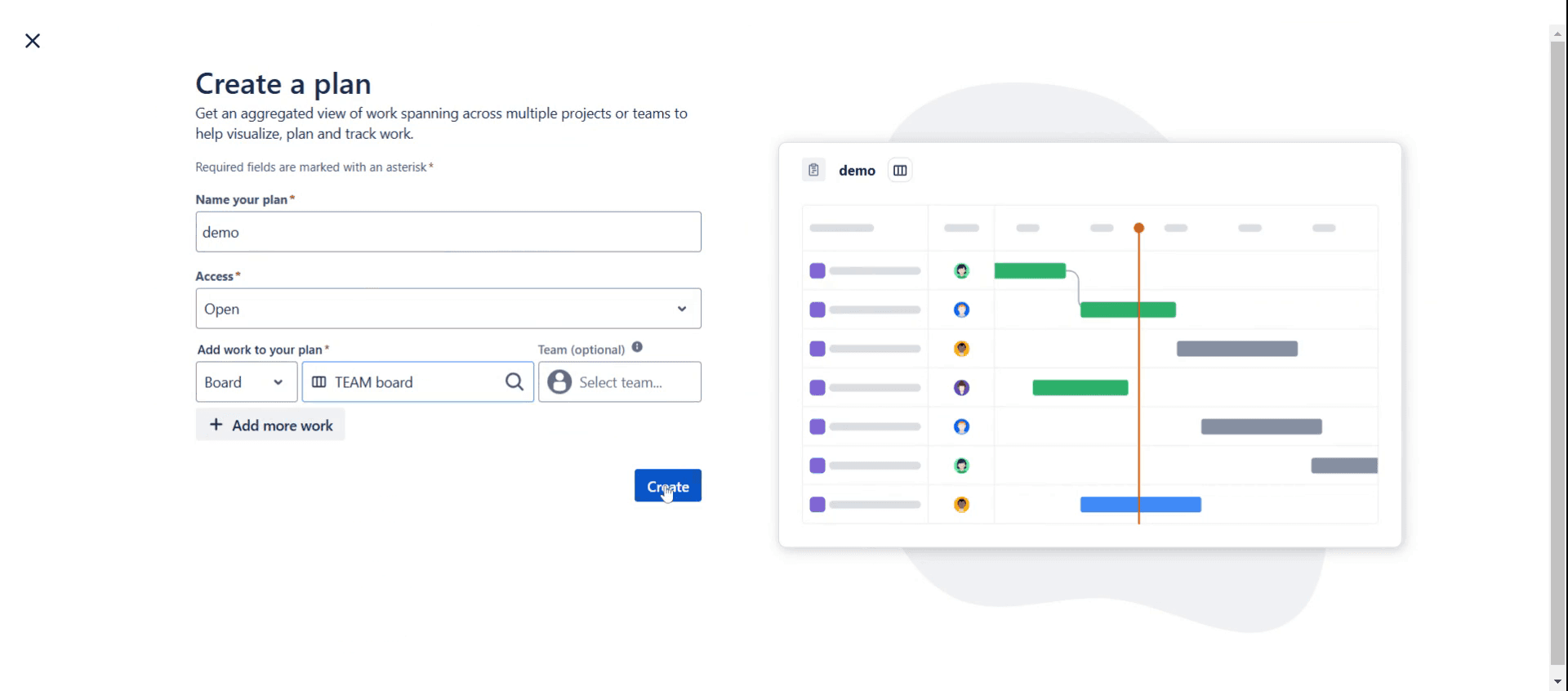
Then name your plan,
Step 4
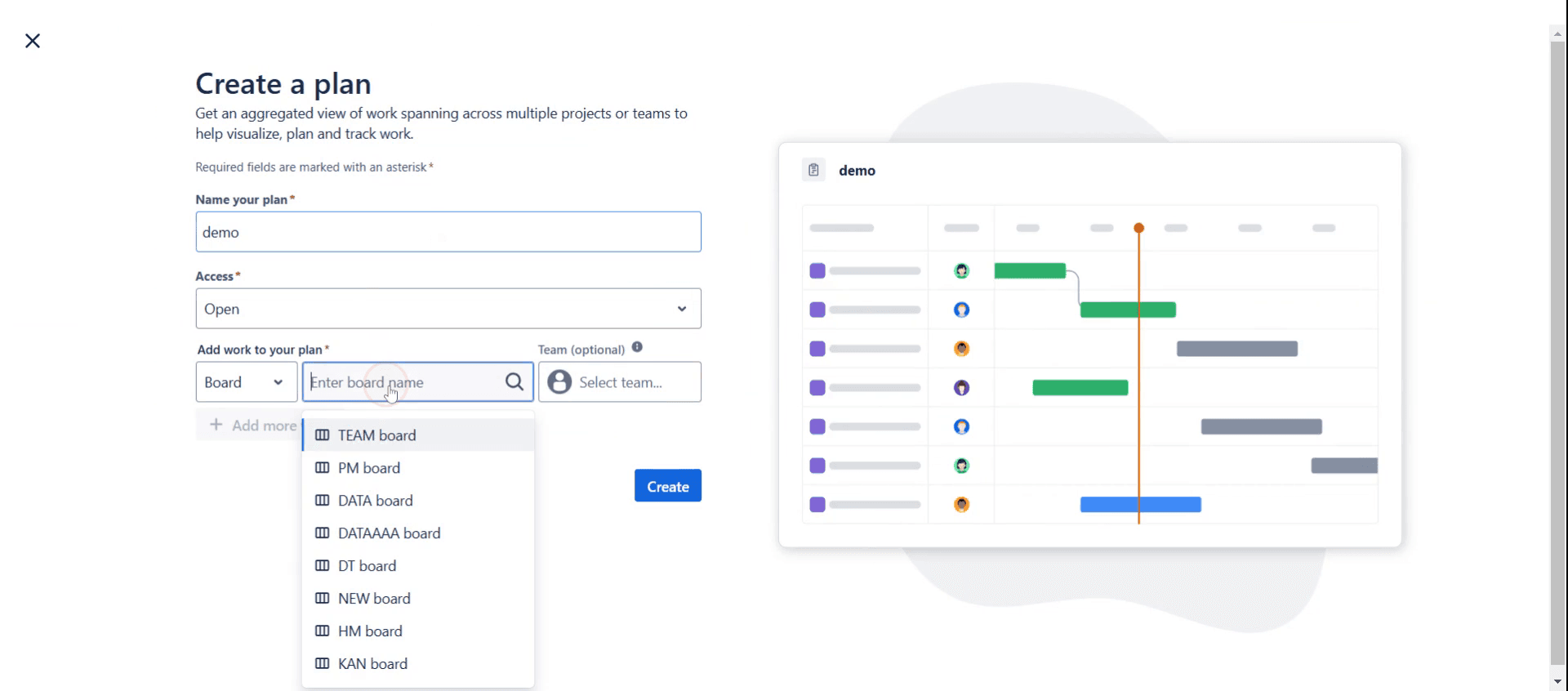
And select a project board.
Step 5
Click on create option,
Step 6
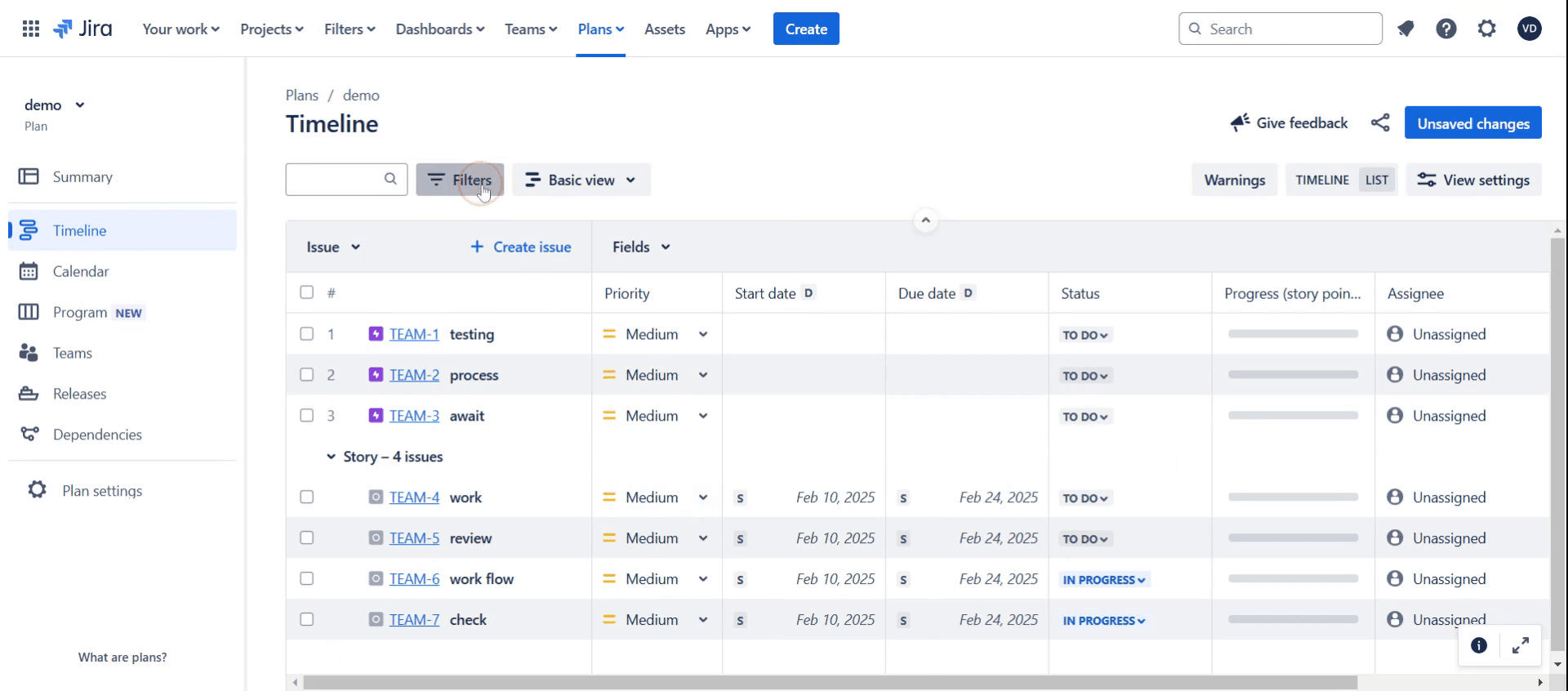
Click on filters,
Step 7
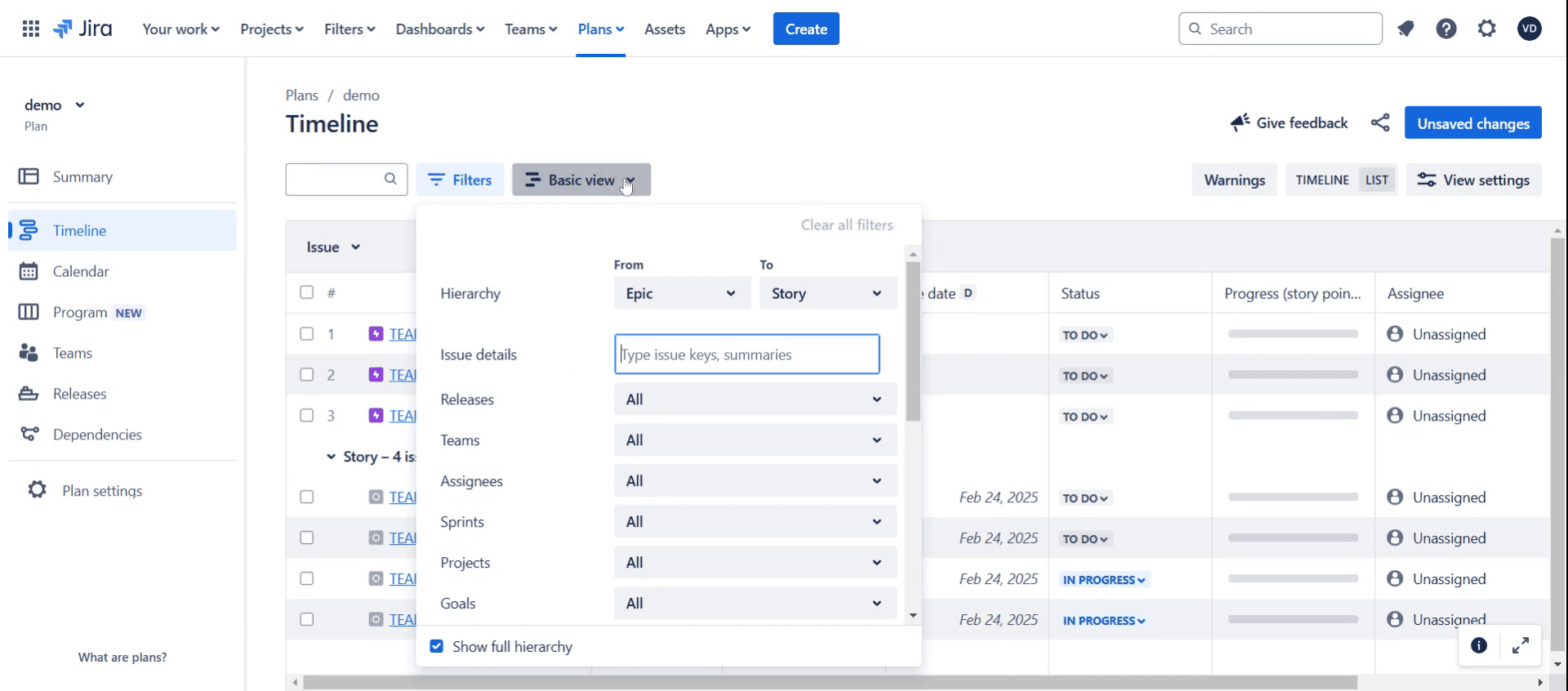
Select basic view,
Step 8
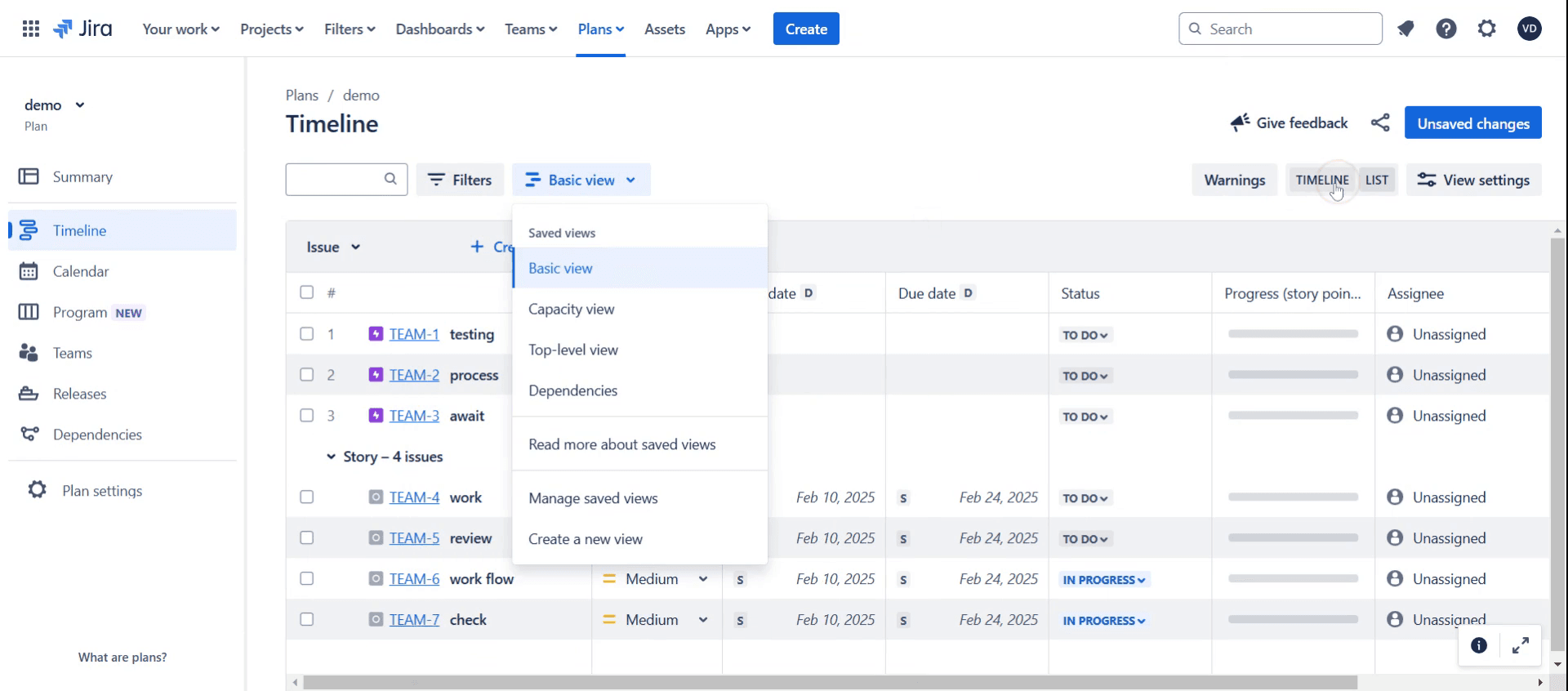
And click on timeline option.
Step 9
Click on calendar option,
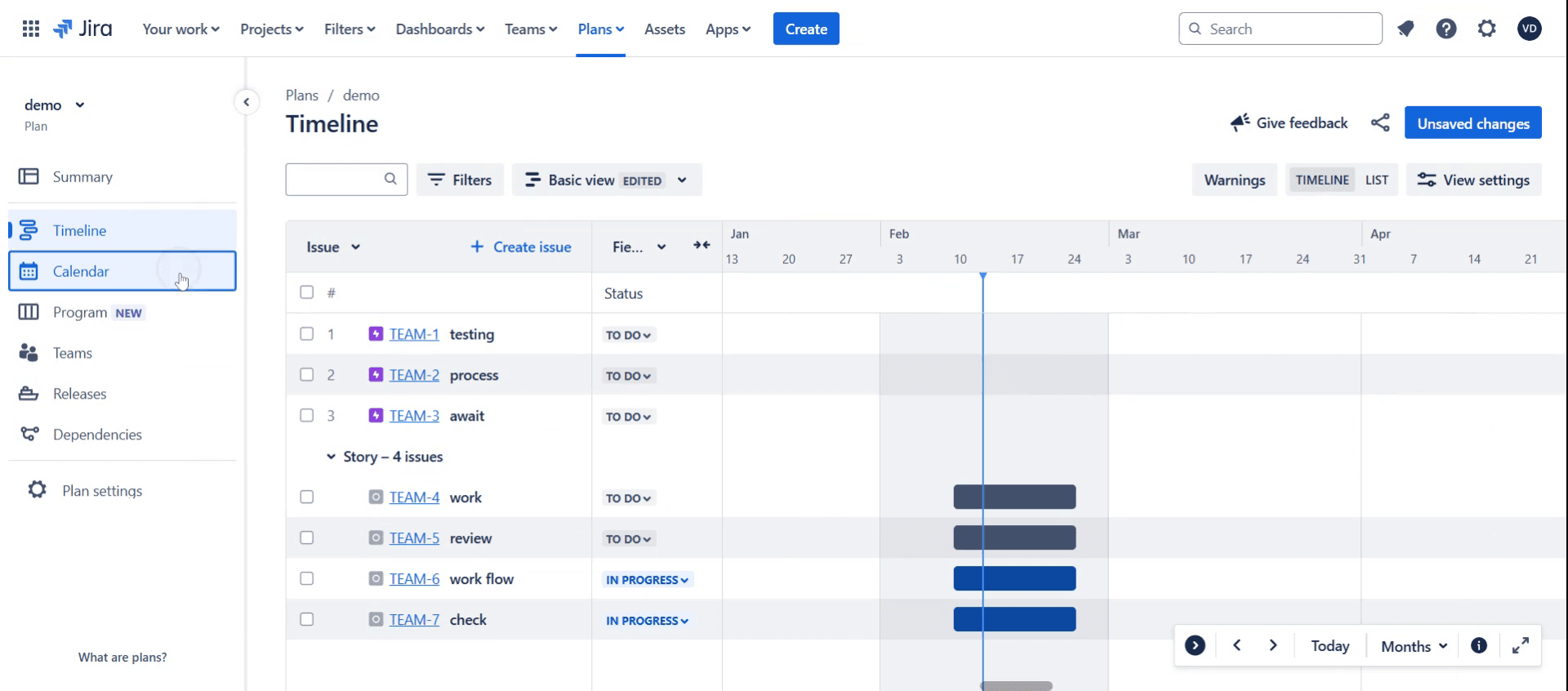
Step 10
Click on Program New,
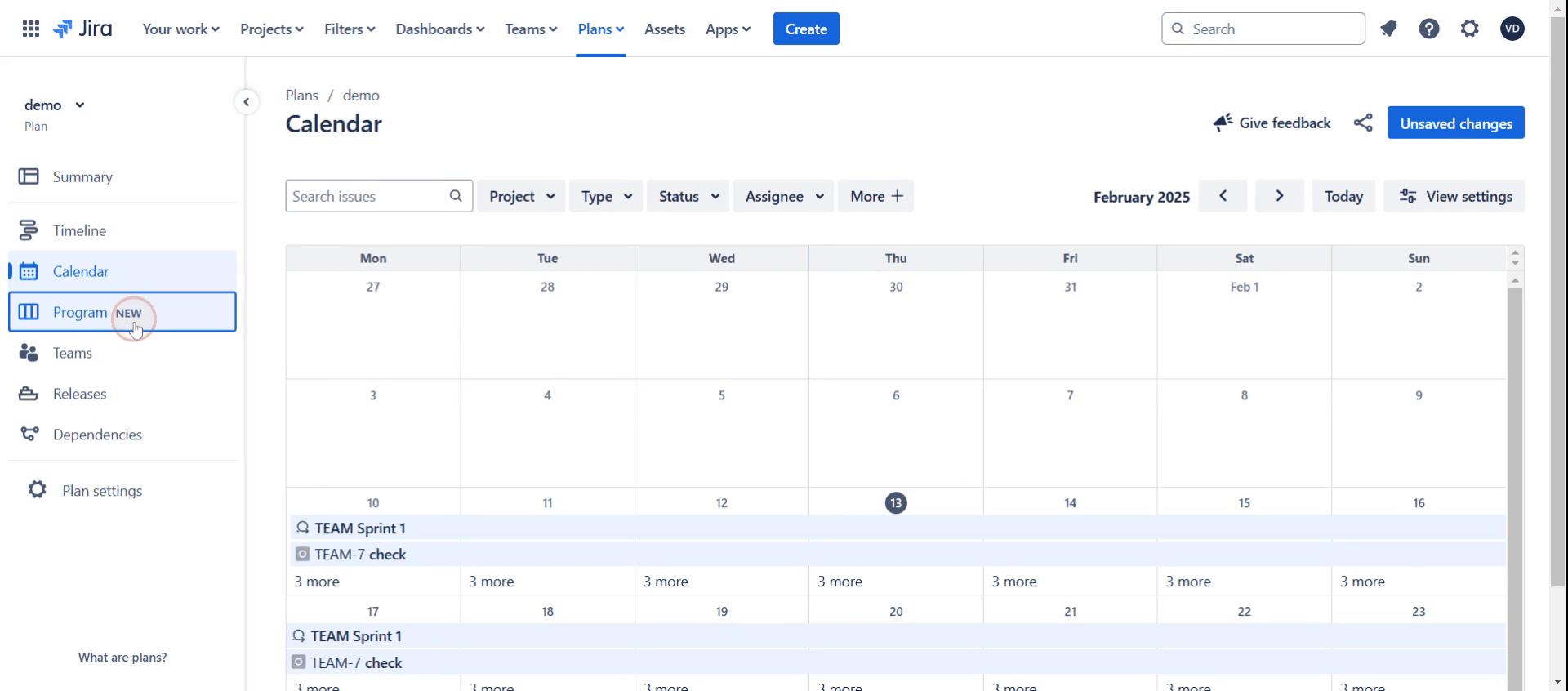
Step 11
Click on teams.
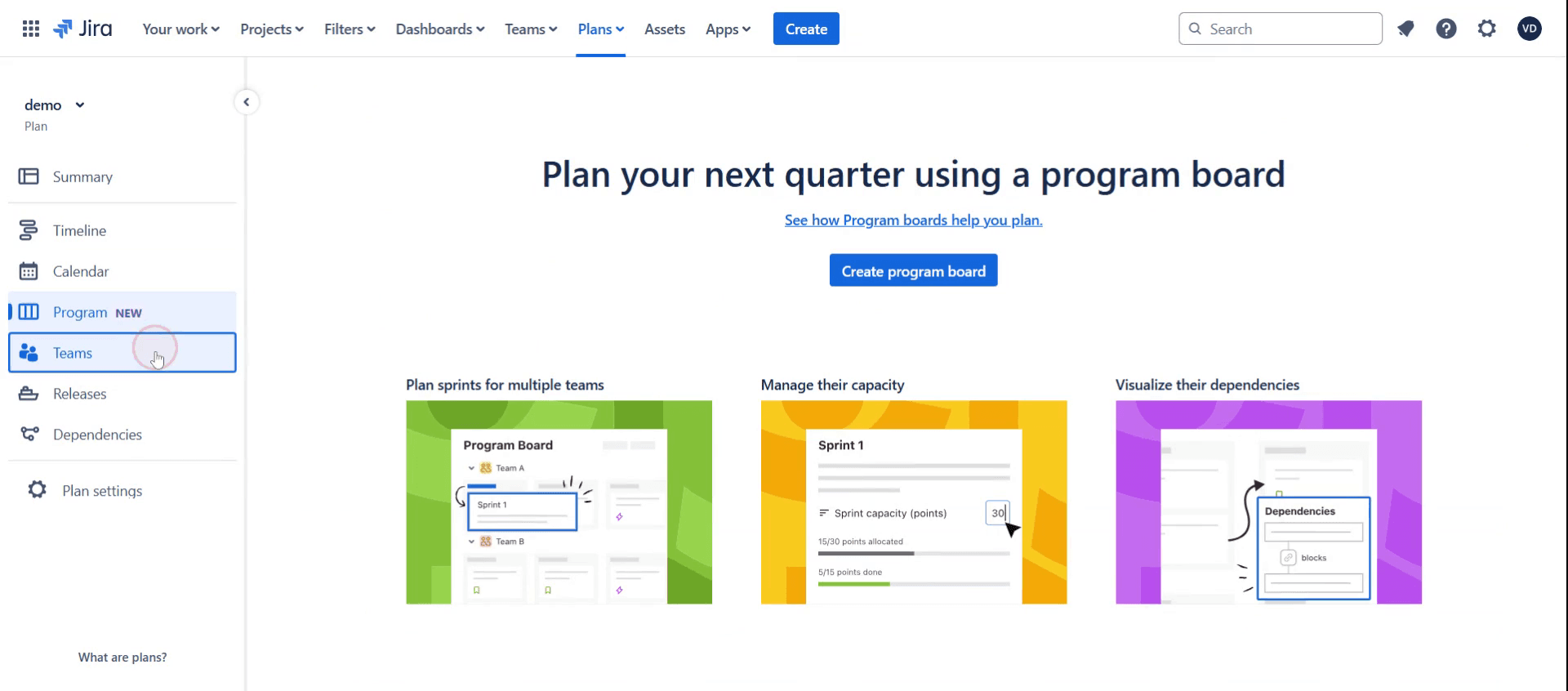
This is the step-by-step process to create an advanced roadmap in Jira. Let’s look at some tips for it.
Pro-tips for creating an advanced roadmap in Jira
Use Jira Advanced Roadmaps for Long-Term Planning – The Advanced Roadmaps feature in Jira helps teams plan across multiple projects, visualize dependencies, and track progress.
Define Clear Hierarchies – Use Initiatives, Epics, Stories, and Tasks to structure your roadmap effectively. Ensure each issue type is linked properly.
Customize Your Roadmap View – Jira allows you to filter by teams, projects, and timelines to focus on relevant data. Use the right filters to get a clear view.
Common pitfalls & how to avoid them
Not Setting Up Issue Hierarchy Properly – Ensure that Epics, Stories, and Tasks are structured correctly in your roadmap for clarity.
Ignoring Dependencies – Not linking dependent tasks can cause delays. Always define task dependencies to prevent roadblocks.
Overlooking Capacity Planning – Assigning too many tasks to a single team member can lead to inefficiencies. Use Jira’s capacity view to distribute work evenly.
Common FAQs for creating an advanced roadmap in Jira
Can i use Advanced Roadmaps in Jira for multiple teams?
Yes, Advanced Roadmaps allow you to track work across multiple teams and projects, making them ideal for enterprise planning.How do i enable Advanced Roadmaps in Jira?
Advanced Roadmaps is available in Jira Premium and Enterprise plans. Ensure that it is enabled in Jira Software > Features.Can i customize my Advanced Roadmap?
Yes, you can customize views, filter by teams, and adjust timeframes to fit your project needs.How do i share my Jira Advanced Roadmap with stakeholders?
You can export the roadmap as a PDF, share a live link, or integrate it with Confluence for wider accessibility.
If you're an instructor or content creator looking to make tutorial videos, give a try. It transforms rough screen recordings into polished, studio-style videos that are ready for sharing with your audience. Plus, it automatically generates a step-by-step guide based on the video you create. Fascinating, right? Start by creating your first tutorial for free with trupeer.ai .

