
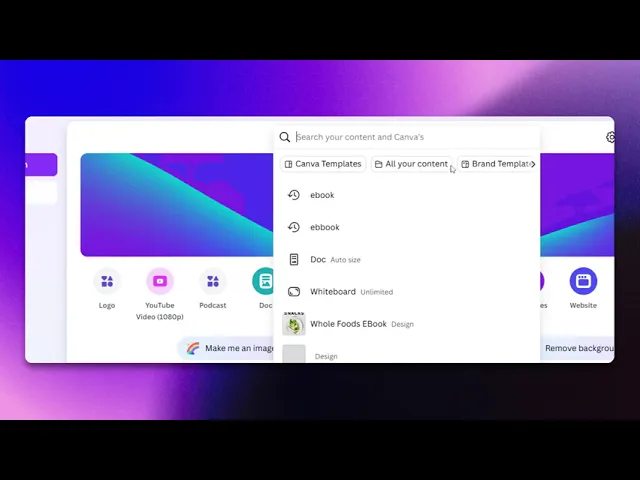
How To Create An E-book In Canva
Discover the step-by-step guide on how to create an engaging e-book using Canva. Transform your ideas into a professional digital format effortlessly.
This guide will walk you through the process of creating an E-book using Canva. You'll learn how to select a template, customize it with your content, and finalize your E-book for sharing or downloading.
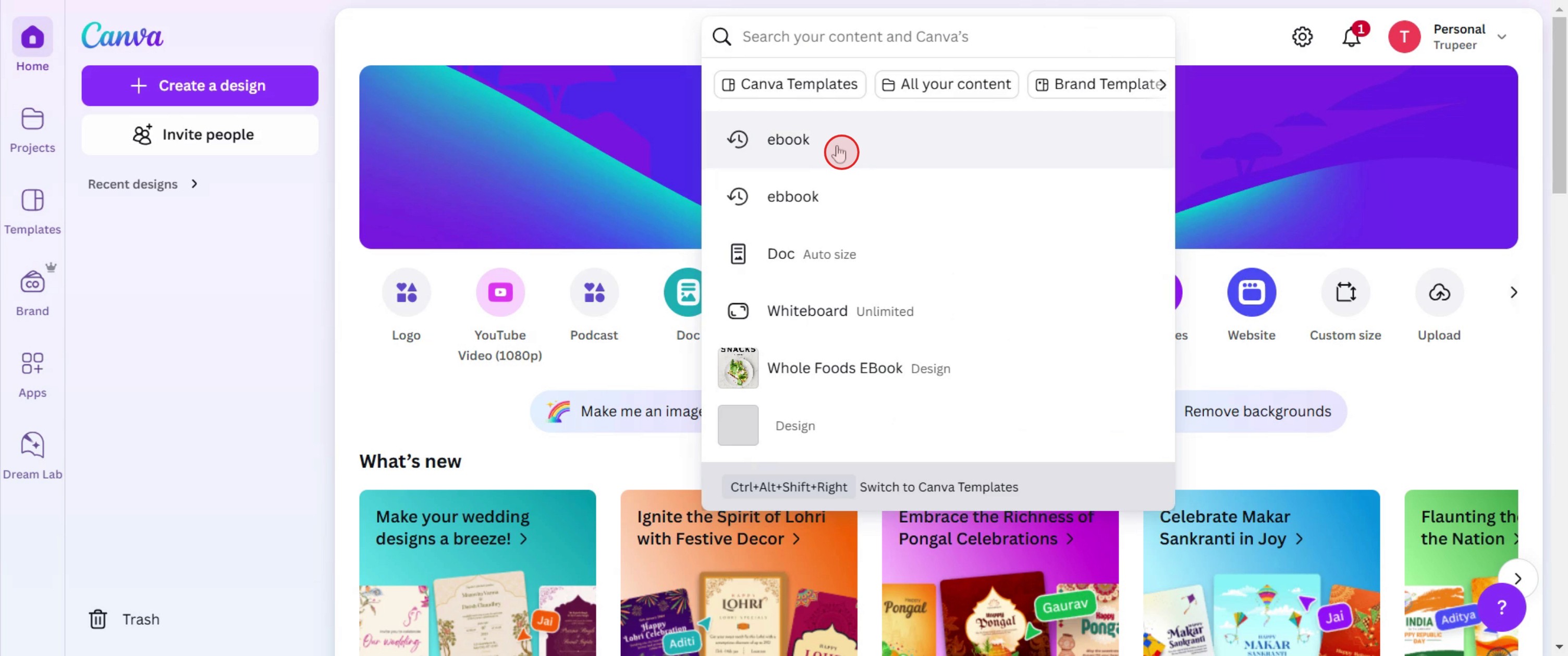
Step 1
Search for E-book.
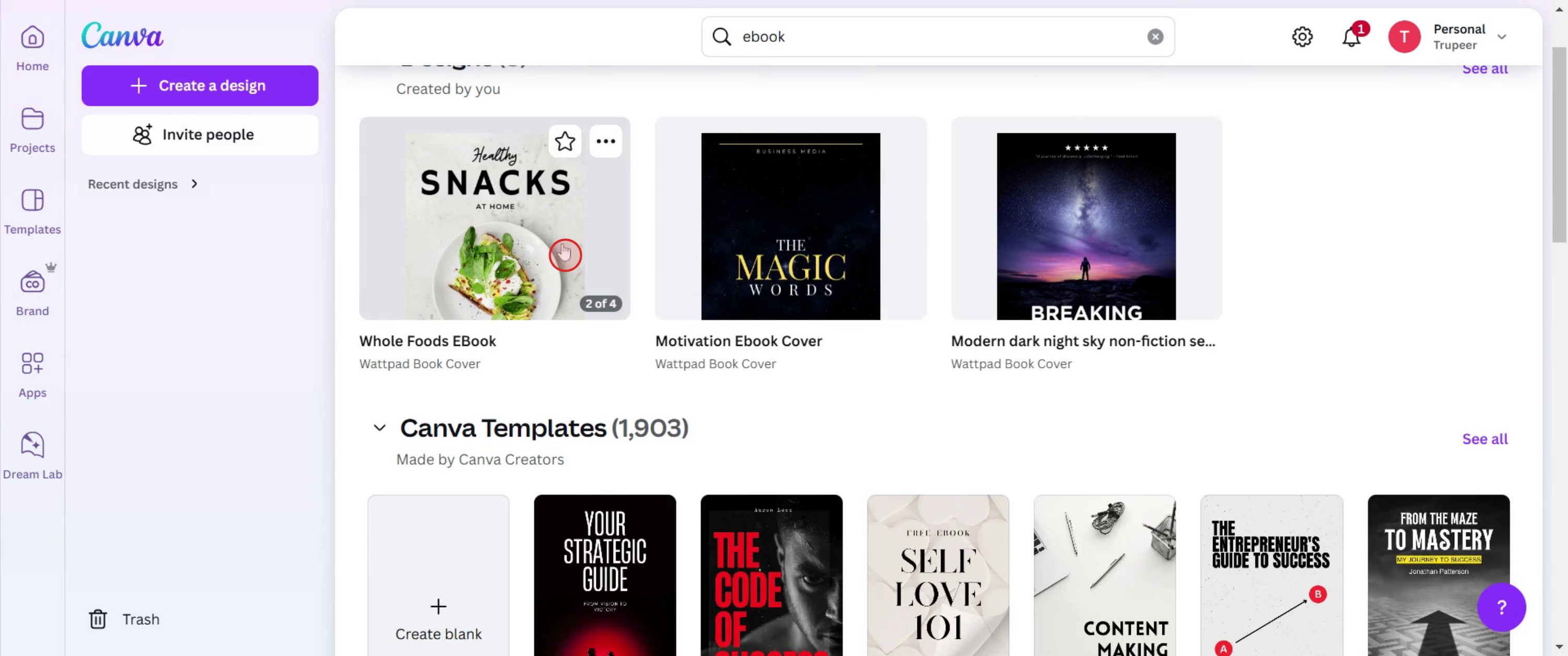
Step 2
Click on the template.
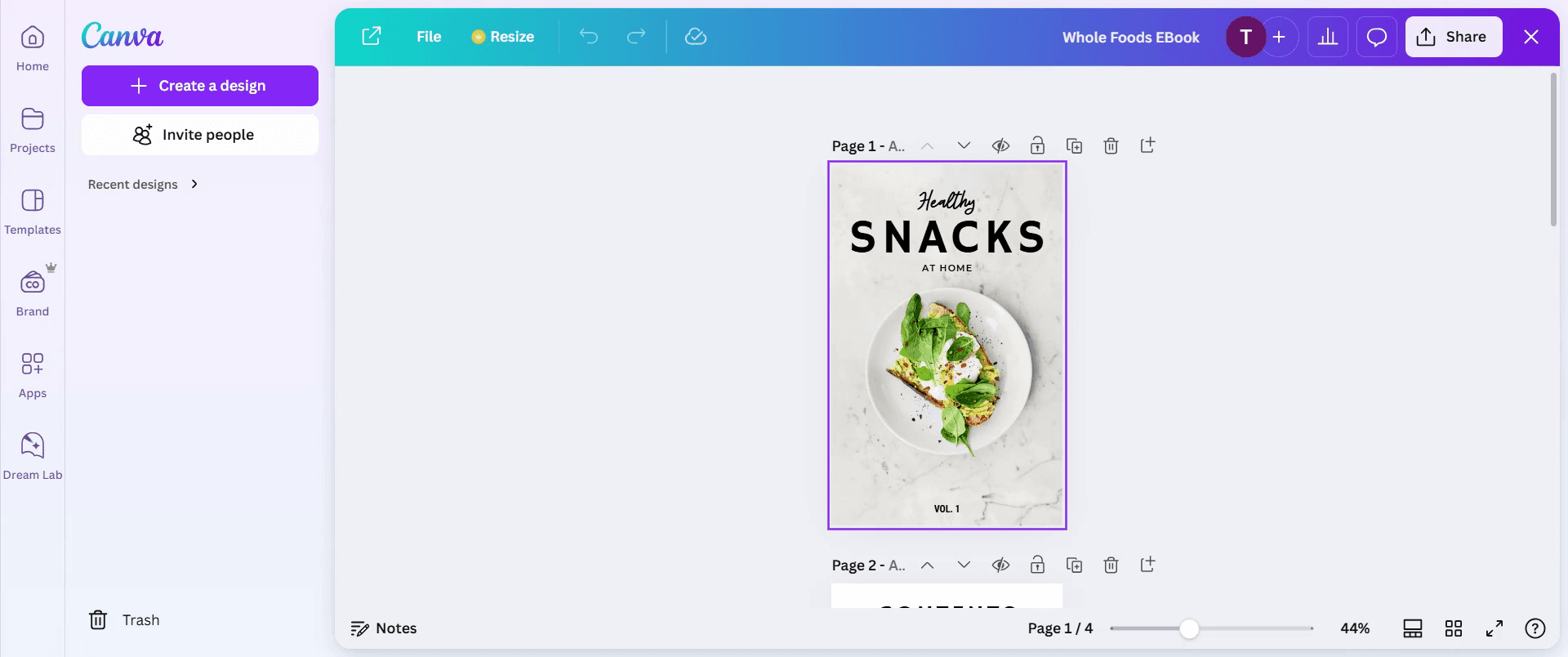
Step 3
Customize the template to suit your preferences.
Step 4
Then add content .
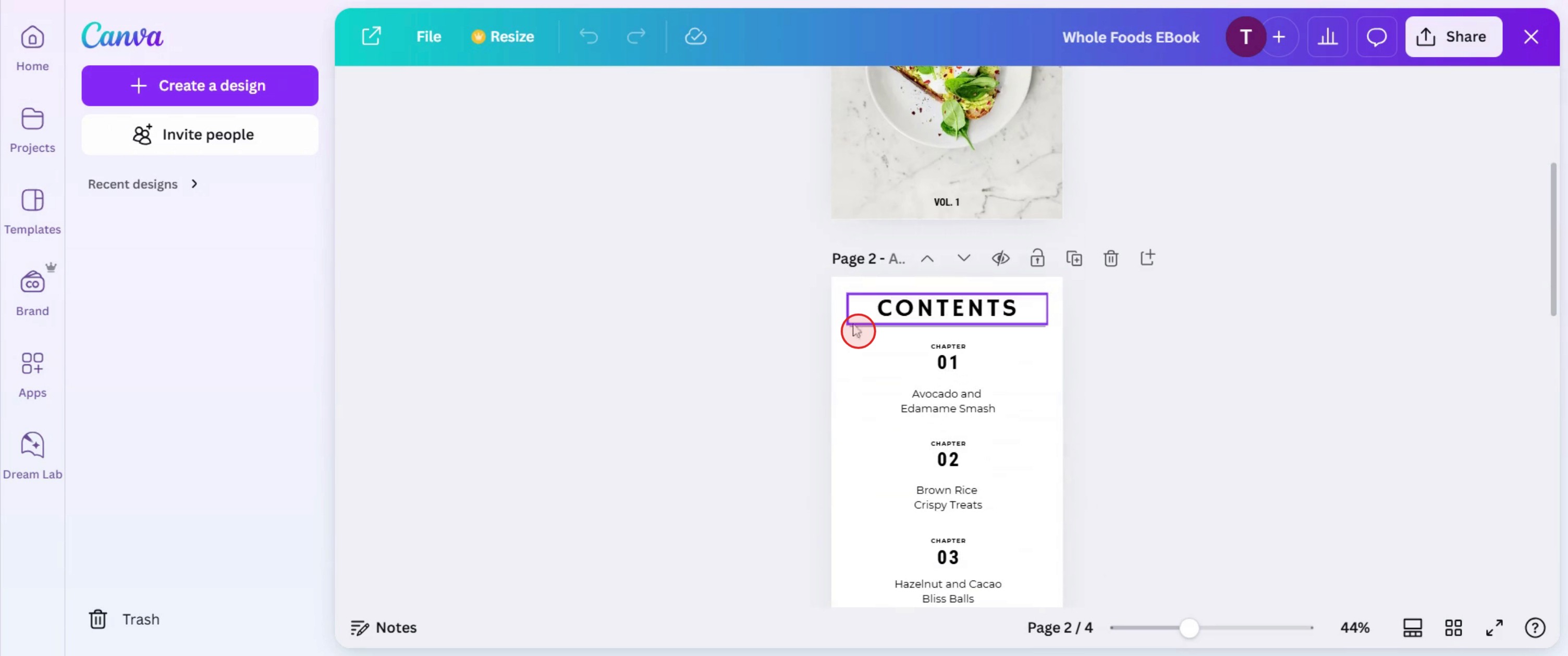
Step 5
And insert images and graphics.
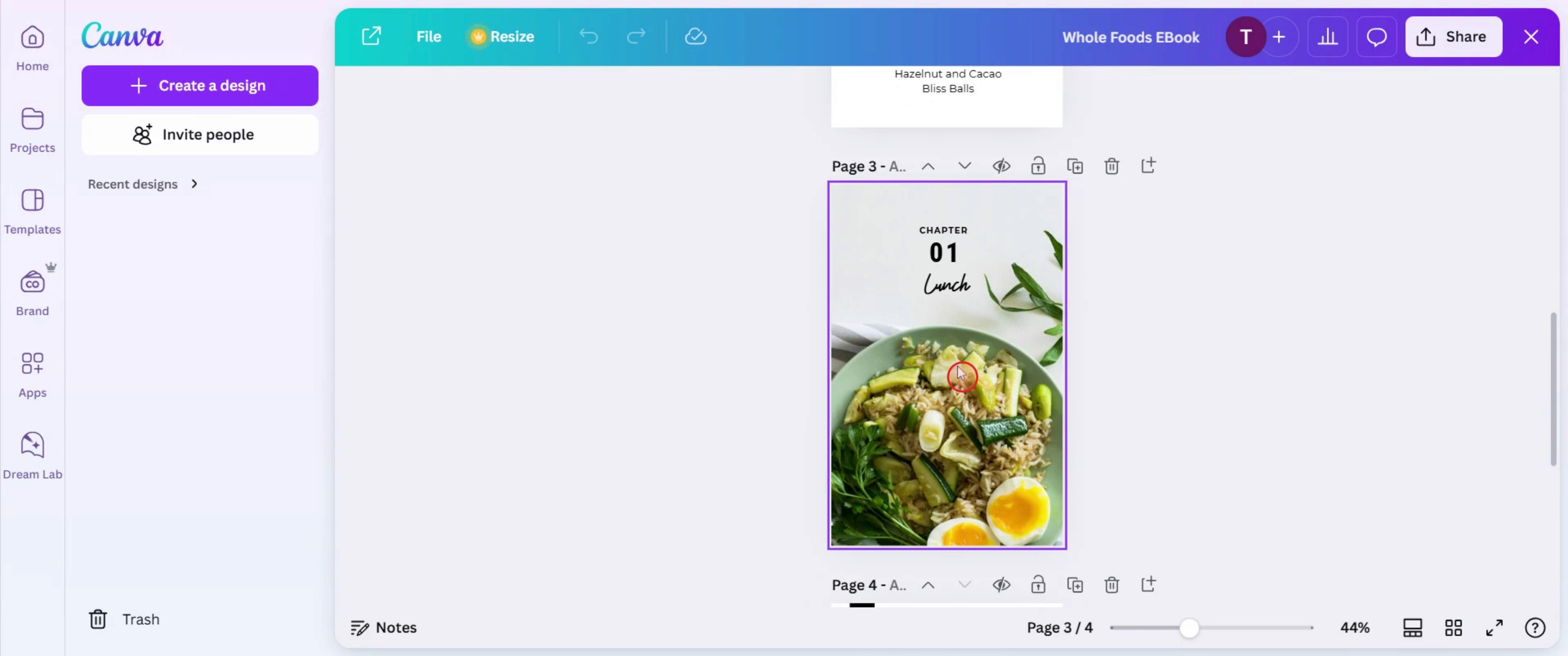
Step 6
Click on add page.
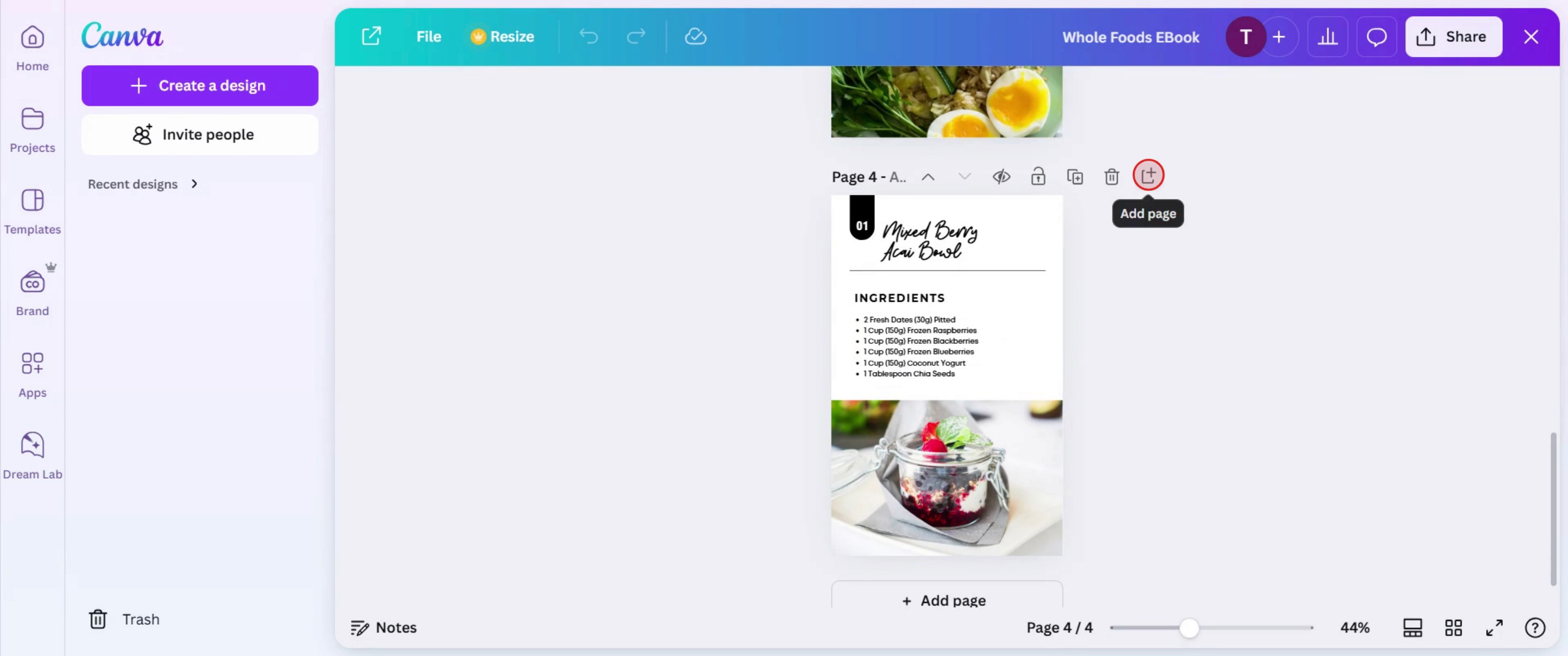
Step 7
Click on the share option.
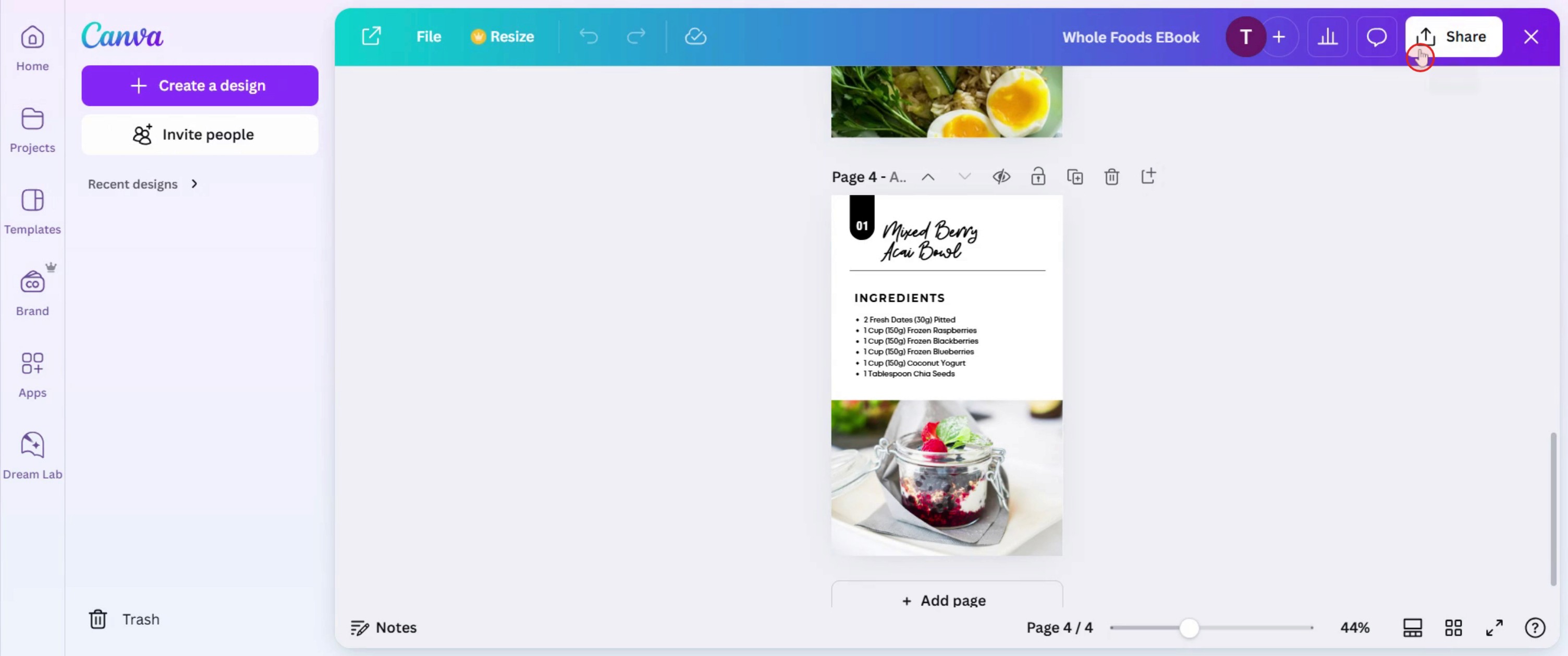
This is a step-by-step guide on how to create an e-book in Canva.
Pro tips for how to create an e-book in Canva
Use Canva’s E-book templates – Save time by selecting a professionally designed template and customizing it to match your brand.
Optimize for readability – Use clear fonts, proper spacing, and high-quality images to ensure an engaging reading experience.
Export in the right format – Download your e-book as a high-quality PDF for distribution or as a PNG for promotional use.
Common pitfalls and how to avoid them
Overloading pages with too much text can overwhelm readers keep content concise and break it up with visuals.
Using low-resolution images can make your e-book look unprofessional always use high quality graphics for clarity.
Forgetting to add clickable links reduces engagement ensure all links are correctly embedded before exporting.
Common FAQs on how to create an e-book in Canva
Can i add clickable links to my e-book in Canva?
Yes, you can insert hyperlinks in your text and buttons before downloading your e-book as a PDF.What is the best format to download an e-book in Canva?
The best format is PDF Standard for easy sharing or PDF Print for high-quality printing.Can i collaborate with others while creating an e-book in Canva?
Yes, Canva allows real-time collaboration, so you can invite team members to edit and design together.How do i make my e-book visually appealing in Canva?
Use consistent fonts, high-quality images, readable layouts, and a color scheme that matches your brand identity.
This tutorial was created in minutes using Trupeer. To generate your own product tutorials, simply screen record a rough video, and Trupeer will transform it into a polished product tutorial and a step-by-step guide within minutes. Create your first video tutorial and guide with trupeer.ai for free.

