

How To Create A Defect In Jira
Discover the step-by-step process of creating defects in Jira. Enhance your project management skills and streamline your workflow with our comprehensive guide.
This document provides a concise guide on how to create a defect in Jira. Follow the steps below to efficiently log a defect, assign it to a team, and add relevant details to facilitate a smooth resolution process.
Step 1
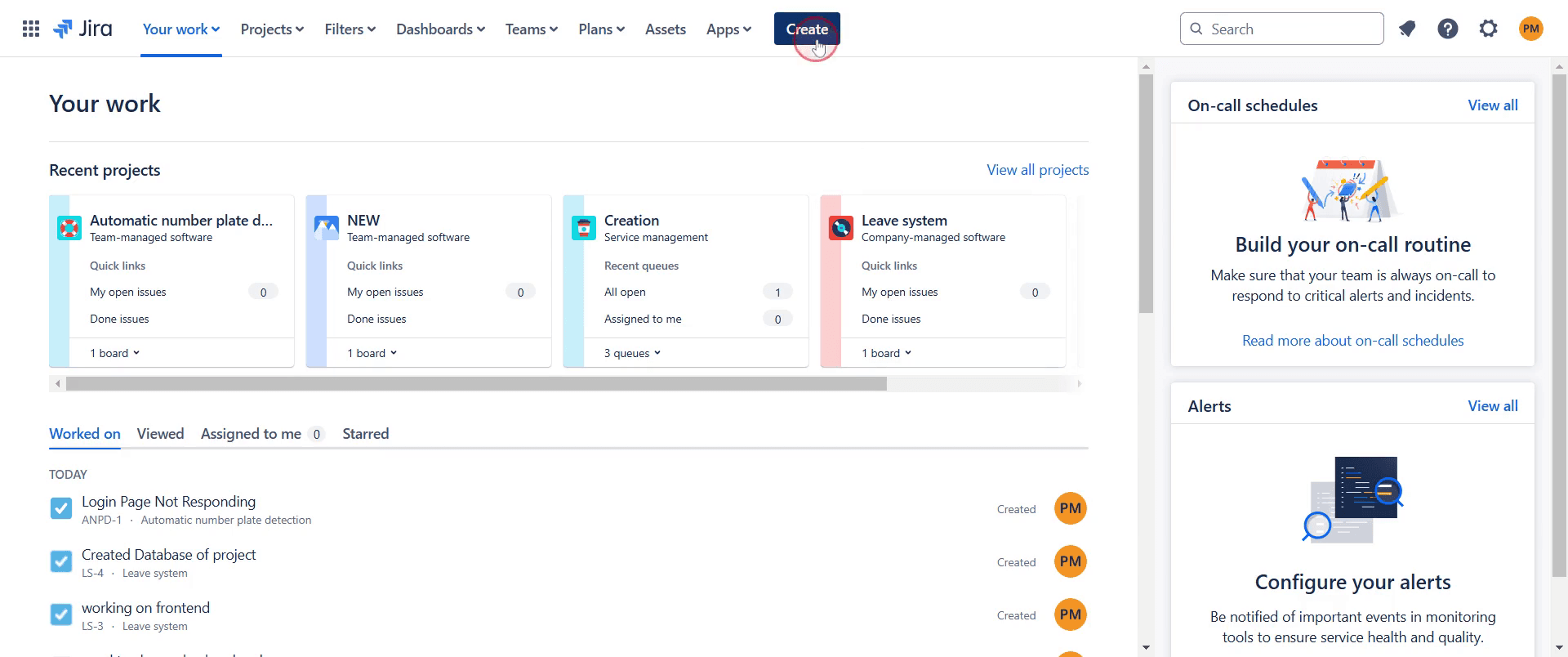
To begin creating a defect in Jira, click on the "Create" option.
Step 2
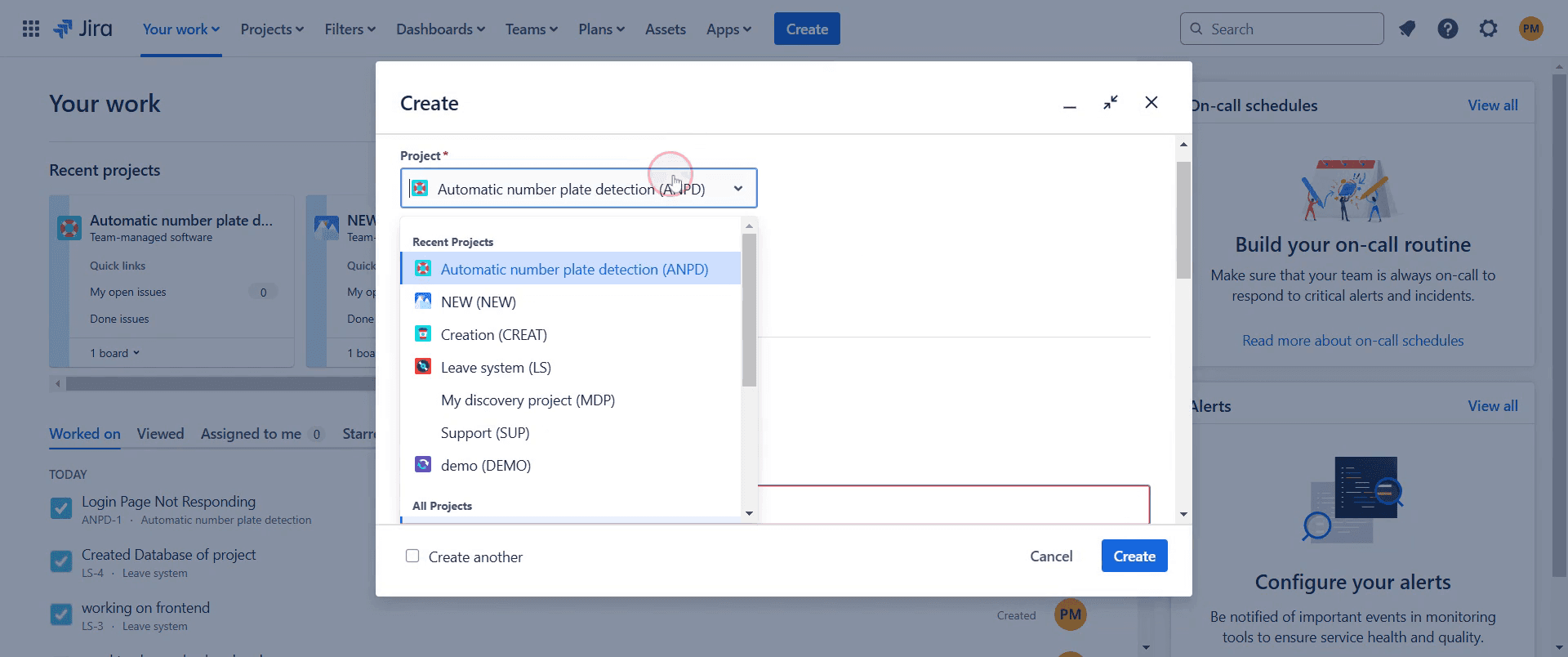
Select the desired project where you want to create the defect.
Step 3
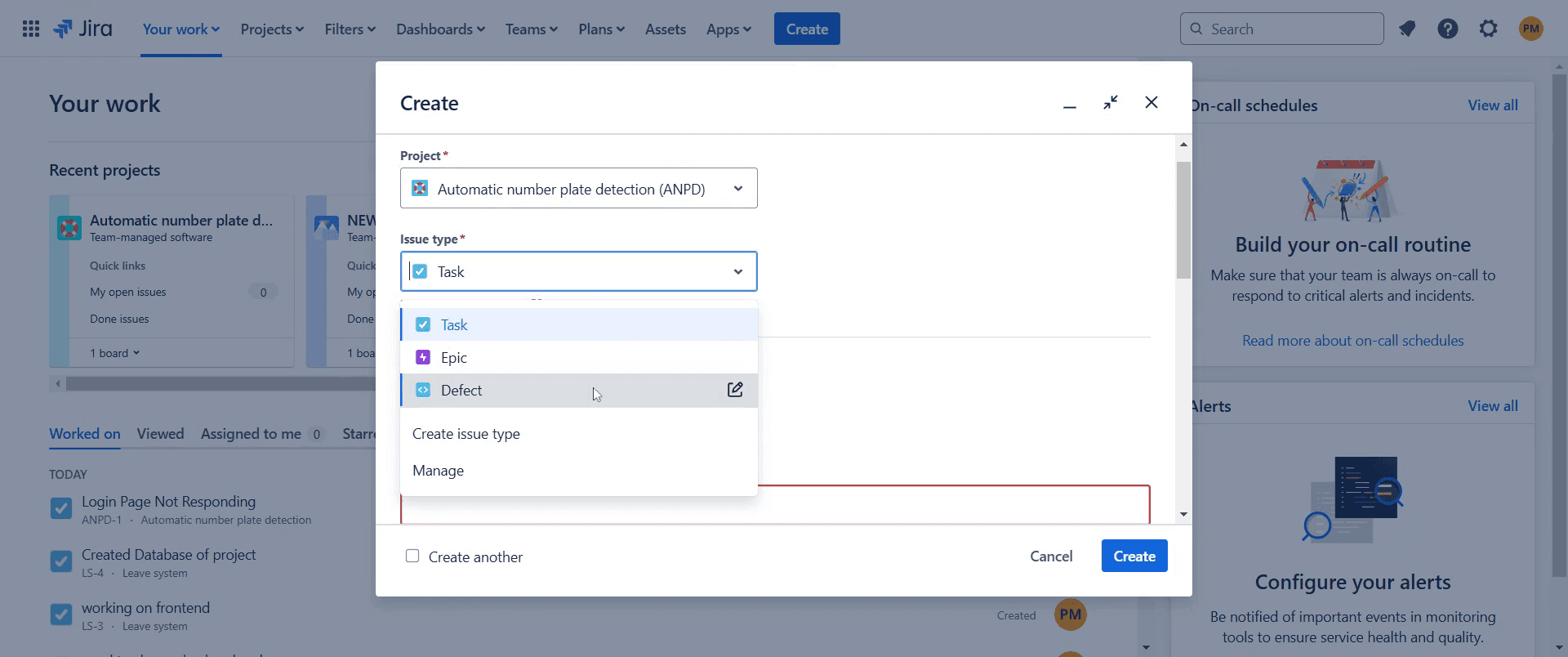
Select "Defect" as the issue type.
Step 4
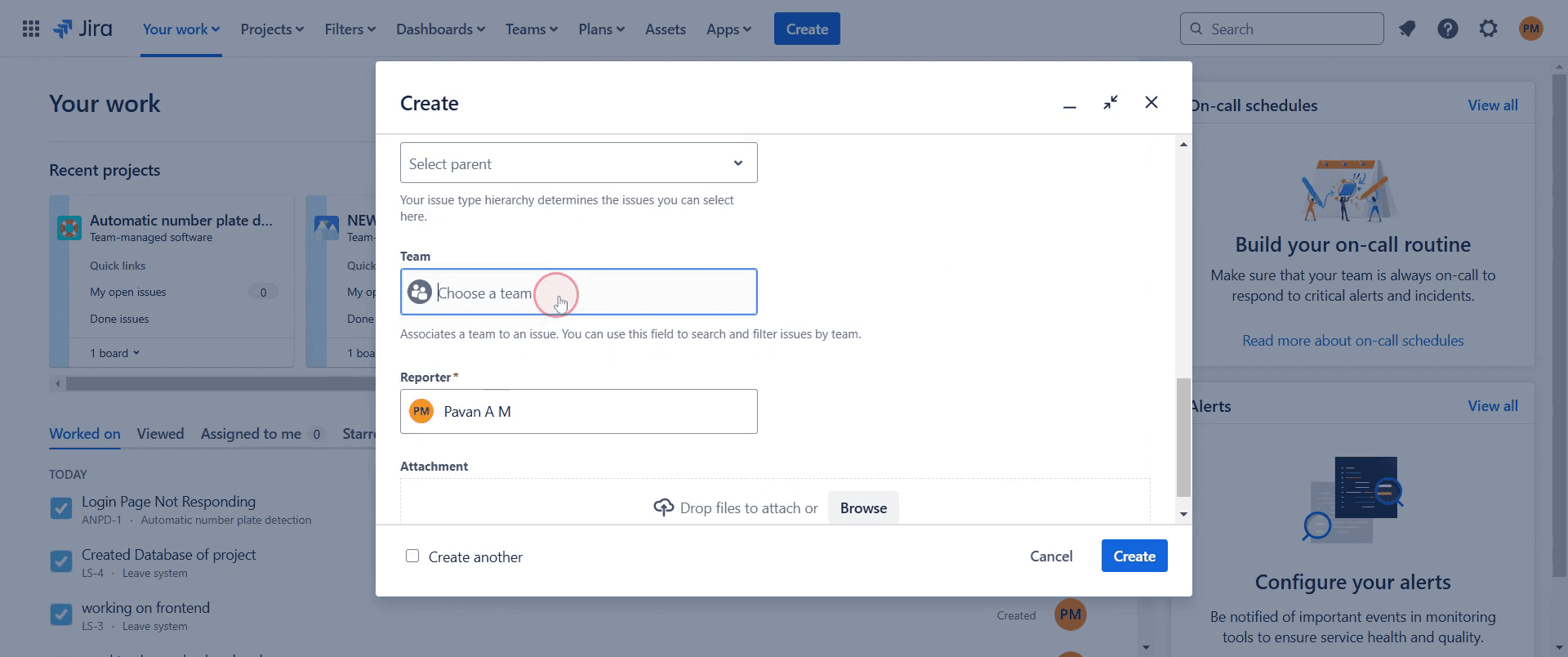
Assign a team to handle the defect.
Step 5
And include any relevant screenshots if necessary.
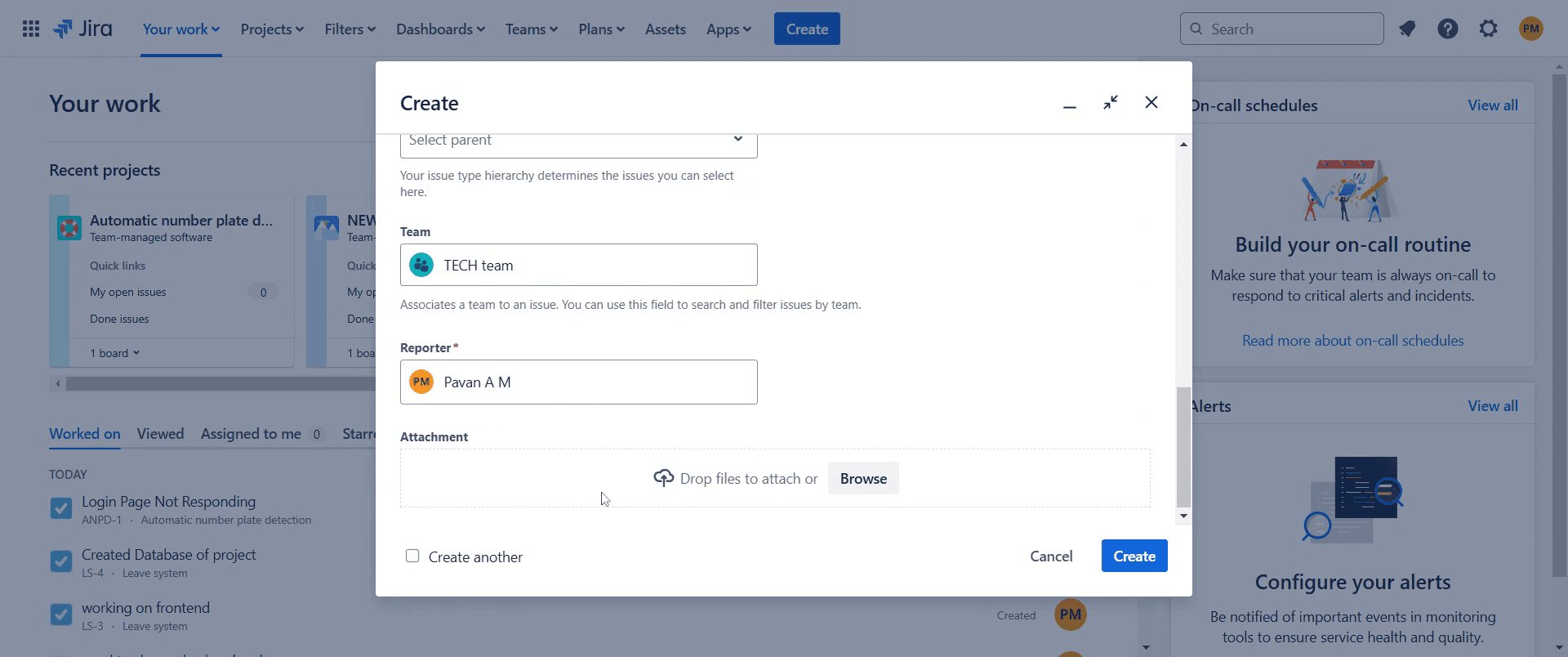
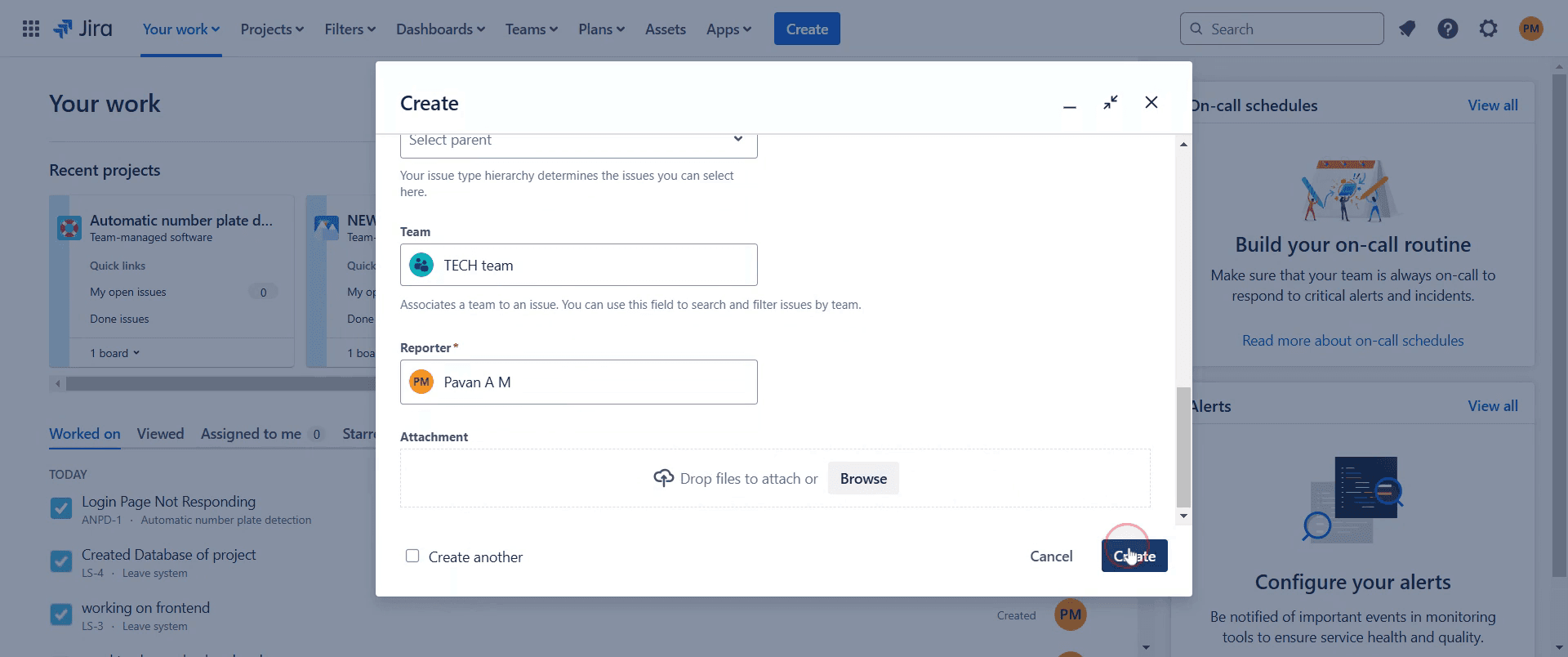
Step 6
Click on "Create" to finalize the defect entry.
This is a step-by-step guide on how to create a defect in Jira.
Pro-tips for creating a defect in Jira
Provide a clear and detailed summary to help the team quickly understand the defect.
Attach relevant files such as screenshots, logs, or steps to reproduce the issue for better context.
Assign the defect to the appropriate team member or group to ensure timely resolution.
Common pitfalls & how to avoid them while creating a defect in Jira
Providing vague descriptions always include expected vs. actual results for clarity.
Forgetting to set the correct priority classify defects accurately to help with workload management.
Not linking related issues connect defects to relevant user stories or tasks for better tracking.
Common FAQs for creating a defect in Jira
Can I assign a defect to multiple users in Jira?
No, but you can mention multiple users in the comments for collaboration.How do I attach files to a defect in Jira?
Click the Attach button while creating or editing the defect to upload relevant files.Is it possible to link a defect to a test case?
Yes, you can use the Link Issue feature to connect defects with related test cases or stories.How do I track defects effectively in Jira?
Use filters, dashboards, and JQL queries likeissuetype = Bugto monitor defect progress.
If you're an instructor or content creator looking to make tutorial videos, give Trupeer.ai a try. It transforms rough screen recordings into polished, studio-style videos that are ready for sharing with your audience. Plus, it automatically generates a step-by-step guide based on the video you create. Fascinating, right? Start by creating your first tutorial for free with Trupeer.ai.

