
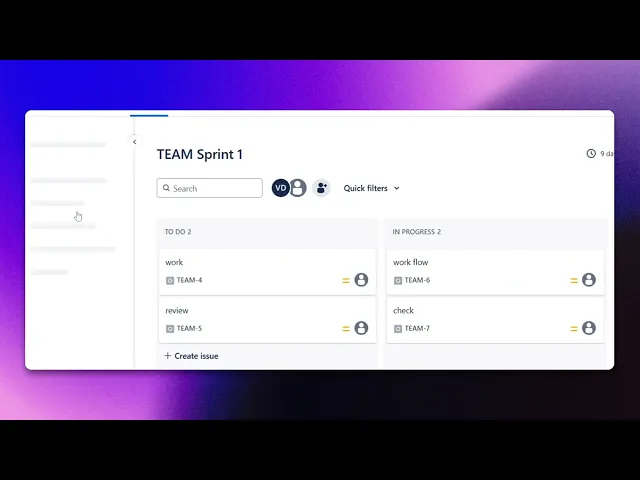
How To Create Recurring Tasks In Jira
Discover how to efficiently create recurring tasks in Jira with our comprehensive guide. Streamline your workflow and enhance productivity today.
This document provides a step-by-step process for setting up recurring tasks in Jira. You'll learn how to navigate through the project settings and use the automation feature to schedule tasks effectively.
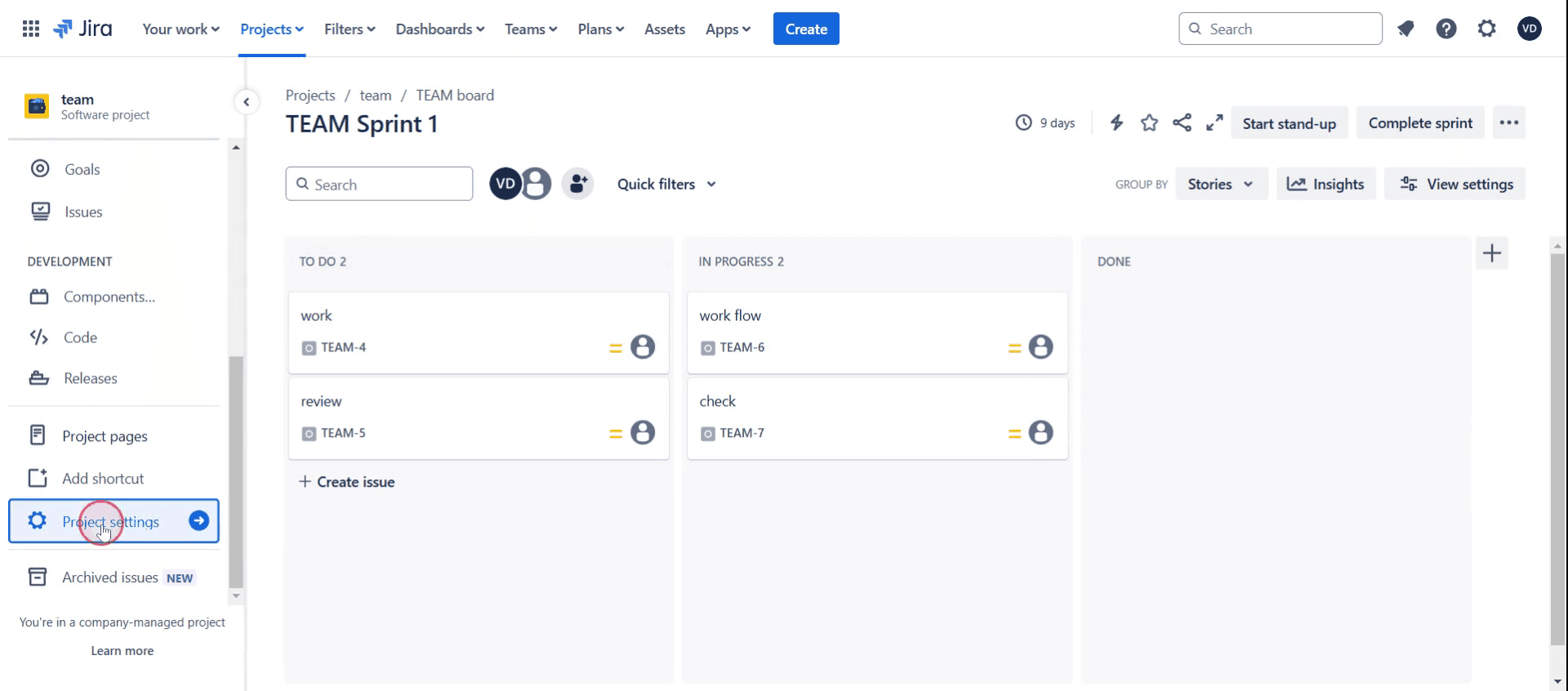
Step 1
Click on the project settings,
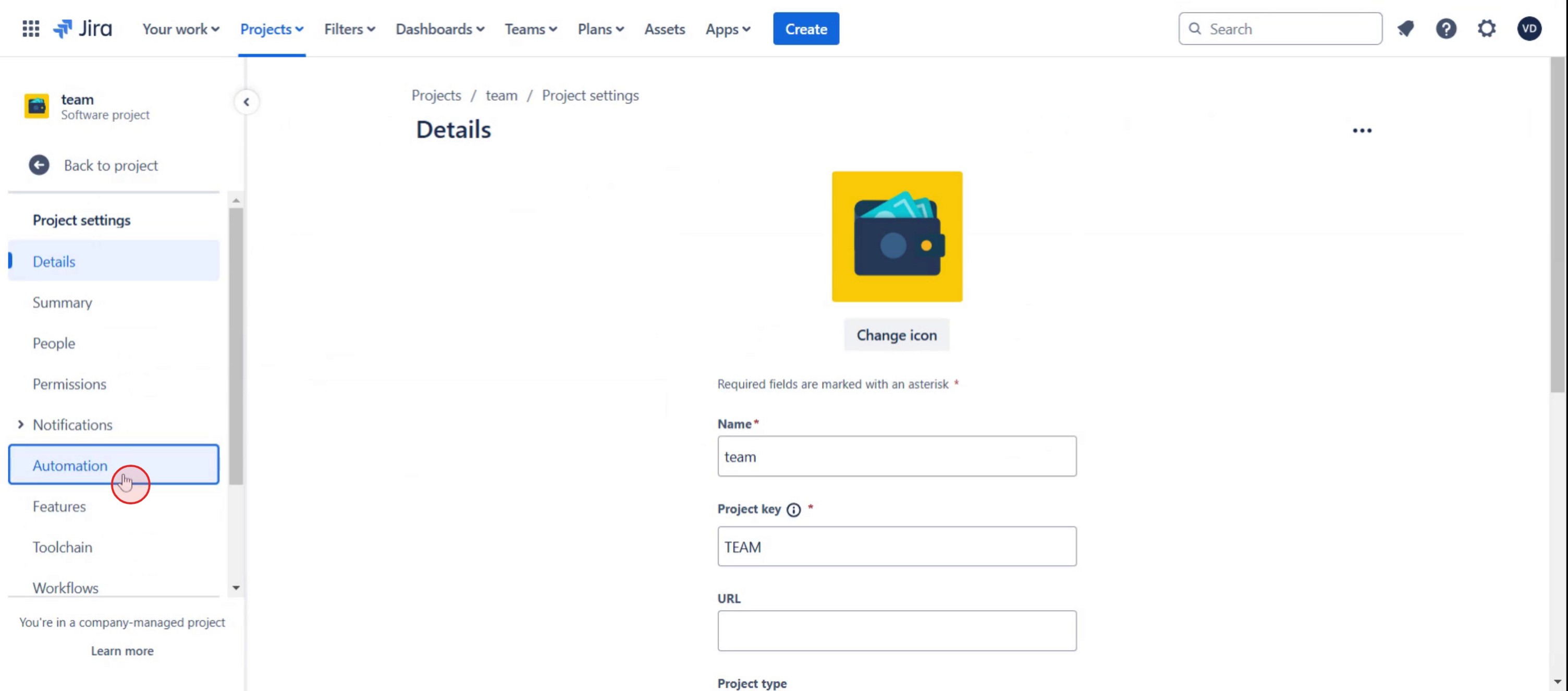
Step 2
And select the automation,
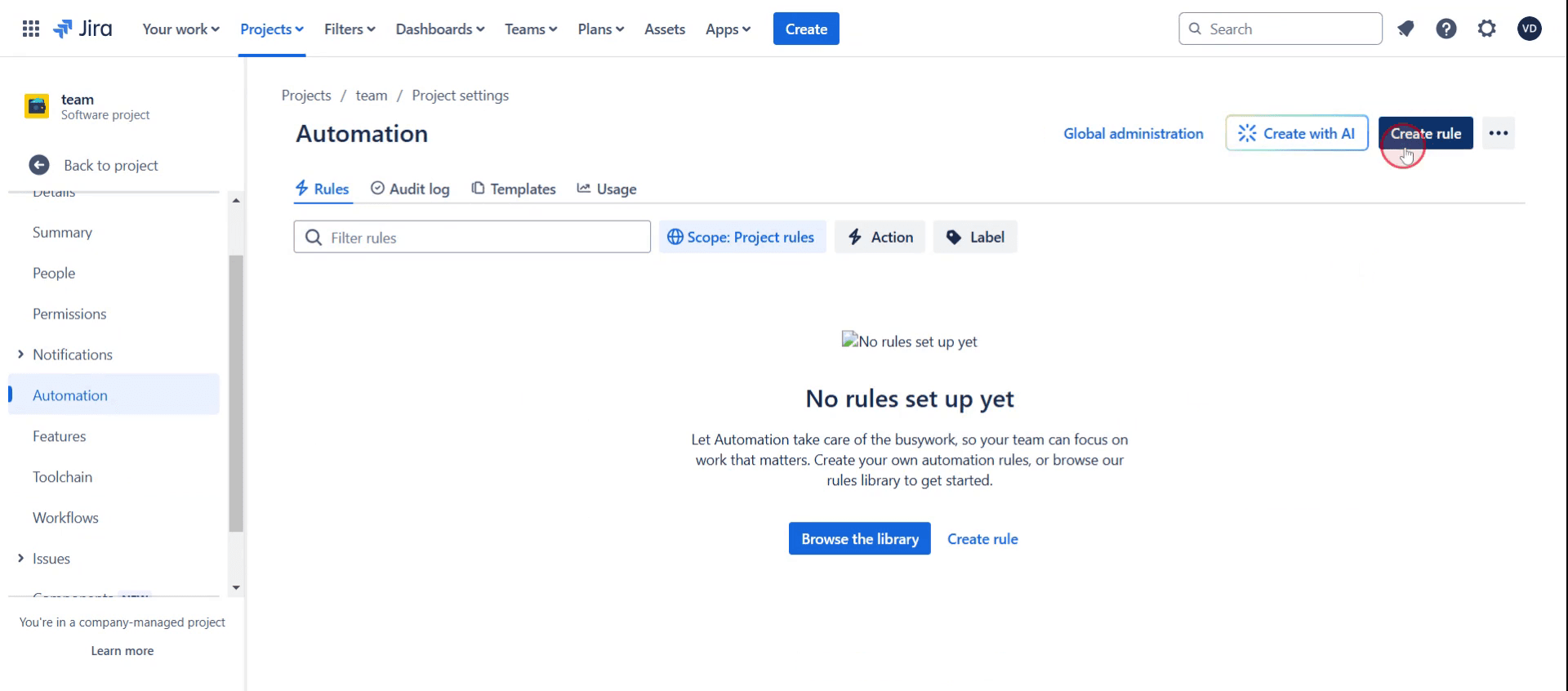
Step 3
Click on the Create Rule.
Step 4
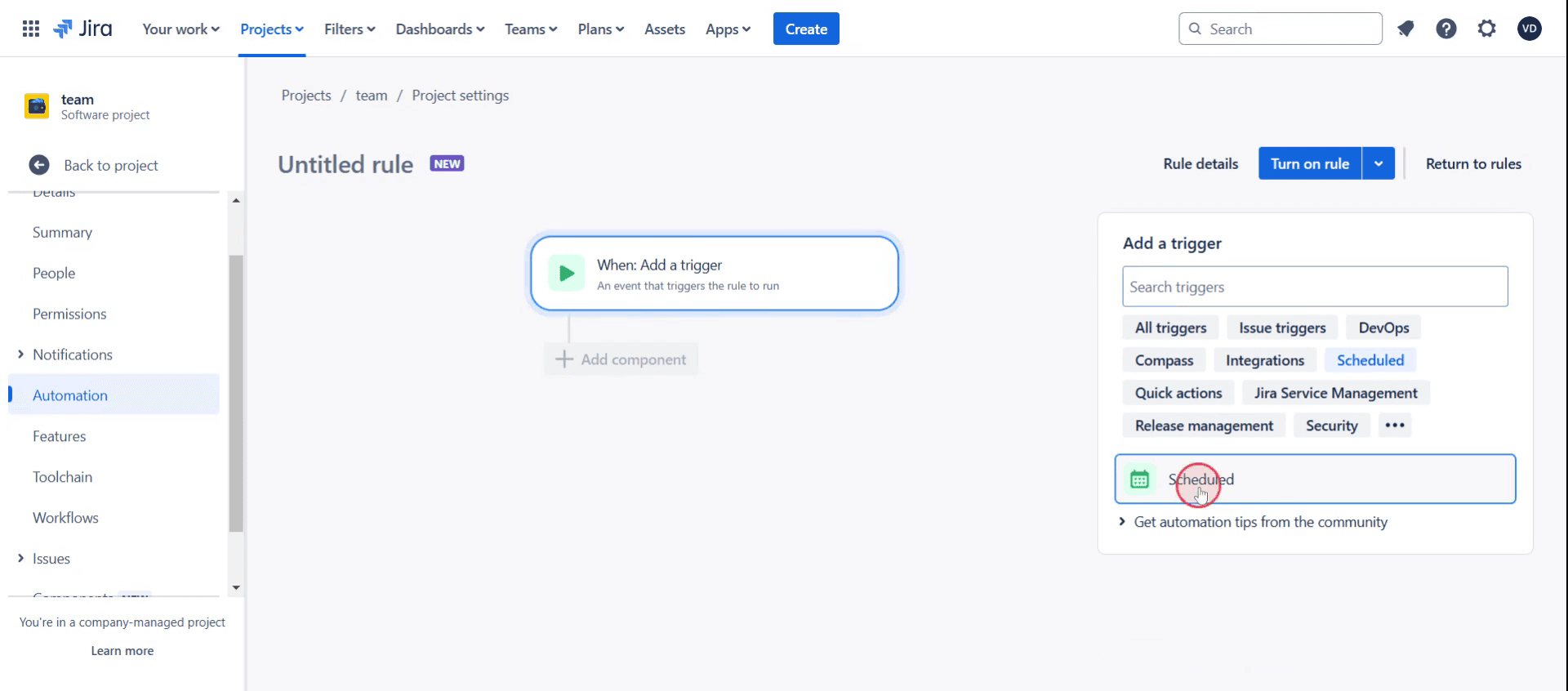
Choose Scheduled option,
Step 5
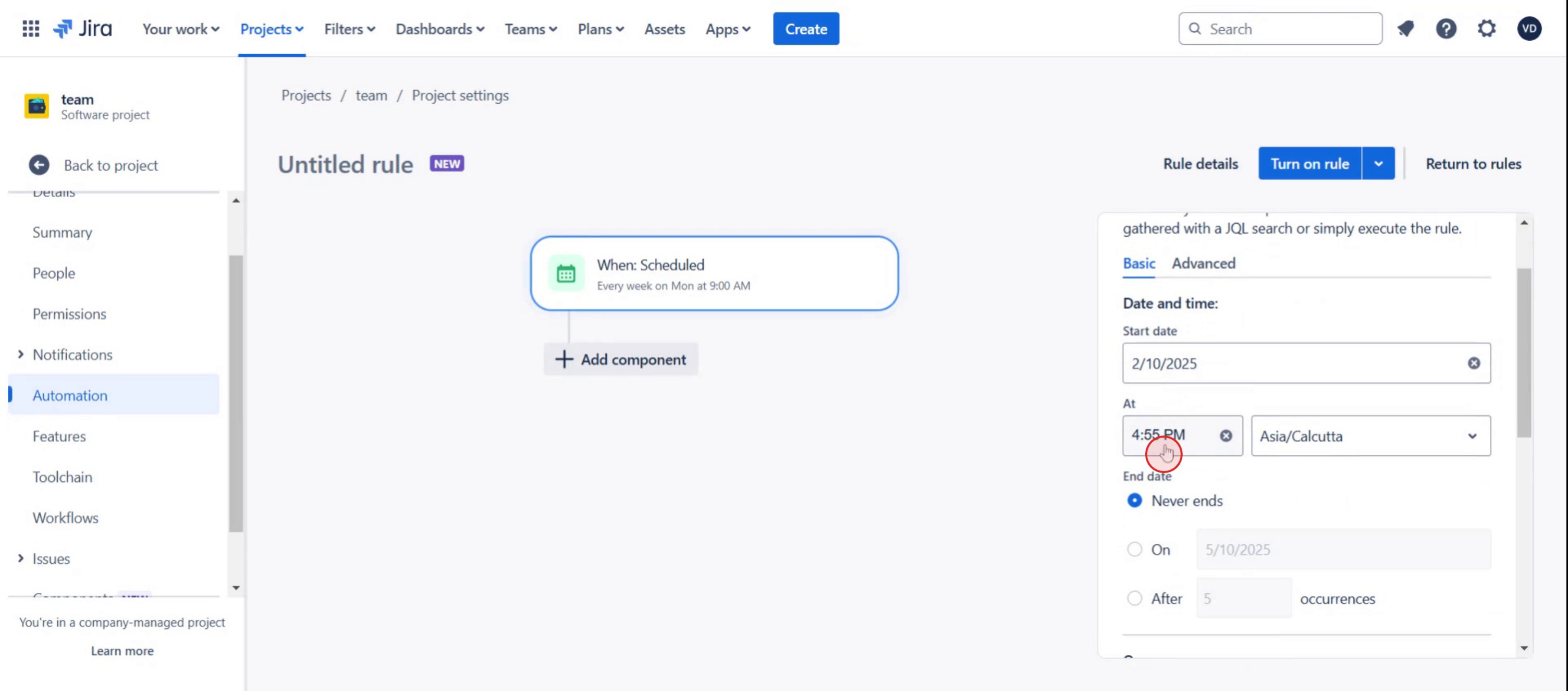
Specify the date and time for the task.
Step 6
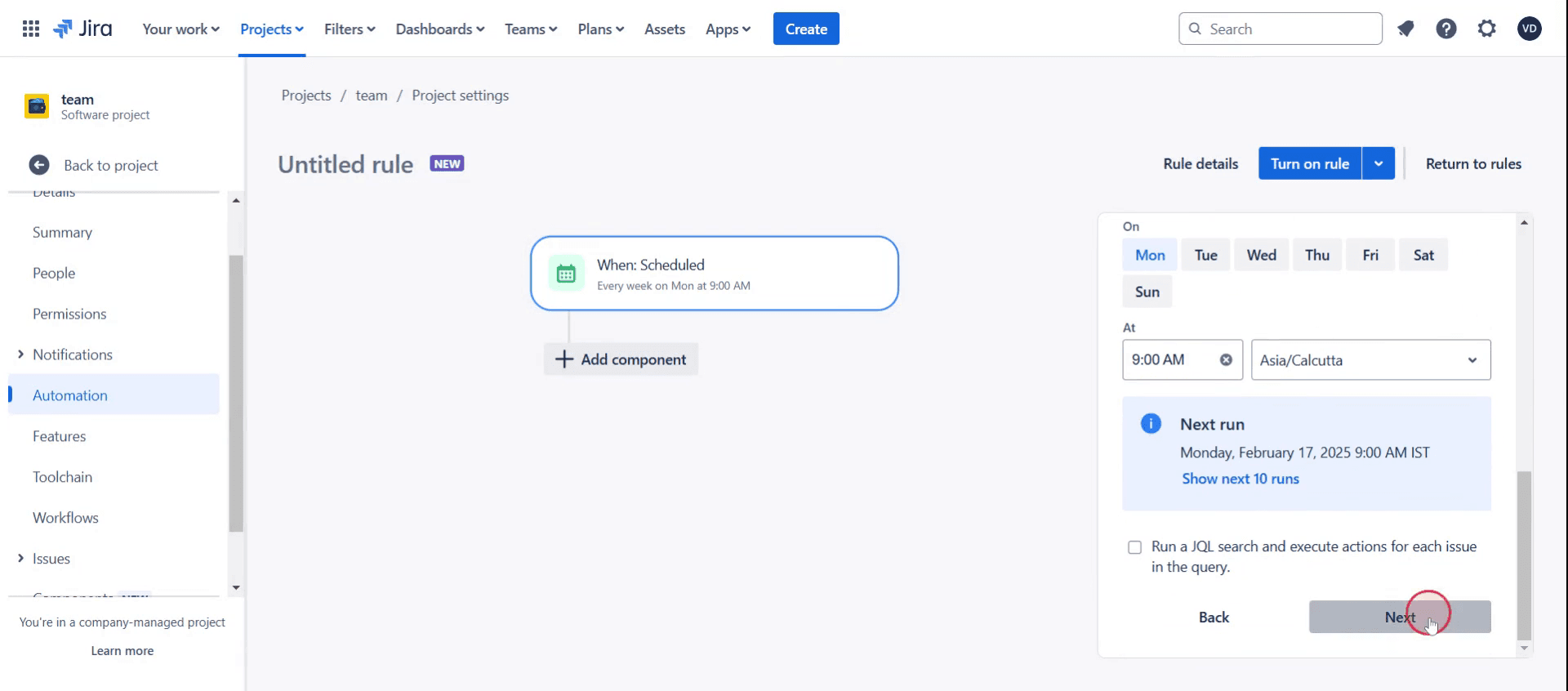
Then click on next button.
Here was our step by step guide that will help you create recurring tasks in Jira. Check a few tips from the below section.
Pro tips for creating recurring tasks in Jira
Use Jira automation for efficiency – Set up automation rules to create recurring tasks based on your preferred schedule, eliminating the need for manual task creation.
Leverage Jira templates for consistency – Create and reuse task templates to ensure uniformity and reduce setup time when setting up recurring tasks.
Integrate with third-party plugins – If Jira’s native automation doesn’t fully meet your needs, consider using apps like Jira Misc. Workflow Extensions or Automation for Jira for more advanced recurring task features.
Common pitfalls and how to avoid them
Not setting automation rules correctly may result in tasks not generating on schedule, so always test your rules before applying them.
Forgetting to include due dates and priorities in recurring tasks can lead to missed deadlines, so ensure each task includes necessary details.
Overcomplicating automation with too many conditions may cause errors, so keep your automation rules simple and effective.
Common FAQs for creating recurring tasks in Jira
Is there a built-in feature for recurring tasks in Jira?
Jira doesn’t have a direct recurring task feature, but you can achieve this functionality using Automation rules or third-party plugins.Which plugins help with creating recurring tasks in Jira?
Popular Jira apps like Jira Misc. Workflow Extensions and Automation for Jira allow advanced recurring task setups beyond the native automation capabilities.Can I modify a recurring task after setting it up in Jira?
Yes, you can edit your automation rule at any time to adjust the schedule, conditions, or task details for your recurring tasks.
If you're an instructor or content creator looking to make tutorial videos, give a try. It transforms rough screen recordings into polished, studio-style videos that are ready for sharing with your audience. Plus, it automatically generates a step-by-step guide based on the video you create. Fascinating, right? Start by creating your first tutorial for free with trupeer.ai .

