
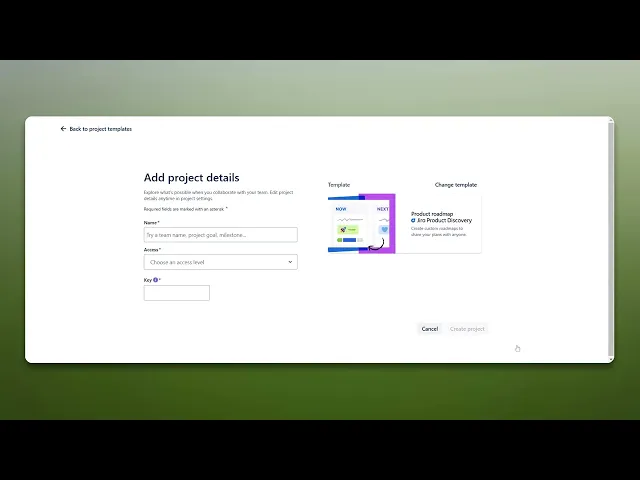
How To Create A Roadmap In Jira
Discover how to create an effective roadmap in Jira with our step-by-step guide. Streamline your project management and enhance team collaboration today.
This document provides a comprehensive process for creating a roadmap in Jira. Follow these steps to efficiently set up and customize your project roadmap for effective project management.
Step 1
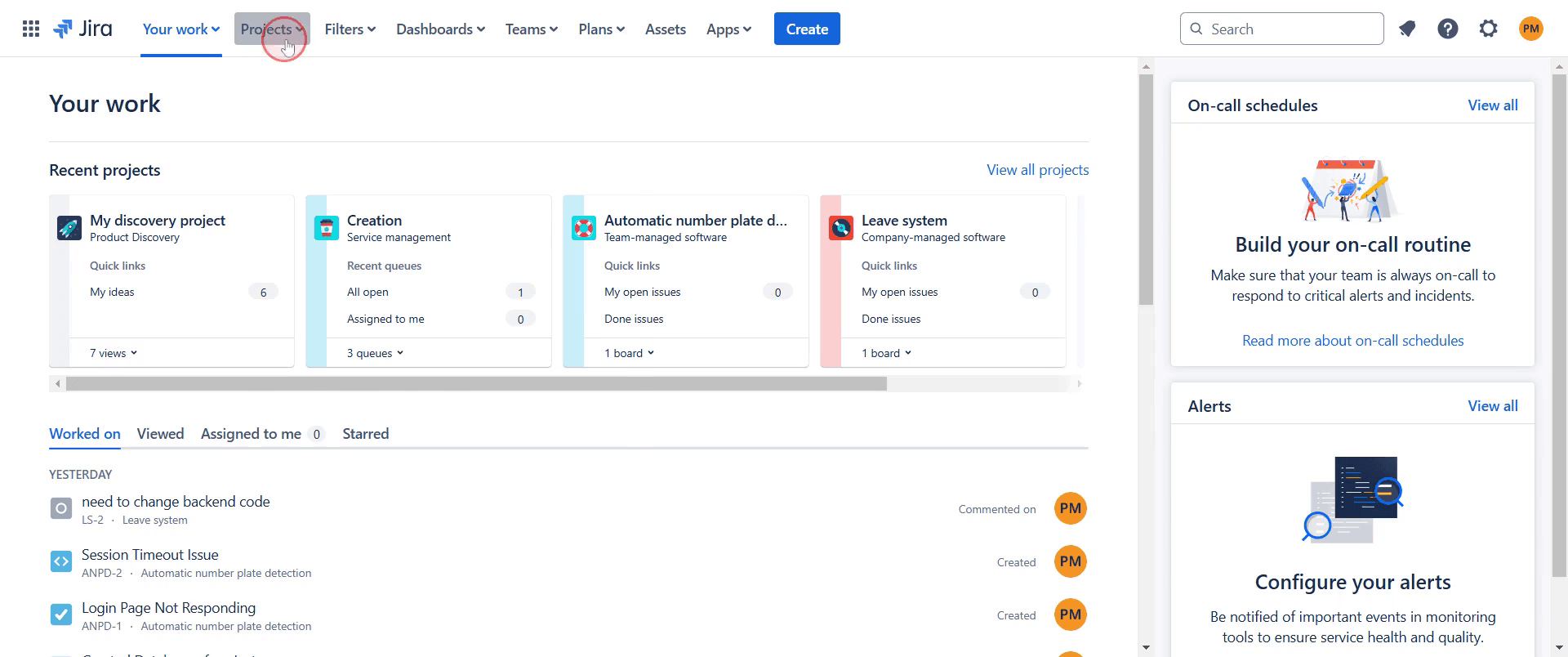
Begin by opening Jira and navigating to your projects section, Click on it.
Step 2
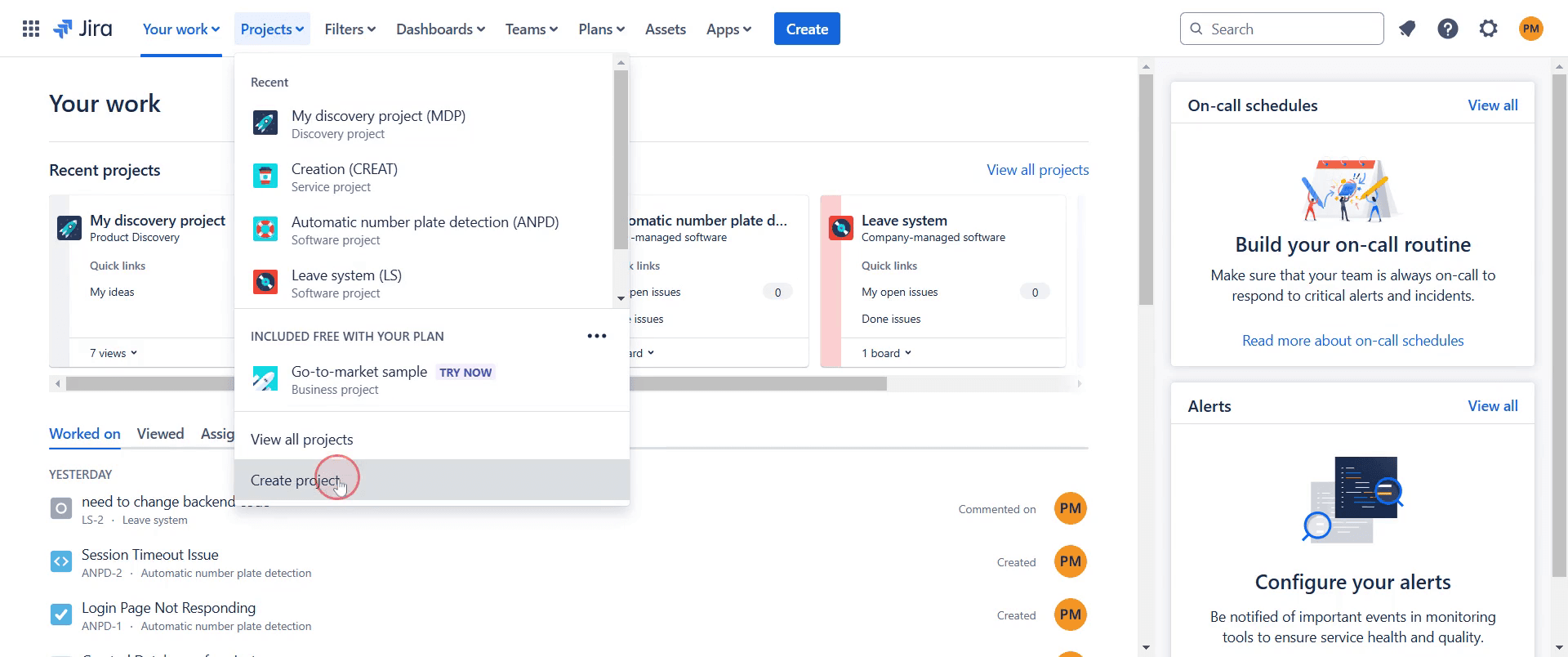
Click on "Create Project" option.
Step 3
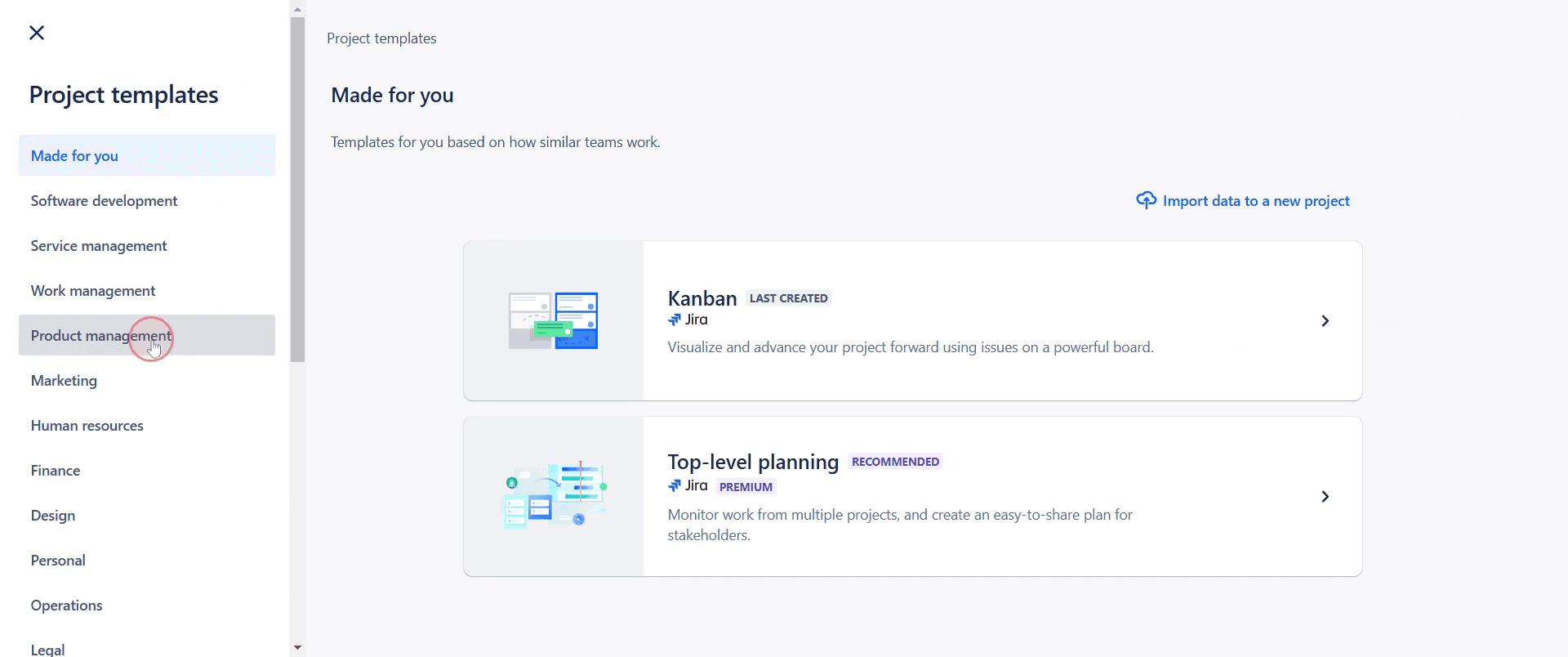
Click on "Product Management" option.
Step 4
Select "Product Roadmap" template.
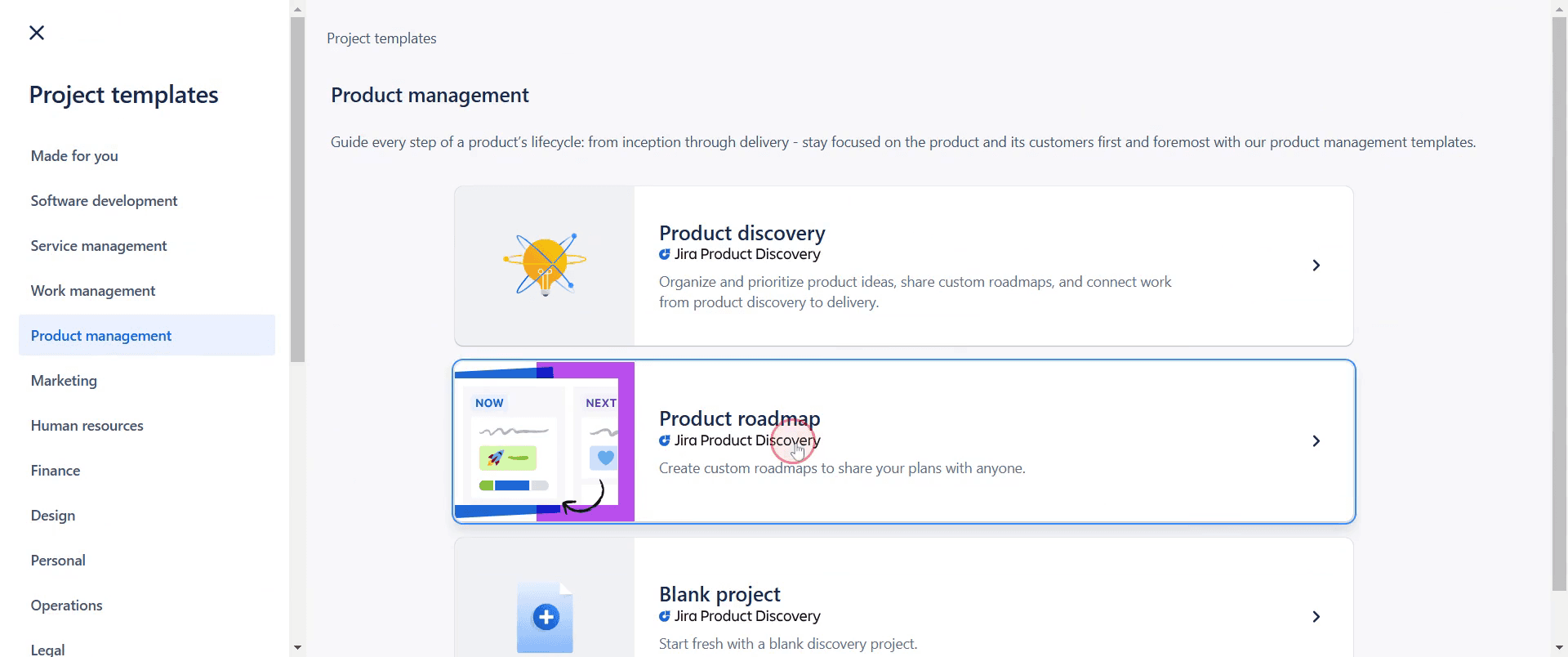
Step 5
Click on "Use this Template" to proceed.
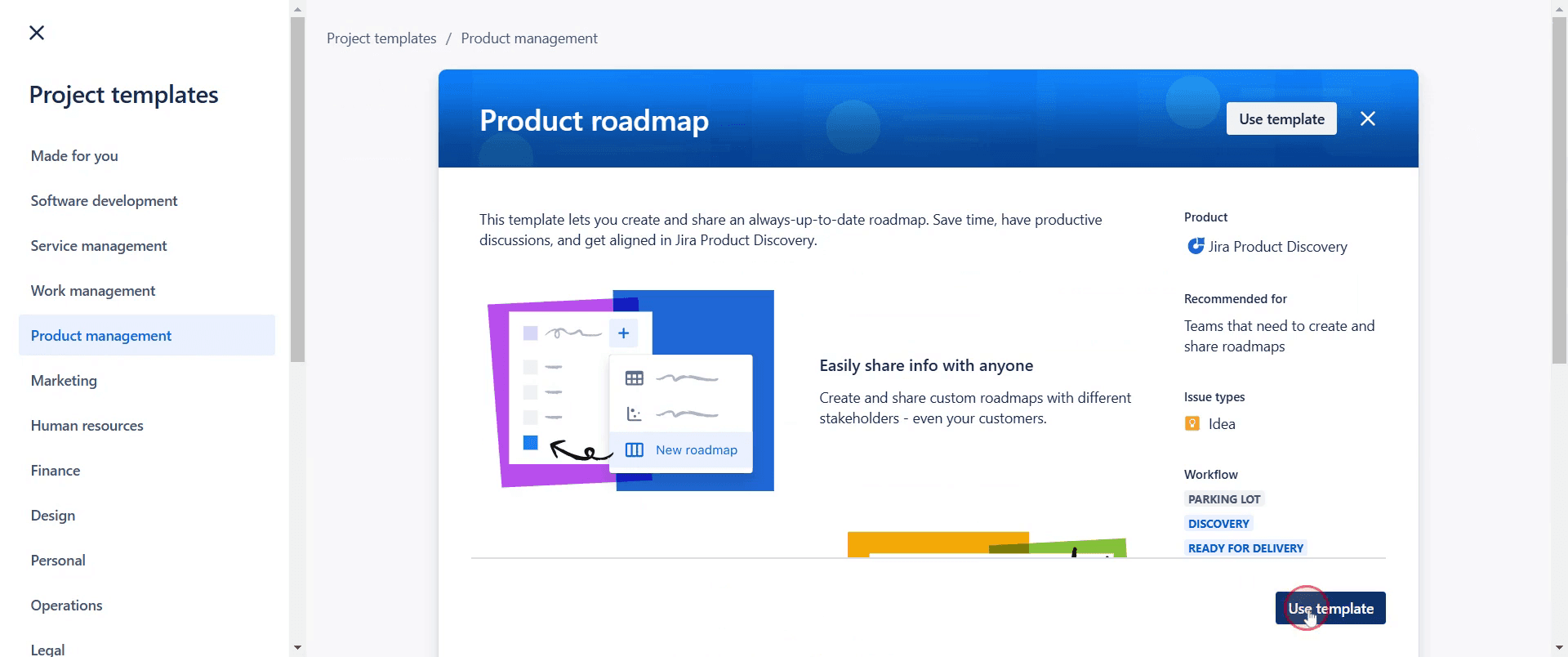
Step 6
Enter a name for your roadmap.
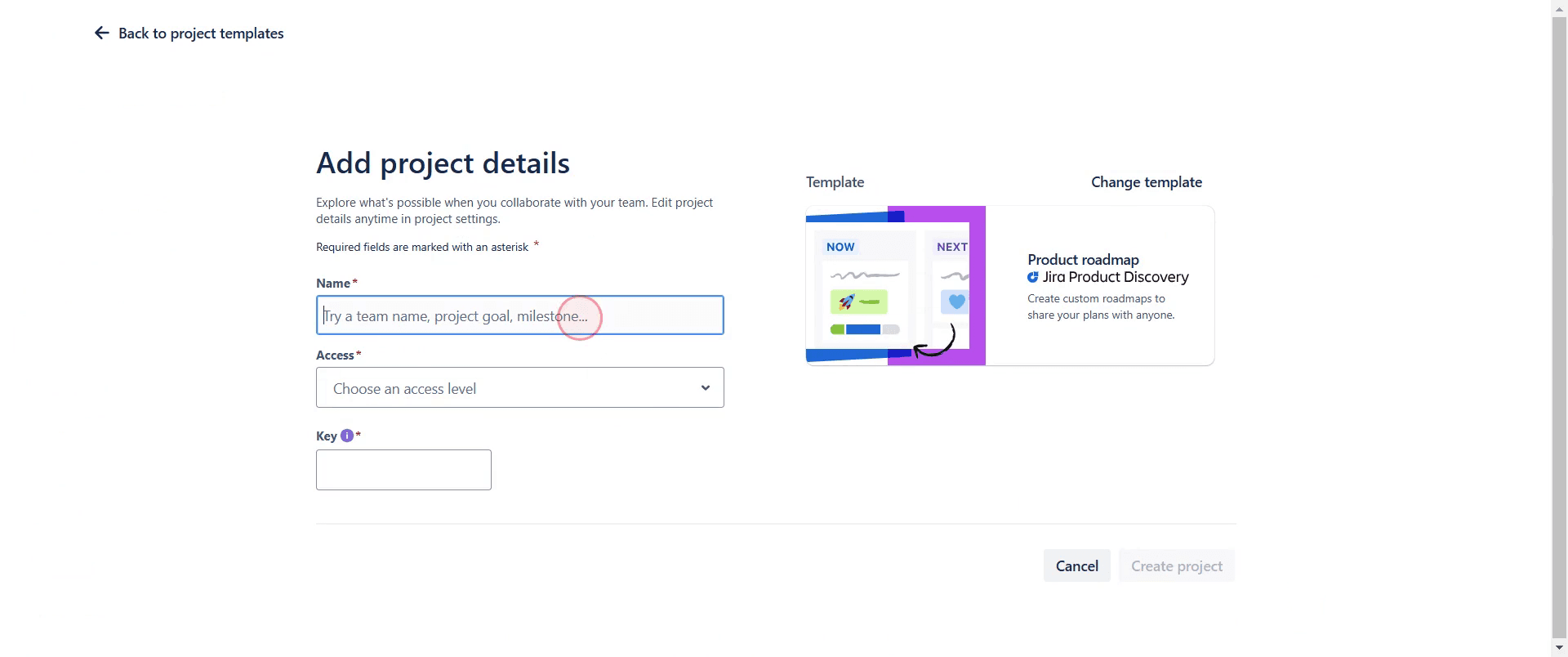
Step 7
And then click on "Create Project".
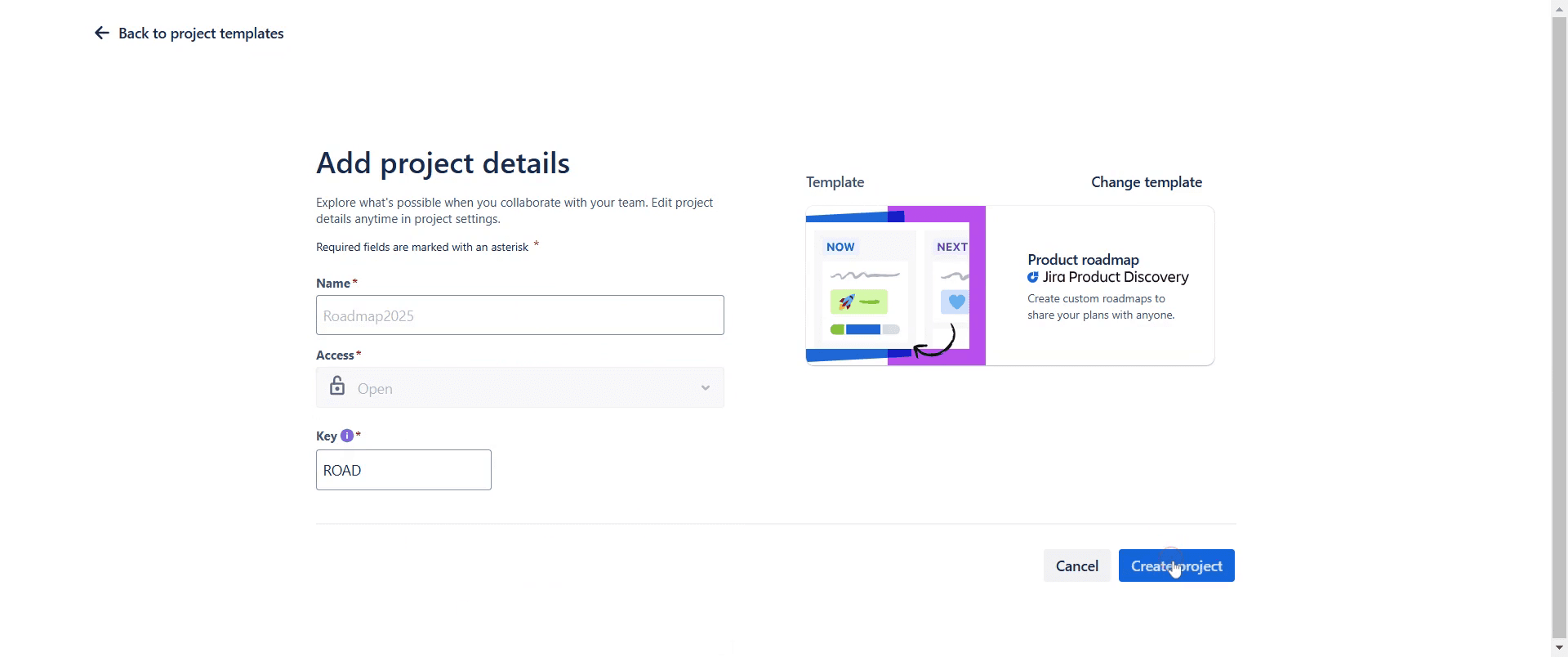
Step 8
Now, you’ll see that your project is created successfully.
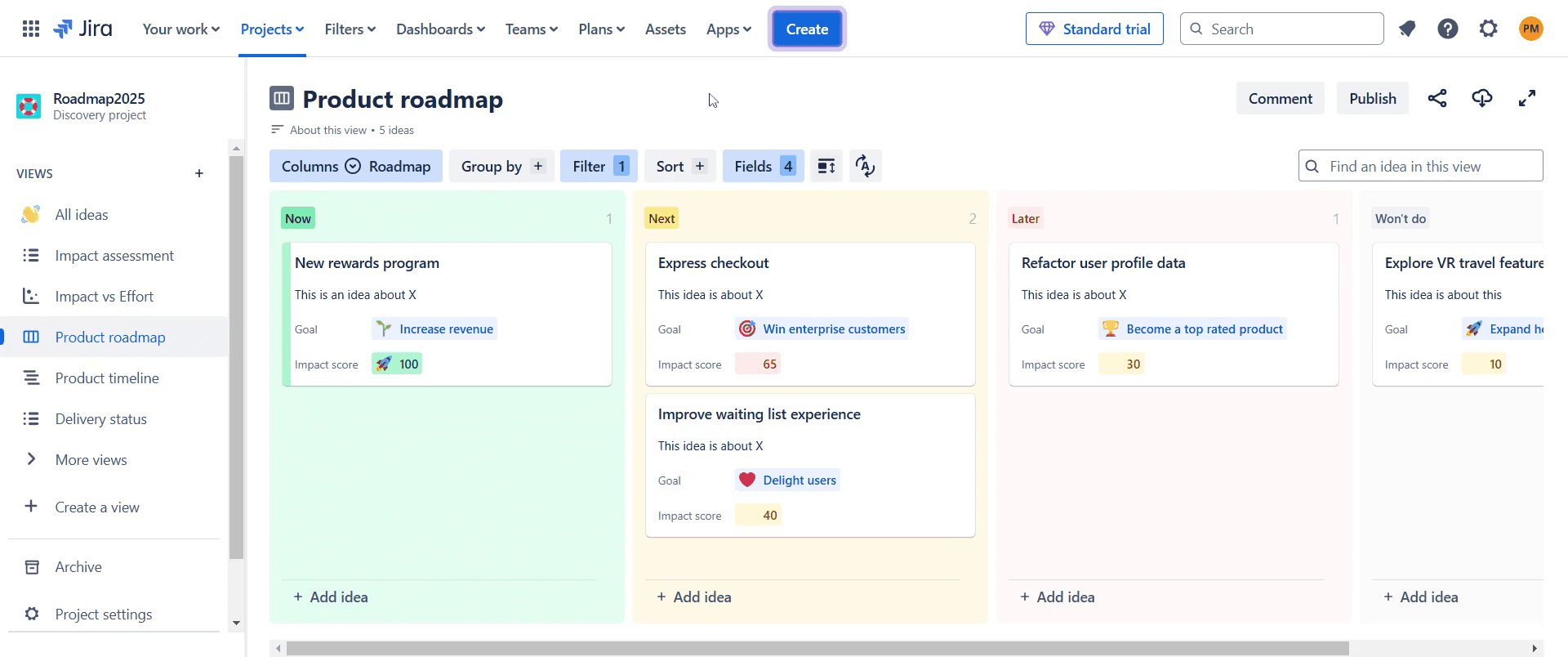
This is a step-by-step guide on how to create a roadmap in Jira.
Pro-tips for creating a roadmap in Jira
Use Jira's built-in Roadmap feature in Jira Software to plan and track work efficiently.
Organize your roadmap by setting up epics, linking stories, and defining timeframes.
Adjust the view settings to filter by team, status, or timeframe for better visualization.
Common pitfalls & how to avoid them while creating a roadmap in Jira
Roadmap not visible, ensure you are using Jira Software and the roadmap feature is enabled.
Epics not displaying, confirm that epics are created and assigned to the correct project.
Lack of timeline clarity, use start and due dates for better scheduling and tracking.
Common FAQs for creating a roadmap in Jira
Can I customize my roadmap view?
Yes, you can filter by status, assignee, and timeframe to customize the roadmap view.How do I share my roadmap with stakeholders?
Use the export or share options in Jira to generate a link or download a view of the roadmap.Does Jira support multiple team roadmaps?
Advanced Roadmaps in Jira Premium allow for multi-team roadmaps and cross-project planning.
If you're an instructor or content creator looking to make tutorial videos, give Trupeer.ai a try. It transforms rough screen recordings into polished, studio-style videos that are ready for sharing with your audience. Plus, it automatically generates a step-by-step guide based on the video you create. Fascinating, right? Start by creating your first tutorial for free with Trupeer.ai.

