
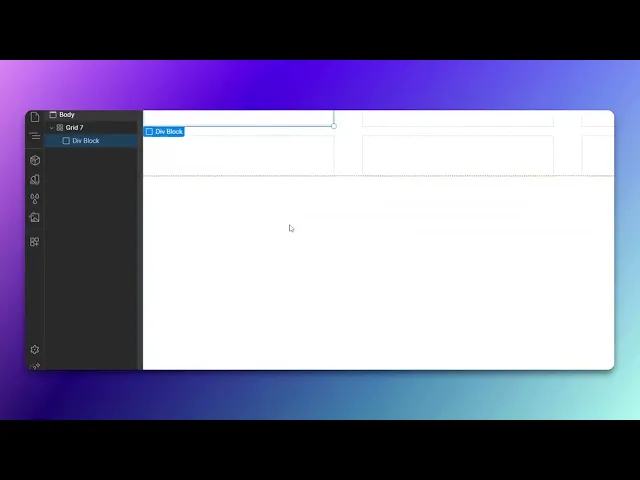
How To Create A Table In Webflow
Learn how to create a table in Webflow with our comprehensive tutorial. Elevate your website's functionality and design effortlessly.
In this tutorial, you will learn how to create and customize a table in Web flow. The steps will guide you through adding elements, customizing grids, and managing typography to enhance the presentation of your table.
Step 1
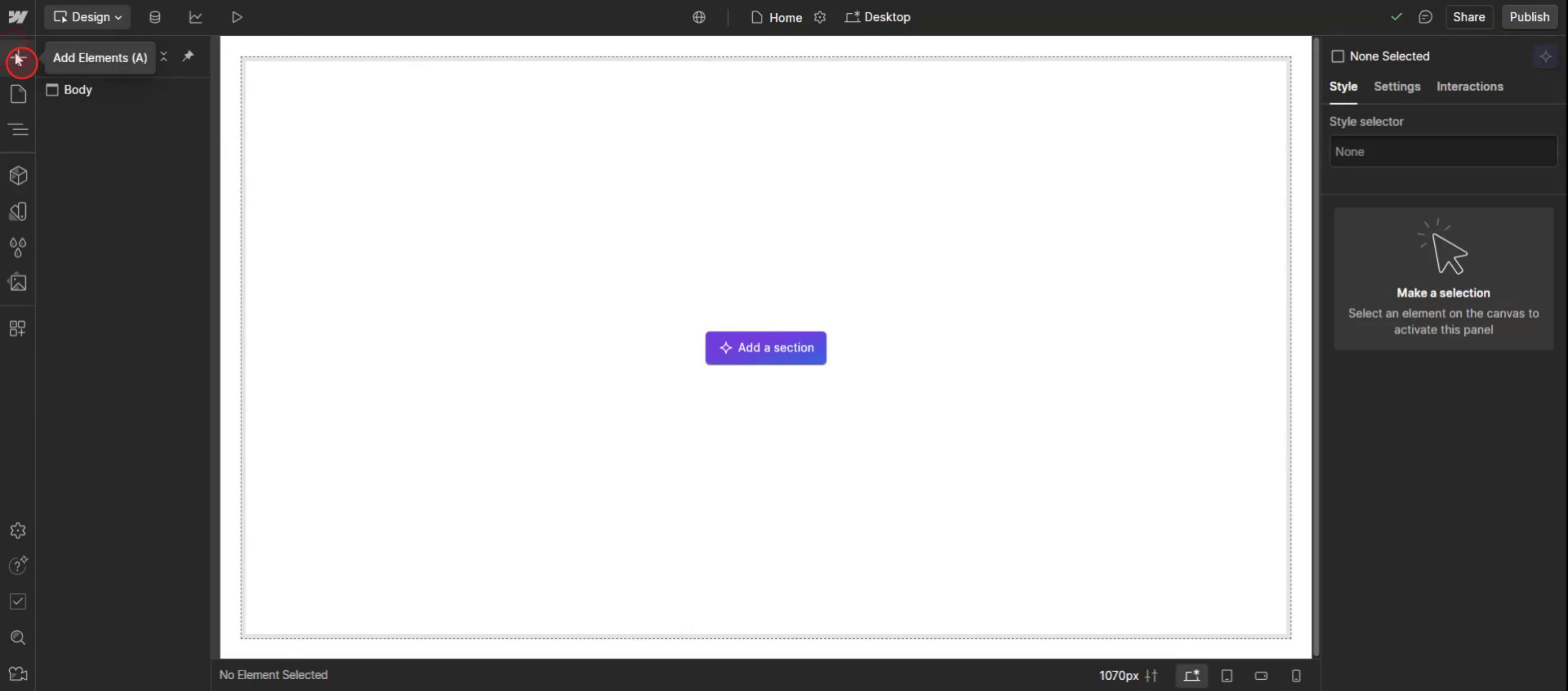
Click on Add Elements.
Step 2
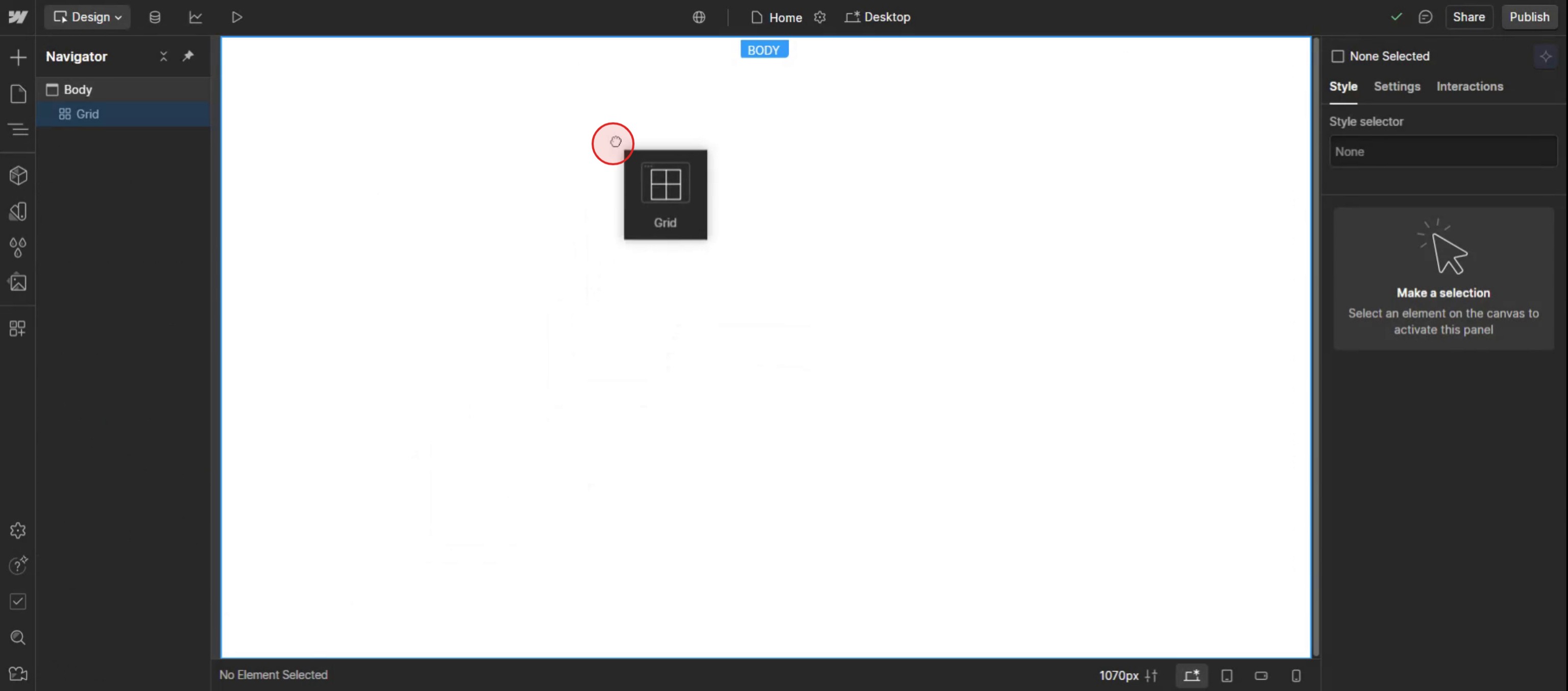
Drag and drop the gride,
Step 3
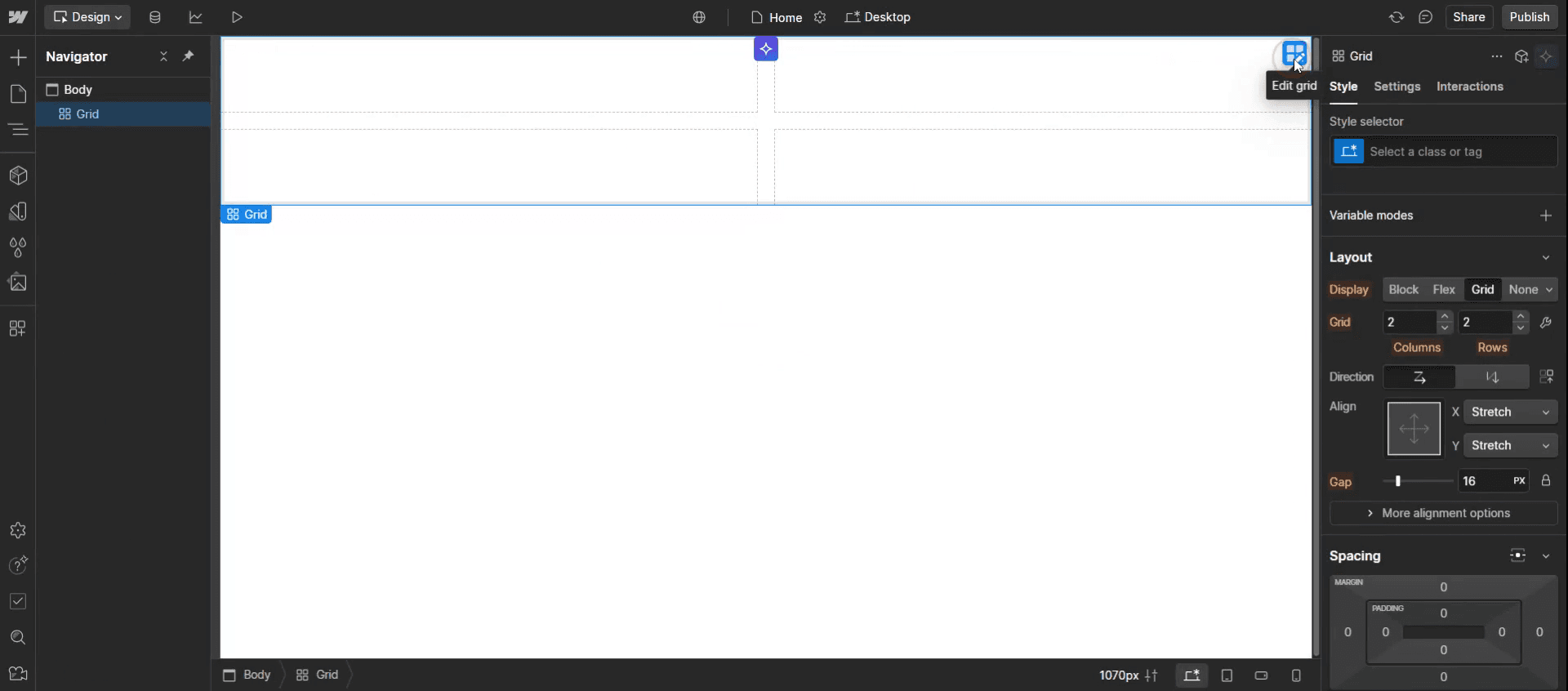
Click on the edit option.
Step 4
Clicking on a specific edge of the grid.
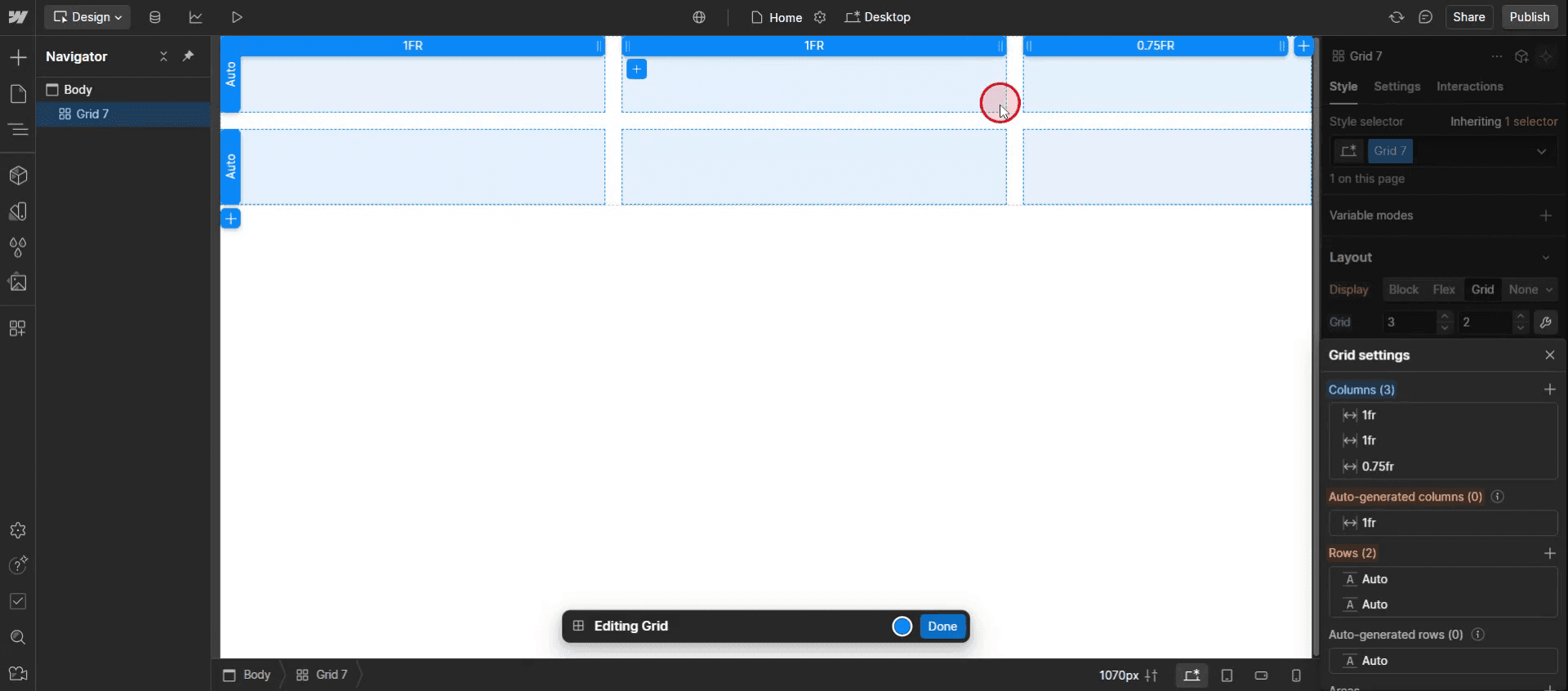
Step 5
Click on the done,
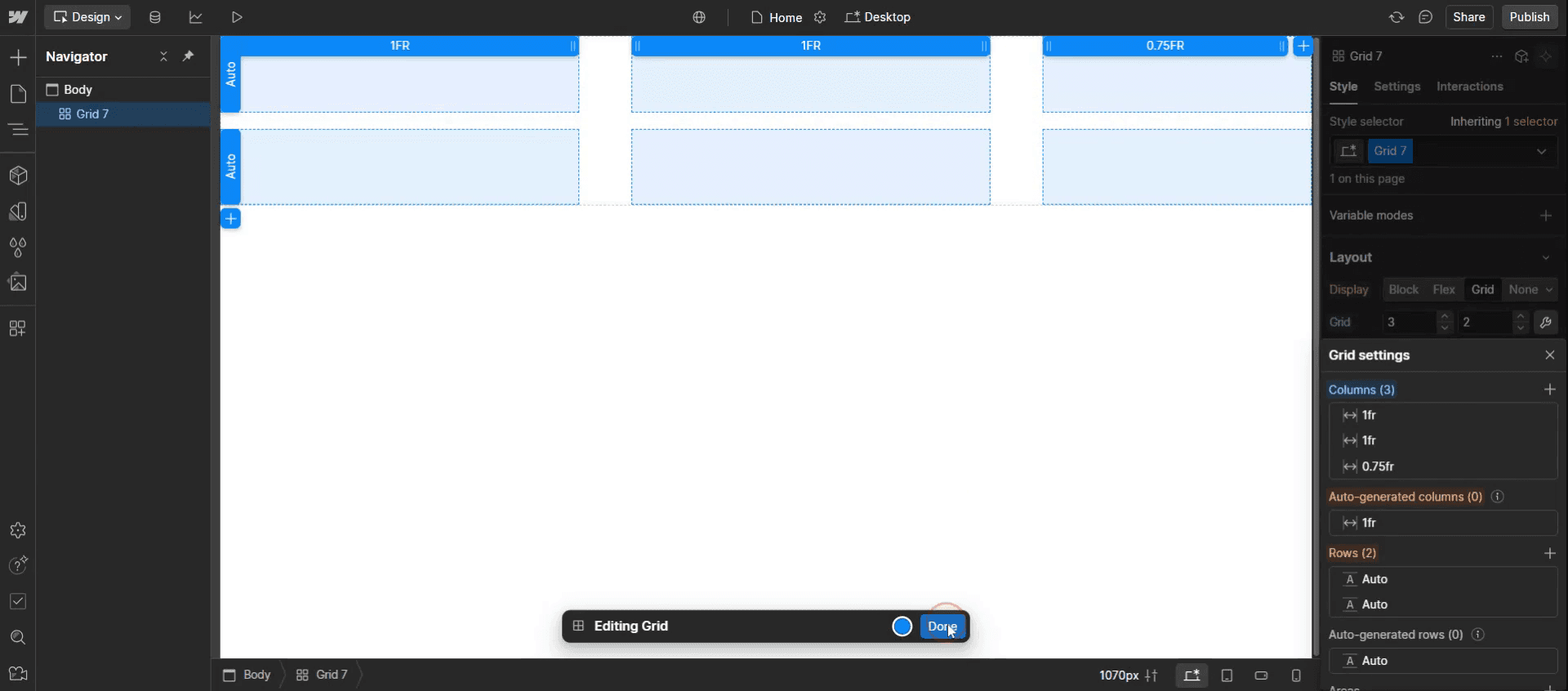
Step 6
Drag and drop the div Block.
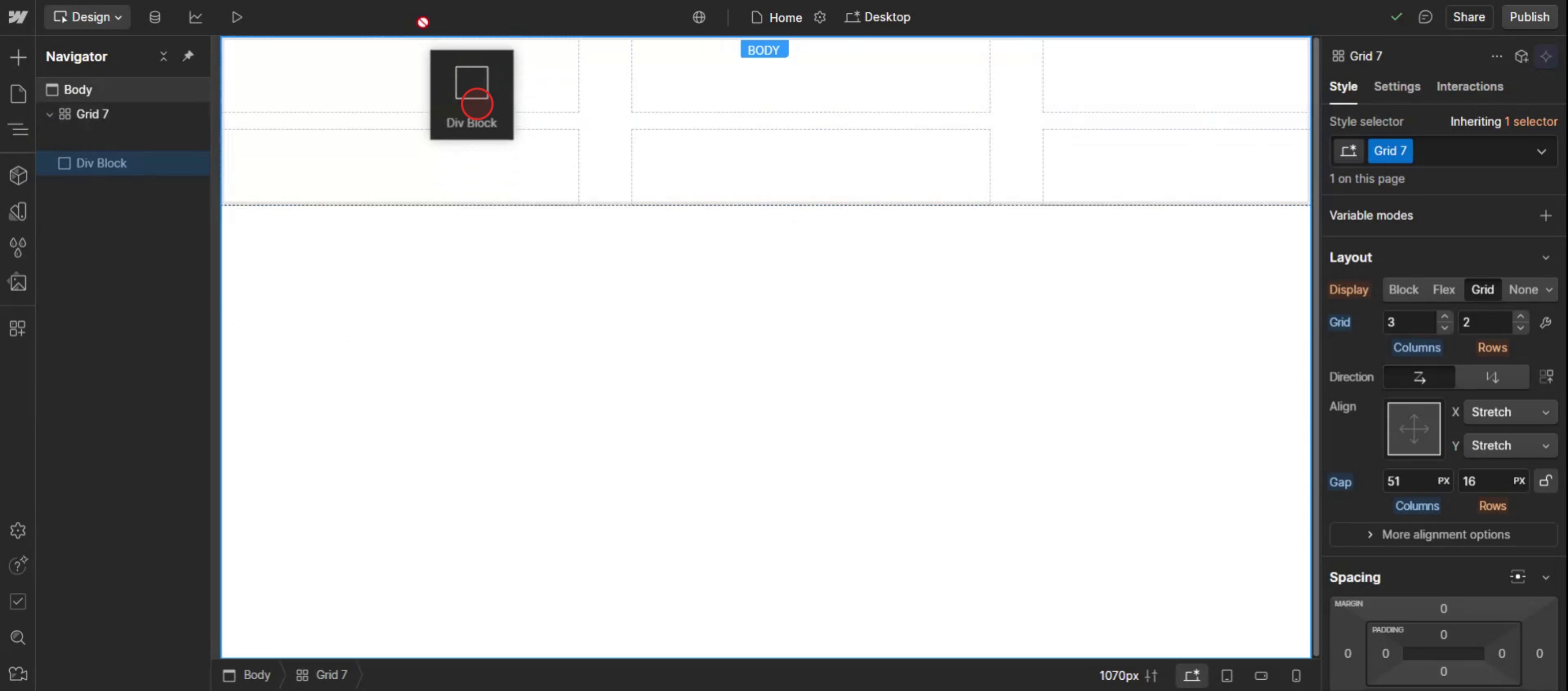
Step 7
Then click on the assets,
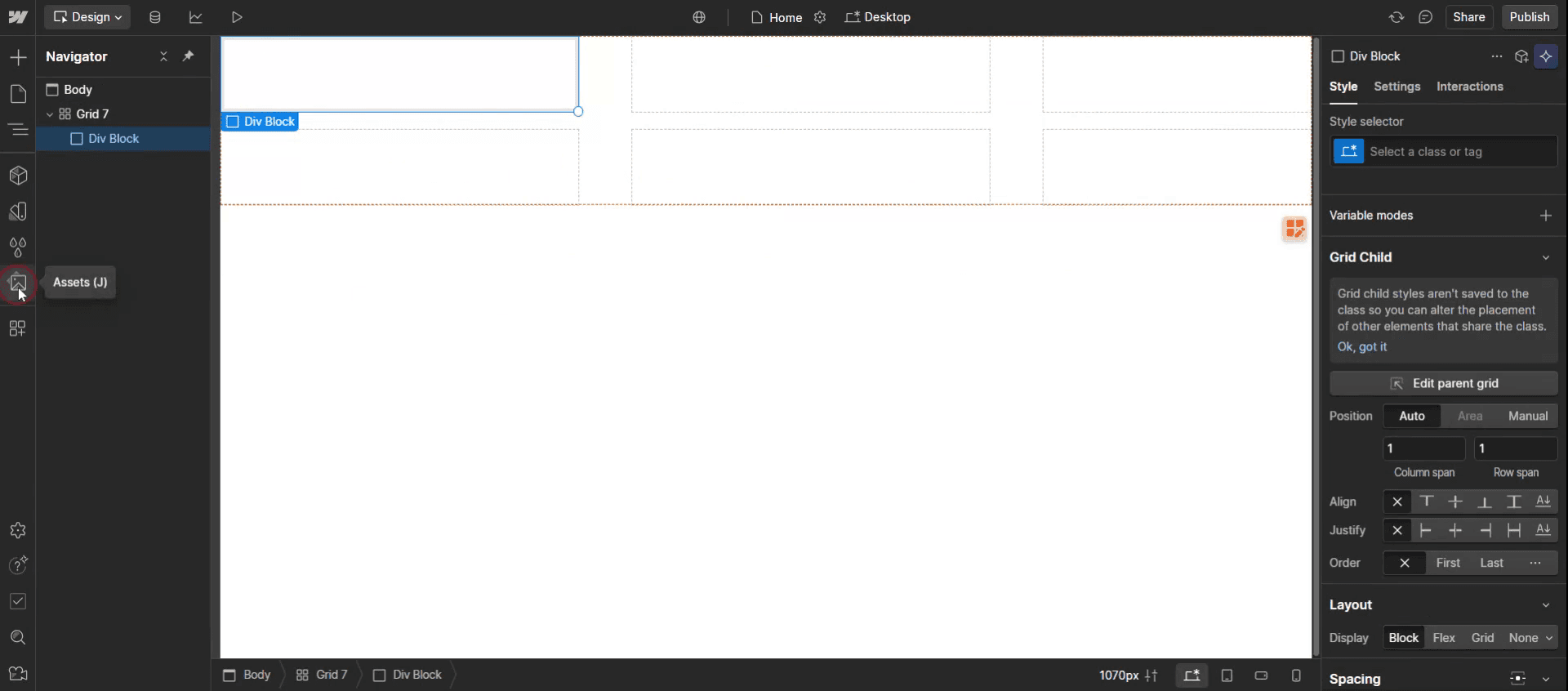
Step 8
Drag and drop the image into the designated grid cell.
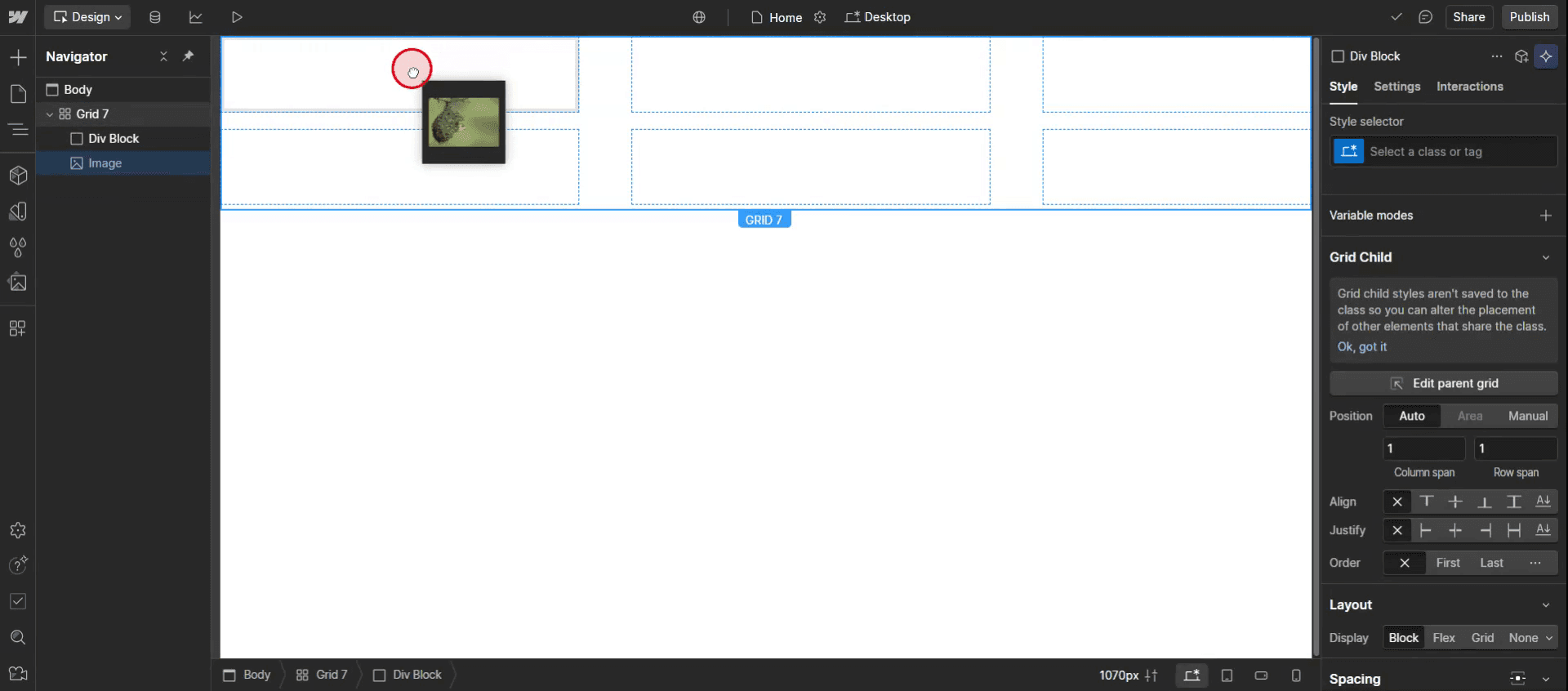
Step 9
Click on the add Elements,
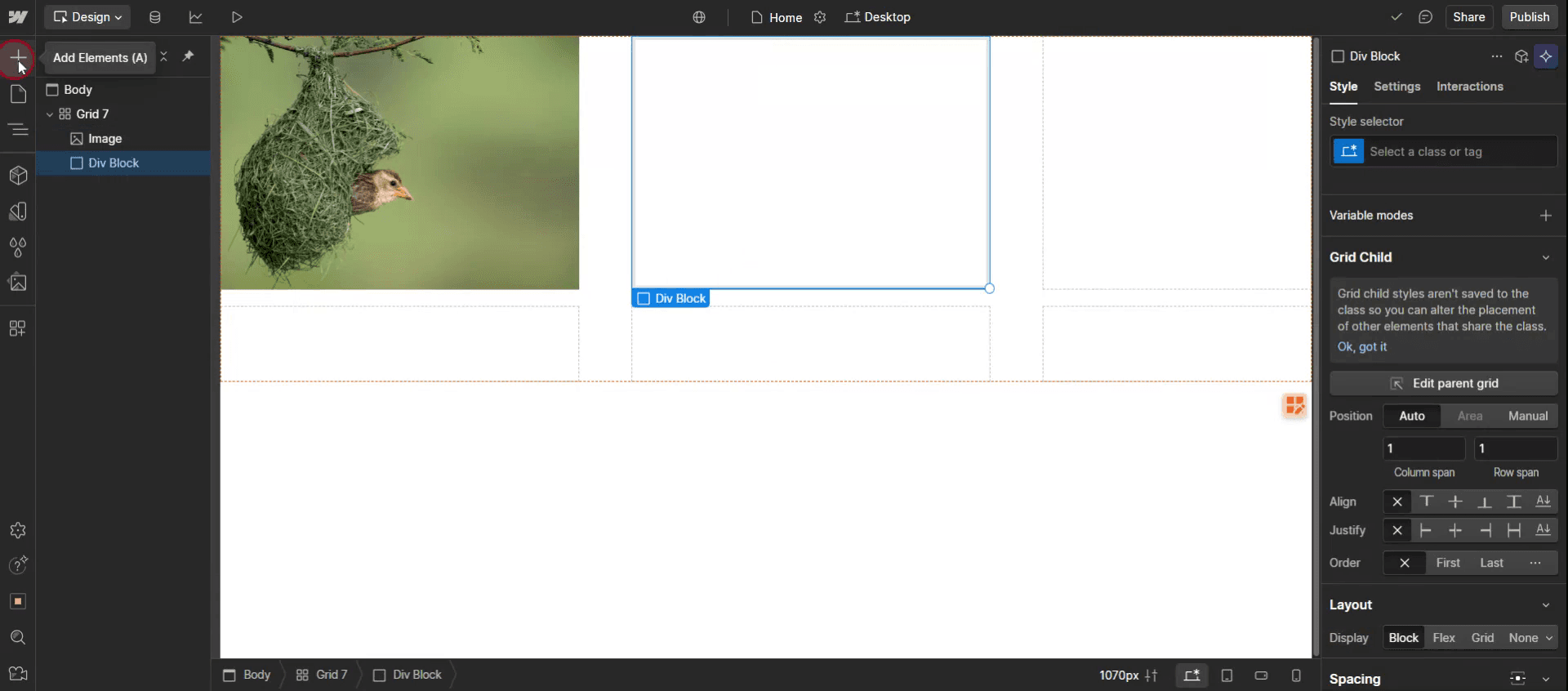
Step 10
Drag and drop the edits element into the div block.
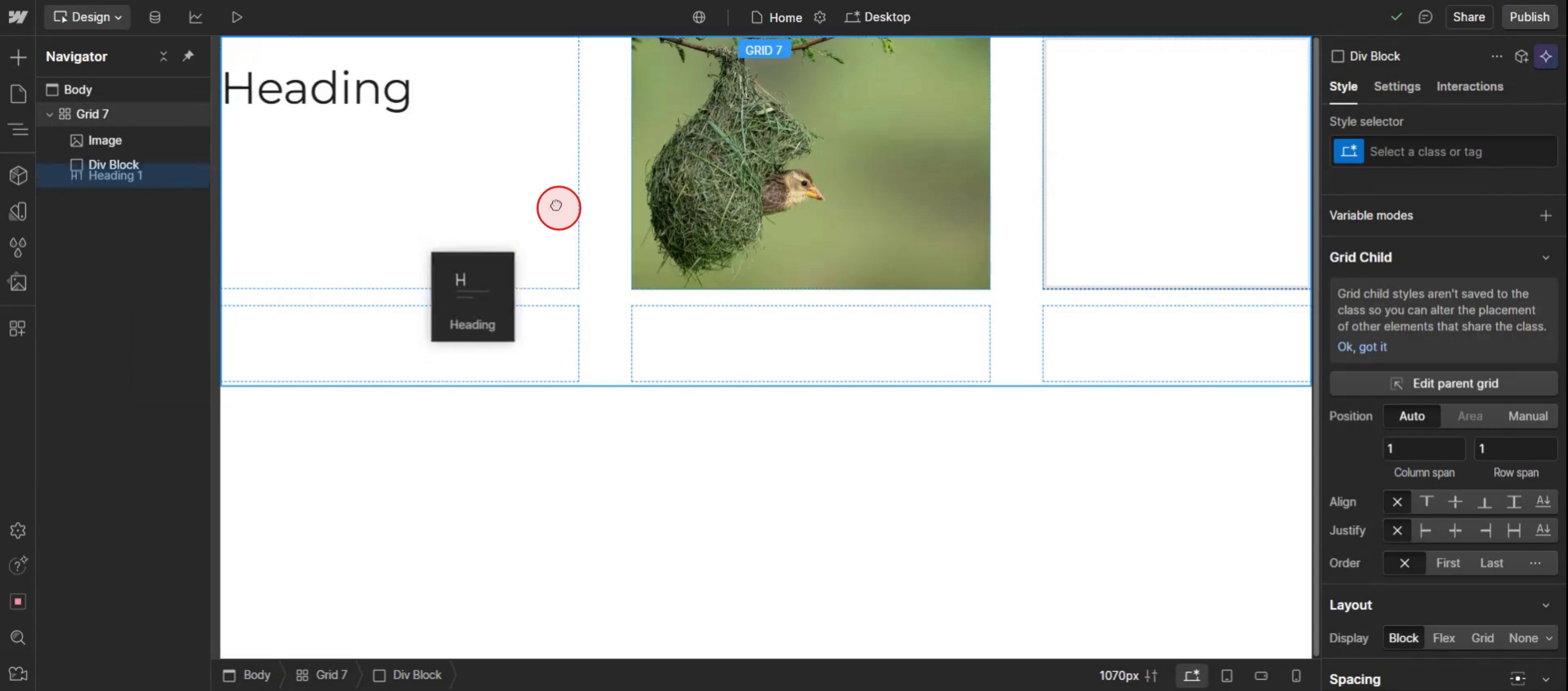
Step 11
Customize its styles and fonts according to your preferences.
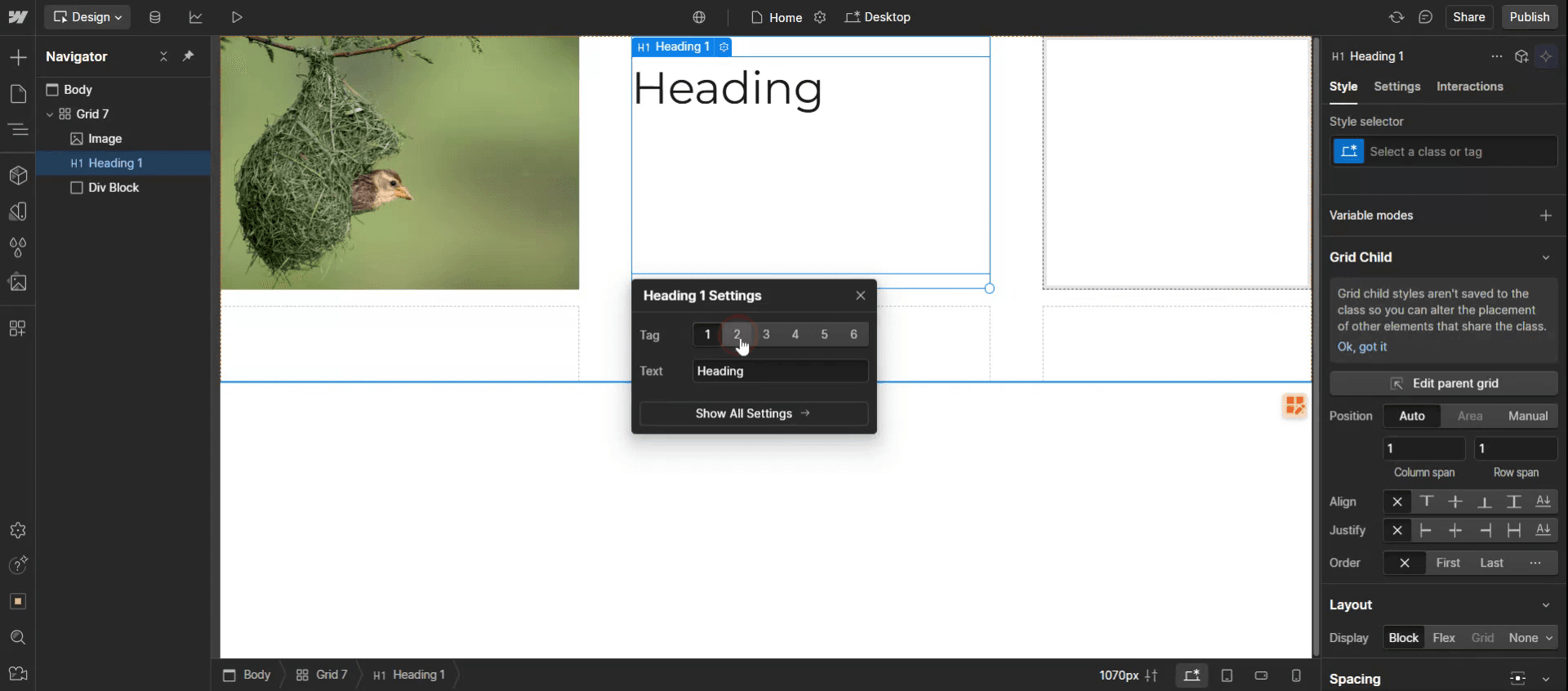
Step 12
Scroll to the typography section and click on the fonts drop-down menu.
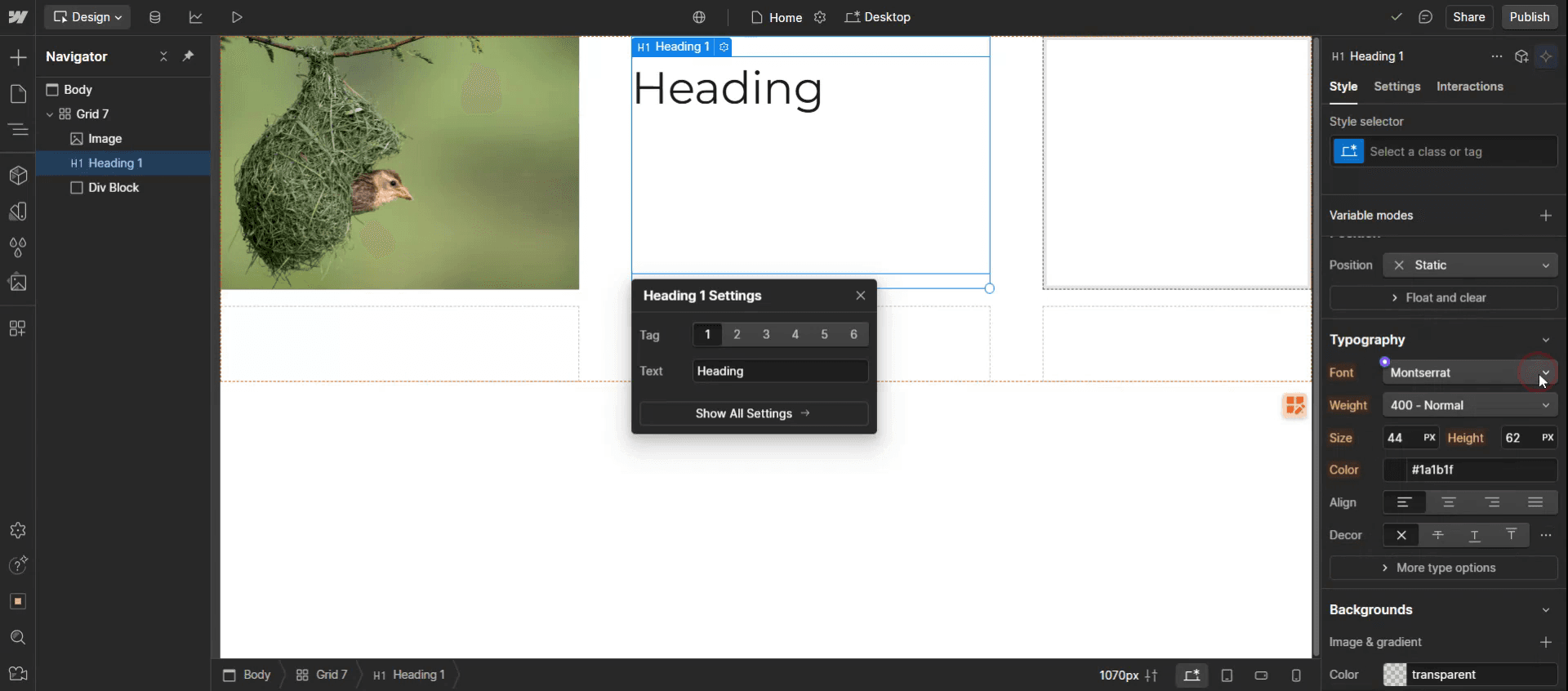
Step 13
Select the font.
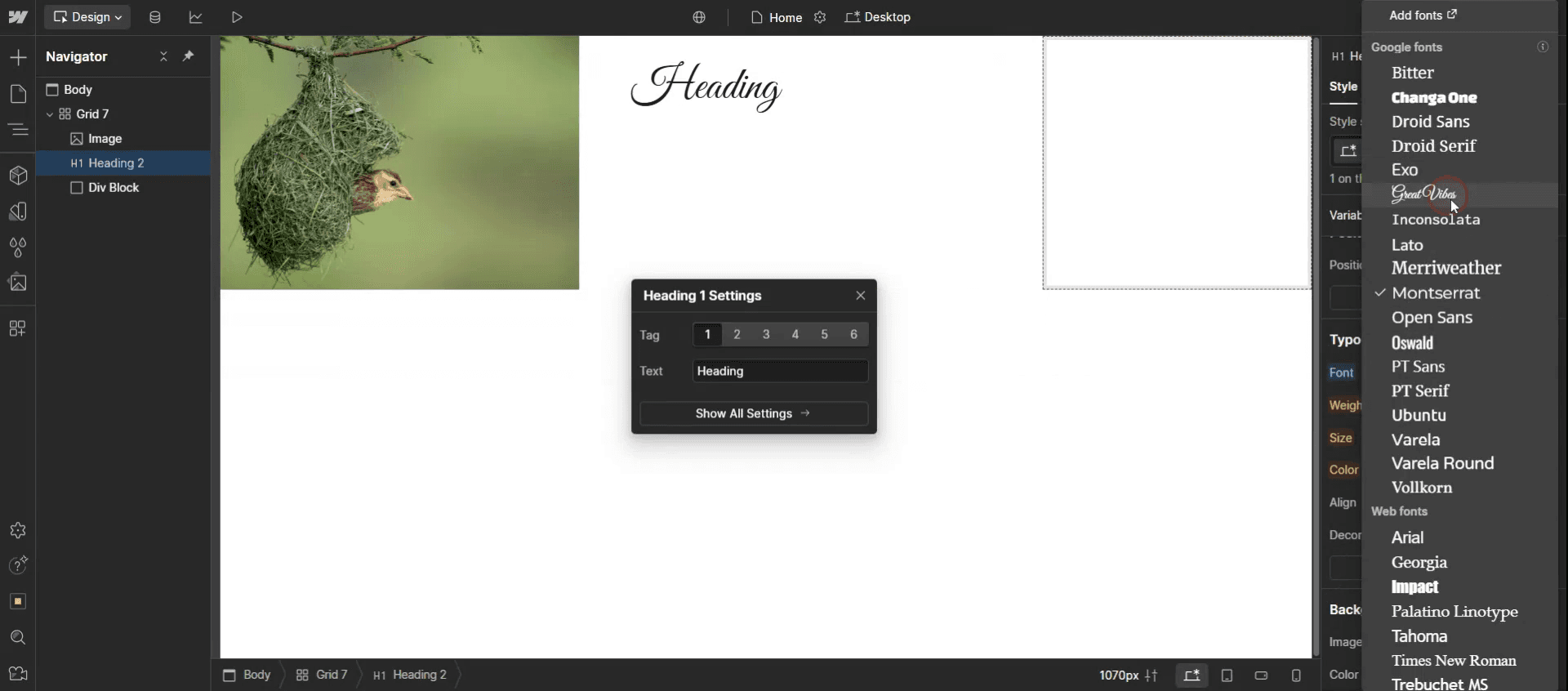
This is the step-by-step process to create a table in Web flow. Let’s explore some tips for it.
Pro-tips for creating a table in Web flow
Use the Grid Layout for a Responsive Table – Web flow doesn’t have a built-in table element, but you can use CSS Grid to create a fully customizable and responsive table.
Style Table Elements Individually – Customize each row, column, and cell using padding, borders, and background colors to enhance readability.
Use Flexbox for a Simple Table Structure – If you need a more basic table, use Flexbox to align text and data points efficiently.
Common pitfalls & how to avoid them
Table Not Responsive on Mobile – If using CSS Grid, ensure the layout adapts properly on smaller screens by setting columns to auto-fit or auto-fill.
Misaligned Text and Data – Use consistent padding and alignment for better readability, especially in multi-column tables.
Difficulty Updating Table Data – If your table needs frequent updates, consider using Web flow CMS to dynamically populate data.
Common FAQs for creating a table in Webflow
Can i use HTML to create a table in Web flow?
Yes, use the Embed element and insert a standard HTML table with custom CSS for styling.How do i make a table responsive in Web flow?
Use CSS Grid with auto-fit or auto-fill settings, or apply Flexbox for simpler table layouts.Can i use Web flow CMS for tables?
Yes, create a Collection List, structure it like a table, and pull data dynamically for easier updates.
If you're an instructor or content creator looking to make tutorial videos, give a try. It transforms rough screen recordings into polished, studio-style videos that are ready for sharing with your audience. Plus, it automatically generates a step-by-step guide based on the video you create. Fascinating, right? Start by creating your first tutorial for free with trupeer.ai .

