
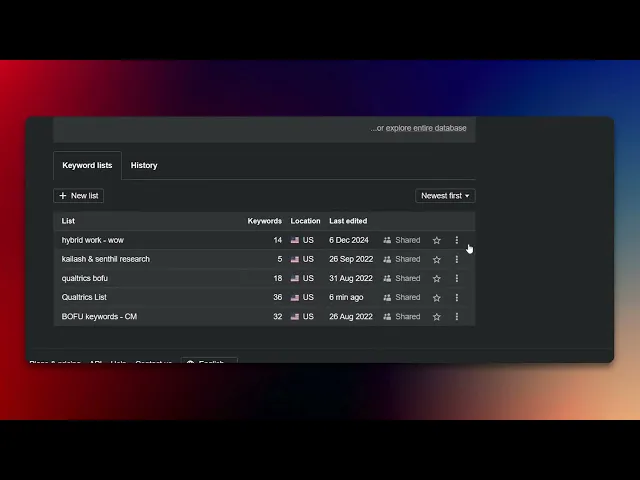
How To Delete A List On Ahrefs
Discover how to delete a list on Ahrefs with our comprehensive guide. Simplify your workflow and enhance your SEO management today.
This document provides a step-by-step guide on deleting a list within the Ahrefs platform. By following these instructions, users can efficiently manage their keyword lists and remove any that are no longer needed.
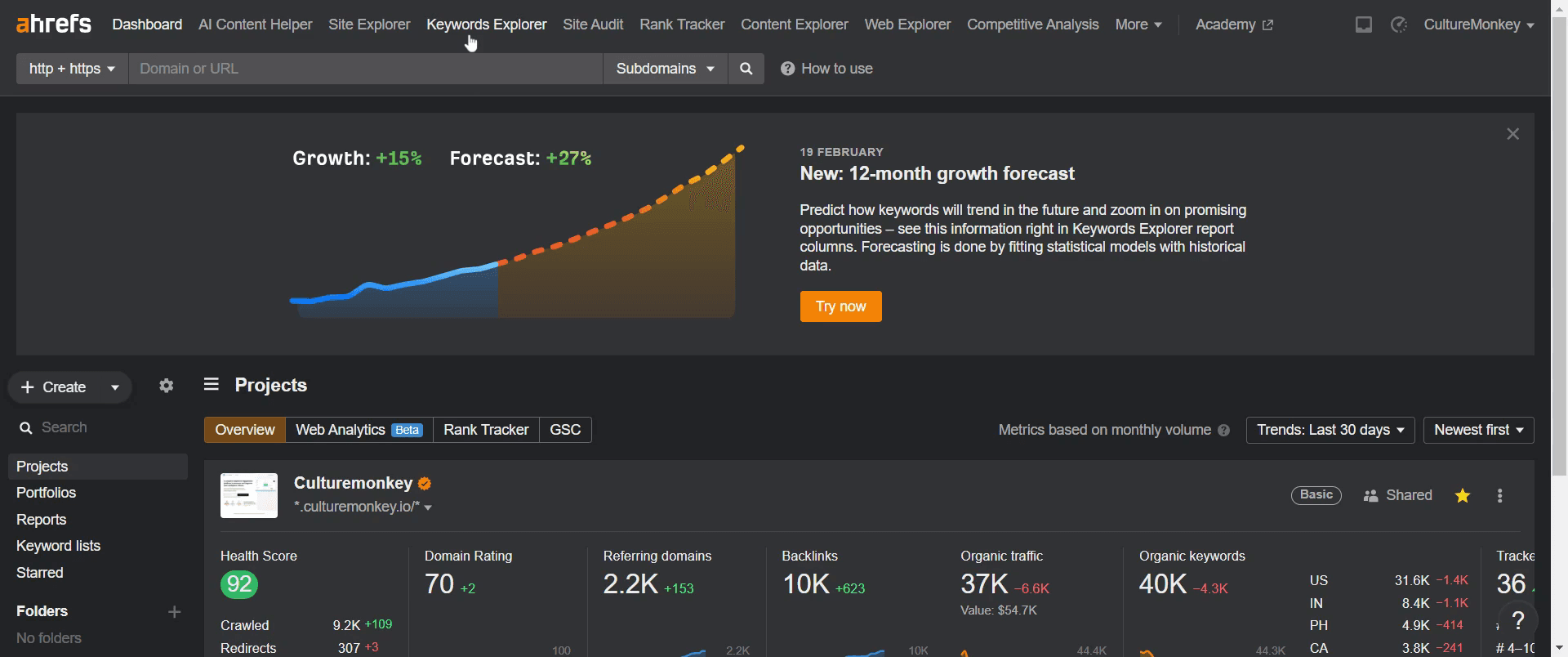
Step 1
Go to the Keyword Explorer. Click on it to proceed.
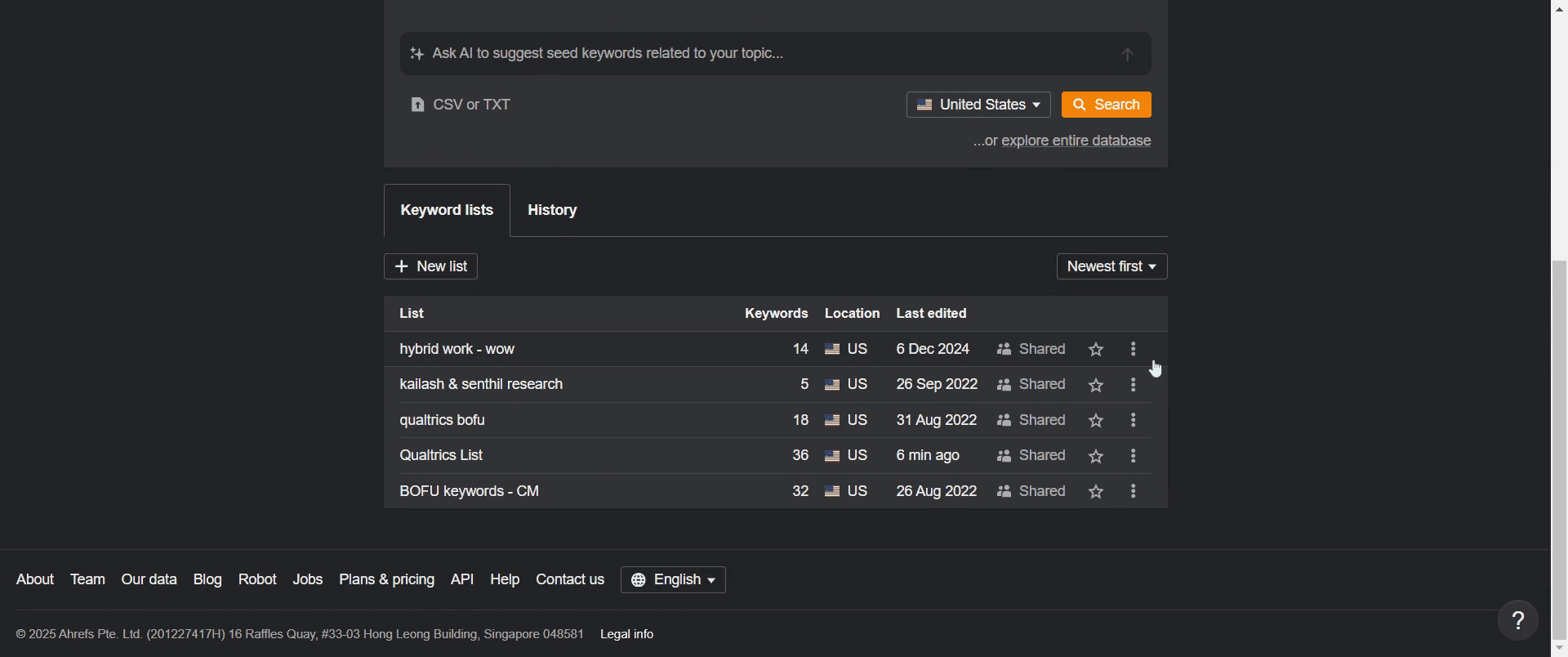
Step 2
Click on the three dots next to the list you want to delete.
Step 3
In the dropdown menu, locate the "Delete" option and click on it.
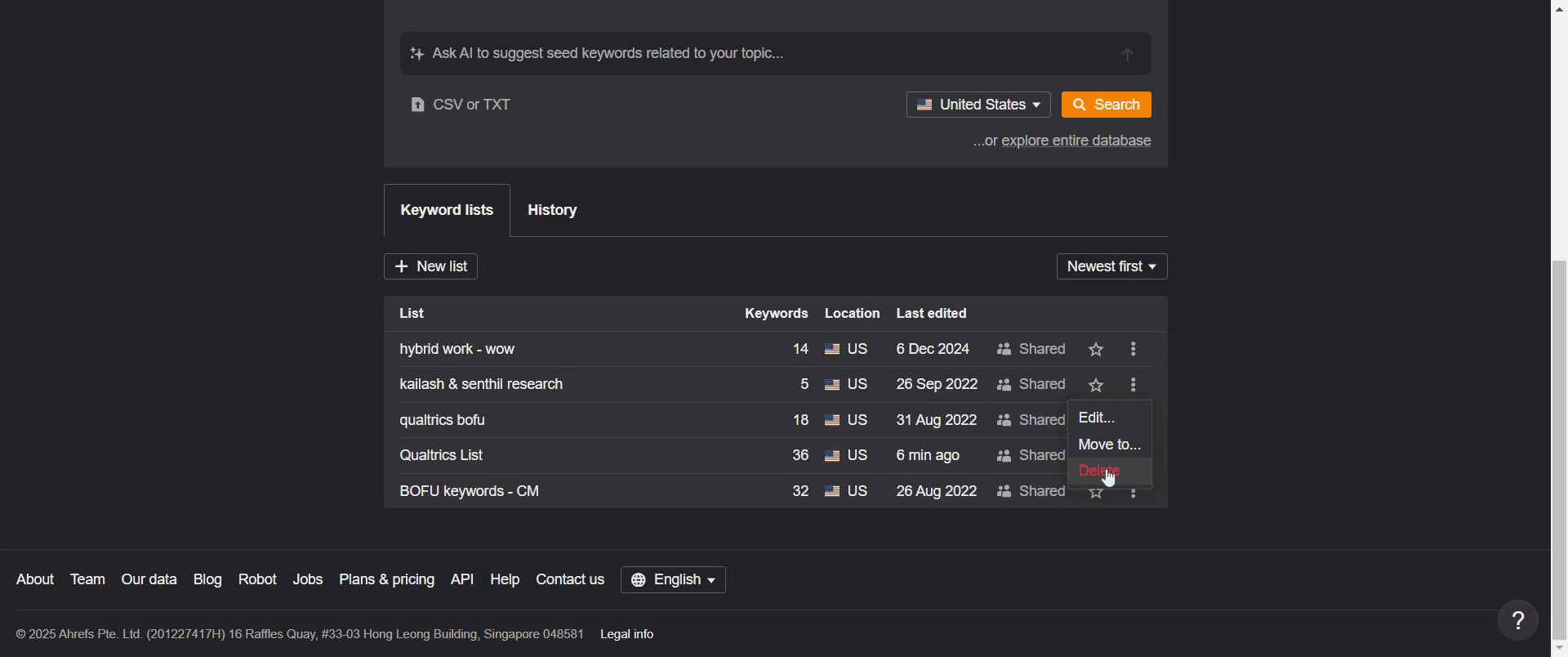
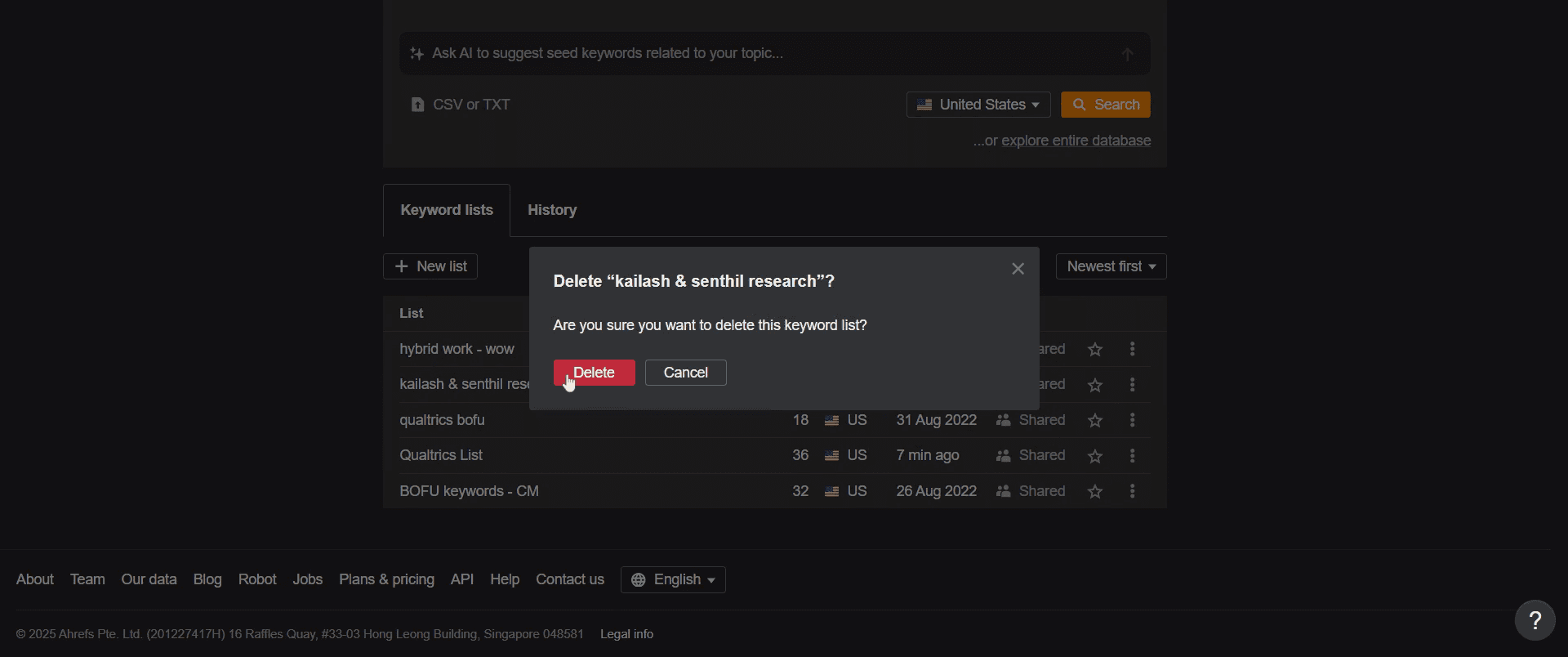
Step 4
Click on the "Delete" option again to confirm the deletion.
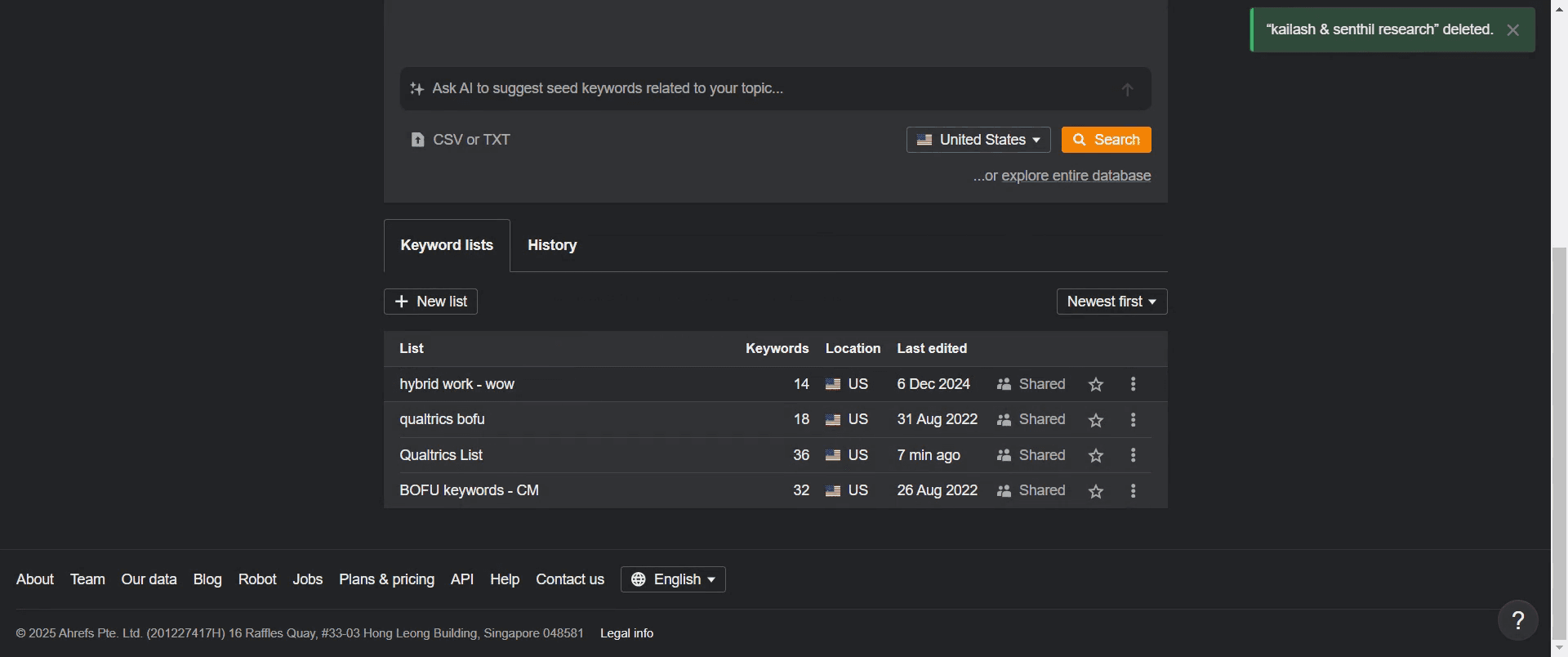
Step 5
You will see a pop-up confirming that the deletion process was successful.
That's it. This is a step-by-step guide on how to delete a list on Ahrefs.
Pro-tips for deleting a list on Ahrefs
Double-check the list before deleting to ensure you don’t lose important data.
Consider exporting the list as a CSV or Google Sheet before deletion for future reference.
Deleting a list cannot be undone, so proceed with caution.
Common pitfalls & how to avoid them while deleting a list on Ahrefs
Accidentally deleting the wrong list – Verify the list name before confirming deletion.
Not exporting data beforehand – Save a copy if you might need the data later.
Assuming deleted lists are recoverable – Ahrefs does not offer an undo option.
Common FAQs for deleting a list on Ahrefs
Can I recover a deleted list?
No, once a list is deleted, it cannot be restored.Is there a way to export a list before deleting it?
Yes, click on Export to download the list as a CSV or Google Sheet before deletion.Can I delete multiple lists at once?
No, Ahrefs currently requires you to delete lists individually.Will deleting a list affect my Ahrefs data?
No, deleting a list only removes the saved selection; it does not affect your Ahrefs data or reports.
If you're an instructor or content creator looking to make tutorial videos, give Trupeer.ai a try. It transforms rough screen recordings into polished, studio-style videos that are ready for sharing with your audience. Plus, it automatically generates a step-by-step guide based on the video you create. Fascinating, right? Start by creating your first tutorial for free with Trupeer.ai.

