
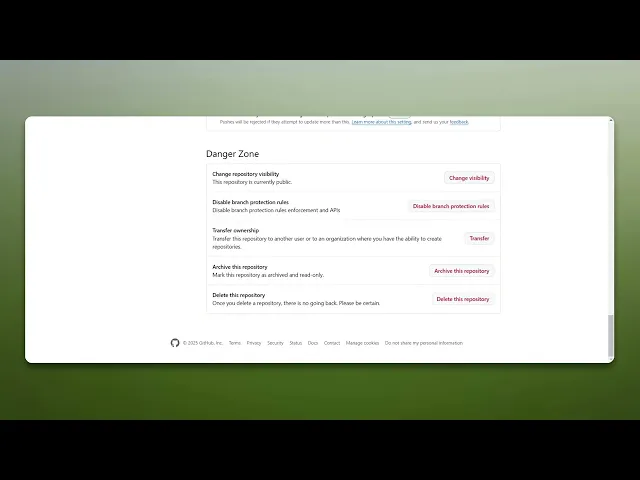
How To Delete A Repository In GitHub
Learn the step-by-step process to delete a repository in GitHub. Ensure your projects are managed effectively with our comprehensive guide.
This document provides a detailed process for deleting a repository on GitHub. Follow the steps outlined below to ensure the repository is removed from your account securely and efficiently.
Step 1
Go and click on GitHub repository you wish to delete.
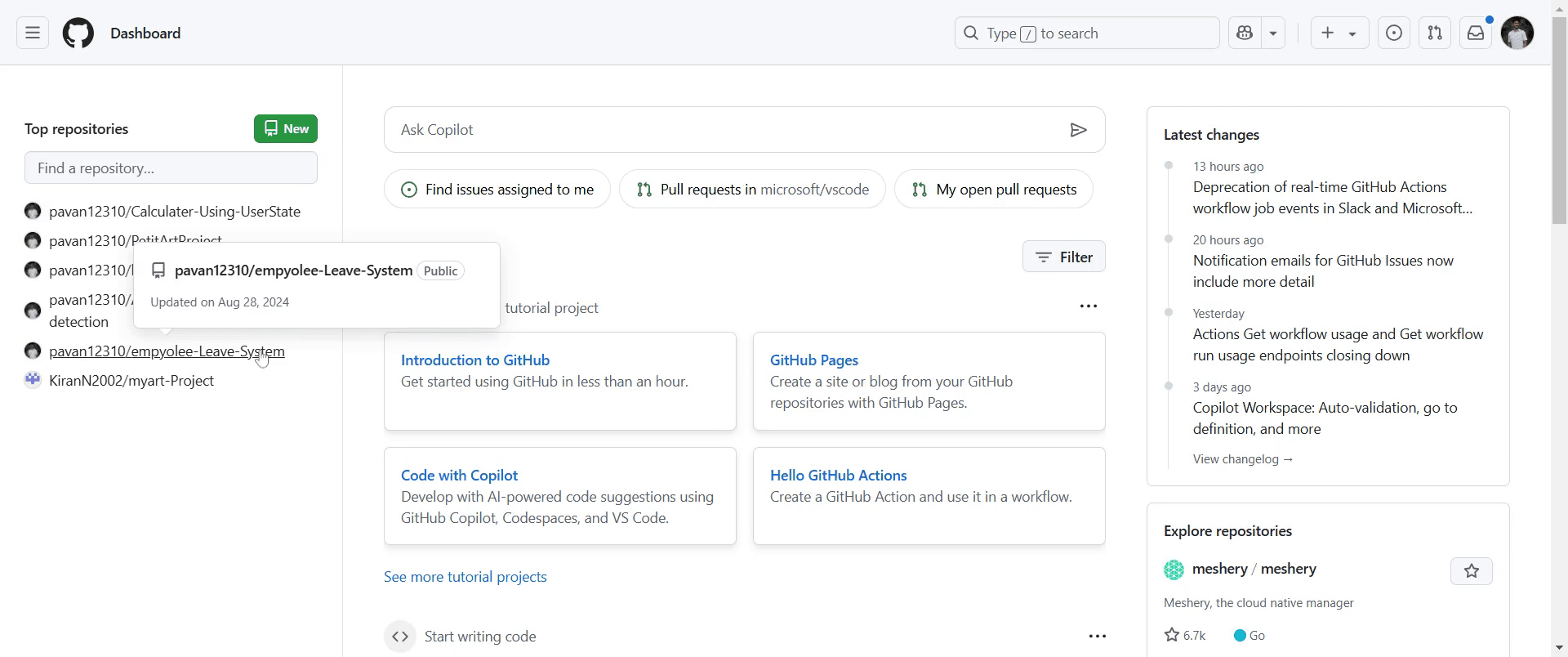
Step 2
Click on the "Settings" option within the repository.
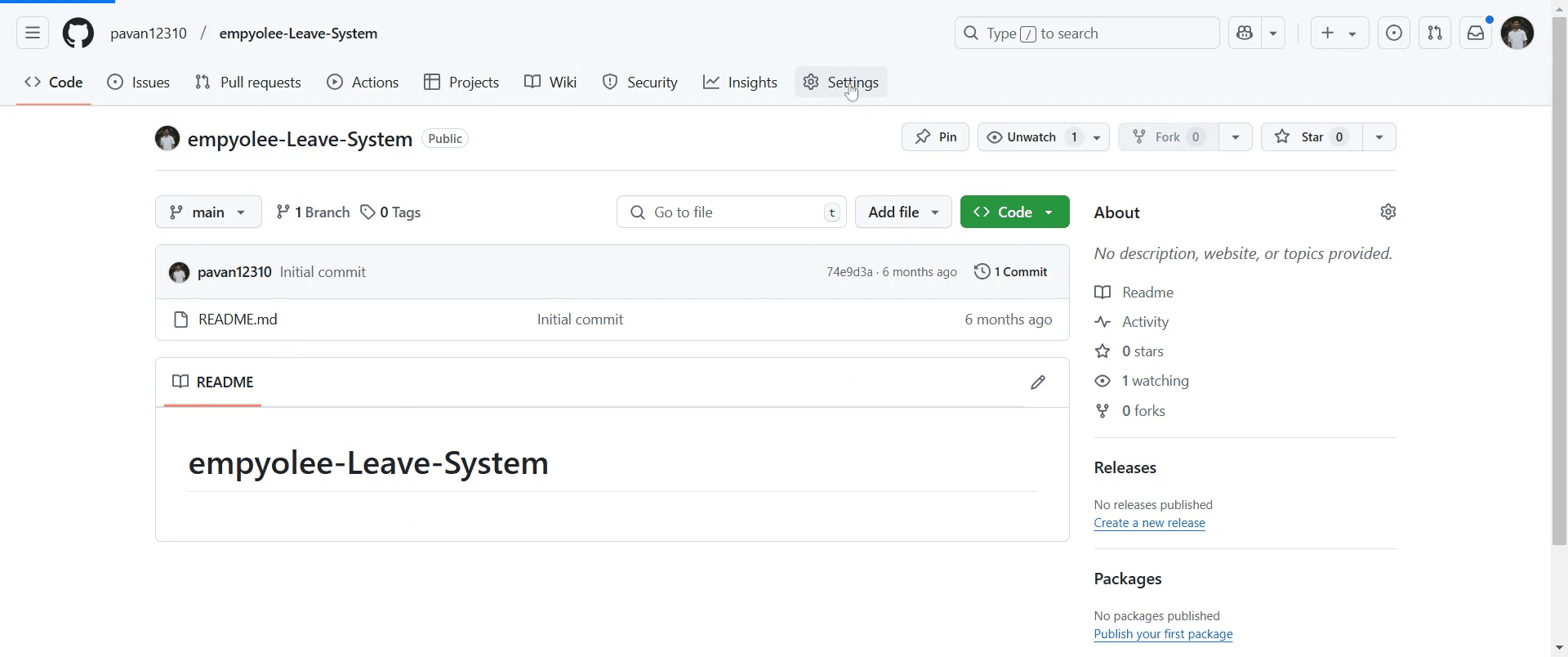
Step 3
Find the option labeled "Delete this repository" and click on that.
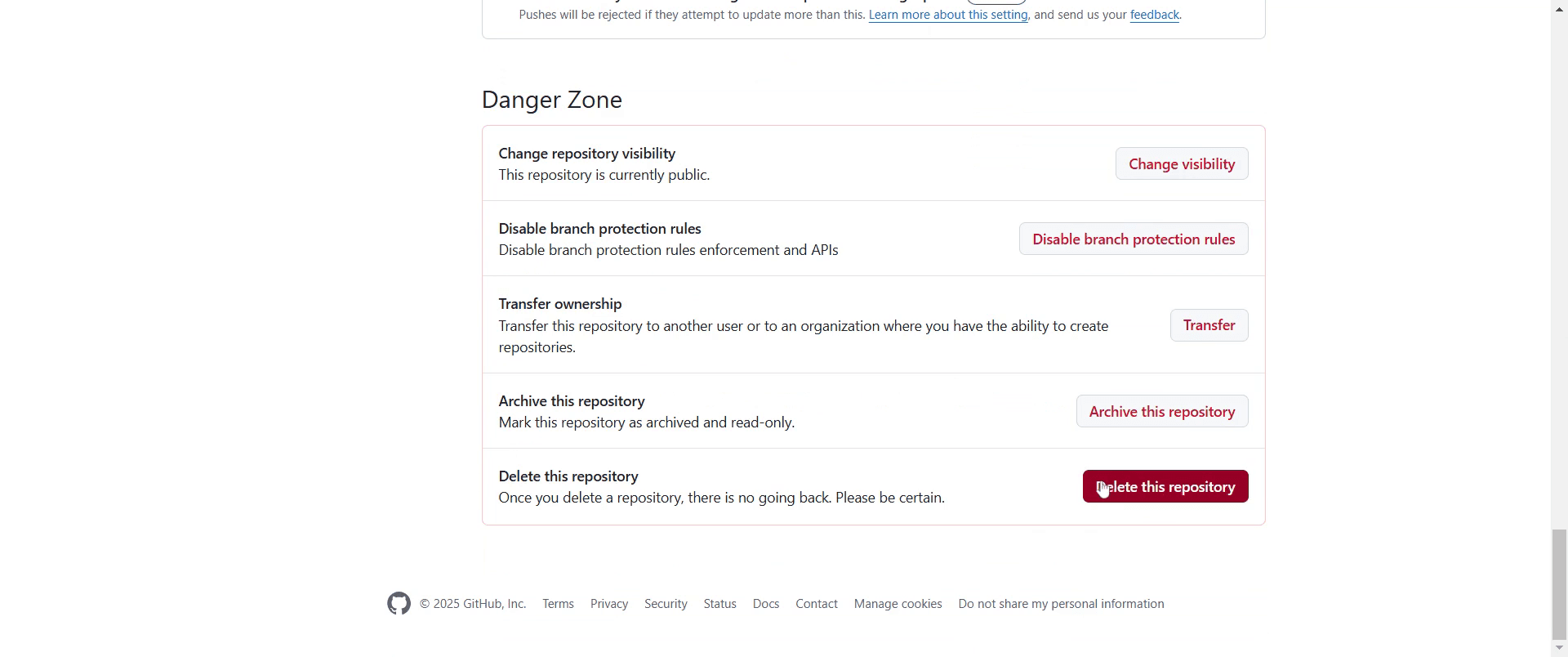
Step 4
Click on "I want to delete this repository".
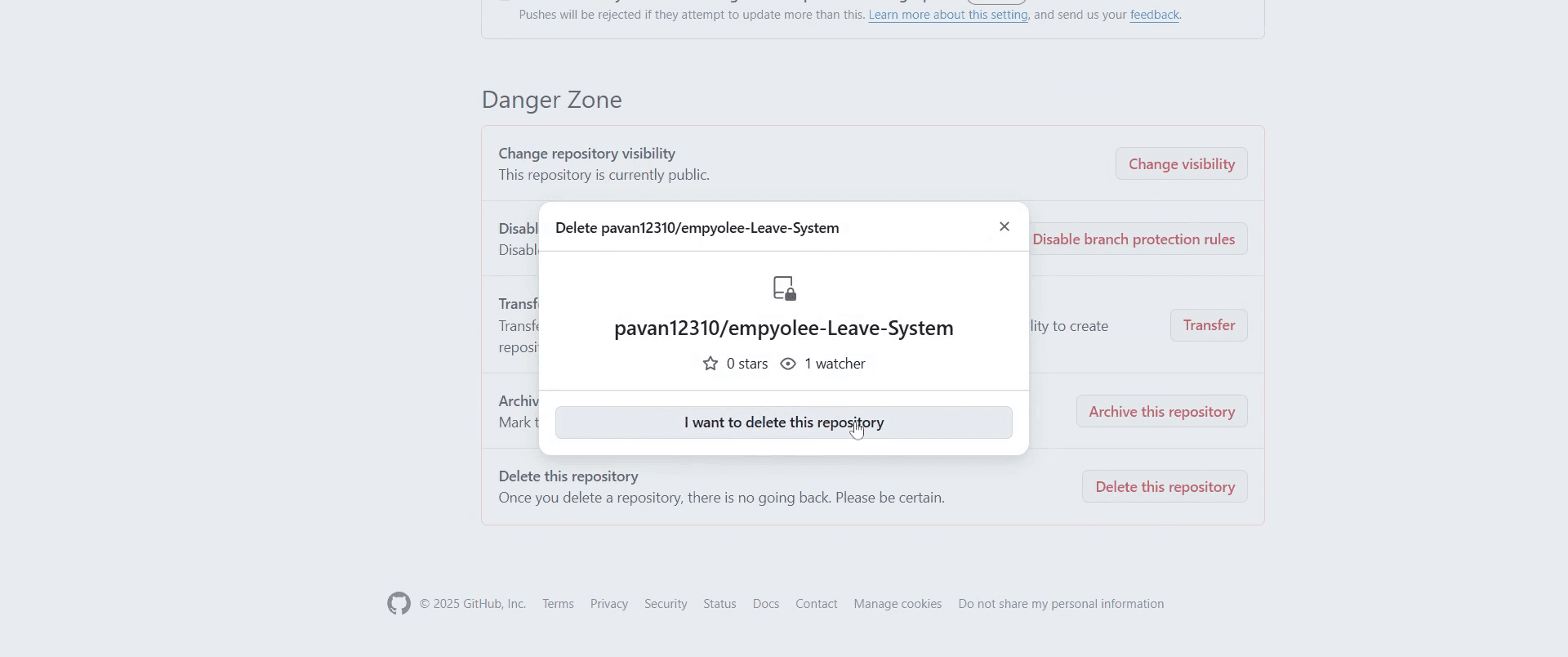
Step 5
Than select "I have read and understand these effects."
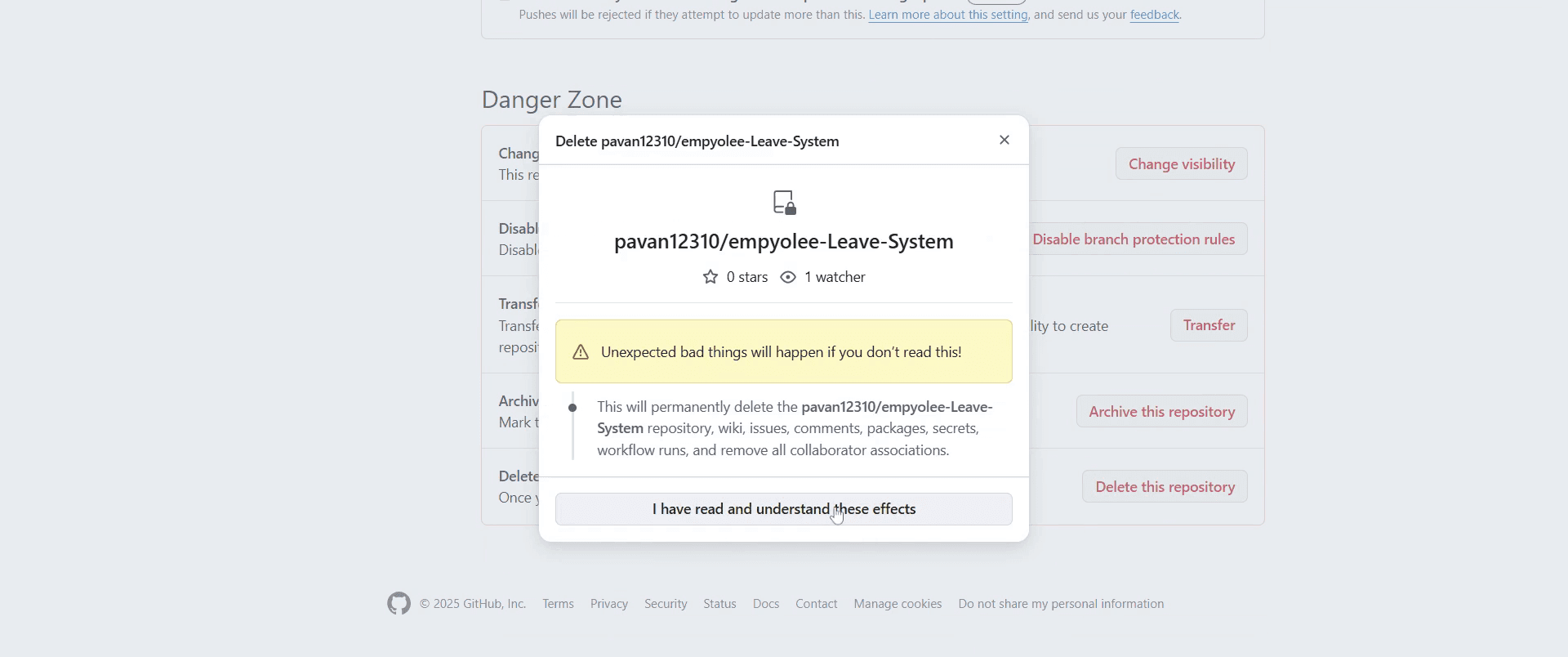
Step 6
Choose the specific item you wish to delete and confirm your action.
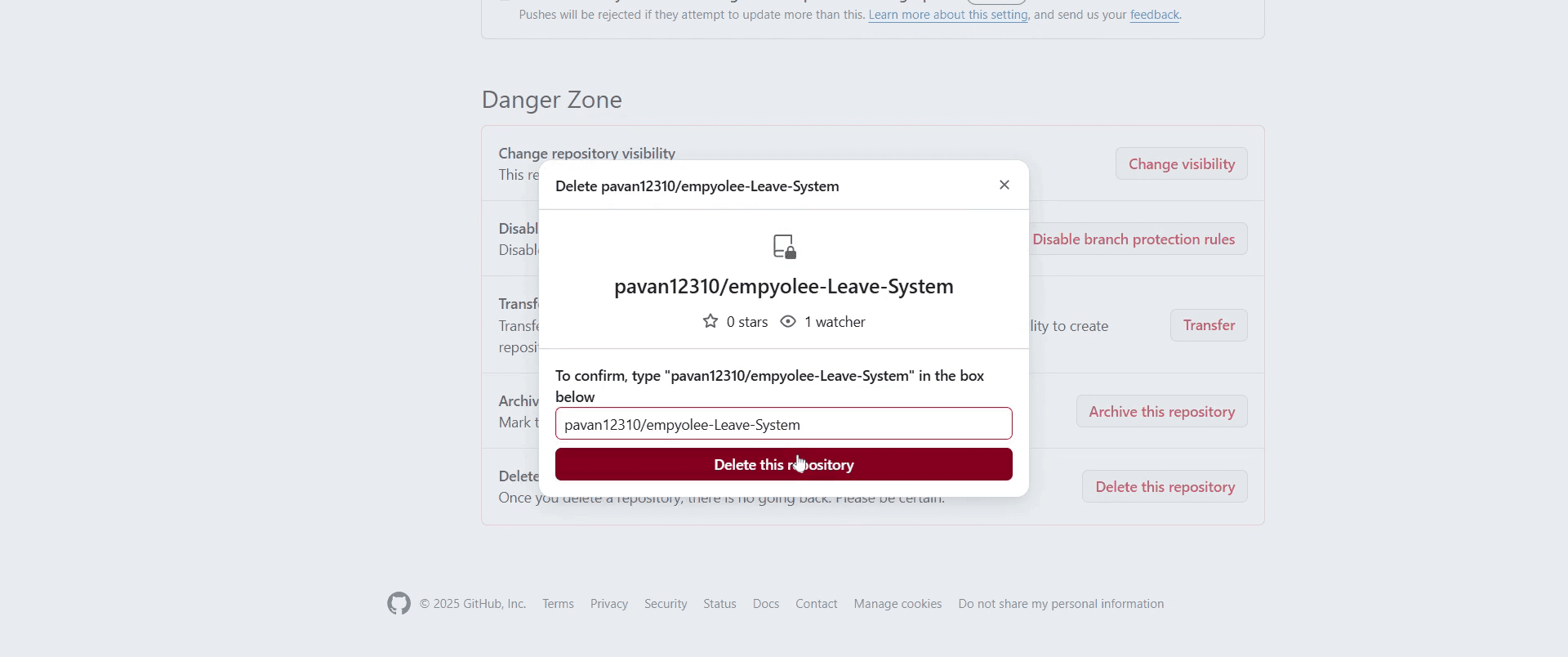
Step 7
Enter your GitHub password when prompted and click on "Confirm."
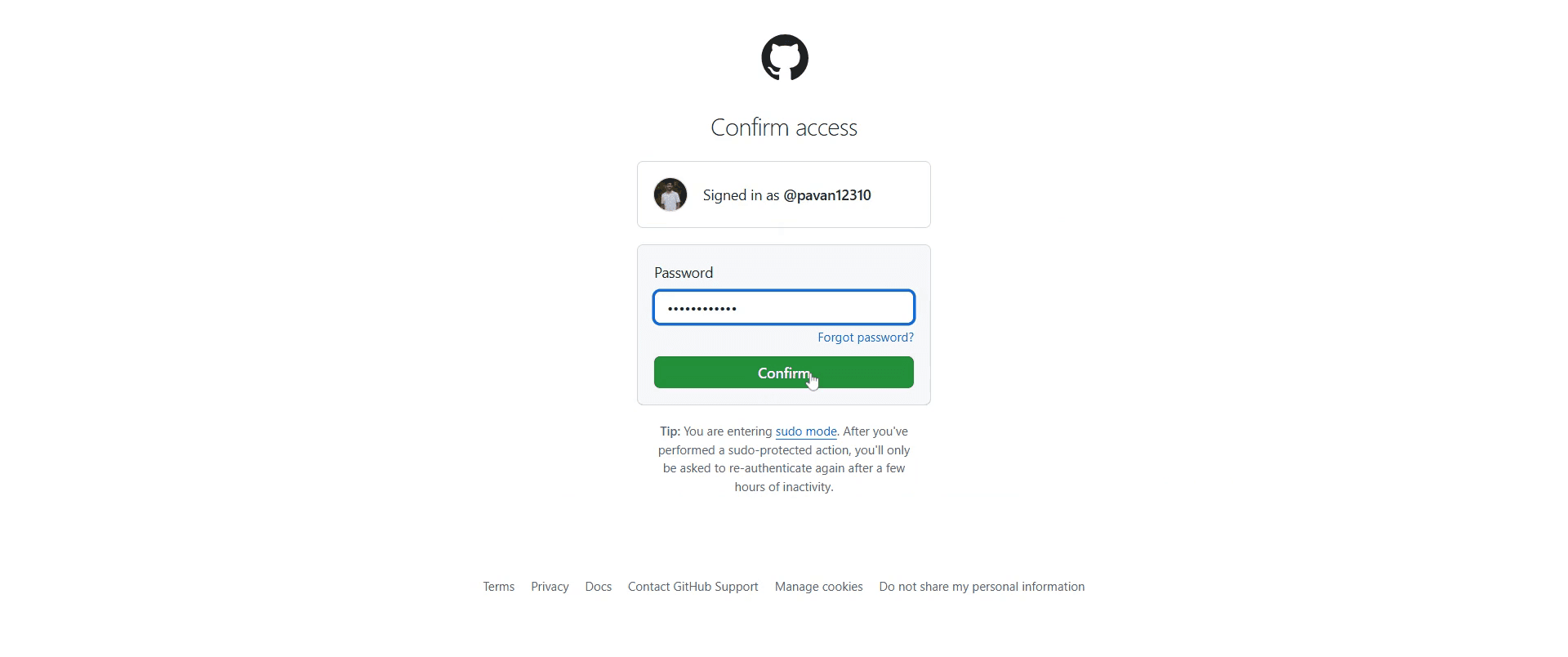
This is a step-by-step guide on how to delete a repository in GitHub.
Pro-tips for deleting a repository in GitHub
Double-check the repository before deletion to ensure you don’t lose important data permanently.
If you need a backup, download the repository as a ZIP file before proceeding with deletion.
Only repository owners or users with admin access can delete a repository, so ensure you have the necessary permissions.
Common pitfalls & how to avoid them while deleting a repository in GitHub
Accidentally deleting a repository always confirm the repository name before finalizing deletion.
Forgetting to remove local copies manually delete cloned repositories from your system to free up space.
Deleting a repository without transferring ownership if others need access, transfer ownership instead of deleting it.
Common FAQs for deleting a repository in GitHub
Can I recover a deleted repository in GitHub?
No, GitHub does not provide a way to recover a deleted repository. Ensure you have a backup before proceeding.Does deleting a repository remove its forks?
No, forks of the repository will still exist, but they will no longer be linked to the original.Can I delete a GitHub repository from the command line?
No, repository deletion must be done through GitHub’s web interface in the repository settings.
If you're an instructor or content creator looking to make tutorial videos, give Trupeer.ai a try. It transforms rough screen recordings into polished, studio-style videos that are ready for sharing with your audience. Plus, it automatically generates a step-by-step guide based on the video you create. Fascinating, right? Start by creating your first tutorial for free with Trupeer.ai.

