
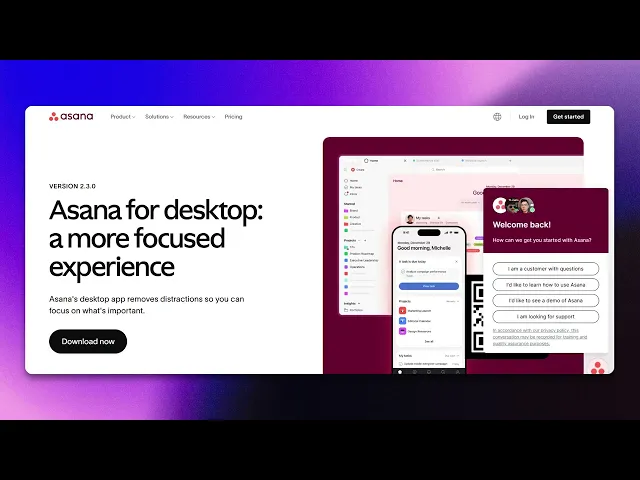
How To Download The Asana Desktop App
Discover the step-by-step guide on how to download the Asana desktop app. Enhance your productivity with easy access to your projects and tasks.
This document provides a comprehensive, step-by-step guide to downloading the Asana desktop application. Follow the instructions below to easily install the app on your desired platform.
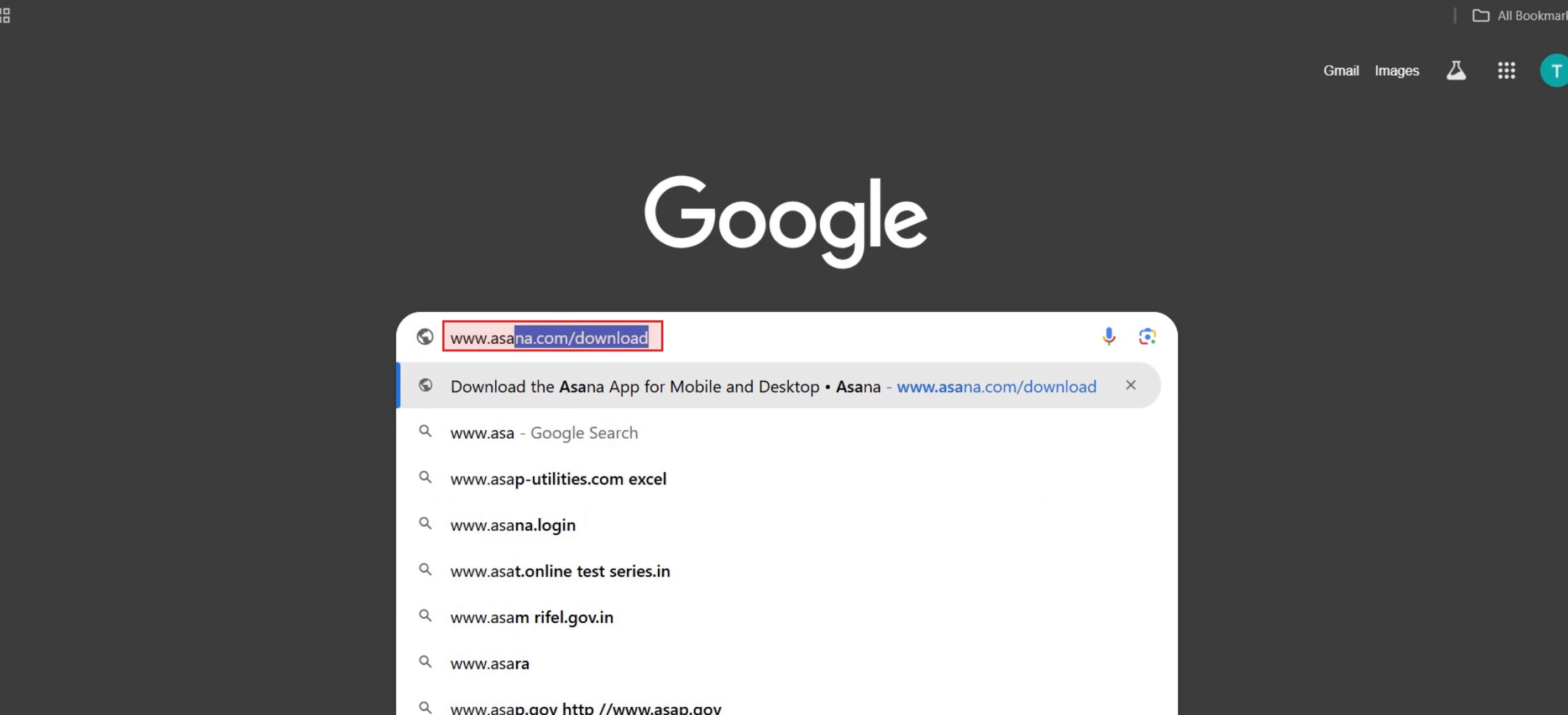
Step 1
Enter the URL www.asana.com.
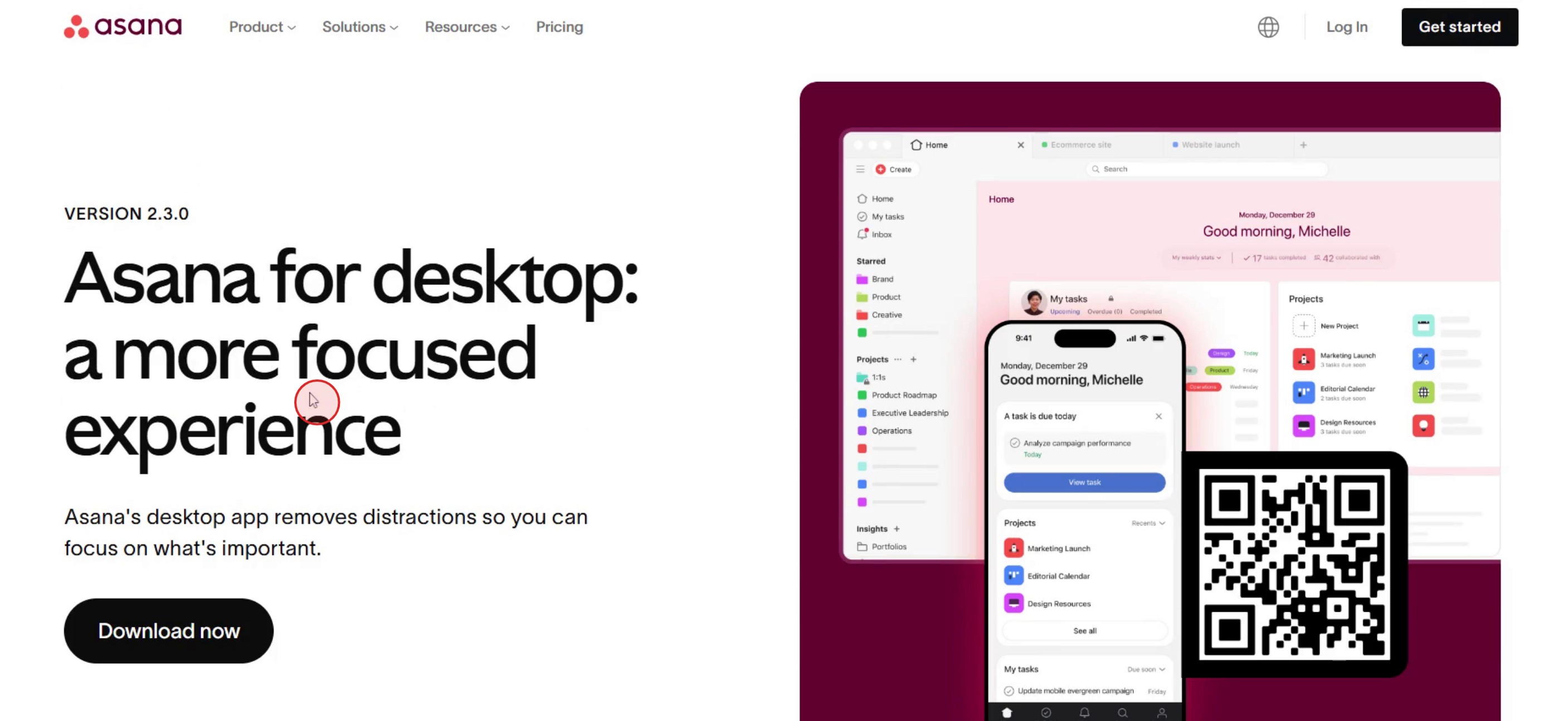
Step 2
Then you can see the asana desktop page,
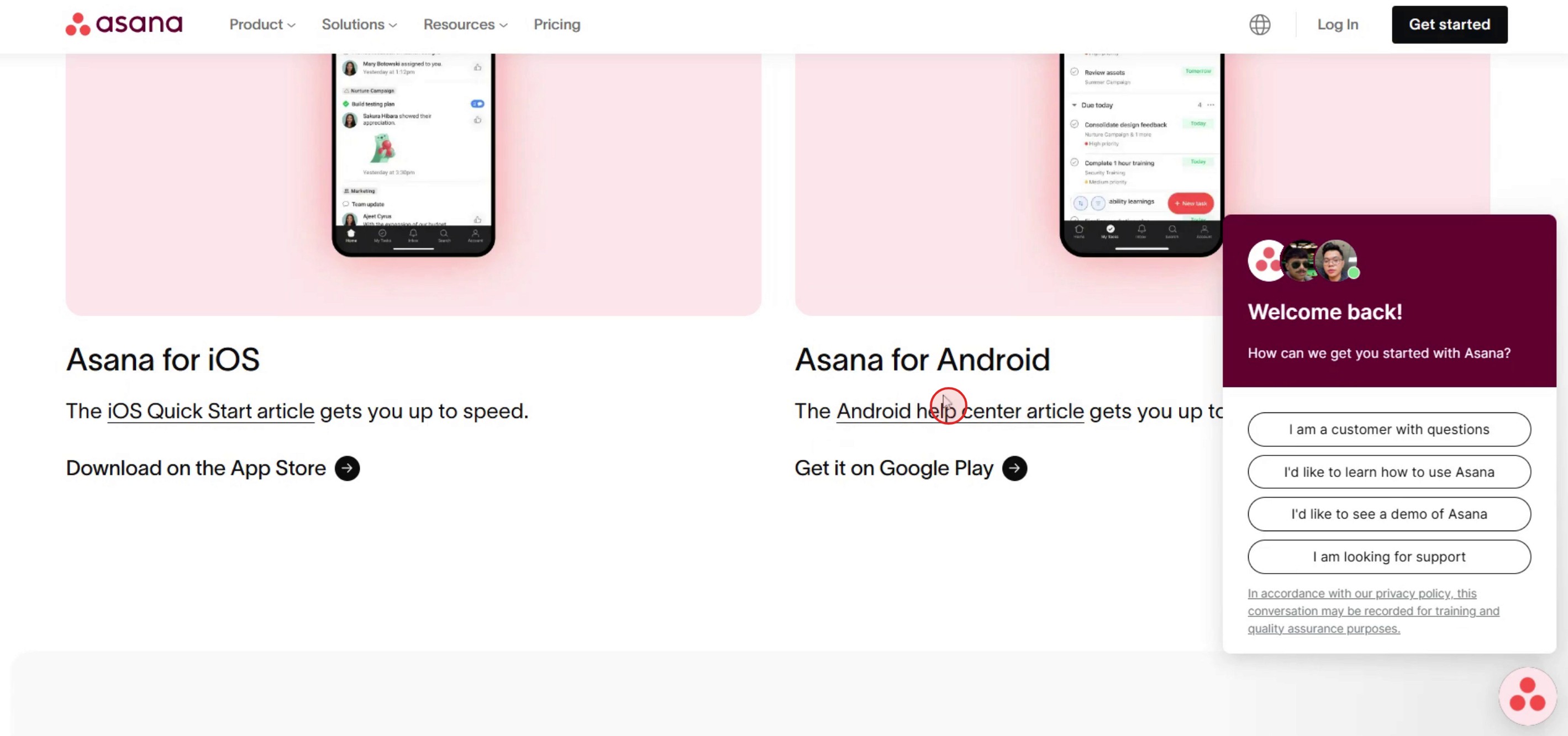
Step 3
Select the appropriate Asana download link to initiate the download process.
This is a step-by-step guide on how to download the Asana Desktop app.
Pro tips for how to download the Asana Desktop app
Before downloading the Asana Desktop app, ensure your computer meets the system requirements for smooth performance.
Download the Asana app from the official Asana website or trusted sources to avoid malware or unreliable software.
Set up your Asana account and log in before downloading to streamline the process and avoid repeated logins after installation.
Common Pitfalls and how to avoid them
Skipping system compatibility checks before downloading the Asana Desktop app may lead to installation issues or poor performance.
Downloading the Asana app from third-party websites can expose you to security risks, so always use official sources.
Forgetting to sign into your Asana account before downloading the app can cause extra steps once installed.
Common FAQs for how to download the Asana Desktop app
Is the Asana desktop app free to download?
Yes, the Asana desktop app is free to download, but access to premium features depends on your Asana plan.Can i use the Asana desktop app offline?
No, the Asana desktop app requires an internet connection to sync your tasks and projects in real time.Does the Asana desktop app work on both windows and Mac?
Yes, the Asana desktop app is available for both windows and mac OS users.How do i update the Asana desktop app?
The Asana desktop app updates automatically, but you can also check for updates manually in the app settings or reinstall it from the Asana website.
If you're an instructor or content creator looking to make tutorial videos, give a try. It transforms rough screen recordings into polished, studio-style videos that are ready for sharing with your audience. Plus, it automatically generates a step-by-step guide based on the video you create. Fascinating, right? Start by creating your first tutorial for free with trupeer.ai .

