
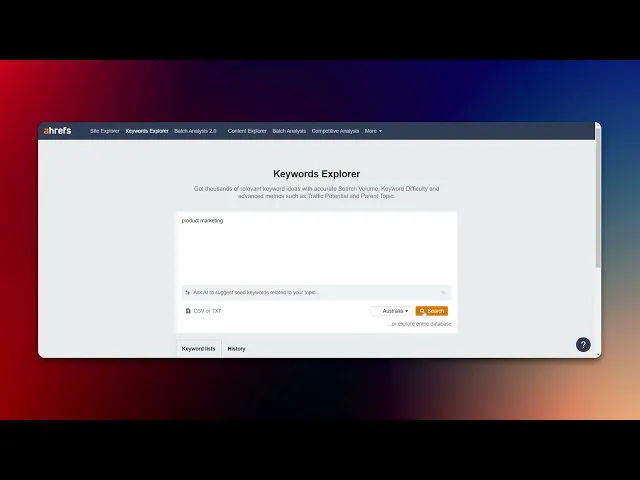
How To Find Long Tail Keywords in Ahrefs
Learn how to identify long tail keywords with Ahrefs. Boost your content strategy and improve your search rankings with our expert tips and techniques
This document outlines a step-by-step approach to identifying long-tail keywords using a keyword explorer tool. By following these instructions, users can efficiently search, filter, and export relevant keyword data to enhance their content strategy.
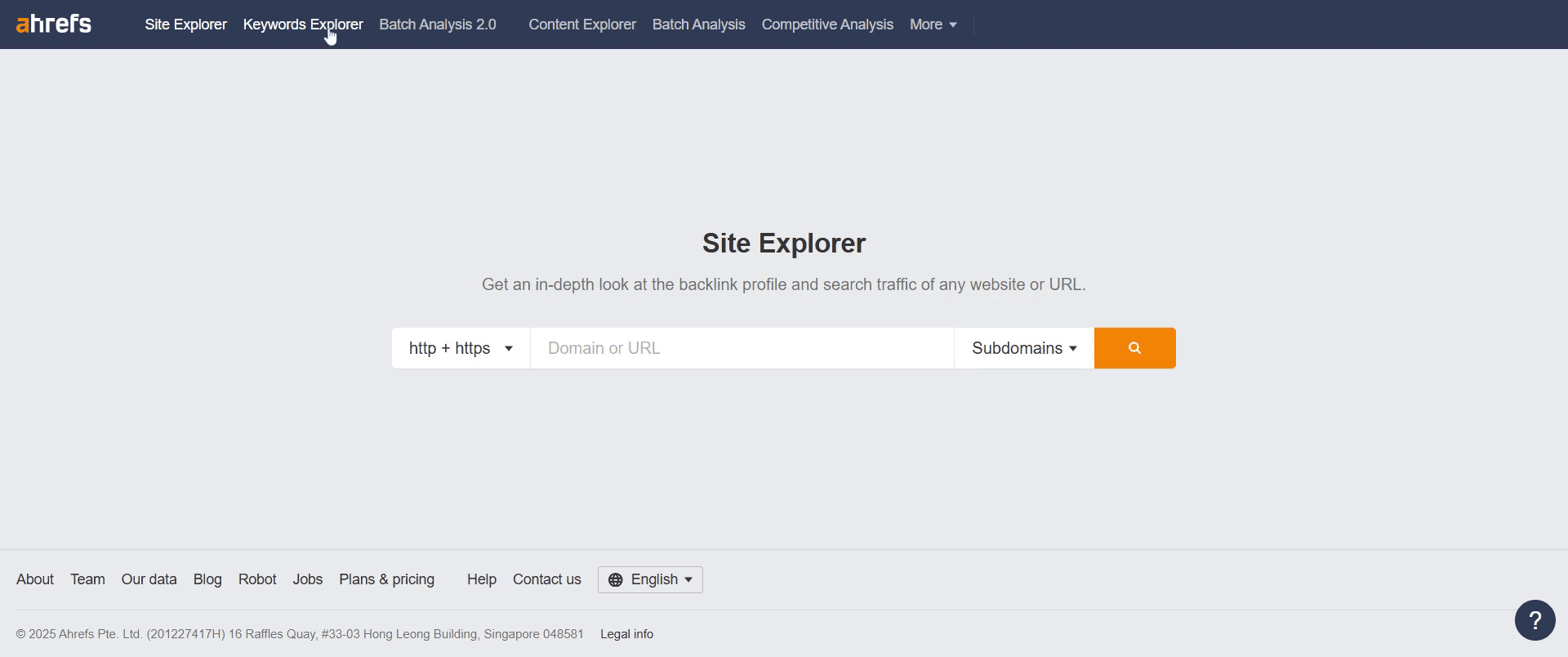
Step 1
Go and click on the keyword explorer option to proceed.
Step 2
In the search bar, enter the specific keyword you are looking for and press enter to generate relevant results.
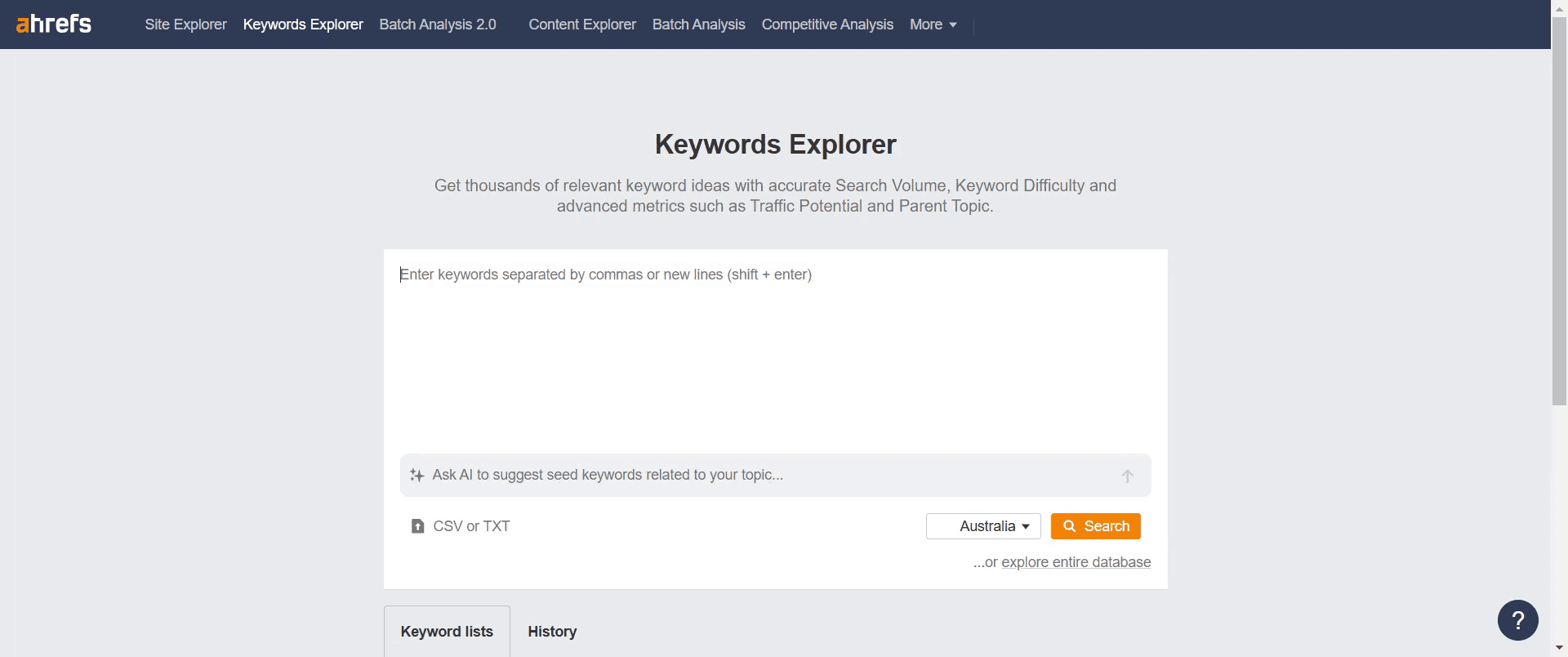
Step 3
Next, click on the search option to initiate the keyword search.
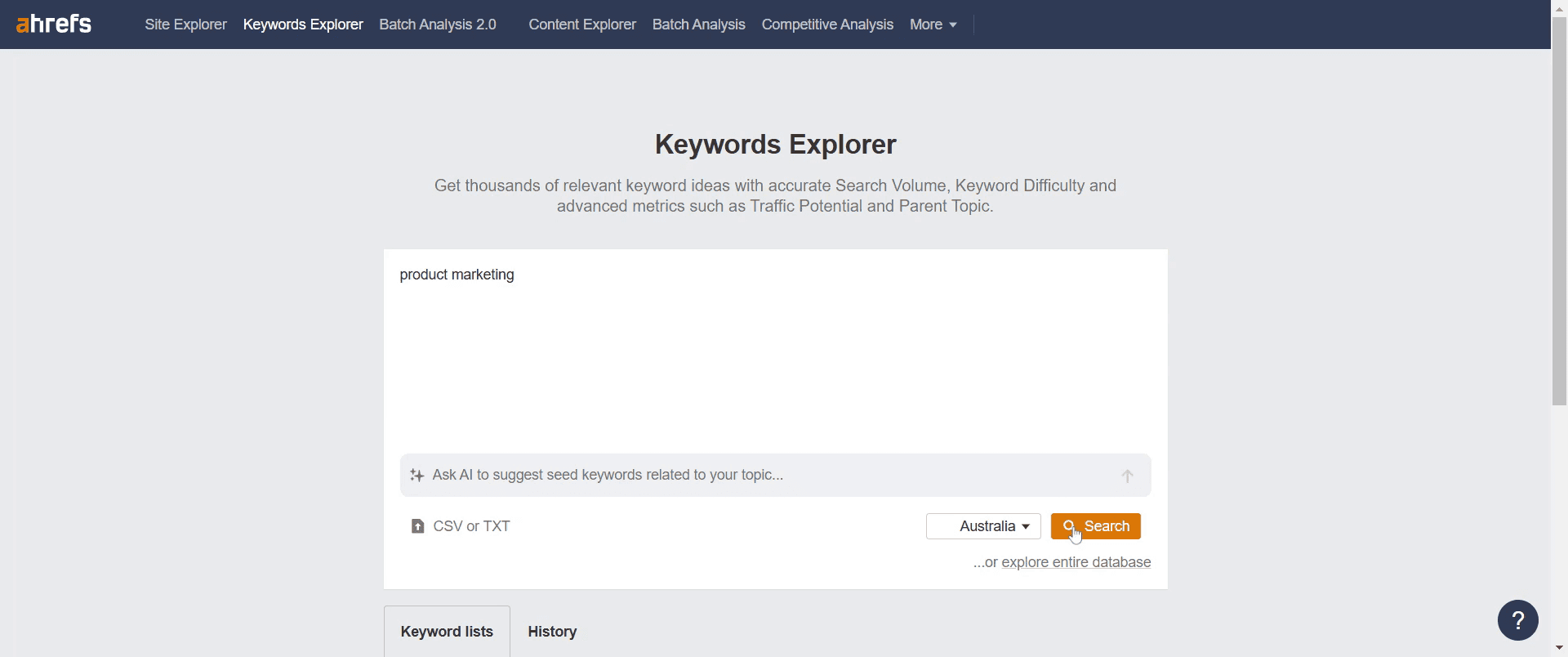
Step 4
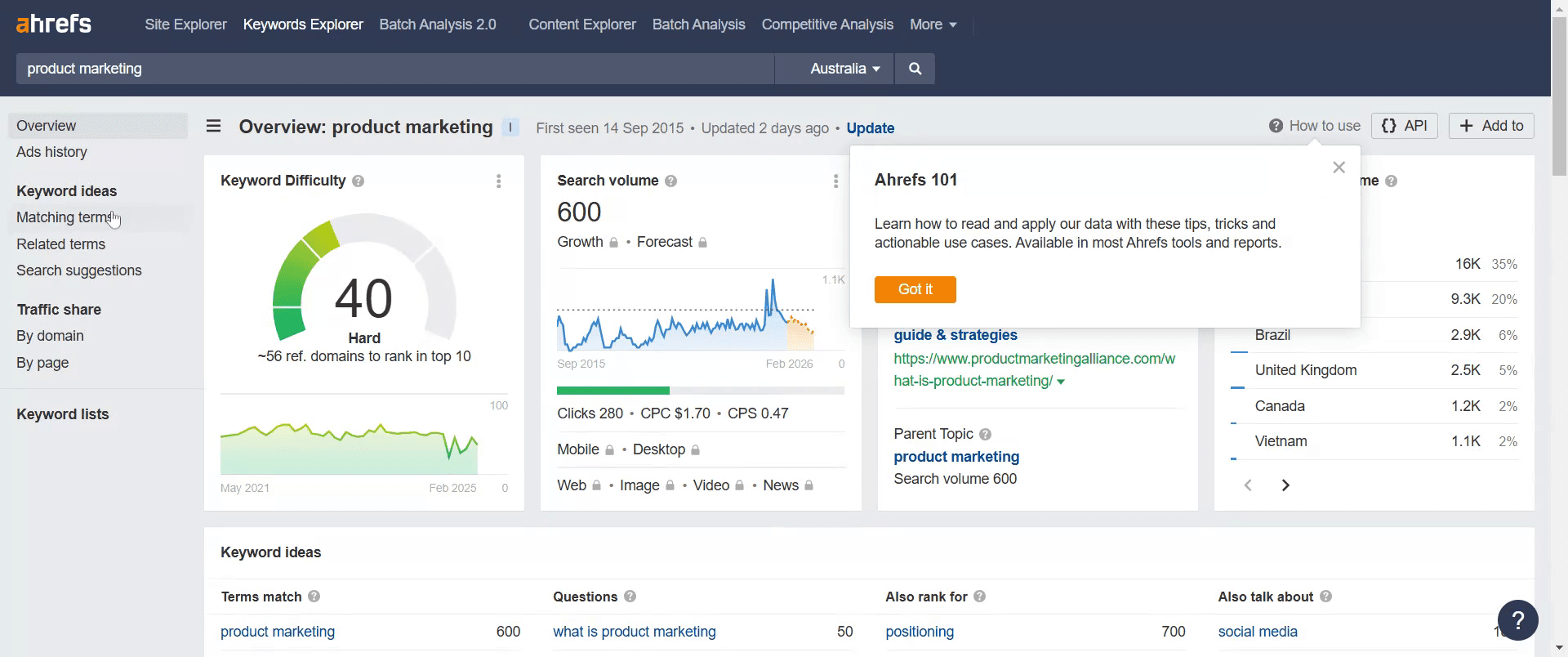
After the search results appear, look for an option labeled "matching terms" and click on it.
Step 5
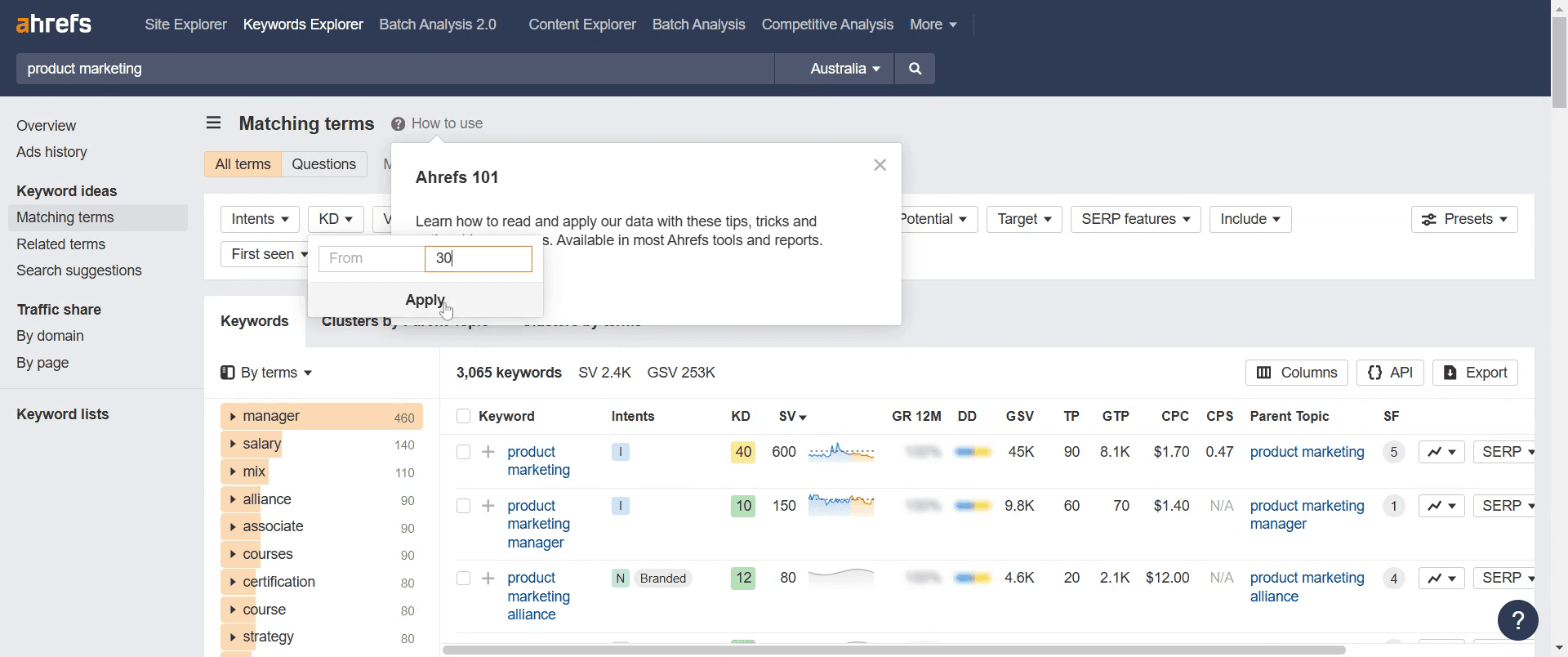
Adjust the keyword difficulty setting to 30 and then click on apply.
Step 6
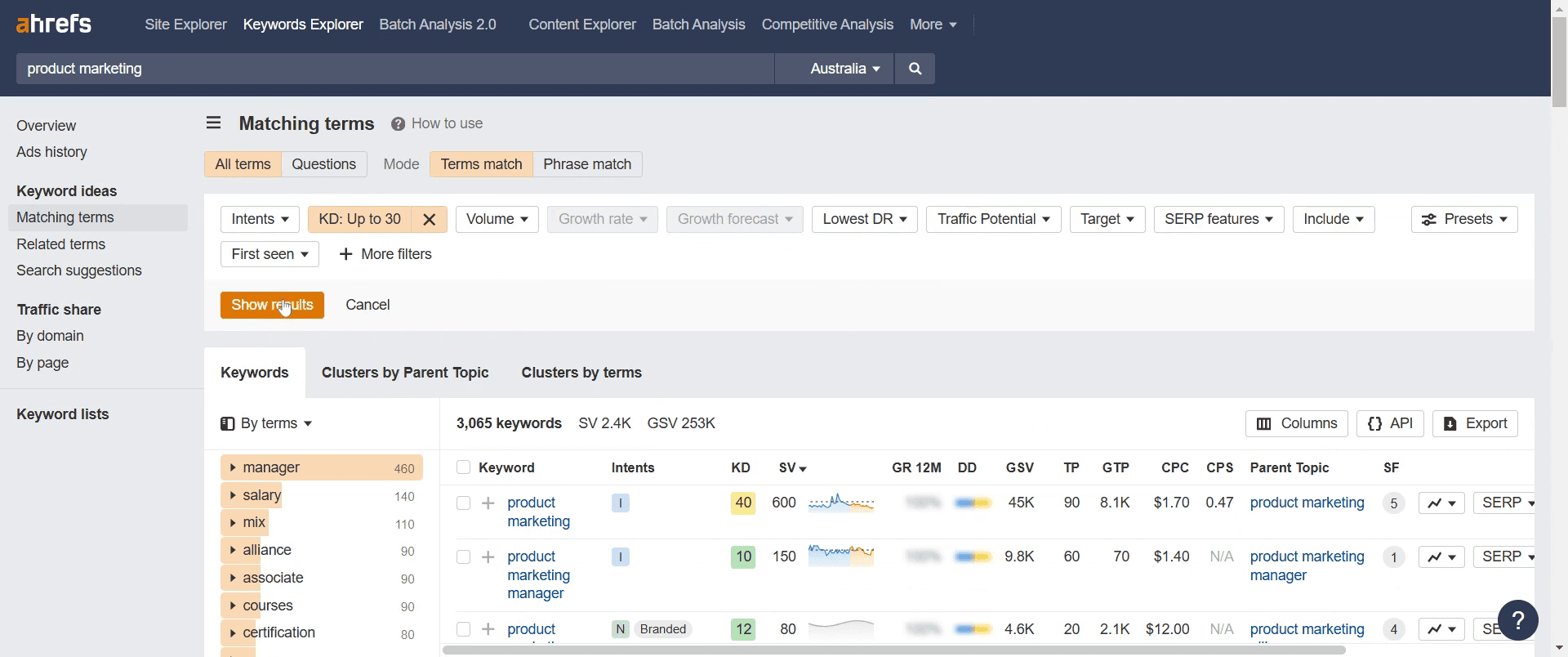
Proceed by clicking on the "show results" option to display the filtered keywords.
Step 7
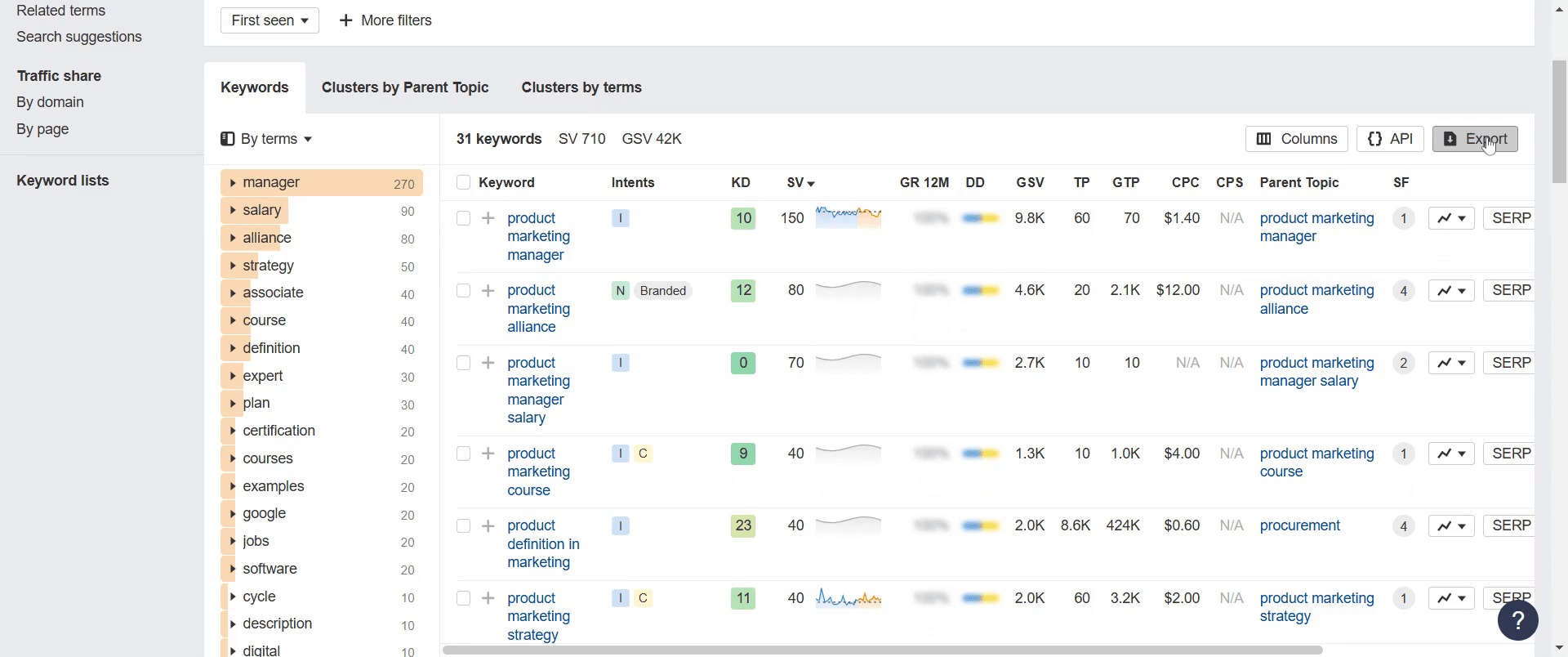
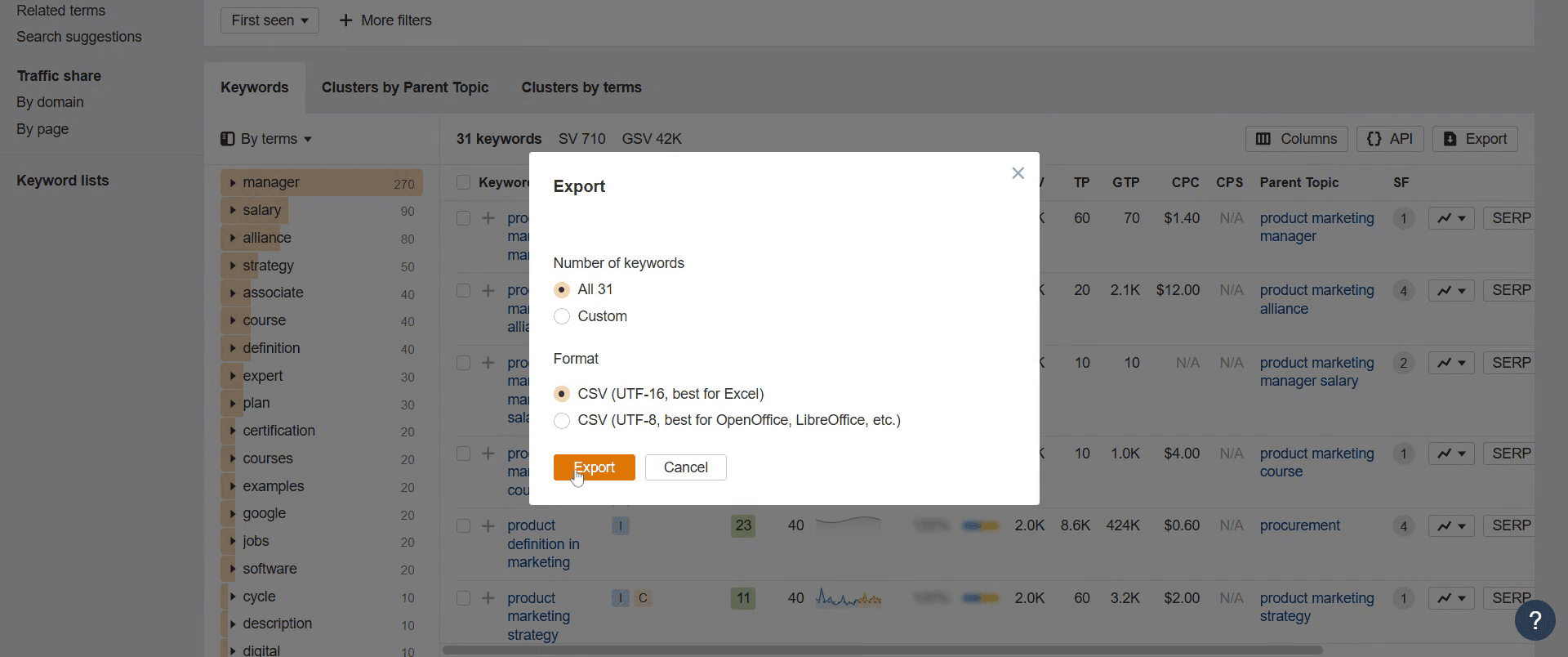
Click on the export option to proceed with exporting the data.
Step 8
Finally, click on export once more to download the selected keyword data.
That's it. This is a step-by-step guide on how to find long-tail keywords in Ahrefs.
Pro-tips for finding long-tail keywords in Ahrefs
Use the Keywords Explorer and apply filters like low keyword difficulty (KD) and high traffic potential.
Analyze questions in the keyword suggestions to find user-generated queries.
Check related searches and competitor ranking keywords for inspiration.
Common pitfalls & how to avoid them while finding long-tail keywords in Ahrefs
Ignoring search intent – Ensure the keywords align with what users are actually searching for.
Focusing only on search volume – Long-tail keywords often have lower search volume but higher conversion potential.
Not analyzing competitor keywords – Use the Organic Keywords report to find untapped opportunities.
Common FAQs for finding long-tail keywords in Ahrefs
Can I see long-tail keywords my competitors rank for?
Yes, enter a competitor’s domain in Site Explorer, go to "Organic Keywords," and filter for low KD, high traffic keywords.What Ahrefs tool is best for long-tail keyword research?
The Keywords Explorer and Site Explorer are the best tools to uncover long-tail opportunities.Should I prioritize long-tail keywords with low search volume?
Yes, they often have higher conversion rates and are easier to rank for compared to high-competition keywords.How can I validate long-tail keywords before targeting them?
Check search intent, analyze the SERP overview, and ensure they align with your content goals.
If you're an instructor or content creator looking to make tutorial videos, give Trupeer.ai a try. It transforms rough screen recordings into polished, studio-style videos that are ready for sharing with your audience. Plus, it automatically generates a step-by-step guide based on the video you create. Fascinating, right? Start by creating your first tutorial for free with Trupeer.ai.

