
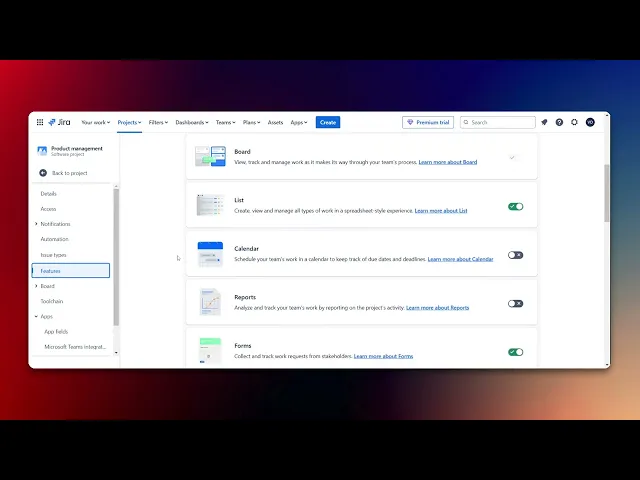
How To Generate Reports From Jira Dashboard
Master the art of generating reports from your Jira dashboard. Explore comprehensive guides and tips to streamline your reporting process and improve efficiency.
This document provides a concise guide on generating reports using the Jira dashboard. Follow these steps to navigate through Jira settings and create a report to share with your team.
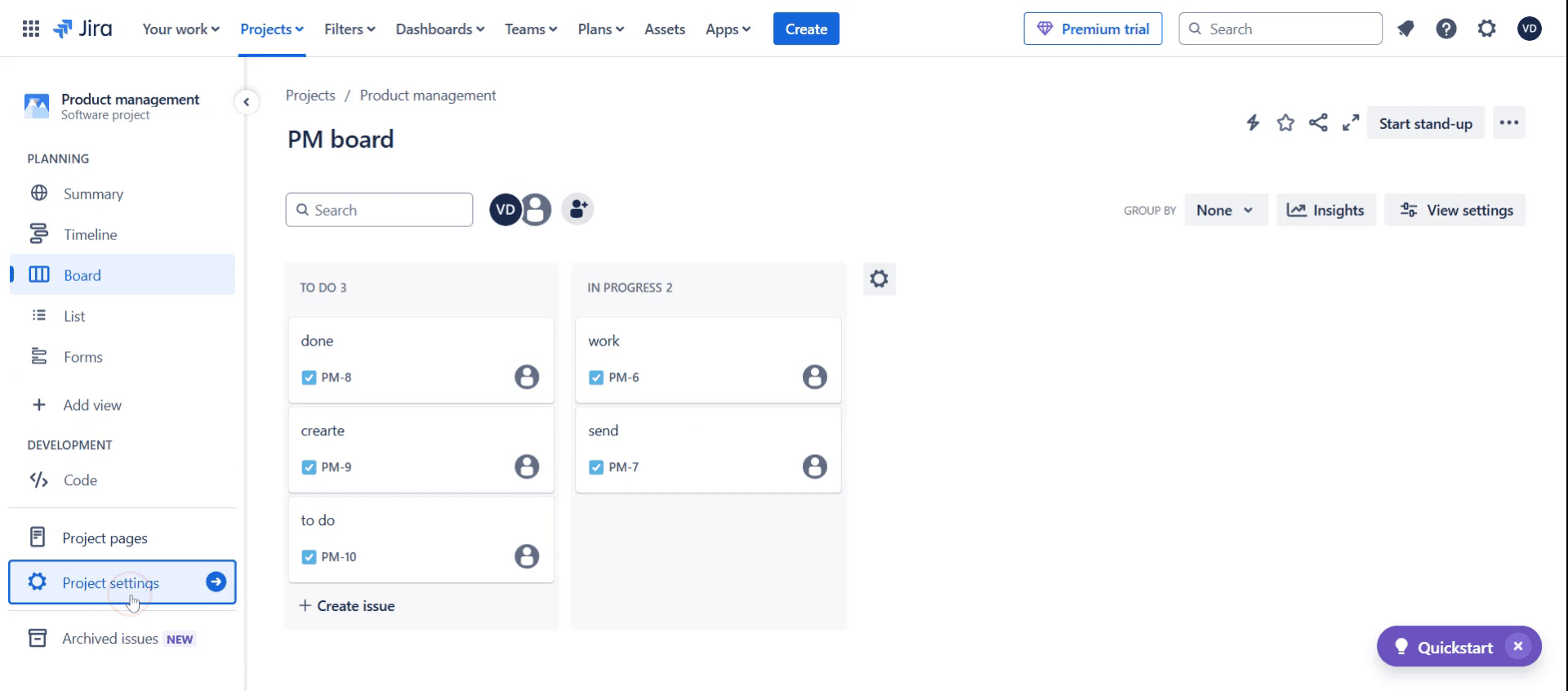
Step 1
Click on the Project Settings.
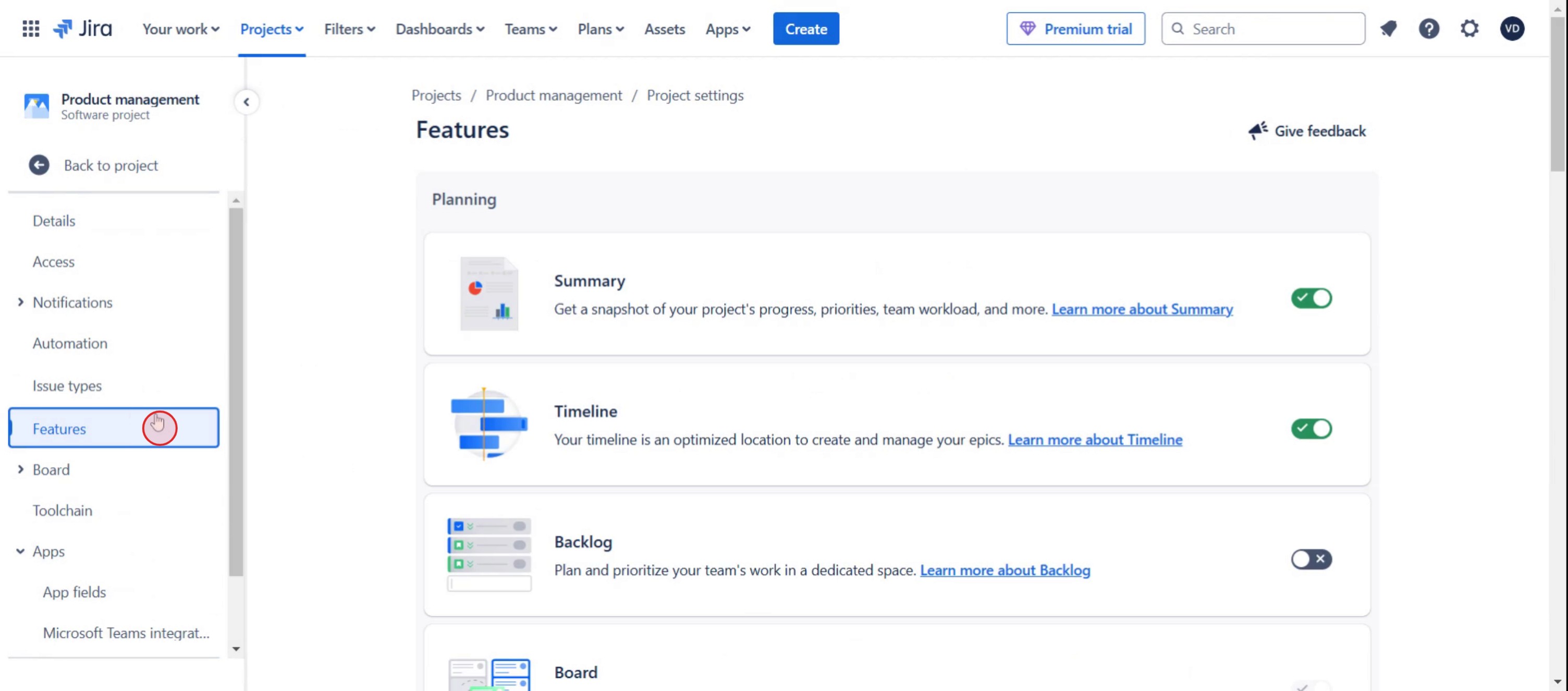
Step 2
Then select the Features option,
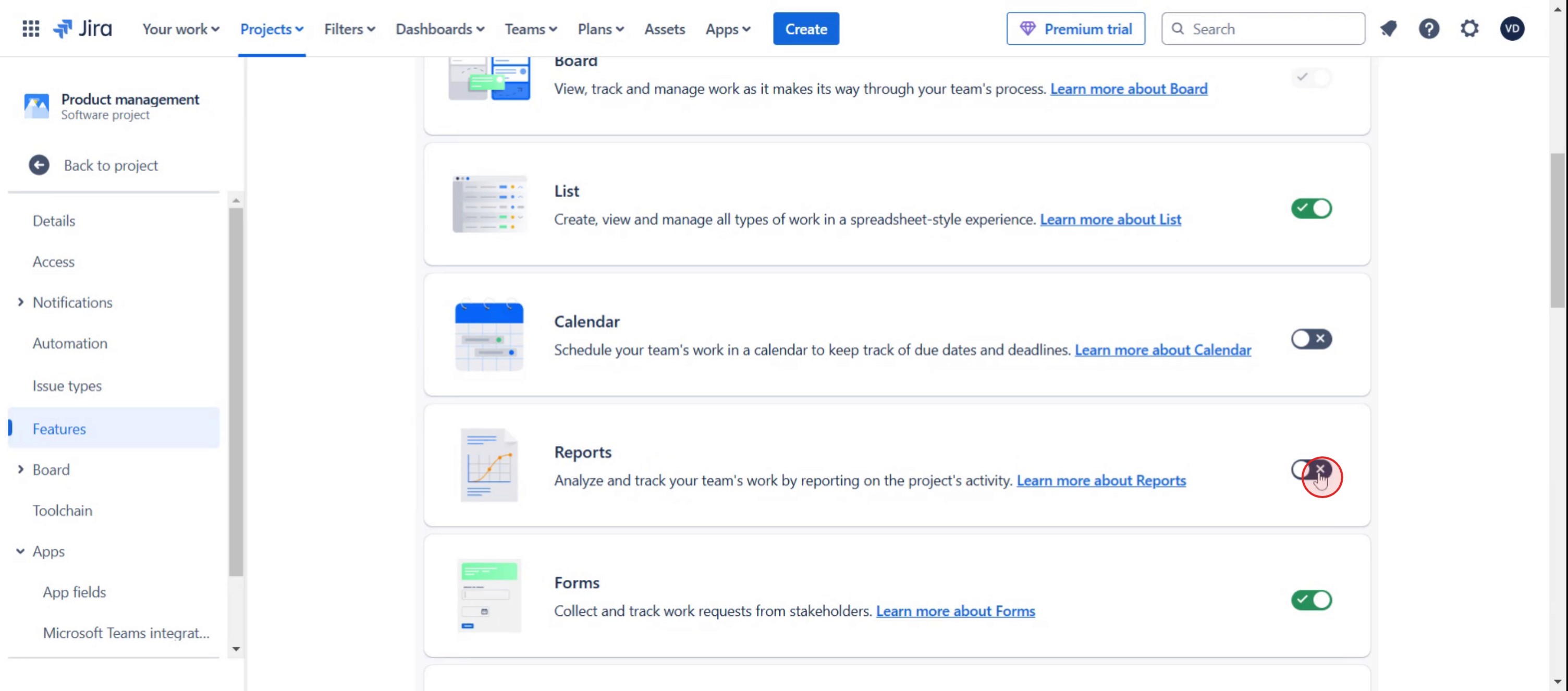
Step 3
Enable the Reports option.
Step 4
And click to Back to project,
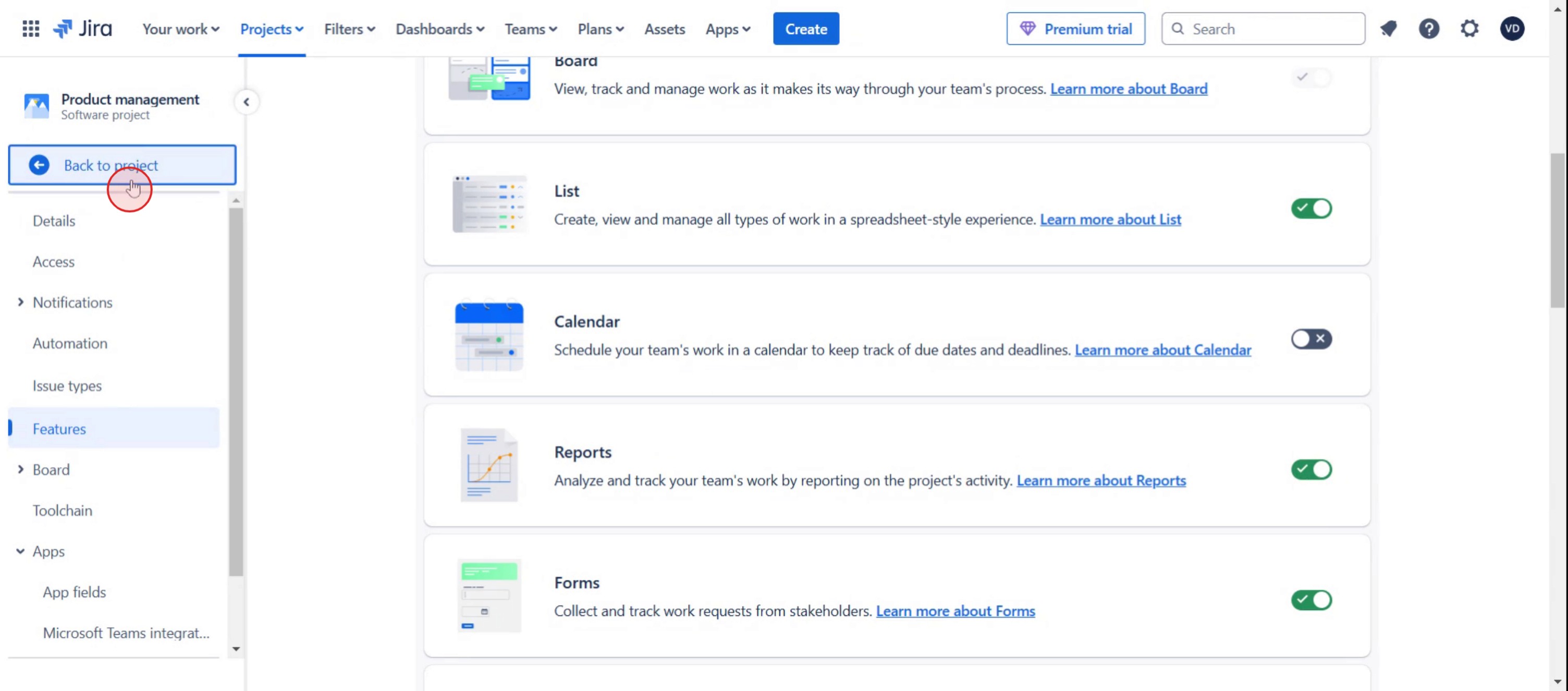
Step 5
Then click on reports option.
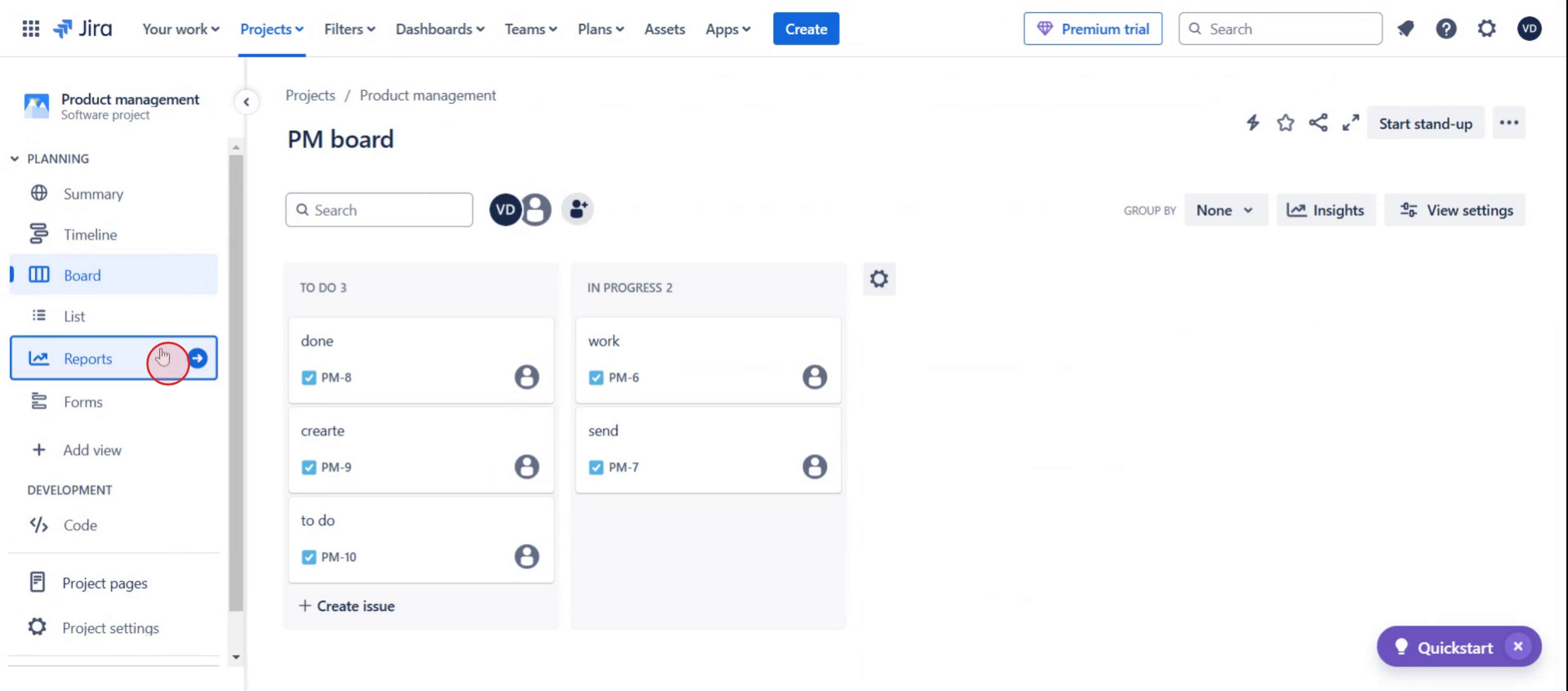
Step 6
Select the desired flow diagram from the reports section.
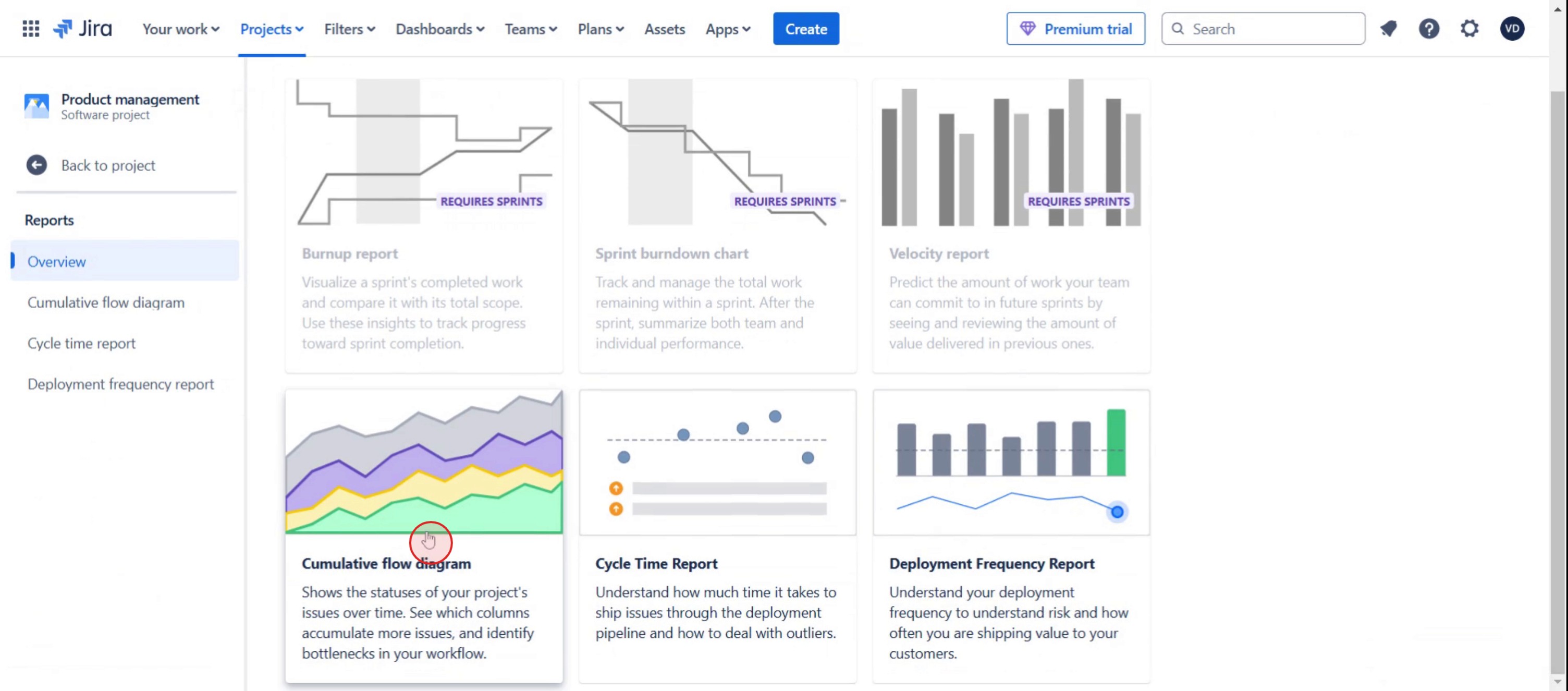
Step 7
Click on the Share option.
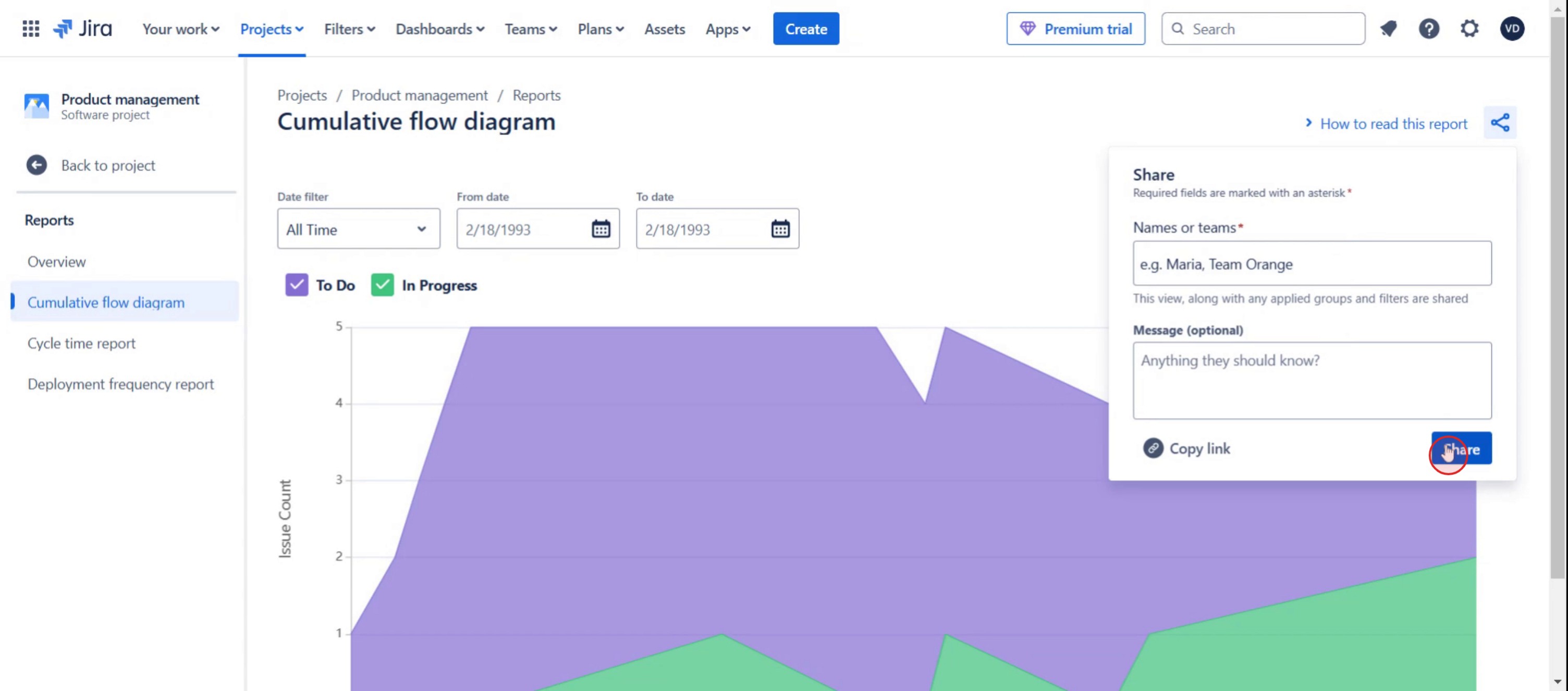
This is a step-by-step guide on how to generate Reports from Jira Dashboard.
Pro tips on how to generate reports from Jira dashboard
Customize your dashboard with relevant widgets like Created vs. Resolved Chart and Sprint Burndown to get meaningful insights.
Use JQL (Jira Query Language) to filter specific data before adding it to your dashboard reports for accuracy.
Save and share your reports with your team to improve project tracking and decision-making.
Common pitfalls and how to avoid them
Selecting irrelevant gadgets can clutter your dashboard—choose only essential report widgets for better clarity.
Using broad filters may result in incomplete or excessive data—refine queries with JQL for precise reporting.
Forgetting to refresh the dashboard may display outdated information—always update reports before reviewing insights.
Common FAQs on how to generate reports from Jira dashboard
Can i customize reports in Jira Dashboard?
Yes, Jira allows customization of dashboard reports by selecting specific filters, projects, and timeframes within each gadget.Why is my Jira report not updating on the dashboard?
If your report is outdated, refresh the dashboard manually or check if auto-refresh is enabled in Jira settings.What are the best gadgets for generating reports in Jira?
Some of the best reporting gadgets include Created vs. Resolved Chart, Sprint Burndown, Control Chart, and Issue Statistics.Can i export Jira dashboard reports?
While Jira does not provide a direct export option for dashboards, you can export individual reports or use plugins like easy for advanced exporting.
If you're an instructor or content creator looking to make tutorial videos, give a try. It transforms rough screen recordings into polished, studio-style videos that are ready for sharing with your audience. Plus, it automatically generates a step-by-step guide based on the video you create. Fascinating, right? Start by creating your first tutorial for free with trupeer.ai.

