
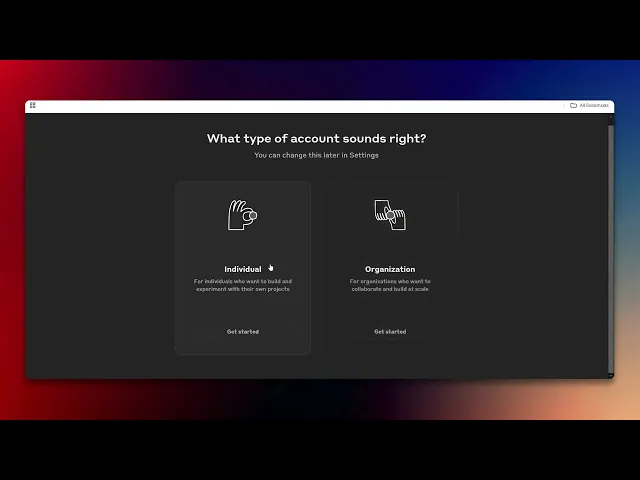
How To Get Claude API
Learn how to get started with the Claude API. Our comprehensive guide provides all the necessary steps to integrate this powerful tool into your applications.
This guide explains how to obtain a cloud API key in a few simple steps. You'll sign in with your Google account, select the required options, and assign a name to your API key for future use.
Step 1
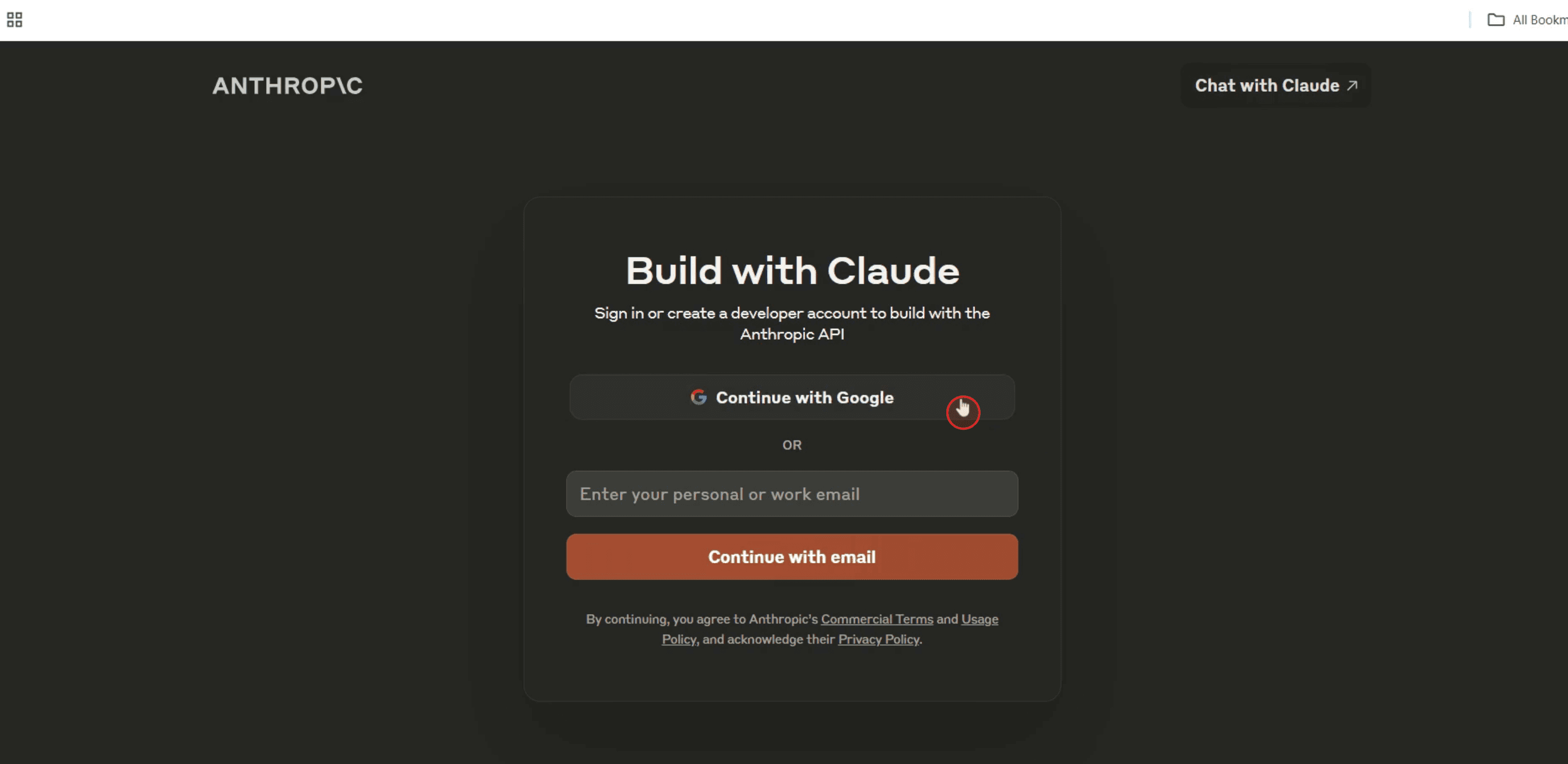
Click on "Continue with Google" to proceed.
Step 2
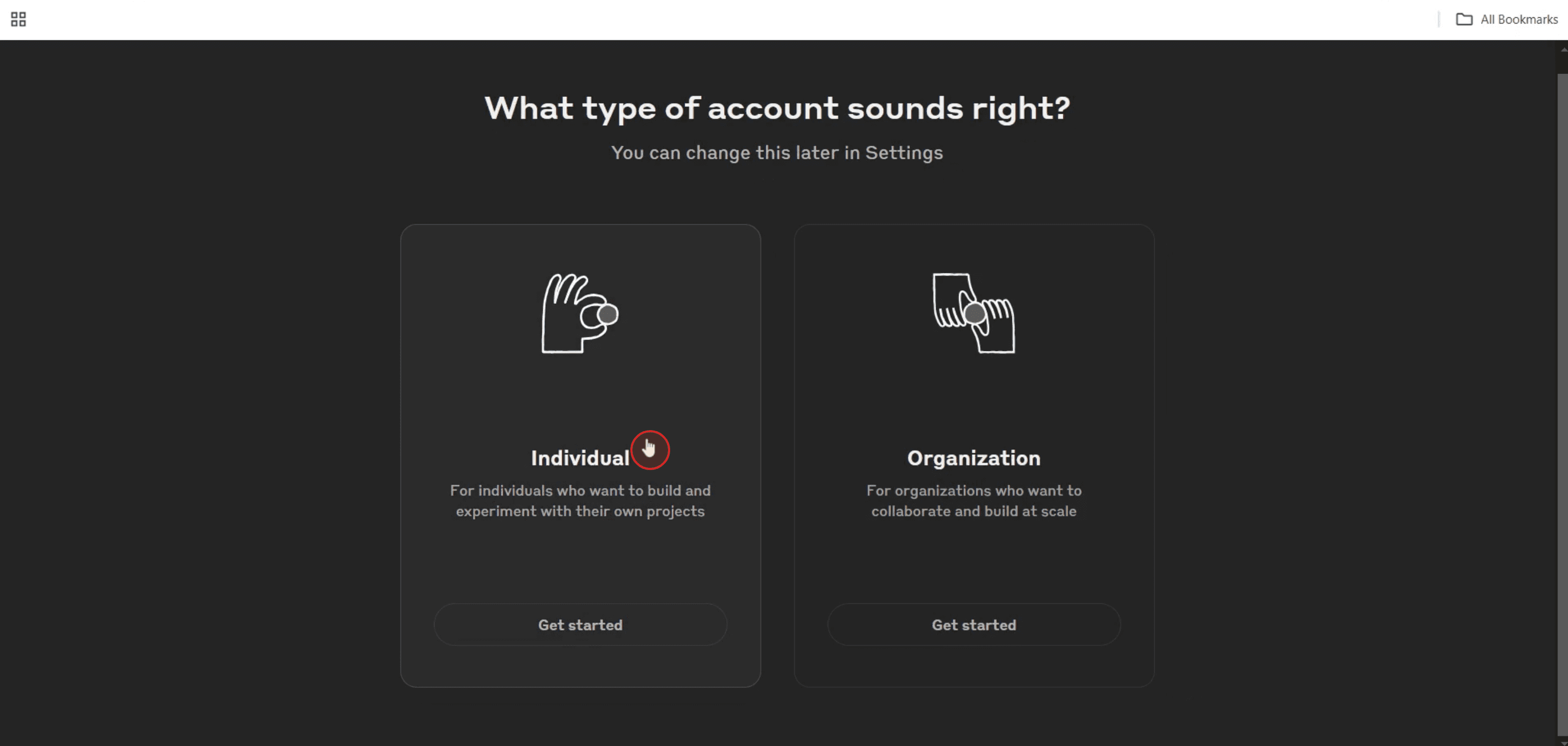
Then select the "Individual" option.
Step 3
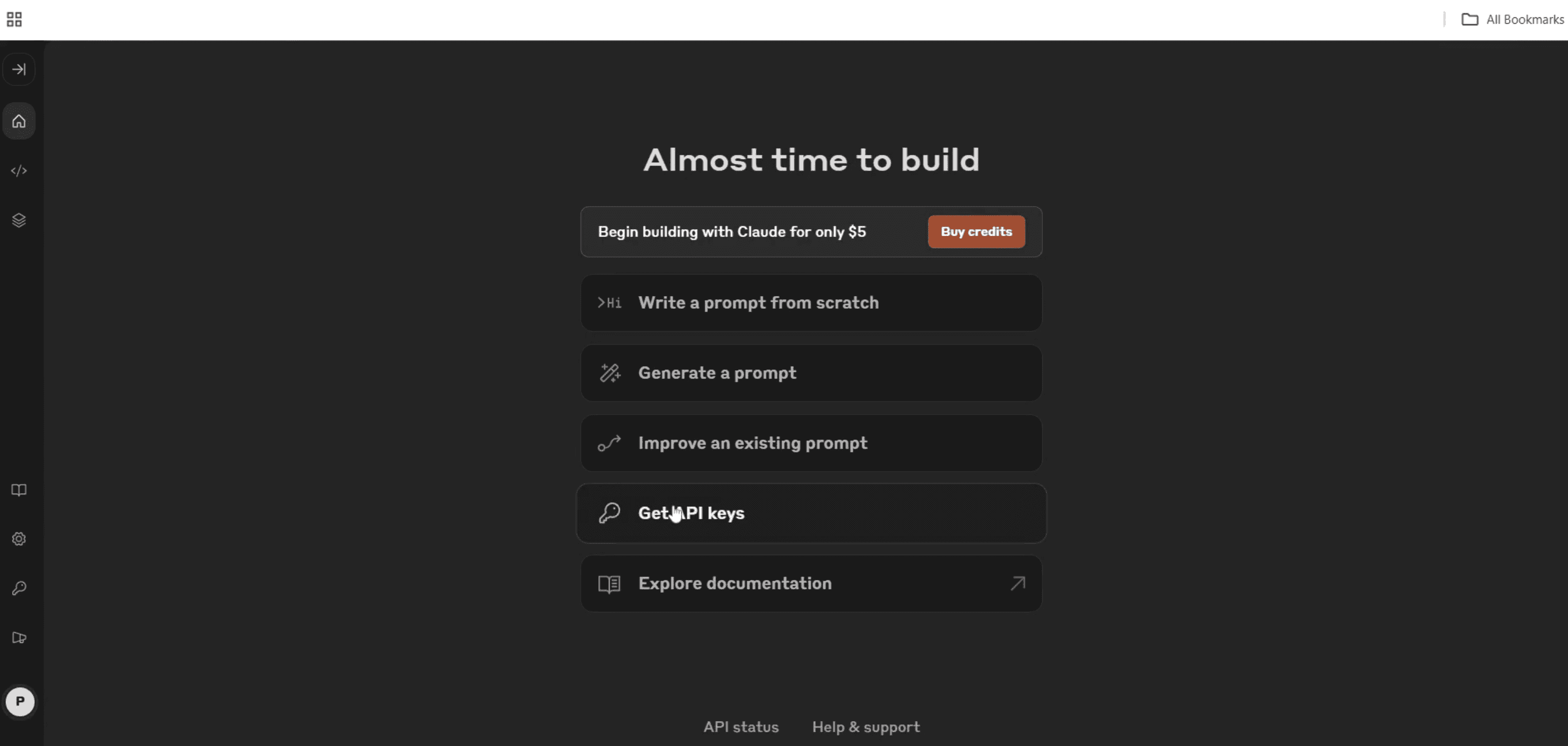
Click on the "Get API Key" option.
Step 4
Proceed by clicking "Create Key."
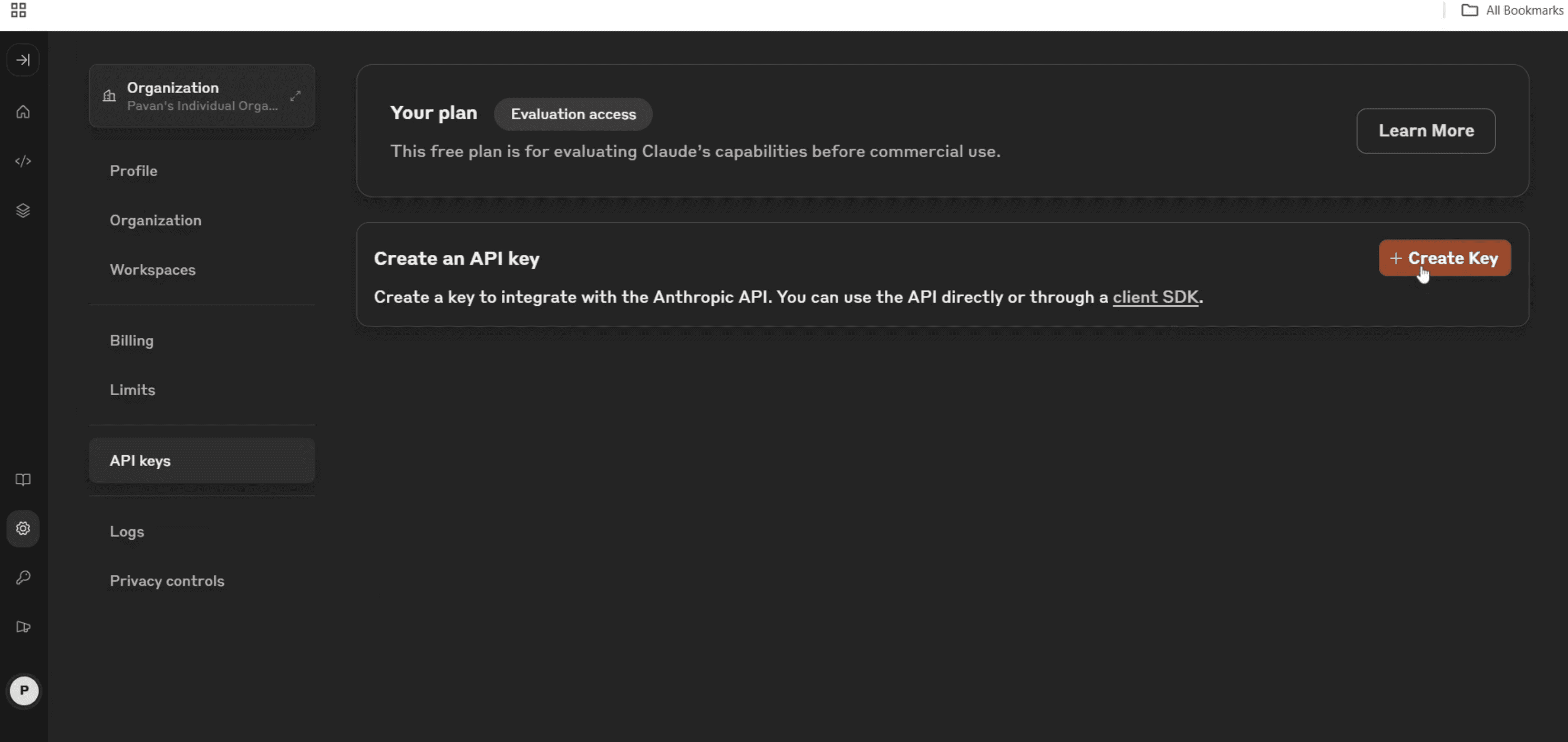
Step 5
Enter a name for your API key as per your requirements.
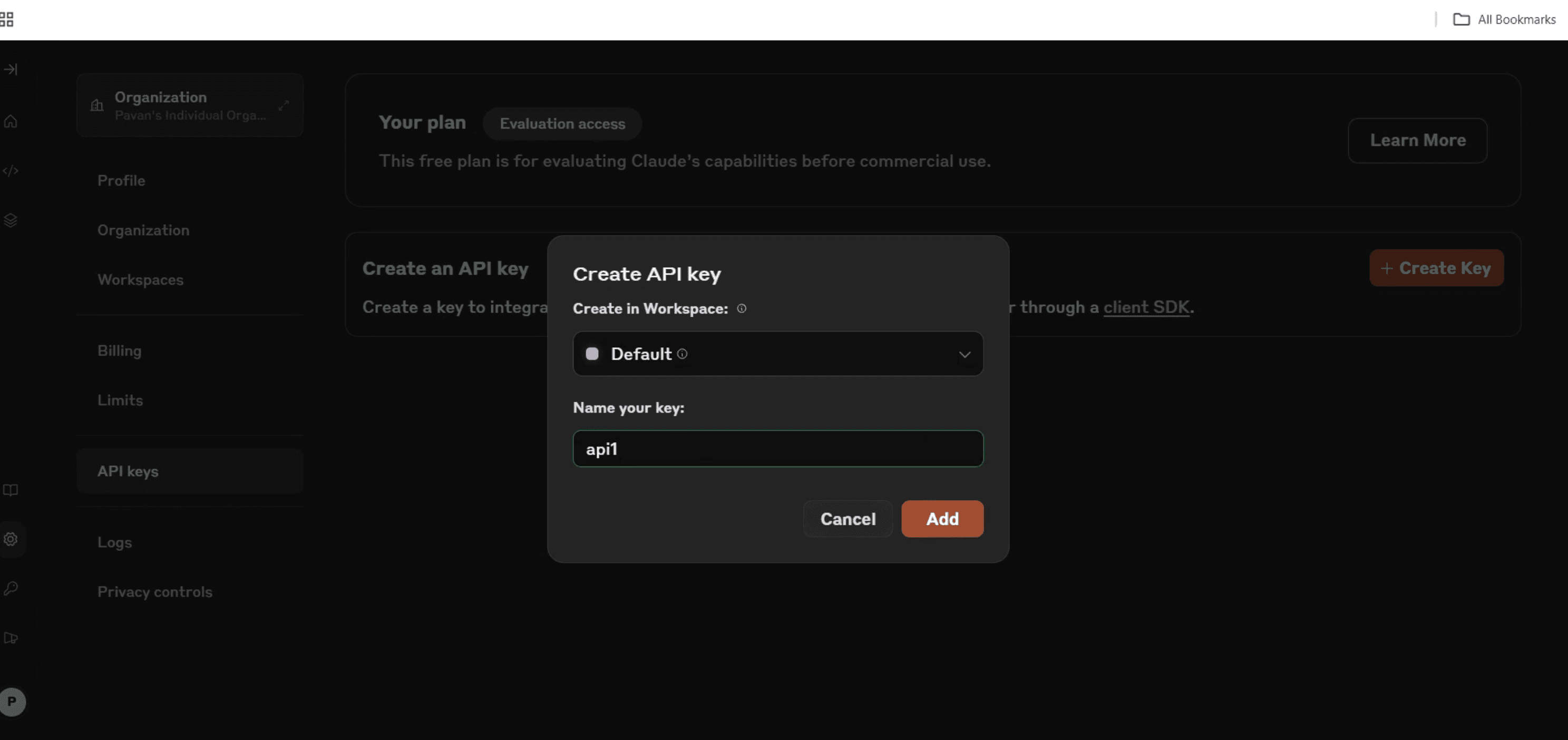
Step 6
Finally, click "Add" to generate your key.
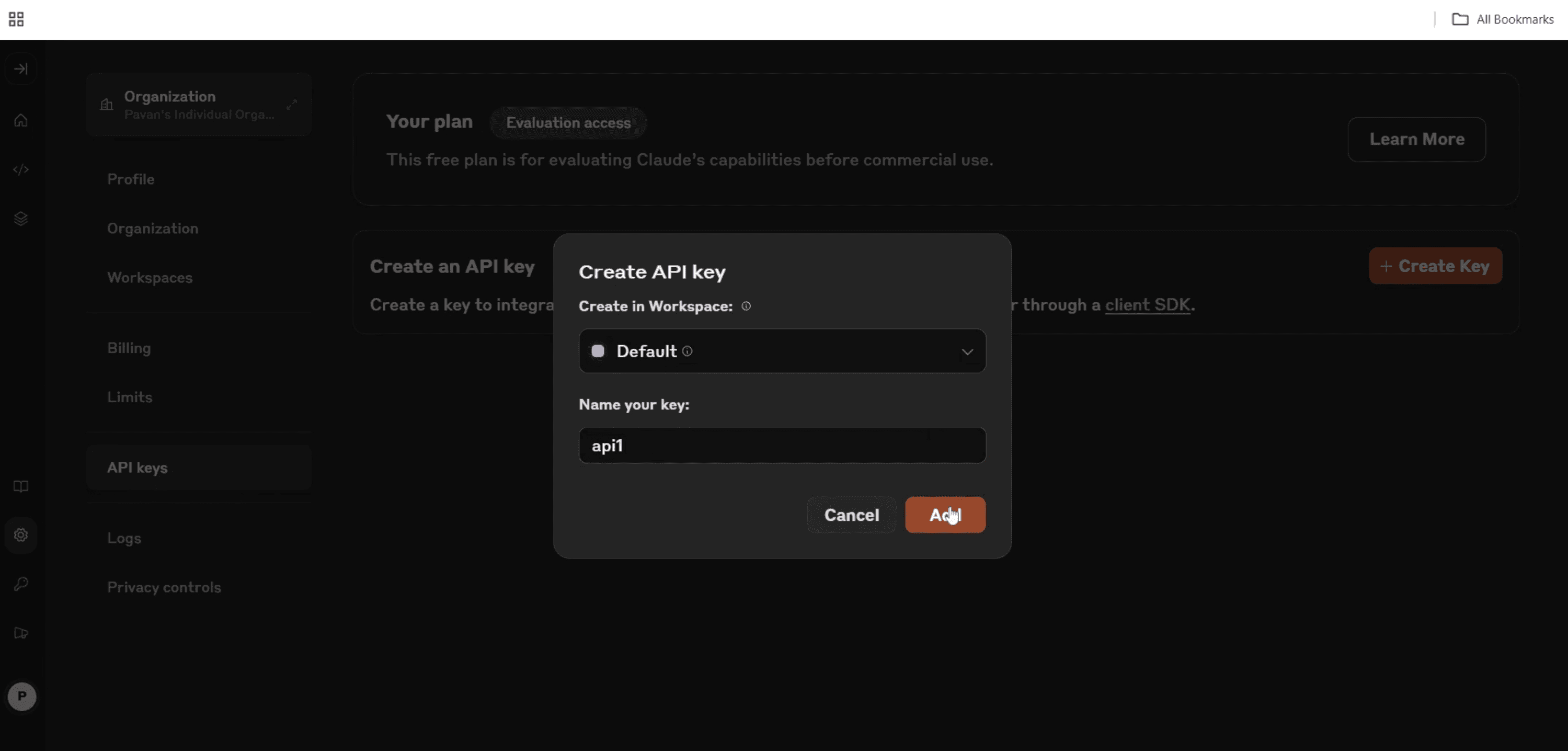
Step 7
You can then copy this key for use wherever necessary.
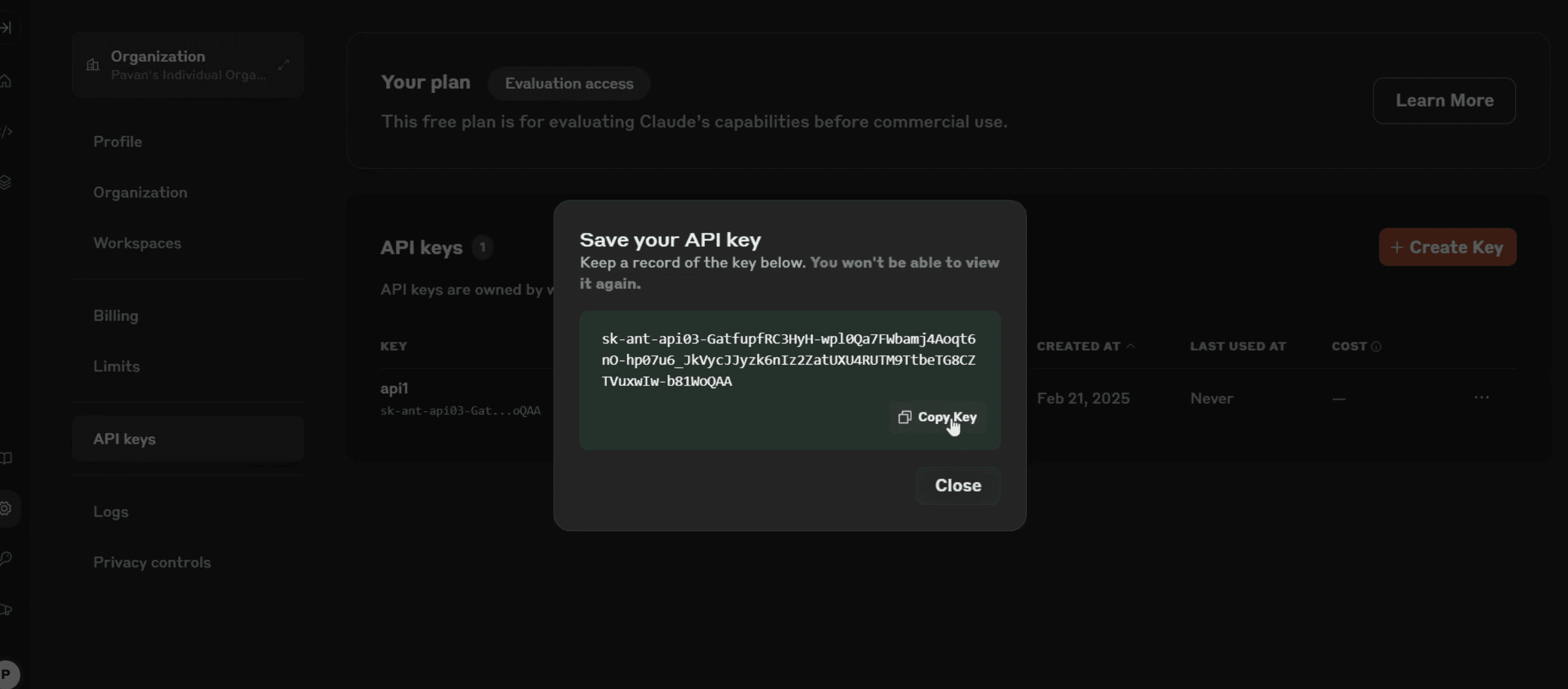
That's it. This is a step-by-step guide on how to get Claude API.
Pro-tips for getting Claude API
Check the official Claude AI website or developer documentation for API access requirements.
Sign up for an API key by creating an account and following the authentication process.
Review pricing and usage limits to ensure the API meets your project needs.
Common pitfalls & how to avoid them while getting Claude API
Not verifying API access eligibility – Some APIs require approval or have region-based restrictions.
Ignoring rate limits – Exceeding usage limits may result in temporary access restrictions.
Skipping documentation – Always review the official API documentation to understand endpoints and best practices.
Common FAQs for getting Claude API
Is Claude API free to use?
It depends on the provider some APIs offer free tiers with usage limits, while others require a subscription.Where can I find Claude API documentation?
The official website or developer portal typically provides API documentation and guidelines.How long does it take to get API approval?
Approval time varies based on the provider’s review process and demand.Can I integrate Claude API with my existing application?
Yes, Claude API can be integrated with various applications using supported programming languages.
If you're an instructor or content creator looking to make tutorial videos, give Trupeer.ai a try. It transforms rough screen recordings into polished, studio-style videos that are ready for sharing with your audience. Plus, it automatically generates a step-by-step guide based on the video you create. Fascinating, right? Start by creating your first tutorial for free with Trupeer.ai.

