
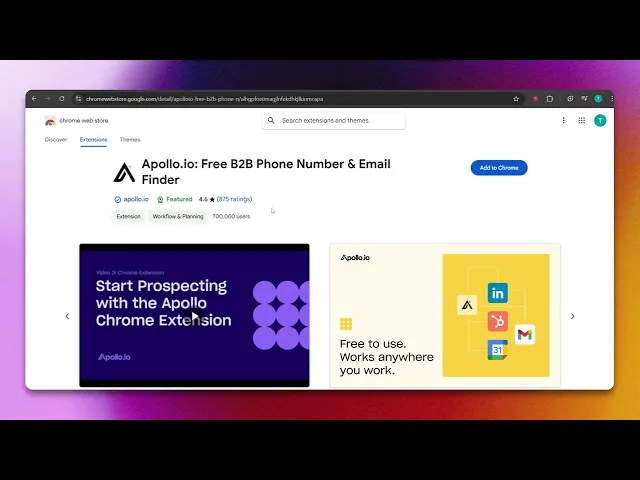
How To Install Apollo.io Extension In Your Chrome Browser
Discover the step-by-step guide to installing the Apollo.io extension in your Chrome browser. Enhance your productivity with this powerful tool today.
In this process, you will learn how to install the Apollo.io extension to your Google Chrome browser. Follow these simple steps to easily add this useful tool to enhance your browser's capabilities.
Step 1
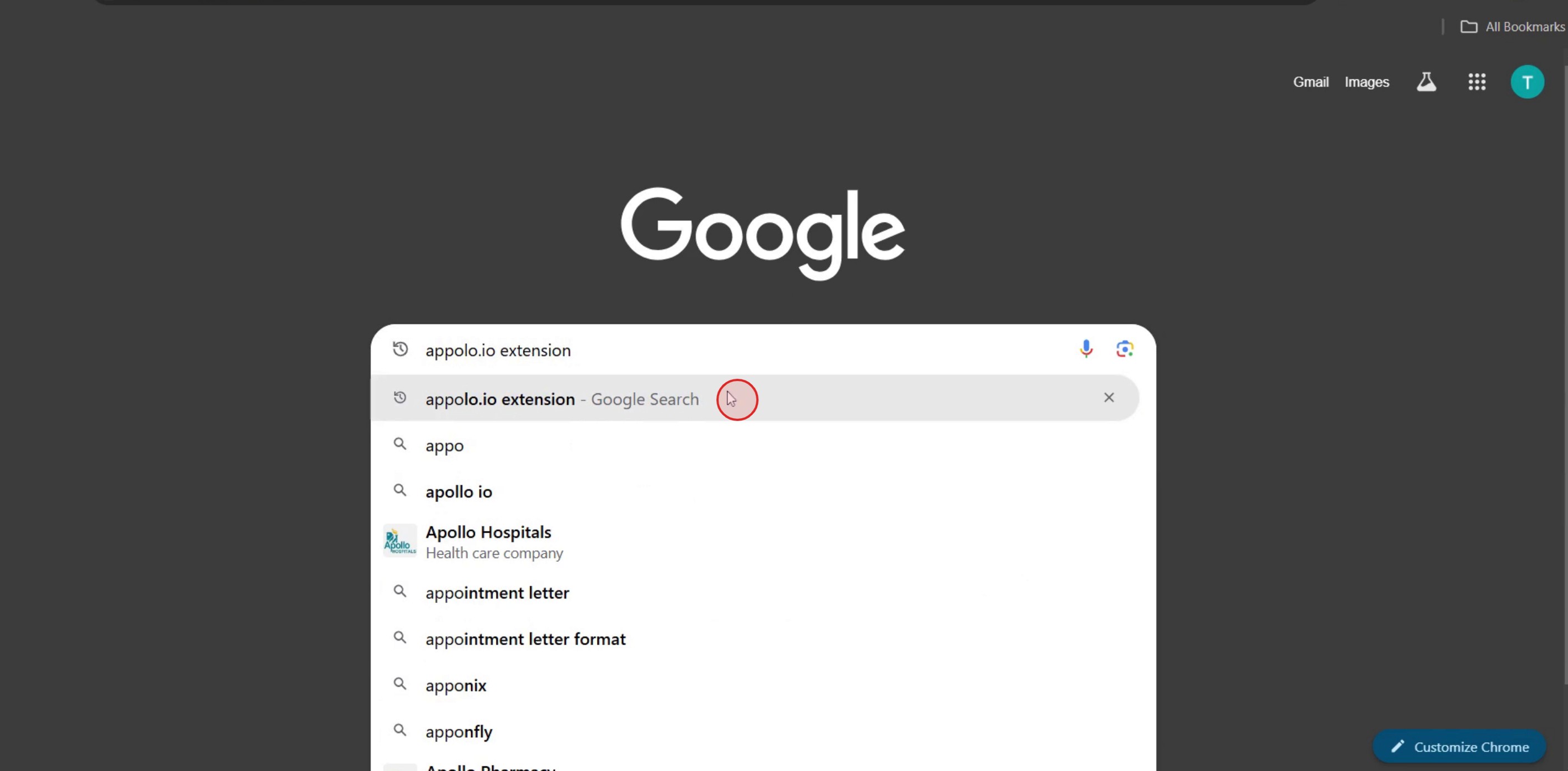
In the search bar, type Apollo.io extension for Chrome.
Step 2
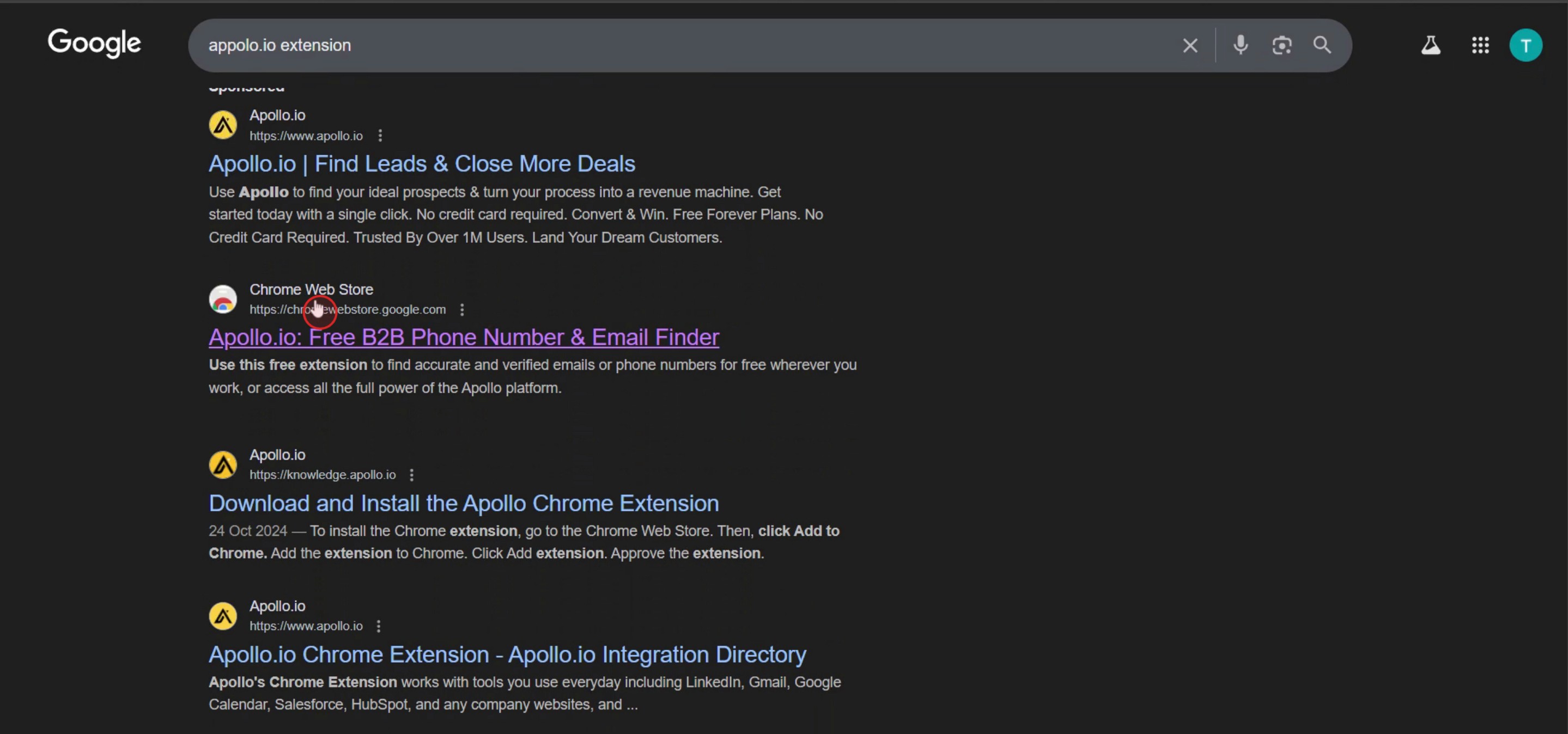
Click on the link to the Chrome Web Store.
Step 3
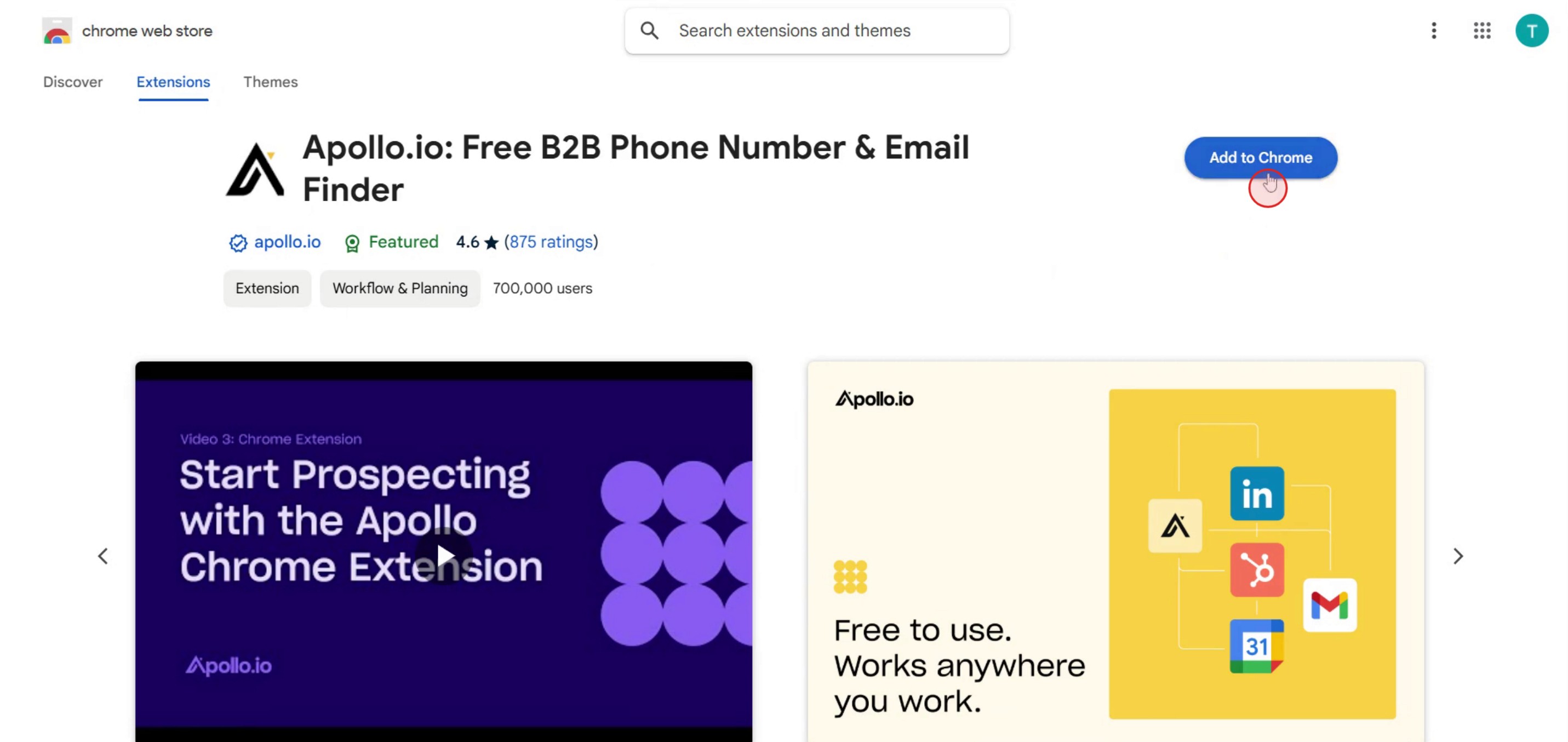
Then click on add chrome option,
Step 4
And you can see the extension downloading in the chrome browser.
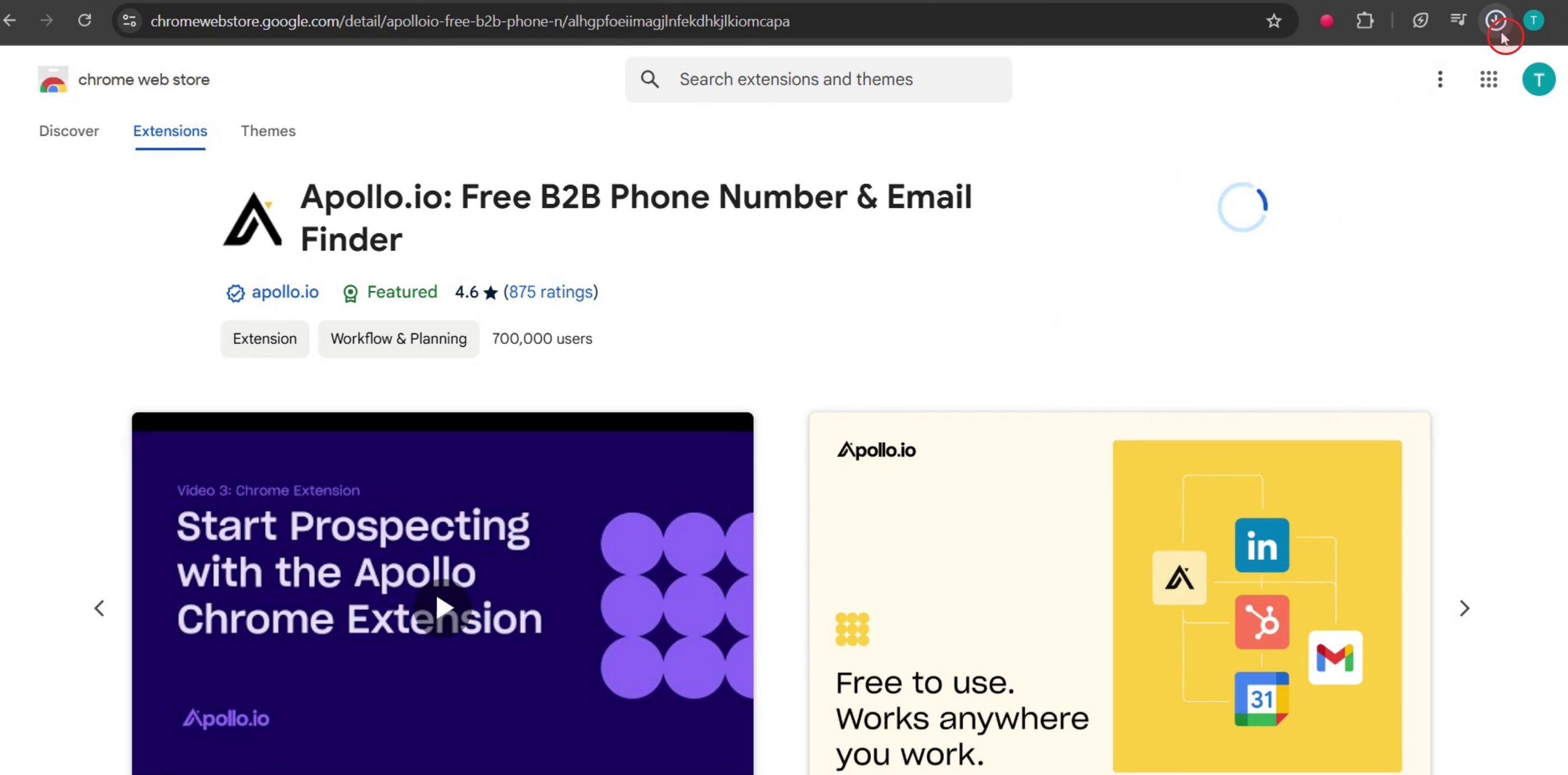
This is a step-by-step guide on how to install Apollo.io extension in your Chrome browser.
Pro tips for how to install Apollo.io extension in your Chrome browser
Always download the Apollo.io extension from the official Chrome Web Store to ensure you’re getting a secure version of the extension.
Make sure your Chrome browser is up to date to prevent compatibility issues when installing the Apollo.io extension.
After installation, pin the Apollo.io extension to your Chrome toolbar for quick and easy access to its features.
Common pitfalls and how to avoid them
Downloading the Apollo.io extension from unofficial websites can lead to security risks, so always stick to the Chrome Web Store for installation.
Failing to grant the necessary permissions to the Apollo.io extension can cause it to function improperly, so ensure you accept all required permissions during installation.
Overlooking the need to sign in to your Apollo.io account after installation can limit the extension's functionality, so make sure to log in right after installation.
Common FAQs for how to install Apollo.io extension in your Chrome browser
Is the Apollo.io Chrome extension free to install?
Yes, the extension is free to install, but some features may require a paid Apollo.io subscription.Why can't i find the Apollo.io extension in the Chrome web store?
If you can't find it, ensure you're searching with the correct name, check your region settings, or visit the official Apollo.io website for the direct link.How do i enable the Apollo.io extension after installing it?
After installation, click the puzzle icon in the Chrome toolbar, find Apollo.io, and pin it for easy access.
If you're an instructor or content creator looking to make tutorial videos, give a try. It transforms rough screen recordings into polished, studio-style videos that are ready for sharing with your audience. Plus, it automatically generates a step-by-step guide based on the video you create. Fascinating, right? Start by creating your first tutorial for free with trupeer.ai.

