
How To Integrate Canva With Monday.com
Discover how to seamlessly integrate Canva with Monday.com. Enhance your project management and design workflow with our step-by-step guide.
In this guide, you will learn how to seamlessly integrate Canva with Monday.com. This integration allows users to leverage Canva's design capabilities directly within the Monday.com platform, enhancing your project's visual presentation and productivity.
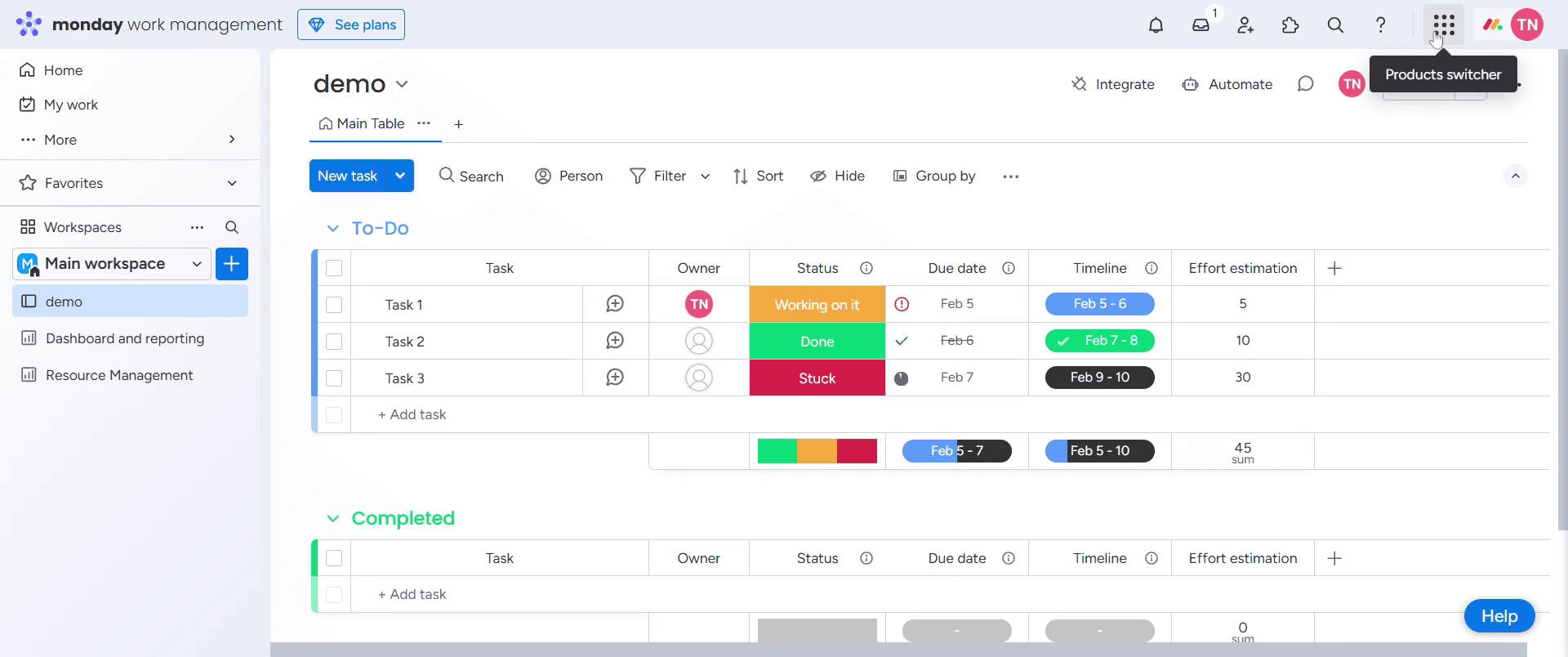
Step 1
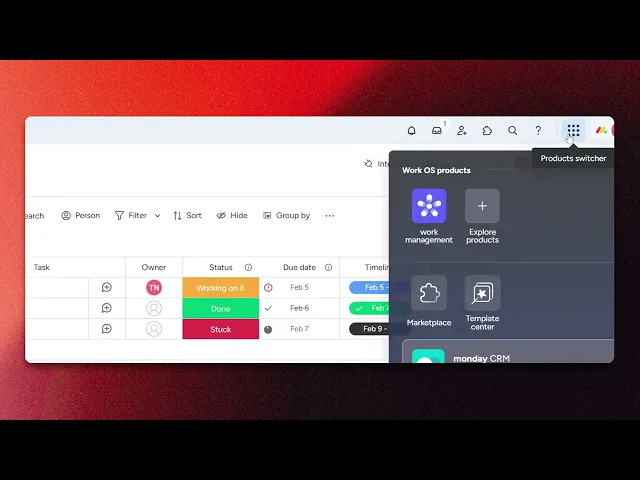
Select Product switcher.
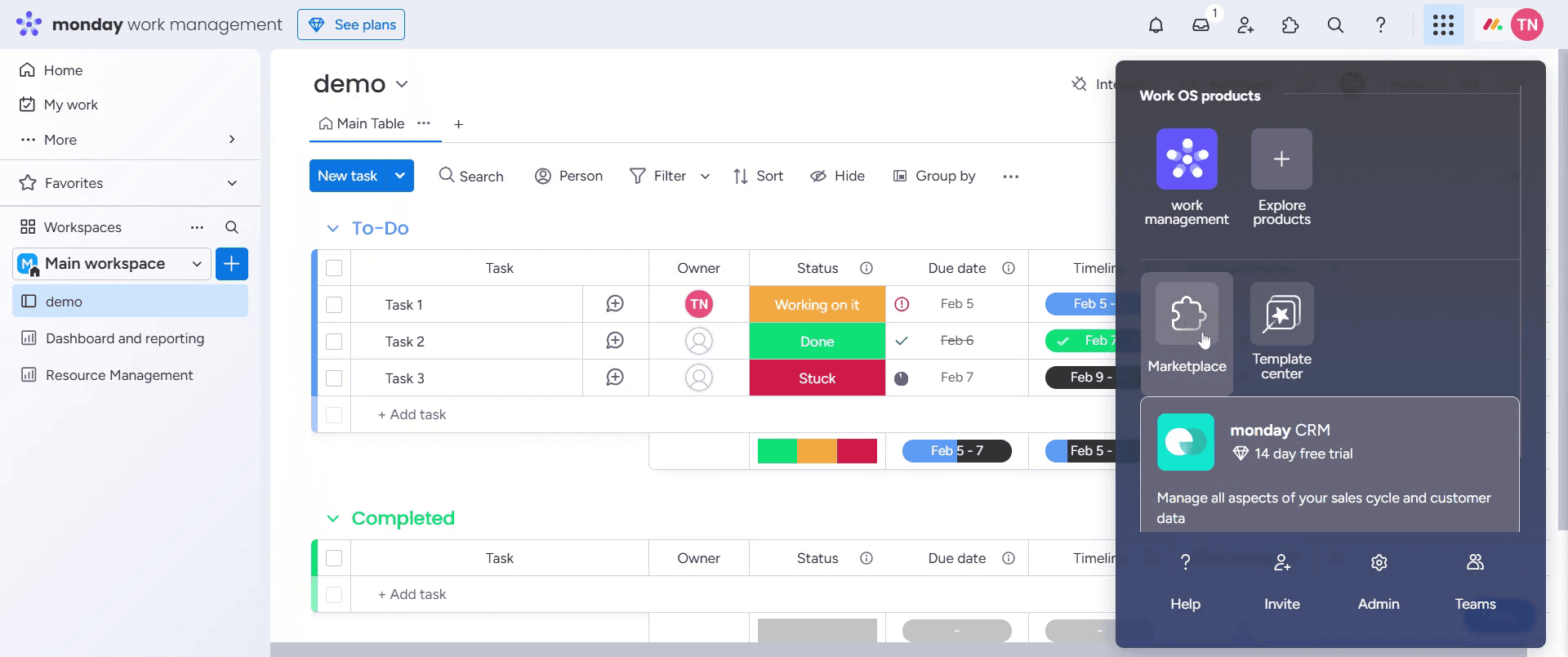
Step 2
Then select Marketplace.
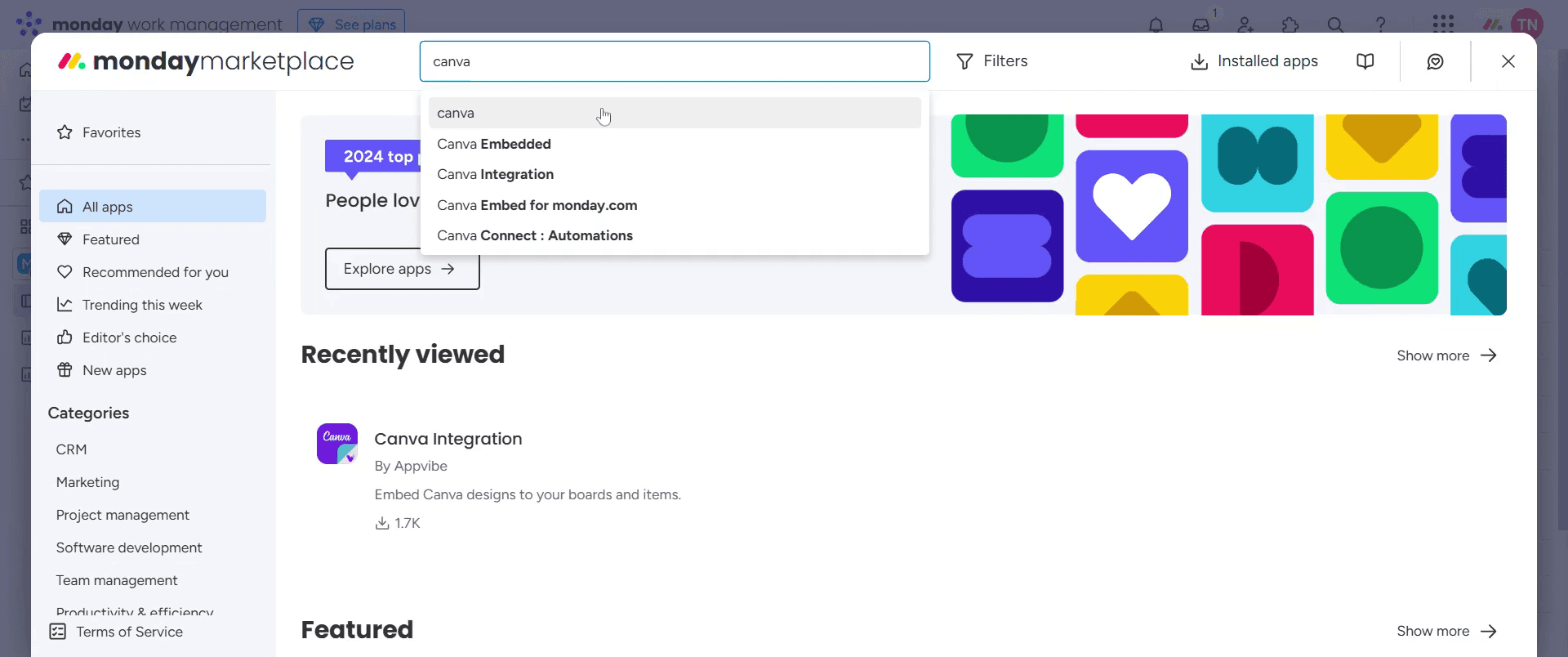
Step 3
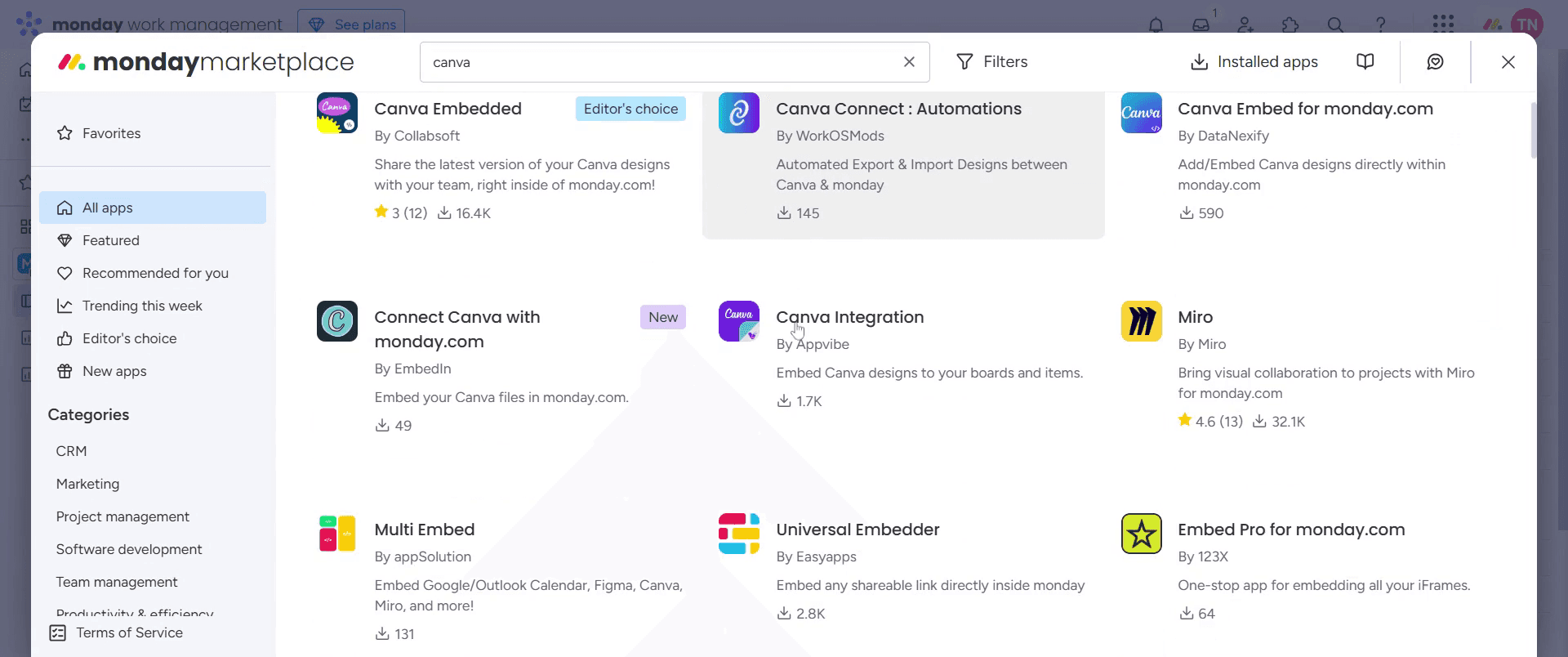
Click on the Canva.
Step 4
Select Canva Integration.
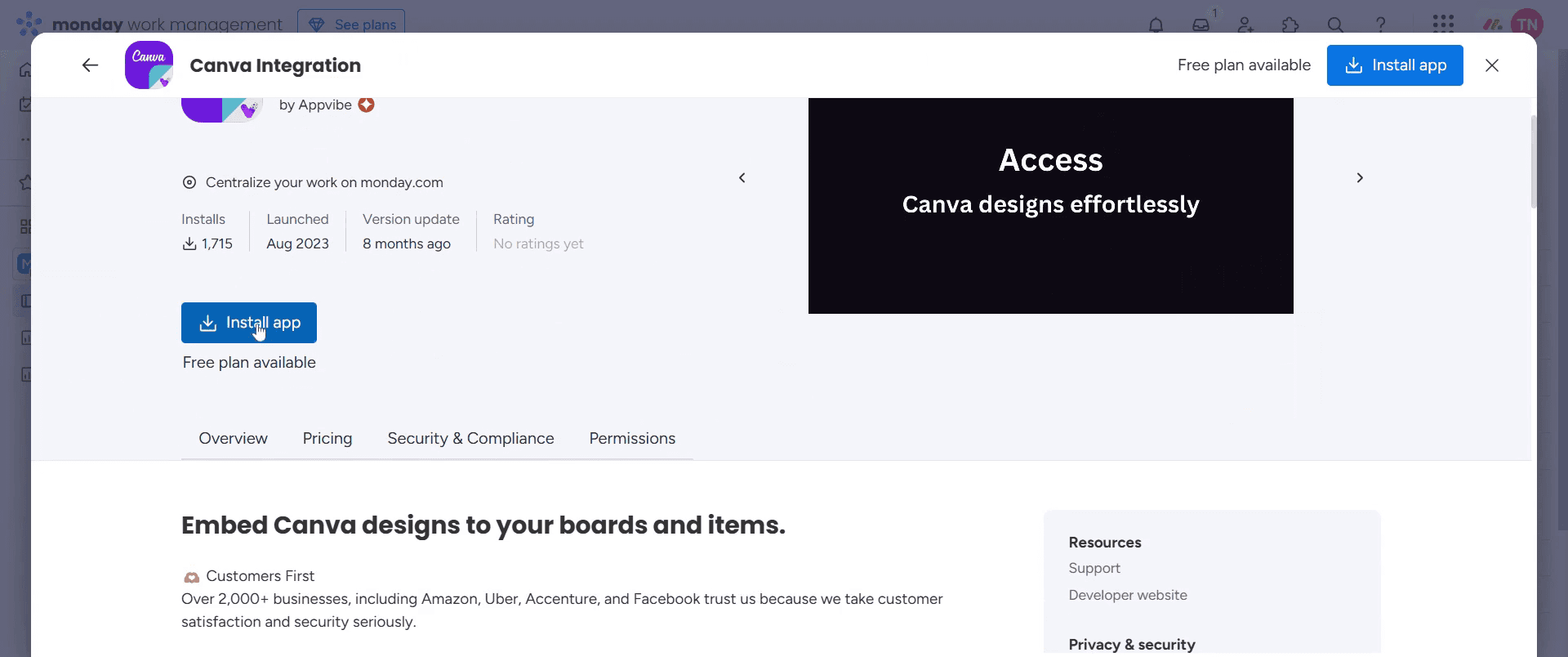
Step 5
Select Install Apps option.
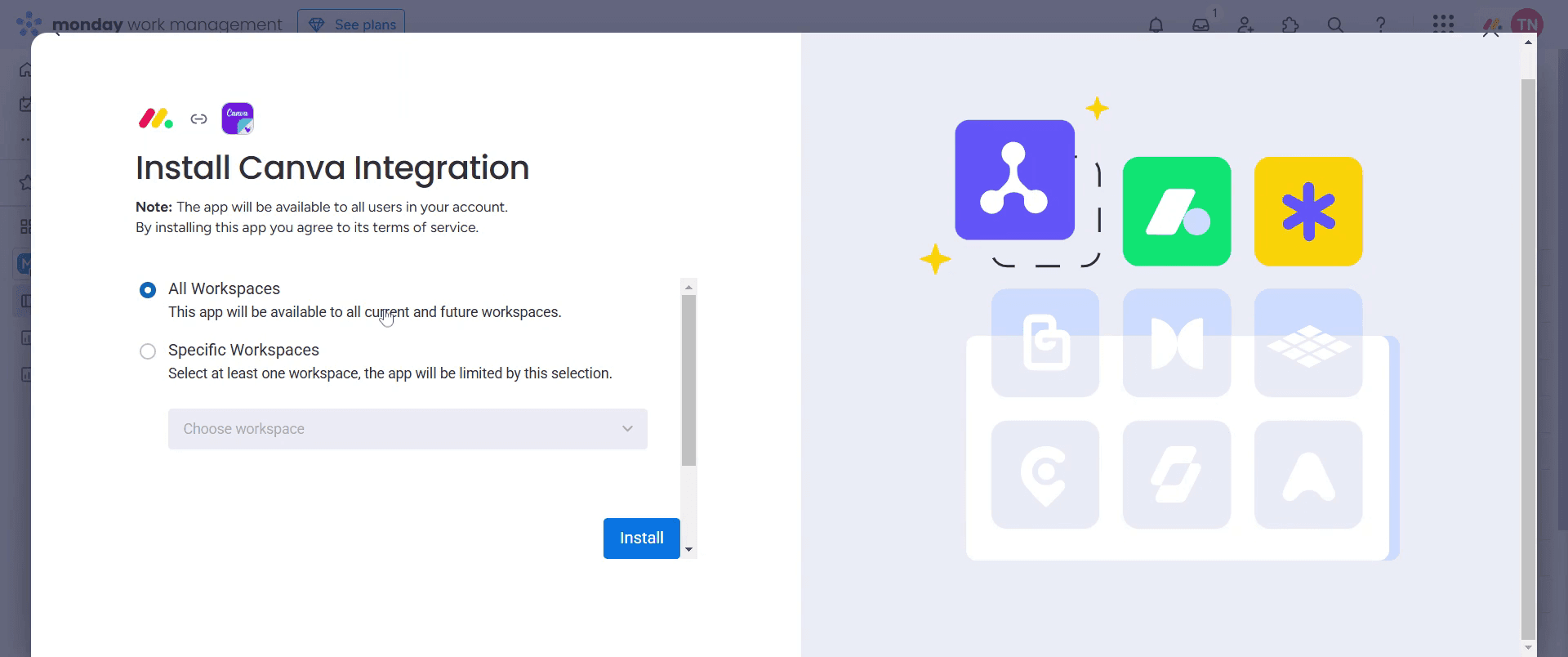
Step 6
And select all workspaces option,
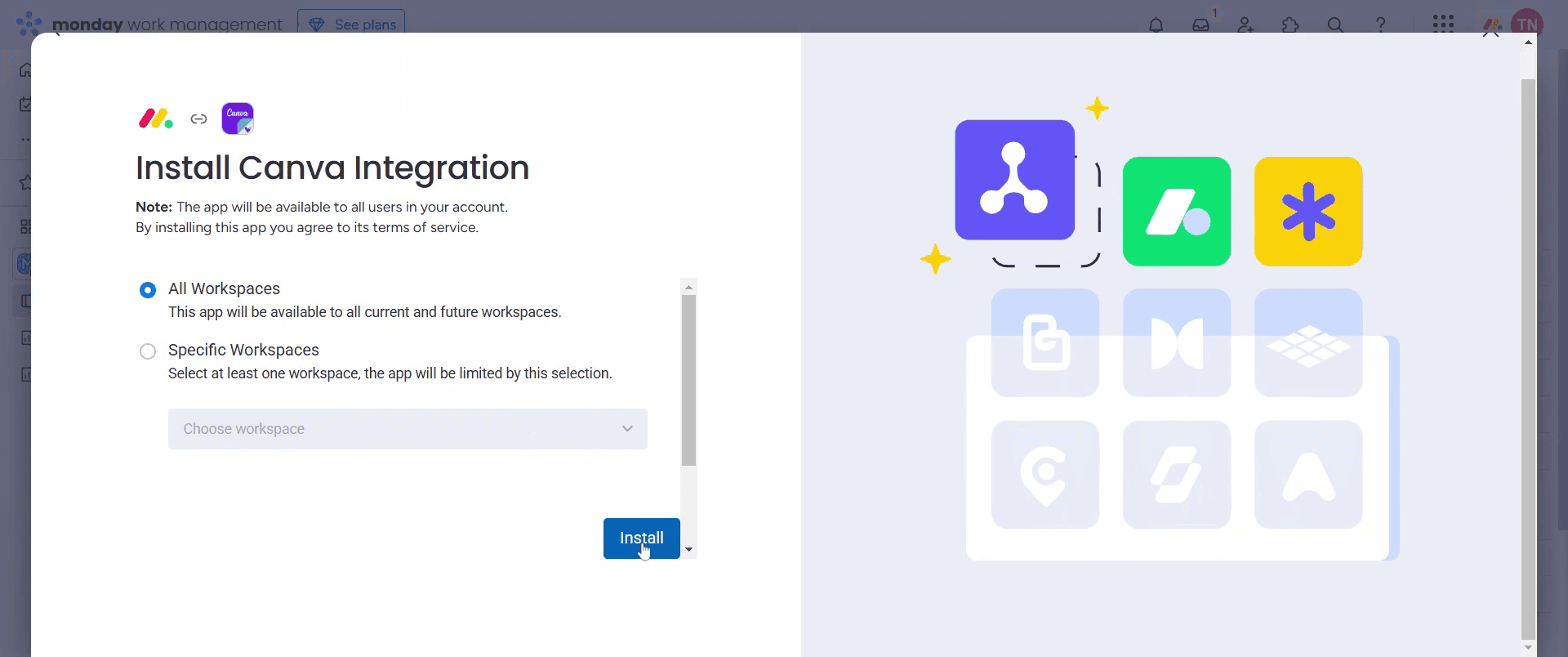
Step 7
Then click on install,
Step 8
And click on add app.
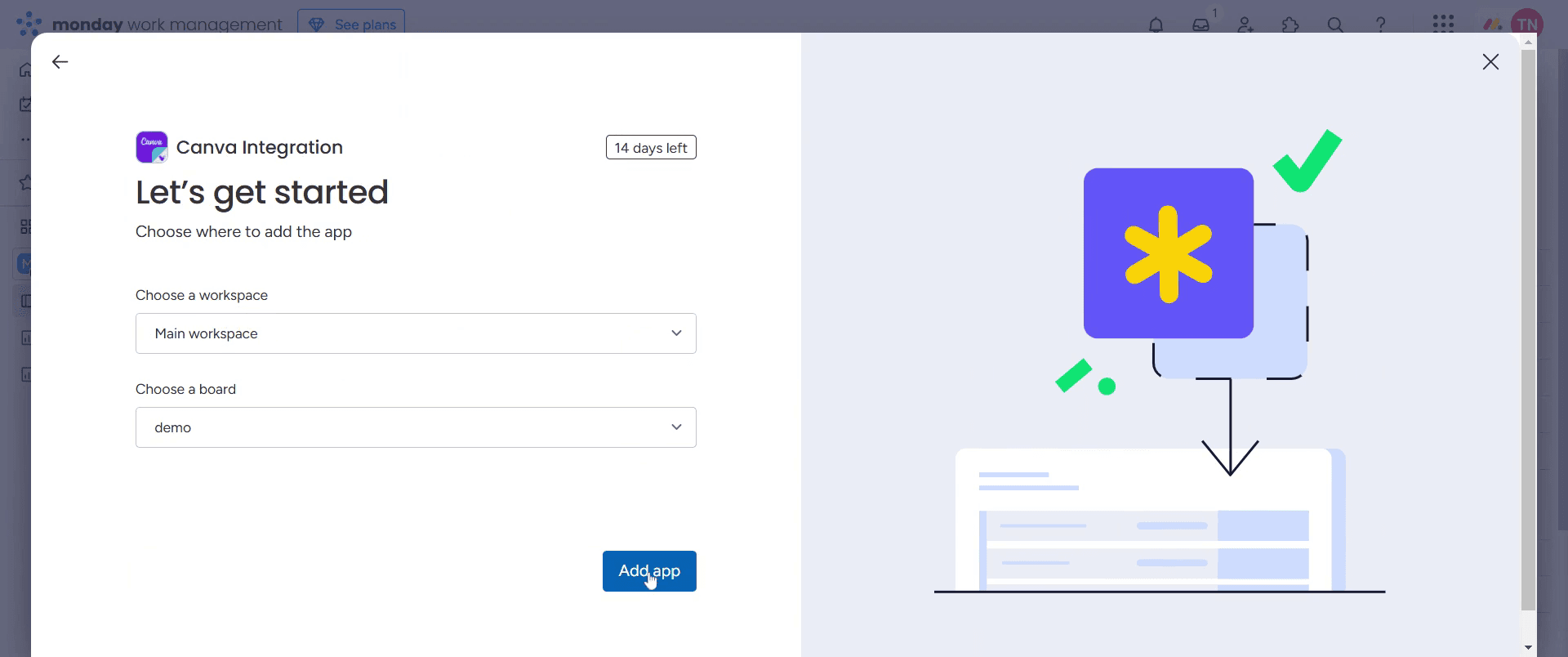
This is a step-by-step guide on how to integrate Canva with Monday.com
Pro tips for how to integrate Canva with Monday.com
Use Canva’s direct link-sharing feature – Copy and paste the Canva design link into Monday.com to quickly access and preview designs.
Embed Canva designs within Monday.com boards – Utilize the Embed widget to display Canva graphics directly in relevant projects or workflows.
Leverage Canva for branding consistency – Create custom templates in Canva and store them in Monday.com for team-wide access and consistency.
Common pitfalls and how to avoid them
Adding a static image instead of an embedded design—always use the Canva embed link for real-time updates in Monday.com.
Forgetting to set Canva link permissions—ensure the link is set to Anyone with the link can view to allow team members to access it.
Not organizing Canva designs in Monday.com—use dedicated columns or file storage integrations to keep assets easy to find.
Common FAQs for how to integrate Canva with Monday.com
Why is my Canva design not updating in Monday.com?
If you made edits in Canva, refresh Monday.com or re-embed the link to see the latest version.Can multiple team members access Canva designs in Monday.com?
Yes, as long as the Canva design link permissions allow team-wide access.What types of Canva graphics work best in Monday.com?
Project timelines, task banners, workflow diagrams, and branded templates work well for visual organization.Does embedding Canva designs slow down Monday.com?
No, but using too many high-resolution images may slightly affect page loading speed optimize designs when necessary.
If you're an instructor or content creator looking to make tutorial videos, give a try. It transforms rough screen recordings into polished, studio-style videos that are ready for sharing with your audience. Plus, it automatically generates a step-by-step guide based on the video you create. Fascinating, right? Start by creating your first tutorial for free with trupeer.ai .

