
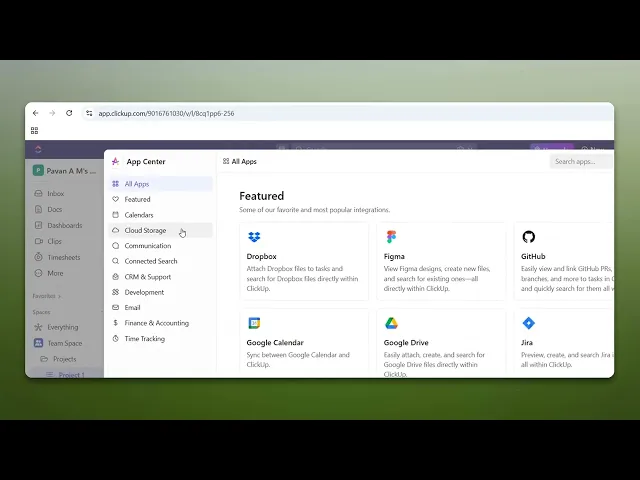
How To Integrate ClickUp With Google Drive
Learn the step-by-step process to integrate ClickUp with Google Drive. Streamline your workflow and boost collaboration with this essential guide.
This document offers a detailed guide on integrating ClickUp with Google Drive. It outlines the steps to access the app center in ClickUp, connect Google Drive, and complete the integration successfully.
Step 1
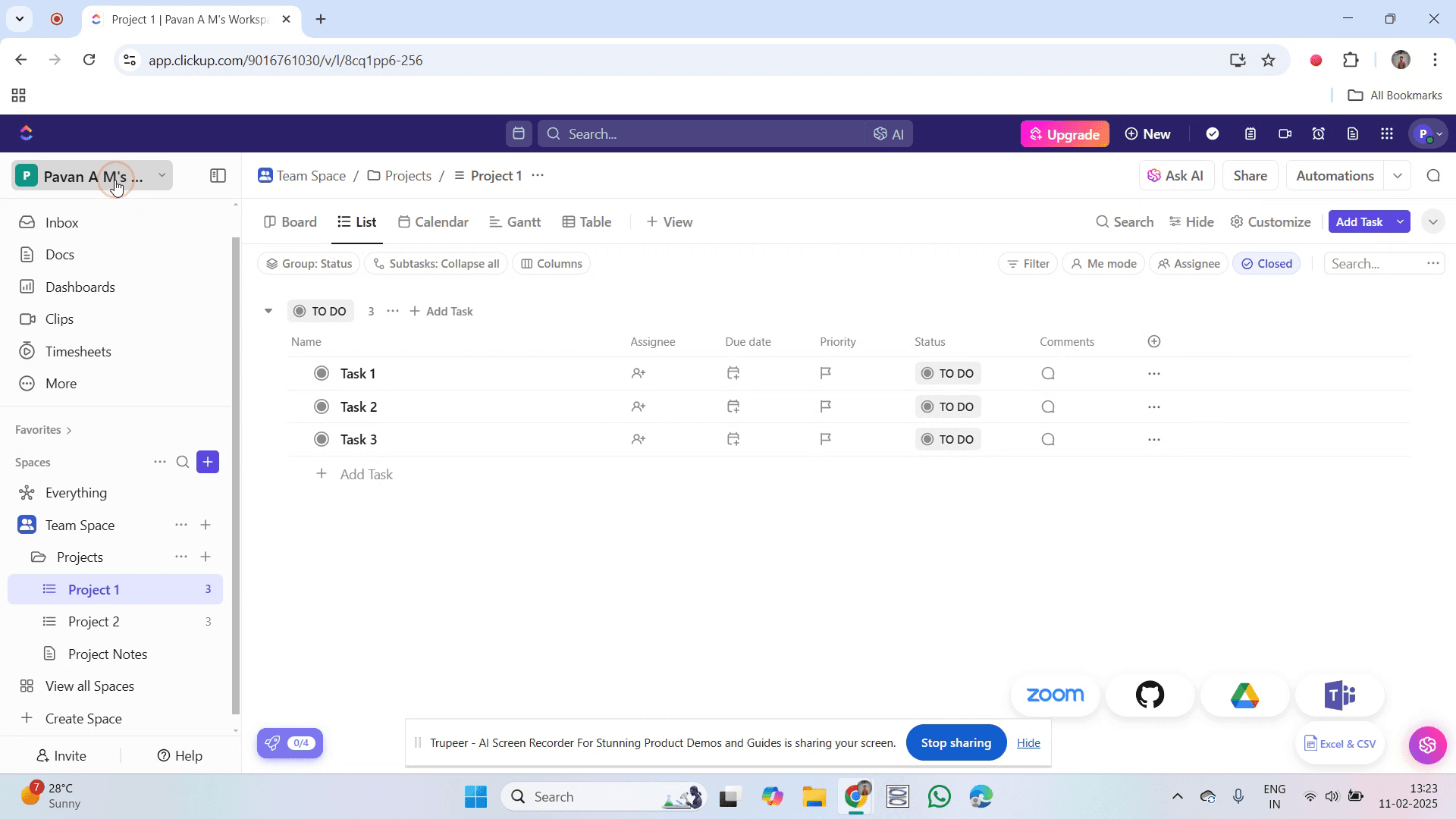
Go to your workspace name in ClickUp and click on it.
Step 2
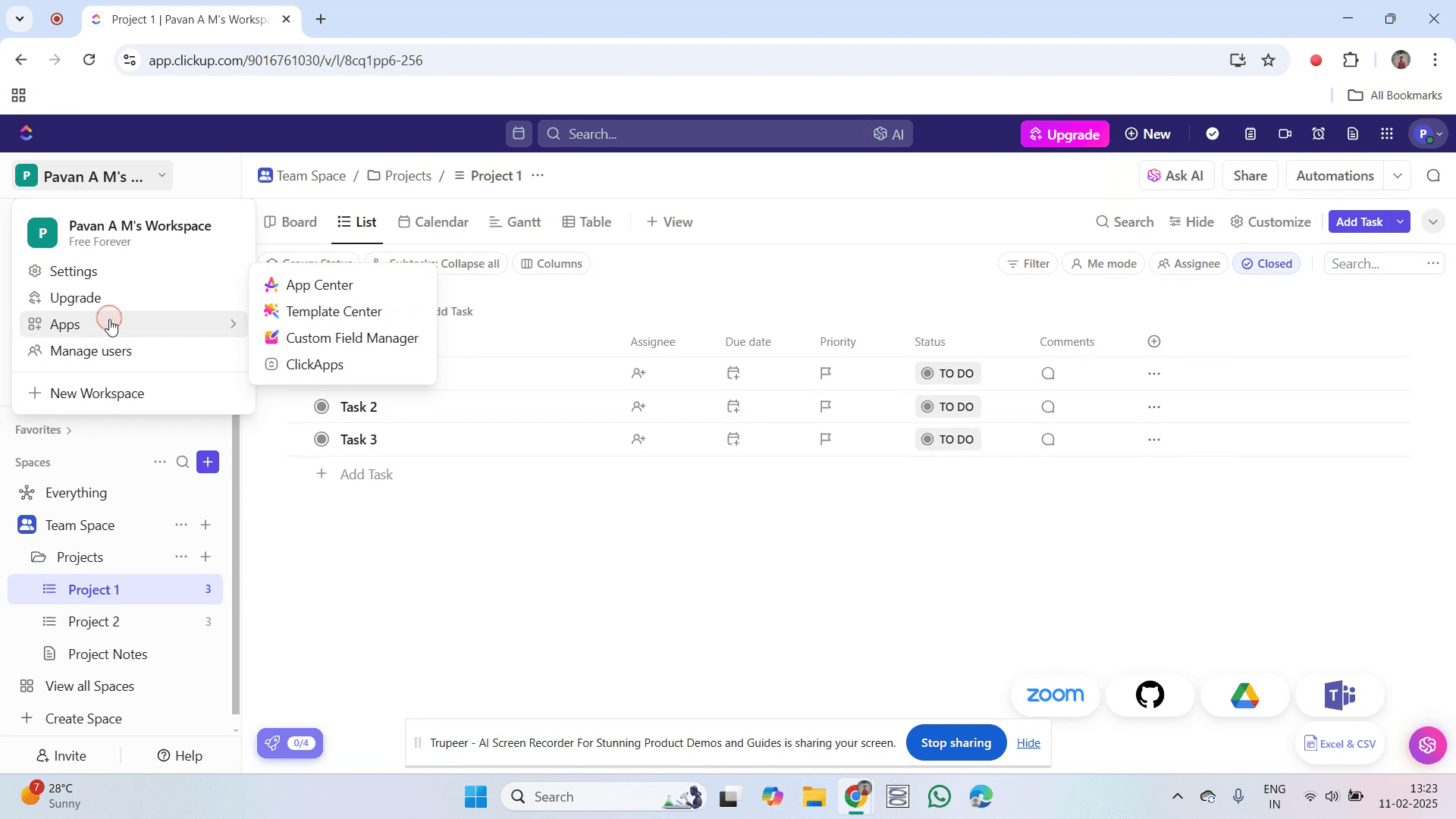
Select 'Apps' option.
Step 3
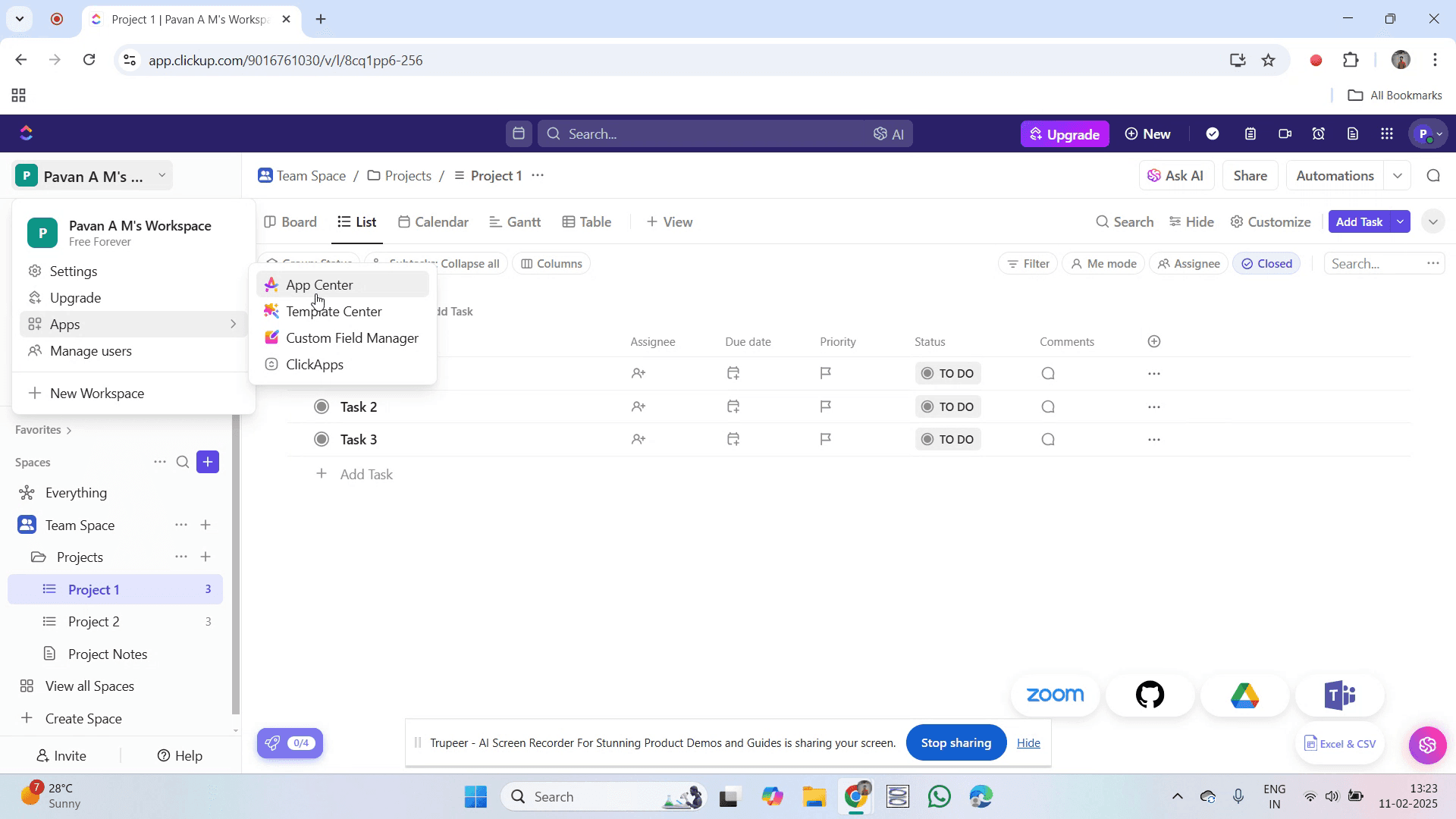
Inside Apps, select the "App Center" option.
Step 4
Find and click on the app labeled "Google Drive."
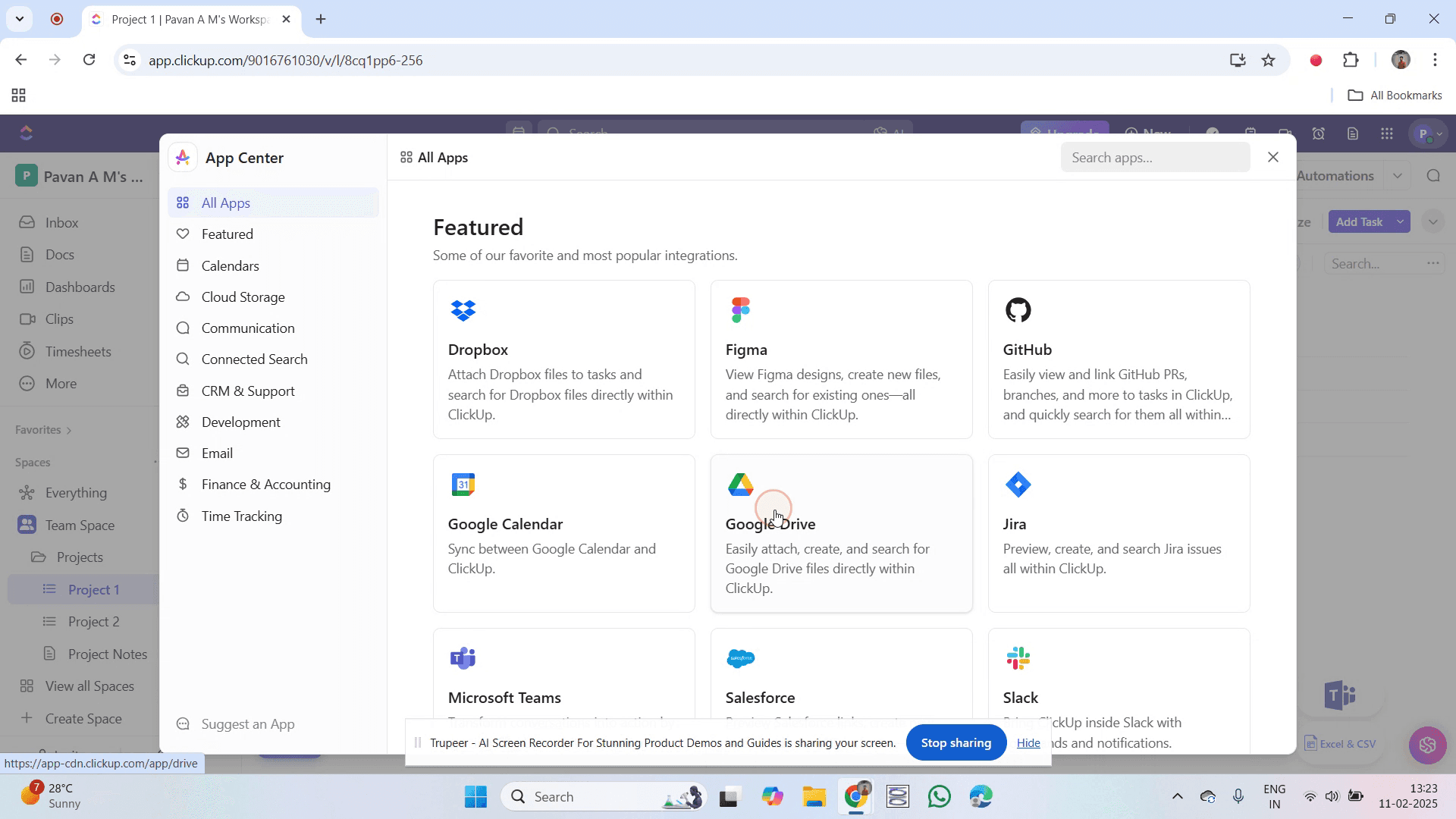
Step 5
Next, click on the "Connect" option.
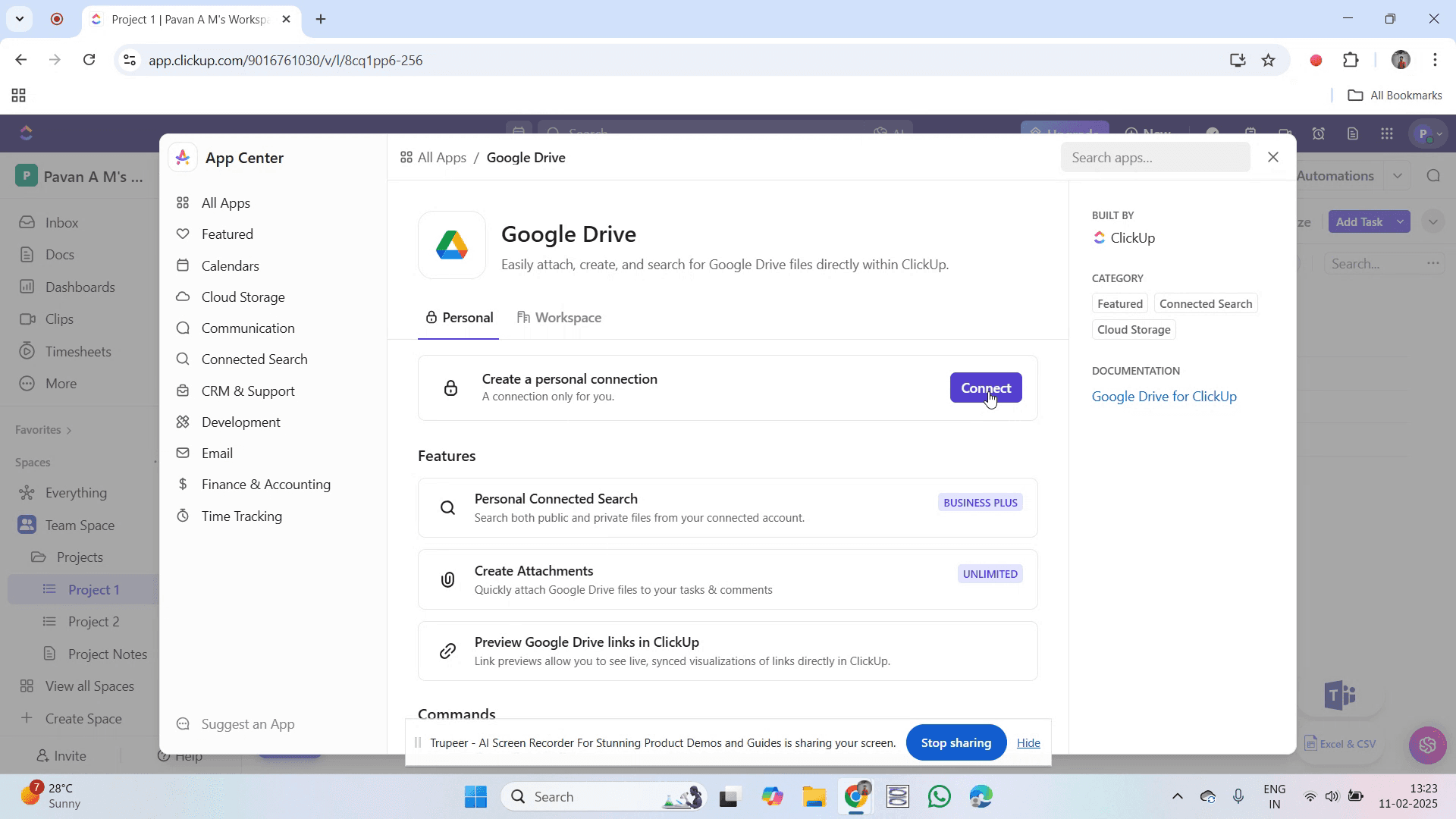
Step 6
You will be asked to select your Google account. Click on your account.
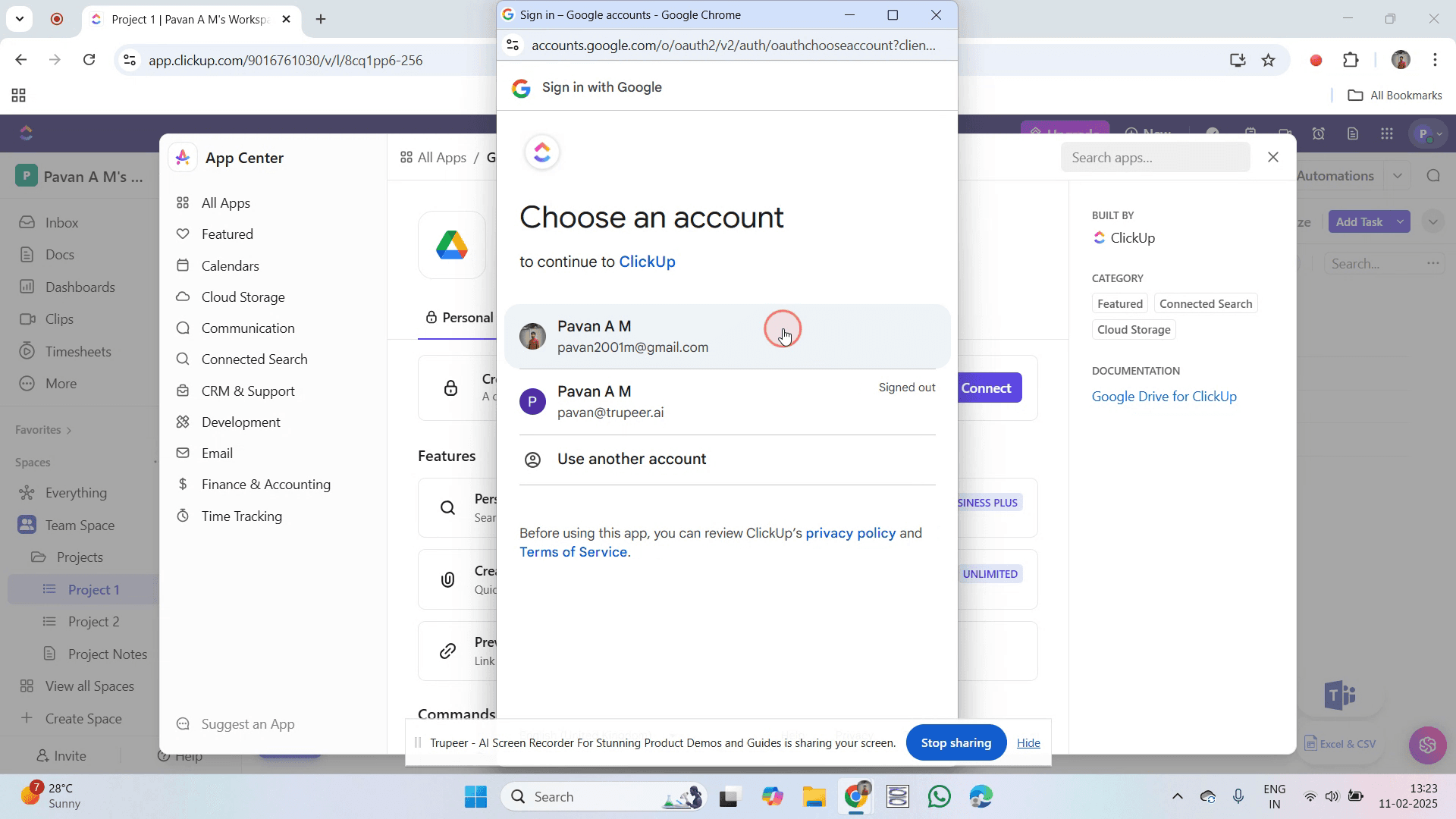
Step 7
Click on "Continue."
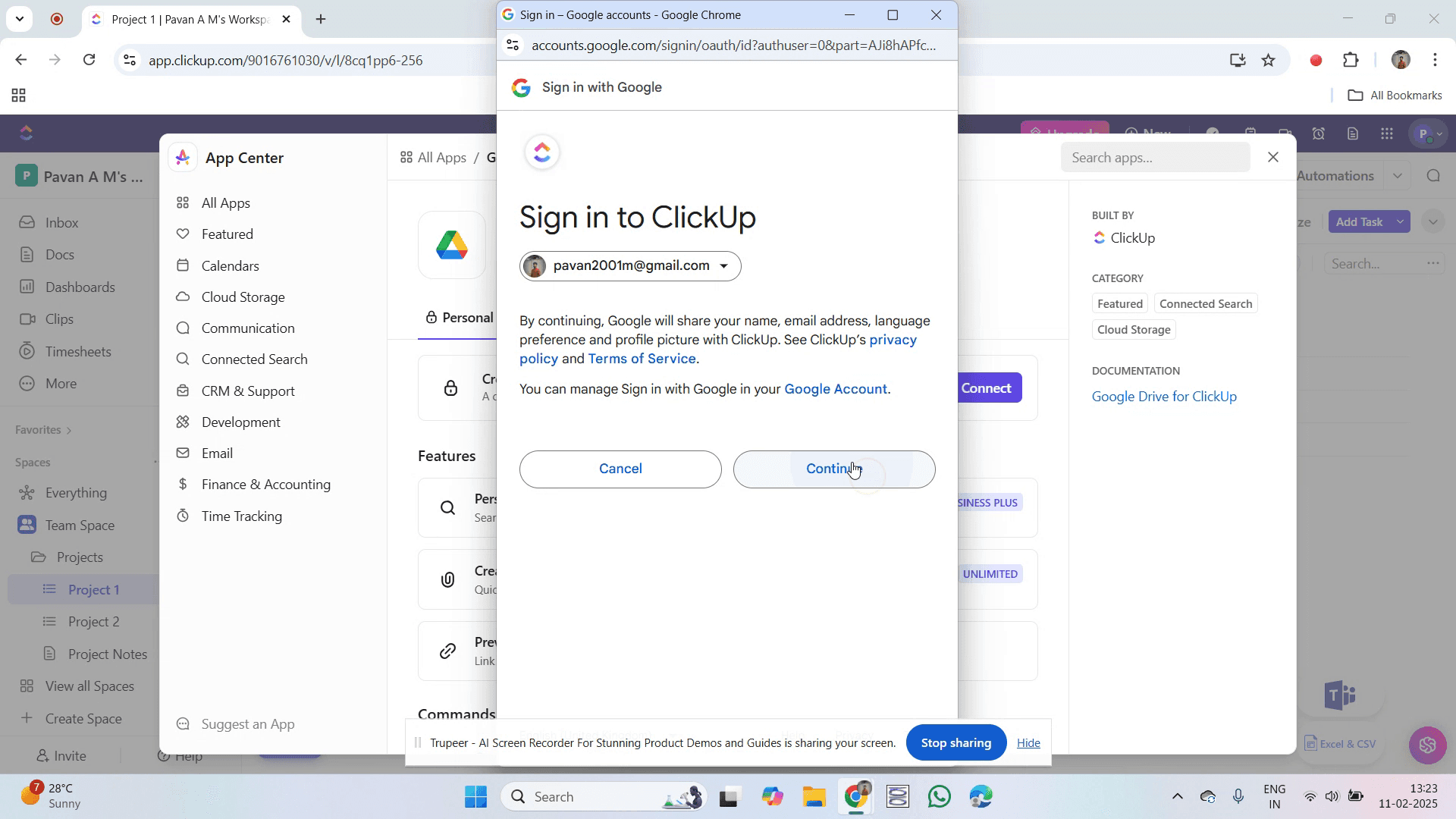
Step 8
Accept the access requests to grant all necessary permissions.
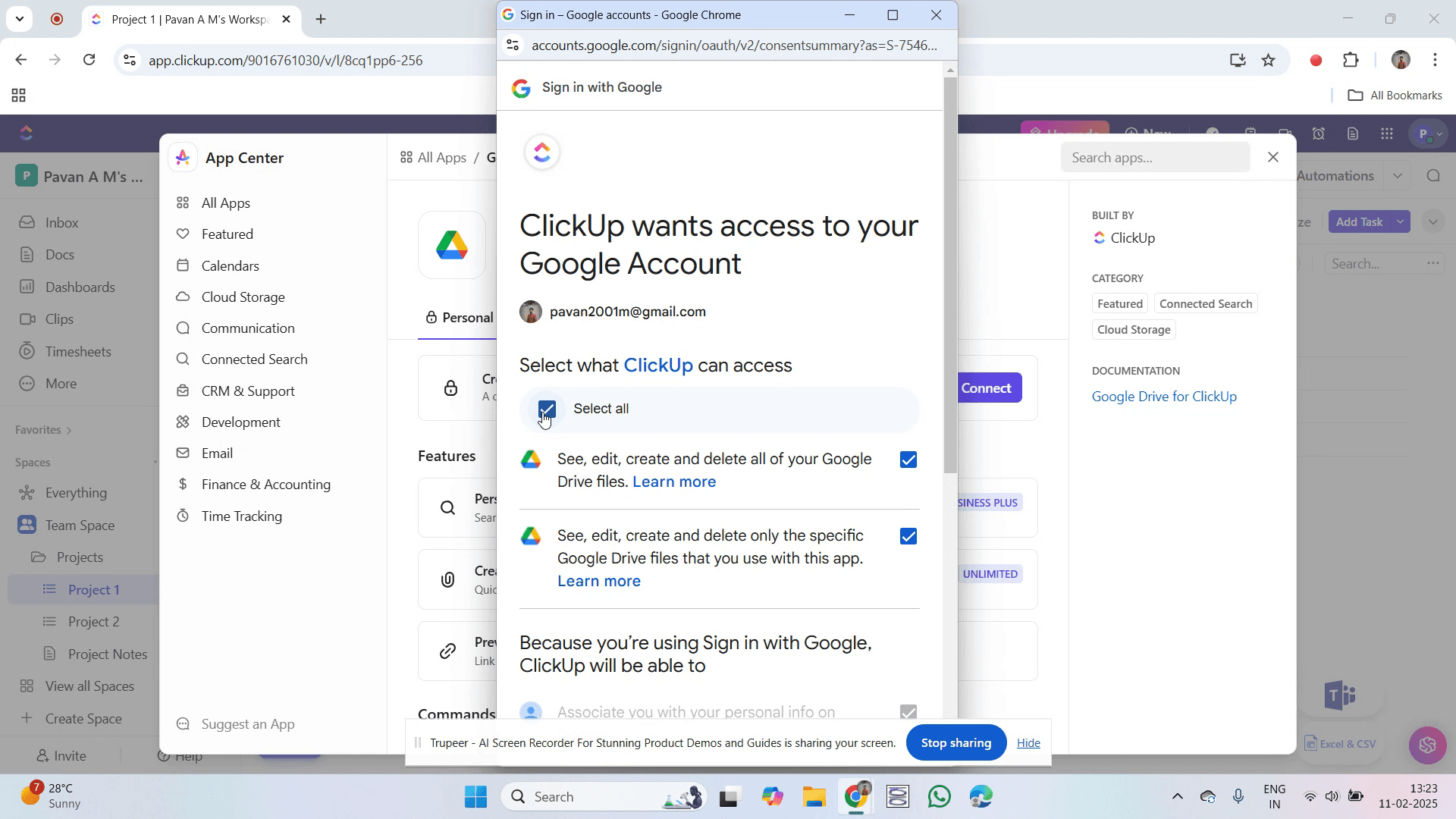
Step 9
Then, click on "Continue".
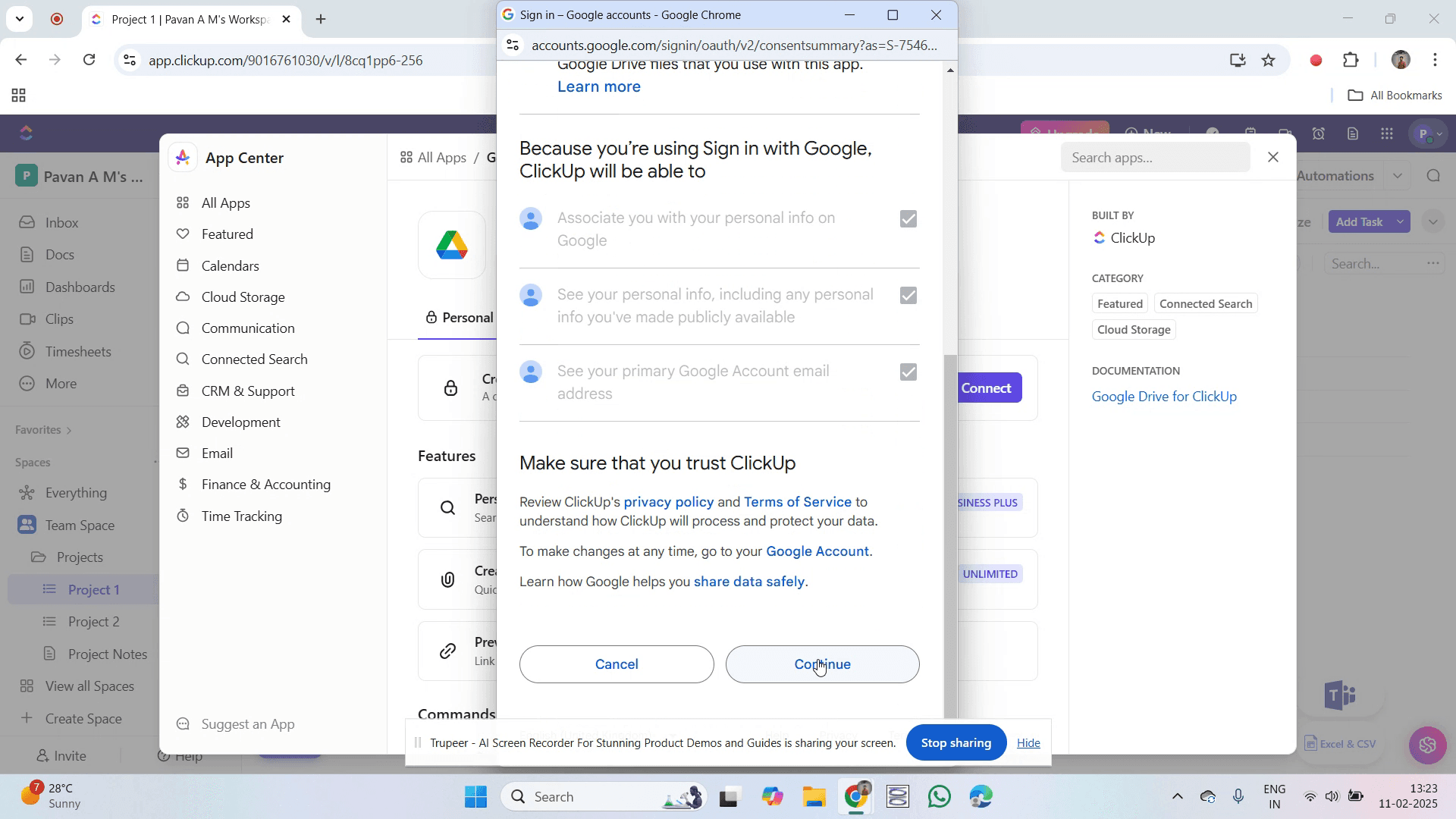
Step 10
After completion, a green check mark will confirm the successful integration.
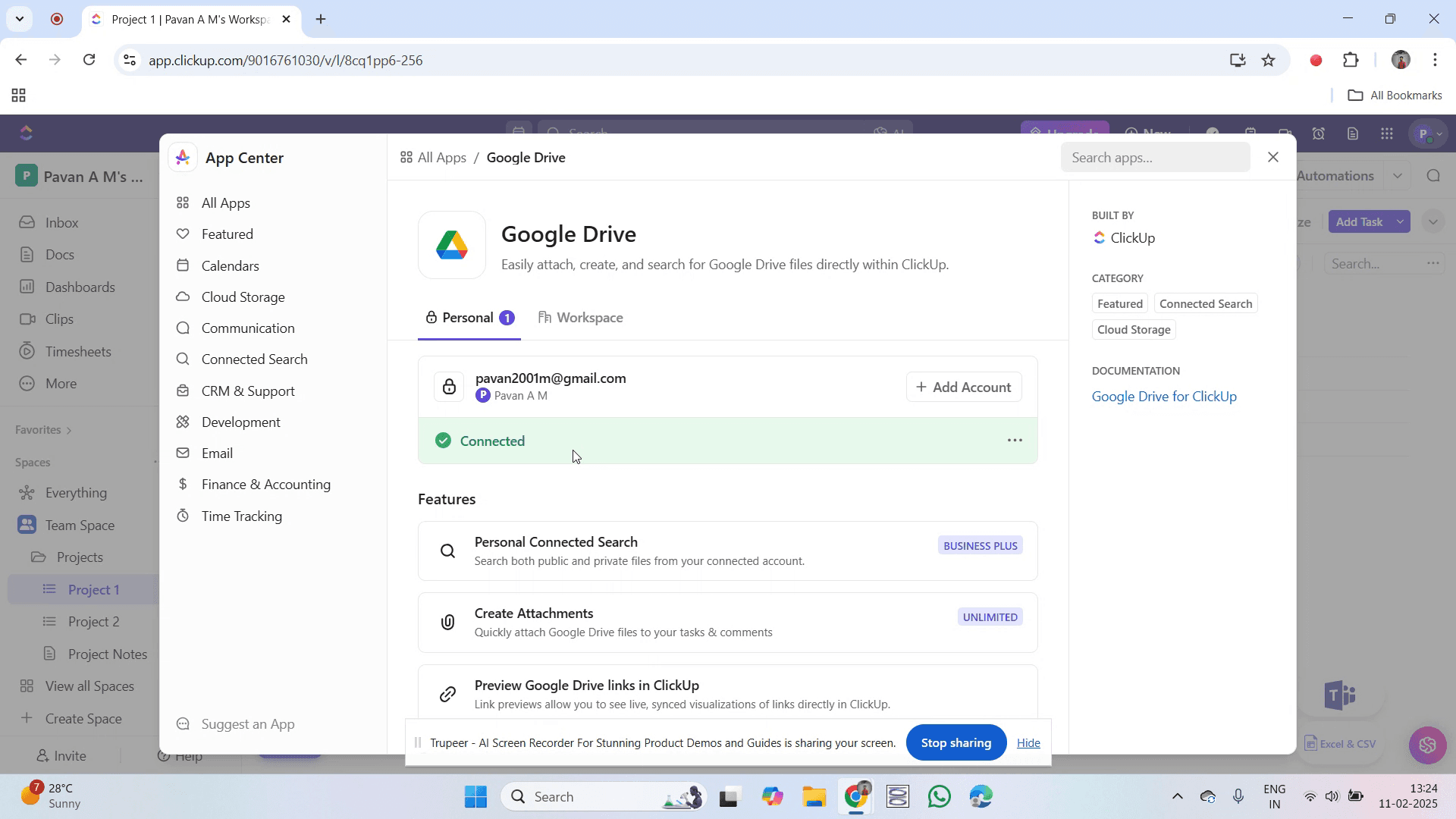
That's it. This is a step-by-step guide on how to integrate ClickUp with Google Drive.
Pro-tips for integrating ClickUp with Google Drive
Use the native Google Drive integration in ClickUp to attach files directly to tasks.
Organize files into specific folders within Google Drive for better accessibility.
Utilize ClickUp’s automation to streamline file management and collaboration.
Common pitfalls & how to avoid them while integrating ClickUp with Google Drive
Authorization issues Ensure ClickUp has the necessary permissions to access your Google Drive.
File access restrictions Set appropriate sharing permissions to avoid access issues.
Sync delays Refresh the integration settings if files do not appear immediately in ClickUp.
Common FAQs for integrating ClickUp with Google Drive
How do I fix Google Drive integration issues in ClickUp?
Reauthorize the integration by disconnecting and reconnecting your Google Drive account.Can I create Google Docs from ClickUp?
Yes, ClickUp allows you to create new Google Docs, Sheets, or Slides directly from a task.Is the Google Drive integration available in all ClickUp plans?
Yes, but advanced features may require a paid ClickUp plan.
If you're an instructor or content creator looking to make tutorial videos, give Trupeer.ai a try. It transforms rough screen recordings into polished, studio-style videos that are ready for sharing with your audience. Plus, it automatically generates a step-by-step guide based on the video you create. Fascinating, right? Start by creating your first tutorial for free with Trupeer.ai.

