
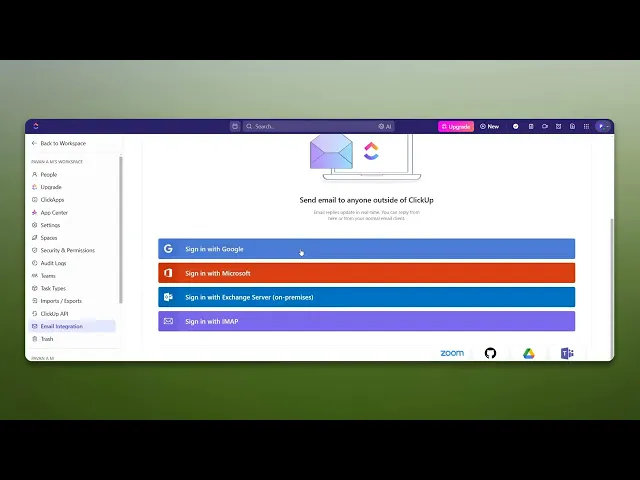
How To Integrate ClickUp With Outlook
Discover how to seamlessly integrate ClickUp with Outlook to enhance your productivity. Follow our step-by-step guide for a smoother workflow today.
This document provides a step-by-step guide to integrating ClickUp with Outlook. Follow the instructions to successfully connect both platforms and improve productivity by streamlining tasks and communication.
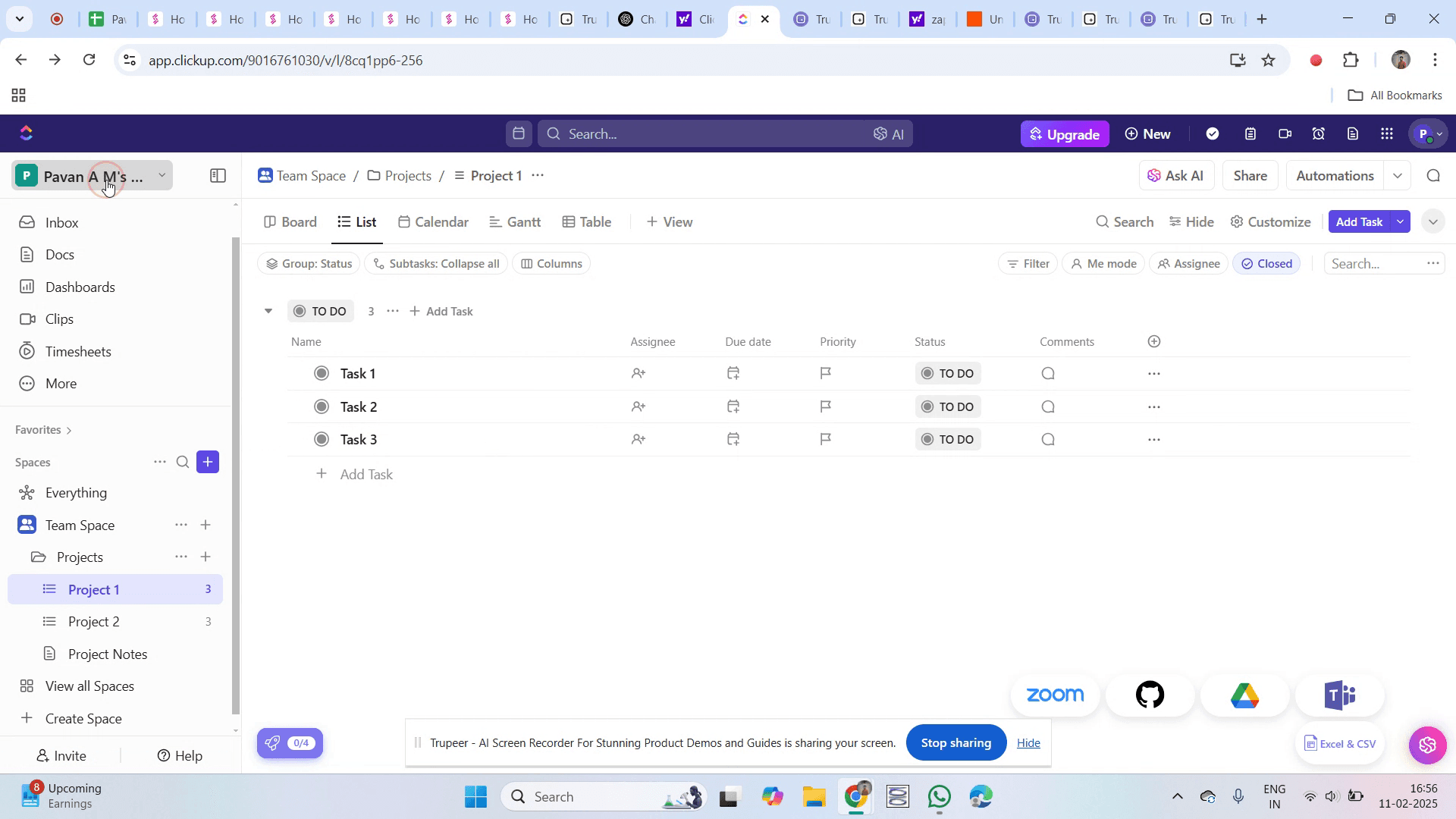
Step 1
Go to the ClickUp dashboard and click on it.
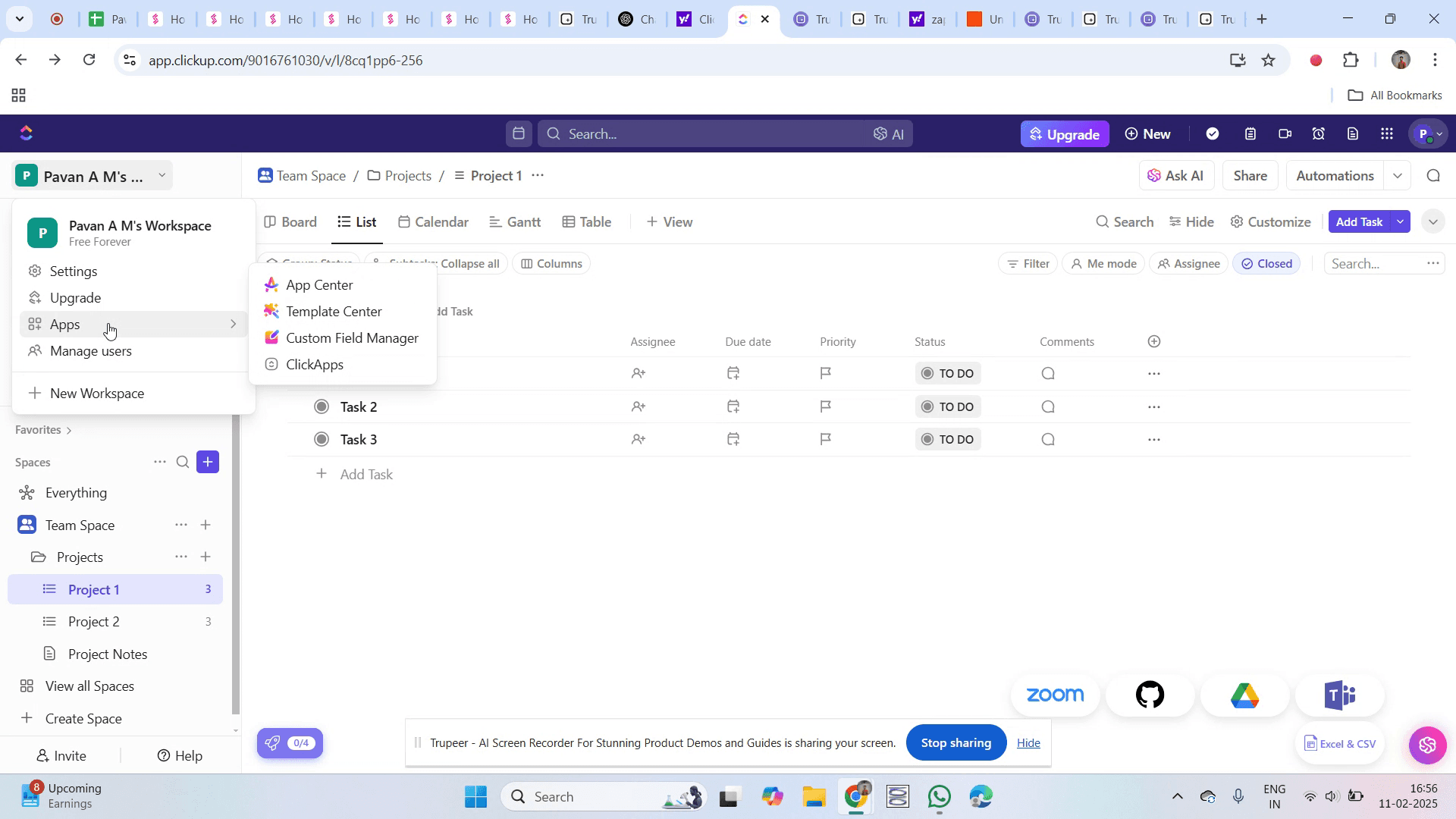
Step 2
Click on the "Apps" option.
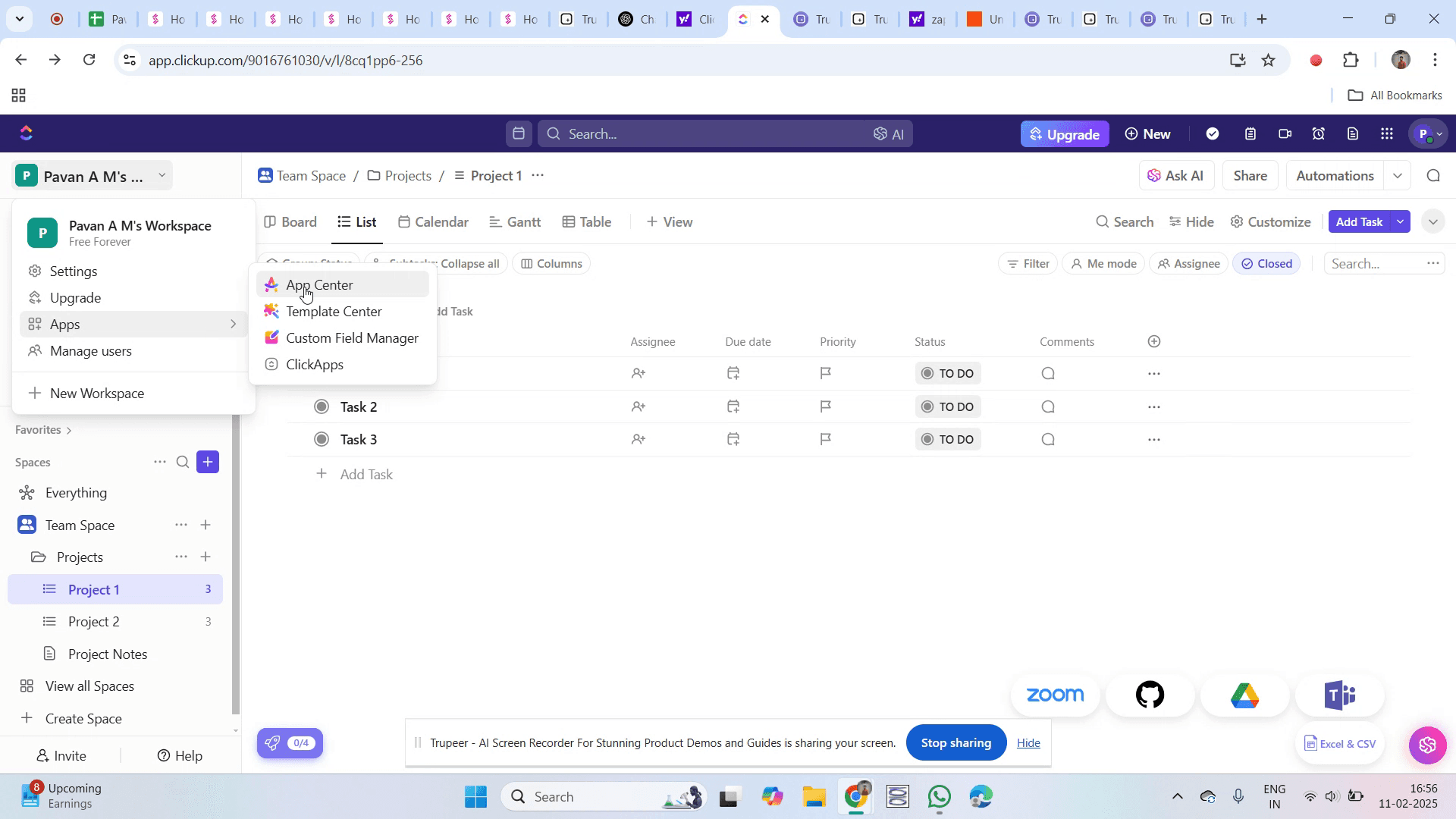
Step 3
Click on the "App Center" option.
Step 4
Go to the search bar, type "Outlook,"
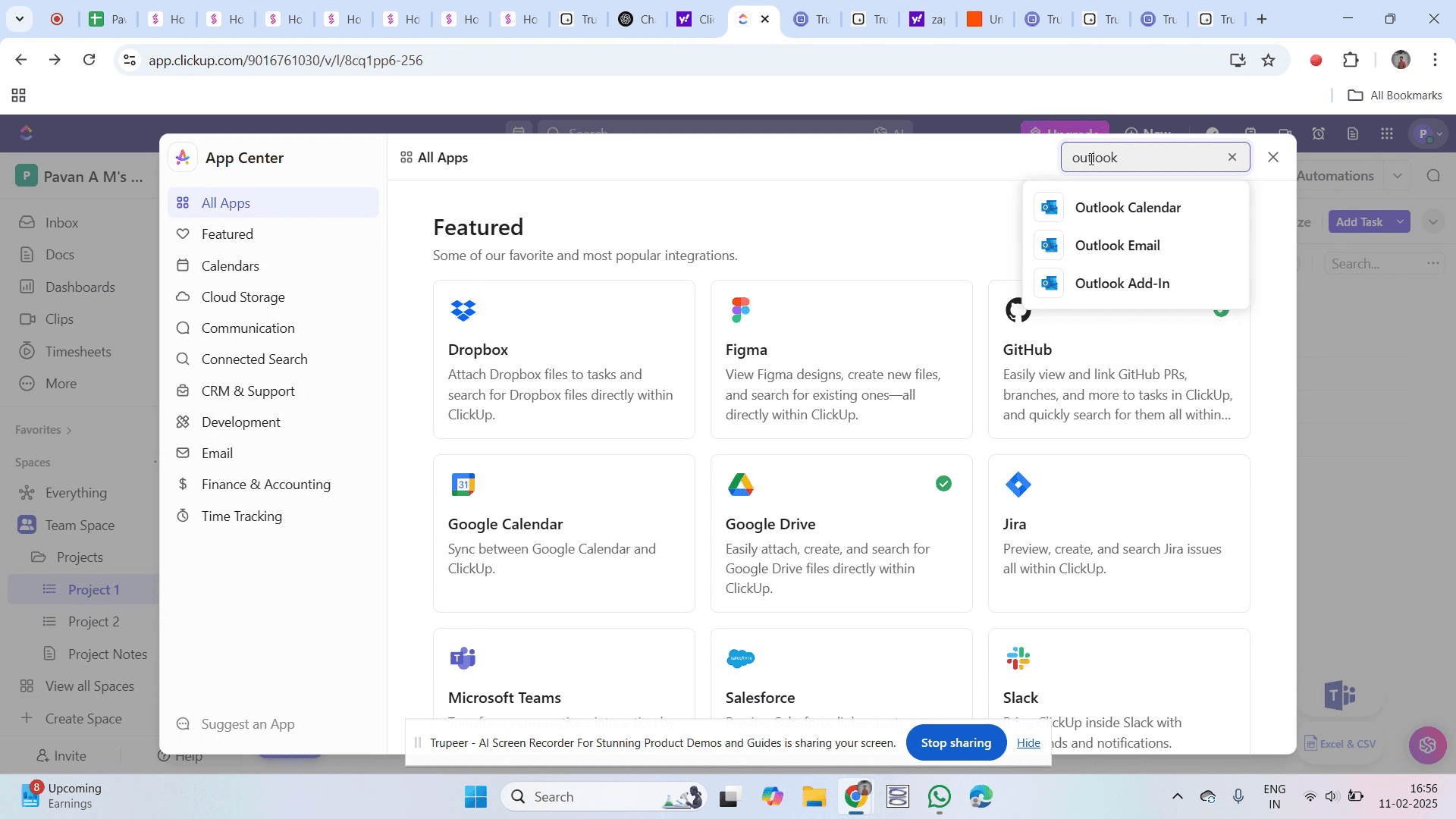
Step 5
And then click on "Outlook Email" from the search results.
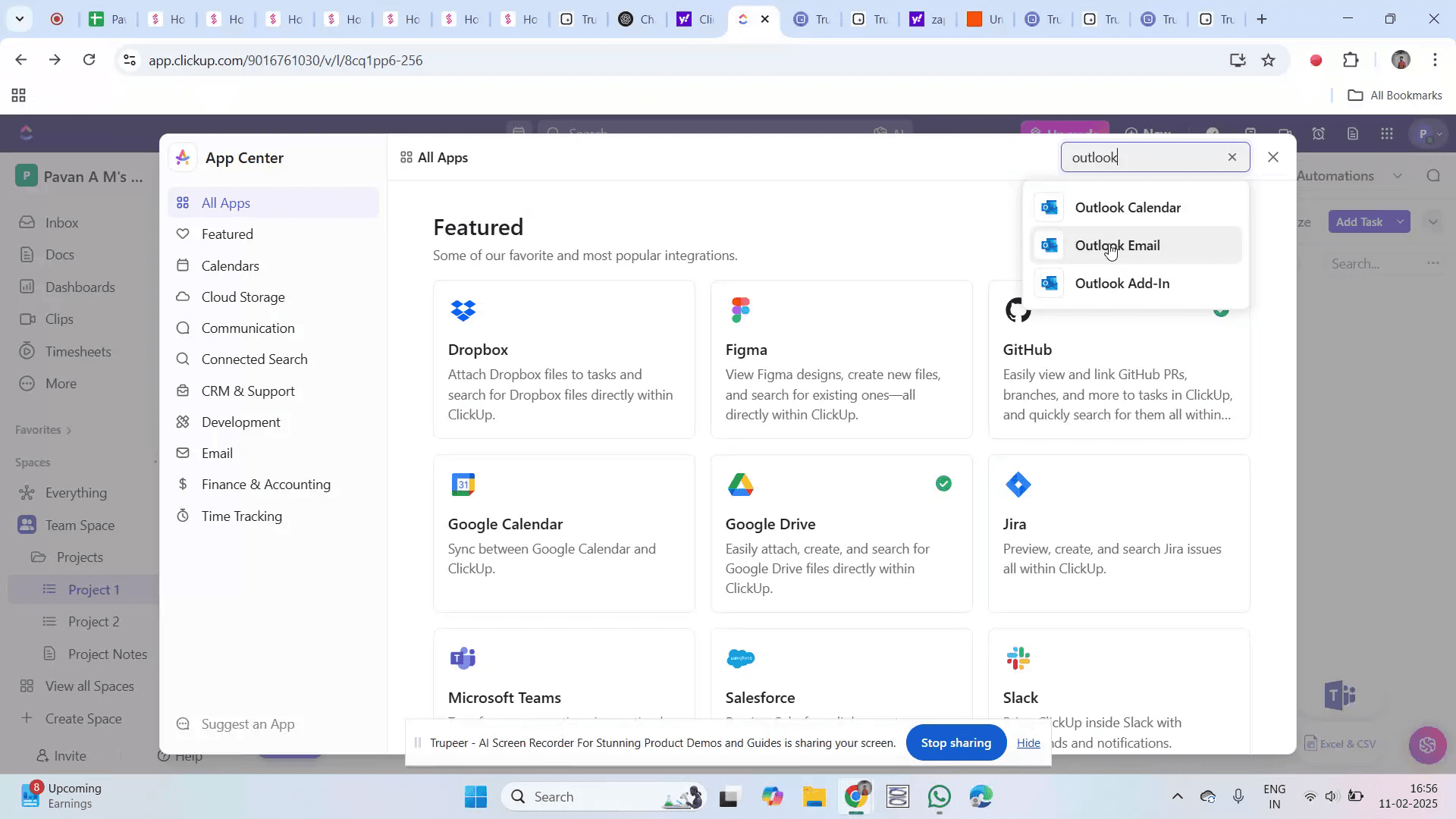
Step 6
Click on the "Configure" option to begin the setup.
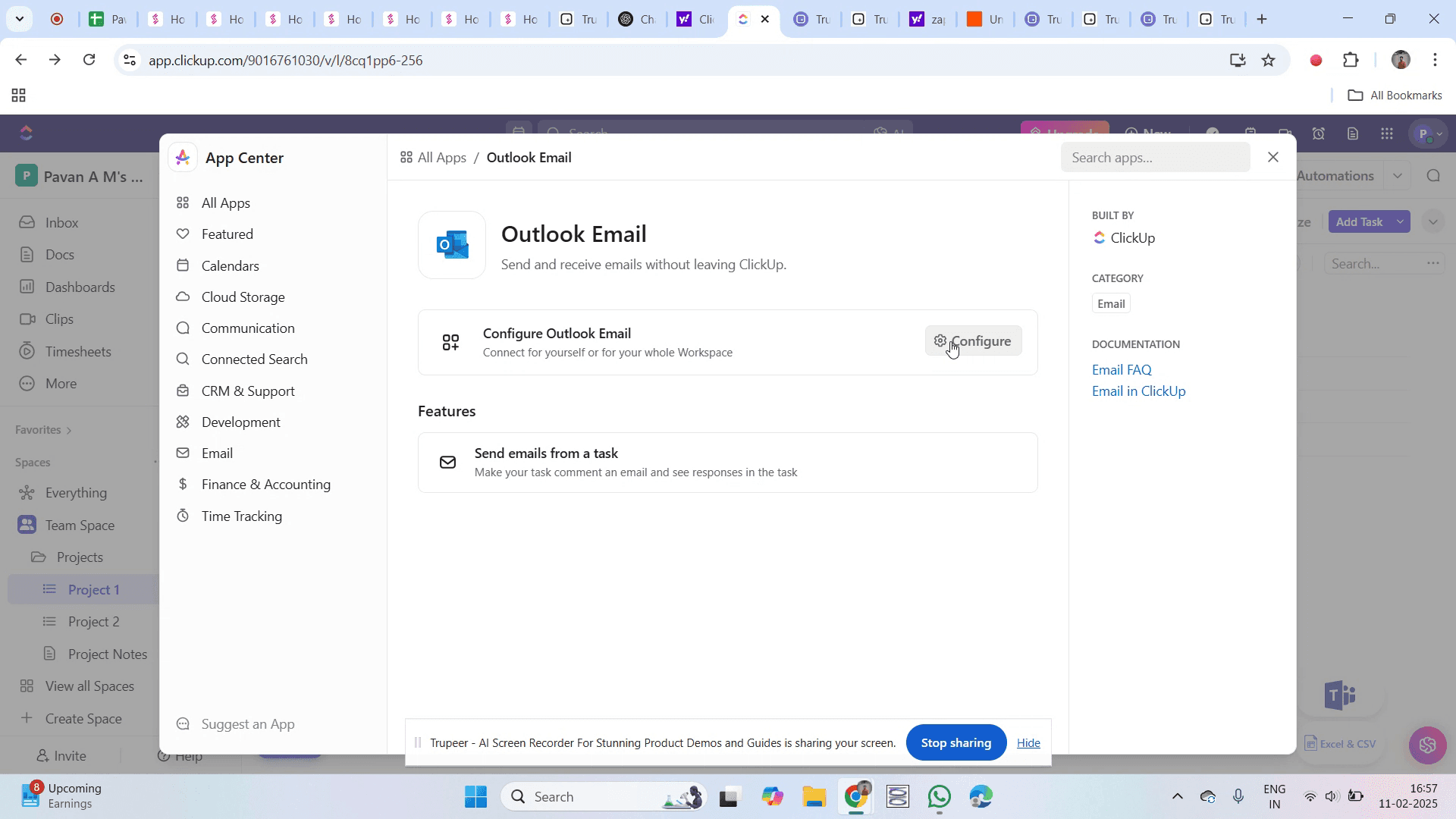
Step 7
Select the "Sign up with Google" option.
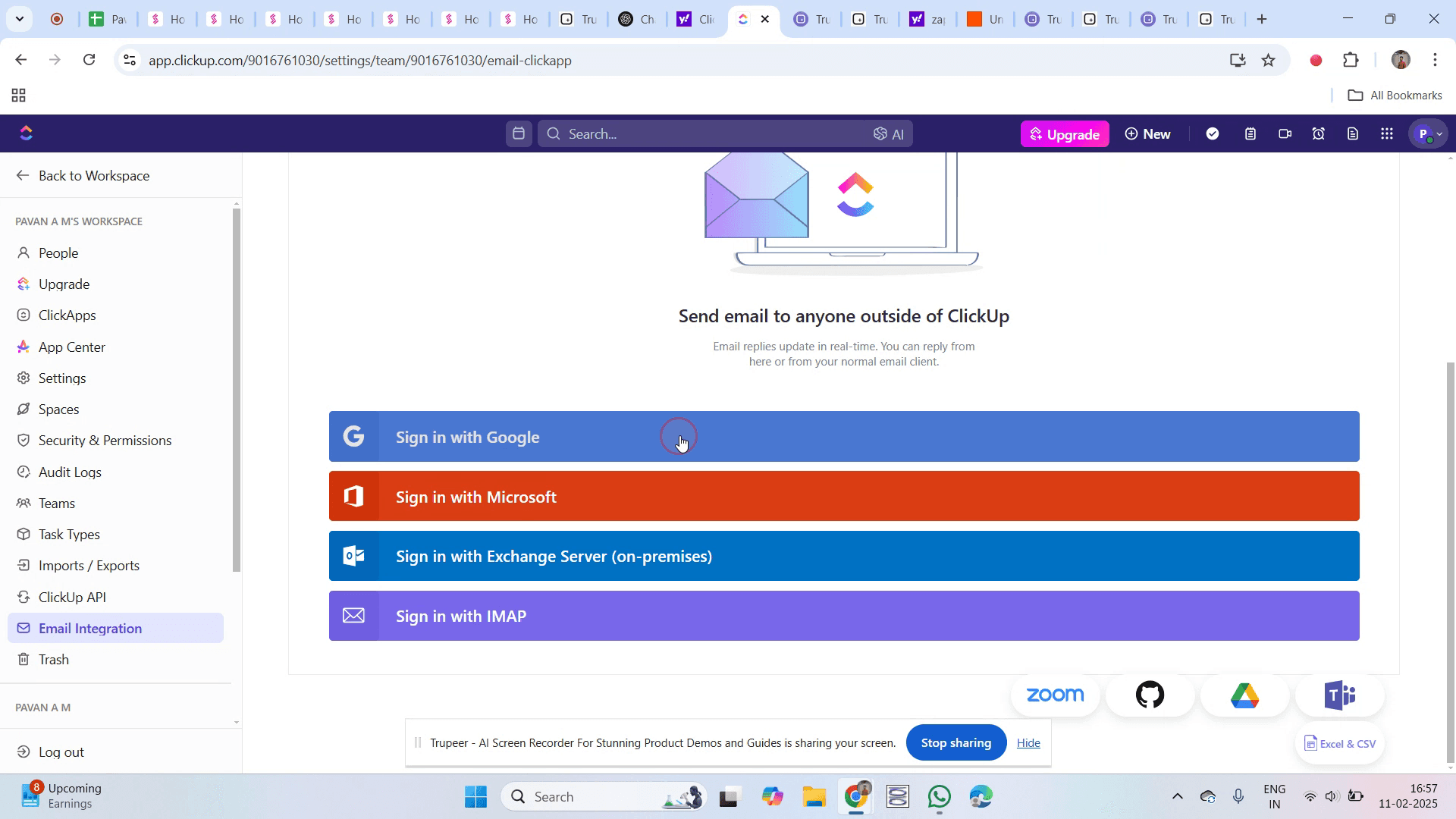
Step 8
Click on the "Continue" button.
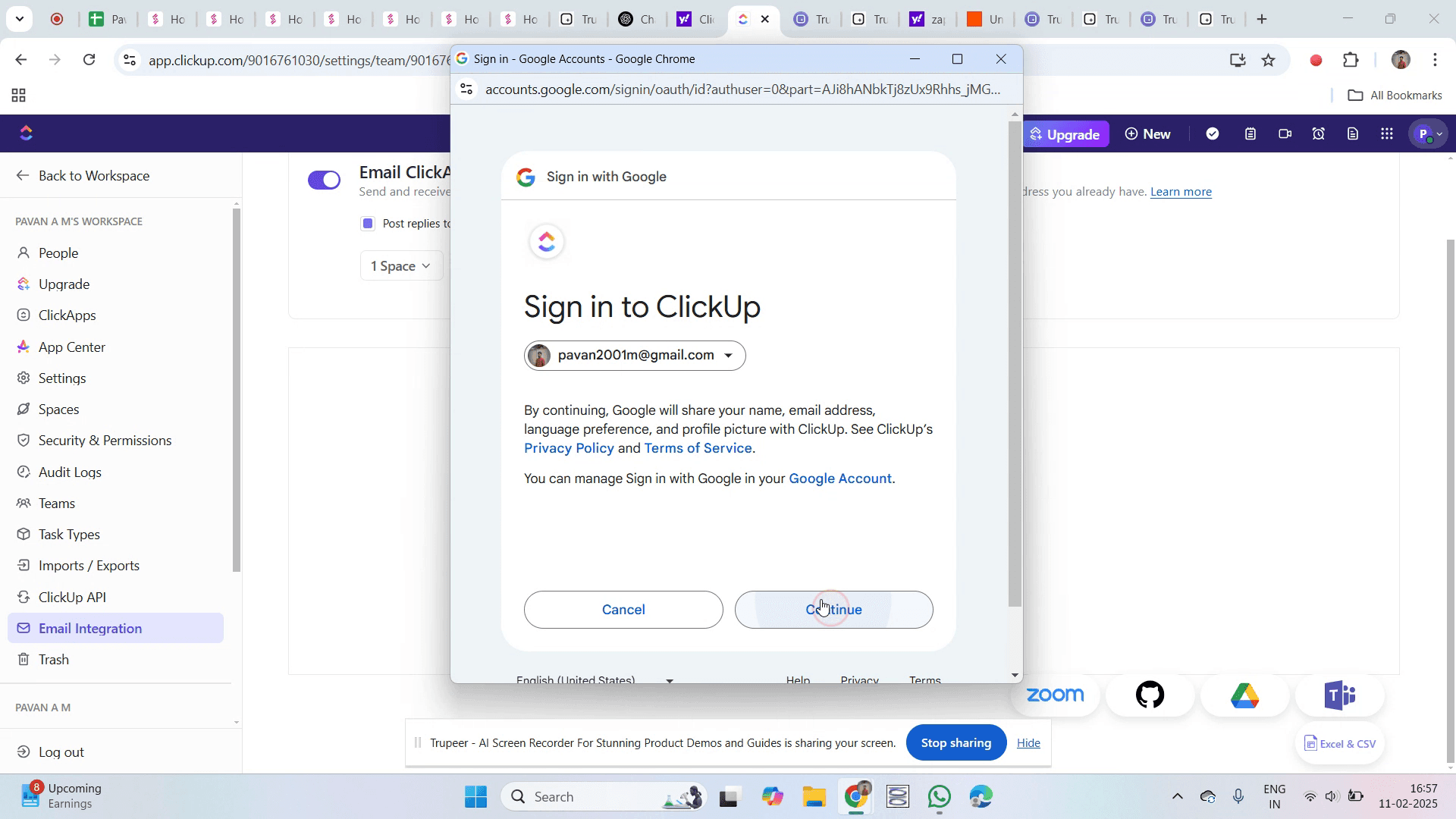
Step 9
Grant the necessary access to proceed.
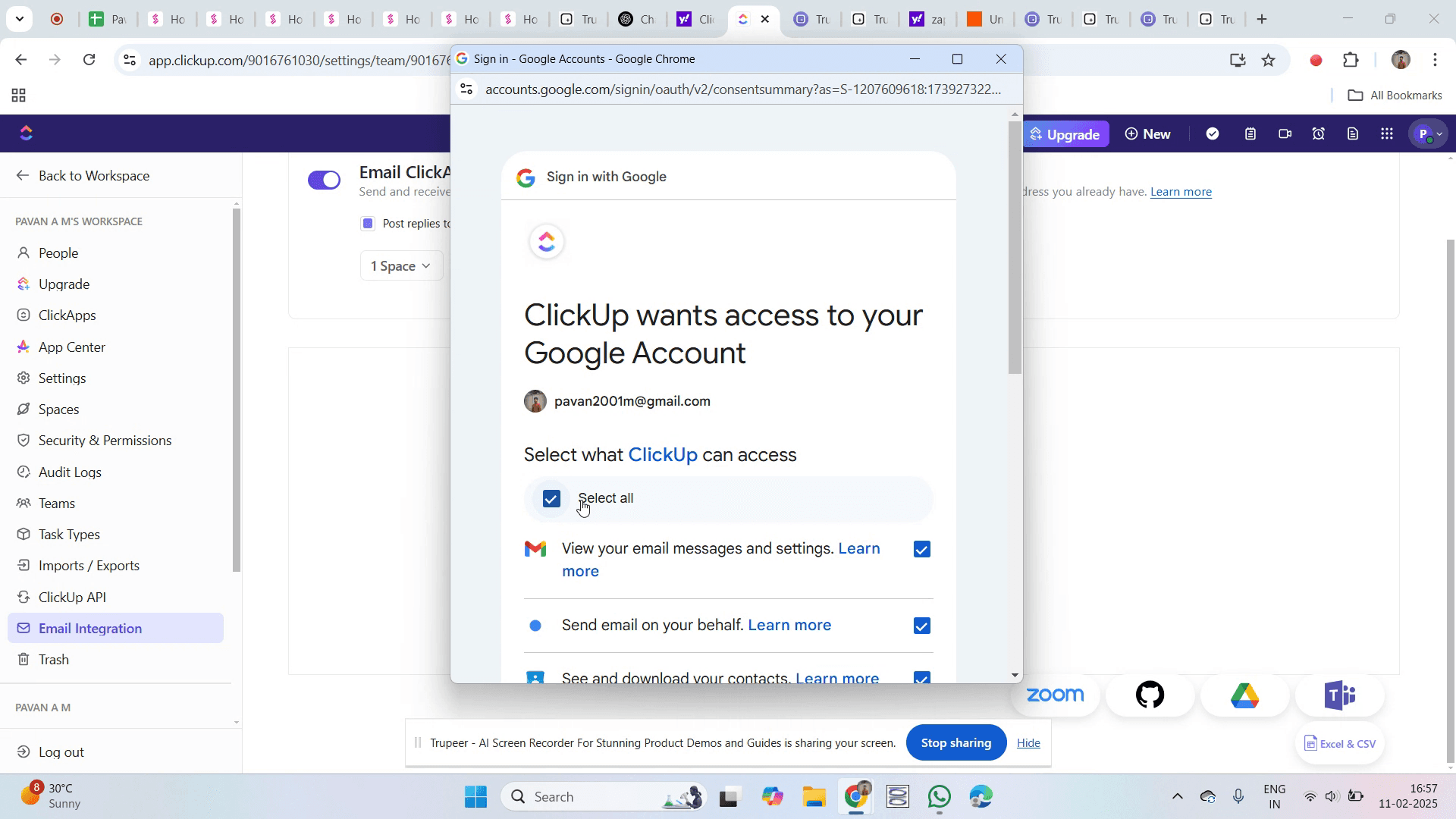
Step 10
Click on the "Continue" button.
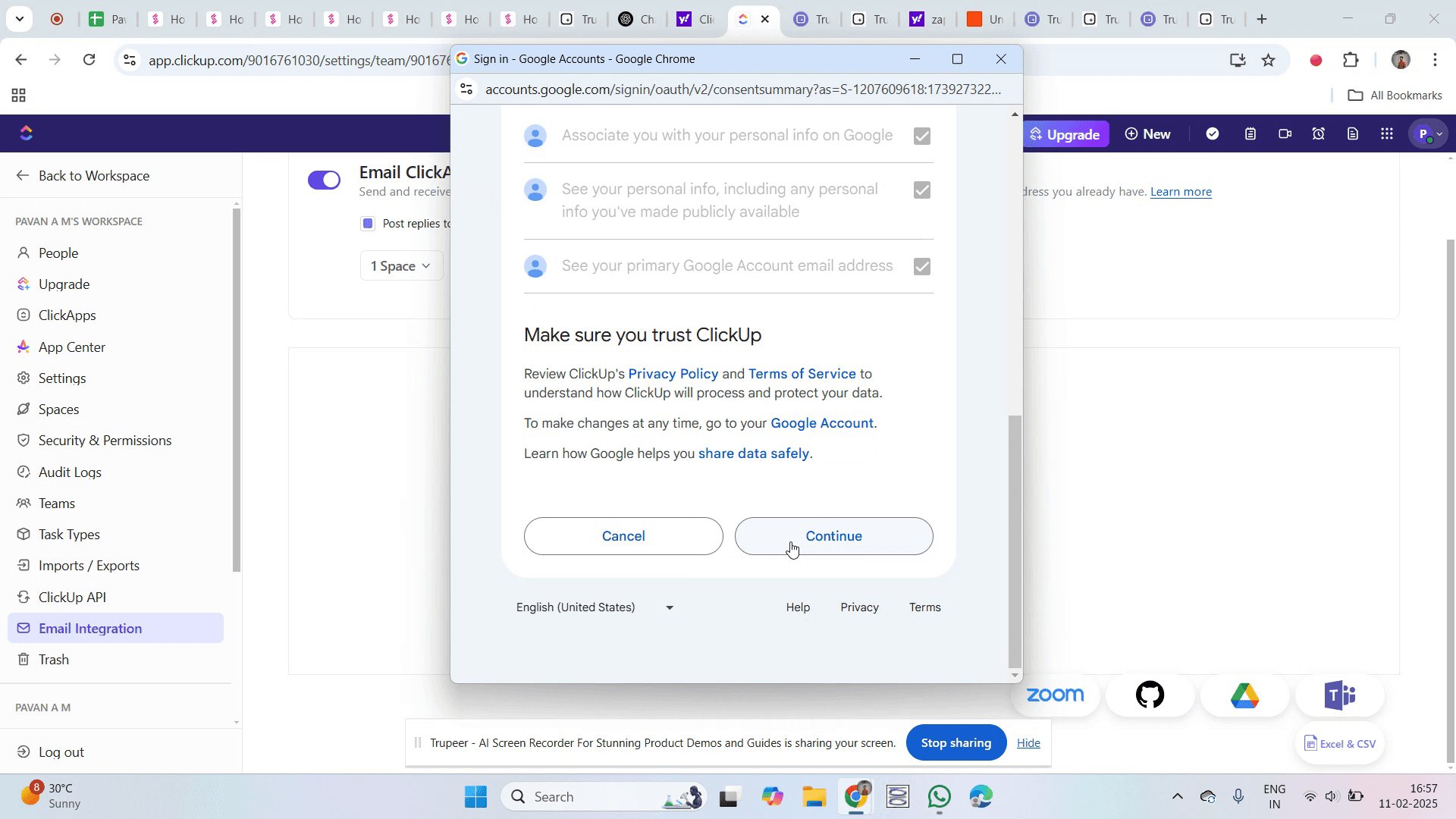
Step 11
You'll now see that your email account is successfully linked.
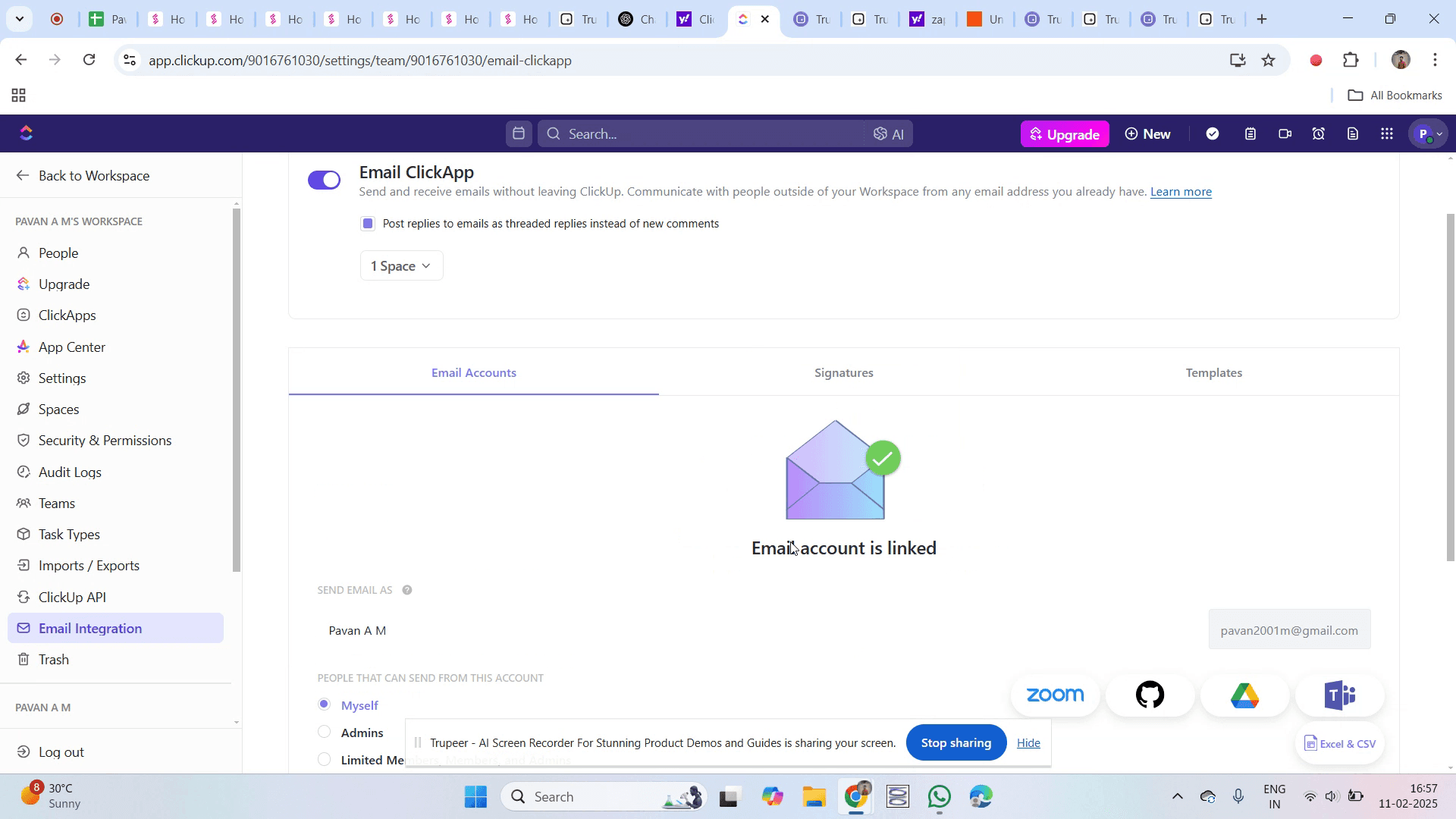
That’s it. This is a step-by-step guide on how to integrate ClickUp with Outlook.
Pro-tips for integrating ClickUp with Outlook
Enable ClickUp's email integration to send and receive emails directly within tasks
Use ClickUp’s Outlook add-in to create tasks from emails without leaving your inbox
Set up automation to convert specific Outlook emails into ClickUp tasks for better workflow management
Common pitfalls & how to avoid them while integrating ClickUp with Outlook
Emails not syncing – Ensure that Outlook permissions allow ClickUp to access and manage emails
Missing tasks from emails – Verify that email rules and automation settings in ClickUp are correctly configured
Integration errors – Update ClickUp and Outlook to their latest versions to avoid compatibility issues
Common FAQs for integrating ClickUp with Outlook
Can I create ClickUp tasks from Outlook emails?
Yes, using the ClickUp for Outlook add-in, you can turn emails into tasks directly.Does ClickUp sync email replies with tasks?
Yes, email threads can be tracked within ClickUp tasks when integrated with Outlook.Can I use multiple Outlook accounts with ClickUp?
Yes, ClickUp supports multiple email accounts for different projects and teams.Is Outlook integration available in ClickUp’s free plan?
Email integration is available, but advanced features may require a paid plan.
If you're an instructor or content creator looking to make tutorial videos, give Trupeer.ai a try. It transforms rough screen recordings into polished, studio-style videos that are ready for sharing with your audience. Plus, it automatically generates a step-by-step guide based on the video you create. Fascinating, right? Start by creating your first tutorial for free with Trupeer.ai.

