
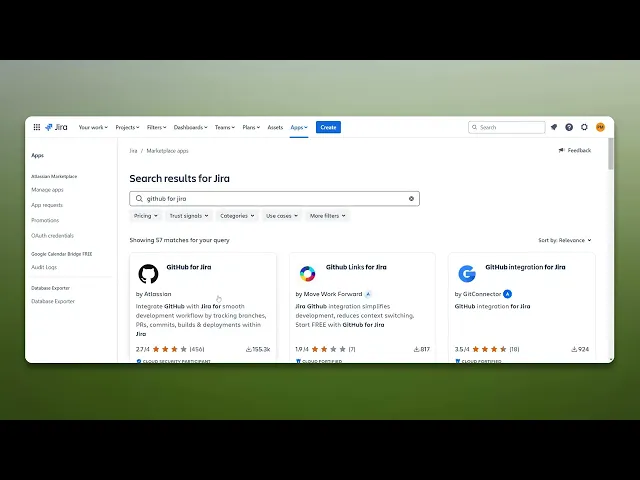
How To Integrate GitHub With Jira
Discover the step-by-step guide on integrating GitHub with Jira to streamline your project management and enhance team collaboration effectively.
This guide offers a simple step-by-step process to integrate GitHub with Jira. Follow the instructions below to connect your GitHub account to your Jira project for improved collaboration and project management.
Step 1
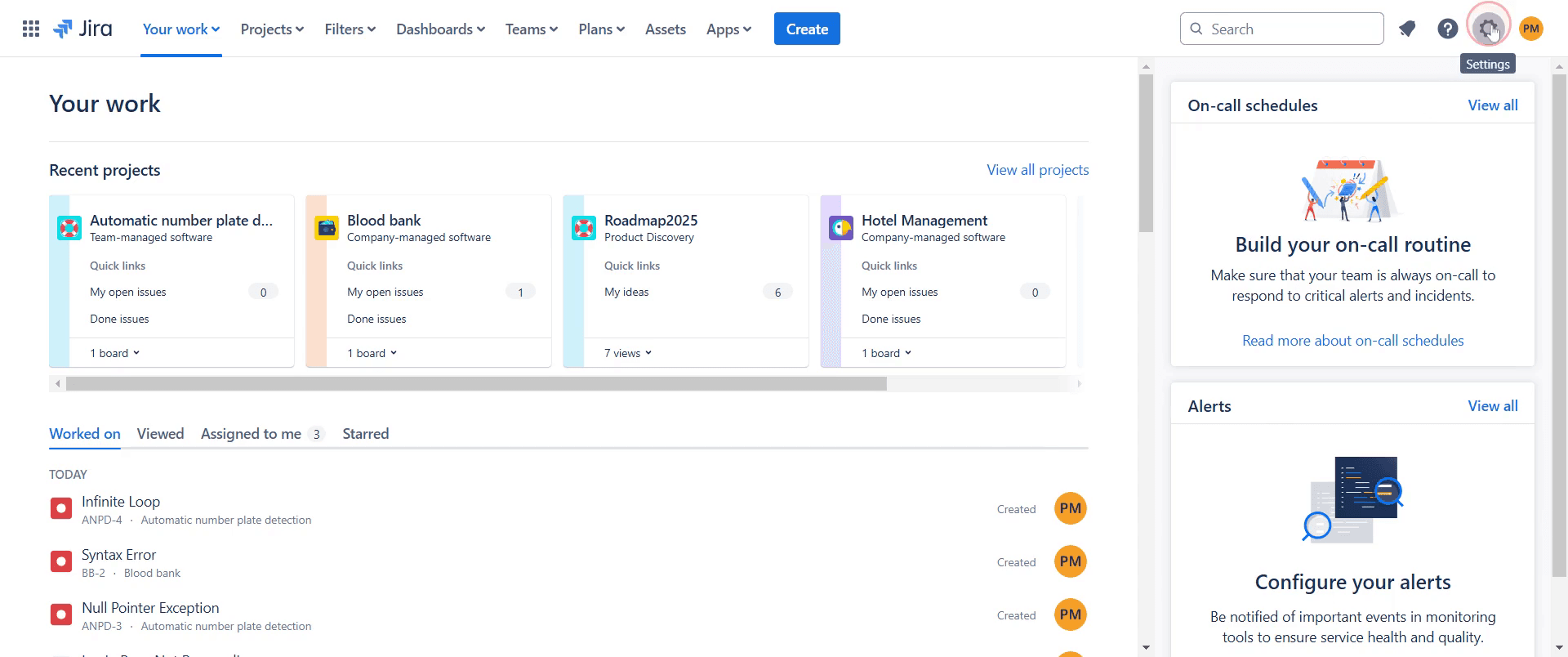
To integrate GitHub with Jira, go to Settings and click on it.
Step 2
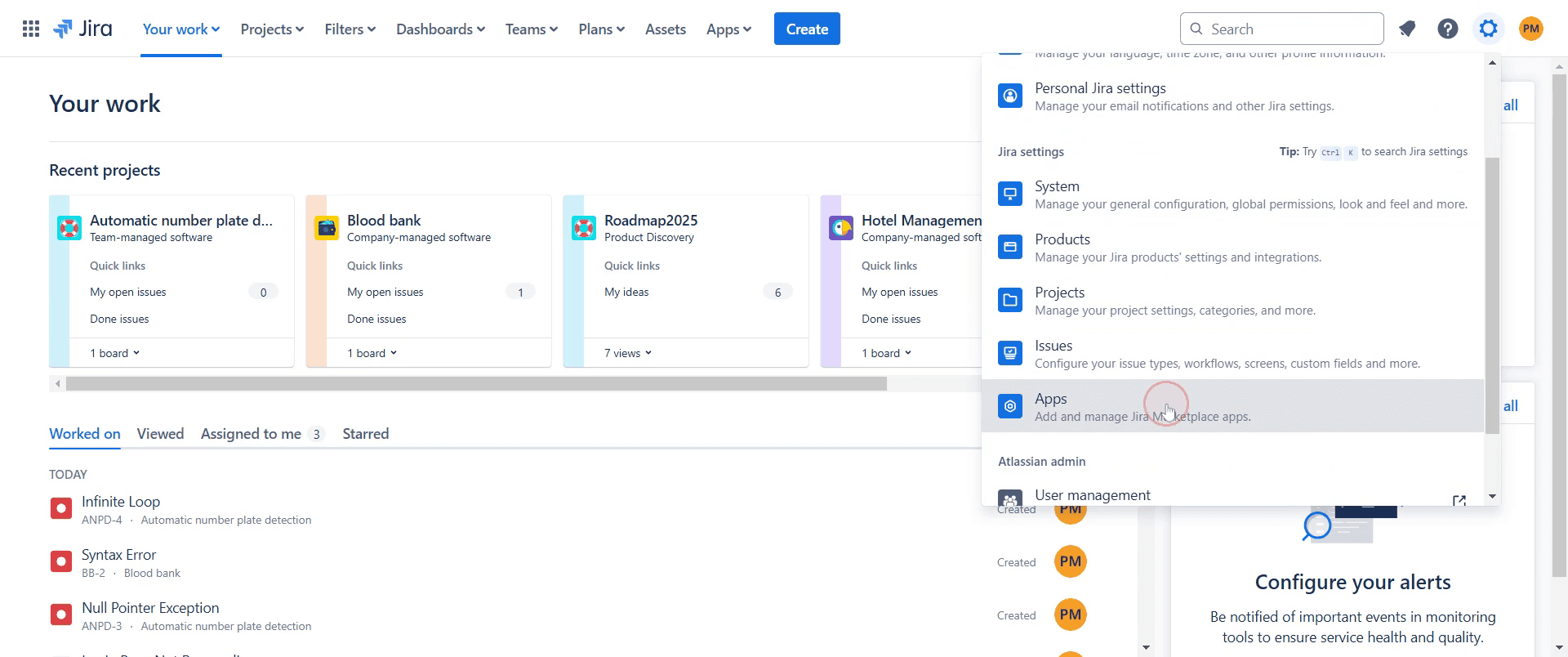
Click on the option labeled 'Apps'.
Step 3
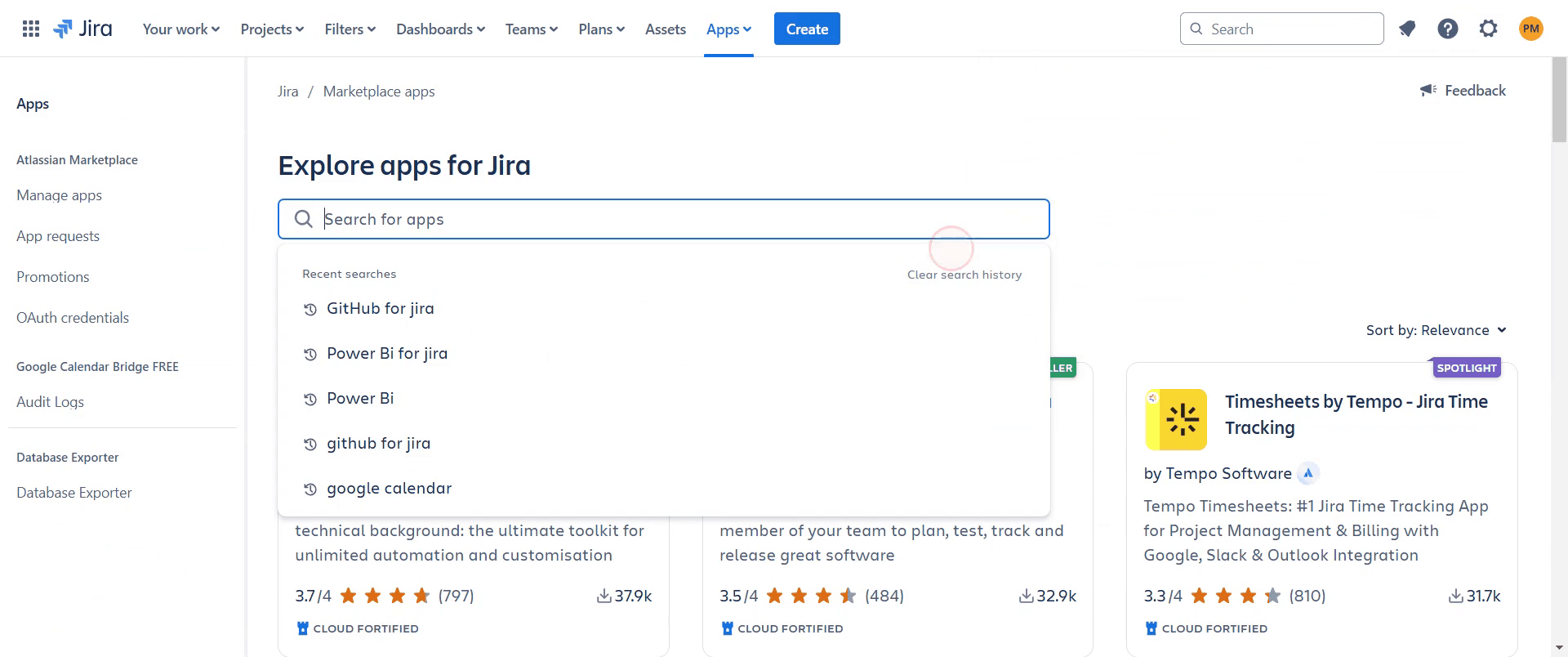
In the search bar, type 'GitHub' to find the application.
Step 4
Select the 'GitHub for Jira' option from the search results.

Step 5
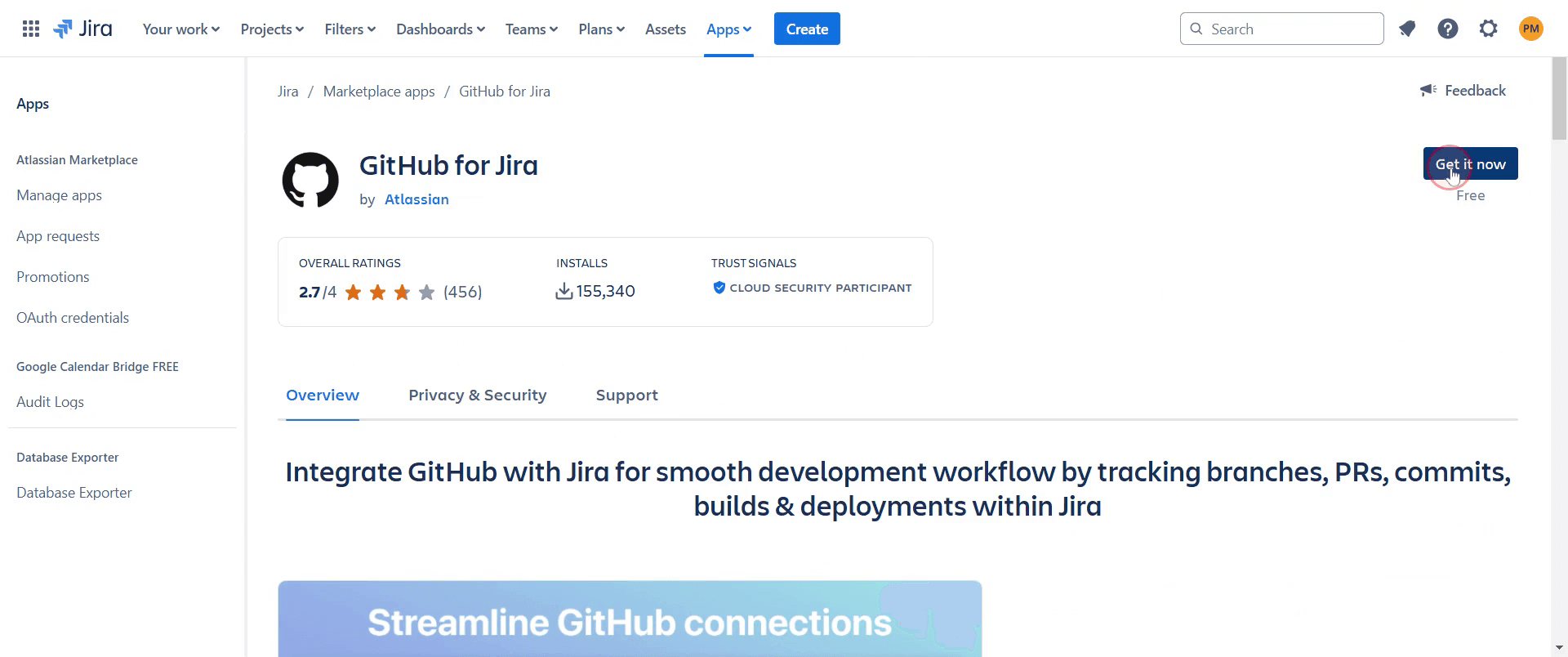
Click on 'Git it now' option.
Step 6
And then click on 'Get it now' once more.

Step 7
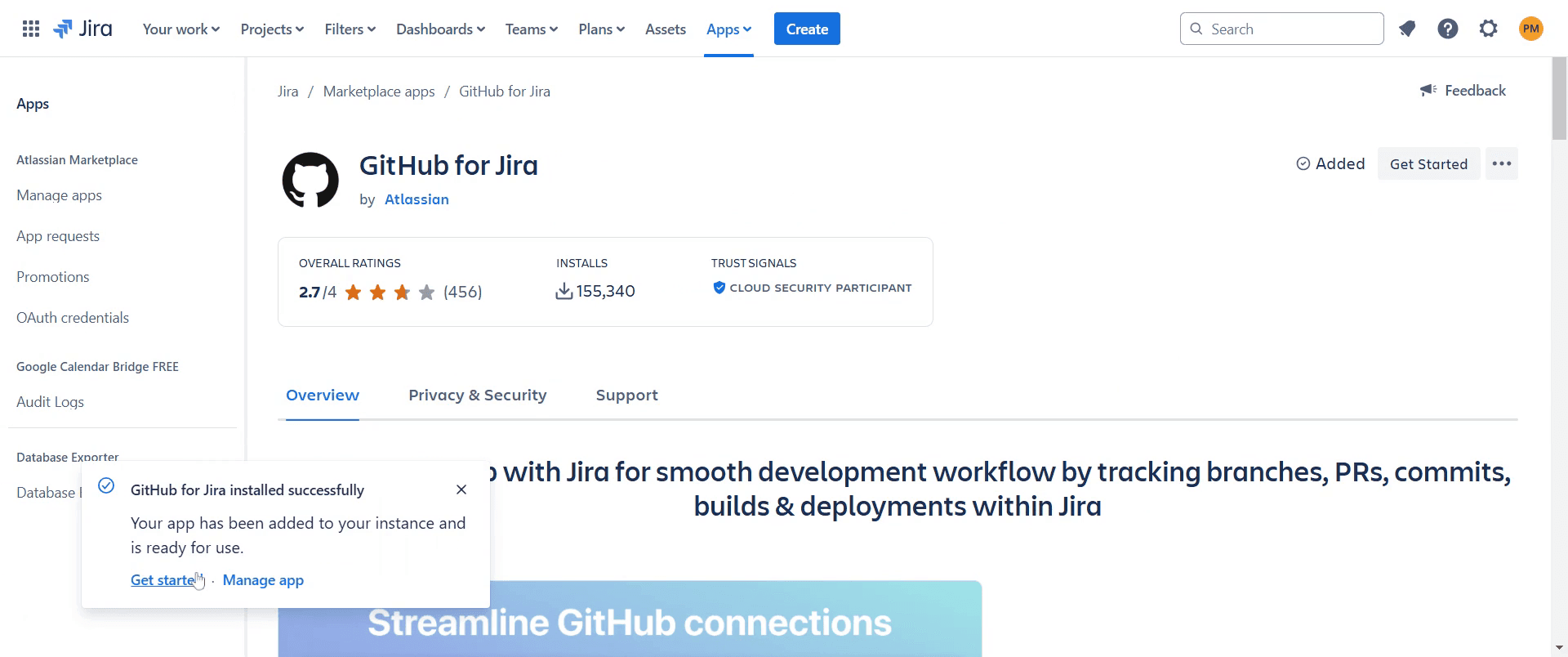
After the integration process begins, you will see a confirmation for adding GitHub to Jira.
Step 8
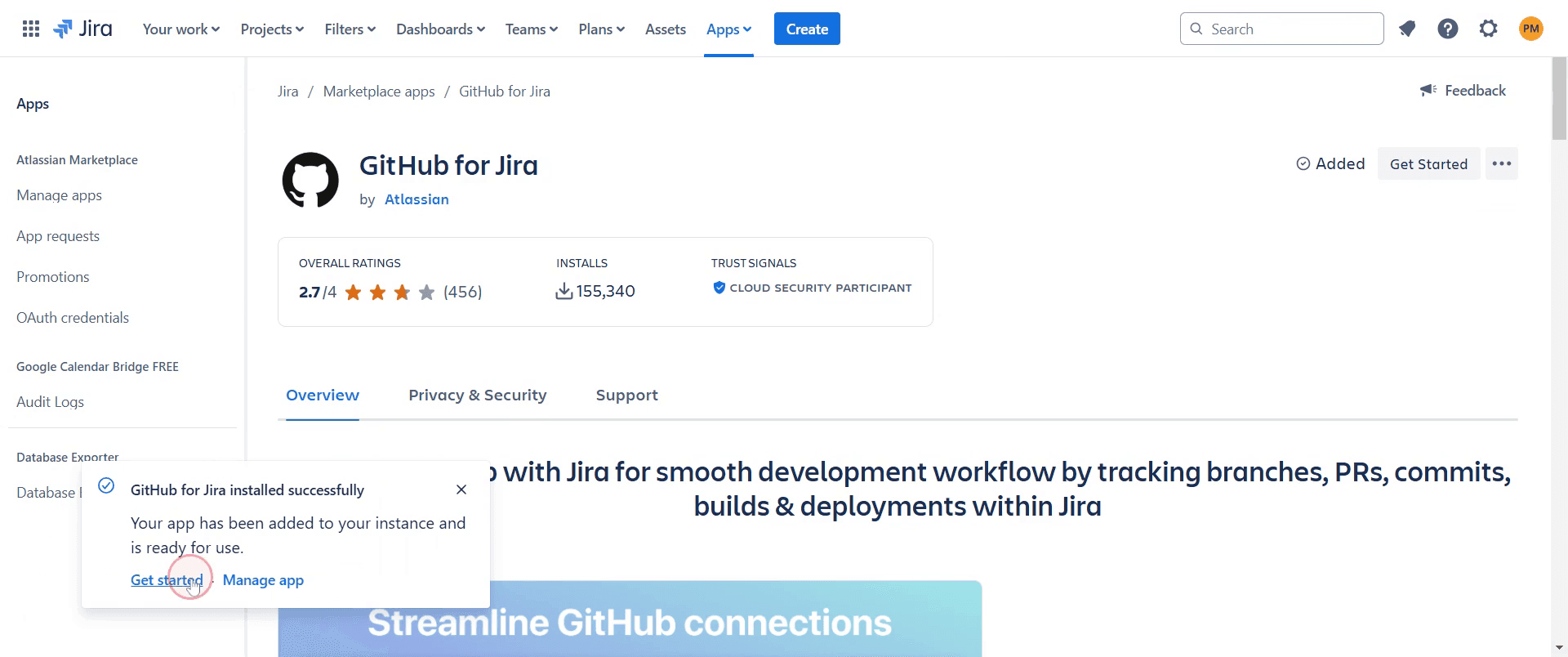
Proceed by clicking on 'Get Started'.
Step 9
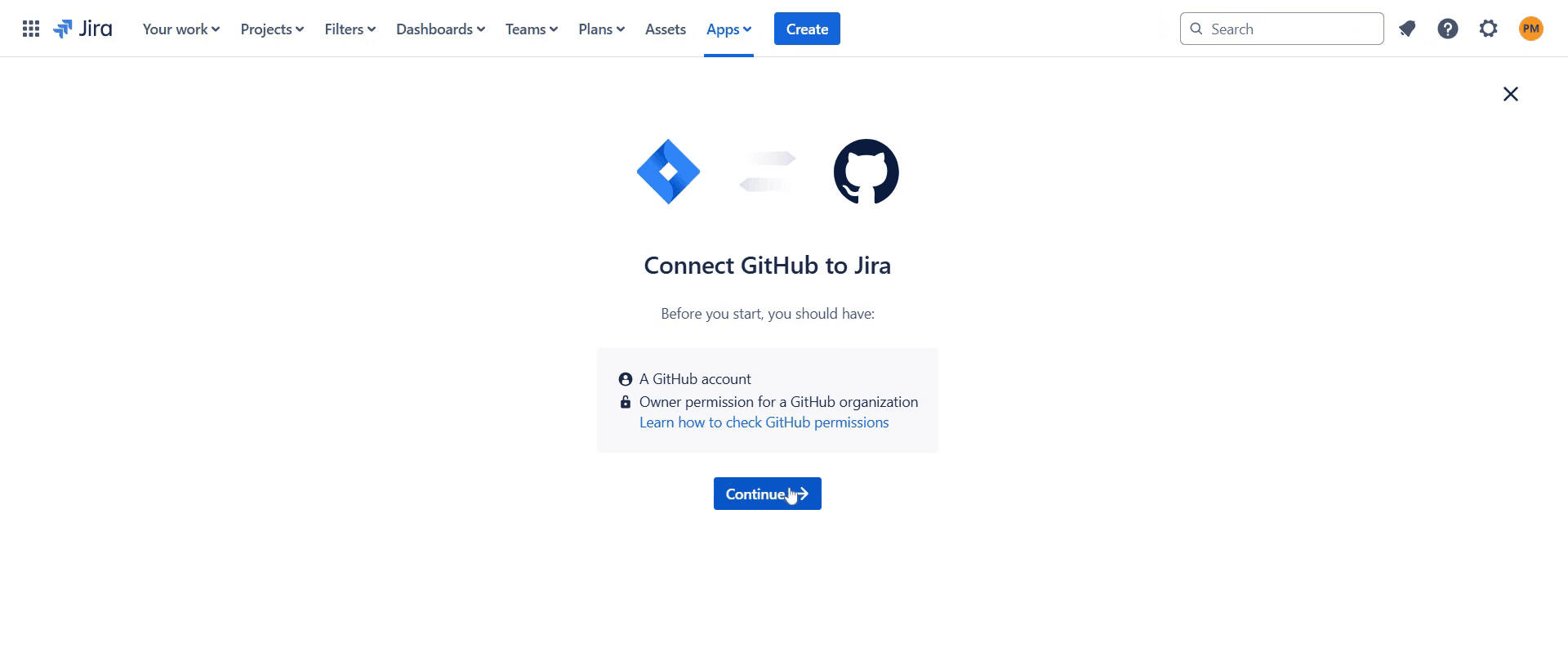
Wait for the page to load, then click 'Continue'.
Step 10
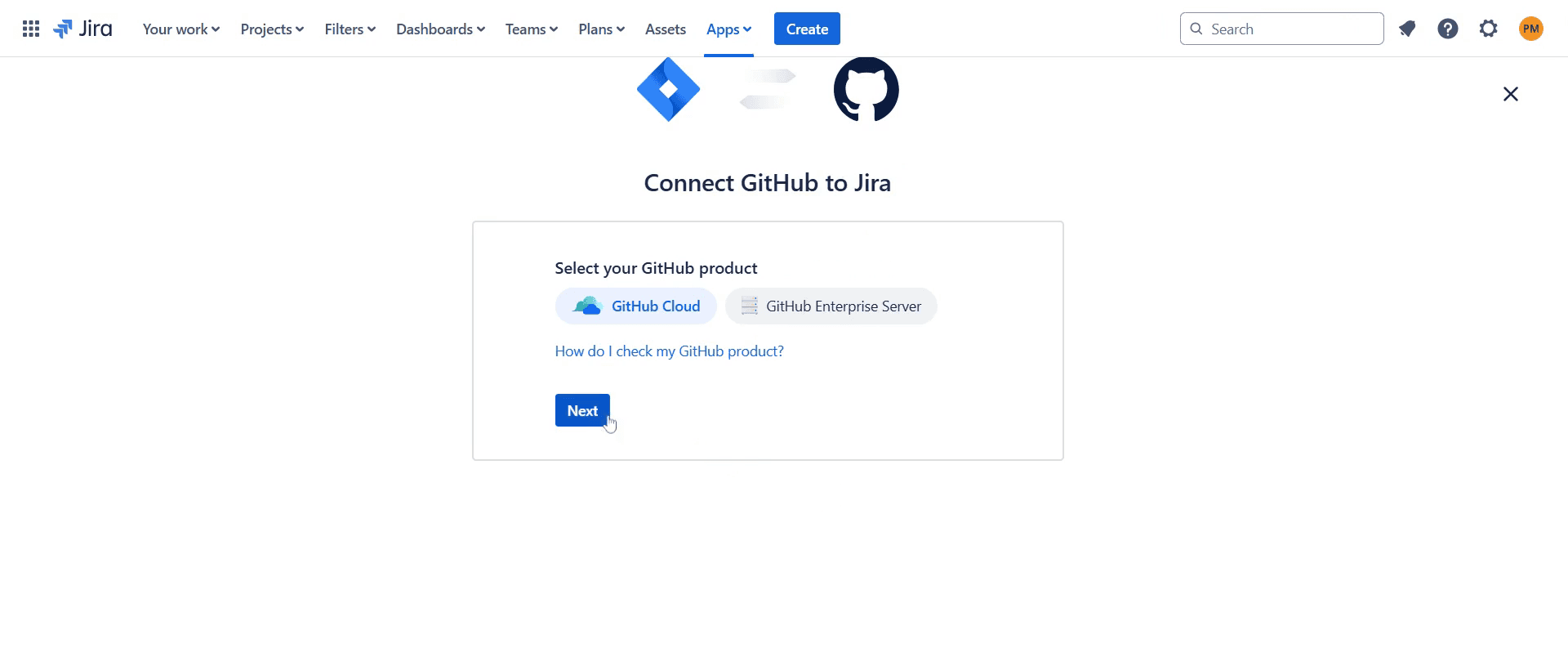
And then click on 'Next'.
Step 11
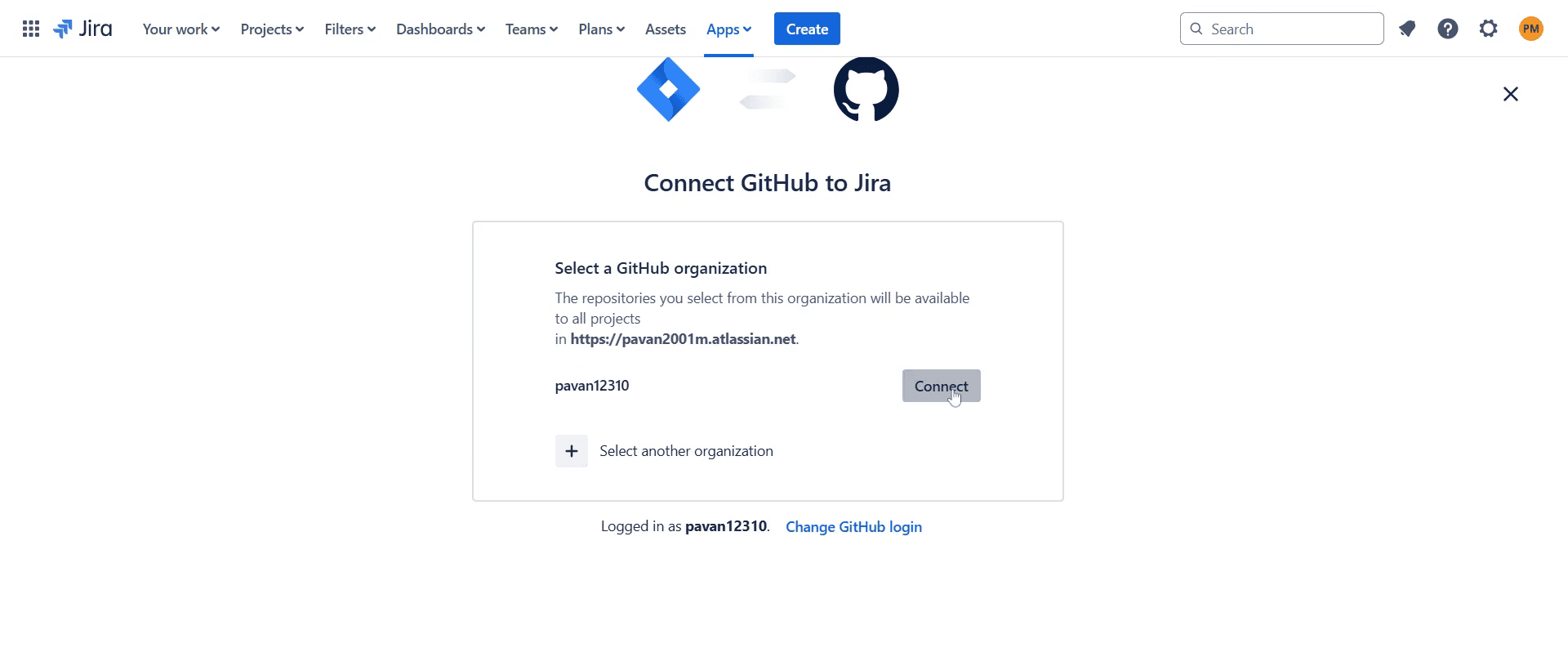
After the page has loaded, click 'Connect'.
Step 12
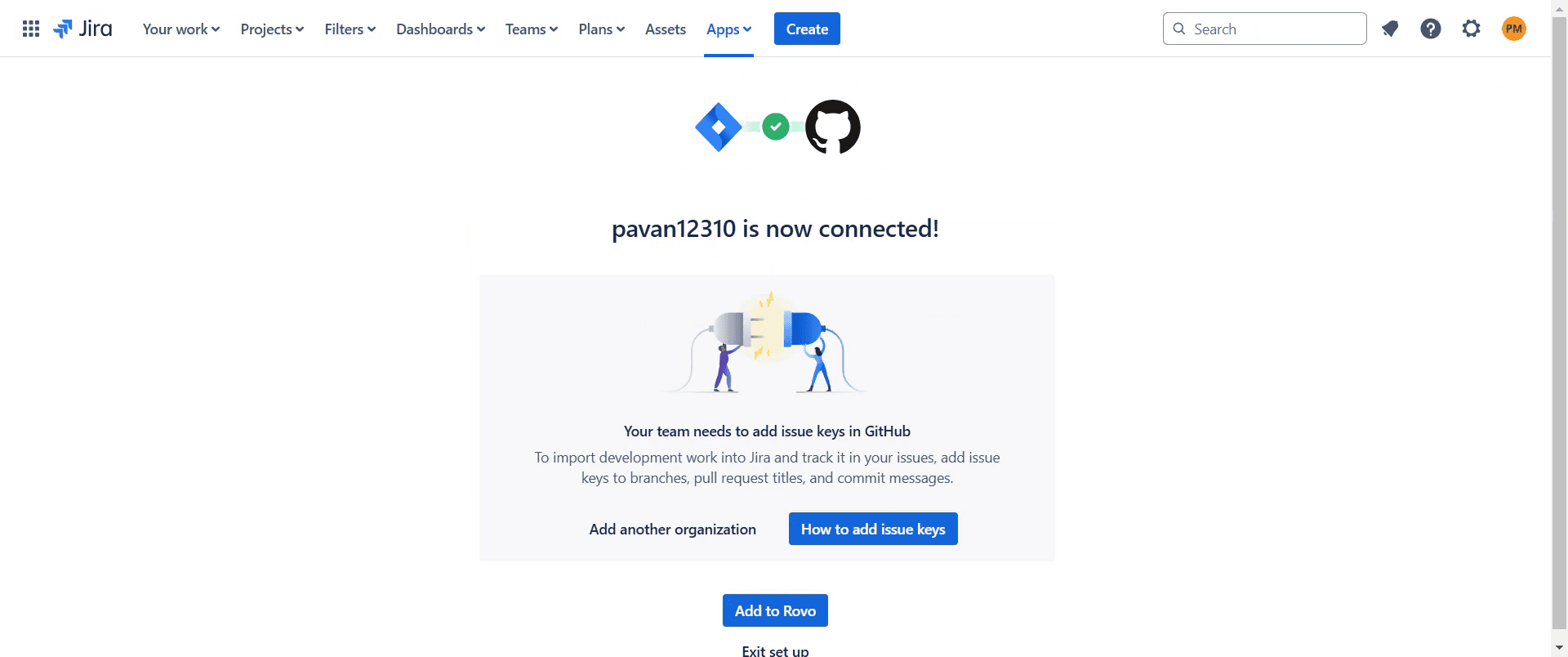
Wait for the process to complete, confirming that the integration is now successfully established.
That's it. This is a step-by-step guide on how to integrate GitHub with Jira.
Pro-tips for integrating GitHub with Jira
Use the GitHub for Jira app to link repositories and automate issue tracking.
Set up smart commits to update Jira issues directly from GitHub commits and pull requests.
Ensure the Jira and GitHub accounts are properly authenticated for seamless integration.
Common pitfalls & how to avoid them while integrating GitHub with Jira
Integration not working, verify that the GitHub for Jira app is installed and authorized in both Jira and GitHub.
Issues not syncing, check if the correct repository and Jira project are linked.
Smart commits not updating Jira, ensure that the commit messages follow the correct Jira syntax.
Common FAQs for integrating GitHub with Jira
Can I link multiple GitHub repositories to a Jira project?
Yes, you can connect multiple repositories to a single Jira project.How do I update a Jira issue from a GitHub commit?
Use smart commits by including the issue key in your commit message.Do I need admin access to set up the integration?
Yes, both Jira and GitHub admins need to grant permissions for integration.Can I track GitHub pull requests in Jira?
Yes, pull requests can be linked to Jira issues for better visibility.Does this integration work for both GitHub Cloud and GitHub Enterprise?
Yes, but additional configuration may be required for GitHub Enterprise.+
If you're an instructor or content creator looking to make tutorial videos, give Trupeer.ai a try. It transforms rough screen recordings into polished, studio-style videos that are ready for sharing with your audience. Plus, it automatically generates a step-by-step guide based on the video you create. Fascinating, right? Start by creating your first tutorial for free with Trupeer.ai.

