
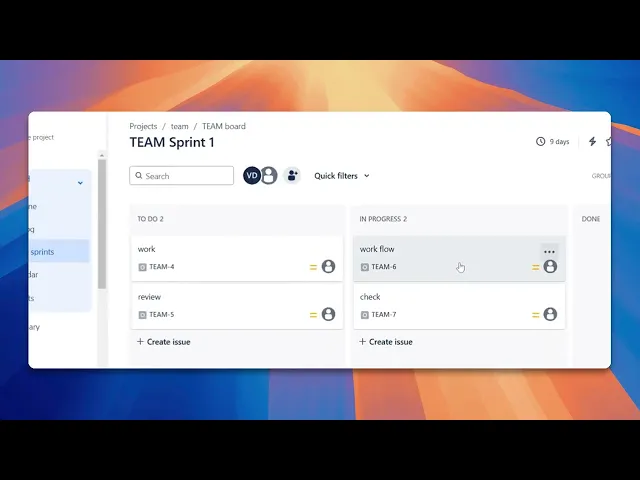
How To Integrate Jira With SurveyMonkey
Learn how to effectively integrate Jira with SurveyMonkey. Streamline your workflow and improve data collection with our step-by-step instructions.
In this process, we will learn how to seamlessly integrate Jira with SurveyMonkey. This integration will allow you to enhance your project management capabilities by incorporating survey data directly into your Jira workflow.
Step 1
Click on apps,
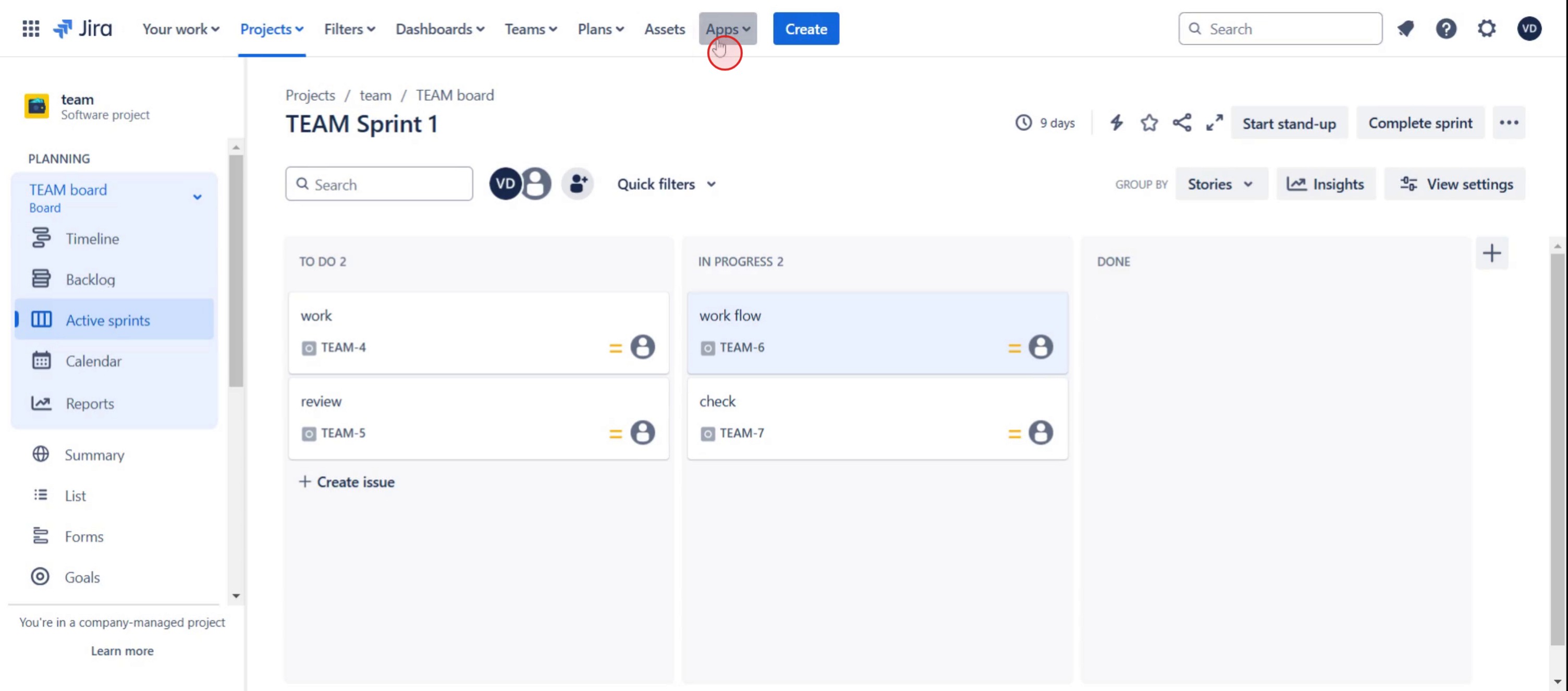
Step 2
Select explore more apps.
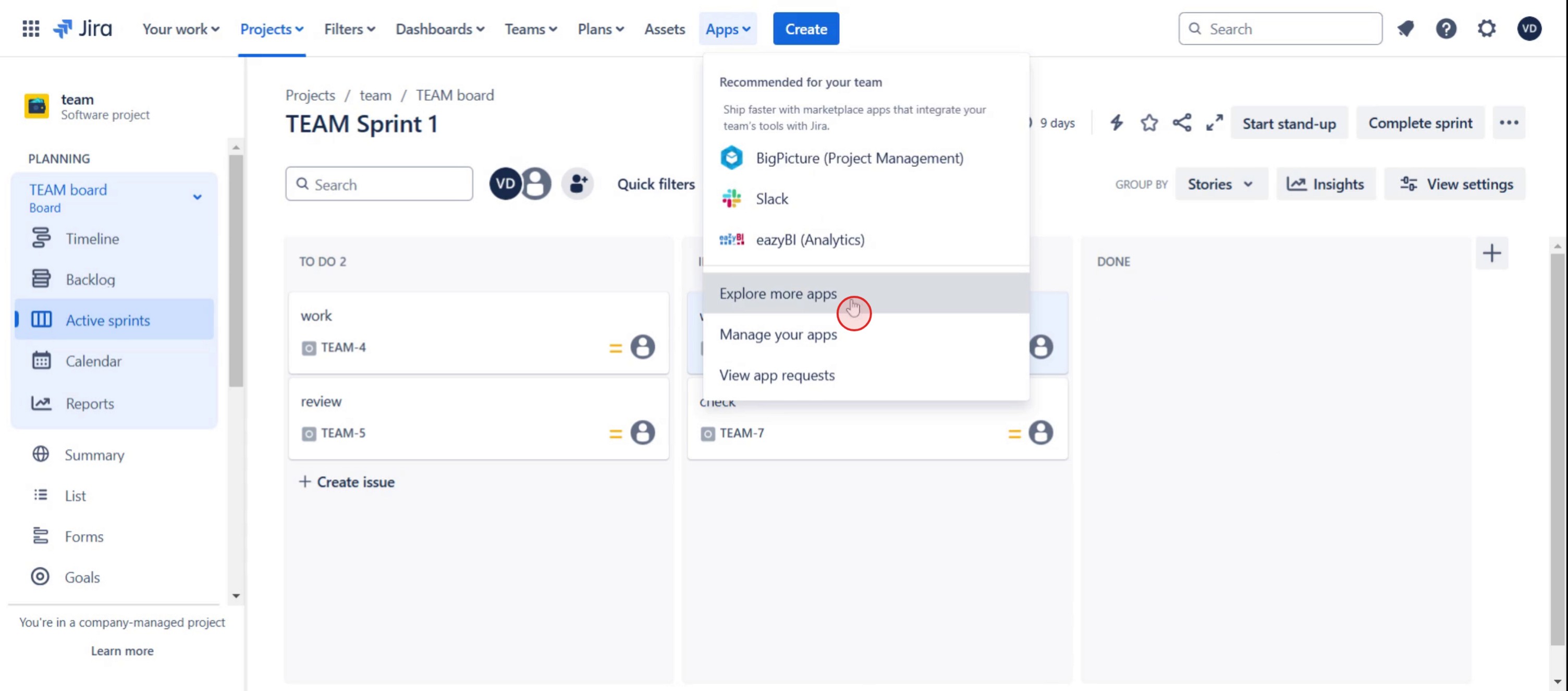
Step 3
Click on the SurveyMonkey.
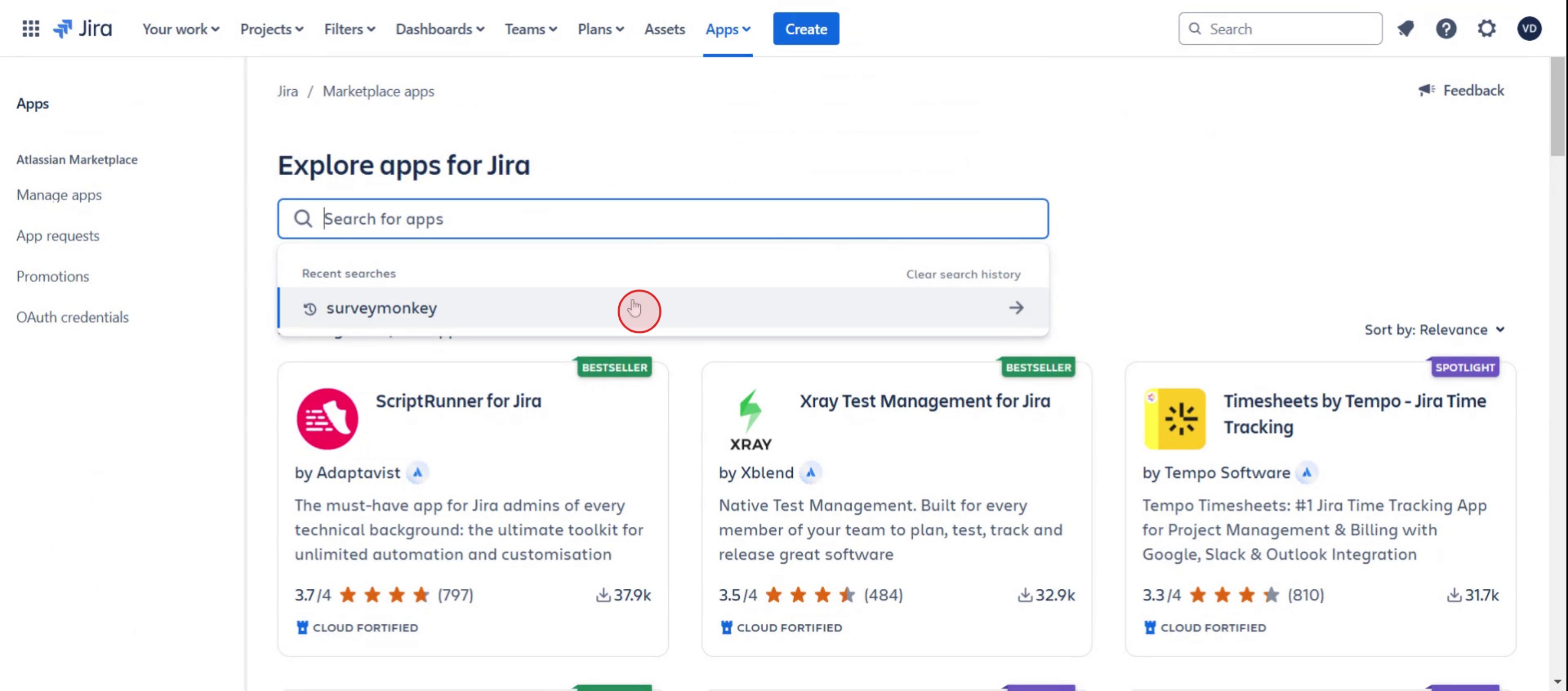
Step 4
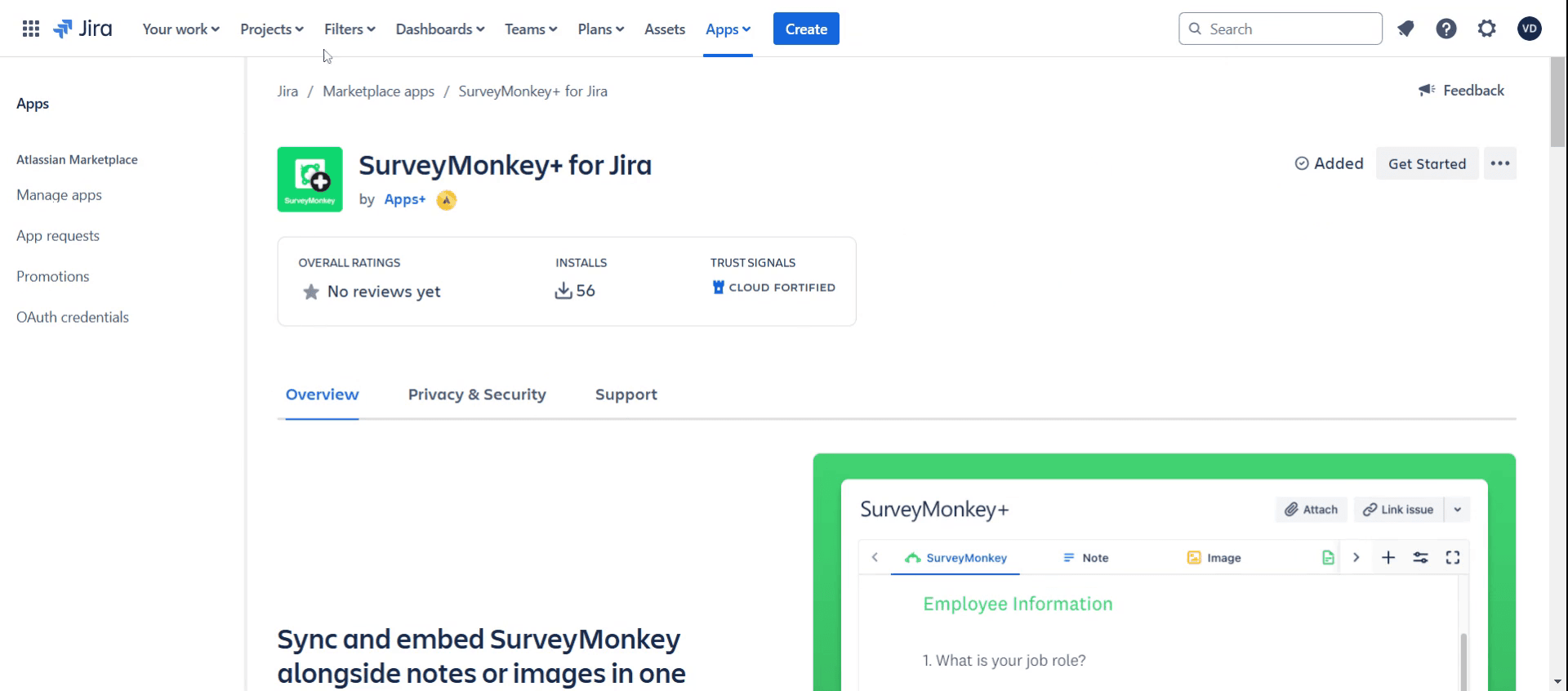
You will see SurveyMonkey installed in Jira.
Step 5
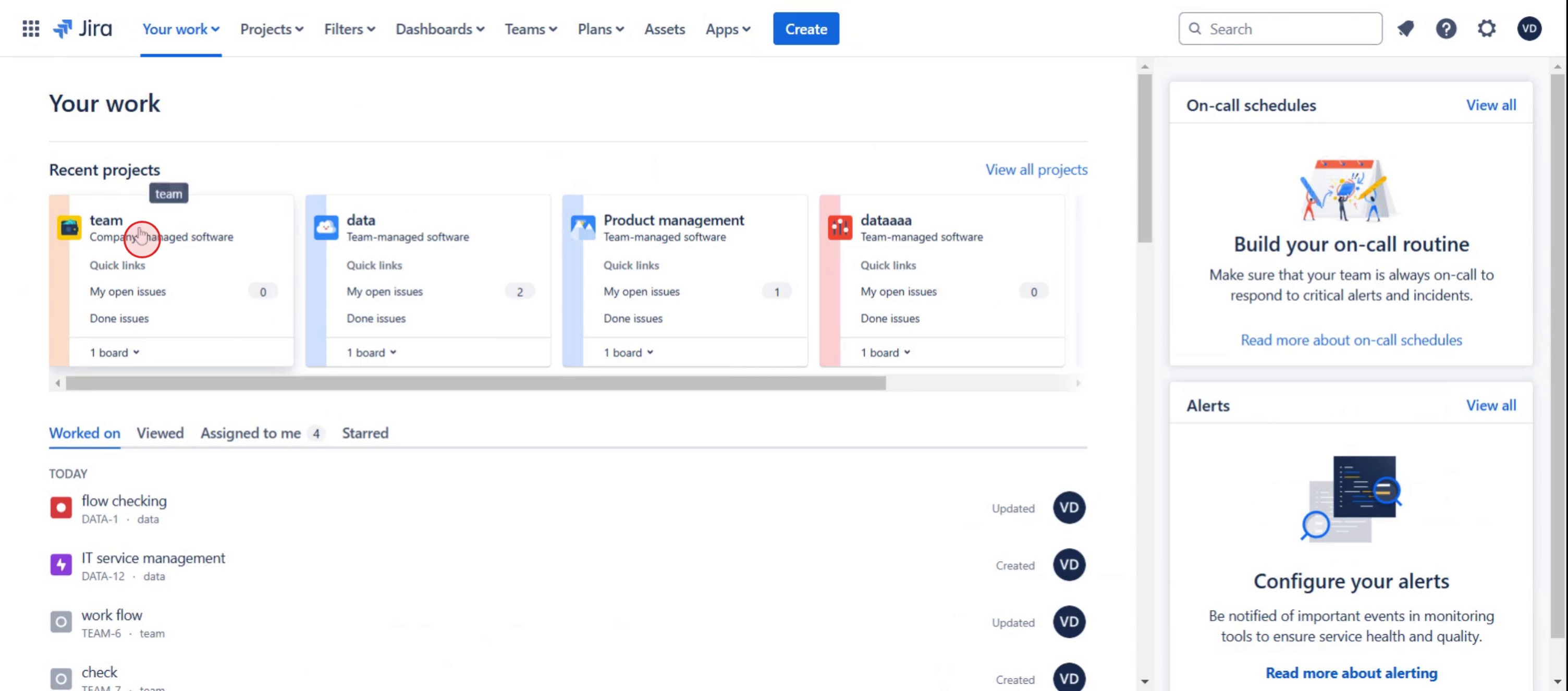
Select the team you wish to work with.
Step 6
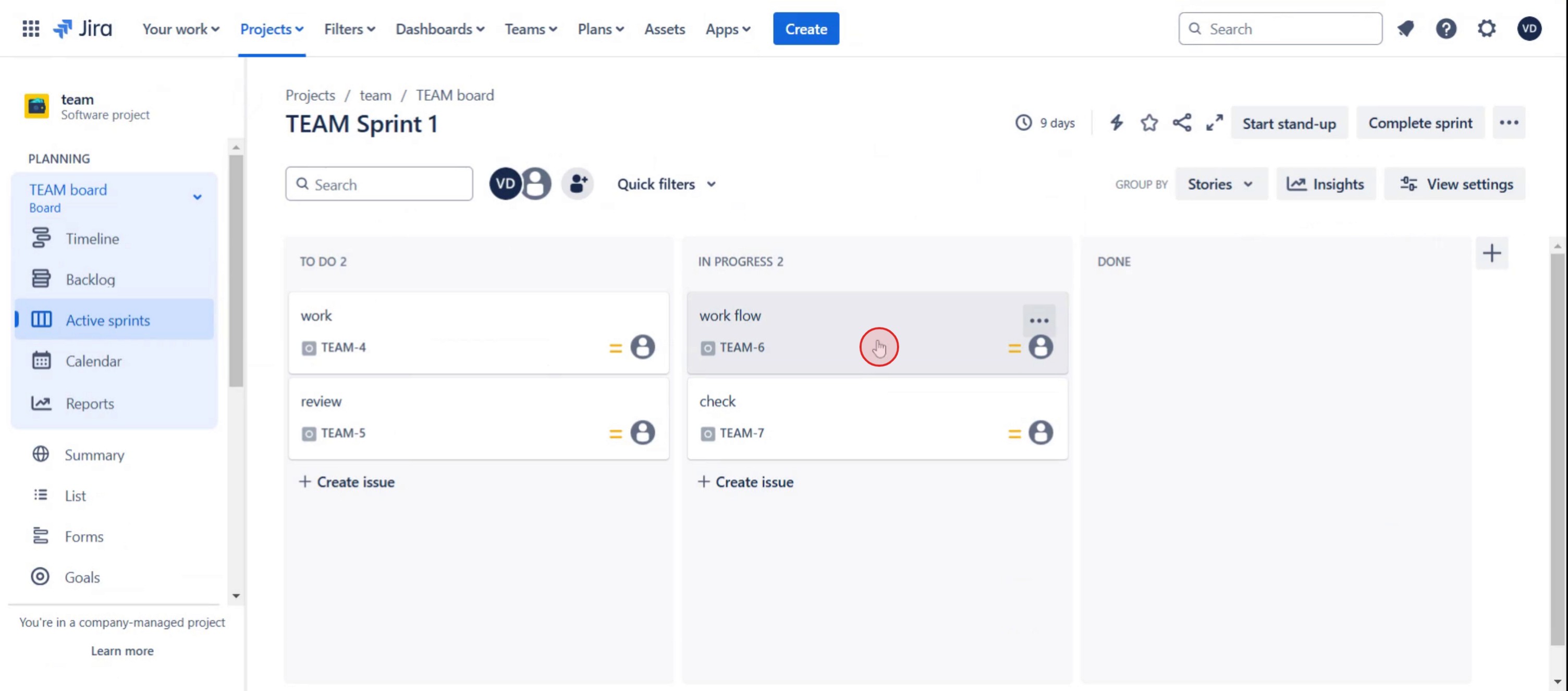
Then, select specific ticket.
Step 7
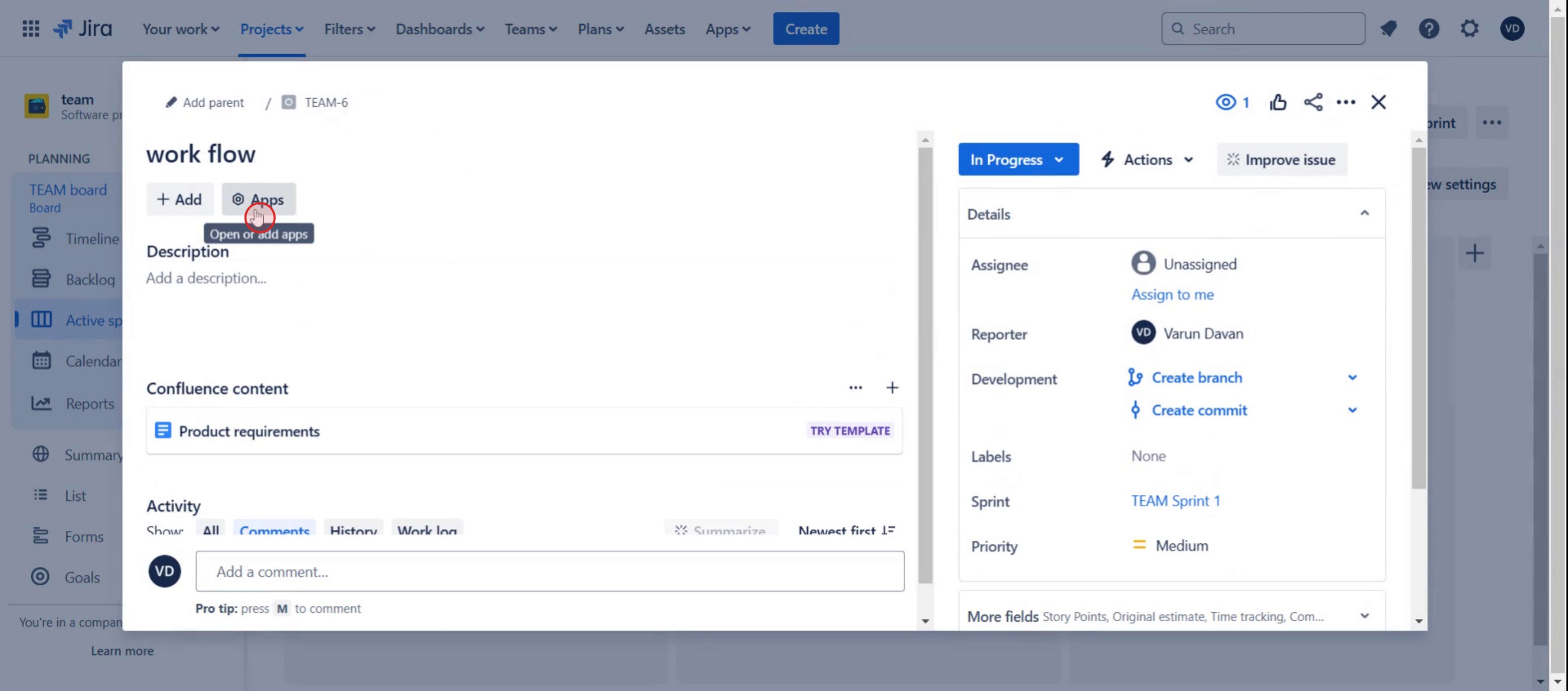
Click on Apps .
Step 8
Then select Embeds.
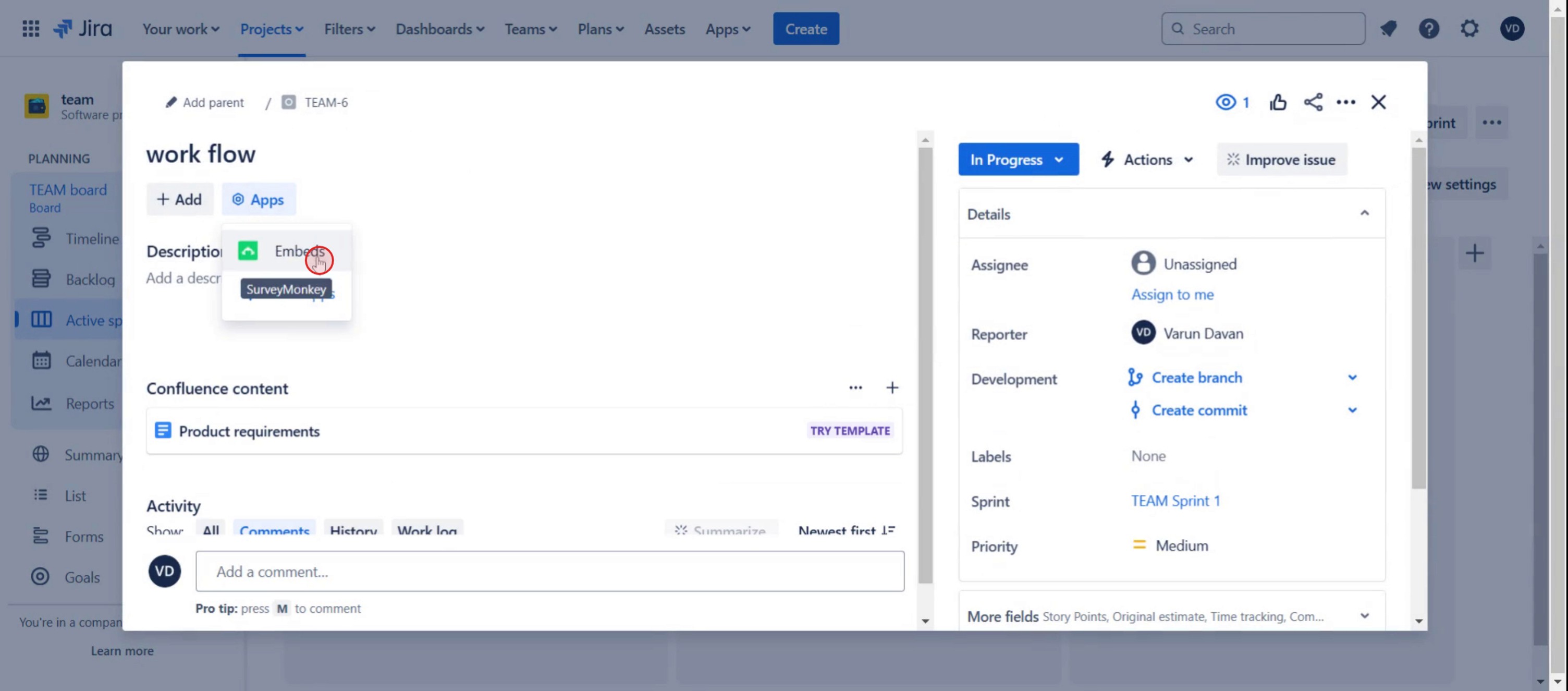
Step 9
Select SurveyMonkey.
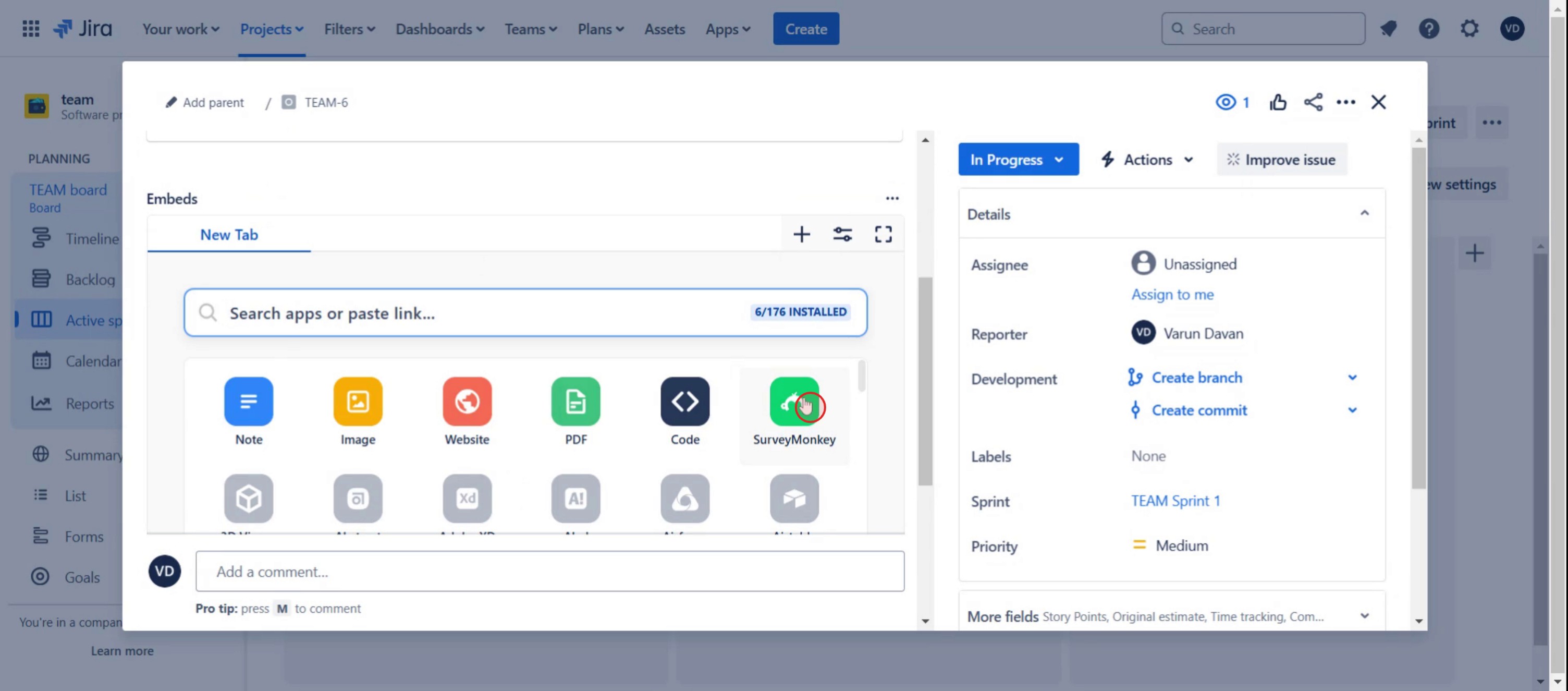
Step 10
And click on Save.
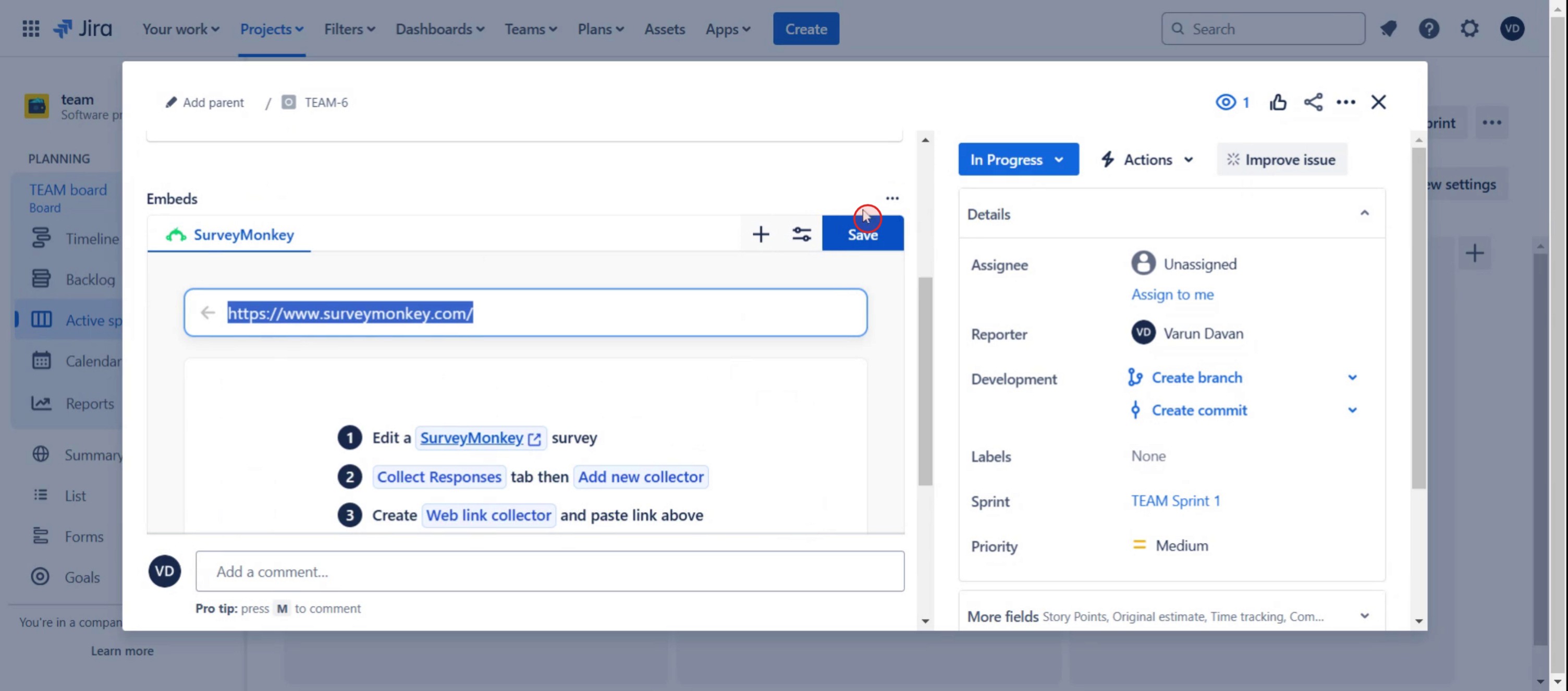
This step-by-step guide will show you how to integrate Jira with SurveyMonkey and streamline your feedback collection directly within Jira.
Pro-tips for integrating Jira with SurveyMonkey
Use the SurveyMonkey for Jira integration app to seamlessly link your SurveyMonkey surveys to Jira issues.
Customize your integration by selecting the specific Jira project where the survey responses will be recorded and linked.
Automate workflows by creating triggers in Jira that initiate survey requests after certain tasks or issues are completed.
Common pitfalls and how to avoid them
Missing permissions: Ensure that you have admin access to both Jira and SurveyMonkey for proper integration setup.
Incorrect field mapping: Double-check your field mapping between Jira and SurveyMonkey to ensure correct data flow.
Inconsistent survey results: Verify that the integration is syncing properly by running tests and confirming that responses are properly recorded.
Common FAQs for integrating Jira with SurveyMonkey
Does Jira support automatic syncing with SurveyMonkey?
Yes, using an integration tool, you can sync responses from SurveyMonkey to Jira and automate tasks like creating issues or assigning tickets based on survey results.Can I map custom fields from Jira to SurveyMonkey?
Yes, you can map Jira custom fields to SurveyMonkey via the integration settings, ensuring that the data collected from surveys is accurately transferred.Can SurveyMonkey responses trigger Jira workflows?
Yes, with the right integration, SurveyMonkey responses can trigger specific Jira workflows or actions, like creating new issues or updating existing tickets.
If you're an instructor or content creator looking to make tutorial videos, give a try. It transforms rough screen recordings into polished, studio-style videos that are ready for sharing with your audience. Plus, it automatically generates a step-by-step guide based on the video you create. Fascinating, right? Start by creating your first tutorial for free with trupeer.ai .

