
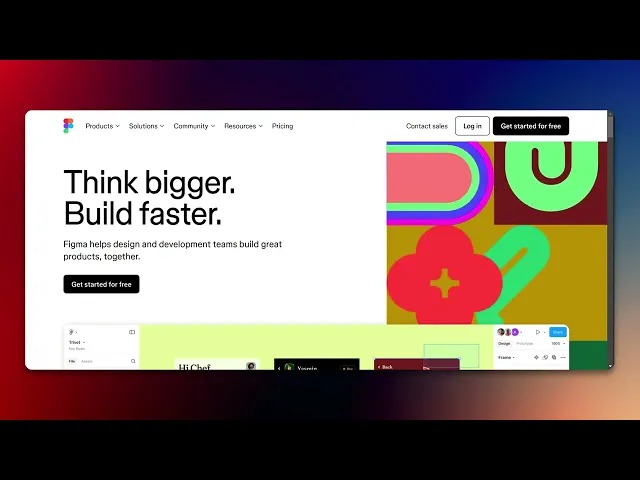
How to Login to Figma
Discover the step-by-step guide on how to log in to Figma effortlessly. Access your design projects with ease and enhance your creative workflow today.
This document provides a step-by-step process to successfully log into your Figma account using Google Chrome. Follow the instructions below to ensure a smooth login experience.
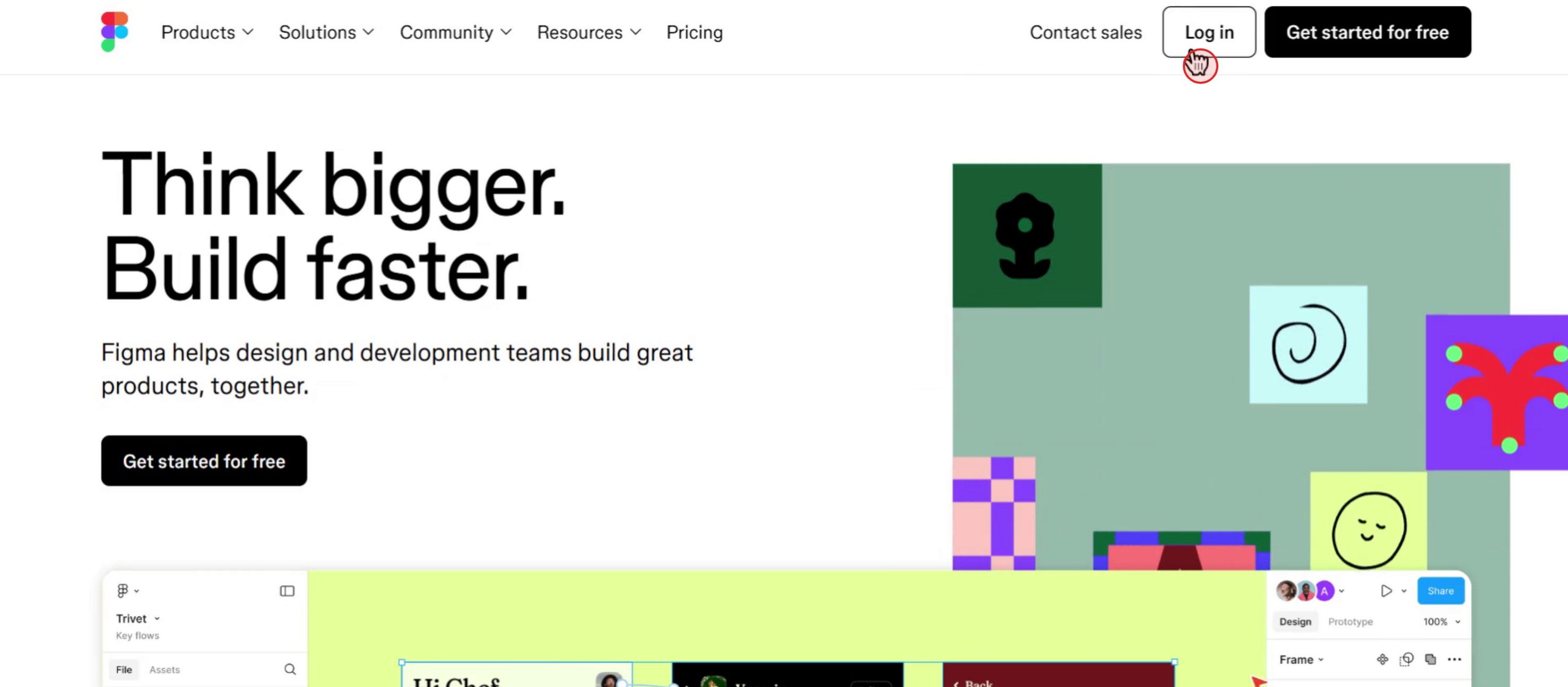
Step 1
Click on the Login button.
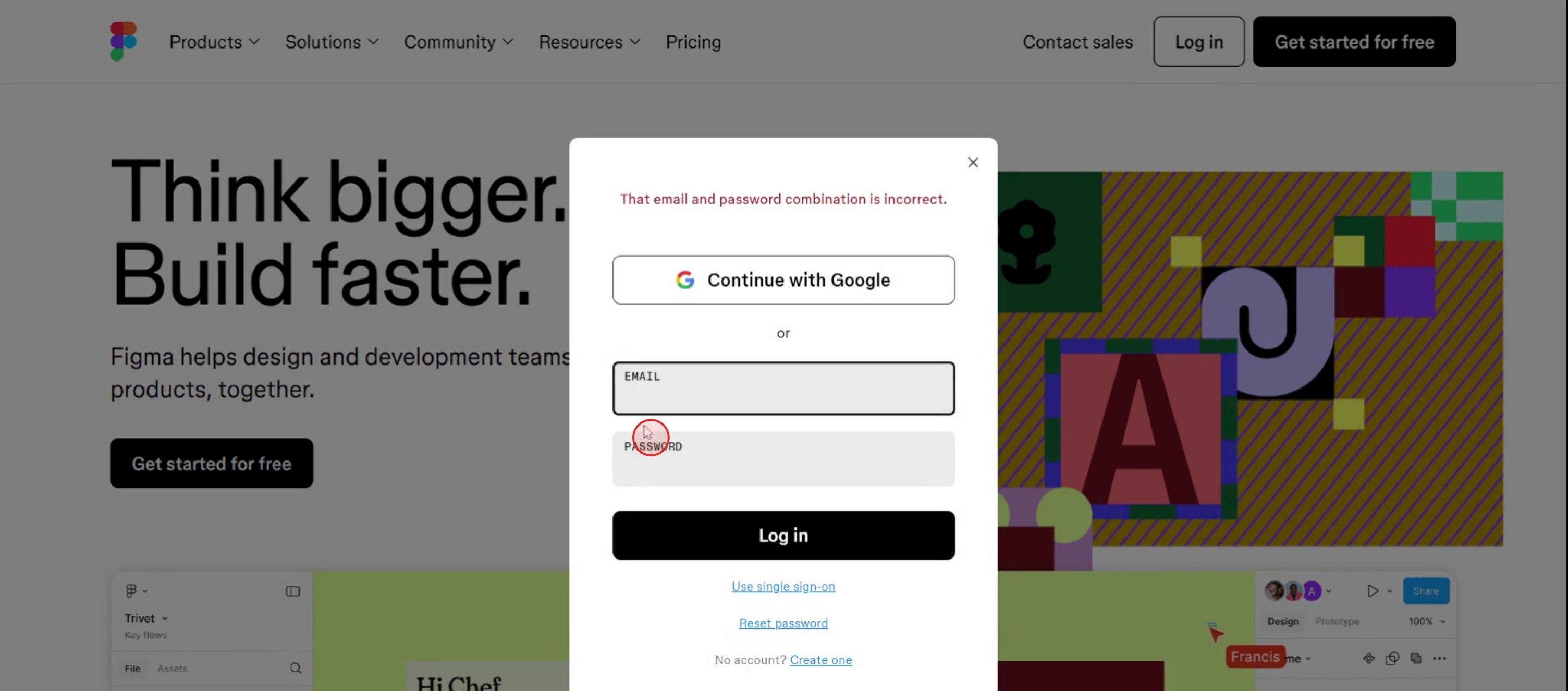
Step 2
Enter your email address & password in the required field.
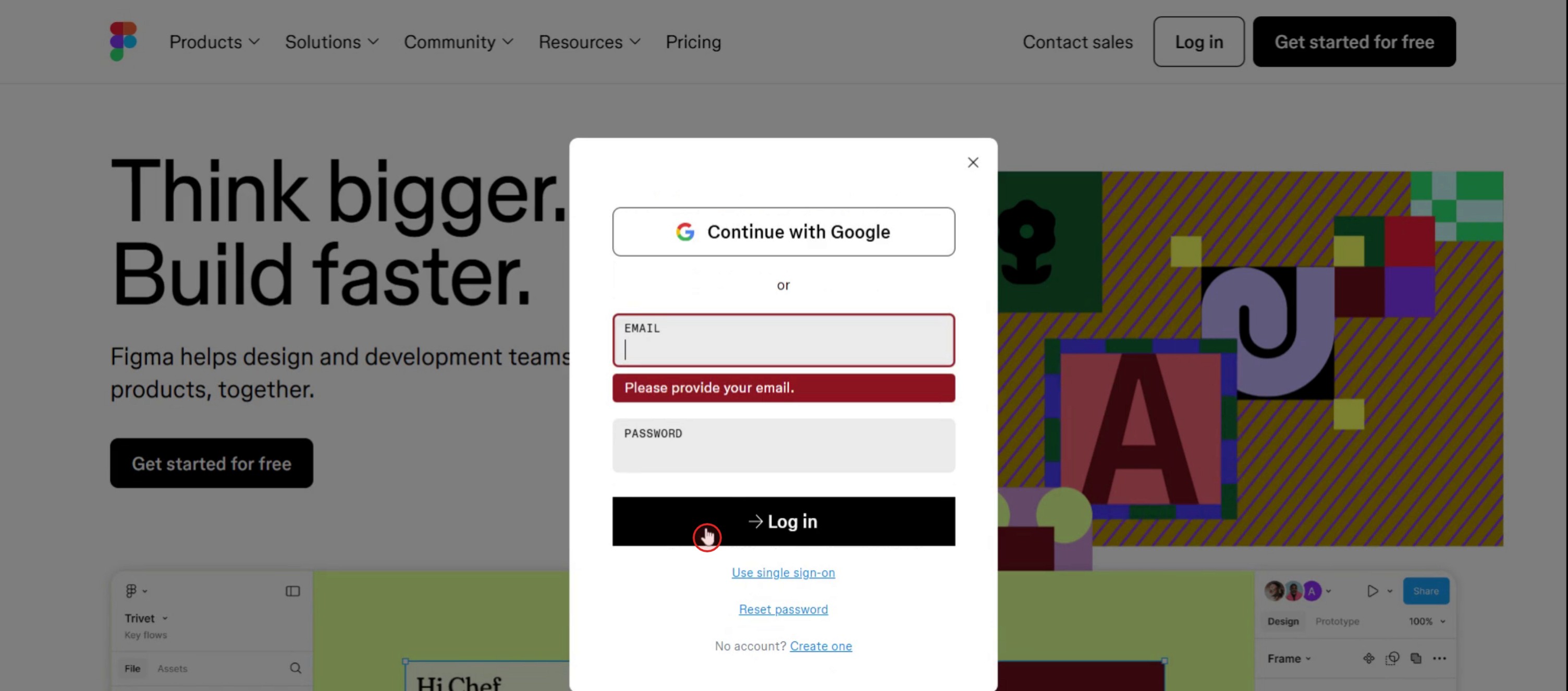
Step 3
Click on the Login button to access your Figma account.
This is a step-by-step guide on how to login to Figma.
Pro tips for how to login to Figma
Use the same account every time – To avoid confusion, always log in with the same Google, email, or SSO account.
Enable two-factor authentication (2FA) – Secure your Figma account by enabling 2FA in your account settings.
Check browser compatibility – Figma works best on Google Chrome; ensure your browser is updated for a smooth login experience.
Common pitfalls and how to avoid them
Entering incorrect login credentials always double-check your email and password before attempting to log in.
Using an unsupported browser ensure you are using a compatible browser like Chrome, Firefox, or Edge.
Forgetting to verify email if you are a new user, confirm your email to complete the sign-up and login process.
Common FAQs for how to login to Figma
Can i log in to Figma without an account?
No, you need to create a Figma account before logging in. You can sign up for free using an email address or Google account.Why can’t i log in to Figma?
If you're unable to log in, check your internet connection, reset your password if needed, or try clearing your browser cache.Does Figma offer two-factor authentication (2FA) for login?
Yes, Figma supports two-factor authentication (2FA) for added security, which can be enabled in your account settings.
If you're an instructor or content creator looking to make tutorial videos, give a try. It transforms rough screen recordings into polished, studio-style videos that are ready for sharing with your audience. Plus, it automatically generates a step-by-step guide based on the video you create. Fascinating, right? Start by creating your first tutorial for free with trupeer.ai .

