
How To Lookup Guest Post Opportunities on Ahrefs
Learn the step-by-step process to identify guest post opportunities using Ahrefs. Elevate your content marketing strategy and drive more traffic to your site.
This document provides a step-by-step process to discover How To Lookup Guest Post Opportunities on Ahrefs. Follow the instructions carefully to efficiently search and filter potential websites for collaboration.
Step 1
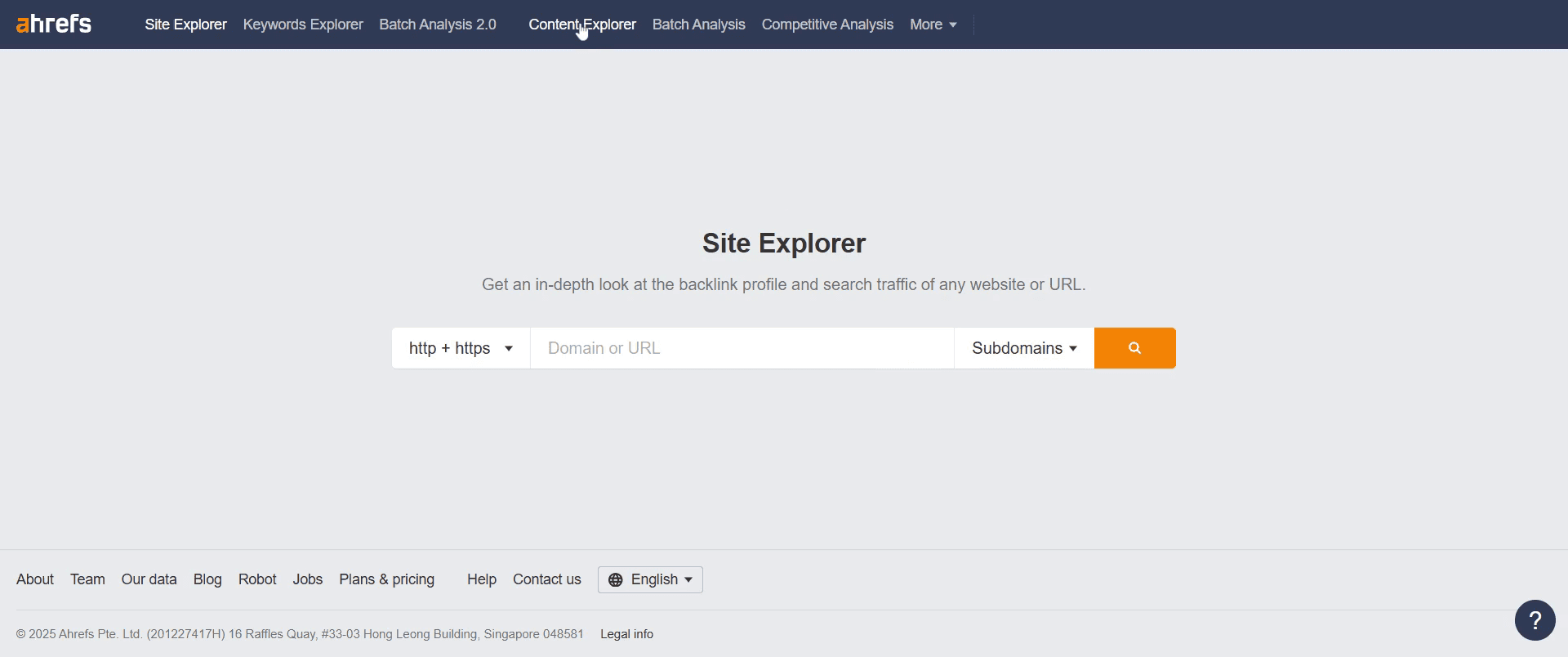
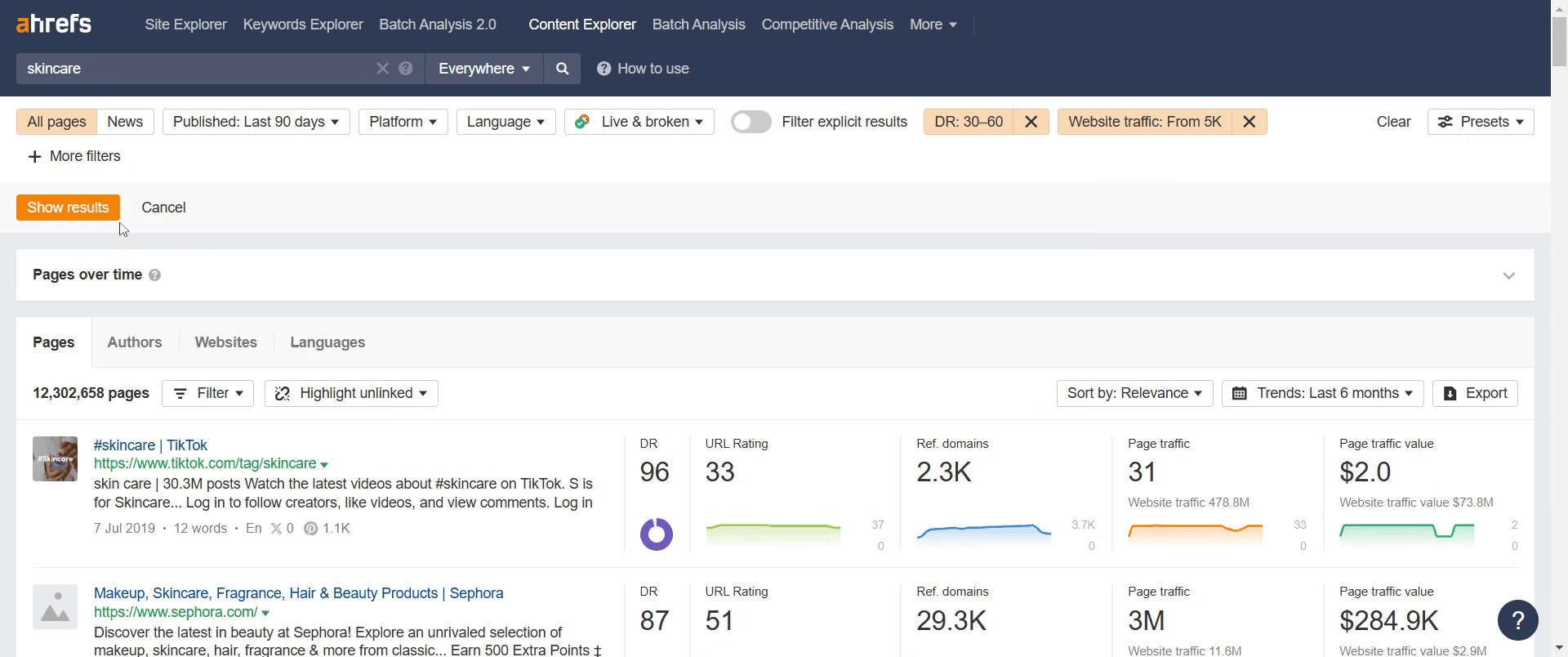
Go to the "Content Explorer" and click on it.
Step 2
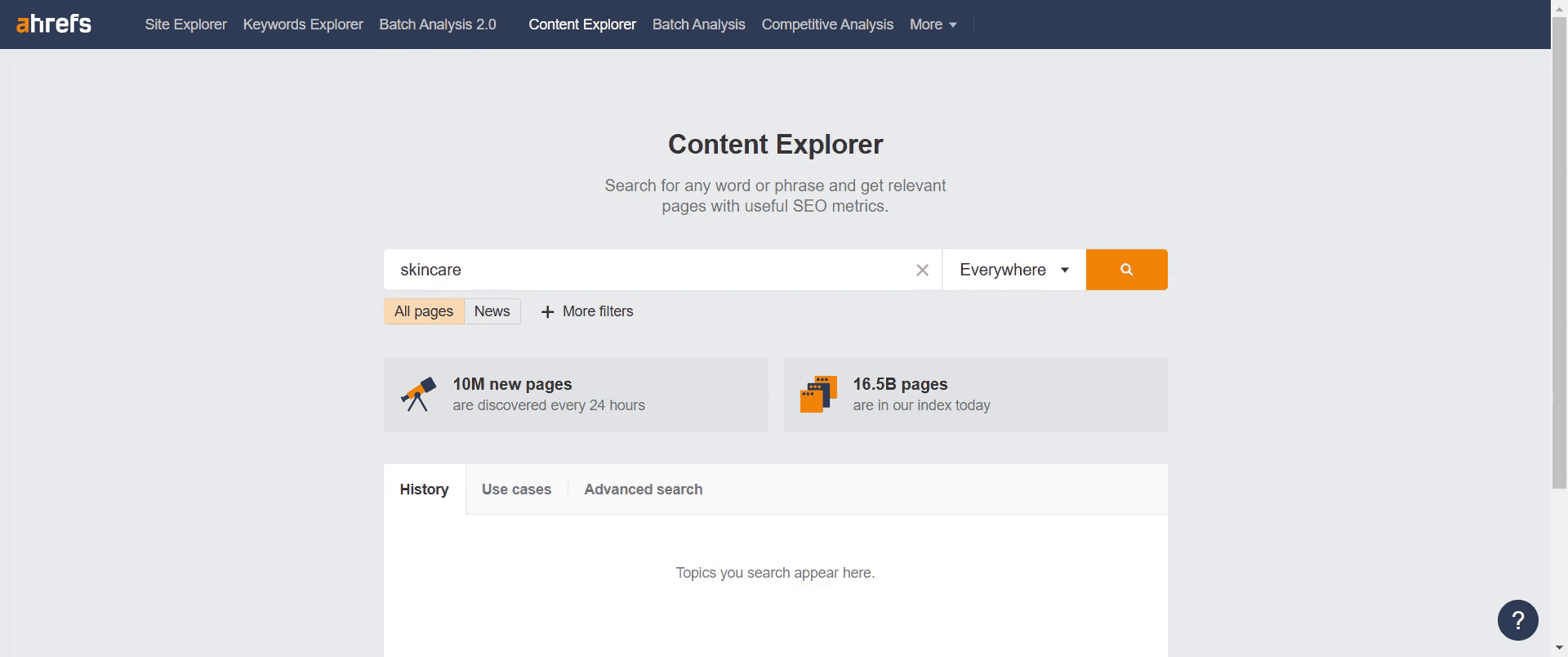
Enter the specific topic or keyword you are interested.
Step 3
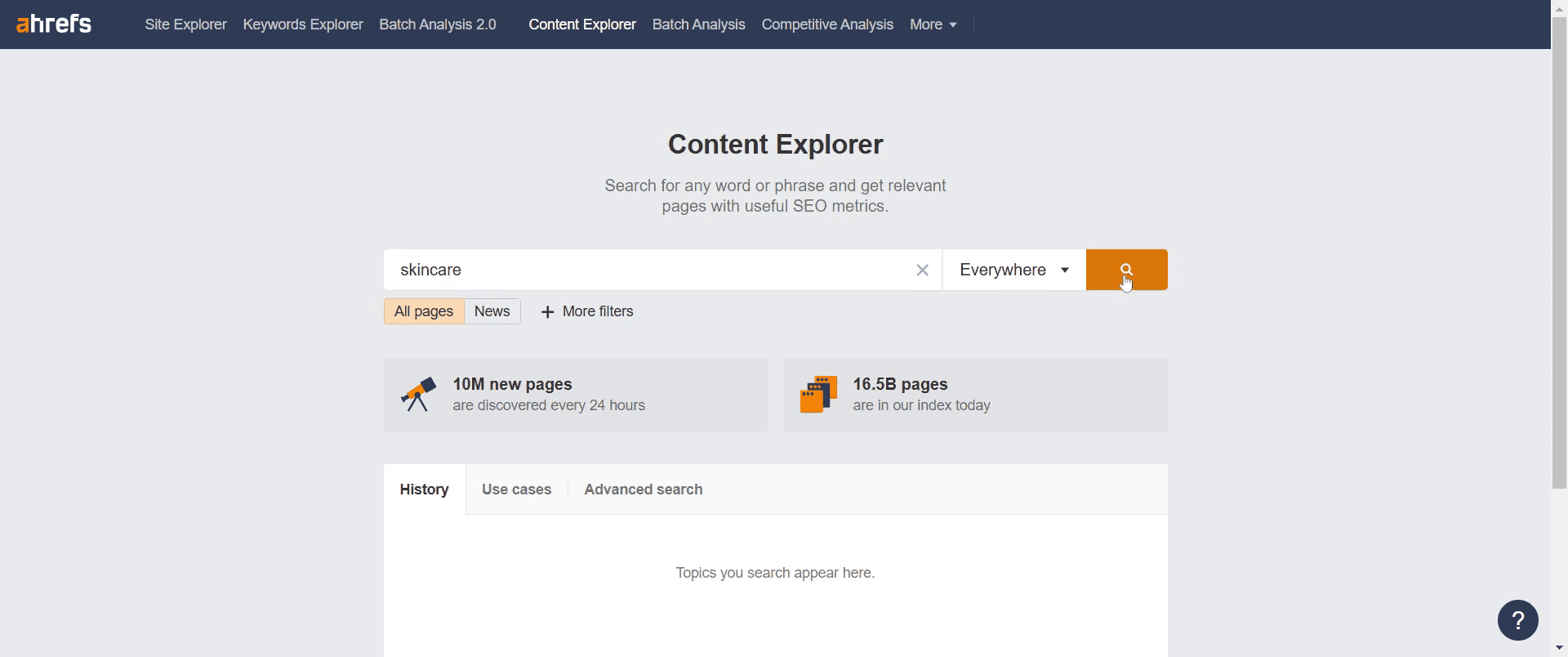
Click on the 'Search' button.
Step 4
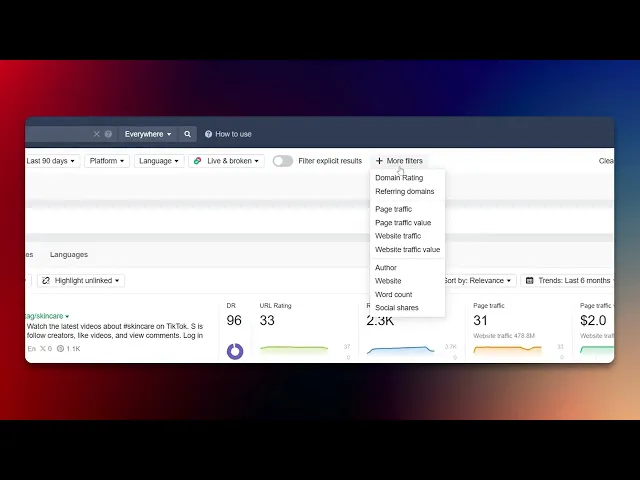
Navigate to the 'Publish Date' filter and set it to the last 90 days.
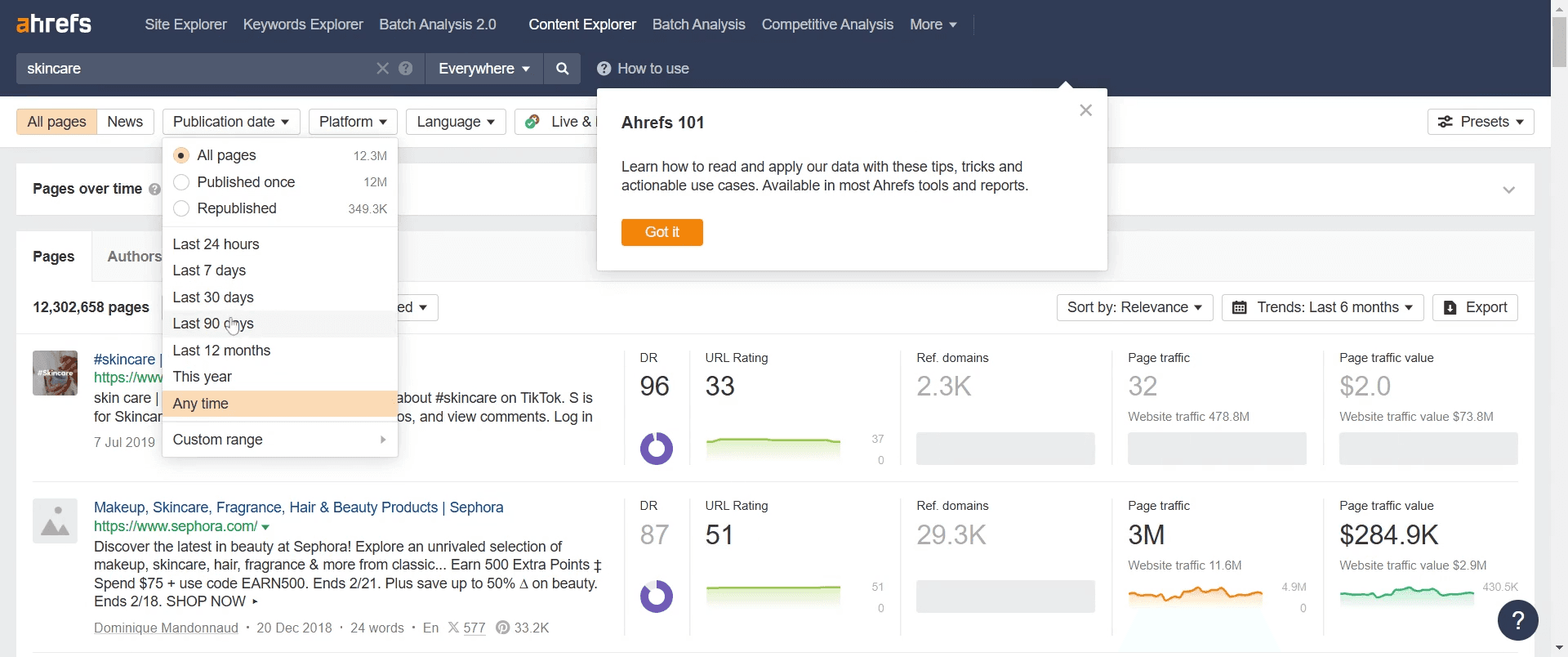
Step 5
Find the 'Domain Rating' option. Adjust this rating to suit your requirements.
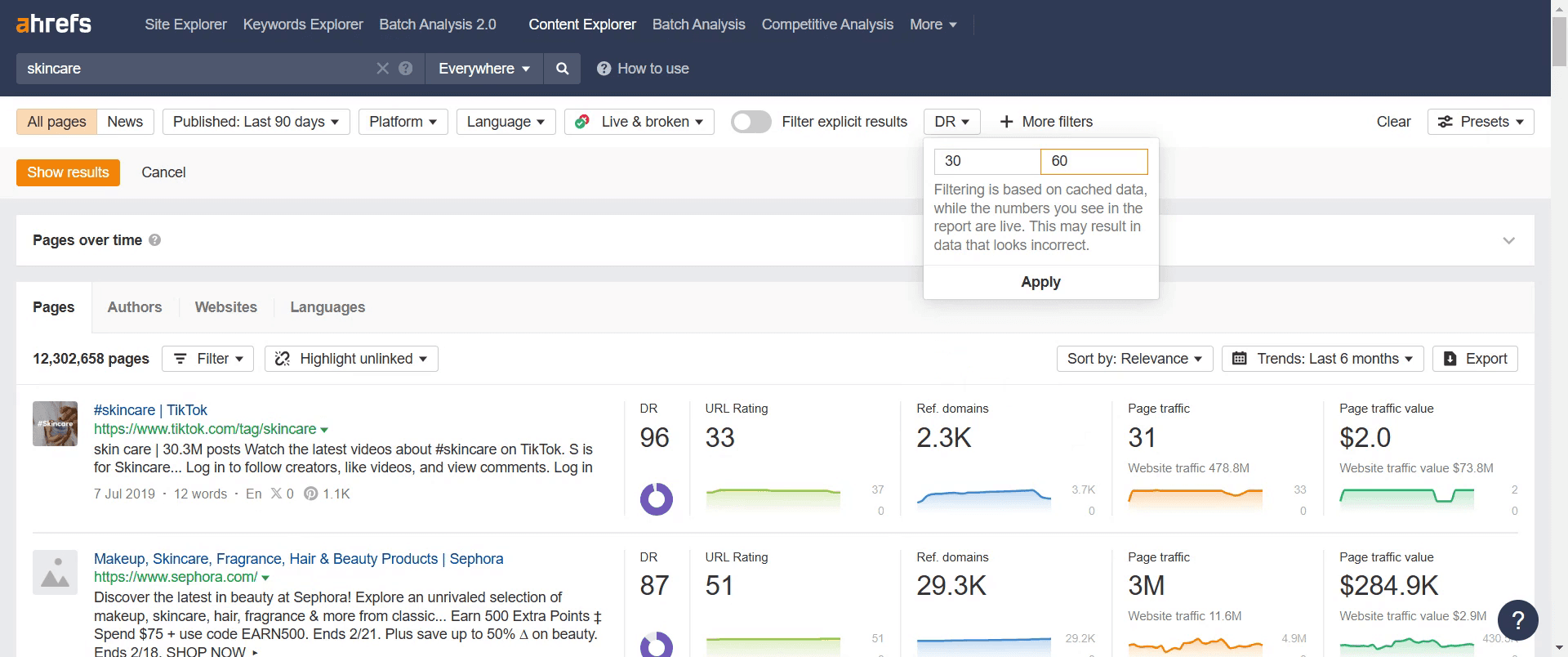
Step 6
Click on 'Apply' to implement these filters.
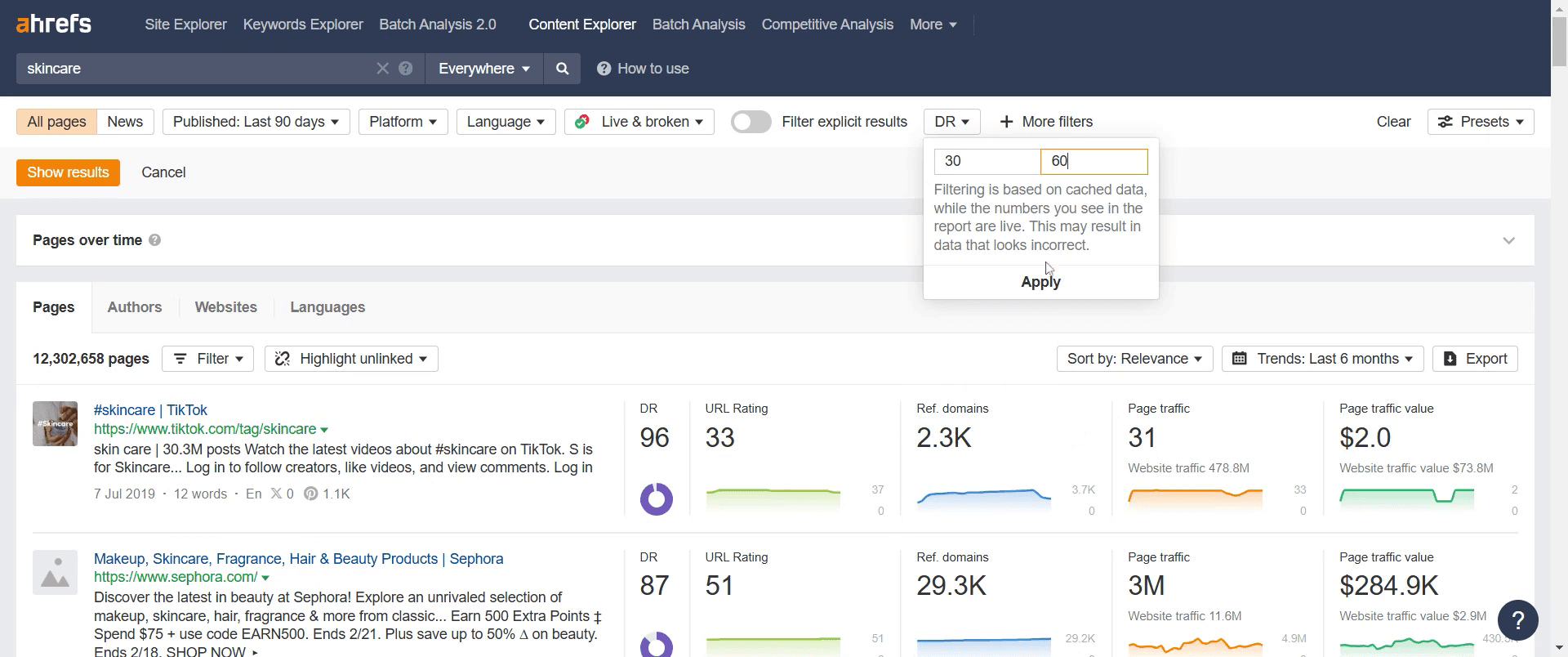
Step 7
Adjust the 'Website Traffic' filter to approximately 5k.
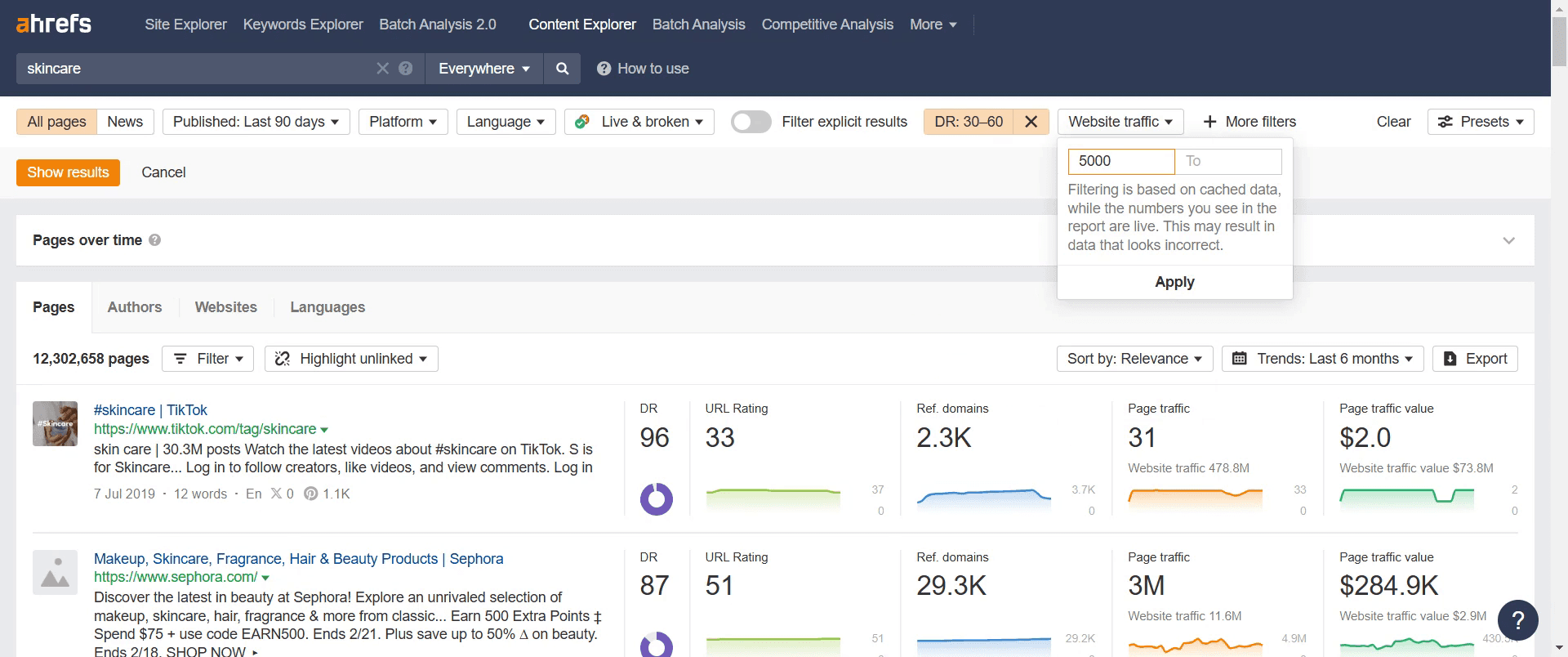
Step 8
Proceed by clicking on 'Show Results' to view your filtered search results.
Step 9
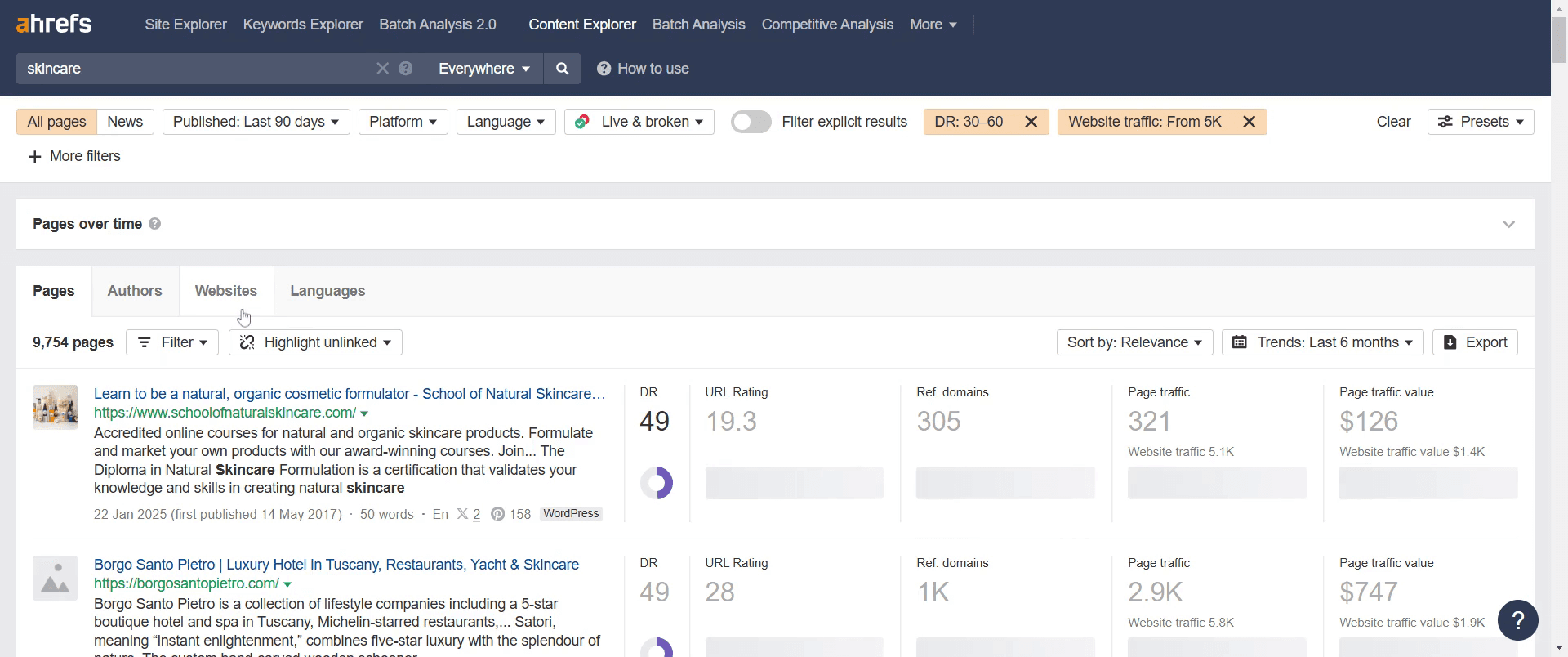
Go to the 'Websites' section and click on it.
Step 10
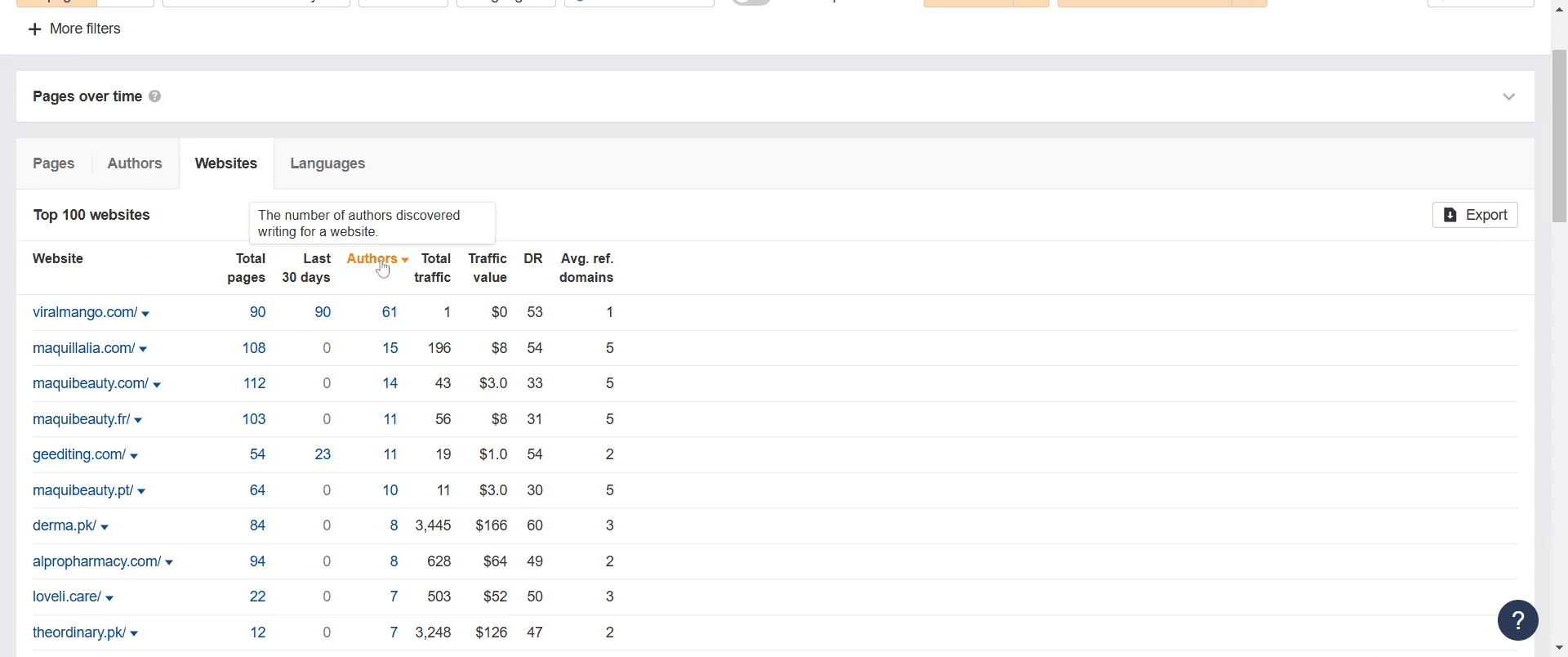
GO and click on the 'Authors' section to proceed. You'll notice that the higher the number, the more likely they accept guest authors.
That's it. This is a step-by-step guide on how to look up guest post opportunities on Ahrefs.
Pro-tips for looking up guest post opportunities on Ahrefs
Use the Content Explorer tool to find websites actively publishing content in your niche.
Filter results by domain rating (DR) to target high-authority sites.
Analyze competitor backlinks to discover sites that accept guest posts.
Common pitfalls & how to avoid them while looking up guest post opportunities on Ahrefs
Targeting irrelevant sites – Ensure the sites you find align with your niche for better outreach success.
Ignoring website authority – Focus on sites with a reasonable DR to maximize SEO benefits.
Not checking guest post guidelines – Always review submission guidelines before reaching out.
Common FAQs for looking up guest post opportunities on Ahrefs
Can I use Ahrefs to find competitors’ guest post sites?
Yes, enter a competitor’s website in "Site Explorer," check their backlinks, and filter for guest post opportunities.What filters should I use in Content Explorer?
Set "Domain Rating" to 30+ and look for sites with active blogs that accept guest contributions.Is it necessary to have Ahrefs for guest post research?
While Ahrefs makes it easier, you can also manually search Google and analyze backlinks with free SEO tools.
If you're an instructor or content creator looking to make tutorial videos, give Trupeer.ai a try. It transforms rough screen recordings into polished, studio-style videos that are ready for sharing with your audience. Plus, it automatically generates a step-by-step guide based on the video you create. Fascinating, right? Start by creating your first tutorial for free with Trupeer.ai.

