
How To Make A Flyer Landscape In Canva
Learn to design eye-catching landscape flyers in Canva. Our comprehensive guide provides tips and tricks to elevate your creative projects with ease.
This guide provides a clear and concise process to create a flare landscape using Canva. Follow the steps to search, select, and customize templates to design a visually appealing landscape.
Step 1
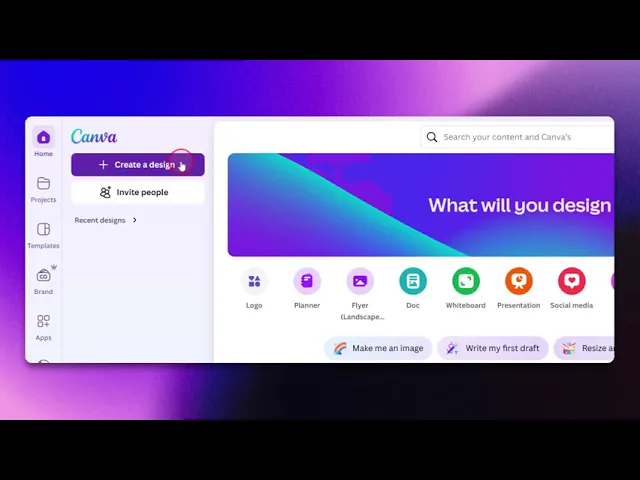
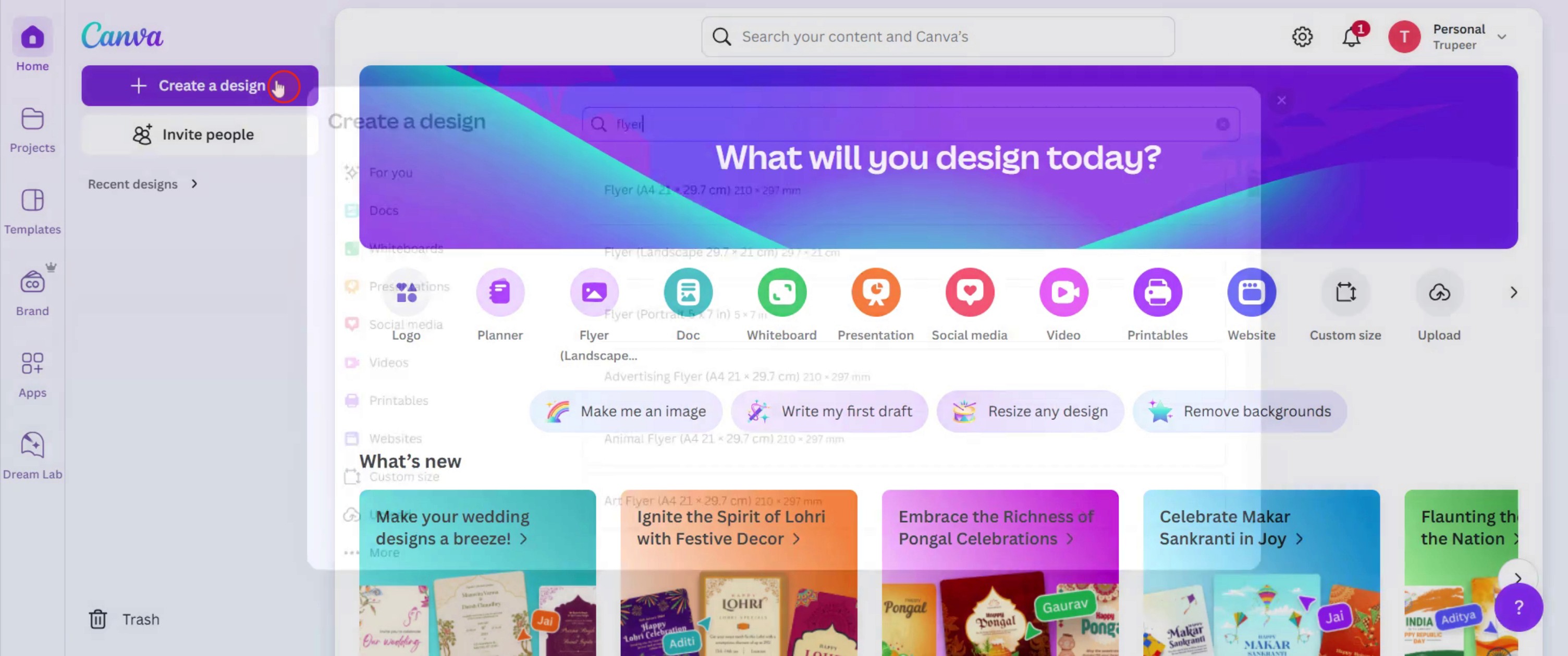
Click on the create a design.
Step 2
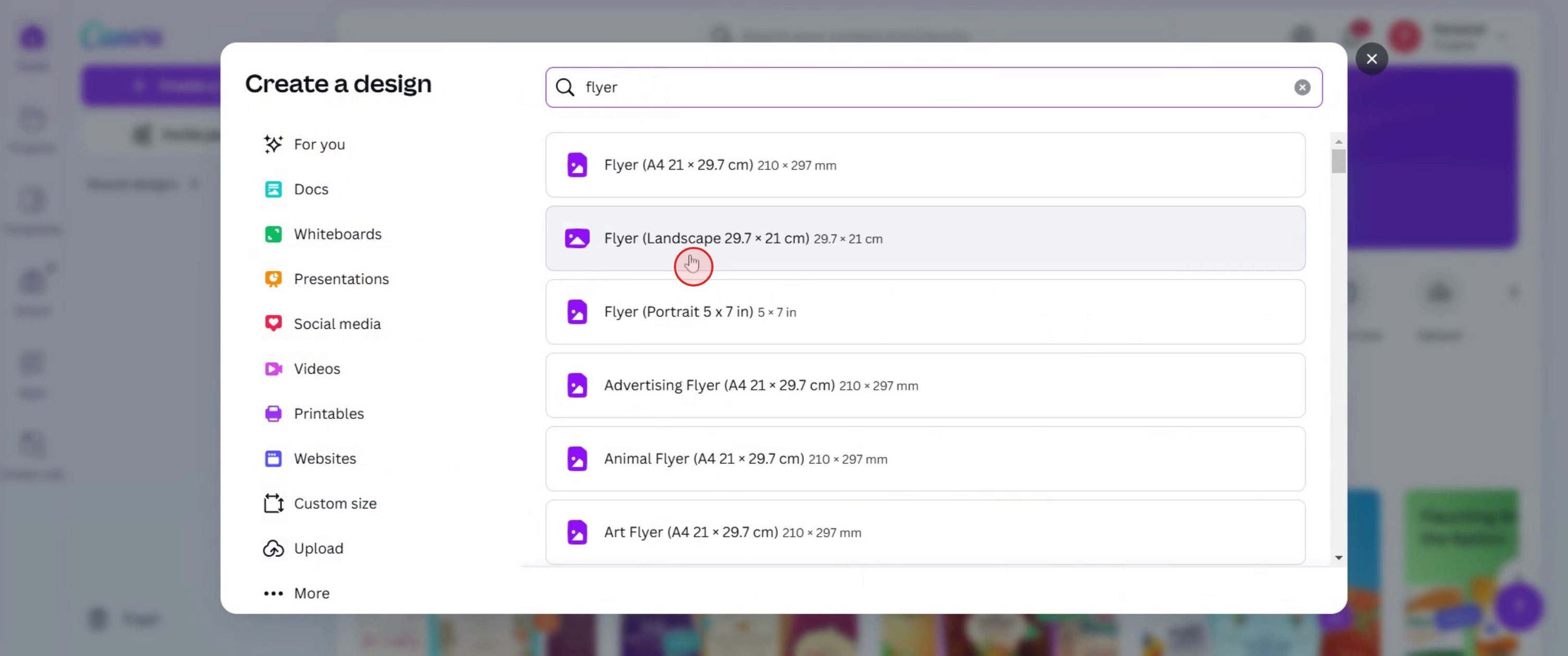
Select the flyer landscape.
Step 3
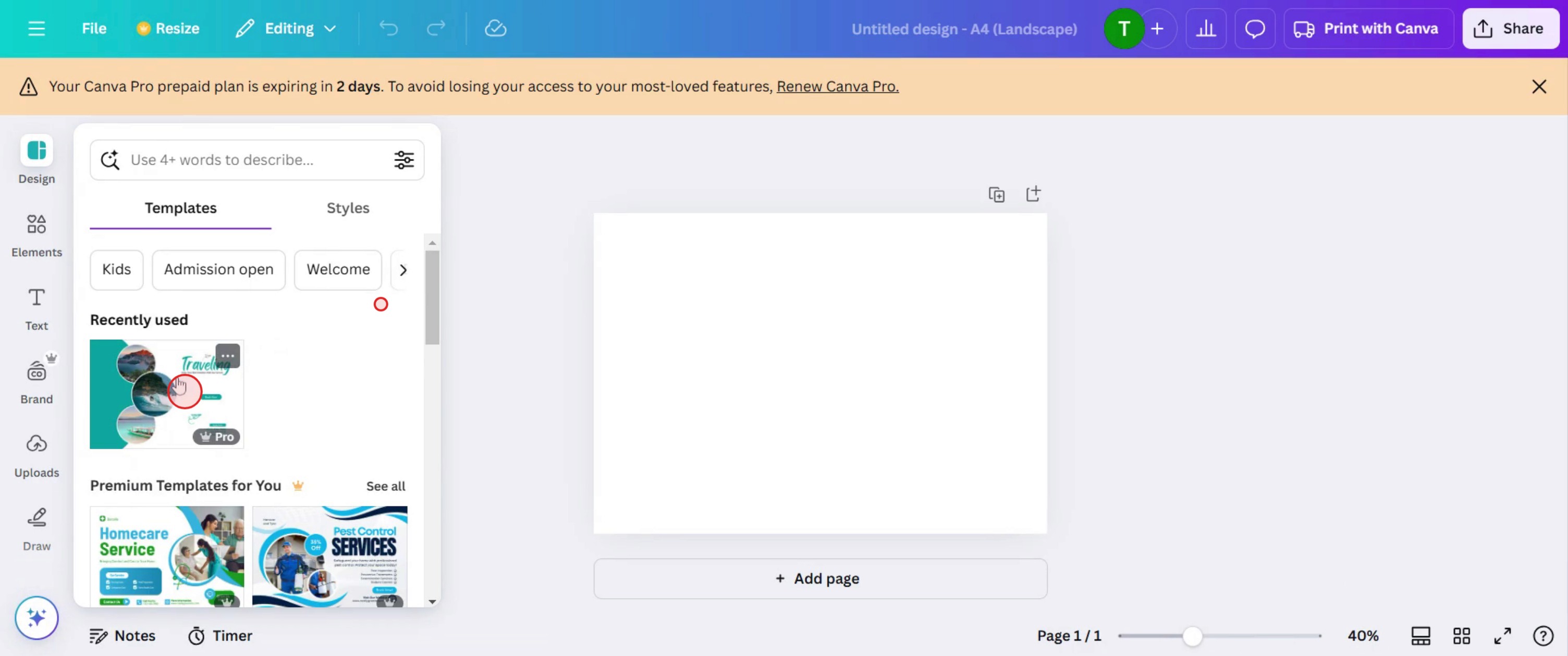
Select the template for your flyer.
Step 4
And insert text.
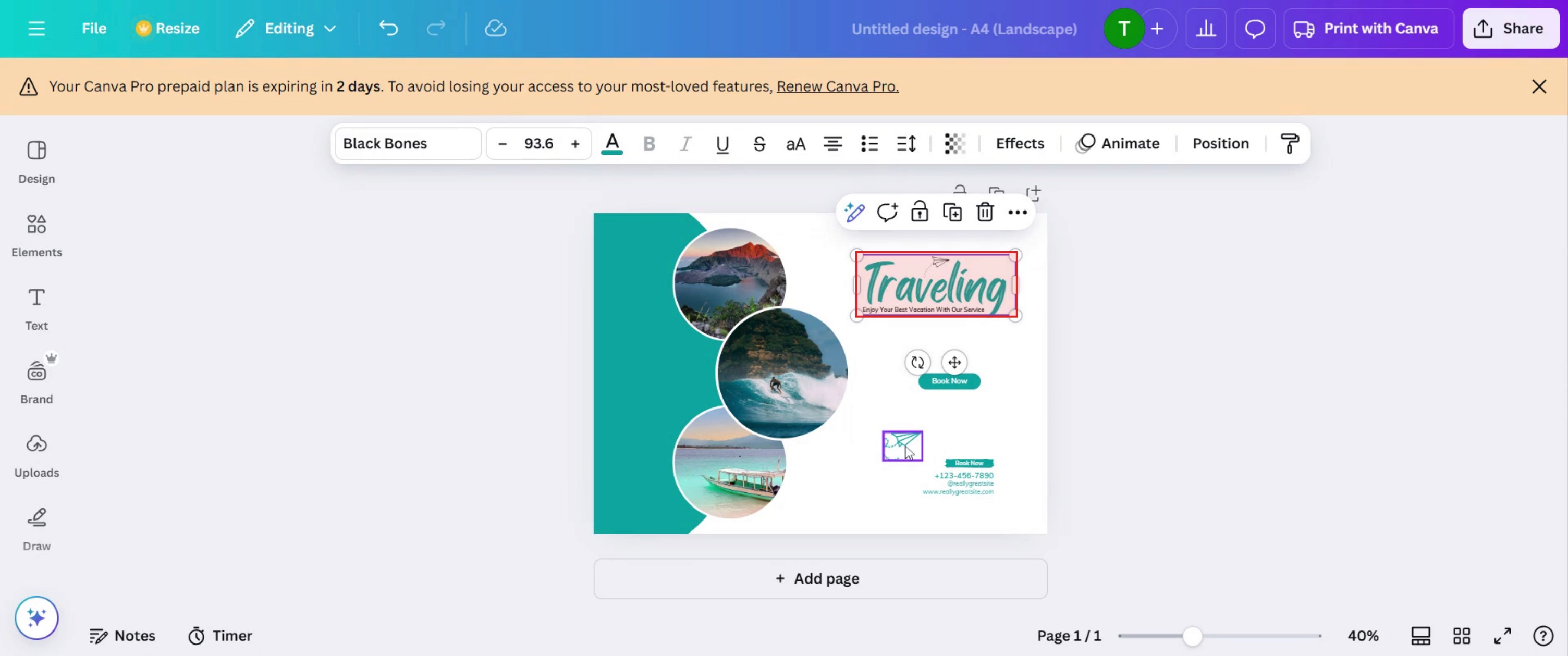
Step 5
Then insert the image,
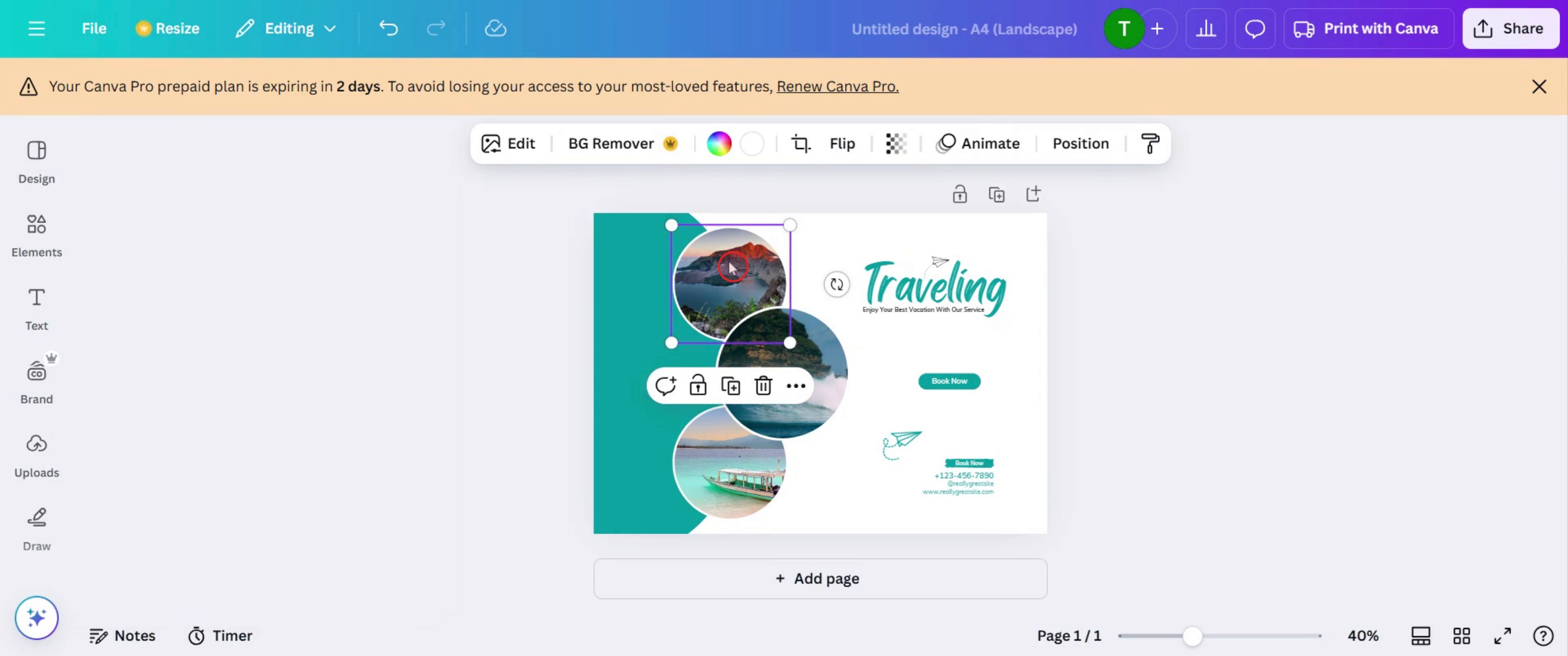
Step 6
Insert the graphics.
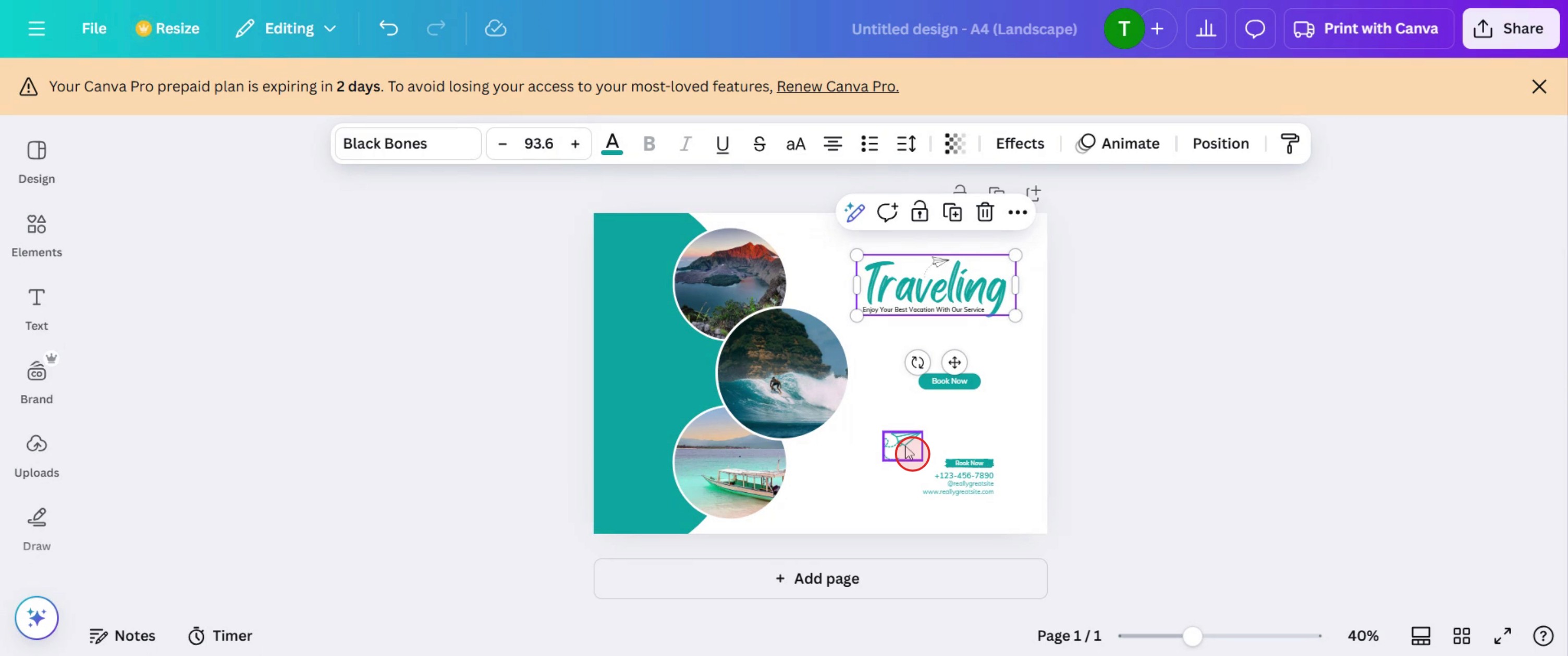
Step 7
Click on the Share button.
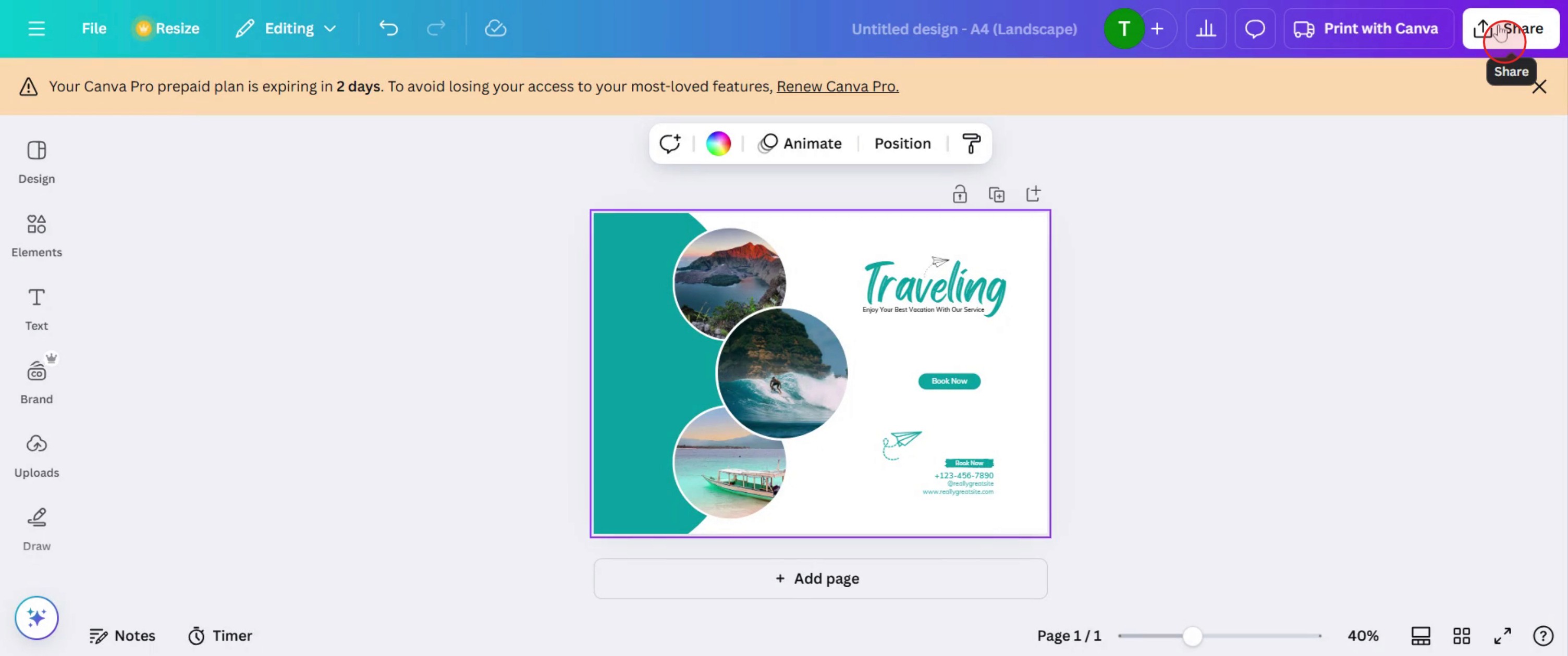
This is a step-by-step guide on how to make a flyer landscape in Canva.
Pro tips for how to make a flyer landscape in Canva
Set the right dimensions from the start – Before designing, select Custom Size and enter the preferred landscape dimensions to ensure proper formatting.
Use grid and alignment tools – Enable Canva’s grid and alignment tools to maintain a structured and professional flyer layout.
Optimize for print and digital use – If printing, use high-resolution images (300 DPI) for digital flyers, optimize the design for screen readability.
Common pitfalls and how to avoid them
Selecting a portrait template instead of landscape can distort the design always set the correct orientation before starting.
Ignoring margin and bleed settings may result in cropped content ensure all important text and images are within safe zones.
Using small fonts and cluttered elements can make the flyer hard to read keep typography large and layouts clean for better visibility.
Common FAQs on how to make a flyer landscape in Canva
Can i change a flyer from portrait to landscape in Canva?
Yes, you can resize a portrait flyer to landscape using the Resize feature in Canva Pro, but manual adjustments may be needed for alignment.What is the ideal size for a landscape flyer in Canva?
Common landscape flyer sizes are 11 x 8.5 inches (US Letter) or 1920 x 1080 pixels for digital designs, but you can customize dimensions as needed.How do i ensure my landscape flyer is print-ready in Canva?
Use high-resolution images, set margins and bleeds correctly, and download the design in PDF Print format with crop marks enabled.Can i use free templates to create a landscape flyer in Canva?
Yes, Canva offers free flyer templates that can be customized to landscape format by adjusting the size and layout manually.
This tutorial was created in minutes using Trupeer. To generate your own product tutorials, simply screen record a rough video, and Trupeer will transform it into a polished product tutorial and a step-by-step guide within minutes. Create your first video tutorial and guide with trupeer.ai for free.

